

PRO
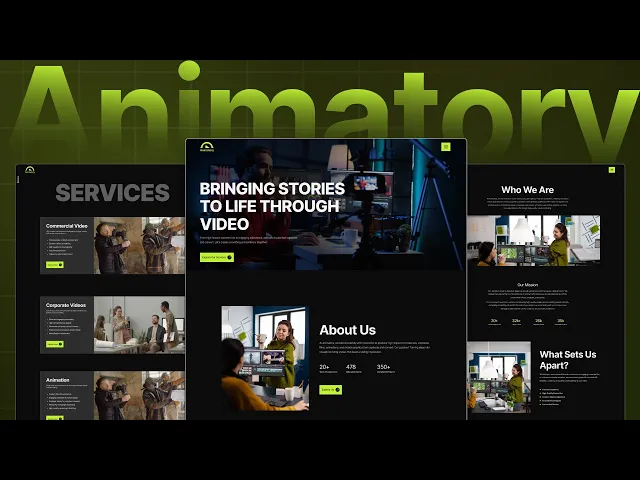
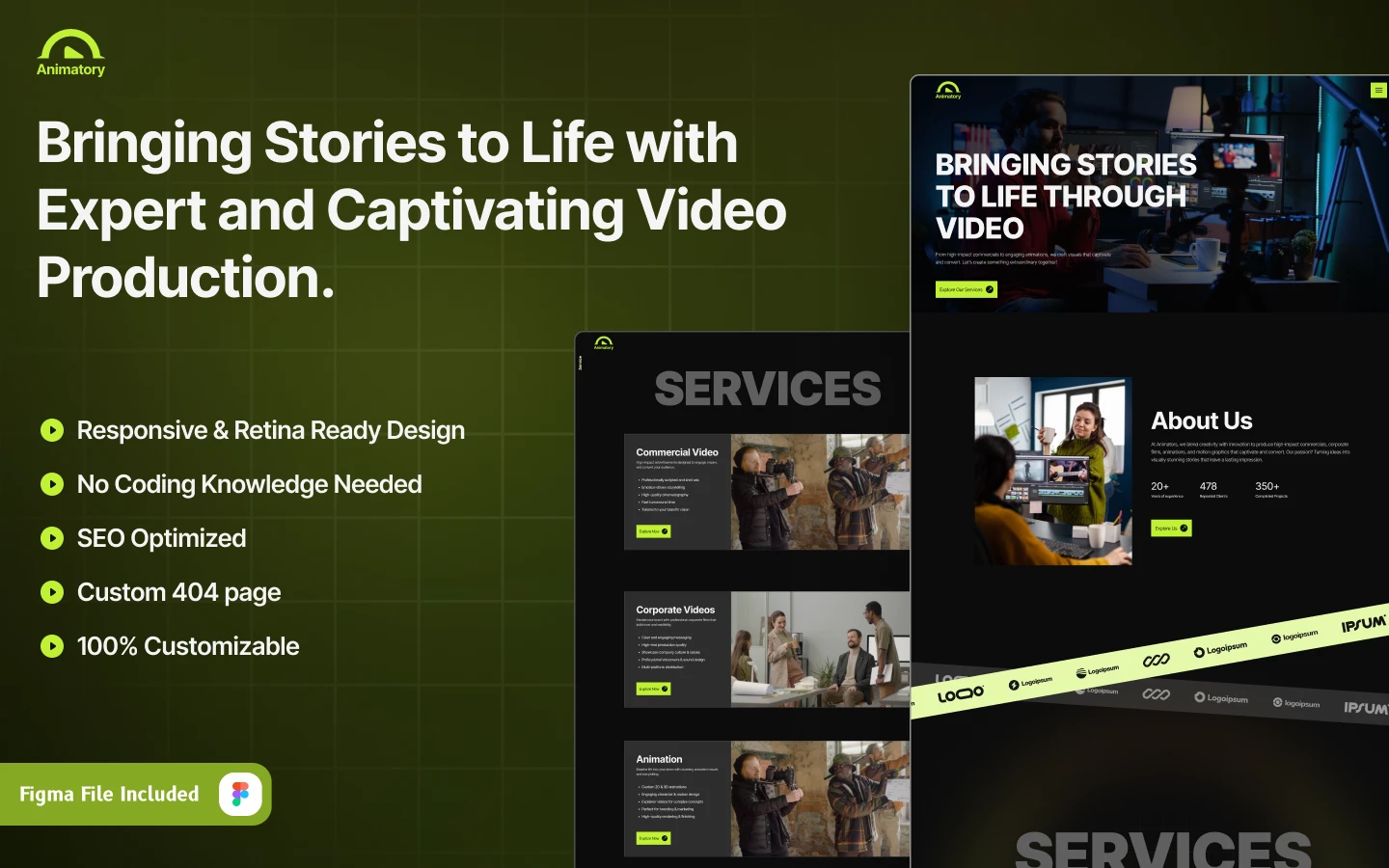

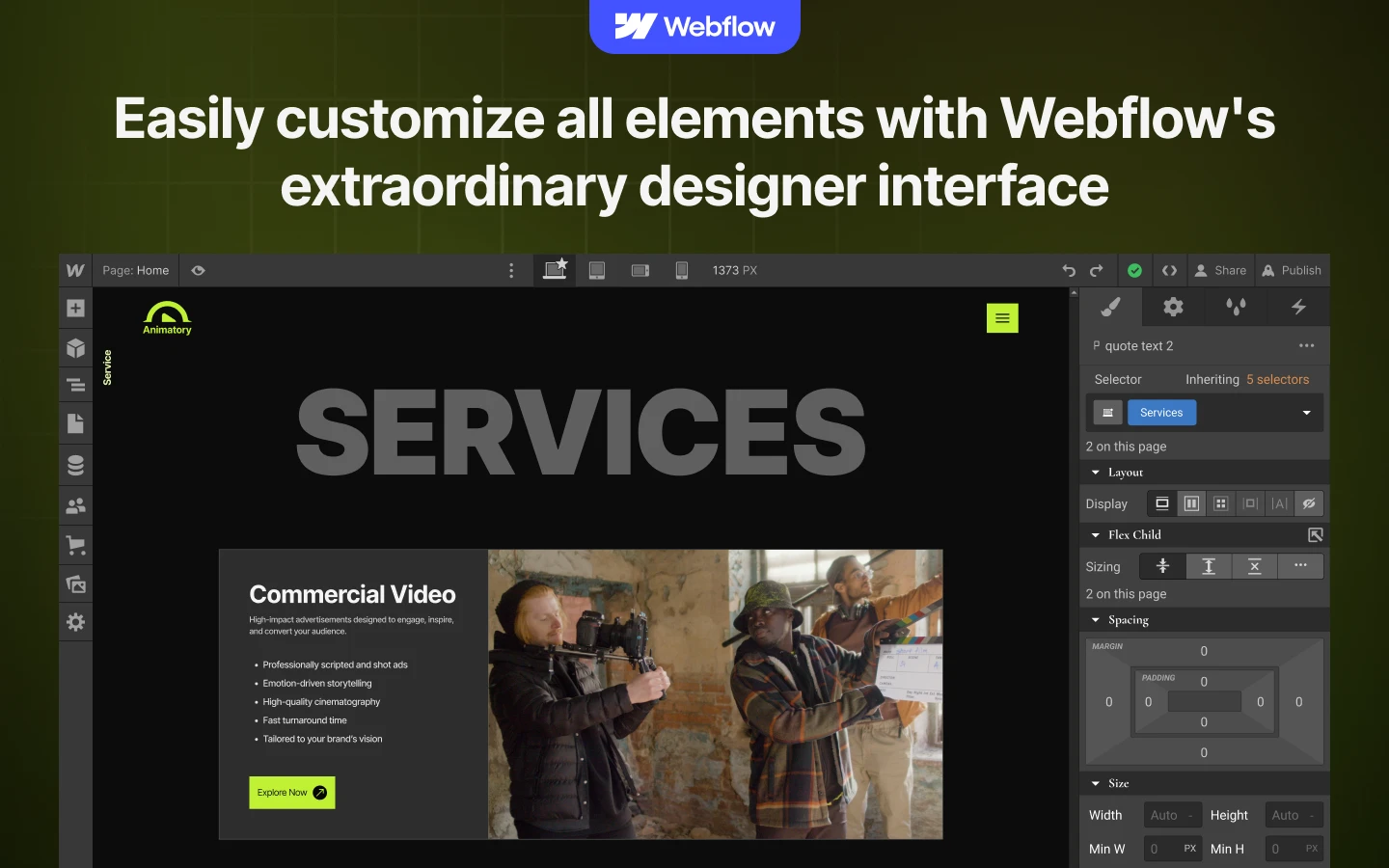
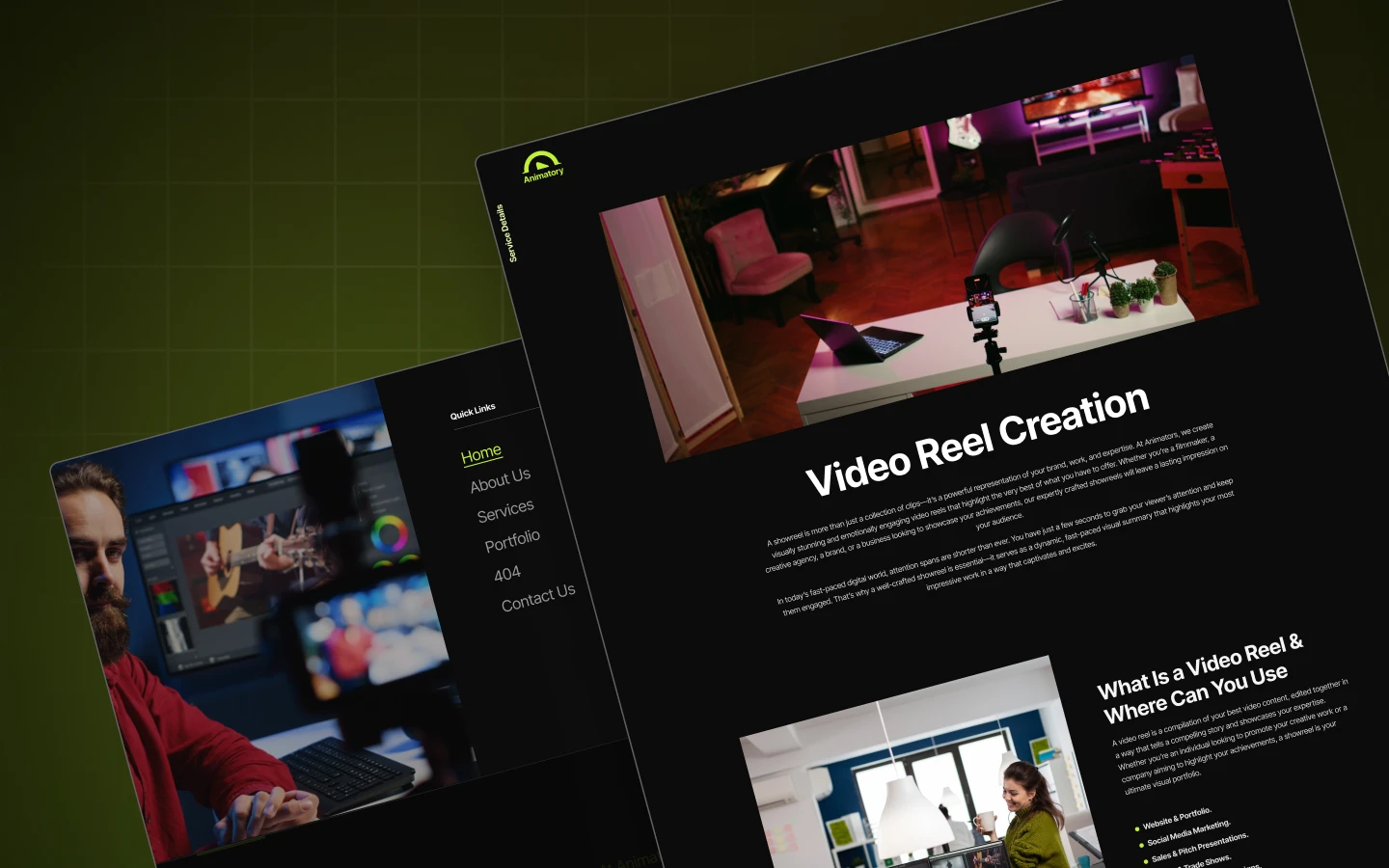
Animatory is a dark Webflow portfolio template for creative agencies, video production studios and motion designers. It ships for Webflow, Framer, Figma and HTML.
Creative work sells itself, but only if people can see it fast. So Animatory leads with the reel. Dark, high-contrast layouts keep the focus on your footage rather than the interface. Every page then guides the visitor toward a brief or a call.
Each section has one job. The hero plays your showreel. Service blocks explain what you make. The portfolio grid proves you can deliver. Testimonials close the gap on trust. Because the build runs on Webflow CMS, your team can add new projects without a developer.
Pick the format that suits you. Animatory ships for Webflow, Framer, Figma and HTML. Need something custom instead? We also design and build sites from scratch.
Animatory at a Glance
| Formats | Webflow, Framer, HTML and Figma |
| Best for | Creative agencies, video production studios, motion designers, film companies and animation teams |
| Style | Dark, minimal, animation-led |
| CMS | Webflow CMS enabled |
| Pages | 19, including Showreel, Motion Graphics, Portfolio, Services and Style Guide |
| Responsive | Desktop, laptop, tablet and mobile |
| Support | Included with every purchase |
Explore the live preview now!
Why Dark Layouts Work for Video Portfolios
Video thumbnails carry their own colour. A light background competes with them. A dark one does not, so your frames read as the brightest thing on the page. That is why most editing suites and streaming platforms ship dark by default.
Pacing matters too. Clients scan a reel page in seconds, then decide. So Animatory front-loads the work and keeps copy short between pieces. Longer service detail sits further down for people who want it.
Who Should Use Animatory?
Animatory suits creative agencies, video production studios, motion graphics designers and animation teams. It also fits documentary makers, music video directors and freelance editors building a first portfolio.
Key Features That Set Animatory Apart
Features Fully Highlighted: Clear blocks that explain what your studio makes. Visitors grasp your range quickly.
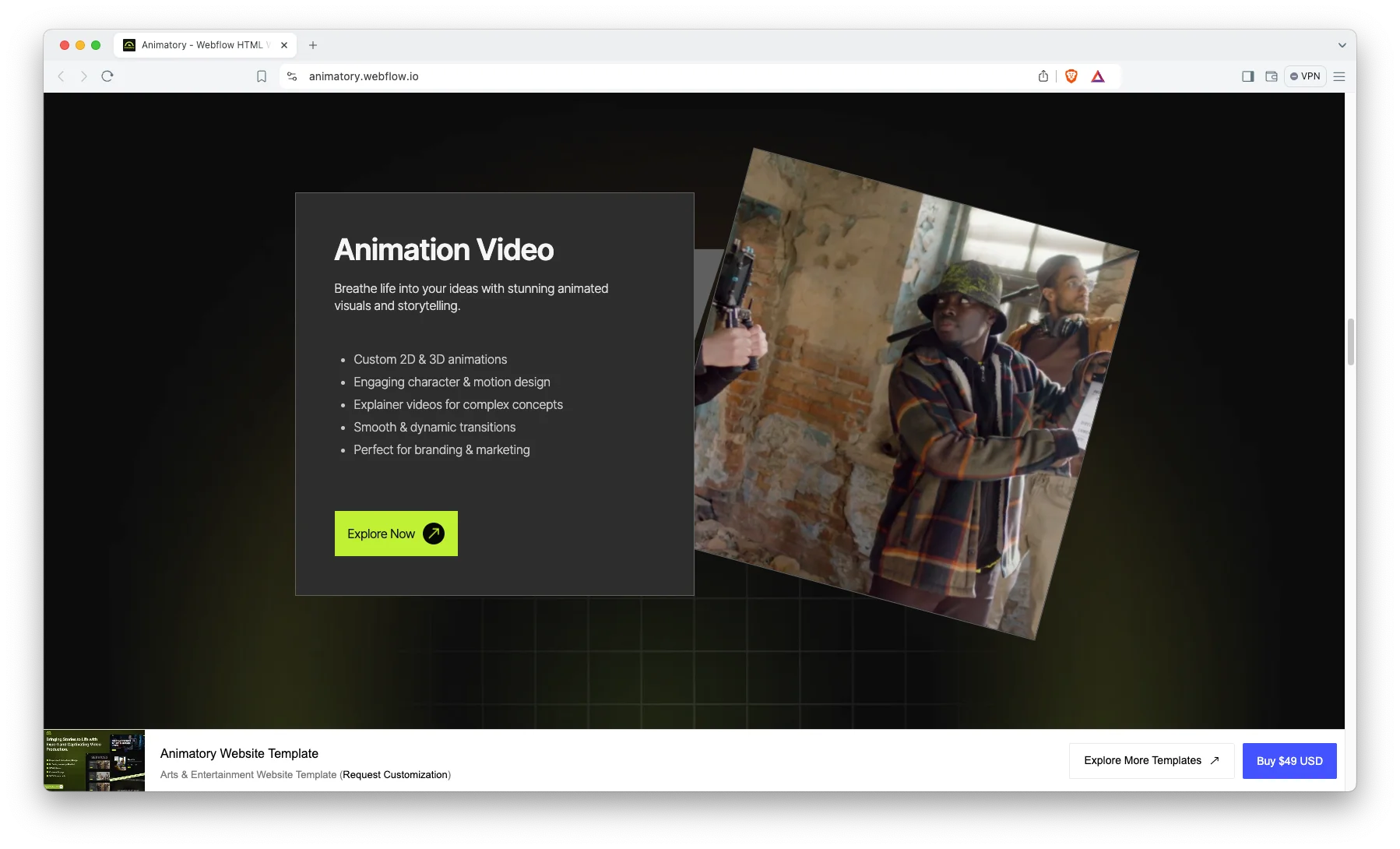
Trendy and Premium Design: A clean, minimal layout that follows current design trends. Your studio looks premium from day one.

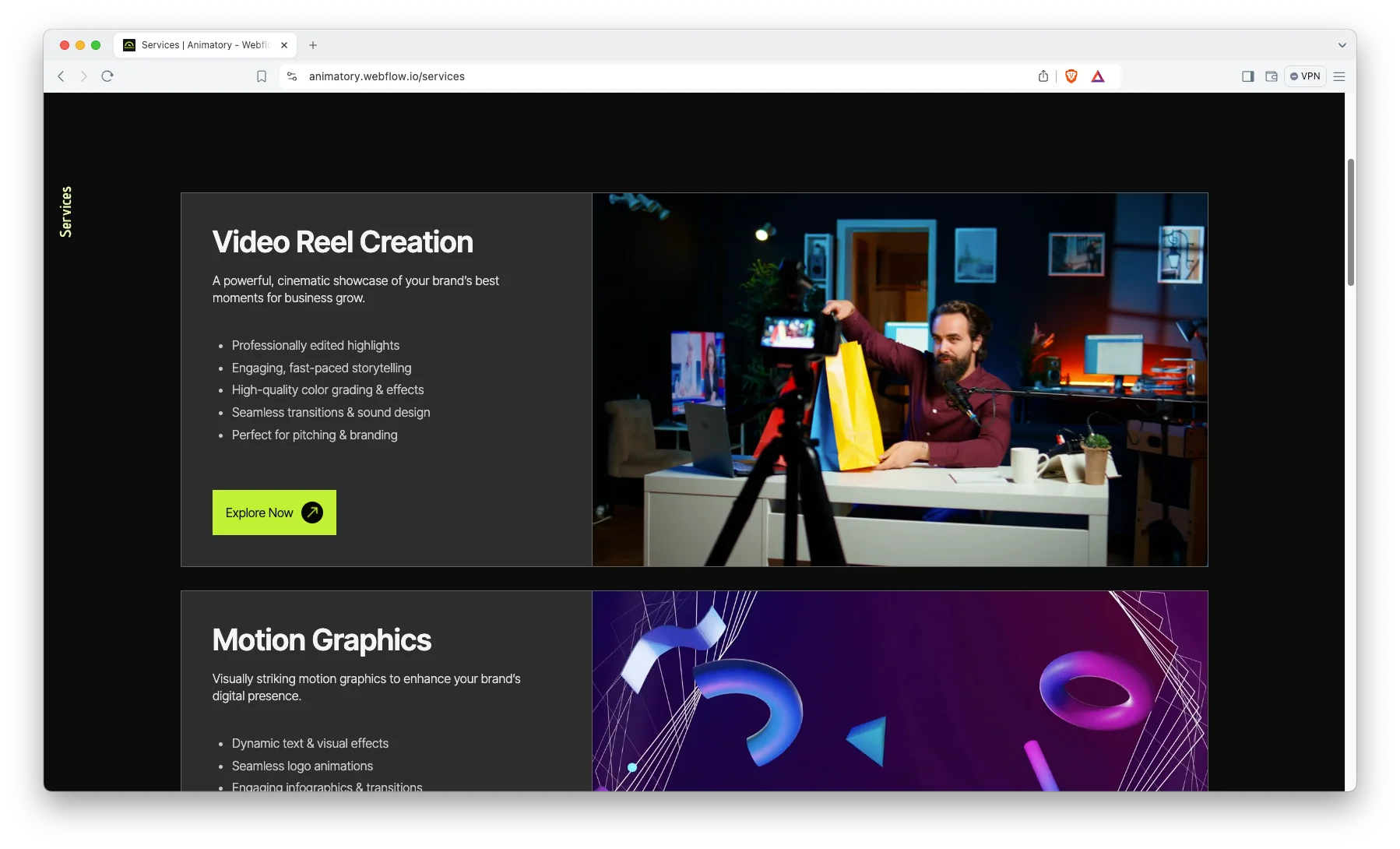
Services Showcase: Dedicated space for showreels, motion graphics, animation, corporate video and commercial work.
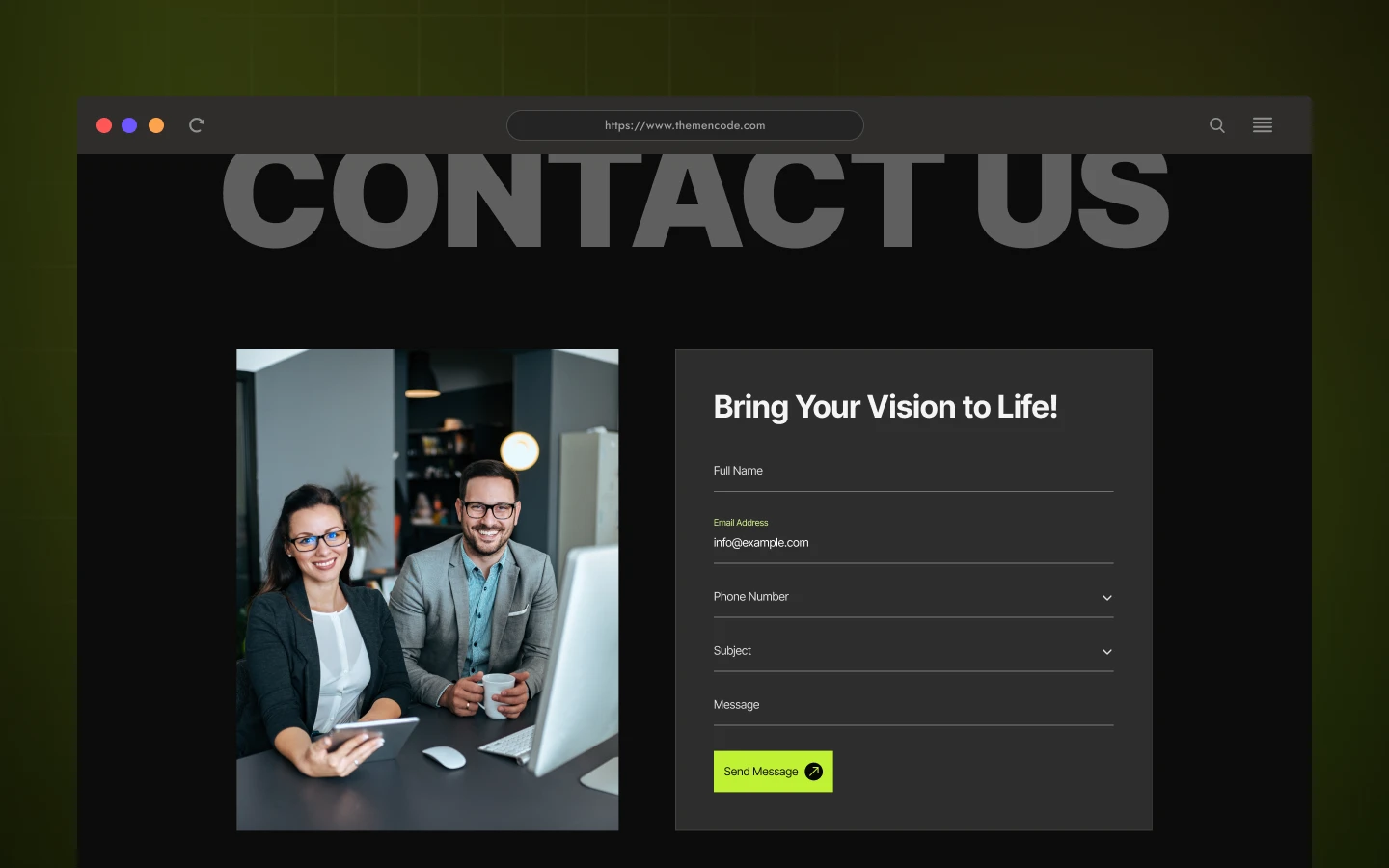
Contact Details: Show your address, phone number and an interactive map, so clients can reach you without hunting.

Animation, Video and Responsive Sliders: Smooth animations and sliders that hold attention. The video section is built to show work at full quality.

FAQ Showcase: A dedicated FAQ page that answers common questions and removes friction before the brief.

Portfolio Showcase: A grid built for visual work. Projects stay the focus, and each one opens into detail.

Client Testimonials: Social proof presented visually, so past work does the selling.

Terms and Conditions Page: Covers service scope, payment terms, timelines, intellectual property and liability.

Dedicated Customer Support: You get direct help from the TNCFlow support team whenever you need it.
Need the Figma file? Simply send us a message after purchase. We will send it ASAP.
Watch on YouTube
Prefer to watch? This short video walks through the template and shows how to set it up.
Pages Included
- Home
- About
- Services
- Video Reel / Showreel
- Motion Graphics
- Animation Video
- Corporate Video
- Commercial Video
- Video
- Portfolio
- Contact
- FAQ
- Utility
- Style Guide
- License
- Changelog
- Terms and Conditions
- 404
- Password
How to Use Animatory
- Click here to purchase Animatory
- Follow the steps to get your site ready
- Replace the content with your own
- Adjust the design if you want
- Preview and publish
Animatory Frequently Asked Questions
Is Animatory suitable for a video production studio?
Yes. Animatory ships with showreel, motion graphics, animation and commercial video pages. So a studio can present each service on its own page and still keep one portfolio grid for the full body of work.
How many pages does Animatory include?
Nineteen. That covers Home, About, Services, Showreel, Motion Graphics, Animation, Corporate and Commercial Video, Portfolio, Contact, FAQ, Utility, Style Guide, License, Changelog, Terms, 404 and Password.
Can I use Animatory as a personal portfolio rather than an agency site?
Yes. Freelance editors, motion designers and directors use it that way. Drop the service pages you do not need and keep the portfolio grid as your main page.
Can I use Animatory without Webflow CMS?
Yes. The Webflow build ships with CMS collections for projects and testimonials. However, you can switch them off and run static pages instead. The HTML build is already static, and the Figma file has no CMS.
What is the difference between the Webflow, Framer, HTML and Figma versions?
The Webflow build is ready to publish, with CMS and interactions. The Framer build is a Framer project with the same layouts. The HTML build is static, so you can host it anywhere. The Figma file is the source design for teams who want to restyle before development.
Do I need coding skills to edit Animatory?
No. The Webflow and Framer builds are fully visual, so you edit text and media on the canvas. The HTML build needs a developer for structural changes. The Figma file is for designers.
Ready to Launch Your Creative Portfolio?
Animatory gives creative studios a site that is ready to launch. It puts your reel first, explains your services clearly and turns viewers into briefs.
Explore all templates by TNCFlow.
Featured in our guides: animated website templates, Figma portfolio templates and Framer startup templates.



Select template
Choose one or more options for your build
