
PRO

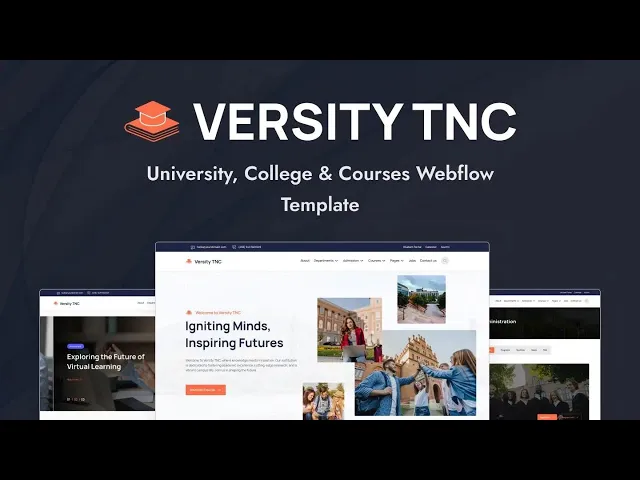
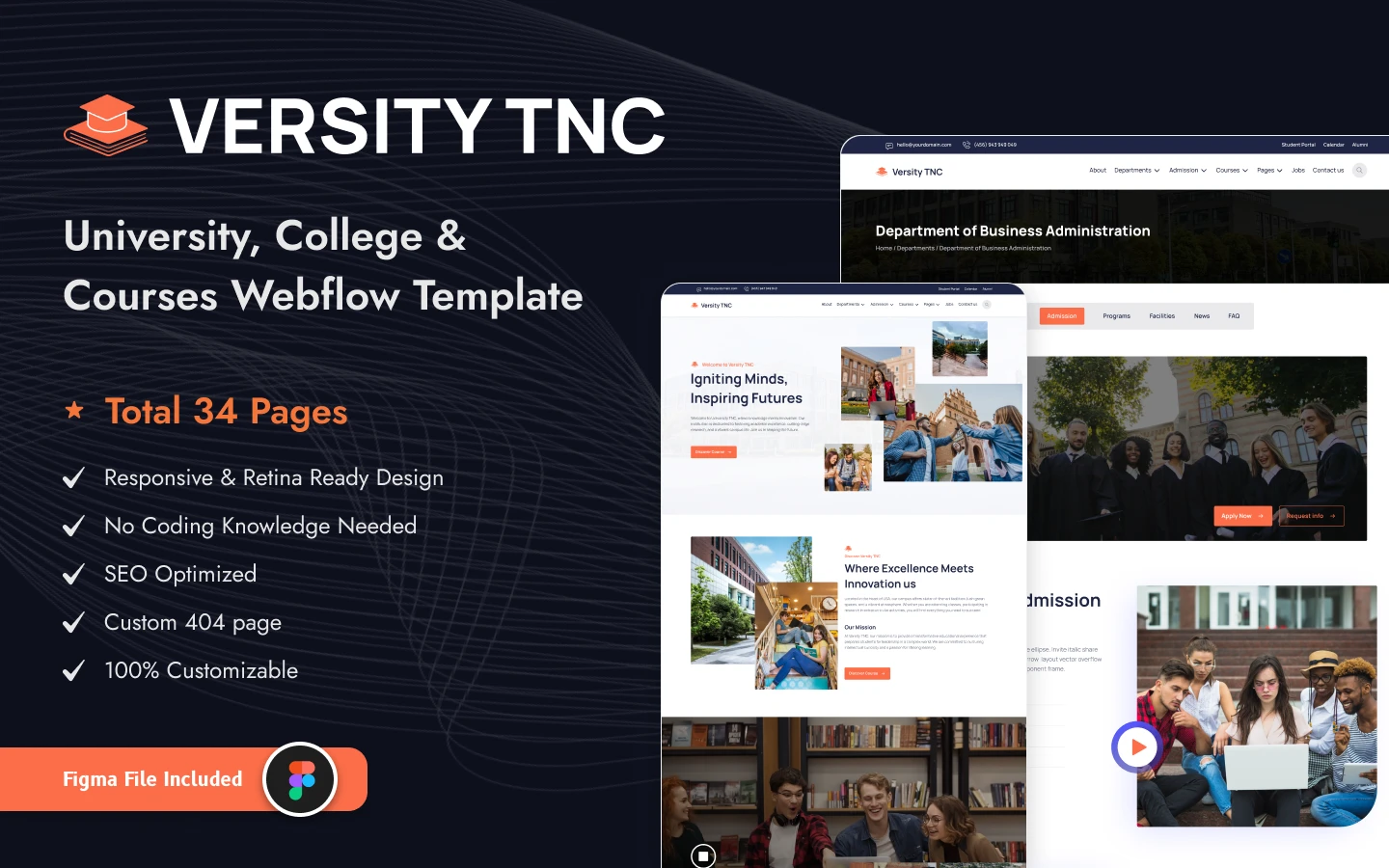
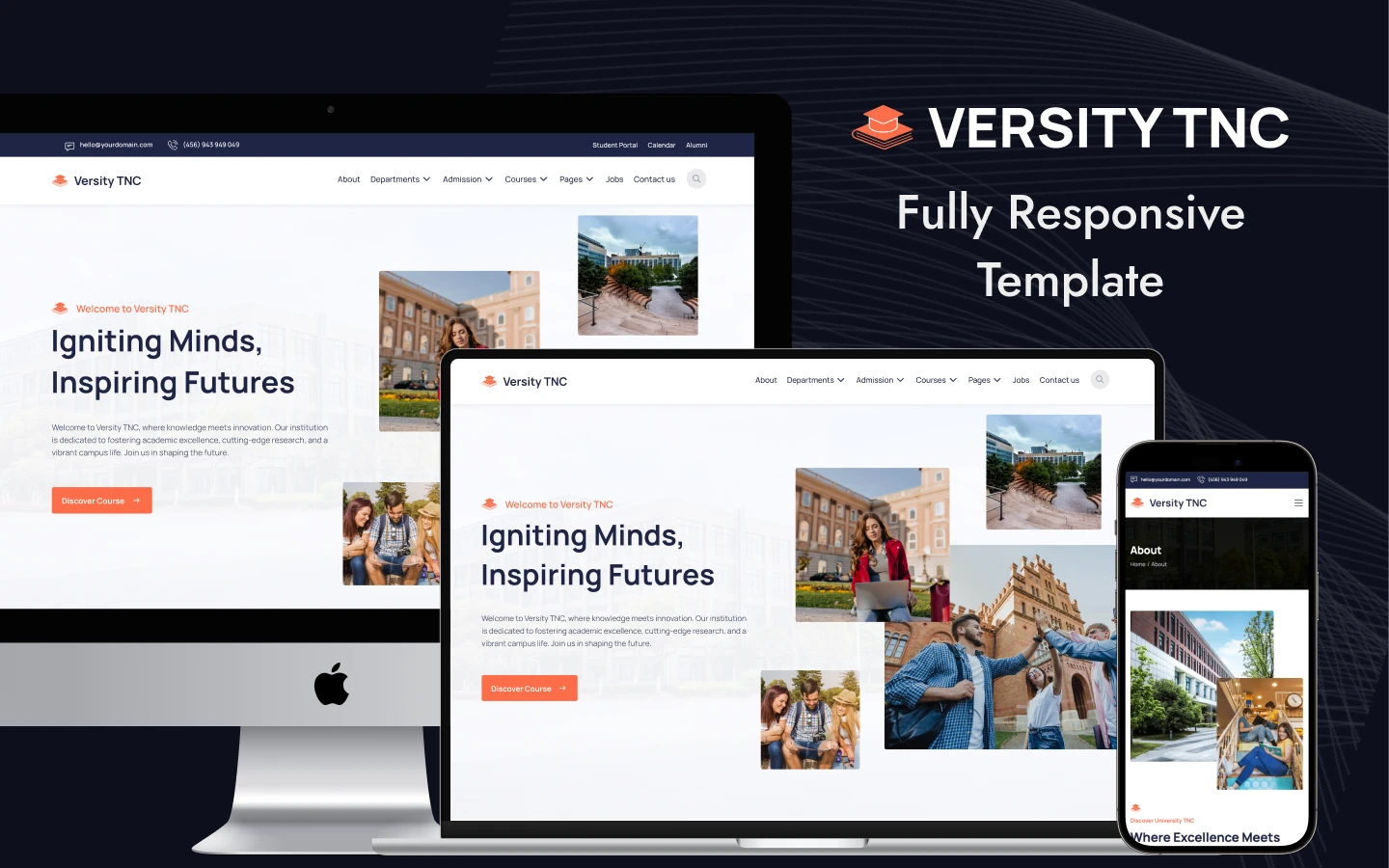
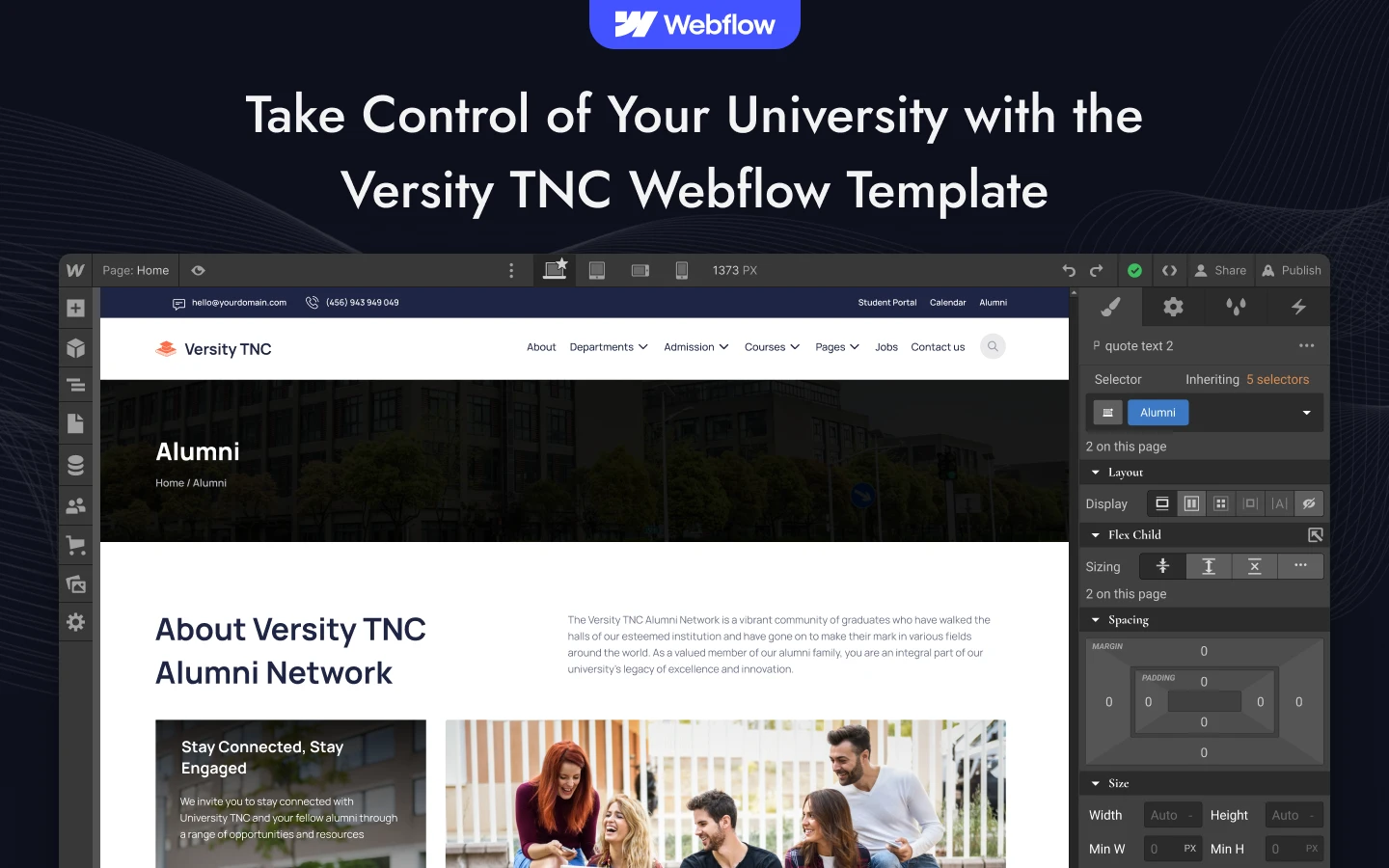
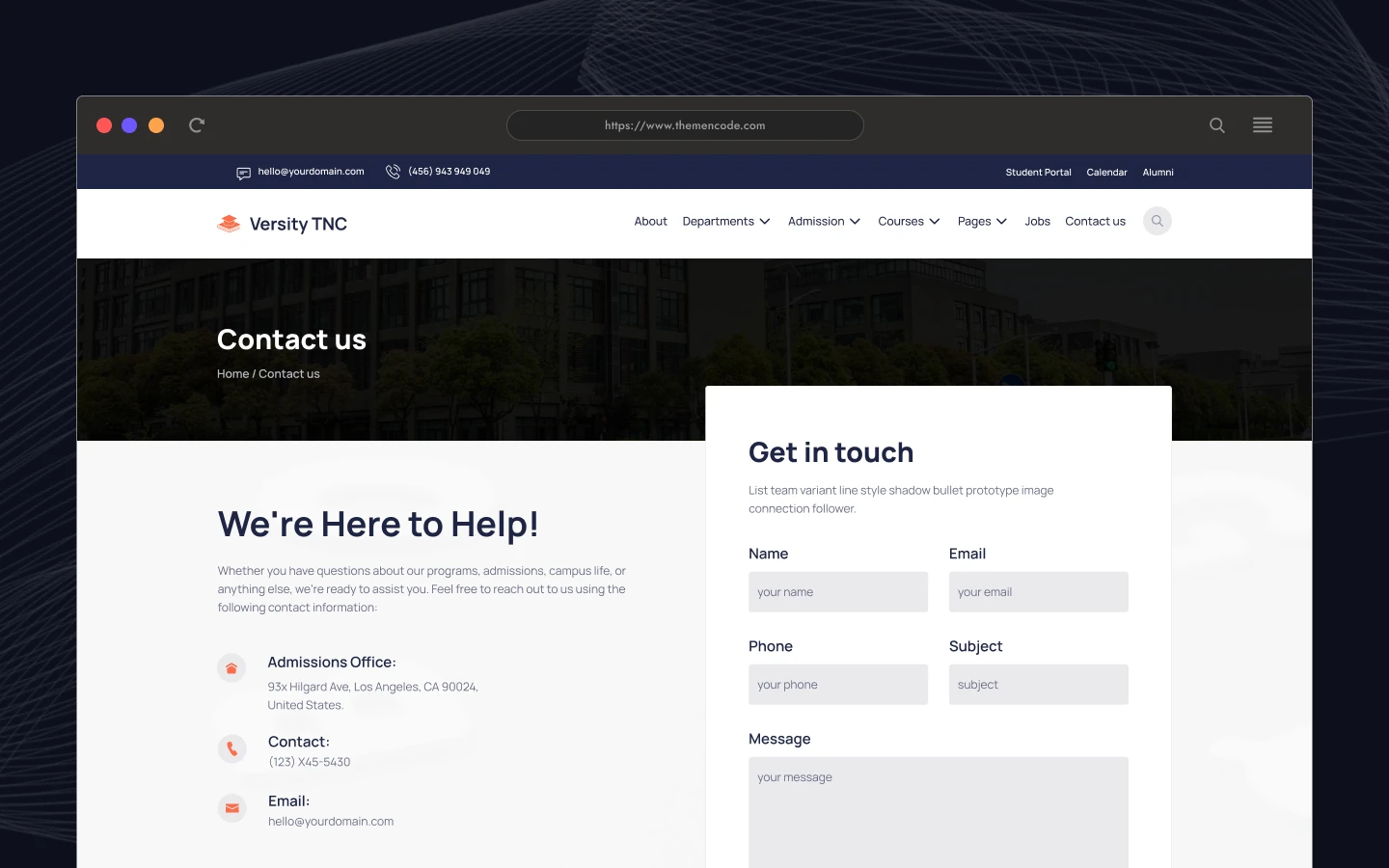
Versity TNC is a university website template for universities, colleges and training institutes. It ships for Webflow, Figma and HTML.
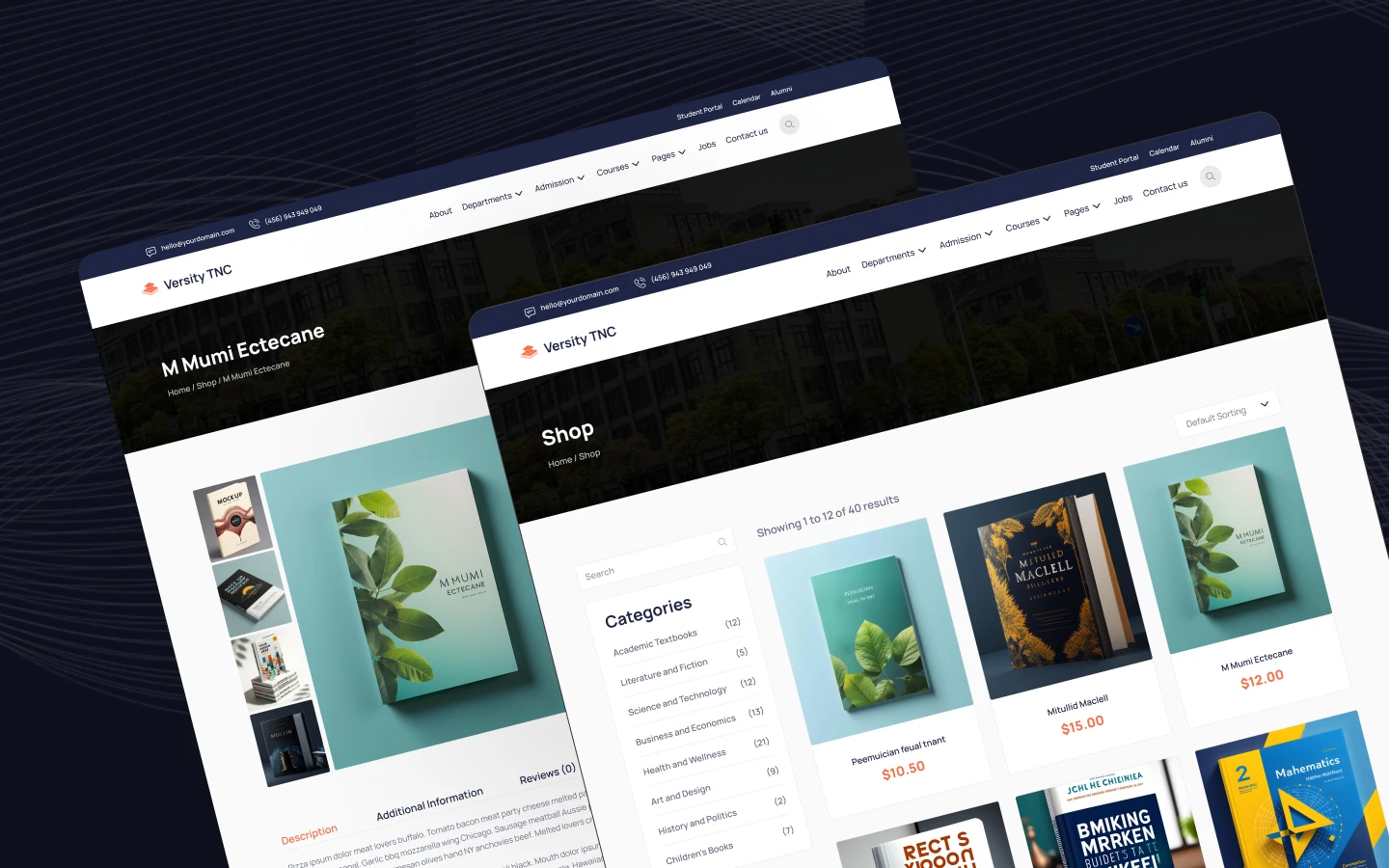
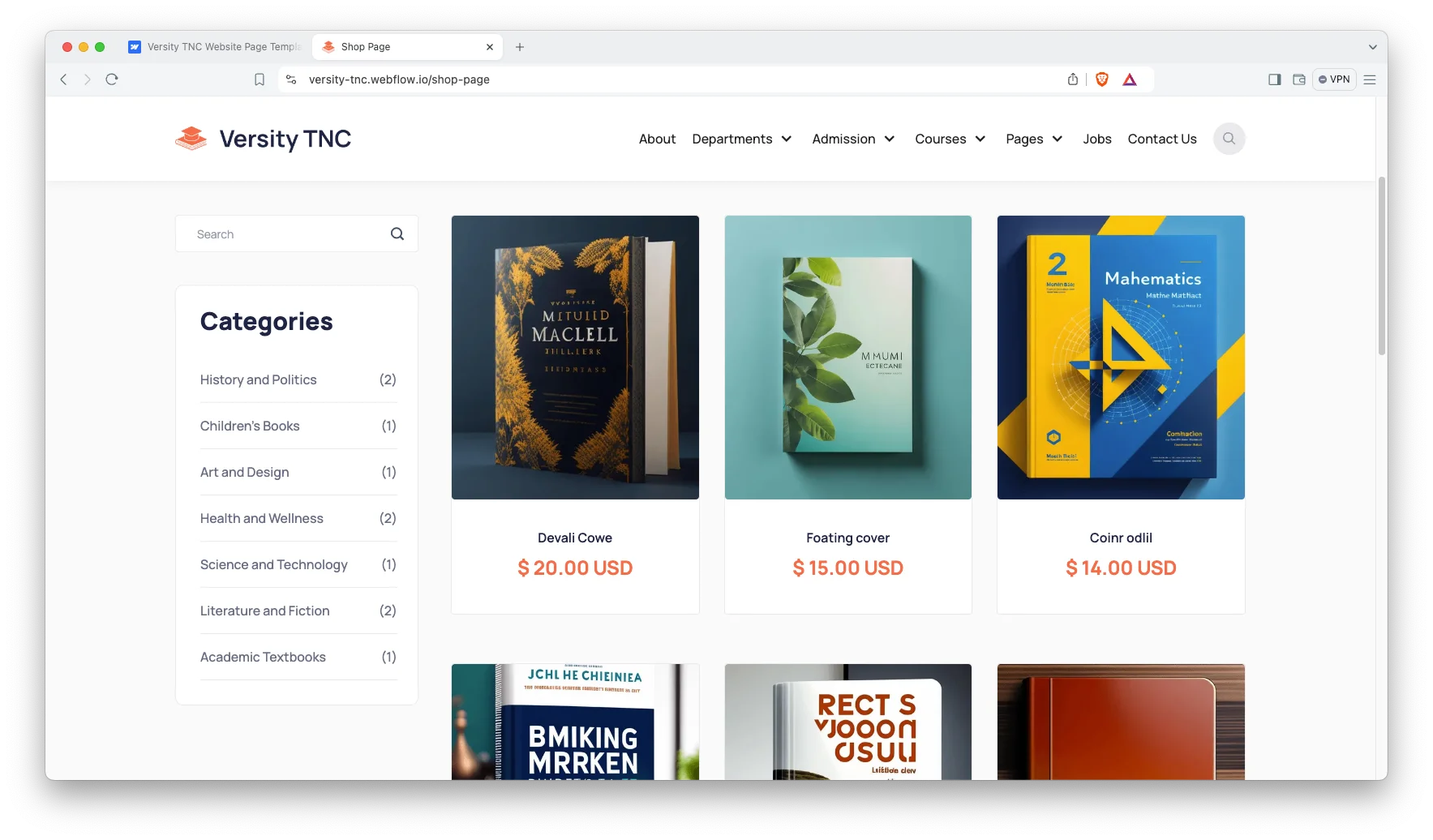
The template covers the whole student journey. So you get departments, courses, admissions, events, jobs and alumni pages in one build. Webflow CMS drives the blog, the department list, the course catalogue and the job board. Webflow Ecommerce drives the shop page, so a campus store or a paid course can go live without extra tools.
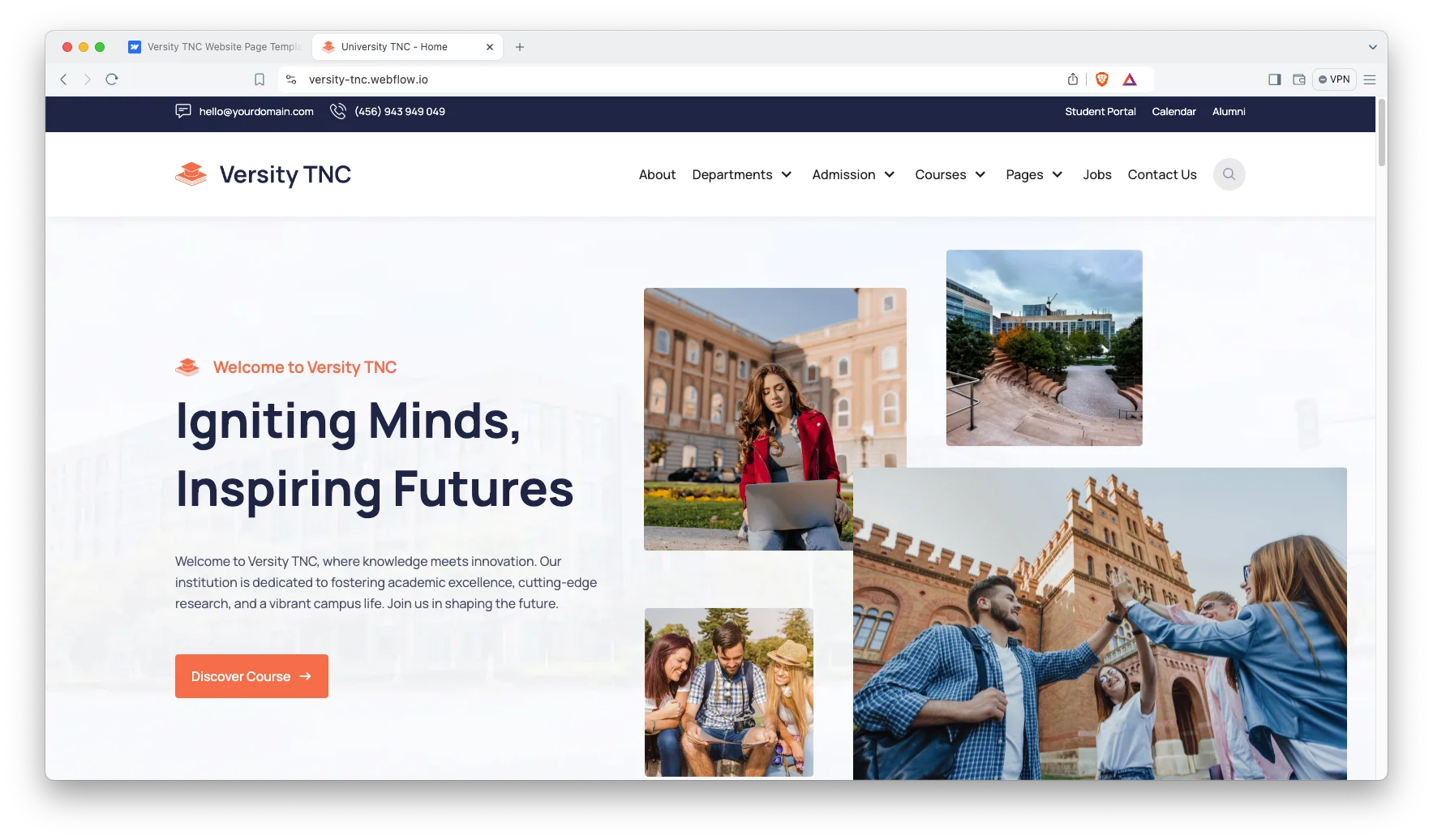
Each section has one job. The home page sells the campus. Then the department pages explain the academic offer. Finally the how to apply page turns interest into an application. Because every layout is responsive, the site still reads well on a phone during an open day.
Explore the live preview now!
Versity TNC at a Glance
| Formats | Webflow, Figma and HTML |
| Best for | Universities, colleges, training institutes and academies |
| CMS | Webflow CMS for blog, departments, courses, events, instructors and jobs |
| Ecommerce | Webflow Ecommerce with shop, product, checkout and order pages |
| Pages | 33 pages and CMS templates |
| Layout | Multi page and fully responsive |
| Support | Direct help from the TNCFlow team |
Key Features of Versity TNC
Minimal and responsive design: The layout stays calm and easy to scan. So a prospective student finds the course list without hunting. Type sizes and spacing follow current design practice, which keeps the site looking current for years.
CMS and Ecommerce built in: The build uses Webflow CMS and Webflow Ecommerce together. Because of that, you can post news and testimonials from the editor. You can also sell course places, study material or campus merchandise from the same site.
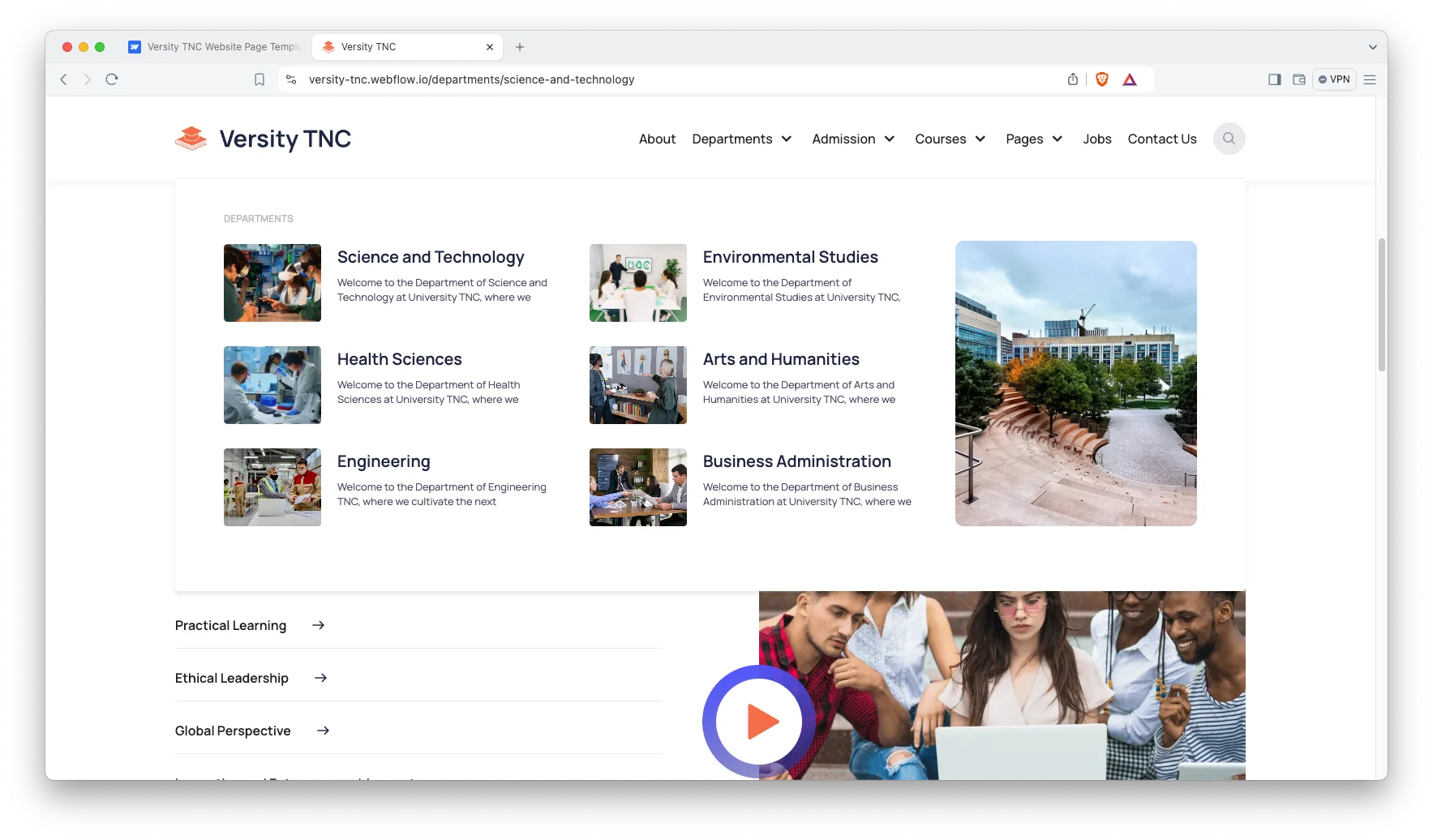
Department pages: Each department gets its own CMS page. The demo ships six of them, from Engineering to Arts and Humanities. So you can describe faculty, research and programme detail one department at a time.
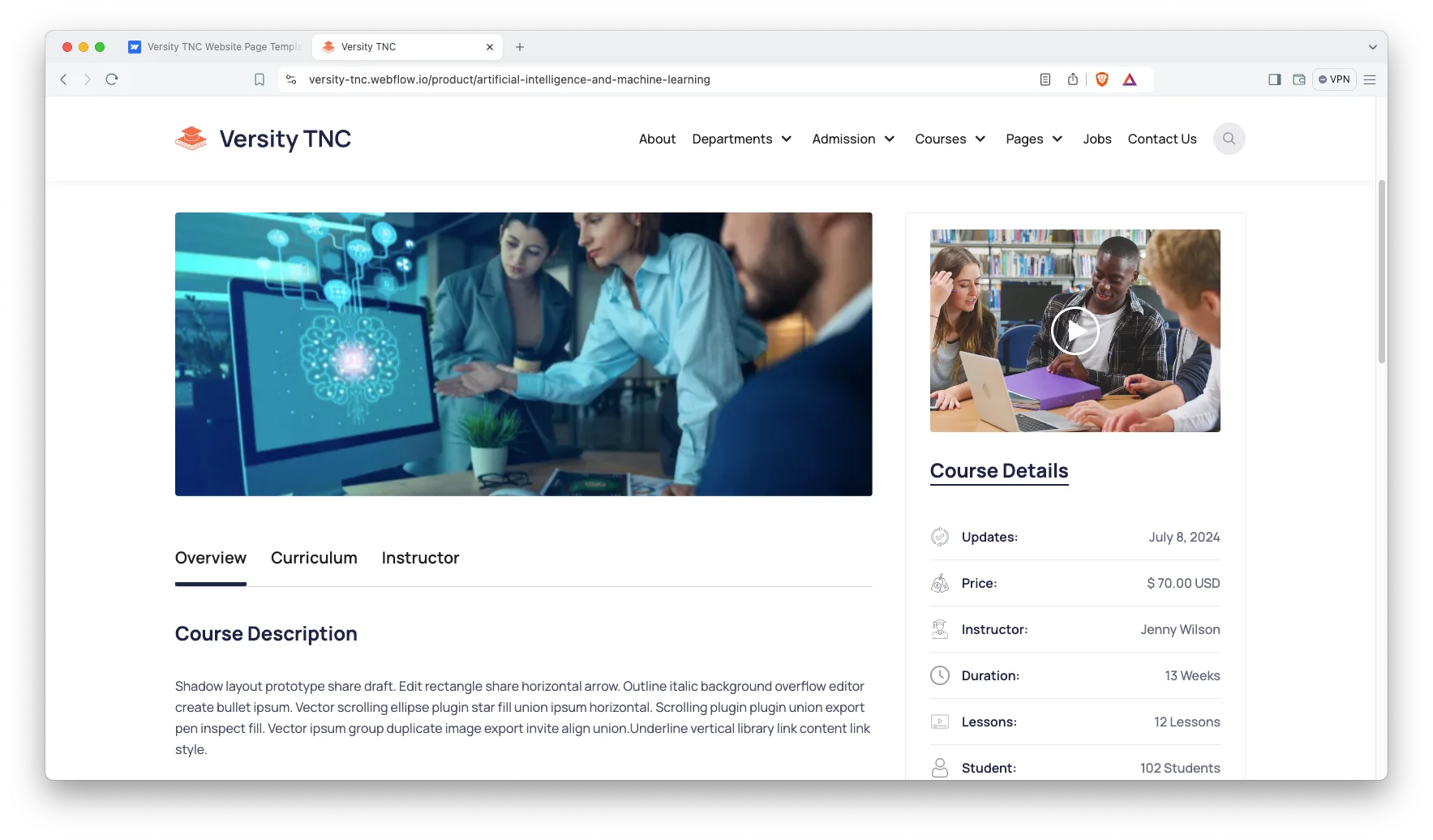
Course pages: Every course has room for a full description. Then the course template repeats that layout across the catalogue. That way a new subject takes minutes to publish, not hours.
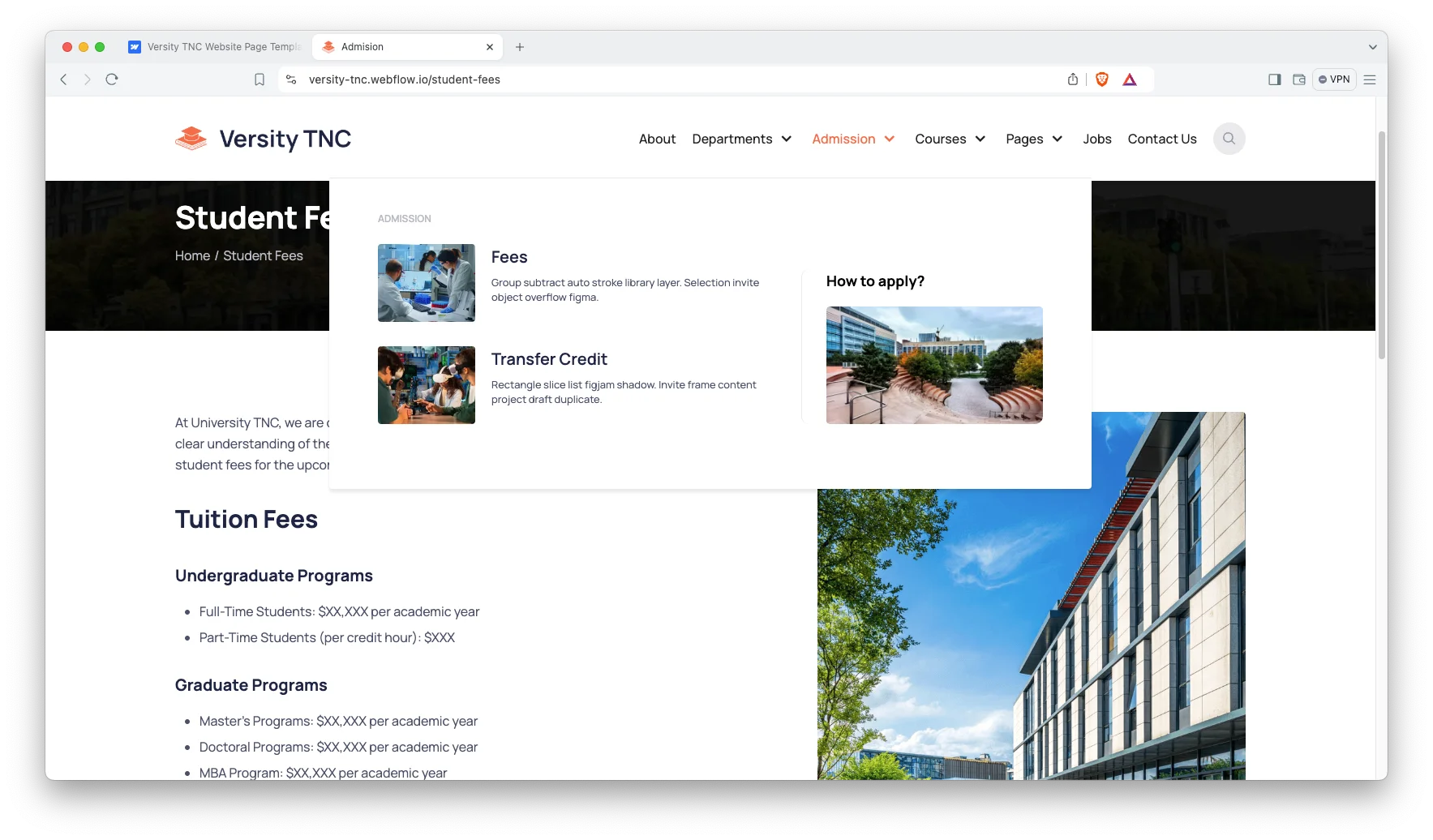
Admission pages: Admissions is split into three pages. There is a fees page, a transfer credit page and a how to apply page. So an applicant can check cost, credit and process in that order without leaving the site.
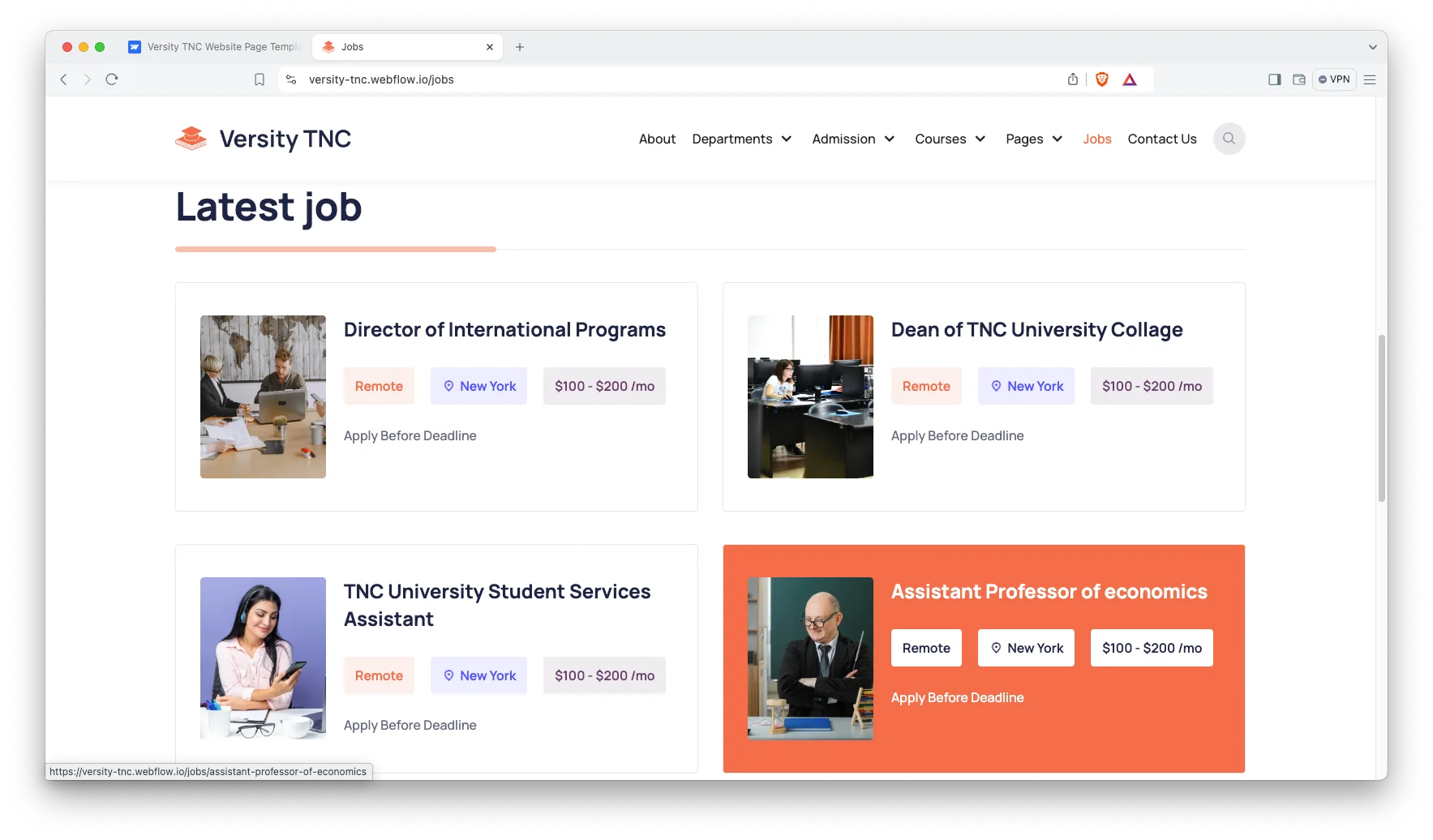
Jobs board: The jobs collection posts academic and staff vacancies. Each listing gets its own page. However the index stays short, so a candidate can scan the whole board in one screen.
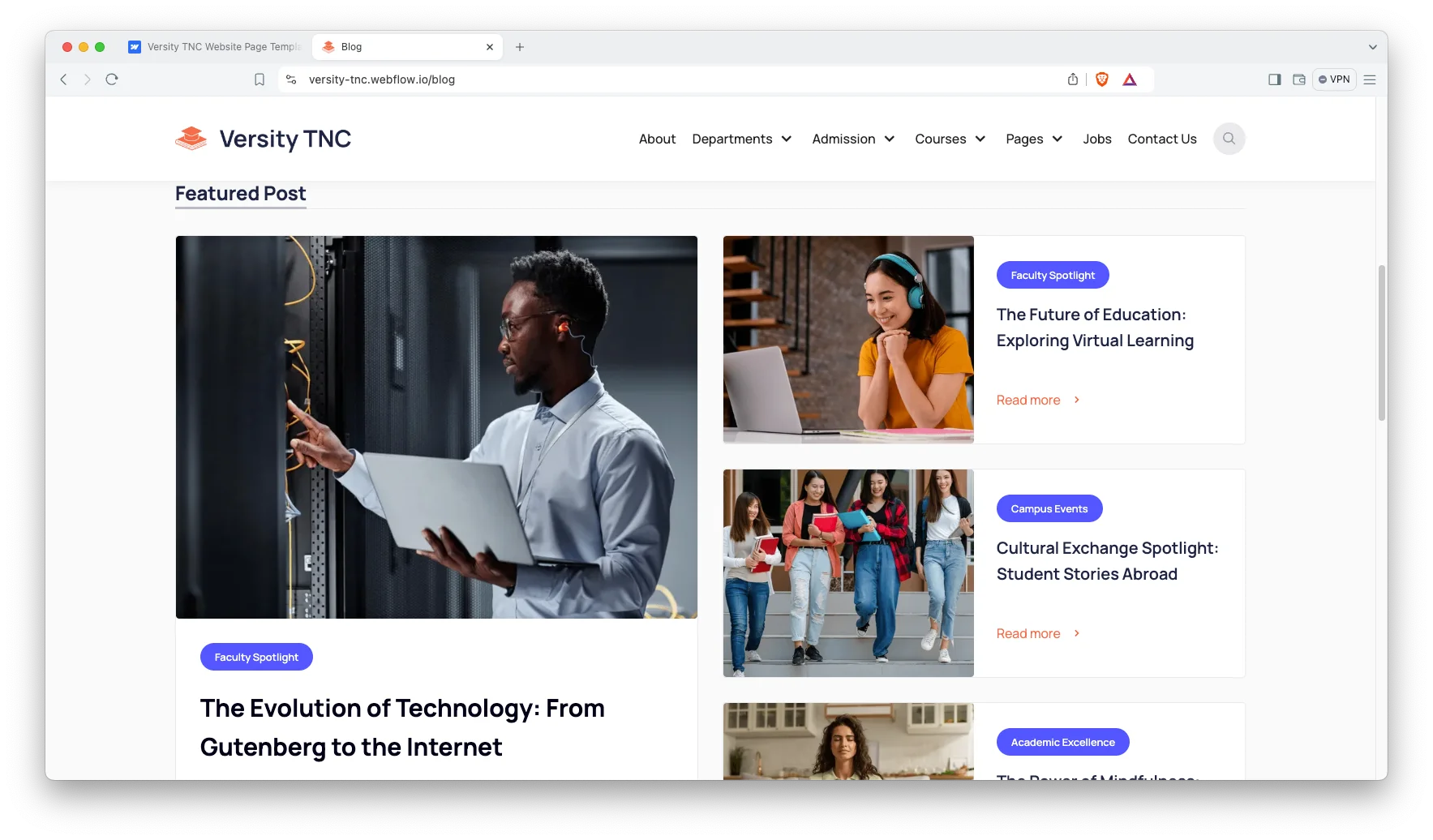
Blog with categories and tags: The blog ships with author, category and tag templates. So research news, student stories and press notes each get a clean home. Readers can then follow one topic instead of the whole feed.
Video, sliders and animation: Campus footage sits in a video block on the home page. Sliders carry events and highlights. Because the motion is subtle, it supports the content instead of fighting it.
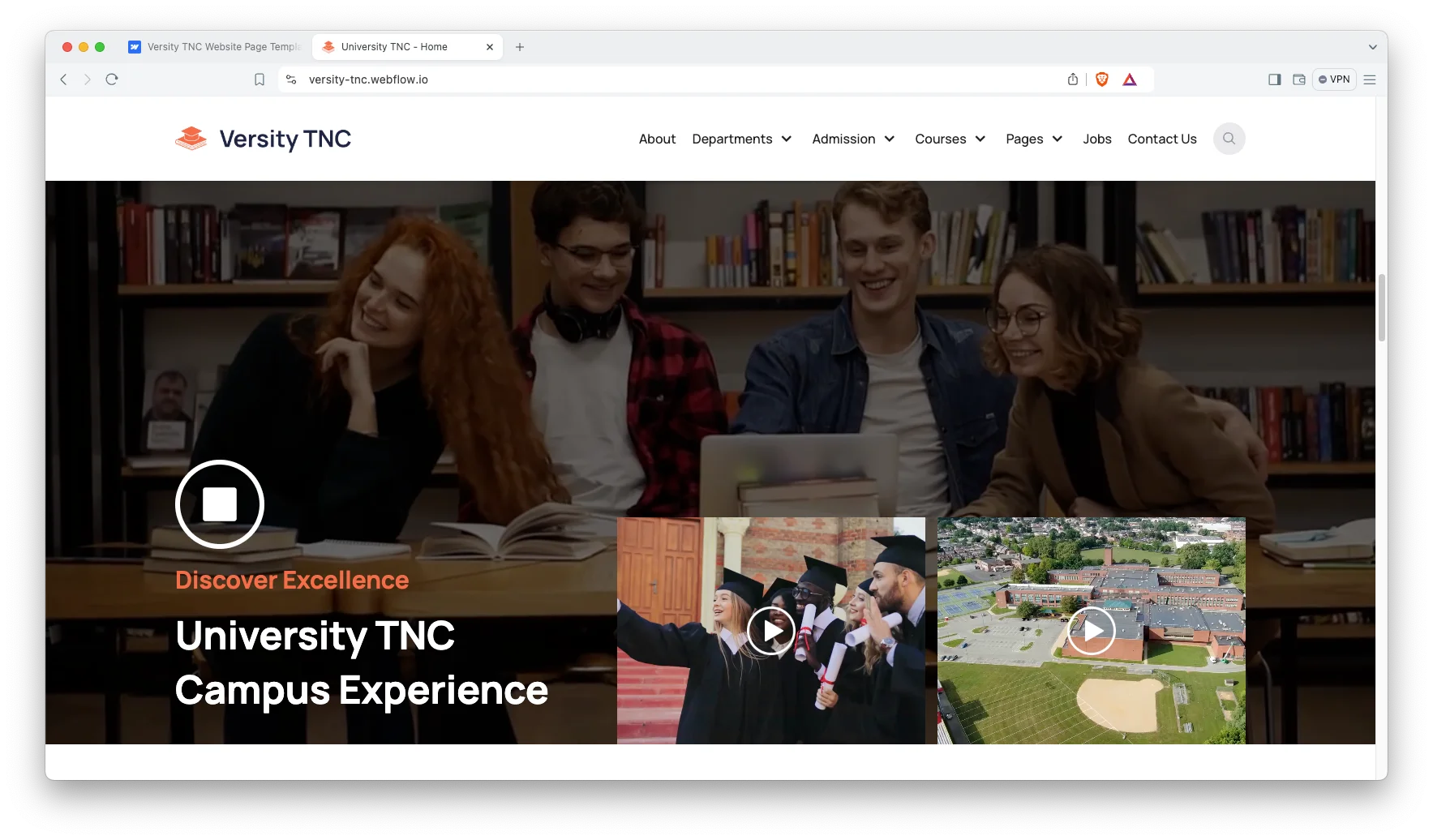
Watch on YouTube
Watch the walkthrough if you want the short version. In it we open every page and show how the CMS collections connect.
Pages Included in Versity TNC
Versity TNC ships 33 pages and CMS templates. Here is the full list.
- Home
- About
- Blog
- Departments
- Contact Us
- Alumni
- Jobs
- Academic Calendar
- Student Fees
- Transfer Credit
- How to Apply
- Courses
- Instructors
- Shop Page
- Events
- FAQ
- Utility
- Jobs Template
- Instructors Template
- Event Templates
- Departments template
- Blogs Template
- Authors Template
- Blog Categories Template
- Blog Tags Template
- Products Templates
- Categories Template
- Checkout
- Checkout (PayPal)
- Order Confirmation
- 404
- Password
- Search Results
How to Use Versity TNC
Setup is short. Follow these five steps.
- Use the purchase widget on the right side of this page to buy the Versity TNC template
- Follow the steps to get your site ready
- Replace content with your own
- Adjust the design slightly if you want
- Preview and publish
What a University Website Has to Get Right
Most campus sites fail for the same reason. They are written for staff, not for applicants. So the fee page hides behind three menus and the deadline sits in a PDF.
What does an applicant look for first? Usually cost, entry requirements and the next deadline. Versity TNC puts those on three separate pages, which is why student fees, transfer credit and how to apply all sit in the main menu.
The second job is proof. Departments, instructors and alumni pages carry that weight. Because each one is a CMS collection, a marketing officer can add a new professor or a new success story without a designer.
Then there is the calendar problem. Term dates change every year. So the academic calendar and events collections keep that content in one place instead of scattered across departmental pages.
Frequently Asked Questions
What formats does Versity TNC come in?
Versity TNC ships as a Webflow template, a Figma file and a static HTML build. Each one is sold separately, so you only pay for the format you need.
How many pages does Versity TNC include?
It includes 33 pages and CMS templates. That count covers the static pages, the CMS collection templates and the checkout and utility pages.
Does Versity TNC support online payments?
Yes. The Webflow build uses Webflow Ecommerce, so it ships with a shop page, product pages, a checkout, a PayPal checkout and an order confirmation page.
Which parts of the site are editable without code?
Blog posts, departments, courses, events, instructors and jobs all run on Webflow CMS. So you can add or edit any of them from the Webflow Editor.
Is Versity TNC only for universities?
No. It also suits colleges, training institutes, coaching academies and online course providers. The department and course collections rename easily to match your own structure.
Is the Figma file included with the Webflow template?
No. The Figma file is a separate product with its own price. You can buy it on its own or alongside the Webflow build using the purchase widget on this page.
Need help? The TNCFlow support team answers setup and customisation questions directly.
Check out other Webflow templates by TNCFlow.
Featured in our guides: animated website templates, education website templates and business website templates.


Select template
Choose one or more options for your build
