

PRO

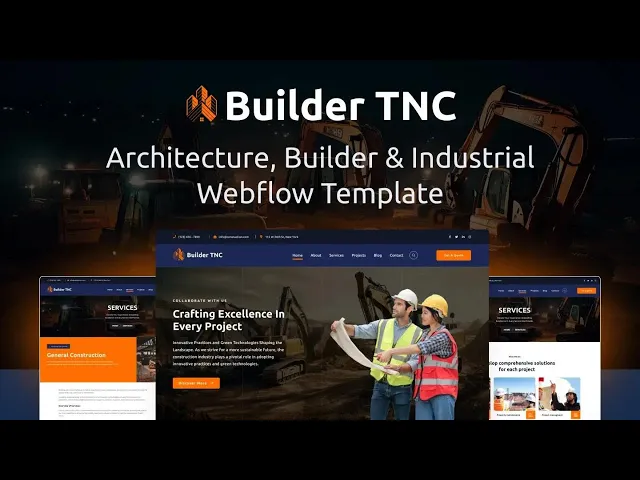
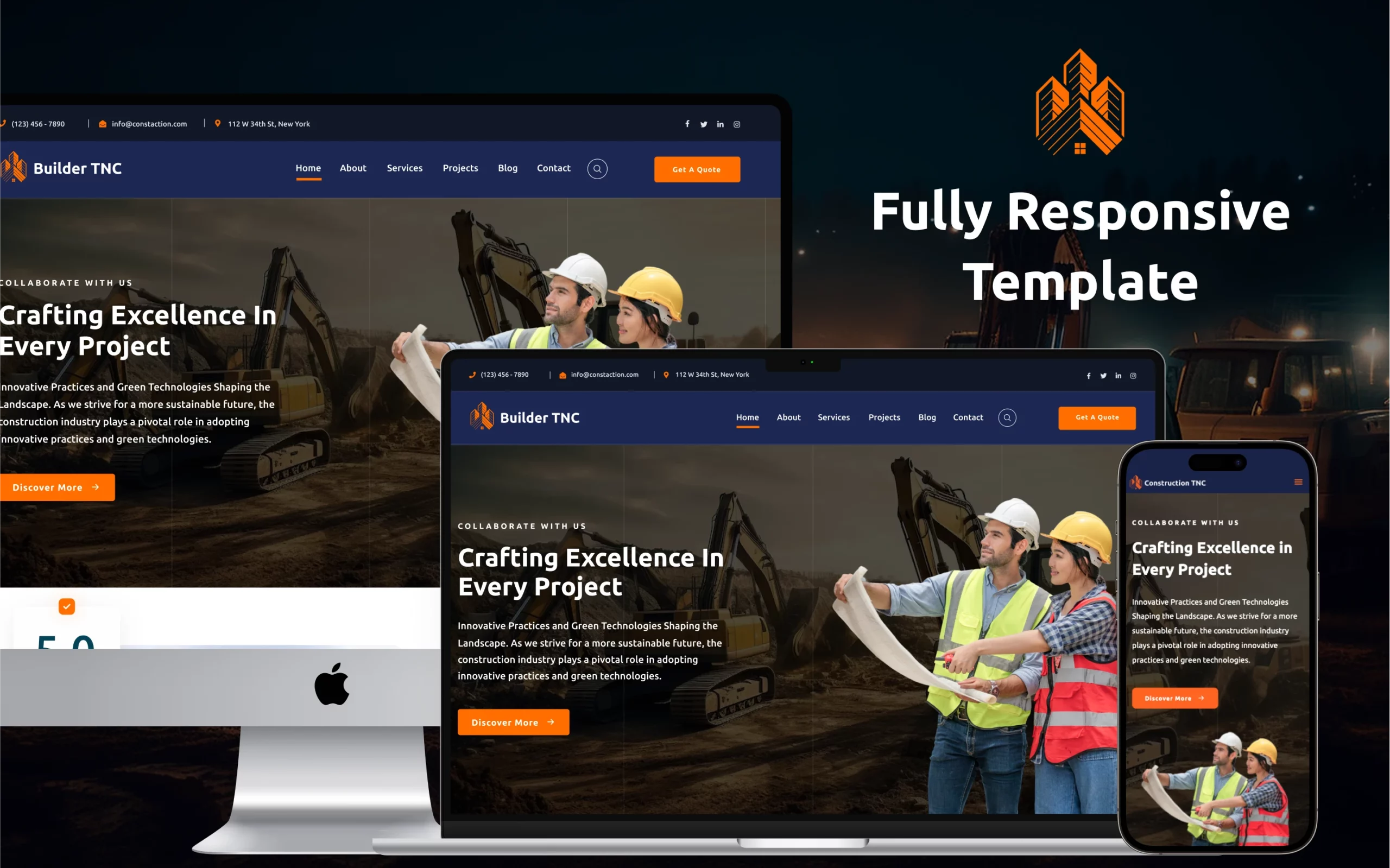
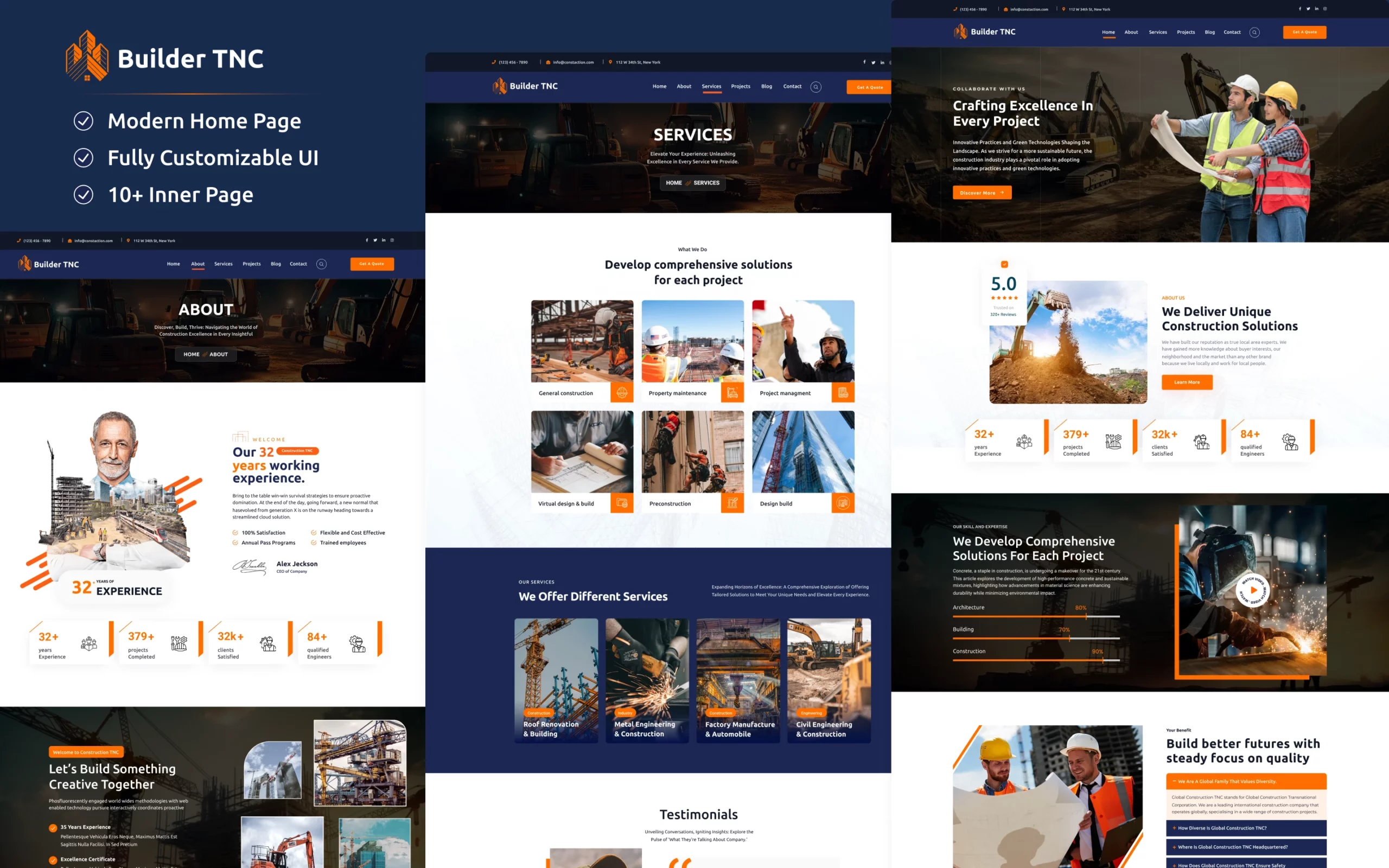
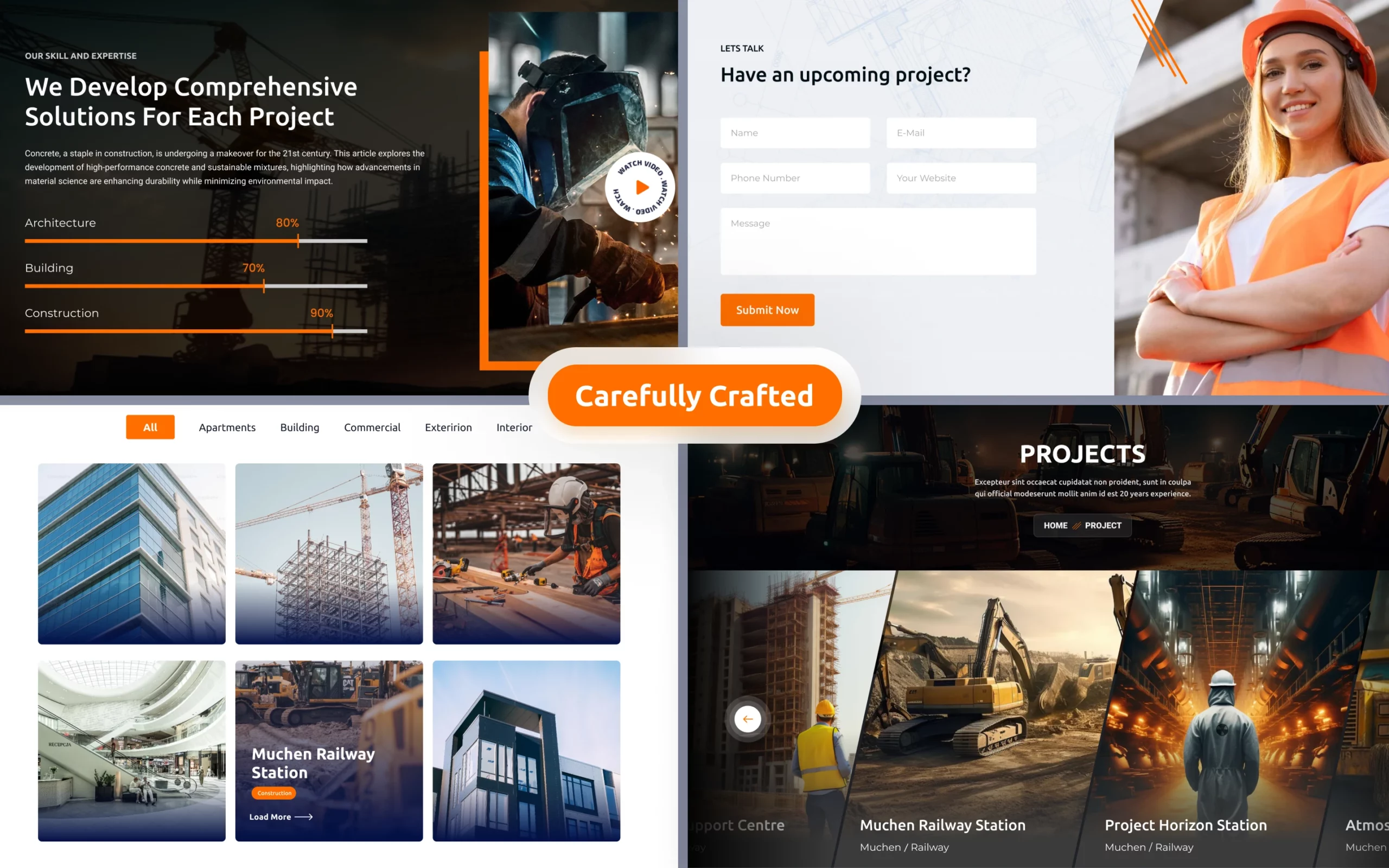
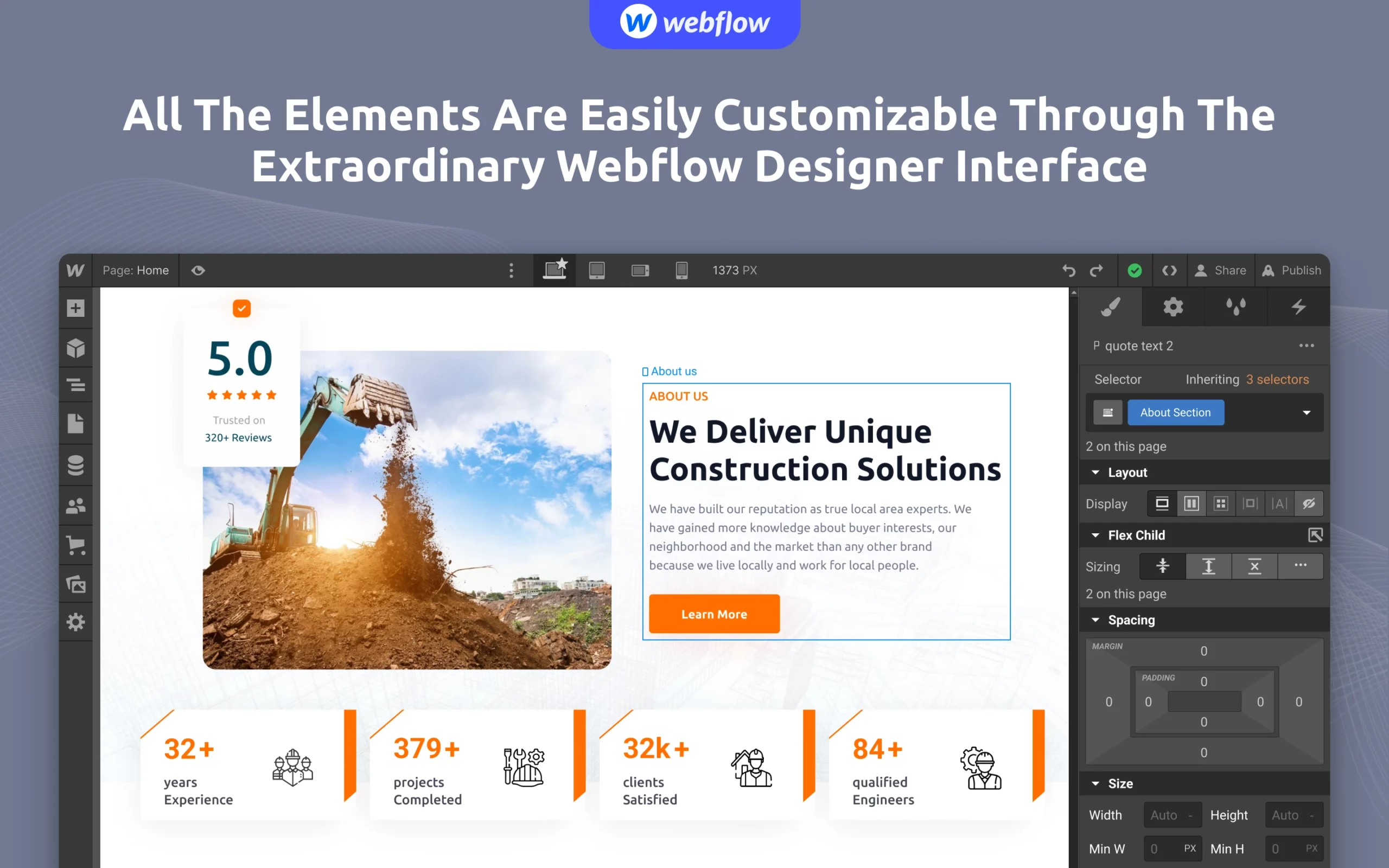
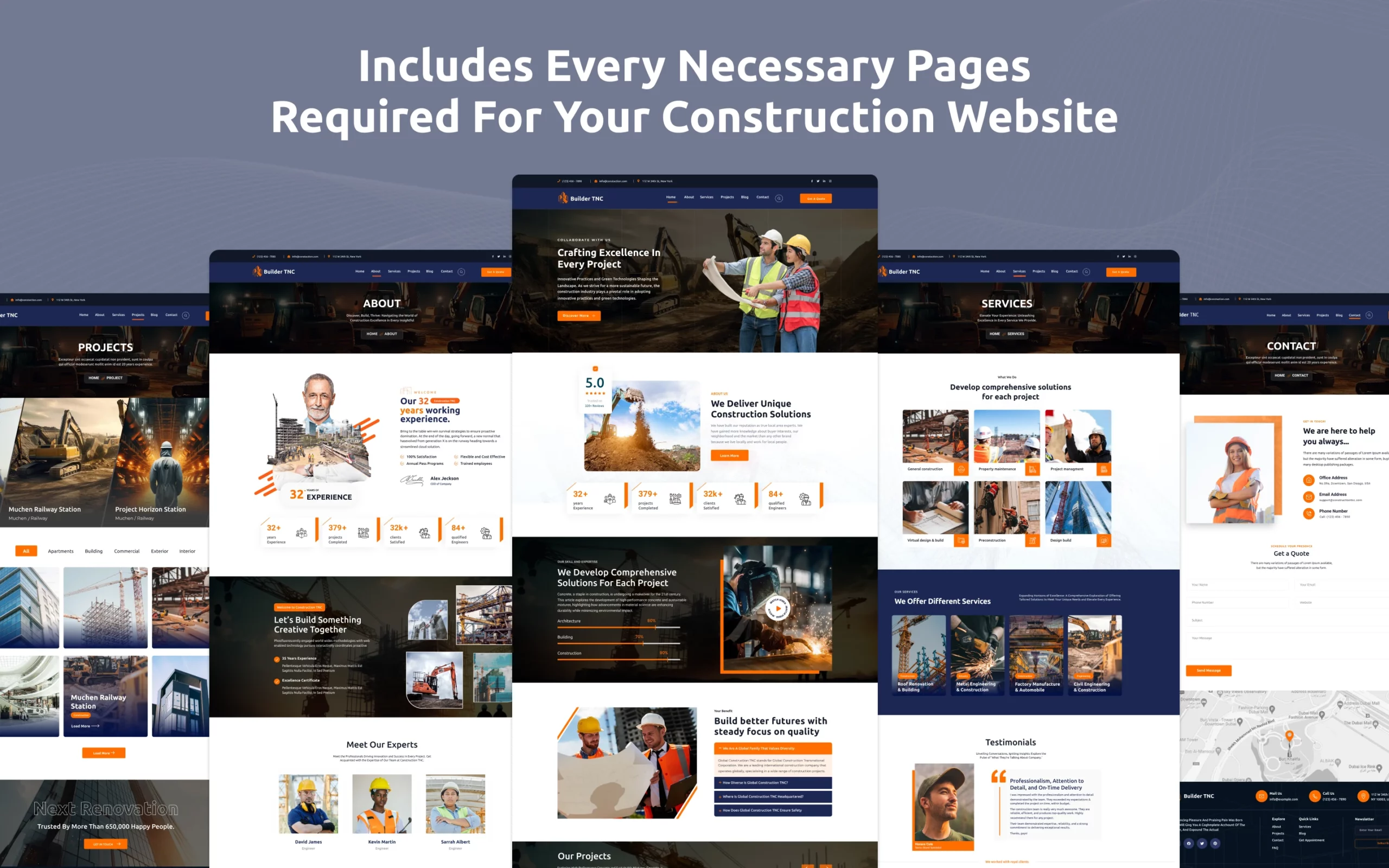
Builder TNC is a construction website template for builders, general contractors and architecture firms. It ships for Webflow, Astro, Next.js, Figma and HTML.
The template covers the whole sales story a construction firm needs online. So you get 15 pages, a project portfolio, a services library and a CMS blog. Because the structure is already built, your job is swapping in real projects, real photos and real numbers.
Each section has one job. The hero states what you build and where. Then the projects, services and testimonial pages supply the proof a client wants before they call.
The format choice matters. Webflow suits firms who want to update the site themselves inside a visual editor. HTML suits developers who prefer working directly in the codebase. Figma suits designers who want to rework the layout before development begins.
Explore the live preview now.
Builder TNC at a Glance
| Formats | Webflow, Astro, Next.js, Figma, HTML |
| Best for | Builders, general contractors, architecture and real estate firms |
| CMS | Yes, with projects, services, blog, categories, tags and authors |
| Pages | 15 |
| Layout | Multi page |
| Responsive | Yes, desktop through mobile |
| Support | TNCFlow team |
Key Features of Builder TNC
A fully featured construction build. Every page a construction website needs is already present. So you begin from a finished structure, not a blank canvas.

Architectural showcase. Construction is a visual trade. That is why the layout gives large images room to breathe, so a finished building reads as impressive rather than cramped.
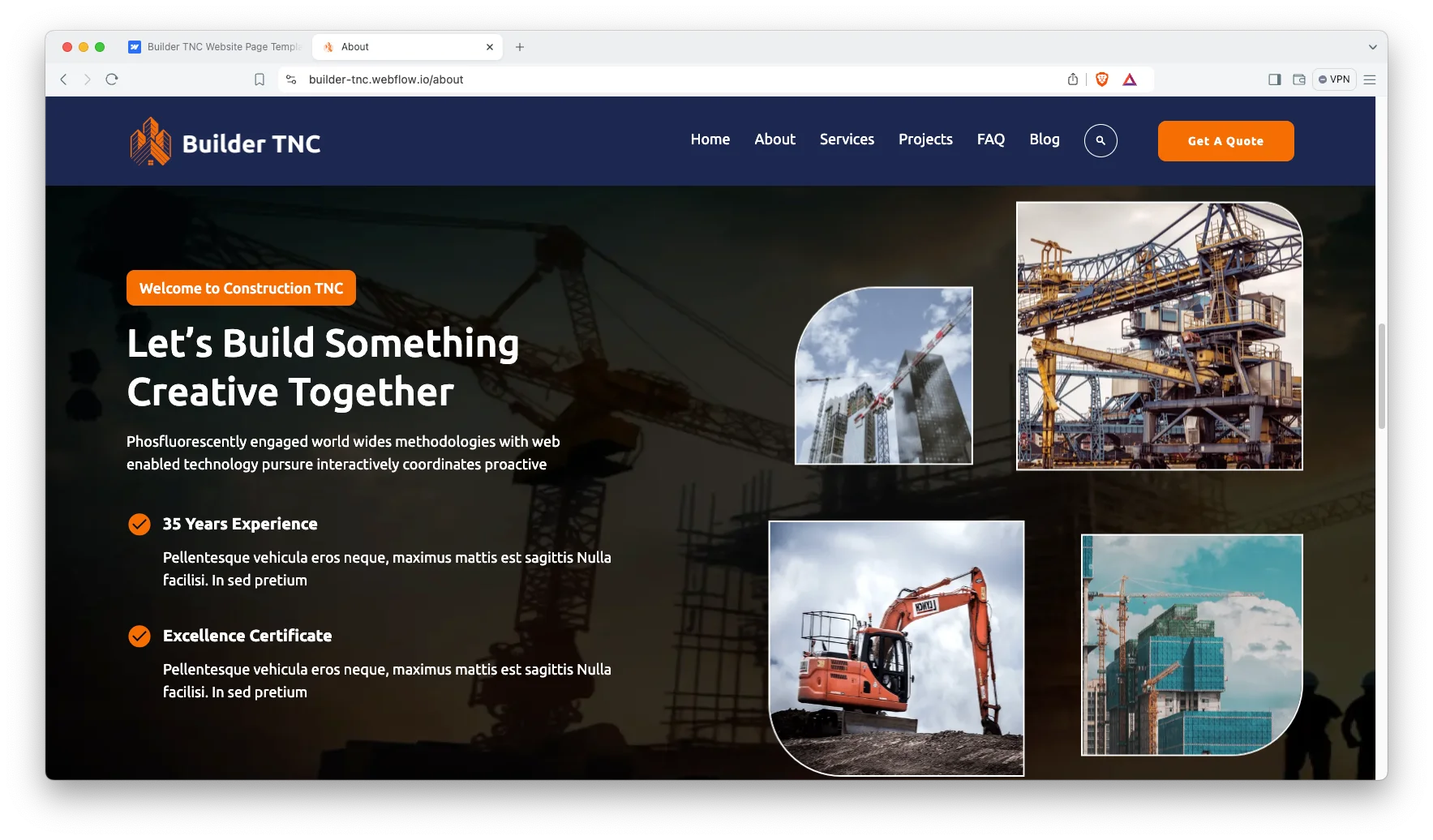
Modern and sleek design. The visual language is clean, industrial and current. However, nothing is locked down. Typography, color and spacing remain adjustable inside the editor.
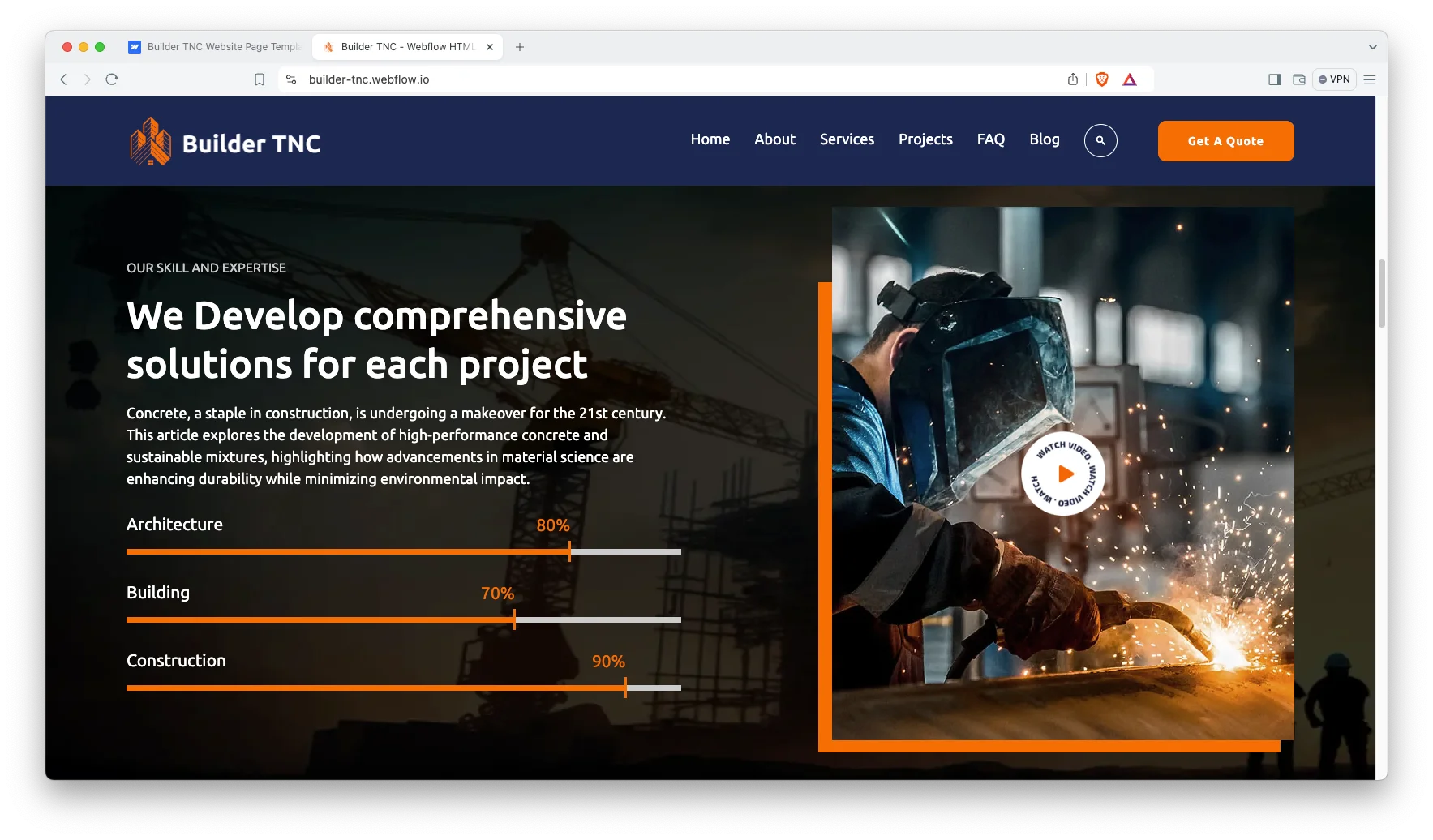
Project showcase. Completed work and current developments both get a place. So a prospect can judge your range in one scroll, then open a single project for detail.

Animations and sliders. The motion here is restrained on purpose. It carries the eye between sections instead of distracting from the work.
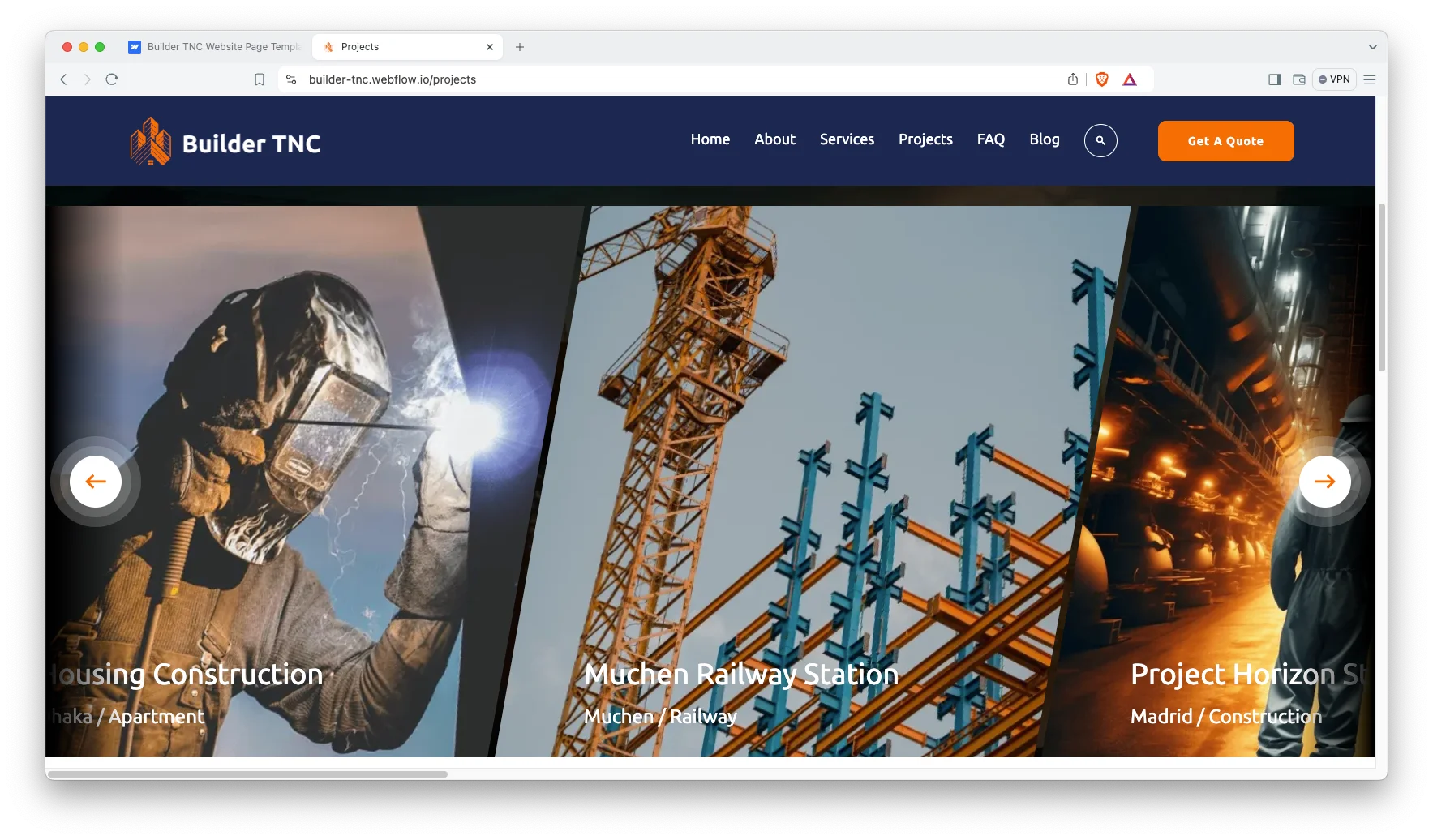
Testimonials and enquiry sections. Trust is the barrier in construction, and testimonials sit near the contact block for that reason. As a result, a visitor reads proof and then finds the form.

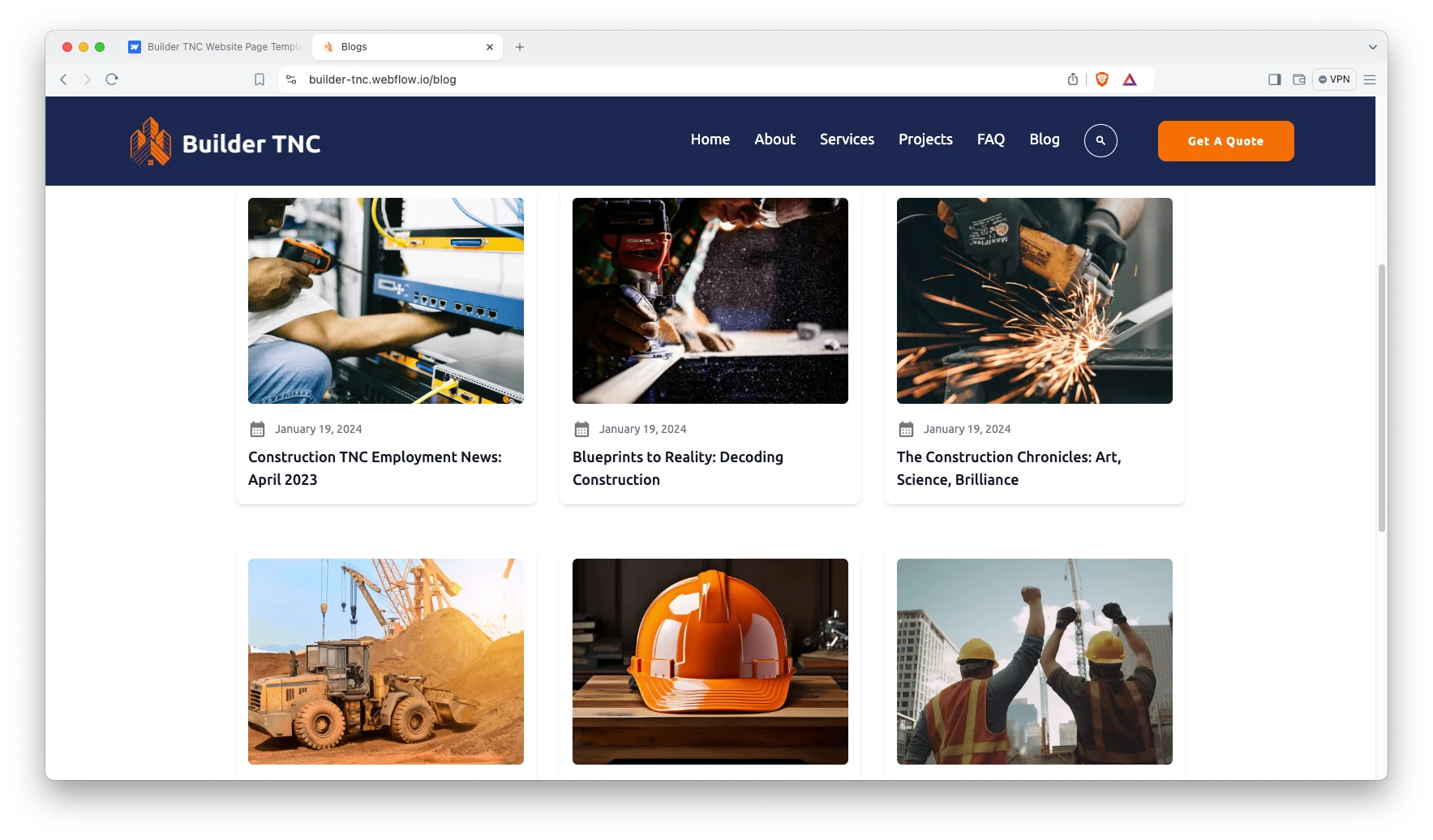
Interactive blog. The Builder TNC CMS drives a blog for industry insight, build updates and project notes. Because search traffic follows fresh content, that blog earns its place.
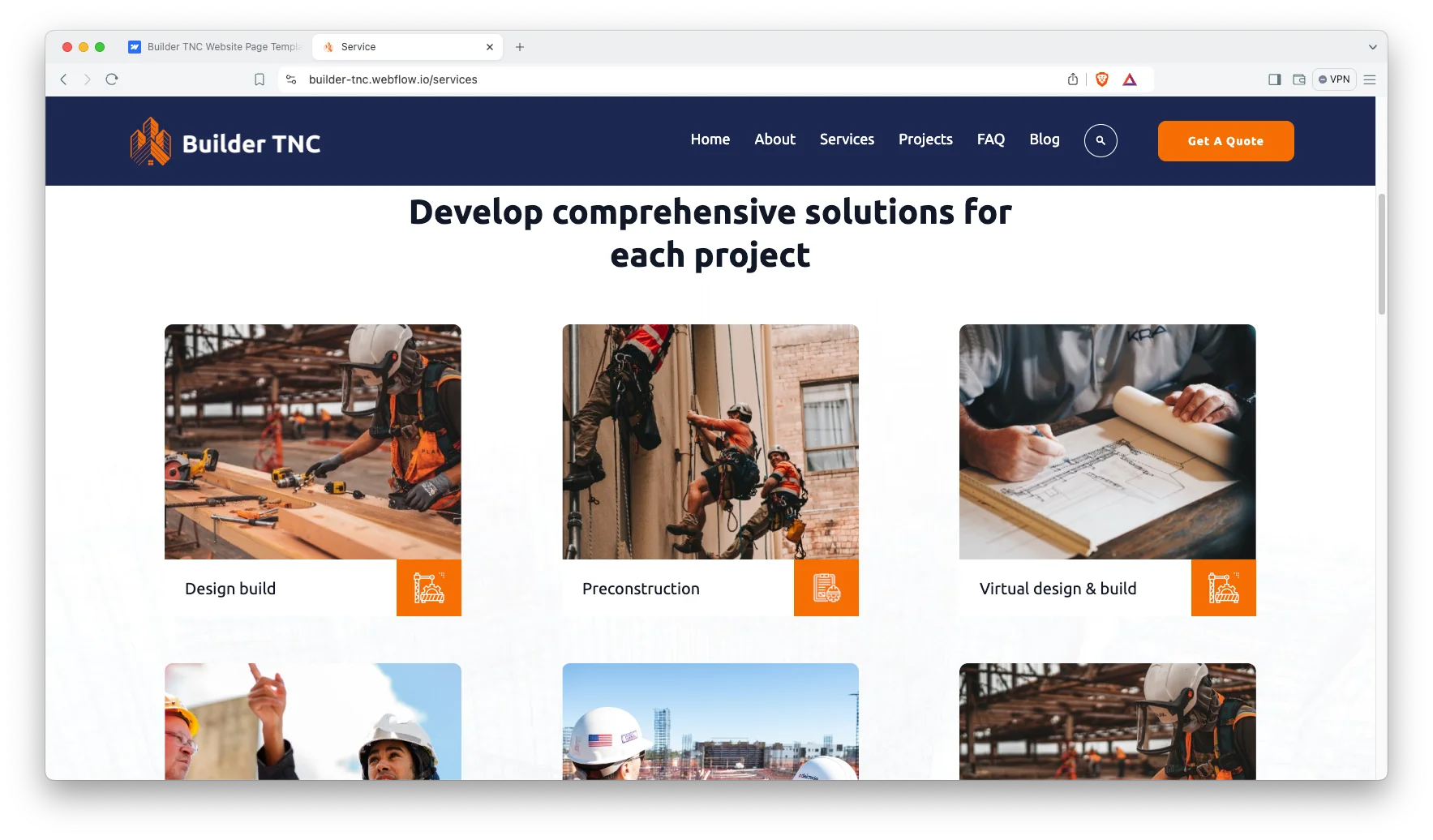
Services showcase. Each core service gets a dedicated block. So groundwork, fit out, renovation or design build can each carry their own page.
Watch on YouTube
Want the quick version? This short video walks through the template screen by screen, including the CMS collections and the project pages.
Pages Included in Builder TNC
The template holds 15 pages. That covers home, about, services, projects, FAQ, blog and a search results page. It also adds CMS templates for blog posts, blog categories, tags, authors, service categories and project categories. A custom 404 page is in there too.
- Home
- About
- Services
- Project
- Faq
- Blog
- Blog Post
- Custom 404
- Search Result
- Pages
- Service Category
- Project Category
- Tags
- Blog Category
- Authors Page
How to Use Builder TNC
- Use the purchase widget on the right side of this page to buy the Builder TNC template
- Then follow the setup instructions supplied with your download
- Next, replace the demo content with your own projects, photos and services
- After that, adjust color and type to match your brand
- Finally, preview the result on each device size and publish
What Construction Clients Look for on a Website
Construction buyers arrive with a specific worry. Can this firm finish on time and on budget? Everything on the page should answer that.
So lead with completed projects, not with adjectives. A photo of a finished building convinces faster than a paragraph about quality. Put three strong projects above the fold and give each one a location and a completion date.
Then add the credentials. Licence numbers, insurance cover, trade memberships and safety records all belong on the site. Because clients often check these before calling, hiding them costs you enquiries.
Local search matters too. Most construction work is regional, so name the towns and counties you serve in the copy. Then add the same details to your Google Business Profile and keep them consistent.
Finally, make contact easy. A phone number in the header beats a contact form for urgent enquiries. However, keep the form as well, because some clients prefer to send drawings and specifications in writing.
Frequently Asked Questions
Is Builder TNC a Webflow template or an HTML template?
It comes as both. You can buy the Webflow version or the static HTML version, and the Figma file is sold on its own here.
How many pages does Builder TNC include?
It includes 15 pages. That covers home, about, services, projects, FAQ, blog, search results and a custom 404, plus the CMS templates.
Does Builder TNC include a CMS?
Yes. The Webflow build ships with collections for projects, services, blog posts, categories, tags and authors, so you can add work without a developer.
Can architecture firms and real estate agencies use Builder TNC?
Yes. The project and service layouts suit any firm that sells visual, project based work, including architects, developers and property agencies.
Does Builder TNC include a blog?
Yes. The template ships with a blog, blog post, category, tag and author layout, so you can publish industry content from day one.
Is the Figma file included with the template?
No. The Figma file is a separate product on this page. Buy it if you want to redesign the layout before you build.
If you need help, the TNCFlow team answers support questions after purchase.
Check out other Webflow templates by TNCFlow.
Featured in our guides: construction website templates.





Select template
Choose one or more options for your build
