

PRO


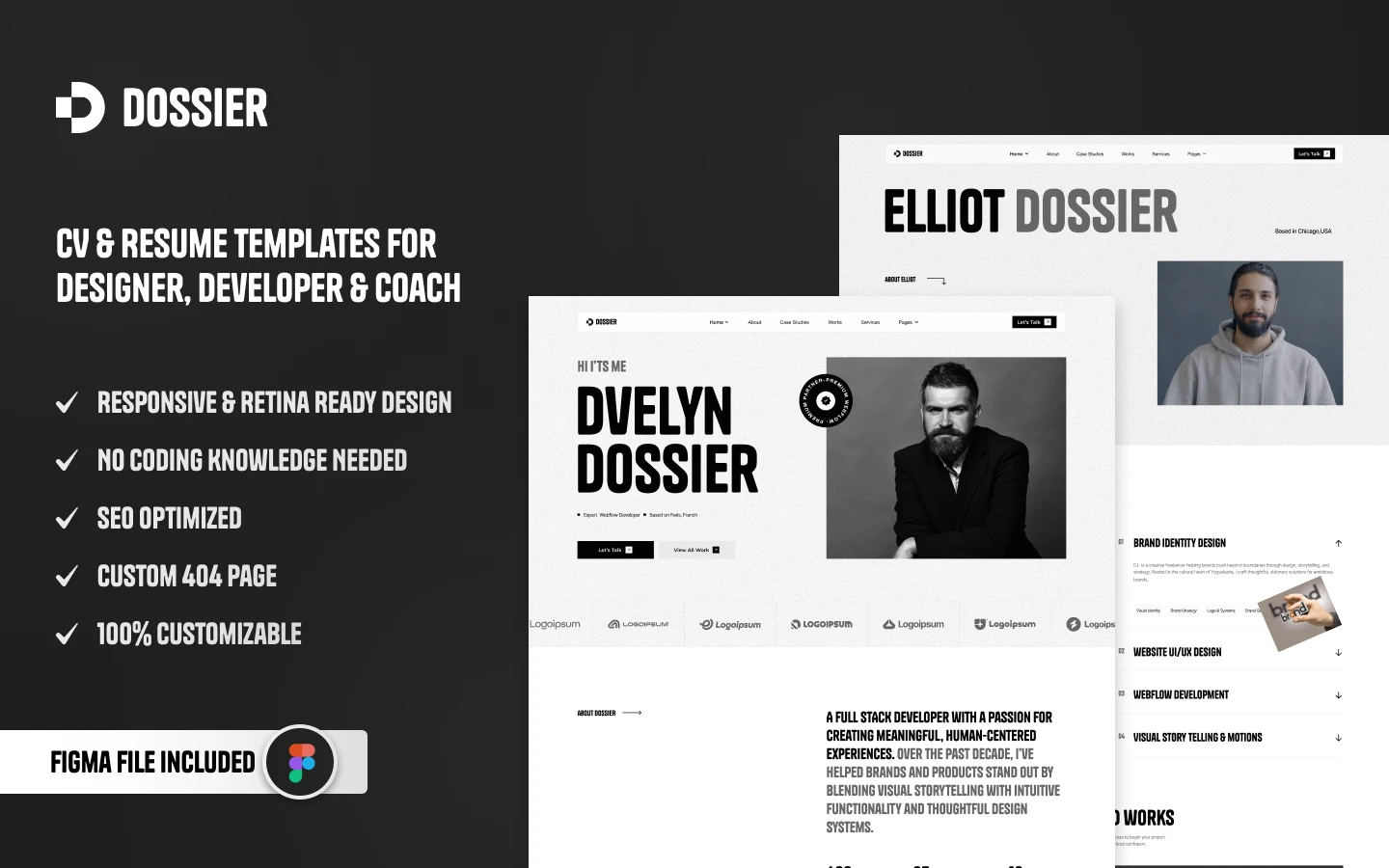
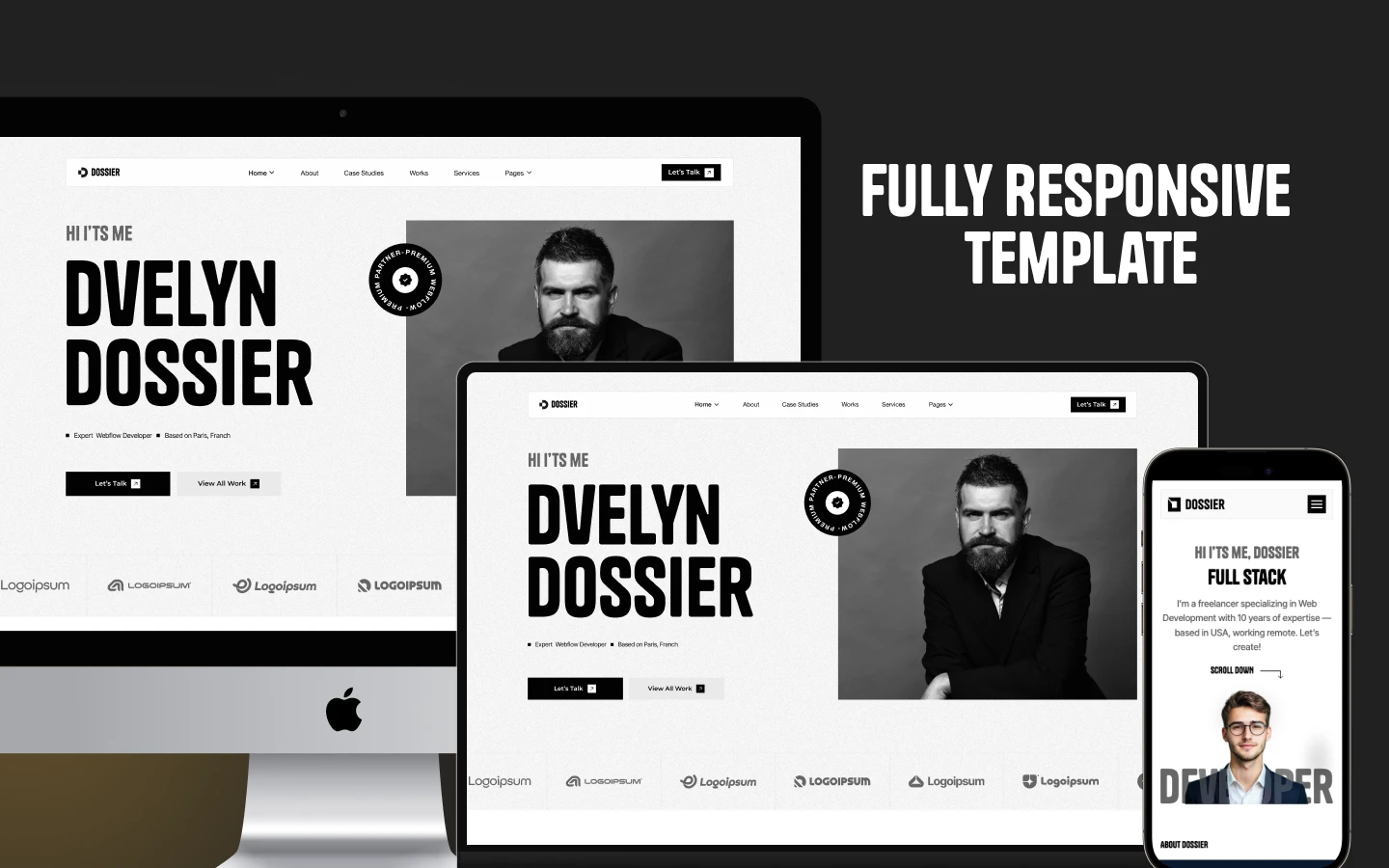
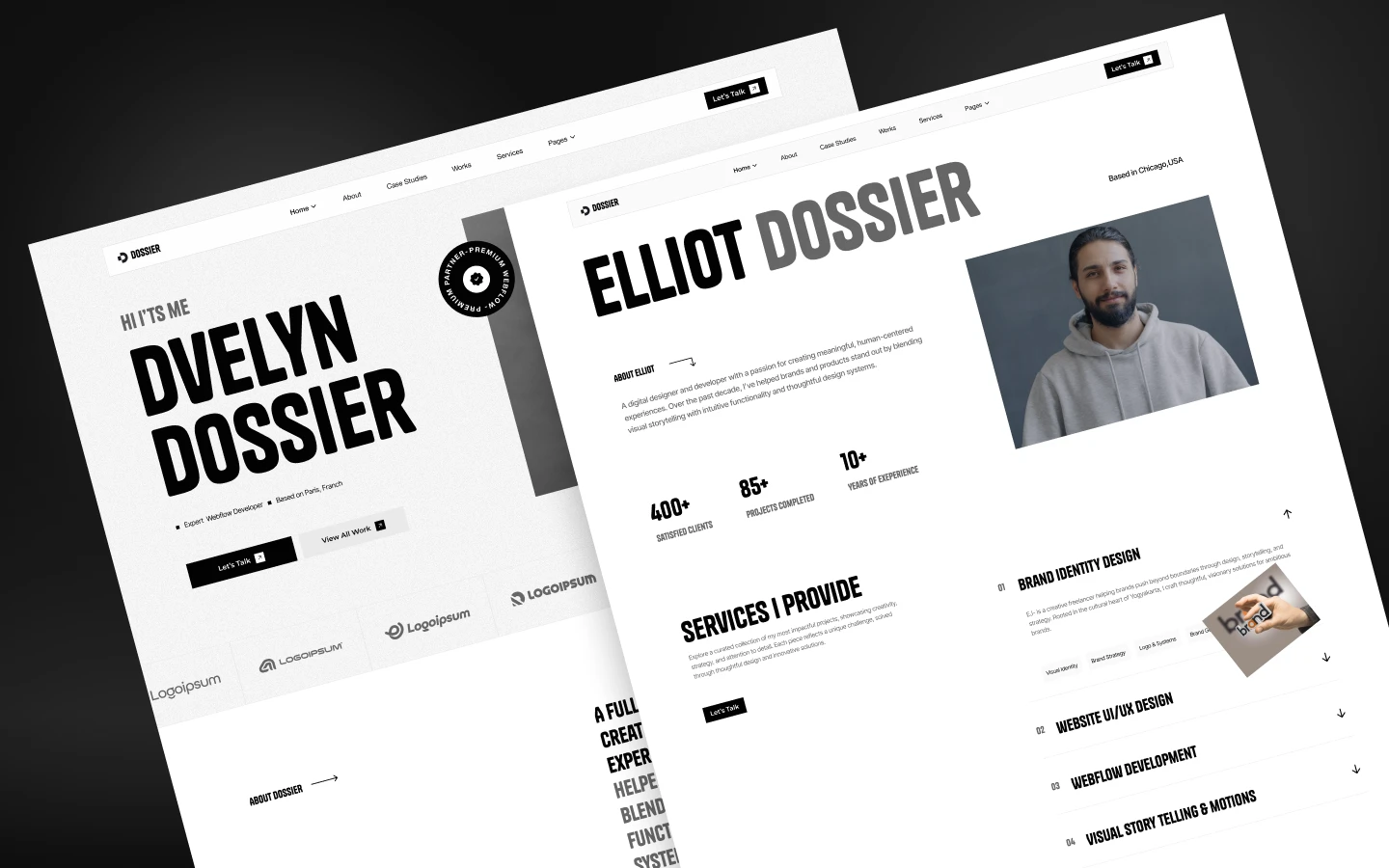
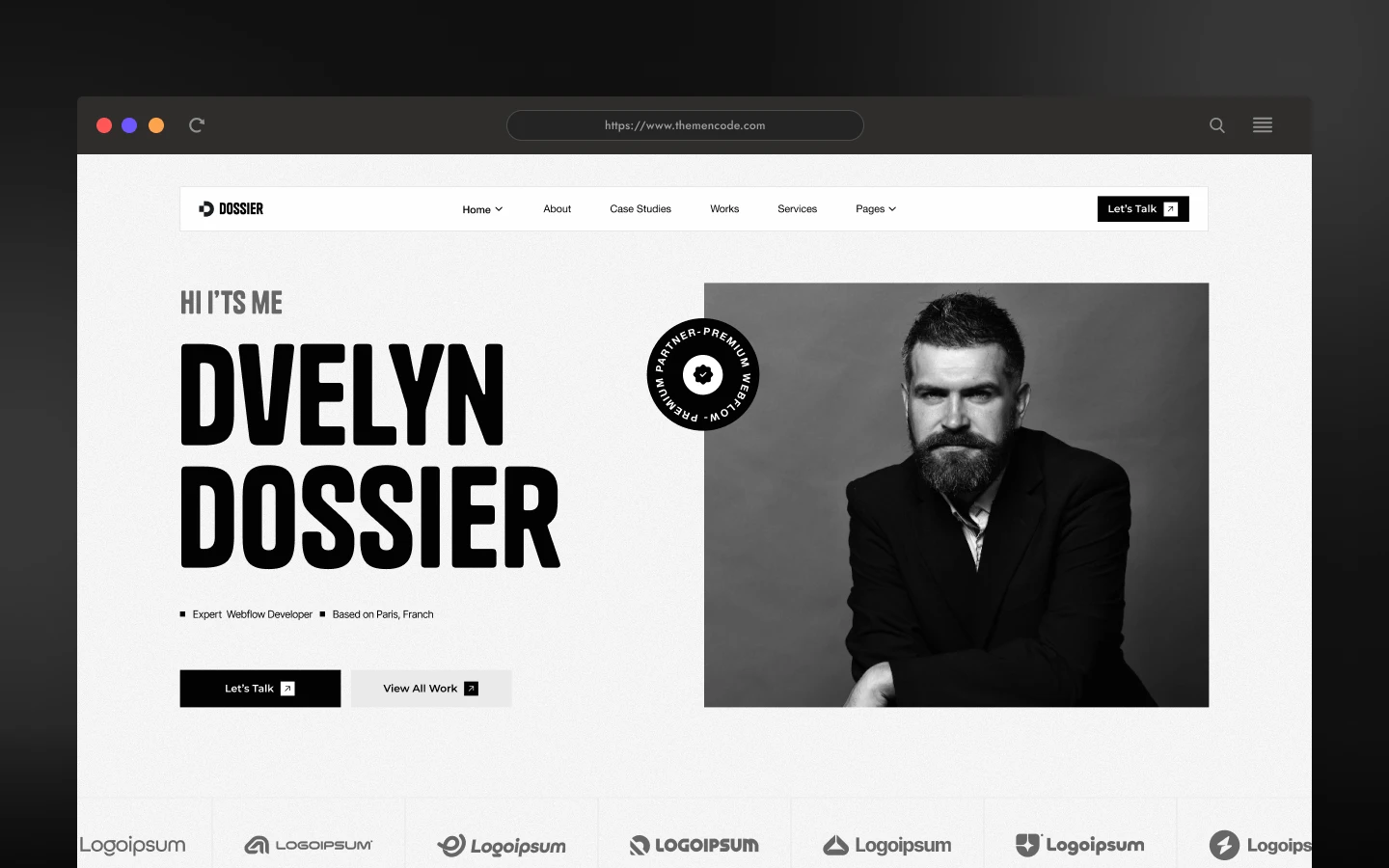
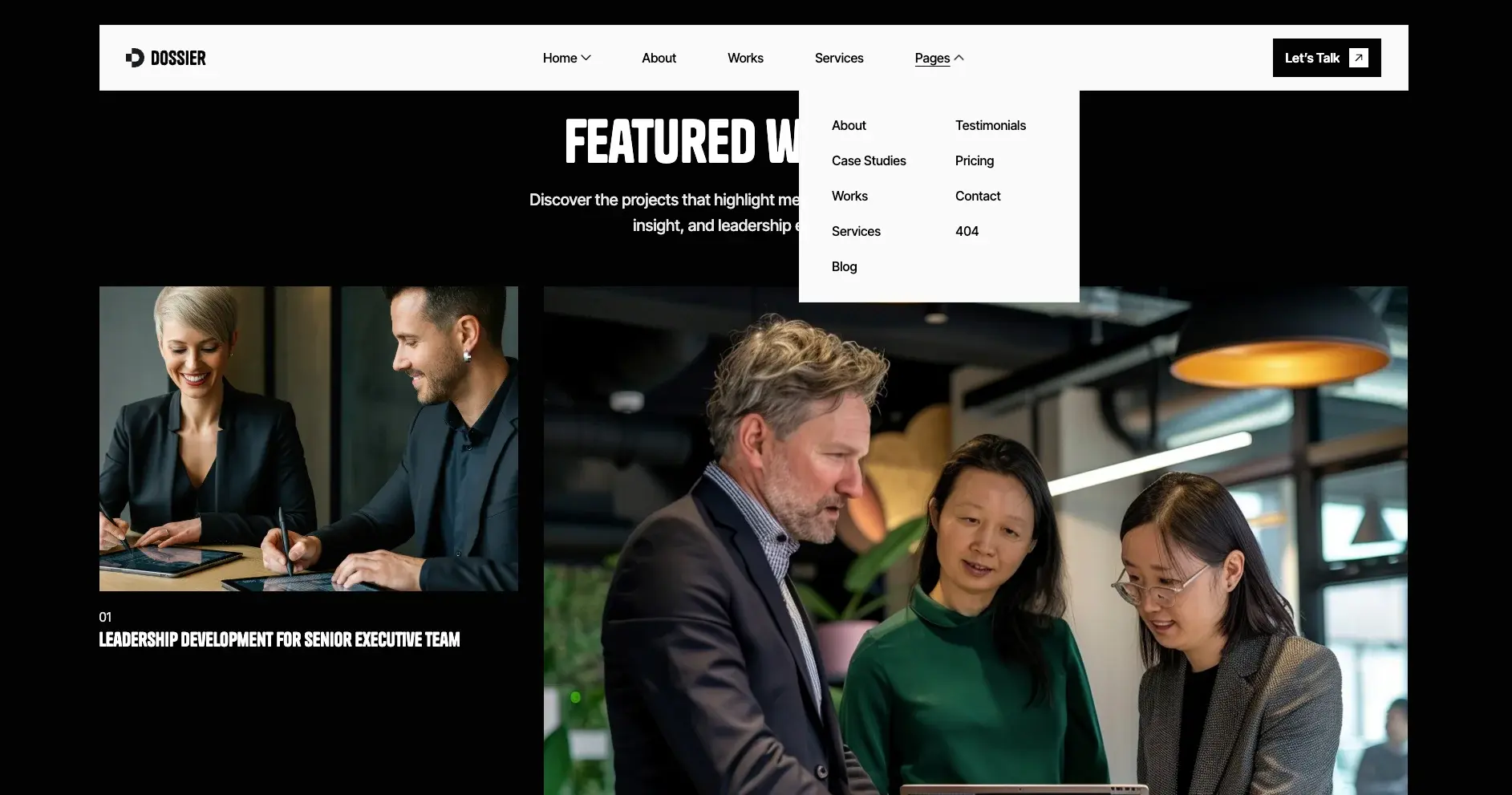
Dossier is a resume website template for consultants, freelancers and independent professionals. It ships for Webflow, Astro, Figma and HTML.
A PDF resume documents your experience, but a resume website demonstrates it. So Dossier combines a professional profile with detailed case studies, transparent service tiers and independent client testimonials. Prospective clients evaluate your credentials, then contact you directly.
Each section has one job. The three home pages let you lead with a bio, with numbers or with visual work. The works grid carries your projects. Because the Webflow build runs on CMS, you can add a new case study in minutes.
Explore the live preview now.
Dossier at a Glance
| Formats | Webflow, Astro, HTML and Figma |
| Best for | Consultants, freelancers, coaches, designers, developers and professional service firms |
| CMS | Webflow CMS enabled |
| Home pages | 3 |
| Core pages | About, Services, Pricing, Works, Case Studies, Blog, Testimonials, Contact |
| Utility pages | 404, style guide, licence, change log and setup instructions |
| Responsive | Desktop, laptop, tablet and mobile |
| Support | Included with every purchase |
Key Features of Dossier
Three Home Page Layouts: You get three ready-made home pages. Each one leads with a different hook, so you can match the layout to the way you sell.

CMS Collections: Manage case studies, client reports, testimonials, blog posts, services, team bios and FAQs from Webflow CMS. That way you publish without a developer.
Advanced Animations: Smooth scroll effects, hover interactions on document cards and subtle transitions. They deliver a premium impression without compromising performance.
Testimonials and Social Proof: Slider carousels, star ratings, client logos and animated counters. Because hiring is a trust decision, this section does real work.

Case Study Showcase: Dynamic grids with timelines, before and after stats, client quotes and project images. Categories are filterable, so visitors can find work like theirs.

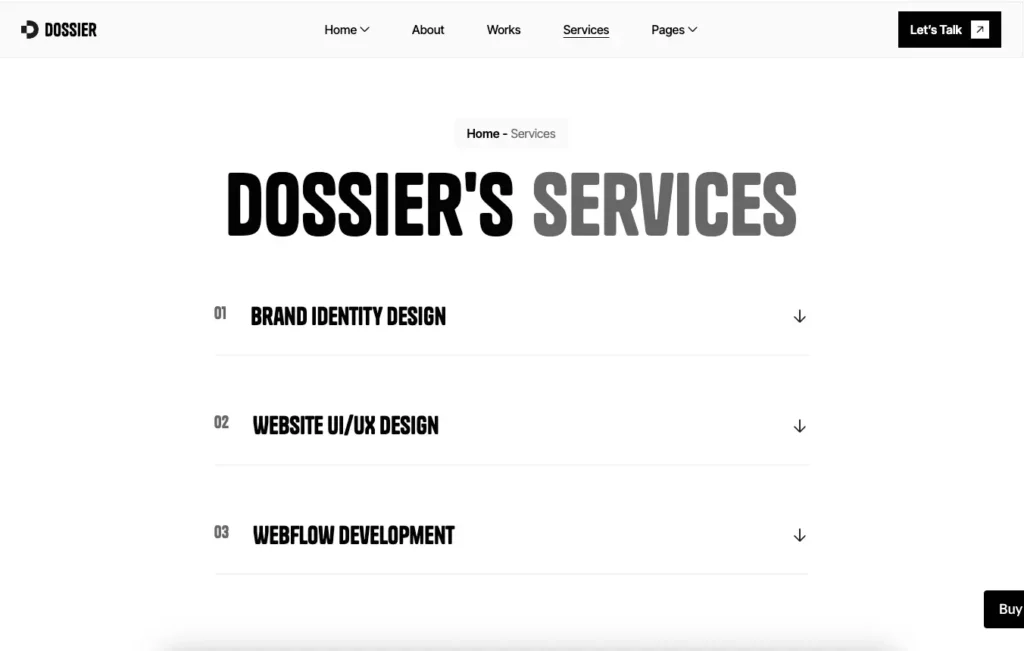
Services and Pricing Page: Clear service tiers with feature comparisons and an enquiry form. Buyers can see what you charge before they contact you.
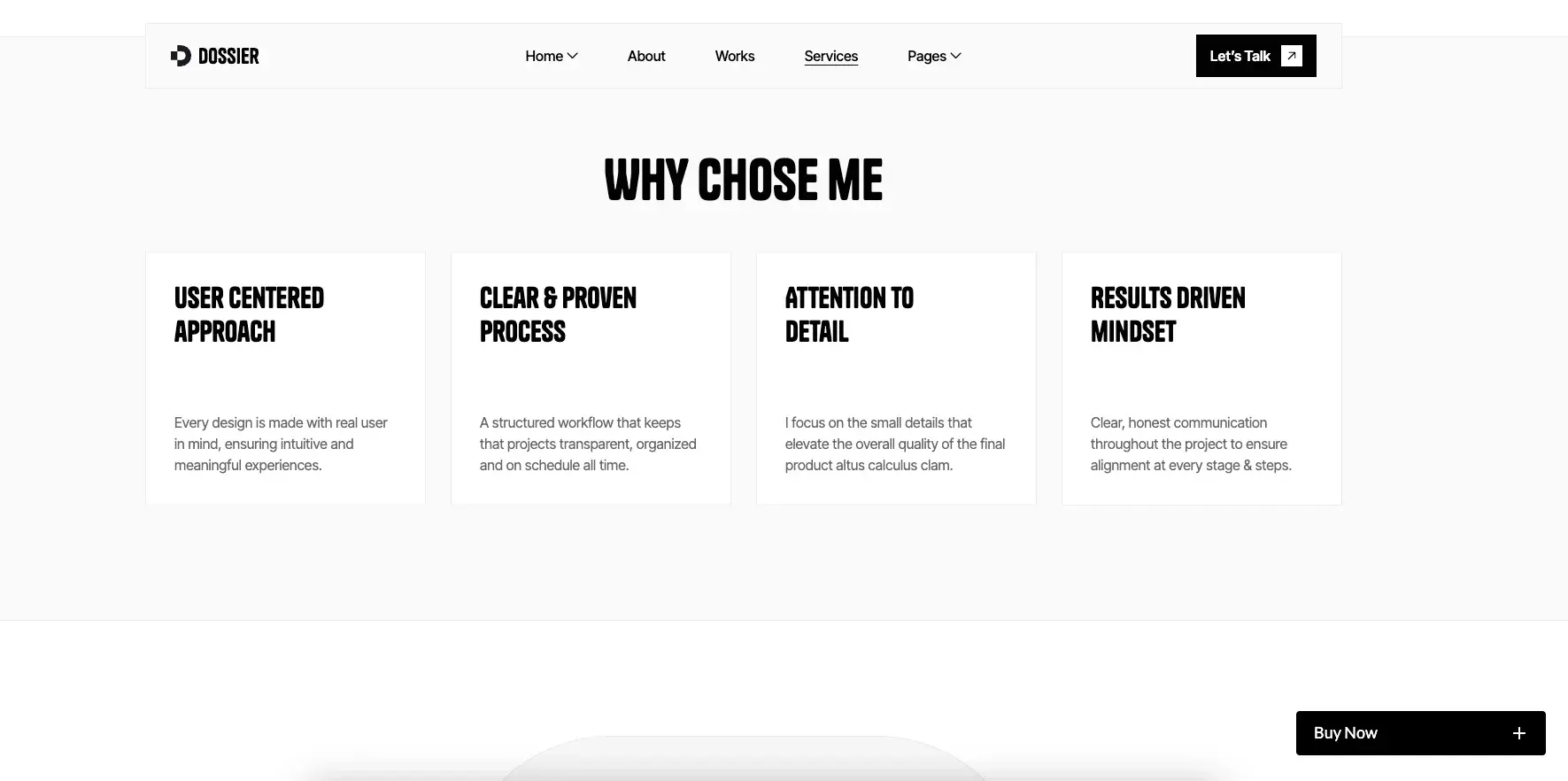
Why Choose Us Section: A four column comparison block covering demonstrated results, specialist expertise, client confidentiality and delivery speed.
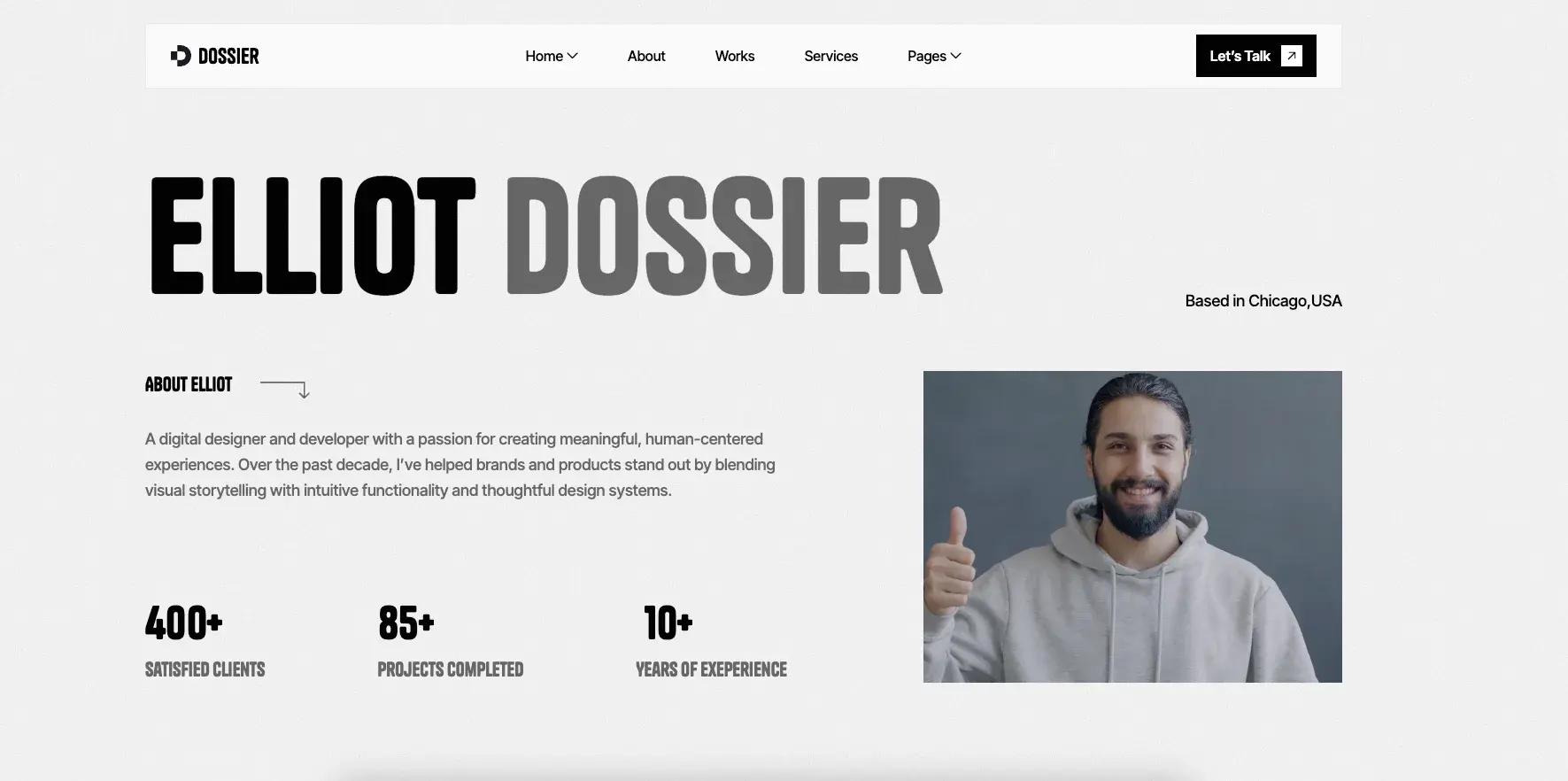
Trust-Building Elements: Download statistics, security badges and animated client counters. So a first-time visitor encounters credibility signals immediately.
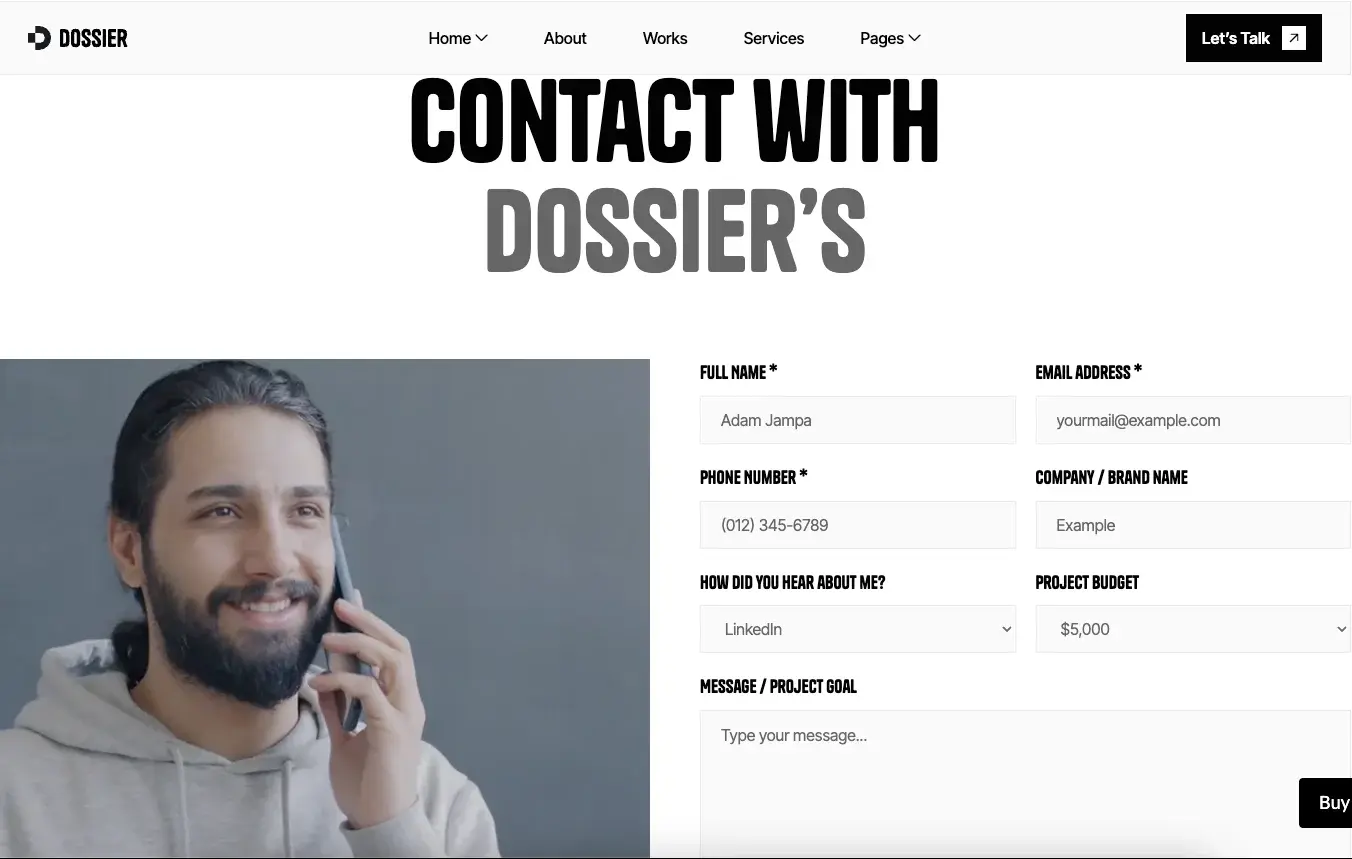
Contact and Forms: Enquiry forms, a newsletter signup and a contact layout built for privacy-conscious clients.
Perfect Responsiveness: CSS Grid layouts and retina-ready images. The design holds up on mobile, tablet and desktop.

Modern Typography: Premium typefaces with a disciplined heading hierarchy. Extended case studies remain comfortable to read throughout.
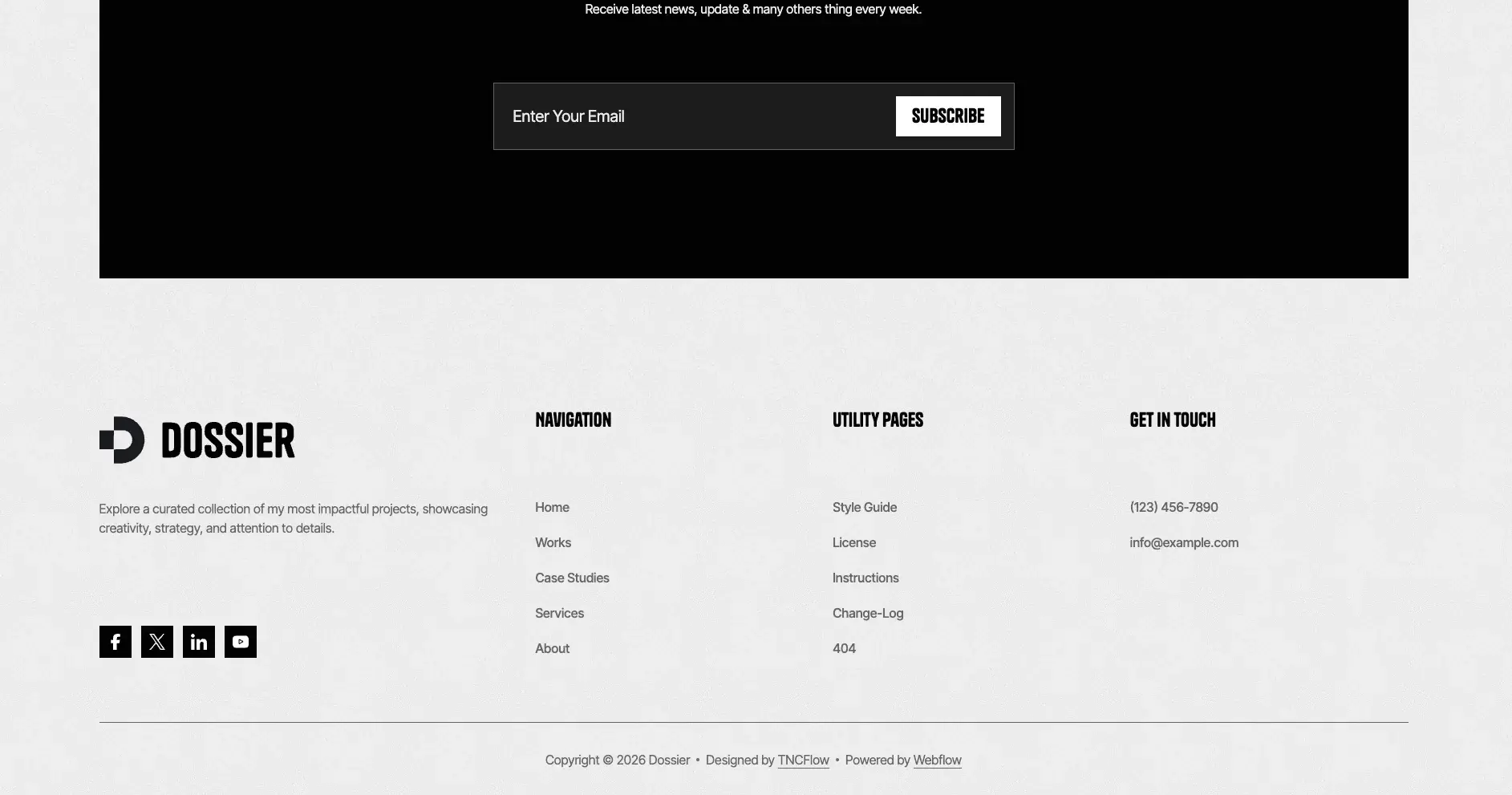
Complete Utility Pages: A 404 page, a style guide, a licence page, a change log and setup instructions.
Professional Support and Updates: You get direct help from the TNCFlow support team, plus regular template updates.
Watch on YouTube
Prefer to watch first? This short video walks through the template and shows how to set it up.
Pages Included in Dossier
- Home 01, Home 02 and Home 03
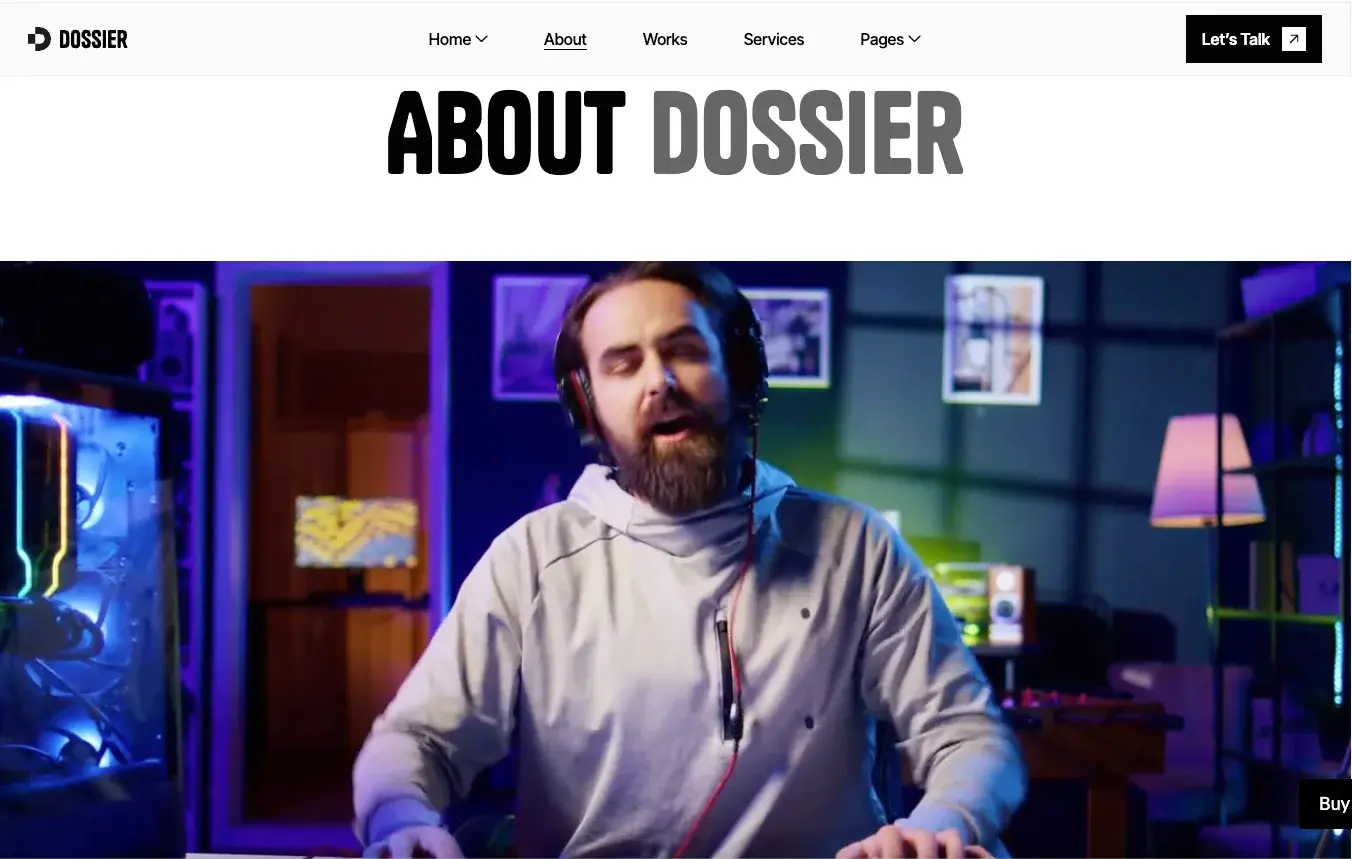
- About
- Services
- Pricing
- Works and a work detail template
- Case Studies
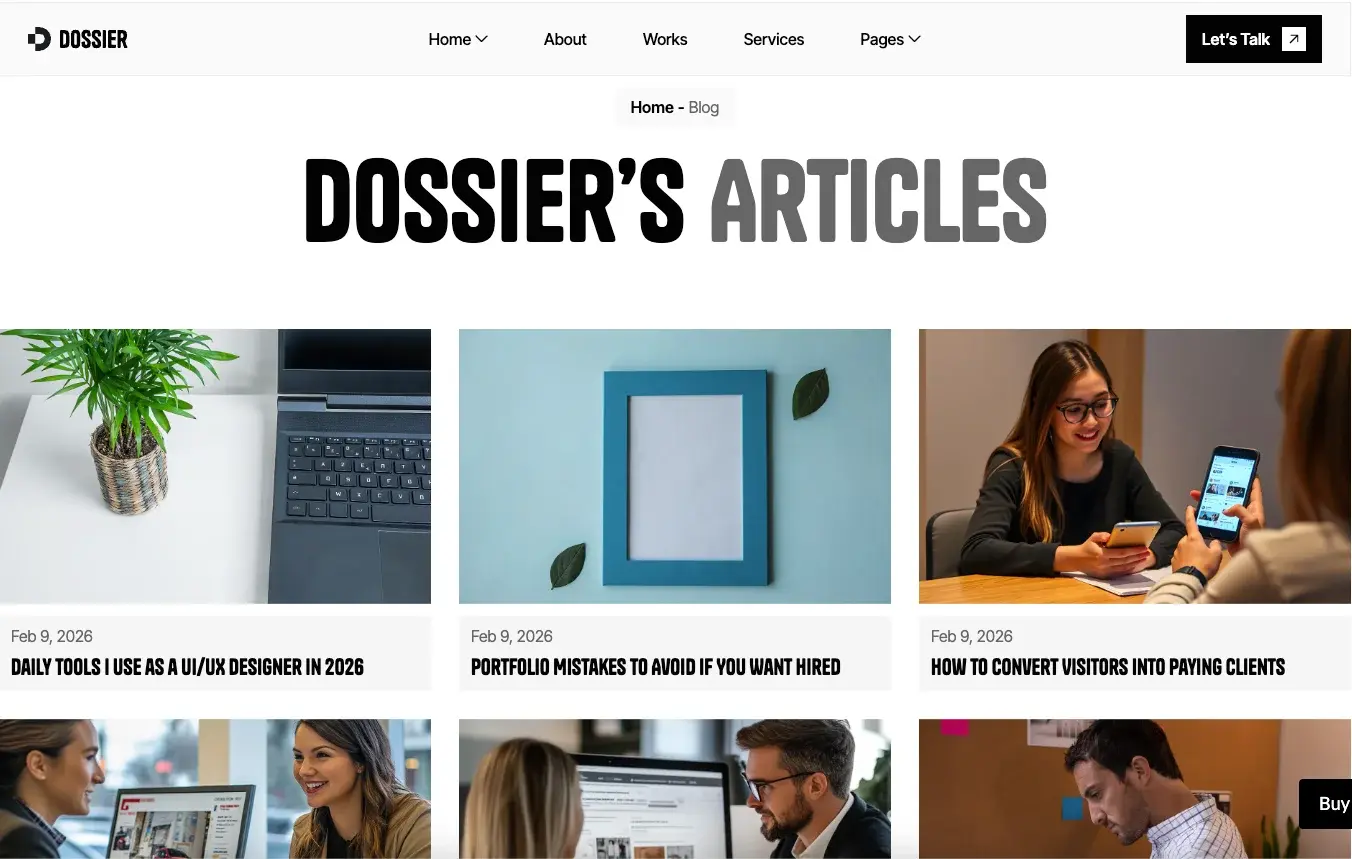
- Blog and a blog post template
- Testimonials
- Contact
- 404
- Utility pages: style guide, licence, change log and instructions
How to Use Dossier
- Use the purchase widget on the right side of this page to buy the Dossier template
- Replace the demo content with your profile, services and imagery
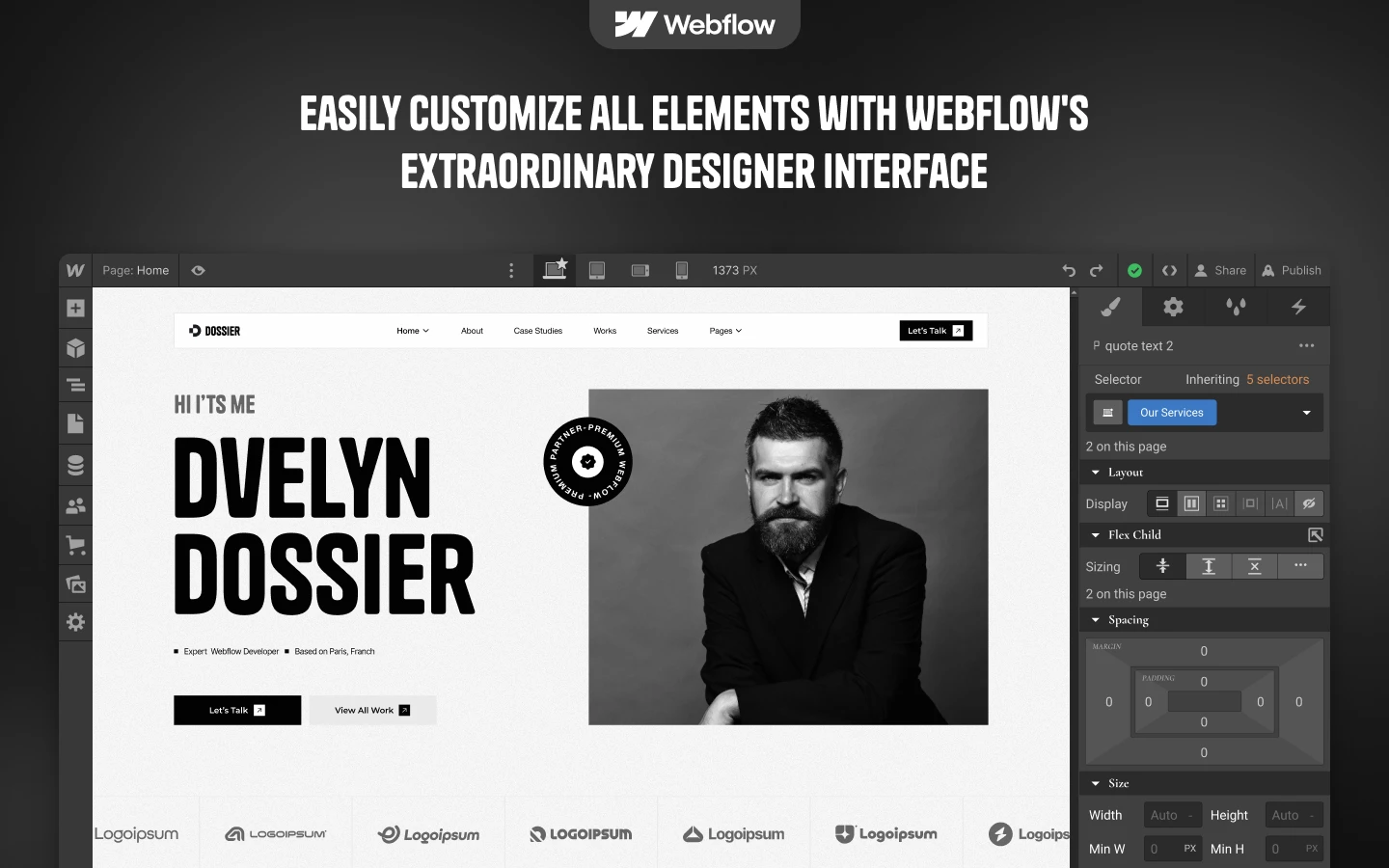
- Customise the design in the Webflow Designer
- Set up CMS for projects, clients, services and testimonials
- Test across devices, then publish
What a Resume Website Does That a PDF Cannot
A PDF resume is a terminal document. Nobody links to it, and search engines index it poorly. A resume website behaves differently, because every project you publish becomes an indexable page that prospective clients can discover.
Evidence outperforms assertion. So the strongest resume websites open with two or three substantial case studies, then reinforce them with measurable outcomes and recognisable client names. Dossier allocates a dedicated section to each.
Then remove the friction. If a visitor admires your portfolio, they should never have to search for a way to reach you. That is why the services page publishes indicative pricing and the enquiry form sits one click from every page.
Dossier Frequently Asked Questions
How many home page layouts does Dossier include?
Three. Each one leads with a different hook, so you can pick the version that suits how you sell. All three share the same sections underneath.
Can I use Dossier as a personal CV site rather than an agency site?
Yes. Swap the team block for a single profile and use the works grid for your own projects. The services and pricing page then acts as your rate card.
Does Dossier include a blog?
Yes. There is a blog index, a blog post template and a CMS collection behind them. So you can publish articles and keep them on brand.
Is the Figma file included with the template?
No. The Figma file is a separate product with its own price. So you can buy the design on its own, or buy it alongside the Webflow or HTML build.
Do I need coding skills to edit Dossier?
No. The Webflow build is fully visual, so you edit text and images on the canvas. However, the HTML build needs a developer for structural changes, and the Figma file is for designers.
Can I show case studies and client work in Dossier?
Yes. The works grid and the case studies section both run on CMS. Each entry supports a timeline, result stats, quotes and project images.
Ready to Launch Your Resume Website?
Dossier turns a static CV into a site that keeps working. It shows your projects, answers the obvious questions and gives clients a clear way to hire you.
Check out other Webflow templates by TNCFlow.
Featured in our guides: Figma portfolio templates, photography website templates and lawyer website templates.


Select template
Choose one or more options for your build
All-Access Pass
$199
/ Yearly
$20,000+ in assets
130+ Webflow Templates
130+ Figma UI Templates
45+ Framer Templates
130+ HTML Templates
