
PRO

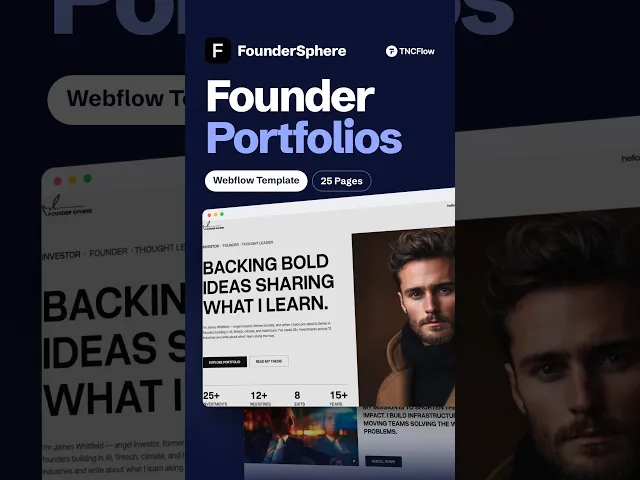
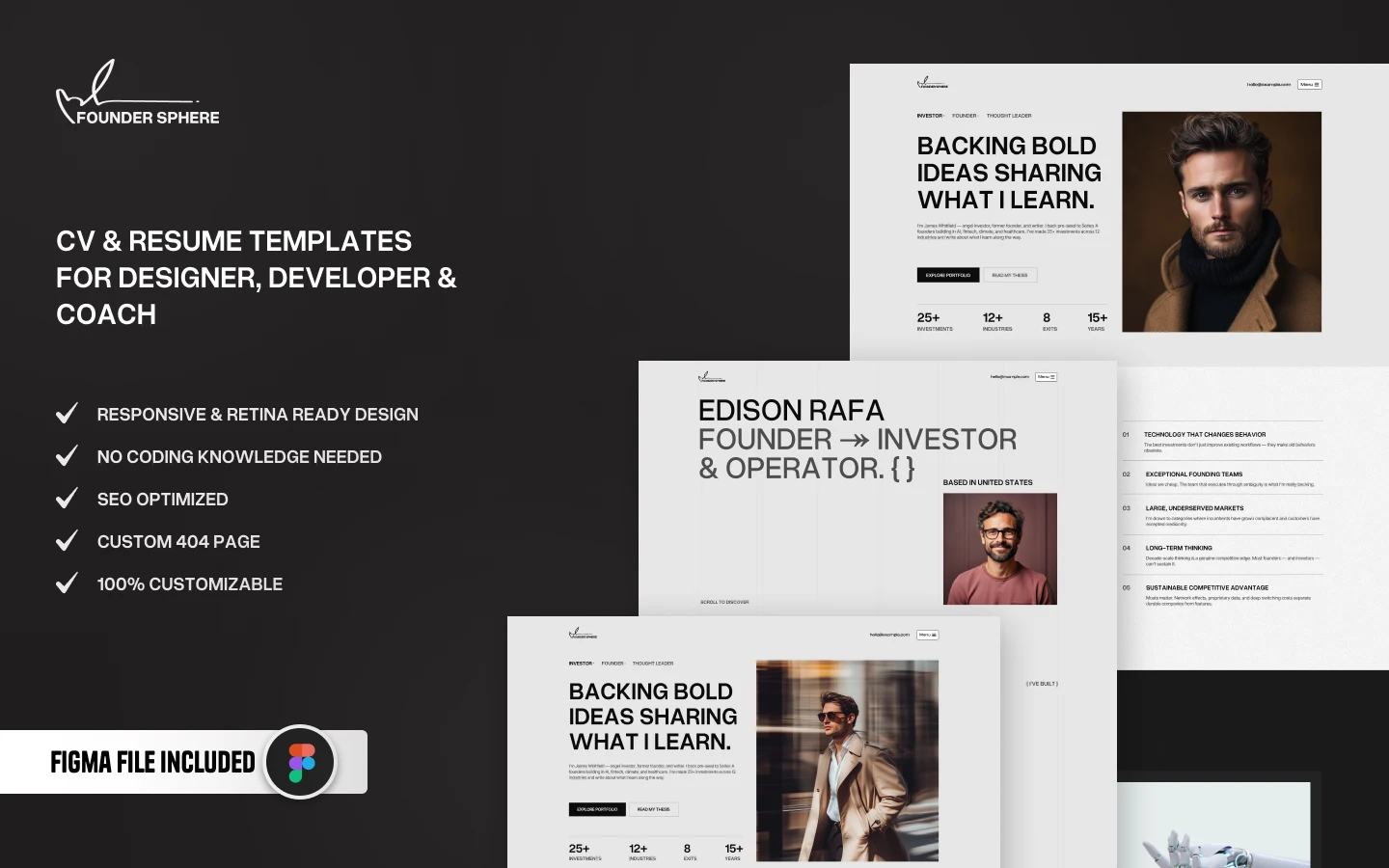
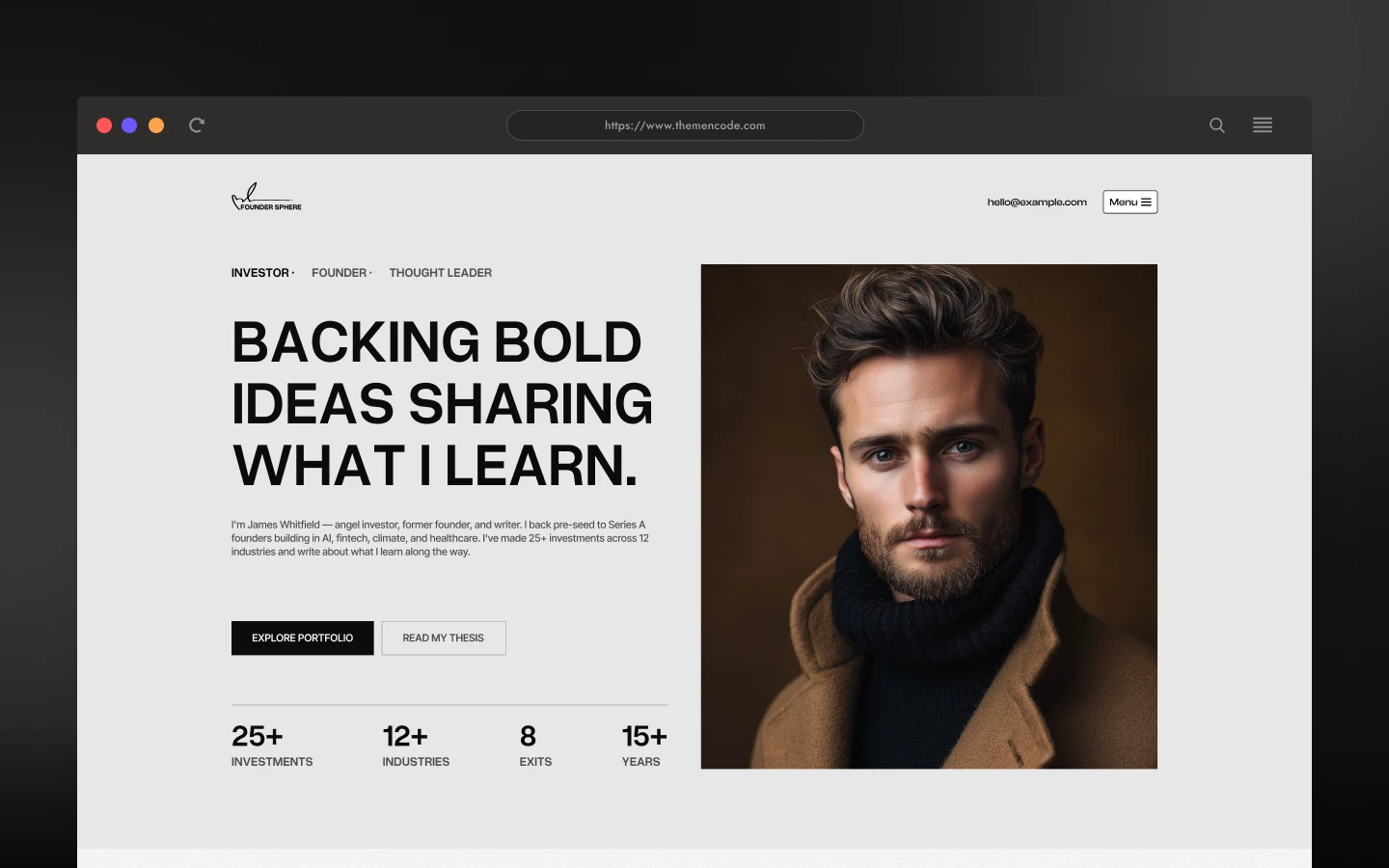
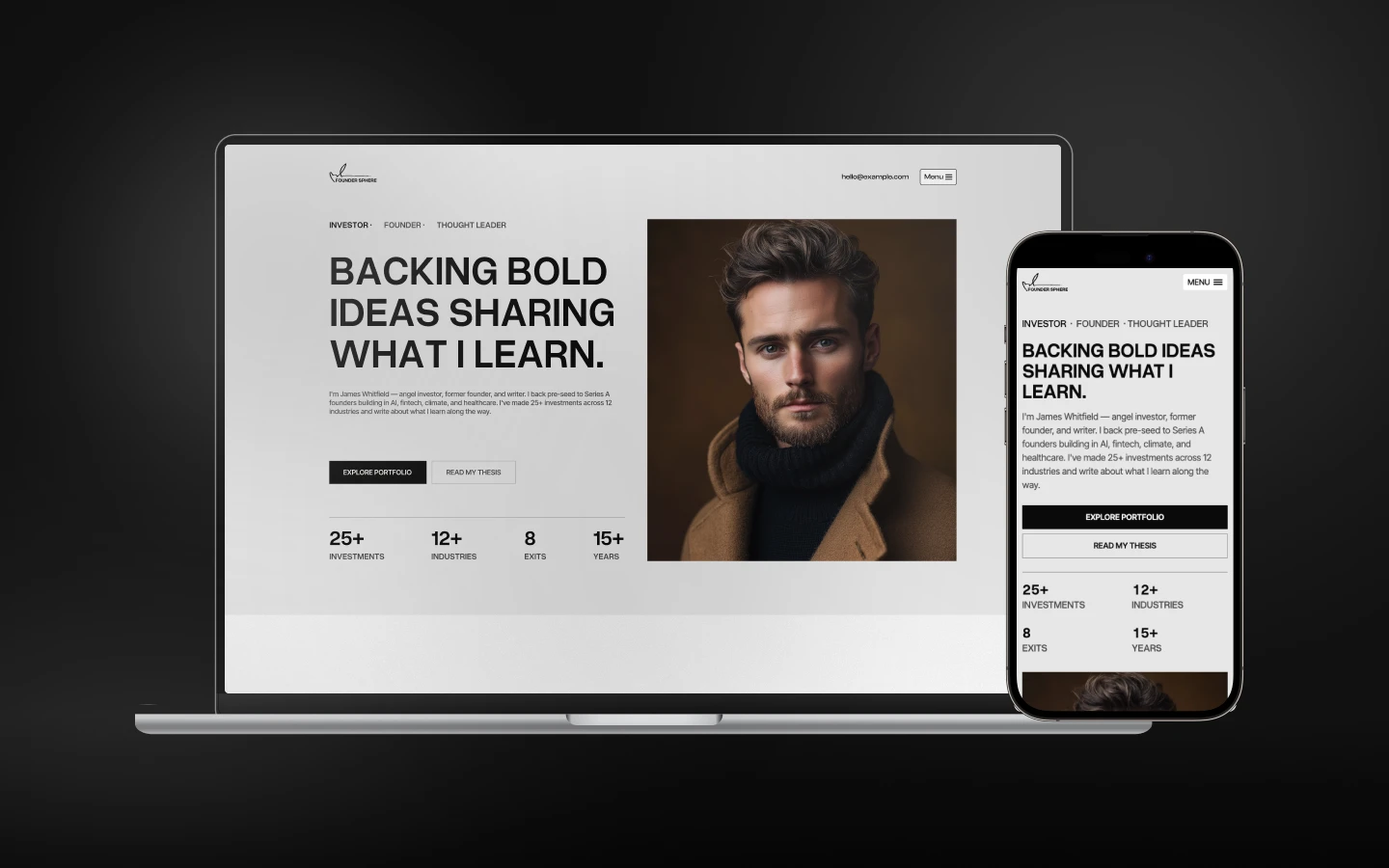
FounderSphere is a modern Webflow template for founders, investors, entrepreneurs, and thought leaders who want to showcase their ventures, experience, ideas, insights, and professional journey through a polished personal website. It ships for Webflow, Figma, Framer and HTML.
FounderSphere is a multi-layout personal website template designed around the world of entrepreneurship, investing, venture building, and professional thought leadership.
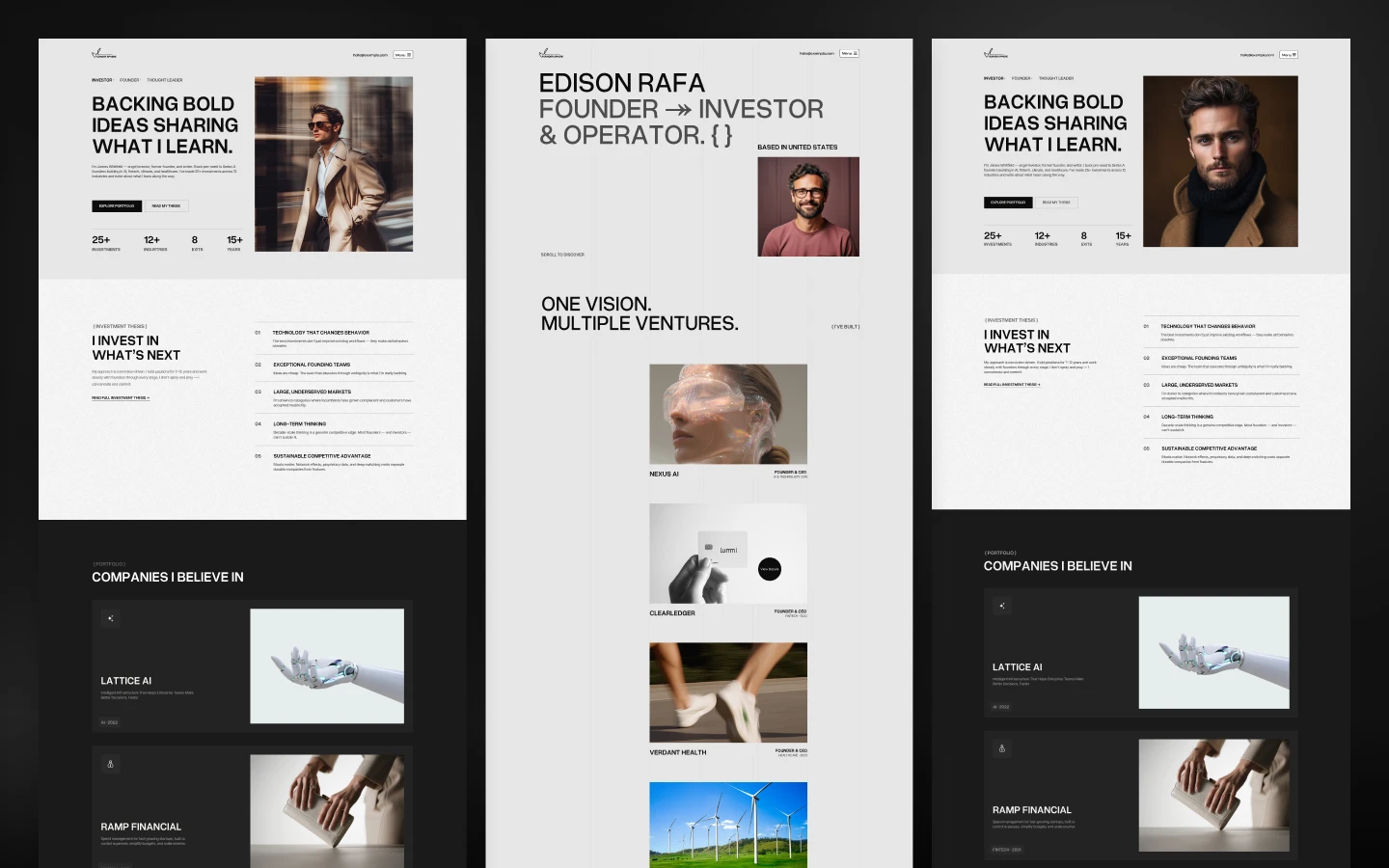
Built for founders and entrepreneurial professionals, FounderSphere gives you three distinct homepage directions, three About page layouts, and three Contact page layouts, allowing you to choose a visual structure that best fits your personal brand.
The template is designed to bring together the key elements of a founder’s online presence: a strong personal introduction, venture portfolio, investment philosophy, professional experience, milestones, speaking opportunities, community involvement, articles, podcast content, and direct contact.
The three homepage layouts approach the same personal-brand concept from different perspectives. One focuses heavily on investing and portfolio building, another presents a founder-oriented personal profile, while the third is built around the journey of a serial entrepreneur and operator.
Beyond the homepage variations, FounderSphere includes dedicated About, Contact, Ventures, Blog, Podcast, and Investment Thesis pages. The Ventures and Blog areas provide structured content for showcasing companies and publishing insights, while the Thesis page gives investors and founders a dedicated place to communicate their investment philosophy and areas of focus.
FounderSphere also includes utility pages such as a Style Guide, Instructions, Changelog, Licenses, 404 Error, and Protected Page, giving you the core supporting pages needed to customize and launch the website.
Whether you are presenting your portfolio, documenting your entrepreneurial journey, sharing ideas, or creating a central home for your personal brand, FounderSphere provides multiple layouts and content structures to build around.
Explore the live preview now.
FounderSphere at a Glance
| Formats | Webflow, Figma and HTML |
| Best for | Founders, serial entrepreneurs, angel investors, venture builders, startup operators, advisors, speakers, and thought leaders. |
| Pages | 25+ pages including 3 homepage layouts, 3 About layouts, 3 Contact layouts, Ventures, Blog, Podcast, Investment Thesis, utility pages, and supporting content pages. |
| CMS | Webflow CMS-powered content is used for structured Venture and Blog content. |
| Layout | Multi-layout personal website with three distinct homepage directions and matching About and Contact variations. |
| Content Focus | Founder profile, ventures, investment philosophy, experience, milestones, speaking, community, insights, podcast content, and contact. |
| Documentation | Includes a dedicated Instructions page covering editing content, CMS content, components, breakpoints, backups, and custom-code guidance. |
| Responsive | Yes, on desktop, tablet and mobile |
| Support | Included, direct from the TNCFlow team |
Who Is FounderSphere For?
FounderSphere is designed for people whose professional identity is closely connected to what they build, invest in, operate, or share.
It works particularly well for:
- Founders building a personal brand around their company-building journey
- Serial entrepreneurs showcasing multiple ventures
- Angel investors presenting their investment portfolio and thesis
- Venture builders documenting companies and milestones
- Startup operators highlighting their experience and achievements
- Advisors and business leaders sharing expertise and professional experience
- Speakers and thought leaders presenting speaking topics and appearances
- Entrepreneurs publishing articles, insights, and ideas
- Professionals who want a central website combining biography, work, ventures, and content
Key Features of FounderSphere
Three Complete Homepage Layouts: FounderSphere includes three distinct homepage directions: Investor, Founder, and Serial Entrepreneur. Each provides a different way to present the same personal-brand website around investing, company building, or entrepreneurial experience.
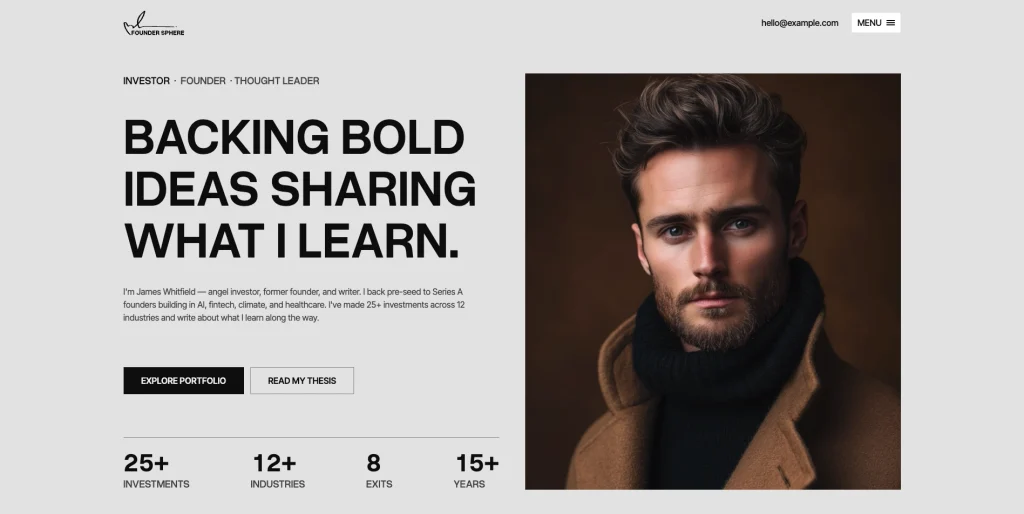
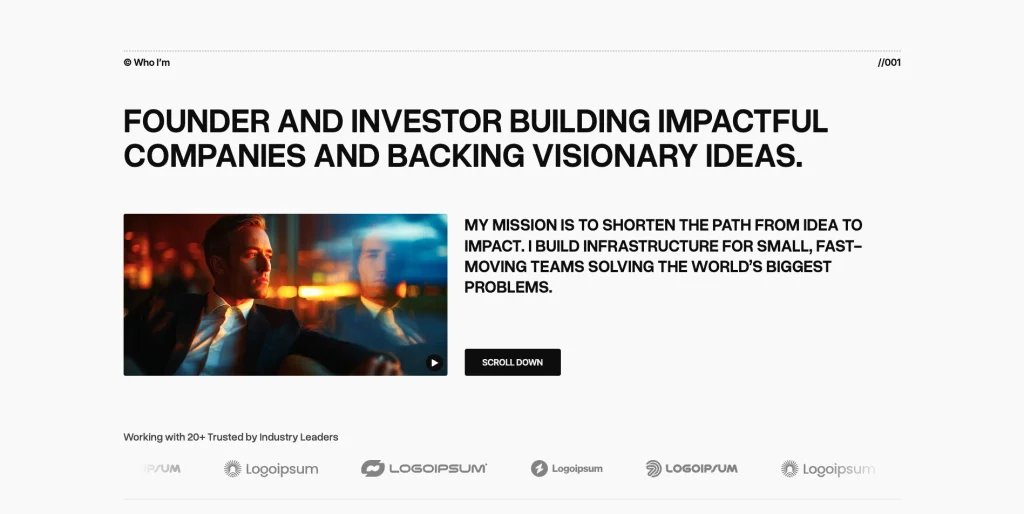
Founder-Focused Homepage: The Founder homepage provides a direct personal introduction before moving into companies built, achievements, speaking, recommendations, FAQs, and insights.
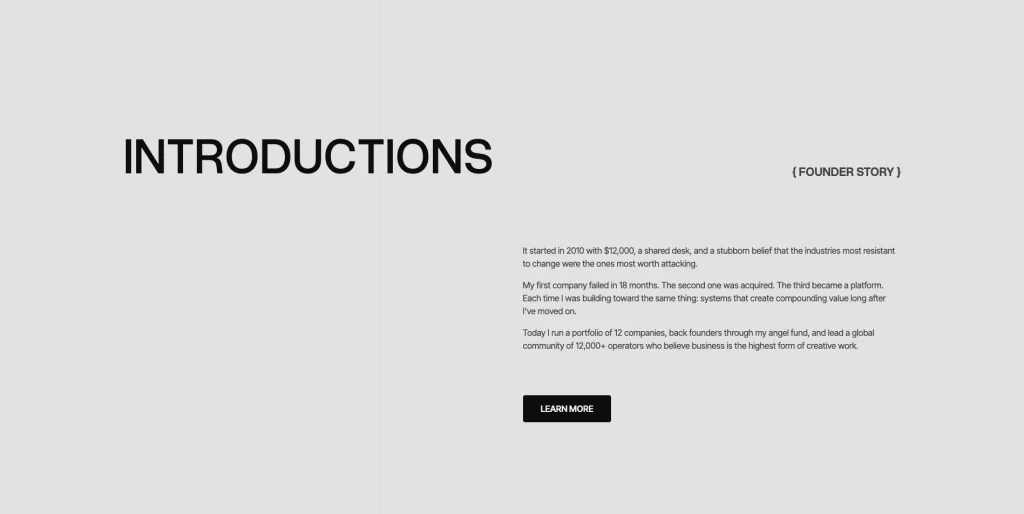
Serial Entrepreneur Homepage: The Serial Entrepreneur layout places the founder’s personal story at the center of the website before moving into ventures, industries, milestones, community, and insights.
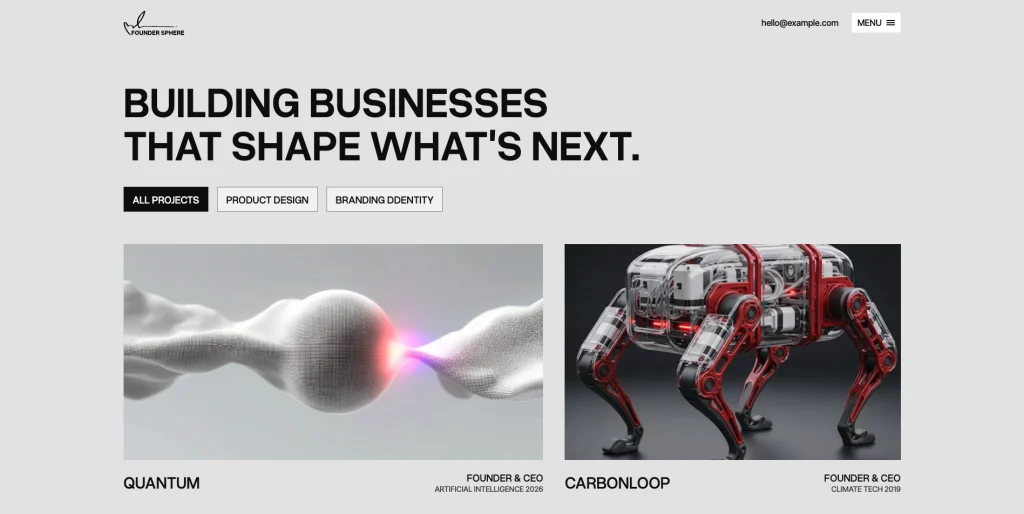
Structured Venture Portfolio: The Ventures page provides a structured portfolio presentation for showcasing multiple companies and their associated founder roles, industries, and years.
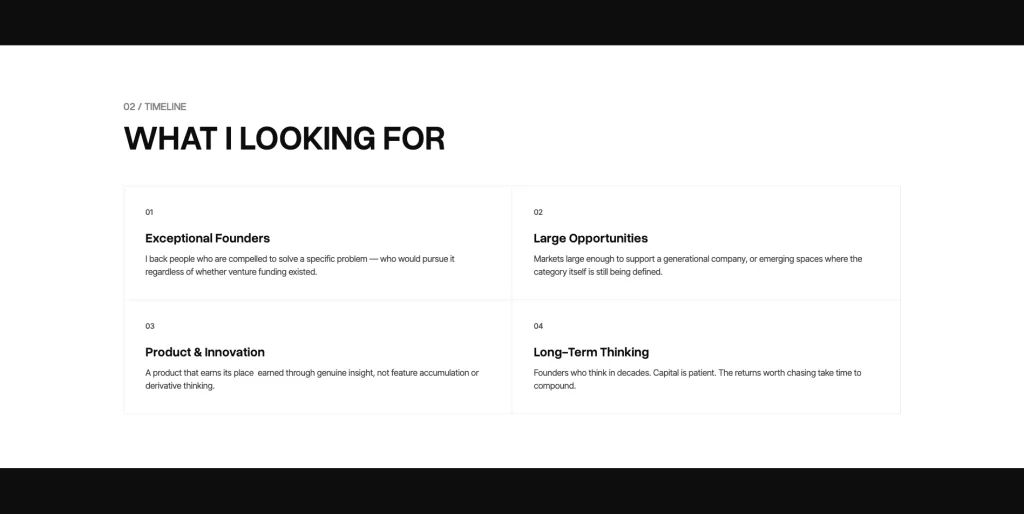
Investment Thesis: The dedicated Investment Thesis page gives investors a structured way to communicate what they look for, including exceptional founders, large opportunities, product and innovation, and long-term thinking.
Founder Journey Timeline: The timeline layout provides a visual way to present major entrepreneurial milestones, company launches, investments, acquisitions, and achievements in chronological order.
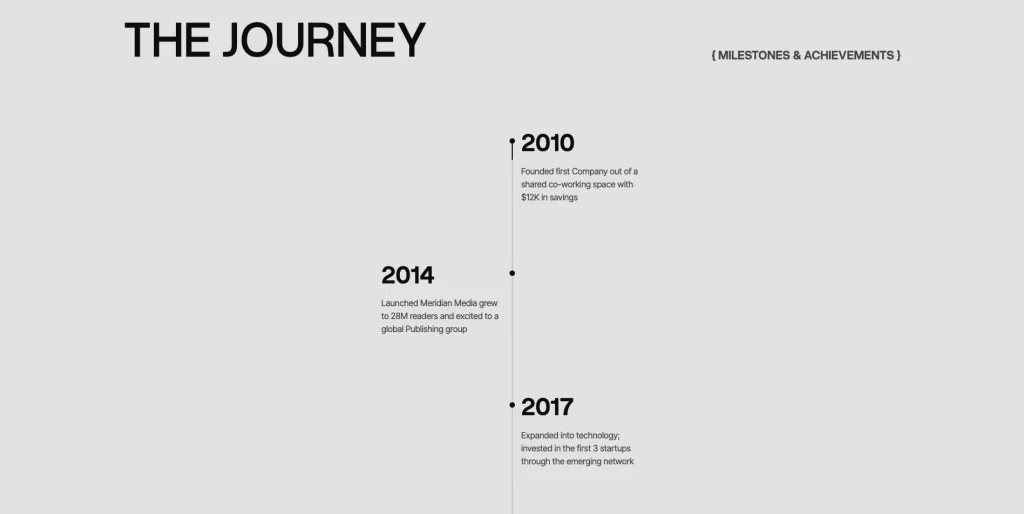
Founder Community Statistics: The community section provides a dedicated visual area for presenting measurable information about a founder’s network, reach, events, and member engagement.
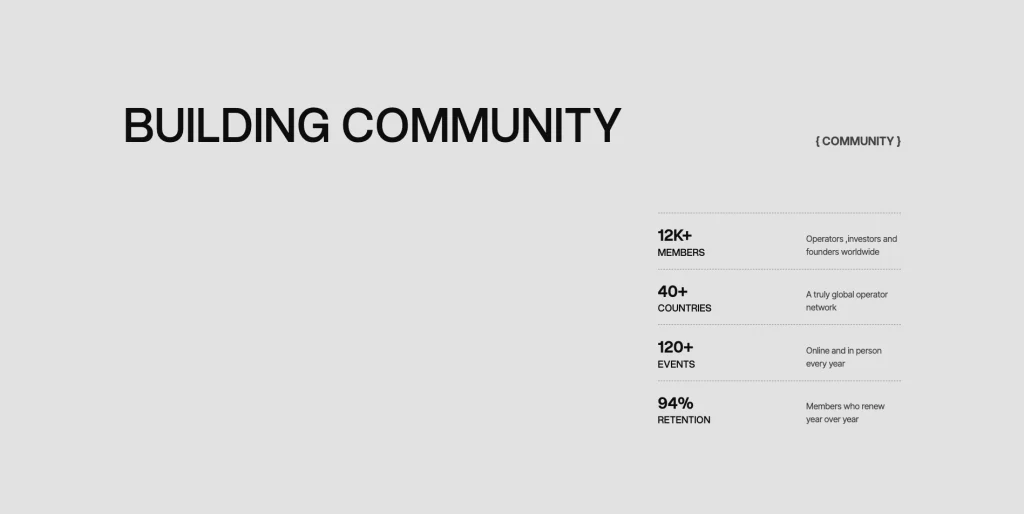
Blog & Insights: FounderSphere includes structured article content that can be surfaced as featured insights, giving a founder a dedicated way to highlight selected writing and ideas.
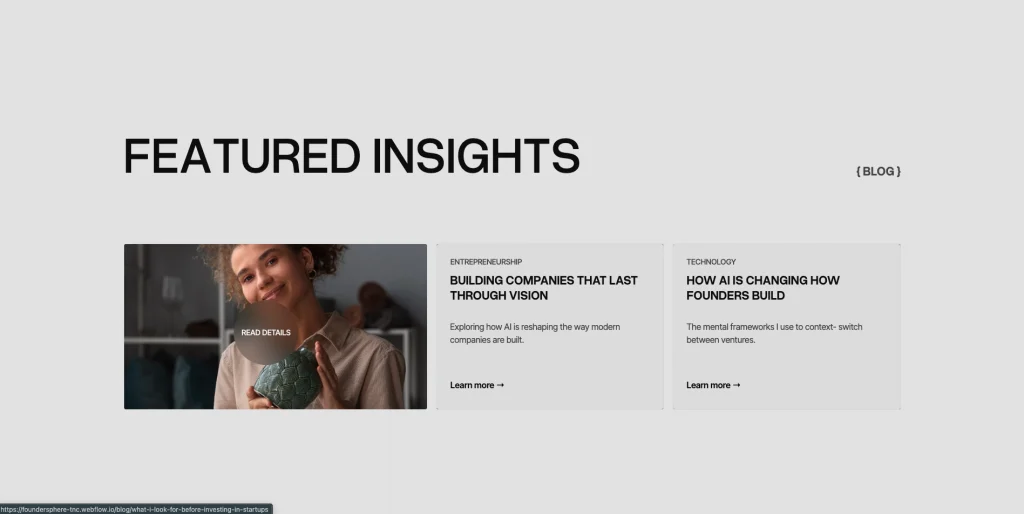
Podcast & Speaking Content: The Podcast page combines thought-leadership topics with events, appearances, and podcast content, creating a dedicated area for founders and speakers to present their expertise.
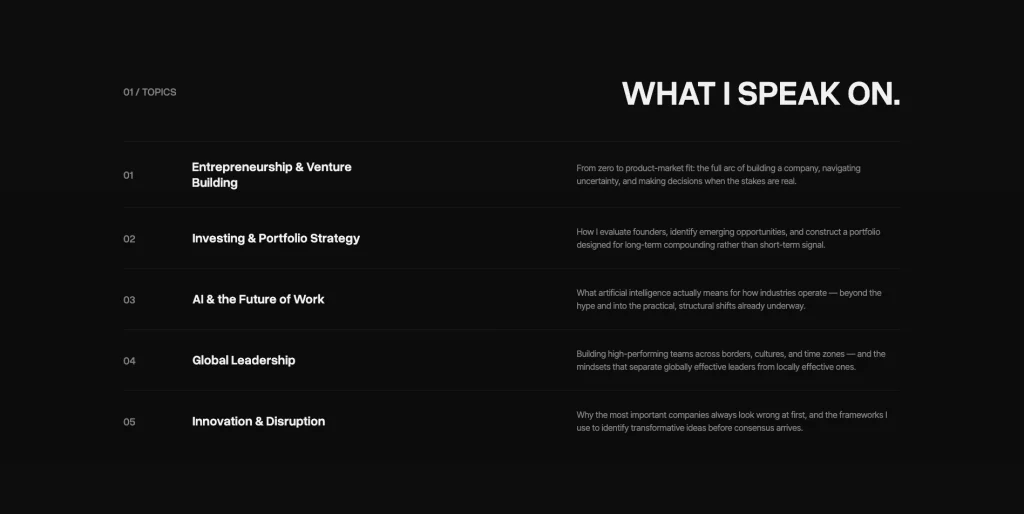
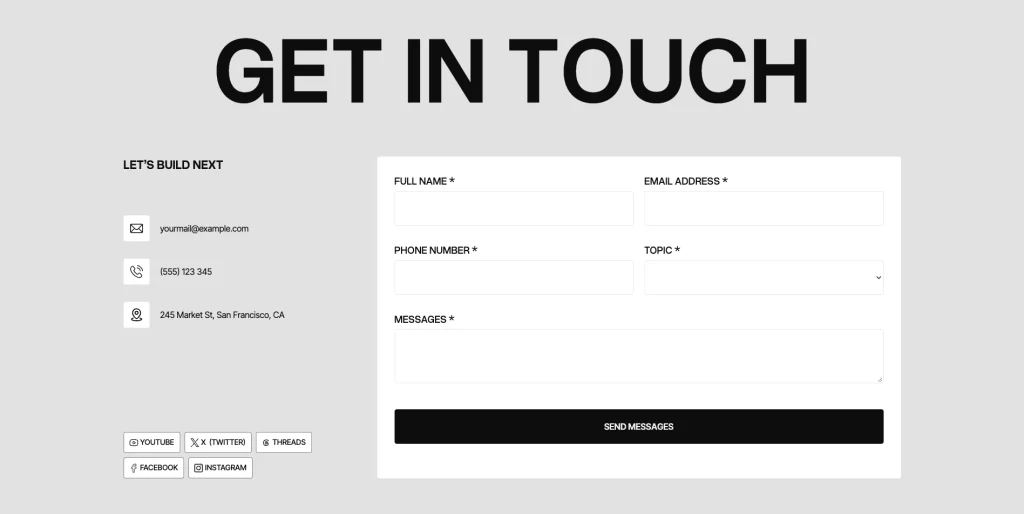
Contact Forms: The Contact layout provides a structured form for visitors to send inquiries while keeping contact information visible alongside the form.
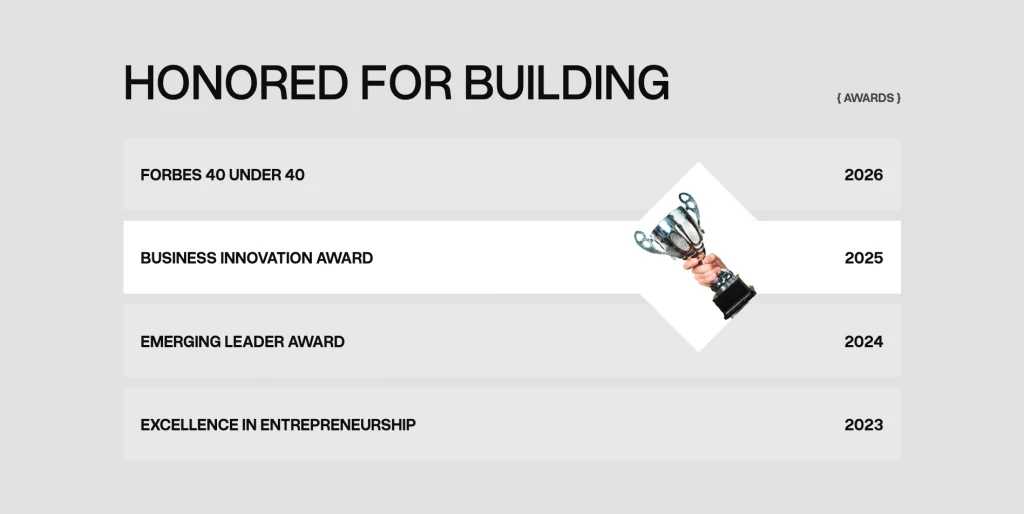
Founder Experience & Awards: The About layout provides a dedicated presentation for professional recognition and achievements, making it possible to showcase awards alongside the founder’s experience.
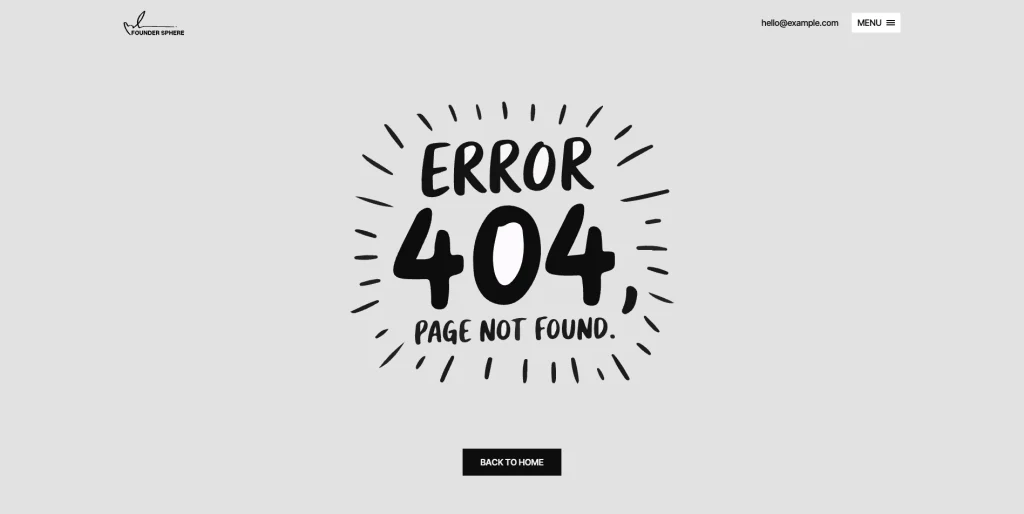
Utility & Documentation Pages: FounderSphere includes supporting utility pages, including:
- Style Guide
- Instructions
- Changelog
- Licenses
- 404 Error
- Protected Page
The Instructions page also explains how to edit text and images, work with dynamic CMS content, use reusable components, test breakpoints, manage backups, and handle the template’s custom code.
Pages Included in FounderSphere
Homepage Layouts
Home A — Investor (Investing, ventures, thesis)
Home B — Founder (Profile, companies, achievements)
Home C — Serial Entrepreneur (Story, ventures, milestones)
About Pages
About A — Investor (Story, achievements, experience)
About B — Founder (Journey, experience, contact)
About C — Serial Entrepreneur (Profile, experience, awards)
Contact Pages
Contact A — Investor (Contact form, FAQs)
Contact B — Founder (Contact details, form, FAQs)
Contact C — Serial Entrepreneur (Office, social links, form)
Main Pages
Blog
Ventures
Podcast
Thesis
Privacy Policy
Terms Conditions
Blog post template
Blog category template
Ventures post template
Ventures category template
Utility Pages
Licenses
404 Error
Changelog
Style Guide
Instructions
External Link
Password Protected
How to Use FounderSphere
Setup is straightforward. Here are the steps.
- Purchase FounderSphere from the Webflow marketplace.
- Duplicate the template into your Webflow workspace.
- Choose the homepage layout that best represents your personal brand.
- Choose the corresponding About and Contact layout you want to use.
- Replace the existing founder information with your own biography, experience, ventures, achievements, and areas of focus.
- Add or update your venture content.
- Add your own blog posts and categories.
- Customize the Investment Thesis page if you are using the template for an investor or venture-focused personal brand.
- Update the Podcast and speaking sections with your own topics, appearances, and content.
- Replace images, text, links, contact details, and other placeholder content.
- Use the Style Guide and reusable components to maintain consistency while customizing the site.
- Review the website across desktop, tablet, and mobile breakpoints.
- Check the included Instructions page before publishing, particularly if you need to modify custom code or template interactions.
- Publish your finished website.
What a Founder Website Has to Communicate
A founder website has to do more than introduce a person. It needs to communicate what they build, what they believe in, what they have accomplished, and where they are heading next.
FounderSphere is structured around these different parts of a founder’s story.
The homepage establishes the personal brand immediately, with layouts that can focus on investing, company building, or the broader journey of a serial entrepreneur.
The Ventures section provides a dedicated place to show the companies behind the story. Instead of relying only on a biography, the portfolio structure allows visitors to explore the businesses, industries, roles, and years associated with each venture.
The Investment Thesis page gives investors and venture-focused founders a structured way to explain their philosophy, what they look for, the markets they focus on, and how they approach investment.
The timeline sections provide another layer of context by showing how individual milestones, companies, investments, and achievements fit together over time.
For founders who actively publish, the Blog and Podcast pages create dedicated spaces for insights, articles, speaking topics, appearances, and conversations.
Finally, the Contact and FAQ sections give visitors a clear path to understand the founder’s work and start a conversation.
Frequently Asked Questions
Can I use just one of the three homepage layouts?
Yes. FounderSphere includes three distinct homepage layouts, allowing you to choose the homepage direction that best fits your personal brand. The other layouts remain available within the template.
Are there multiple About and Contact layouts?
Yes. FounderSphere includes three About layouts and three Contact layouts, corresponding to its three main homepage directions.
What type of website is FounderSphere designed for?
FounderSphere is designed around personal brands for founders, entrepreneurs, investors, operators, advisors, speakers, and thought leaders.
Can I showcase multiple companies?
Yes. The Ventures section is structured specifically for presenting multiple companies and venture entries, with individual venture content available through dedicated detail pages.
Does FounderSphere include a Blog?
Yes. FounderSphere includes a dedicated Blog page with categorized article content and reading-time information.
Does FounderSphere include a Podcast page?
Yes. The Podcast page includes speaking topics, events and appearances, and podcast episode content.
Is there an Investment Thesis page?
Yes. FounderSphere includes a dedicated Investment Thesis page with sections covering investment philosophy, what the investor looks for, investment focus, the investment process, and portfolio companies.
Are contact forms included?
Yes. The Contact layouts include structured forms with fields for contact information, topic, and message.
Is the template responsive?
Yes. The template is structured for desktop, tablet, and mobile breakpoints.
Does the template include documentation?
Yes. FounderSphere includes an Instructions page covering editing content and images, dynamic content, components, breakpoints, backups, and custom-code guidance.
Are utility pages included?
Yes. The template includes Style Guide, Instructions, Changelog, Licenses, 404 Error, and Protected Page utility pages.
Can I customize the existing content?
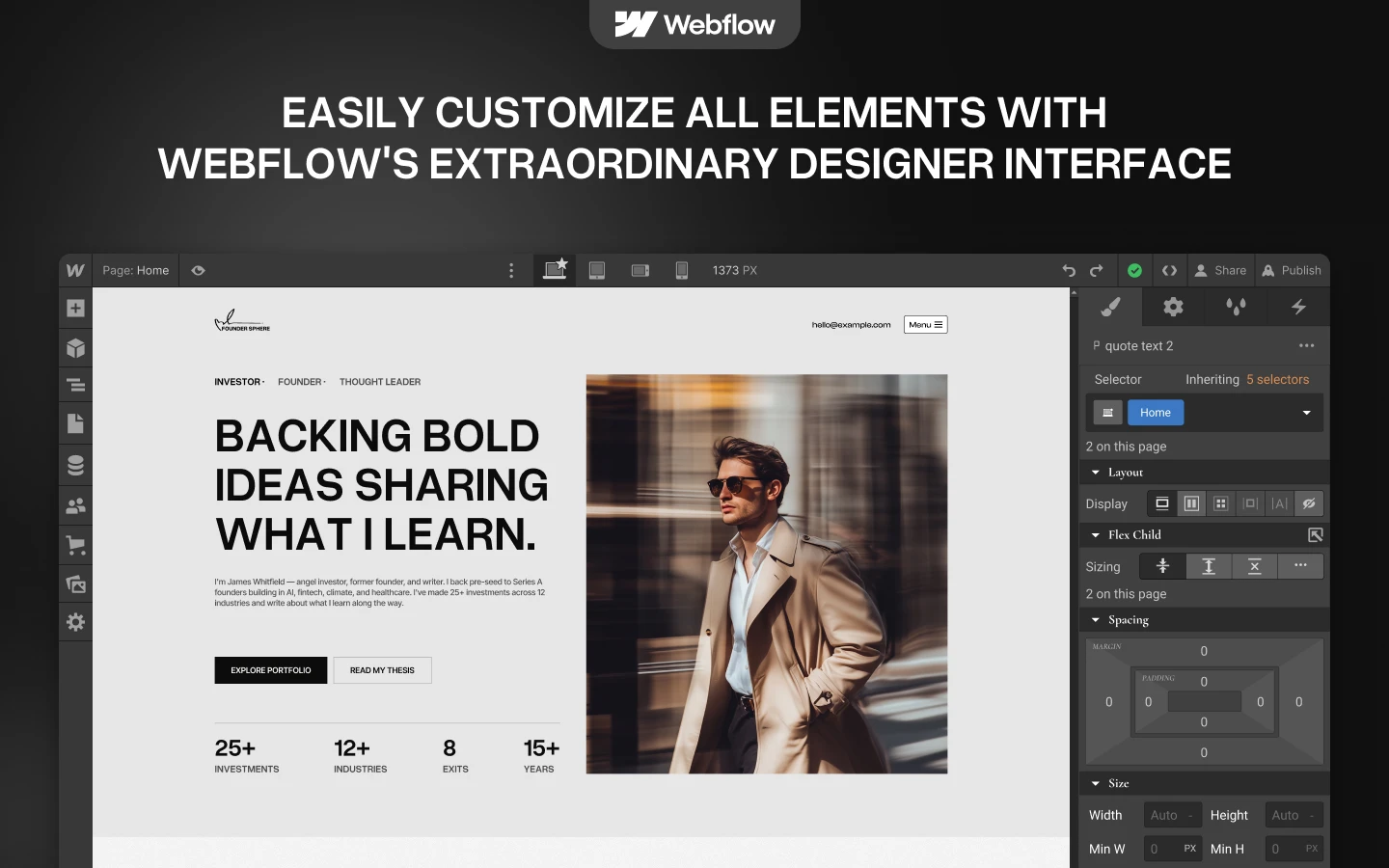
Yes. Text and images can be edited in Webflow, while dynamic content can be managed through the site’s CMS structure.
Is the Figma file included with the template?
No. The Figma file is a separate product, and you can buy it on its own from the purchase widget on this page. You do not need to message us for it after buying the Webflow or HTML build.
When you choose this template, you get support direct from the TNCFlow team. So if a section will not behave, just ask us.
Check out other Webflow templates by TNCFlow.



Select template
Choose one or more options for your build
