

PRO


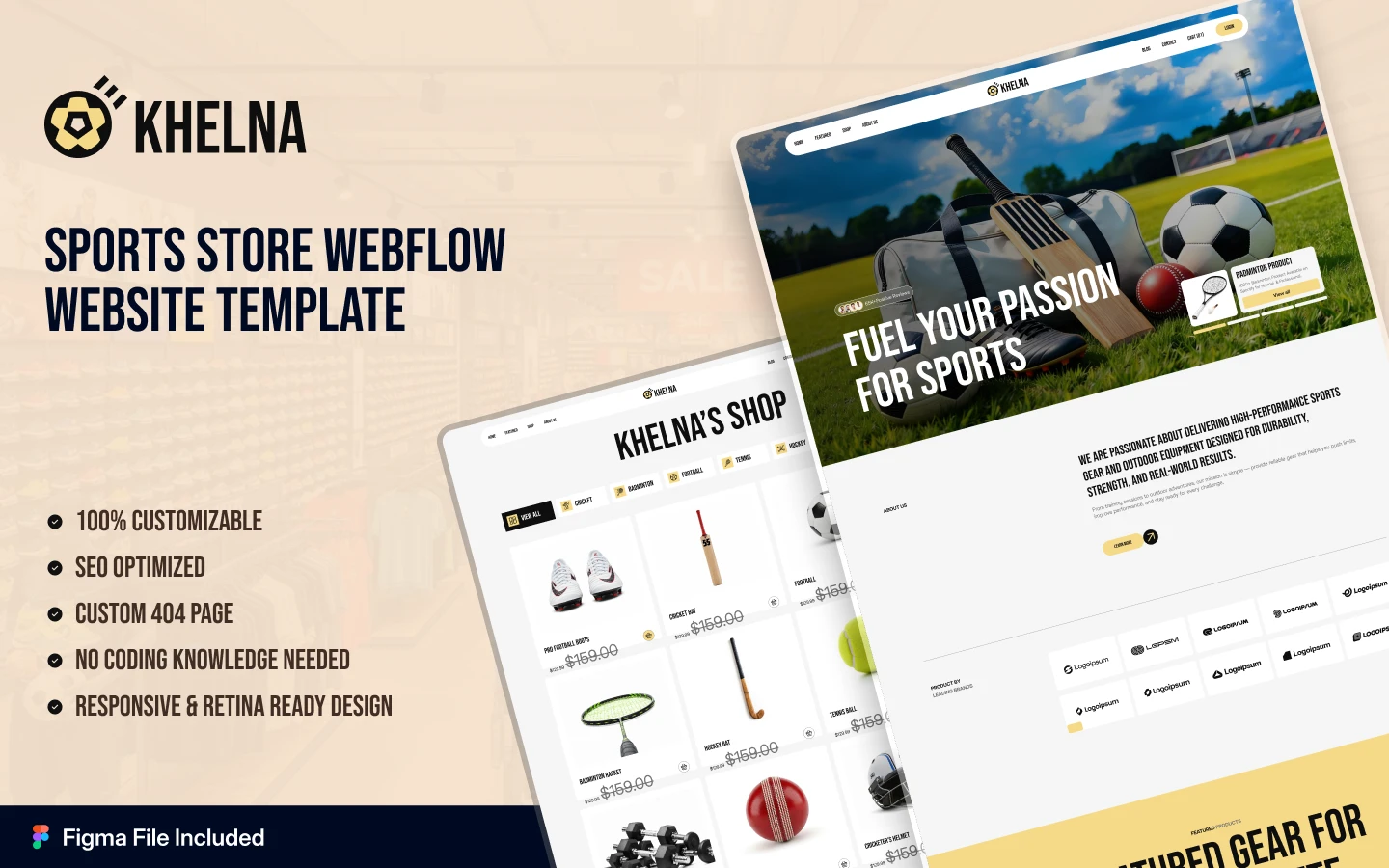

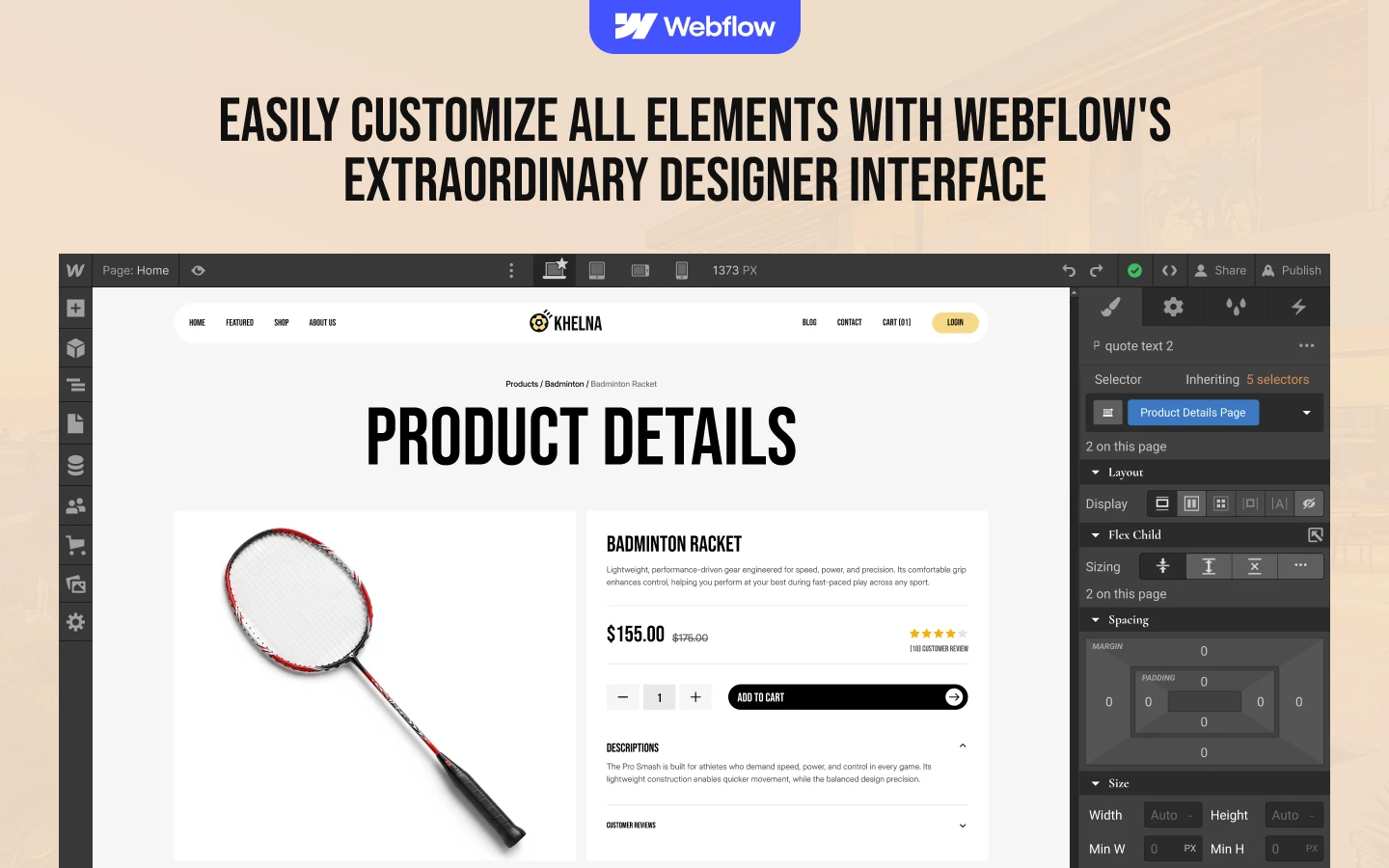
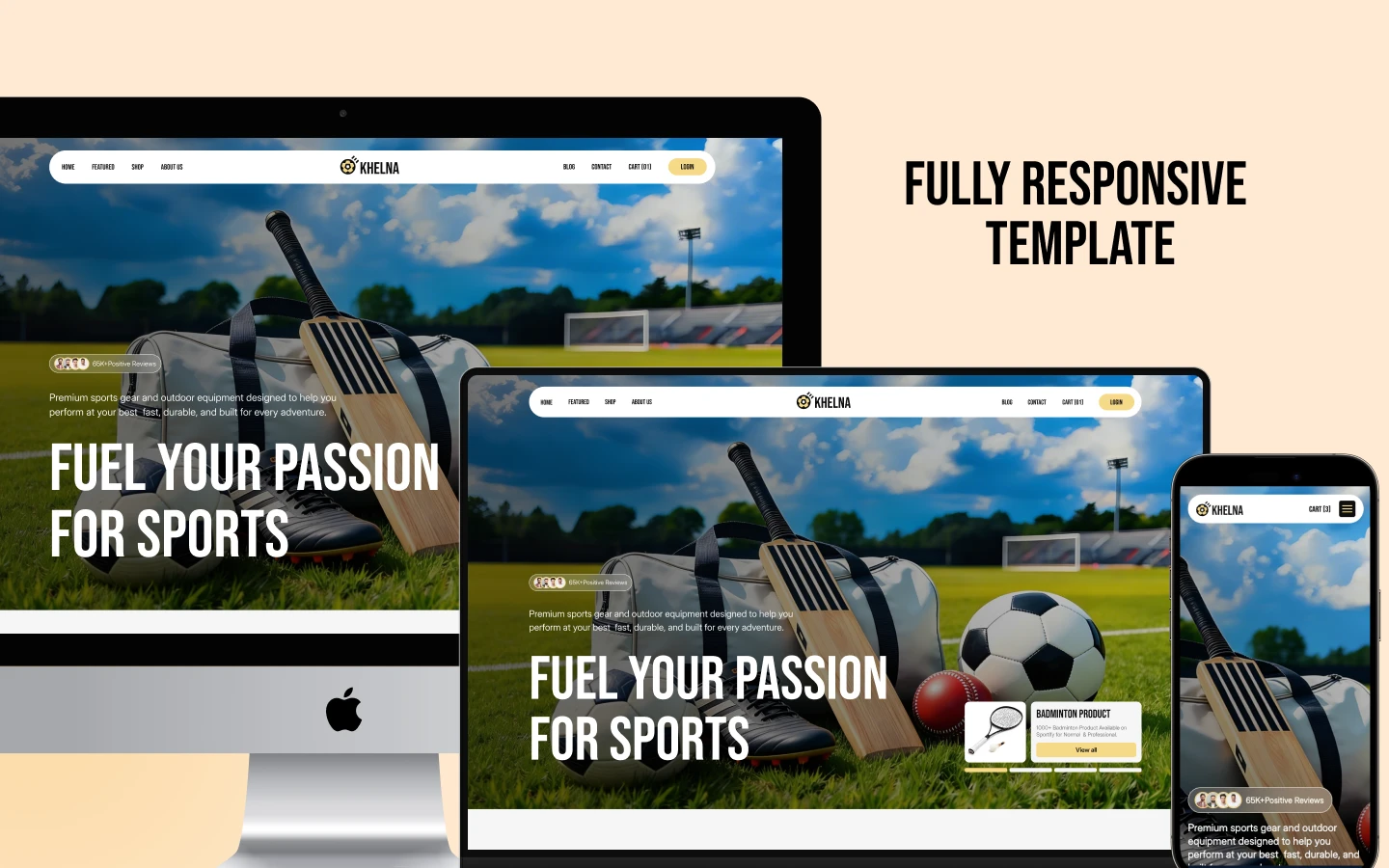
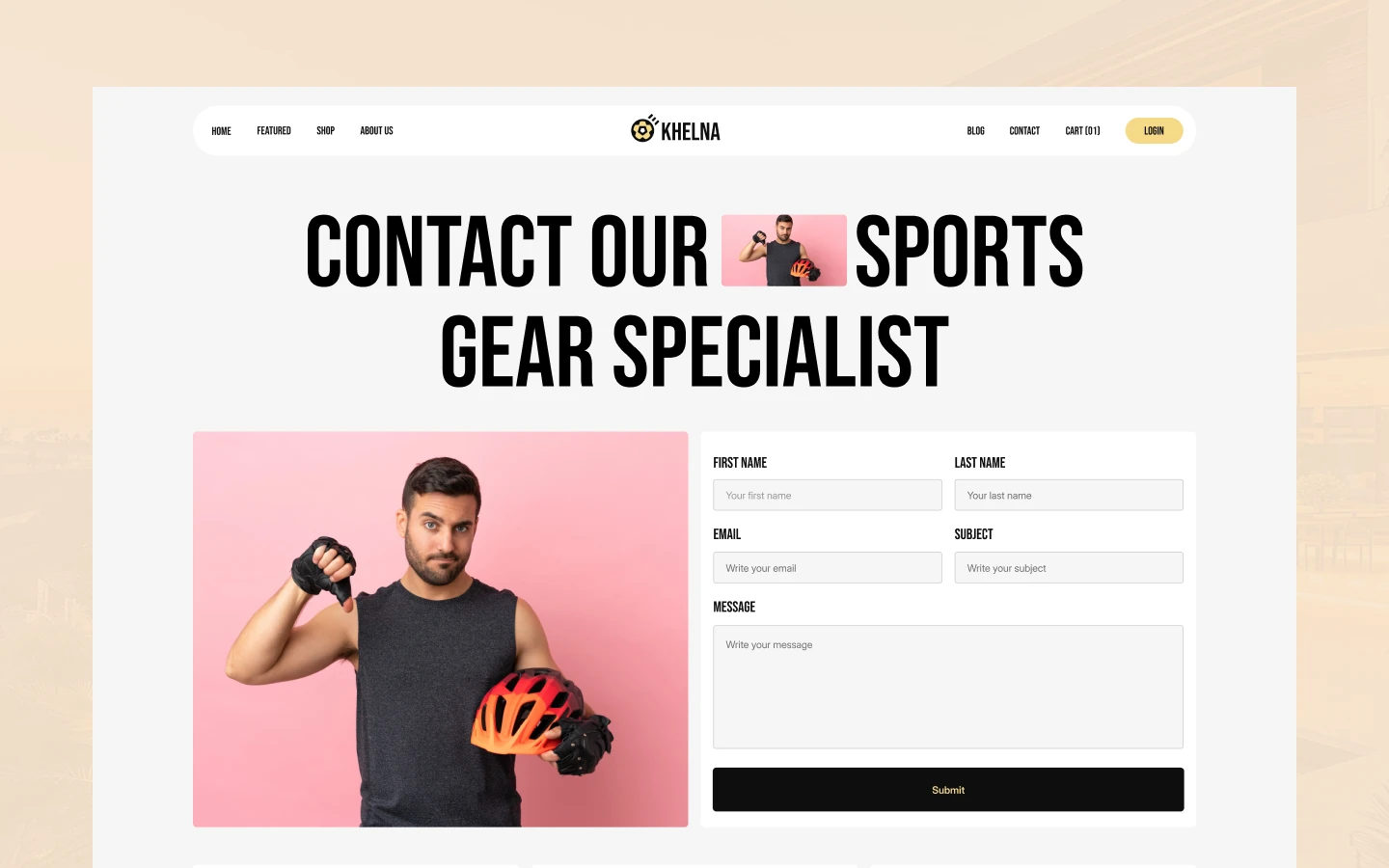
Khelna is a sports website template for sports equipment stores, club and team merchandise shops and fitness brands. It ships for Webflow, Framer, Figma and HTML.
Sports shoppers decide fast. They know the sport, they know roughly what they want, and they leave if the shop makes them hunt. So Khelna is built around the shop, not around the brand story. The home page pushes straight into featured products and sport categories.
Each section has one job. The category grid splits stock by sport, so a hockey buyer never scrolls past cricket gear. Product pages then carry the price, the compare-at price, a stock state, a review block and related items from the same sport. Because all of that sits above the fold on desktop, the add to cart button is rarely more than one scroll away.
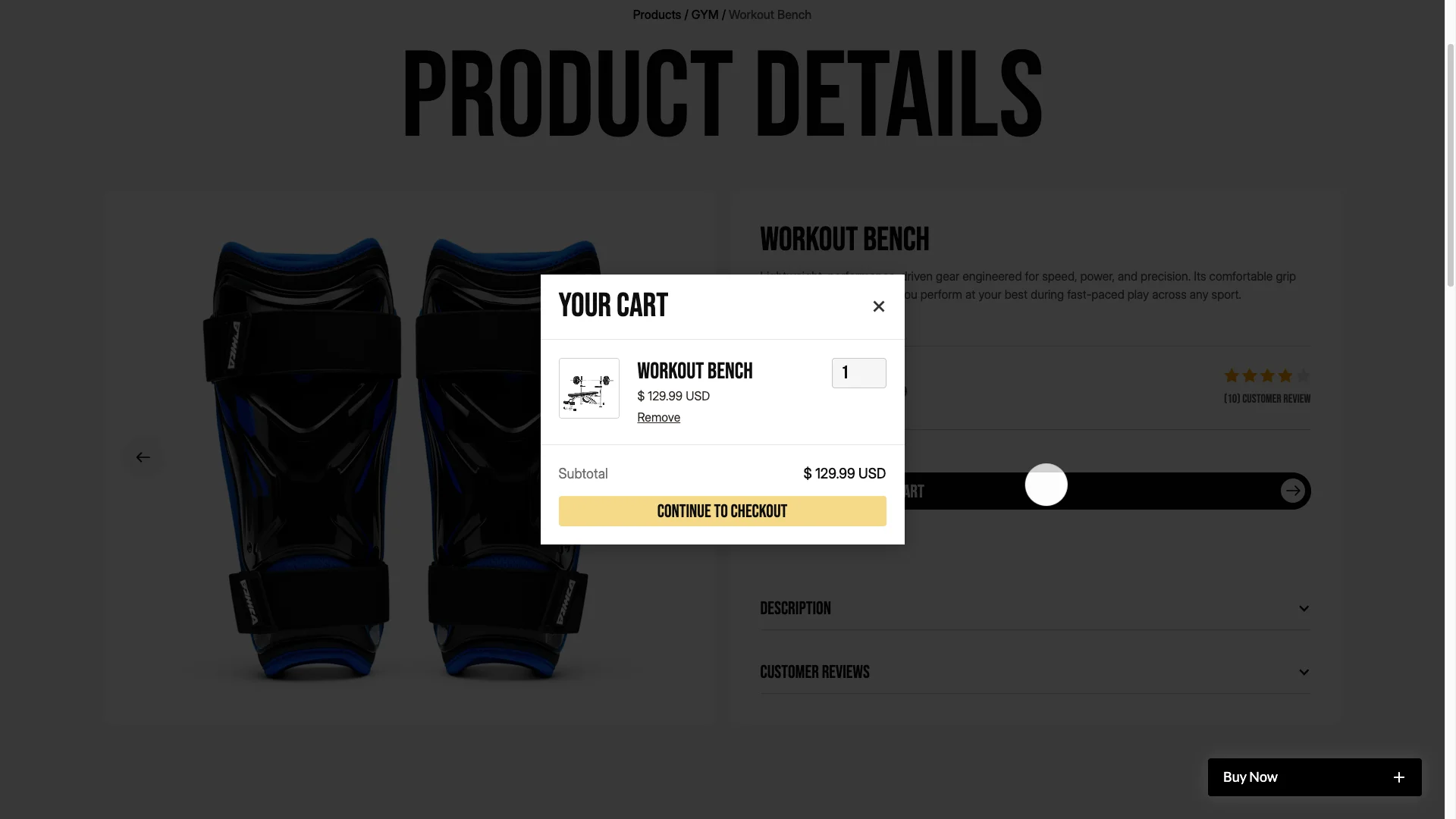
This is a real Webflow Ecommerce build, not a catalogue with a contact form. Cart, checkout and order confirmation are native Webflow commerce pages. However that does mean the live site needs a Webflow Ecommerce site plan, which you buy from Webflow rather than from us.
Explore the live preview now!
Khelna at a Glance
| Formats | Webflow, Framer, Figma, HTML |
| Best for | Sports equipment stores, club shops, team merchandise, esports stores, gym and fitness brands |
| Commerce | Webflow Ecommerce with cart, checkout and order confirmation |
| CMS | Products, product categories and blog posts |
| Pages | 18, including utility and policy pages |
| Responsive | Desktop, tablet and mobile breakpoints |
| Support | TNCFlow support team |
Key Features of Khelna
Webflow Ecommerce. Products, categories, cart and checkout run on native Webflow commerce. So payments, tax and shipping settings are configured in Webflow itself rather than through a plugin.
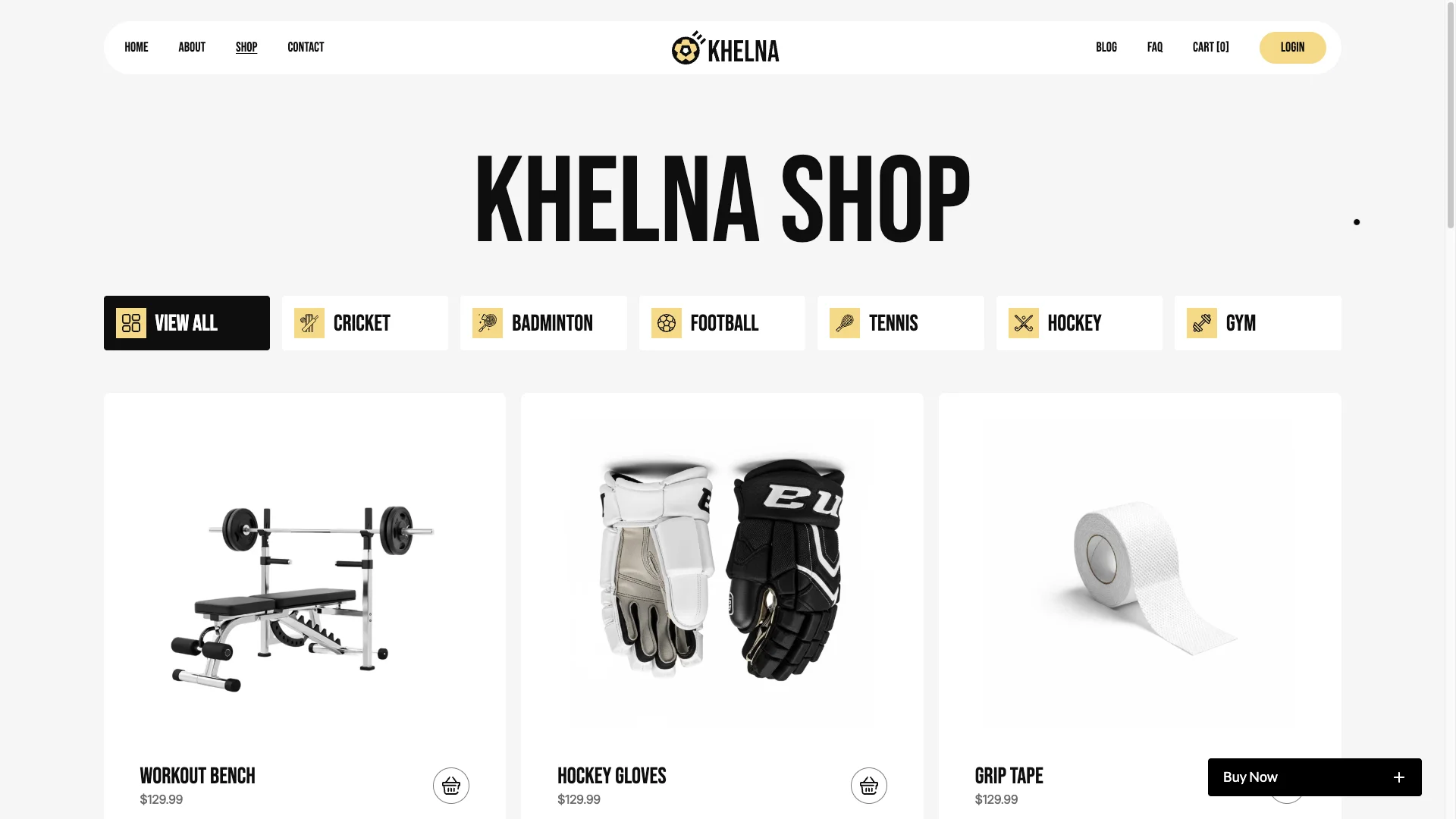
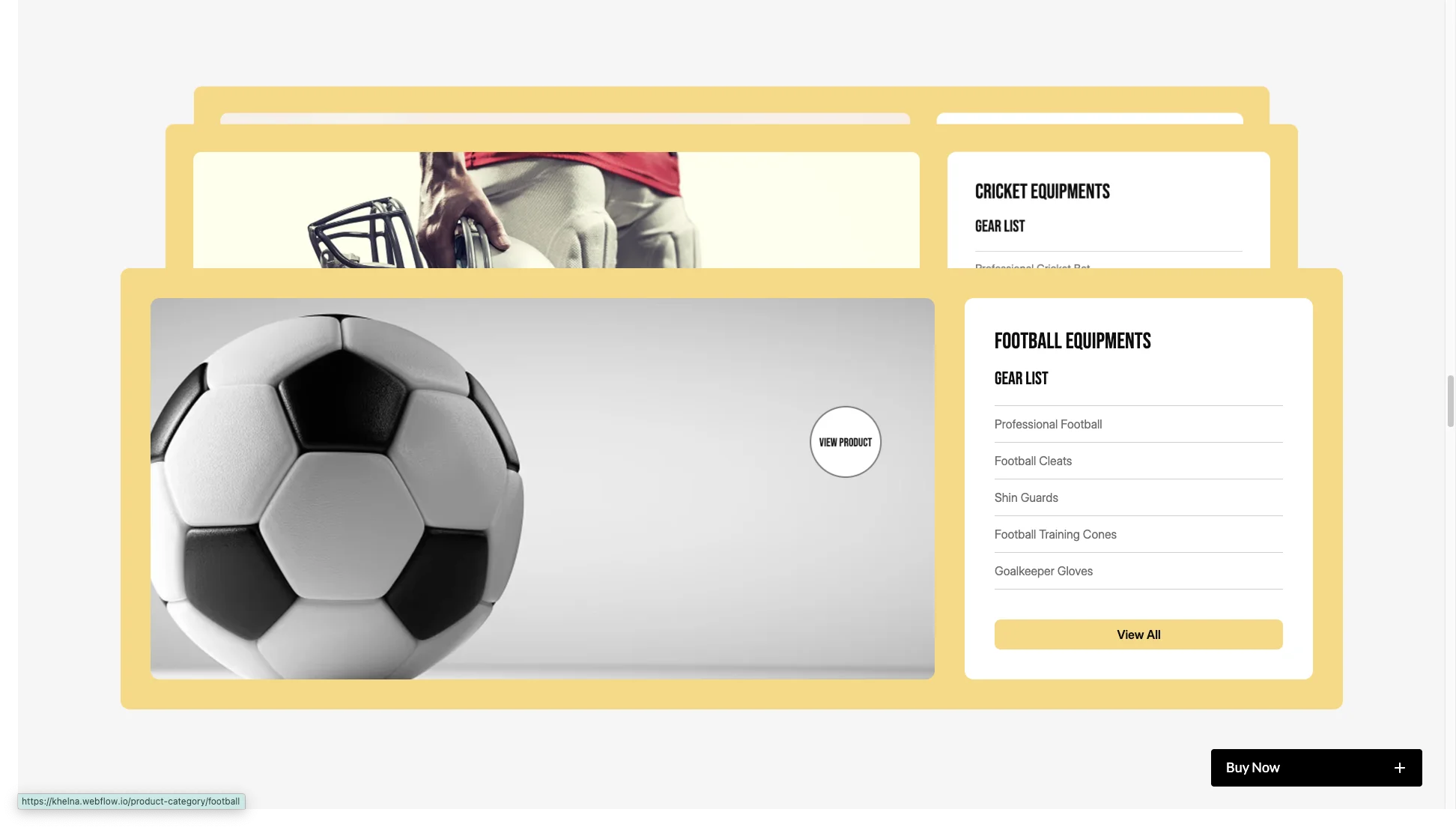
Merchandise store system. Category pages group stock by sport. The demo ships cricket, football, hockey, badminton and gym, and you can rename or extend those from the CMS.
Shop and checkout pages. The full path is included. That means shop, product detail, cart, checkout and order confirmation, plus a return and refund policy page.
Testimonials marquee carousel. A fast scrolling marquee carries fan and customer quotes. It sits between the product blocks, so social proof appears while someone is still browsing.

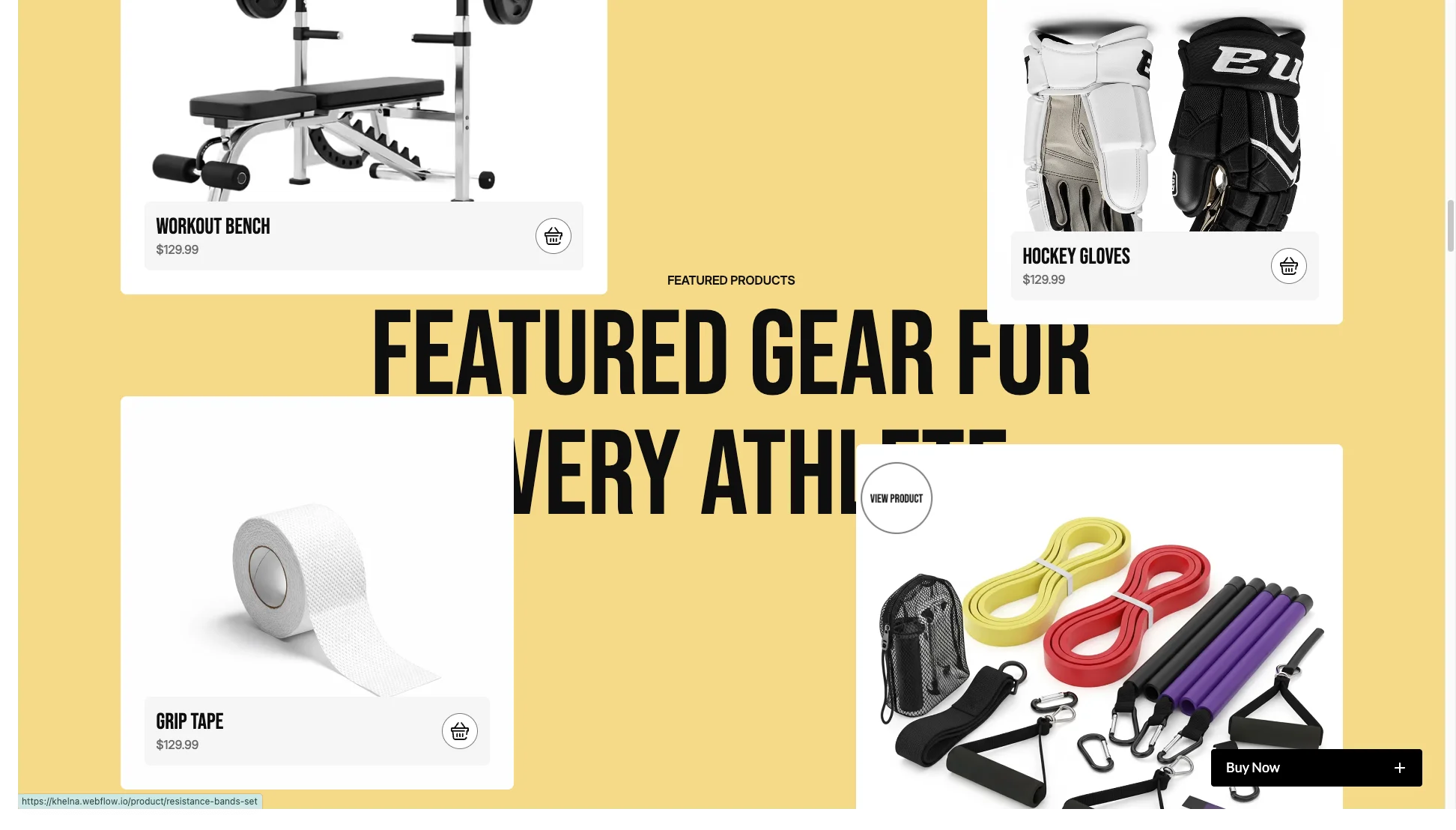
Featured products grid. Best sellers and current offers get their own grid on the home page. Then a shopper who arrives with no specific product in mind still has something to click.
Responsiveness. Every page was built across desktop, tablet and mobile breakpoints. Product carousels swipe on touch, and the checkout is usable on a phone.
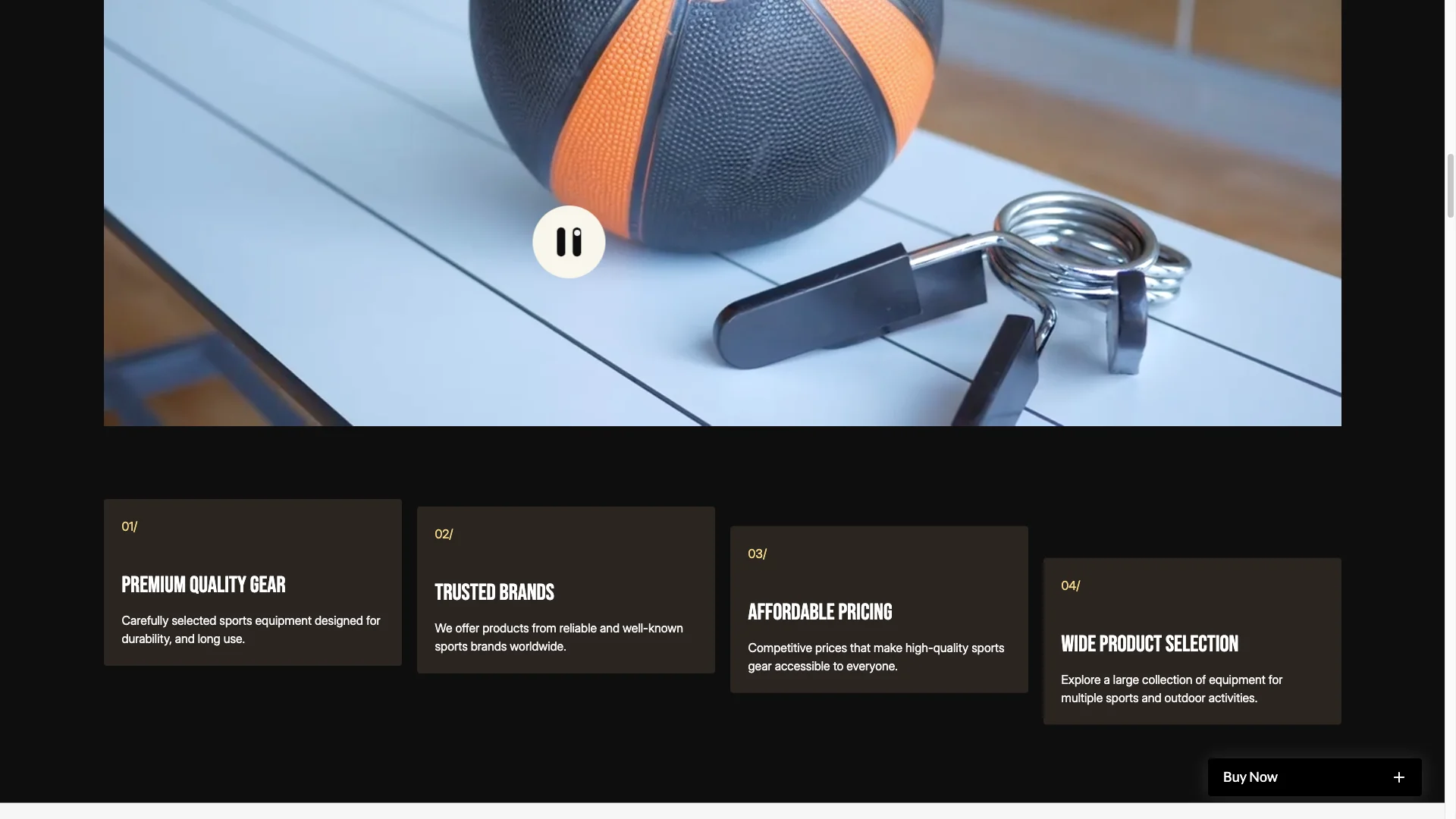
Advanced animations. Scroll reveals, hover states on product cards, a cart notification and smooth page transitions run on native Webflow interactions. Because there are no extra libraries, the pages stay quick.
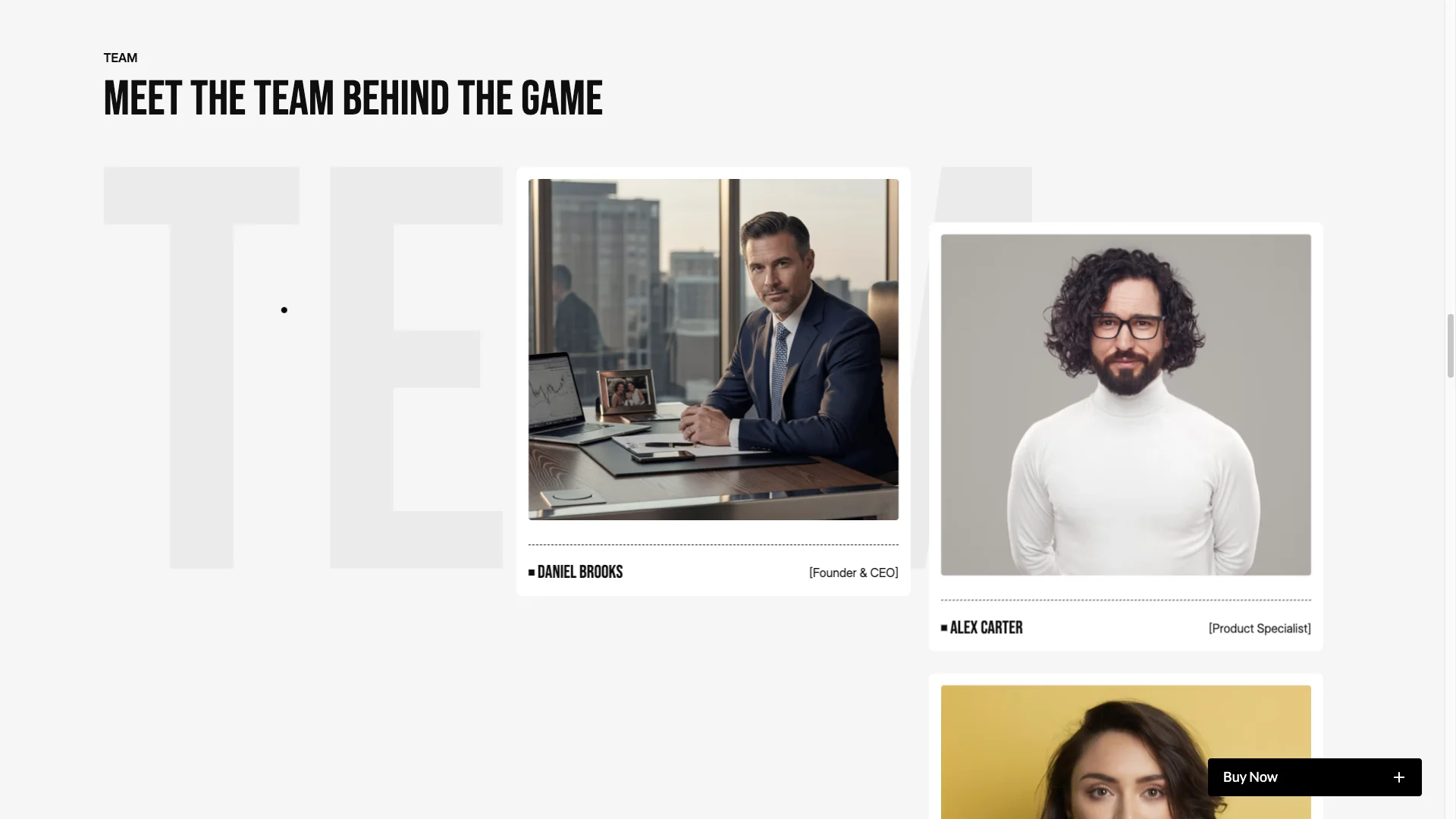
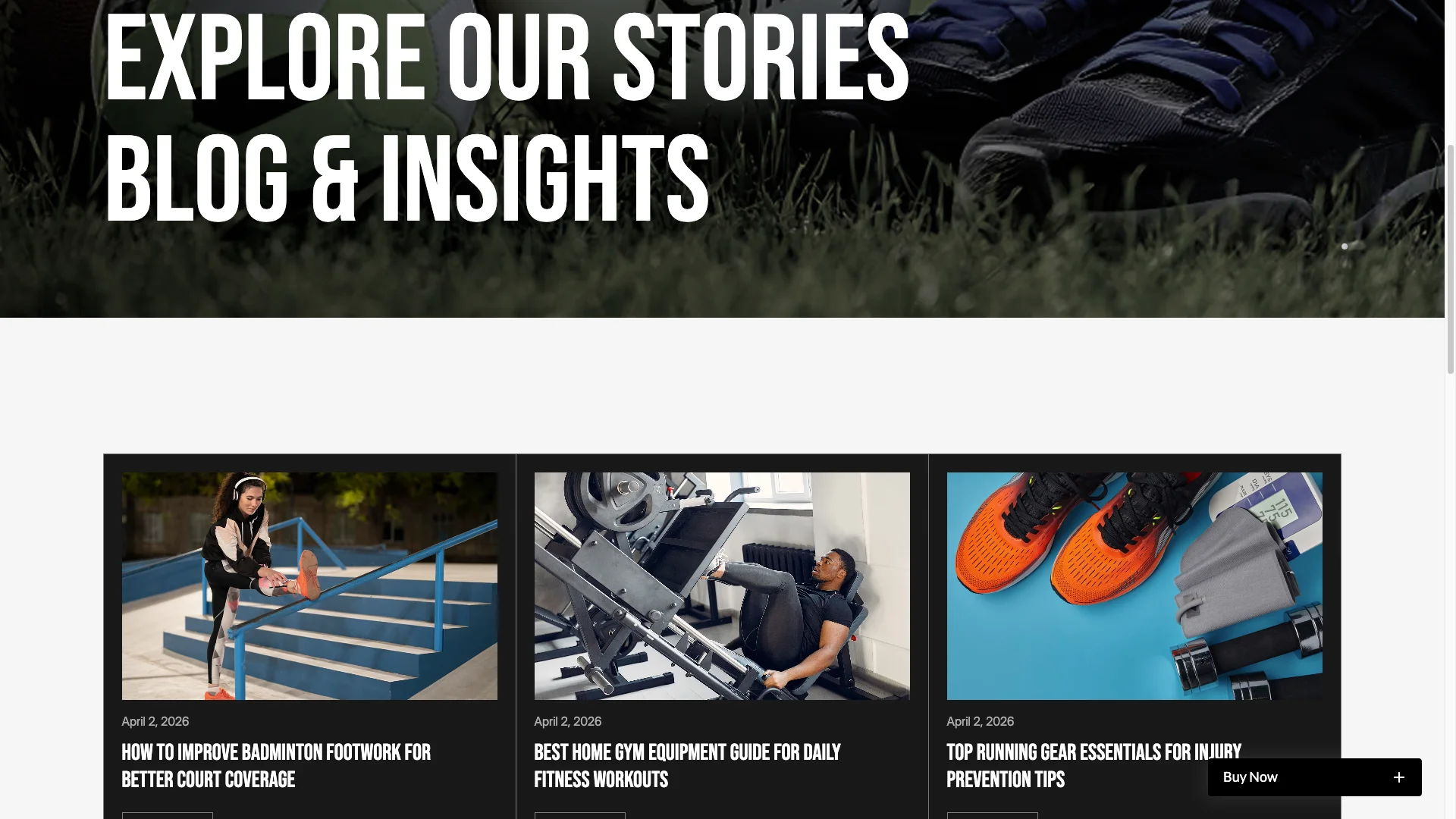
Blog and insights. A Webflow CMS blog ships with the template. So you can publish buying guides and gear advice, which is what most sports stores rank for.
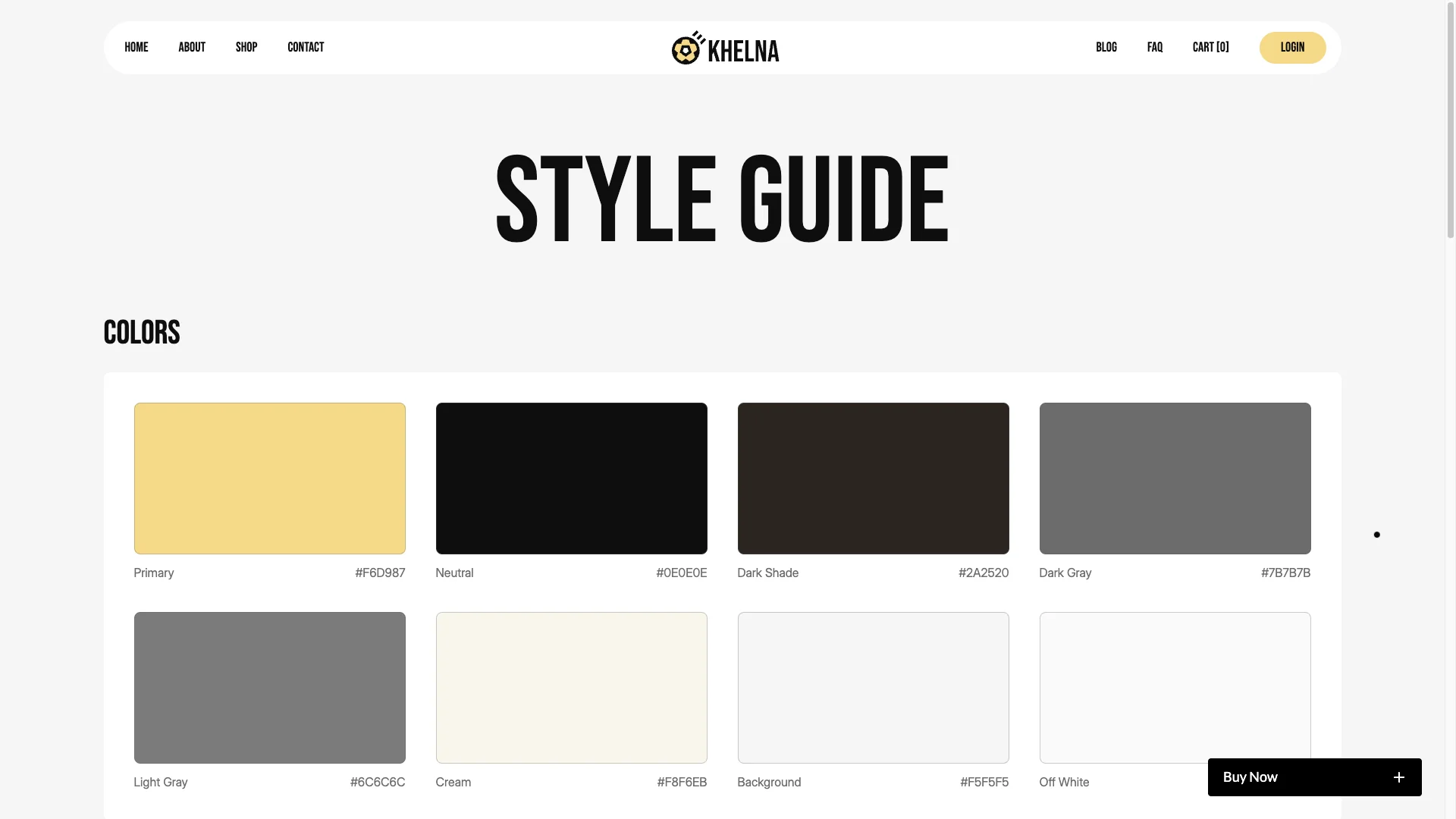
Complete utility pages. The template includes a style guide, instructions, a change log, licences, an external link page, a custom 404, a privacy policy and a return and refund policy.
Professional support and updates. The TNCFlow team answers questions quickly and ships updates for speed, security and design.
Watch on YouTube
Pages Included in Khelna
- Home
- Shop
- Product detail CMS template
- Product category CMS template
- About
- Blog
- Blog post CMS template
- Contact
- FAQ
- Cart
- Checkout
- Order confirmation
- Custom 404
- Privacy Policy
- Return and Refund Policy
- Style Guide
- Instructions
- Change Log and Licences
How to Use Khelna
- Use the purchase widget on the right side of this page to buy the Khelna template
- Follow the steps to get your site ready
- Replace content with your own
- Adjust the design slightly if you want
- Preview and publish
What a Sports Store Needs That a Generic Shop Template Misses
Sports retail has one awkward quirk. The same customer buys across very different price points. A grip tape is a few dollars. A workout bench is not. So the layout has to make small items easy to add and large items easy to research.
Khelna handles that with two paths. The featured grid is for impulse items, where a shopper taps buy from the card. Meanwhile the product detail page is for considered items, with a longer description, features, stock state and reviews.
Category structure is the second thing generic templates get wrong. Sports shoppers browse by sport first and product type second. Because Khelna leads with sport categories, the navigation matches how the customer already thinks.
Finally, plan your stock states early. Showing an out of stock badge is better than hiding the product, since it tells a returning customer the item exists. Khelna displays that state on both the card and the detail page.
Frequently Asked Questions
Is the Figma file included with Khelna?
No. The Figma file is a separate product with its own price. So you can buy the Figma design on its own, or buy the Webflow, Framer or HTML build on its own. Use the purchase widget on this page to pick the format you want.
Does Khelna need a paid Webflow plan?
Yes, if you want to sell. Webflow Ecommerce features only work on a Webflow Ecommerce site plan, which you buy from Webflow. The template itself does not include that plan.
Which payment methods does Khelna support?
Whatever Webflow Ecommerce supports on your account, which is Stripe and PayPal. Payments are handled by Webflow, so the template does not add or restrict any gateway.
Do product pages include customer reviews?
Yes. Each product page has a customer reviews block and a rating count alongside the price. The content is stored in the CMS, so you control what appears there.
Can I use Khelna for a club or academy rather than a shop?
Yes, although you will still be paying for commerce features. The blog, about, contact and FAQ pages work for a club site. However if you never plan to sell, a non commerce template is cheaper to run.
How many products does the demo include?
The demo ships a small sample set across five sport categories. Product count is not limited by the template, so you add as many as your Webflow plan allows.
Have a question before you buy? Contact the TNCFlow support team and we will answer it.
Check out other Webflow templates by TNCFlow.
Featured in our guides: event website templates, Framer startup templates and Framer ecommerce templates.


Select template
Choose one or more options for your build
