

FREE

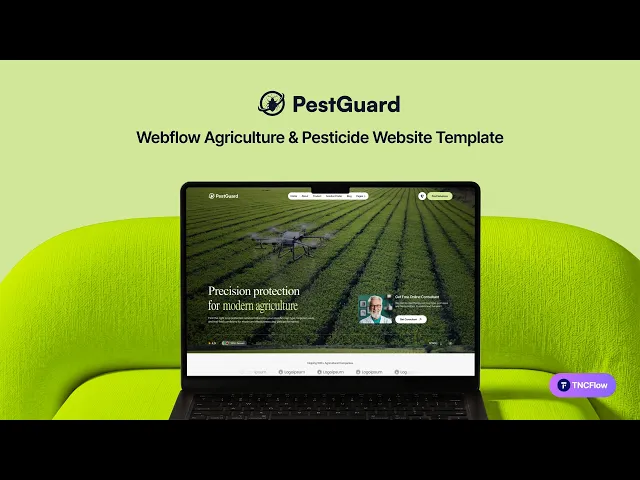
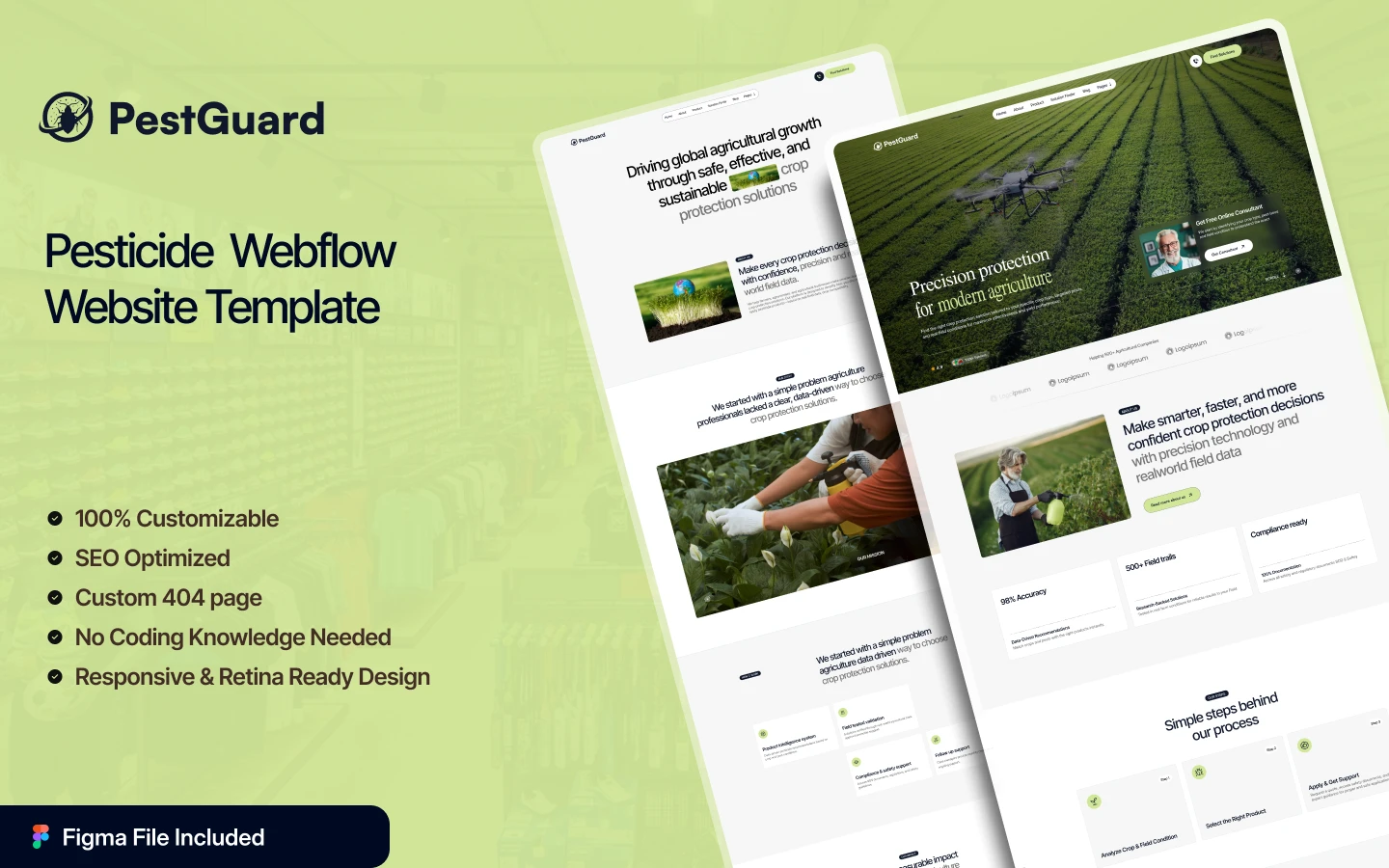

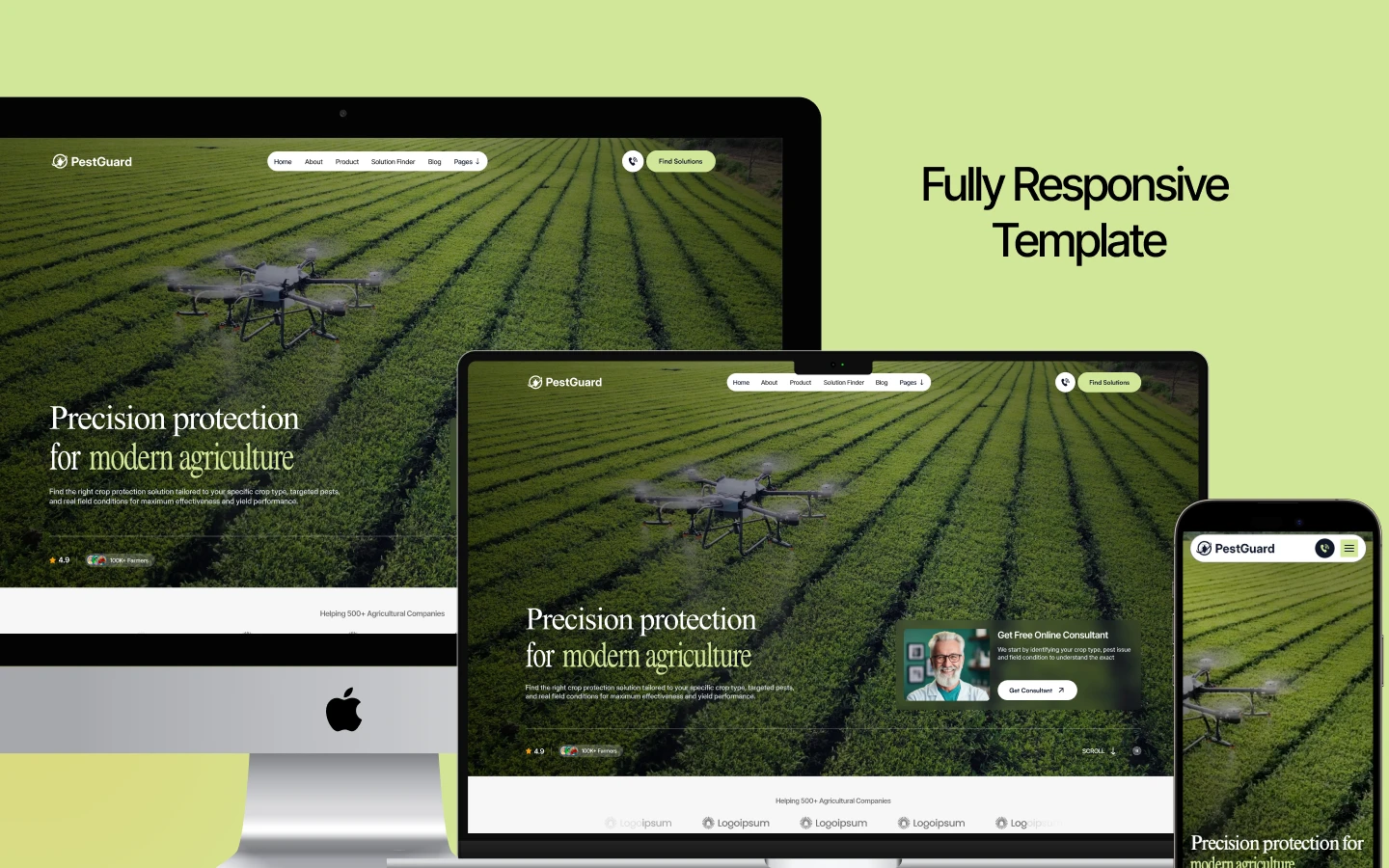
PestGuard is a farming website template for crop protection brands, agrochemical manufacturers and agricultural input suppliers. It ships for Webflow, Figma and HTML.
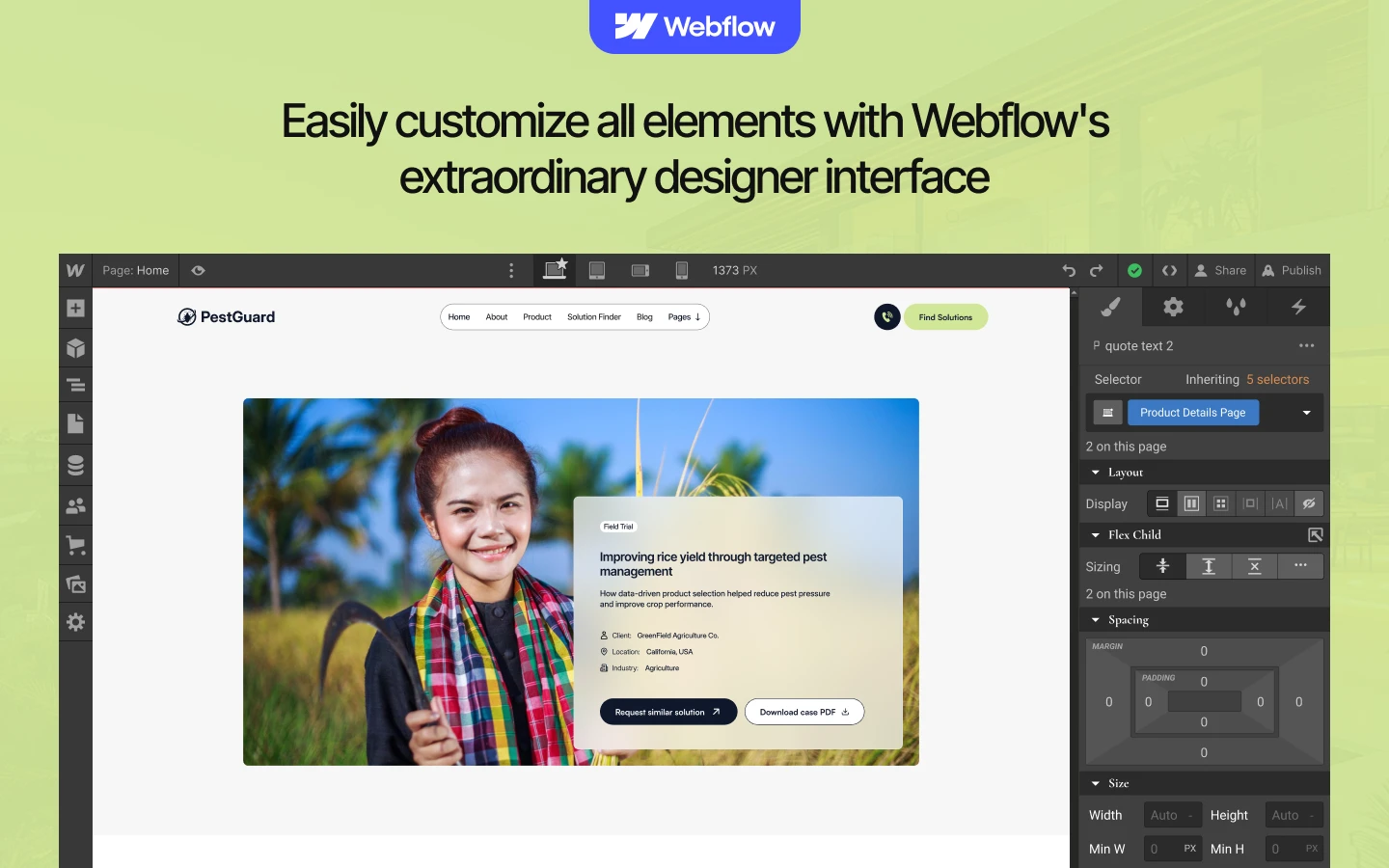
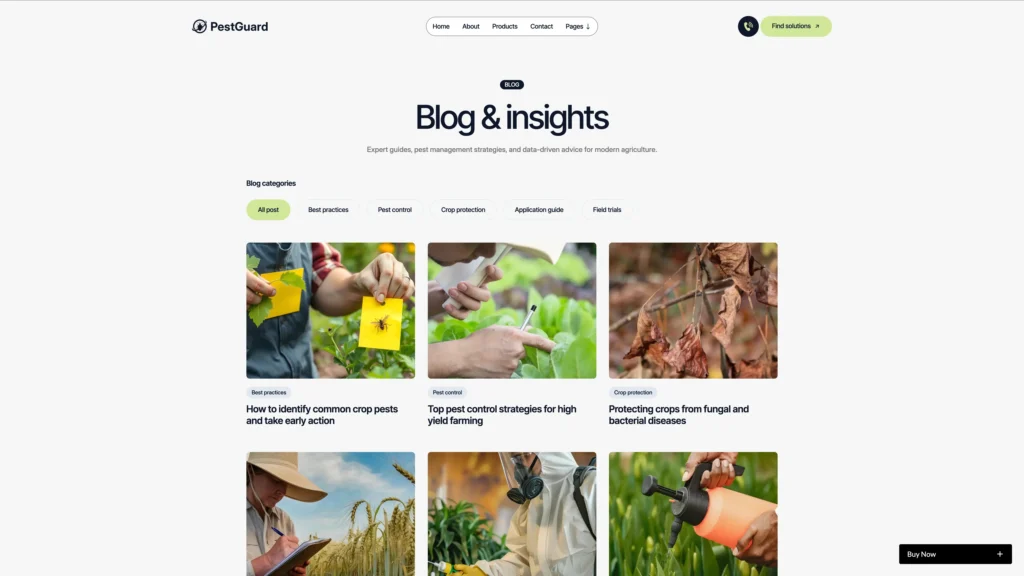
The build runs to 19 page designs. So you get a home page, a filtered product catalogue, a solution finder, case studies, an expert team page, a quote page, a blog and every utility page a launch needs. Because the products, case studies, blog posts and expert profiles all run on Webflow CMS, you add new items in the editor rather than in the designer.
Each section has one job. The video hero states the promise, then the process, the product catalogue, the field data and the trust points follow in the order an agronomist checks them. However, nothing shouts. The palette is earthy and the type is plain, so the site reads like a technical supplier rather than an advertisement.
Explore the live preview now.
PestGuard at a Glance
| Formats | Webflow, Figma and HTML |
| Best for | Crop protection brands, pesticide manufacturers, agchem distributors, farm input suppliers, seed treatment companies, agronomy consultancies |
| Pages | 19 page designs, made up of 15 static pages and 4 CMS templates |
| CMS | Webflow CMS, driving products, case studies, blog posts, blog categories and expert profiles |
| Layout | Multi page, with a light earthy palette and a video hero |
| Responsive | Yes, on desktop, tablet and mobile |
| Support | Included, direct from the TNCFlow team |
Who Should Choose PestGuard?
PestGuard is built for the agricultural input trade. So it fits pesticide and agrochemical manufacturers, herbicide and fungicide brands, seed treatment companies, farm input distributors, agricultural cooperatives and agronomy consultancies. Because the layout leads with a product catalogue and field evidence, it works best when you actually sell a product a farmer applies.
It is not a services template for household exterminators. If you run a residential or commercial pest control business, the sister template below is the closer fit.
Key Features of PestGuard
Field Authoritative Agricultural Design: The design is clean and earthy, with large product photography and plain typography. Because farmers and agronomists judge a supplier on clarity, the restraint is the point.
Flexible CMS Management: Products, case studies, blog posts, blog categories and expert profiles are all Webflow CMS collections. So you add a new product once, and every listing that references it updates at the same time.
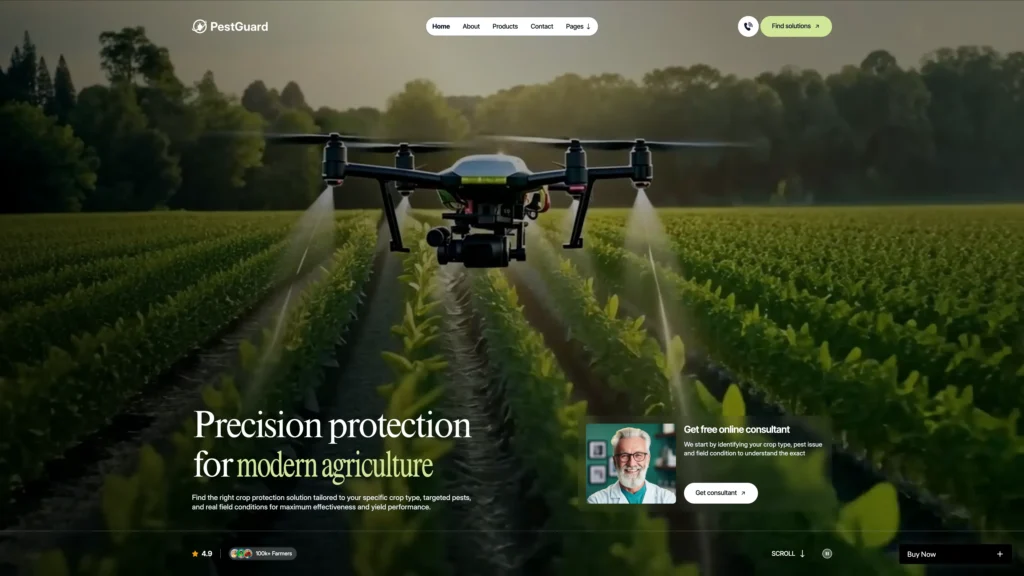
Video Hero with Two Calls to Action: The hero plays a full width background video behind a bold headline. Then a rating badge, a farmer count and two buttons sit under it, so a visitor can browse or book a consultation straight away.
Partner Logo Marquee: A scrolling logo strip sits directly under the hero. So distributors, certifying bodies and partner brands do their credibility work before a visitor reads a single product name.

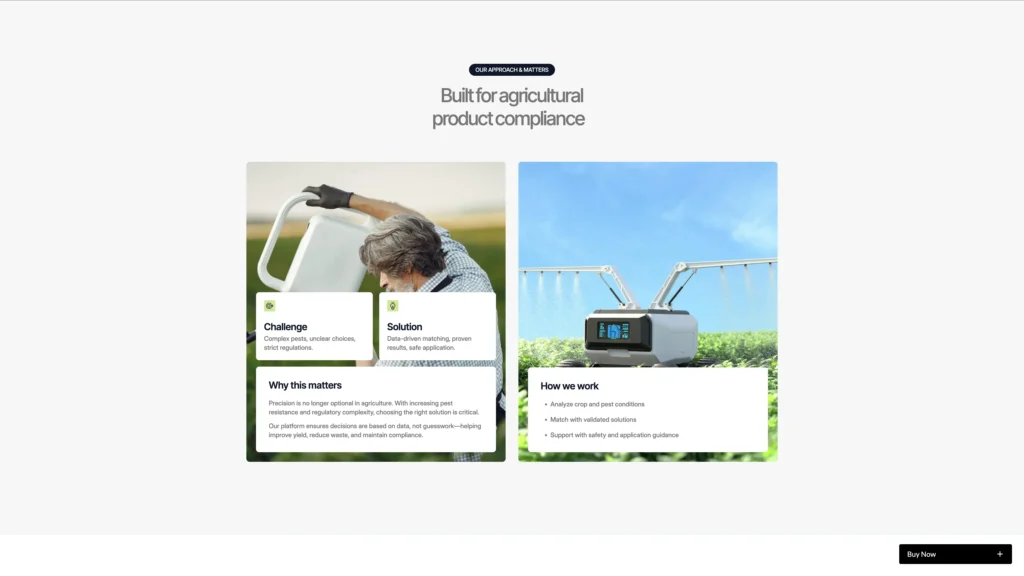
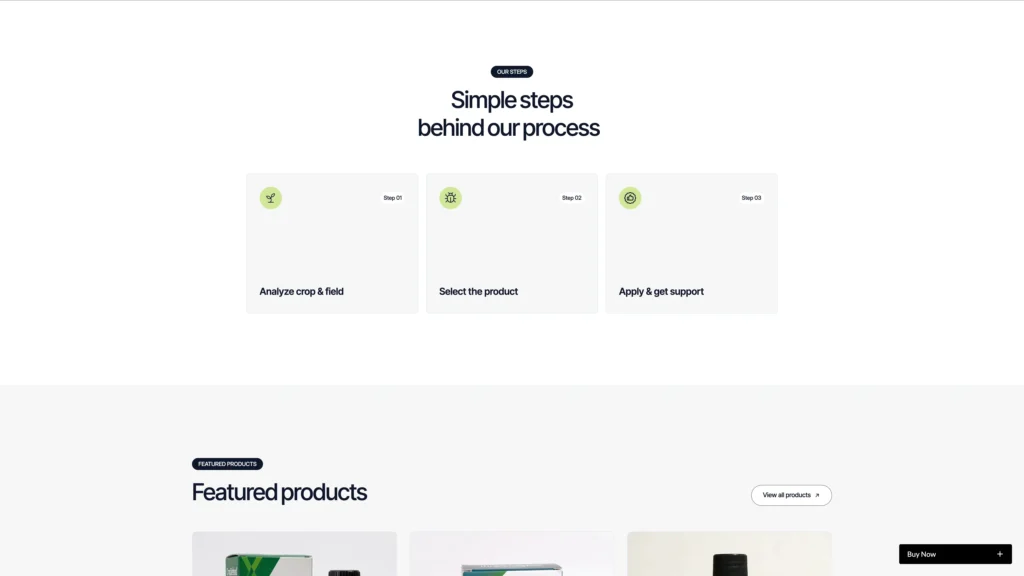
Three Step Process Section: The process runs analyse the crop and field, select the product, then apply and get support. Because that is how a real recommendation happens, the section doubles as a plain explanation of how you work.
Filtered Product Catalogue: The products page is CMS driven and filters by All Products, Insecticides, Herbicides, Fungicides and Seed Treatments. Then each product opens on its own detail page with the active ingredient shown.

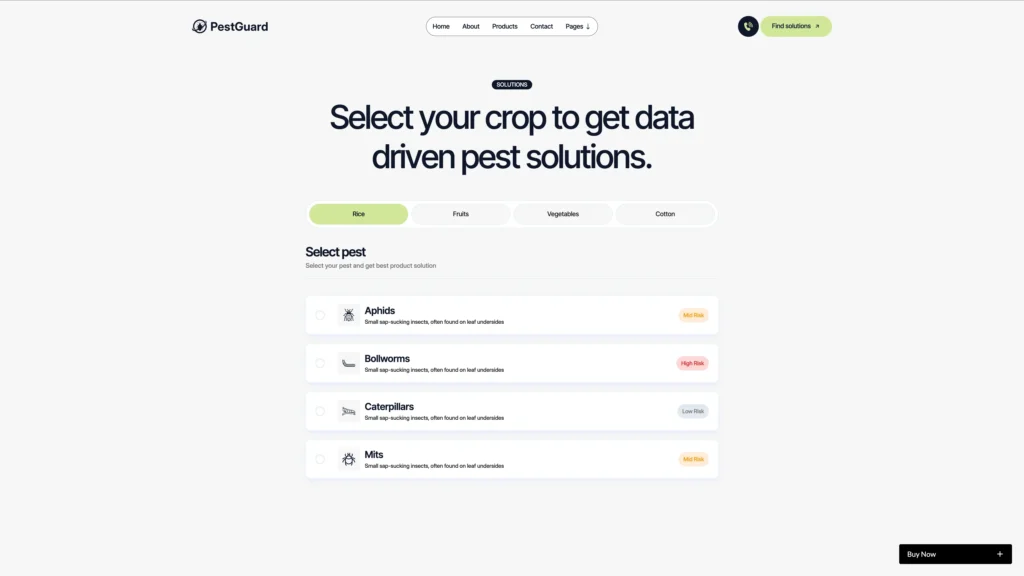
Solution Finder: A dedicated page lets a visitor pick a crop and a pest, then see the matching products. So the catalogue stops being a list and starts being an answer.
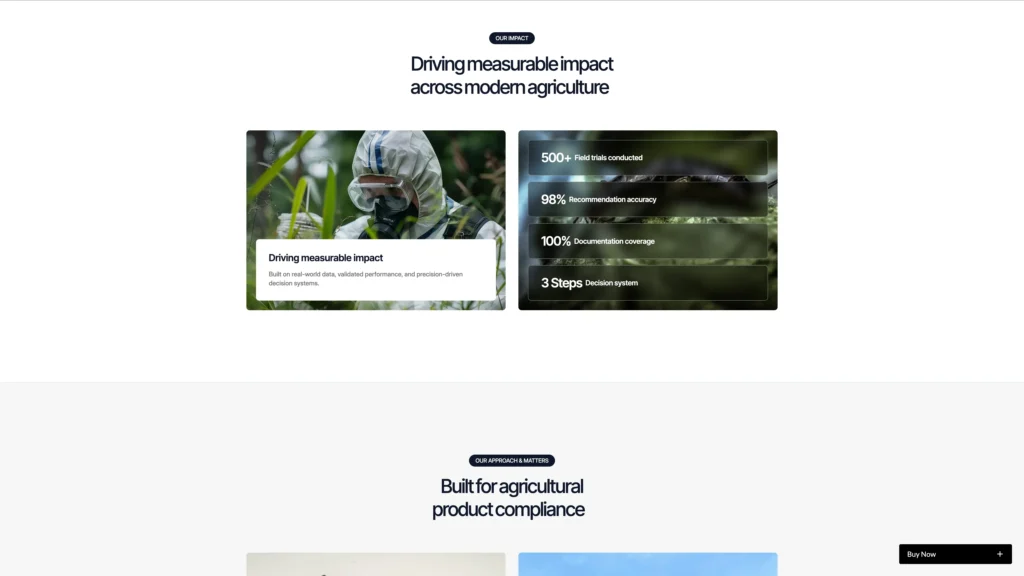
Field Performance Data Section: A data block presents crop specific results, with a field trial count and a per crop breakdown. The demo covers cotton, rice, wheat and tomato, and every figure is editable.
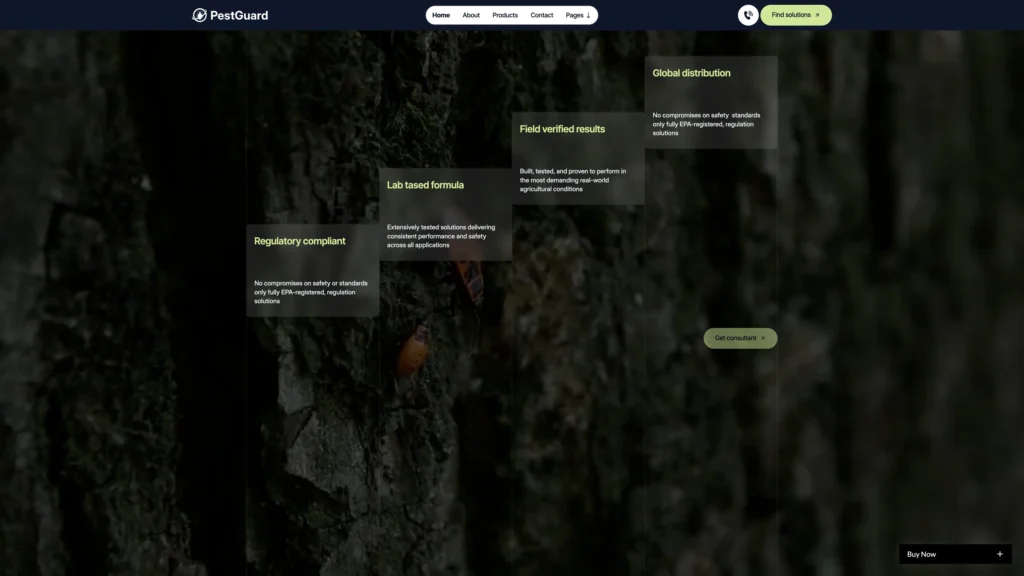
Four Point Trust Block: Four short claims cover regulatory compliance, lab tested formulation, field verified results and distribution reach. Because buyers in this trade screen on compliance first, that block earns its place near the top.
Testimonials from Field Professionals: Quotes pair a photo, a name and a job title. So the proof comes from agronomists, farm operations managers and crop protection specialists rather than anonymous praise.

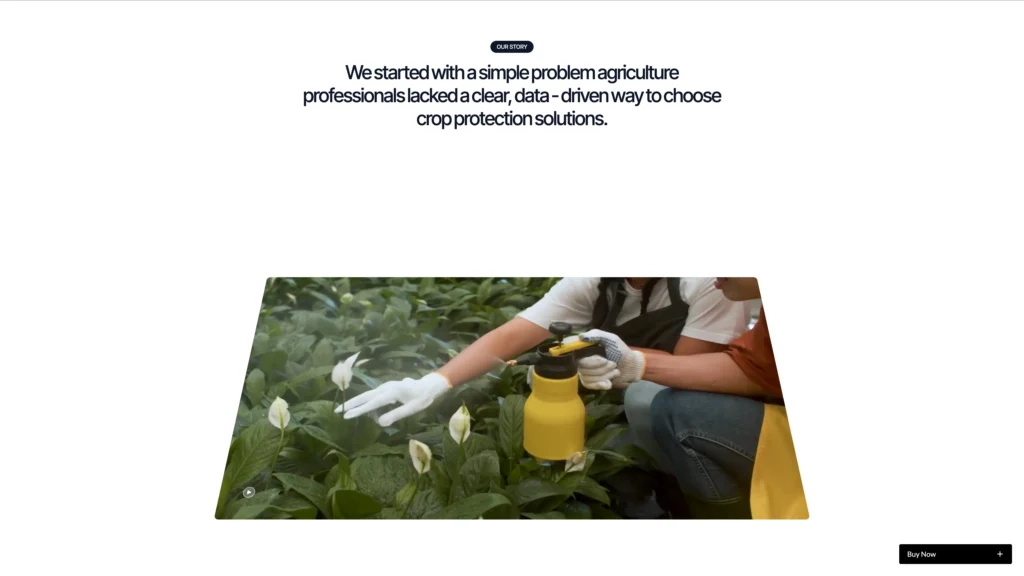
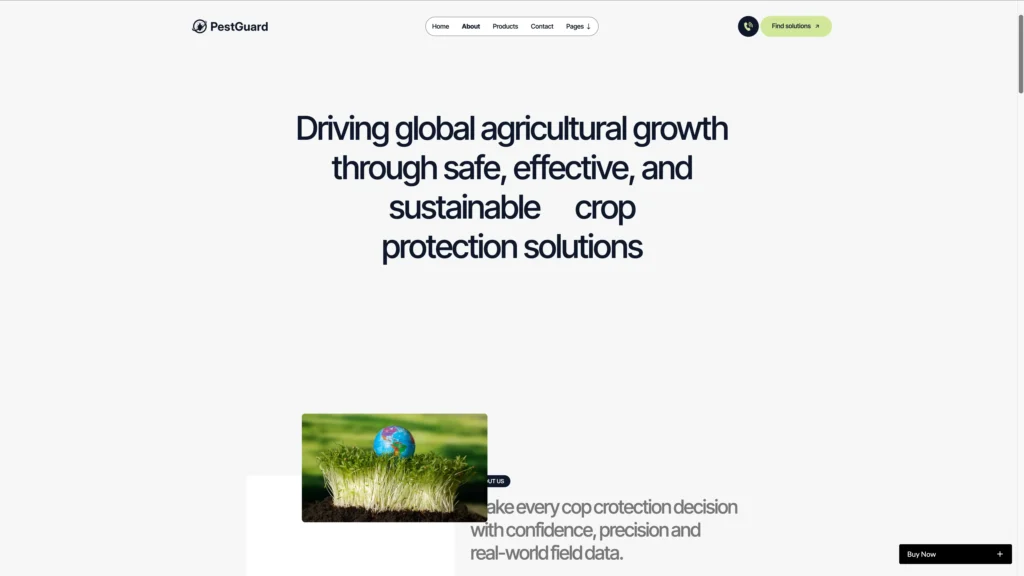
About Page and a 15 Question FAQ: The about page carries your mission, your story, a how it works block and credibility metrics. Then a separate FAQ page holds 15 questions, grouped into general questions, product usage and safety and compliance.

Expert Team Showcase: An experts page introduces your agronomists, field researchers and consultants with photos, roles and short bios. Because advice is the product here, the people matter as much as the packaging.

Quote Request Page: A separate quote page sits alongside the solution finder. So a distributor can ask for pricing without going through the general contact form.
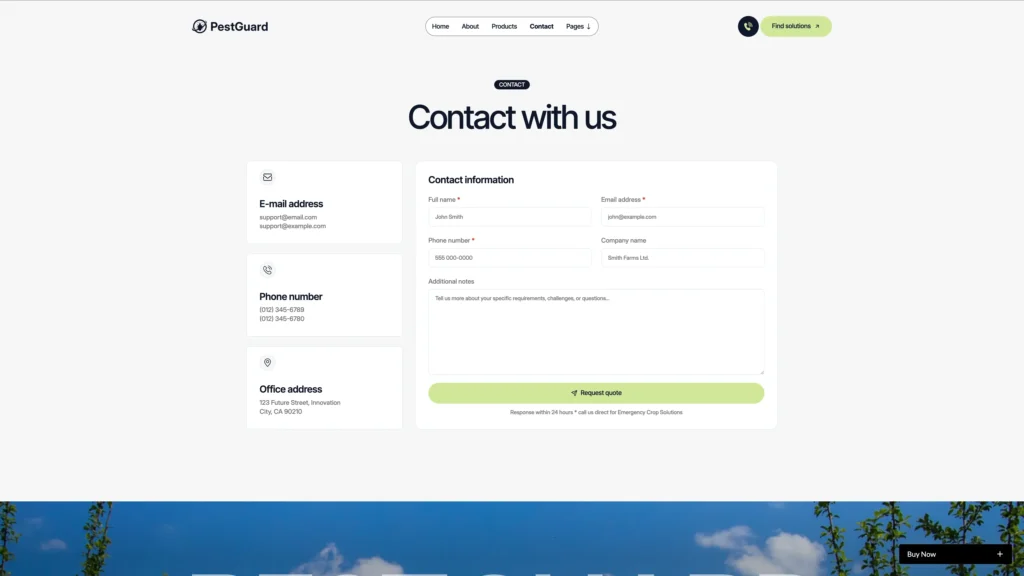
Contact Page: The contact page pairs email, phone and office cards with a form for name, email, phone, company and notes. So distributors, farmers and agronomy consultants all have one place to write in.
Responsive Across Devices: Every page is built for desktop, tablet and mobile. Because a lot of field staff browse on a phone in bright light, the contrast and the tap targets were tuned for that.
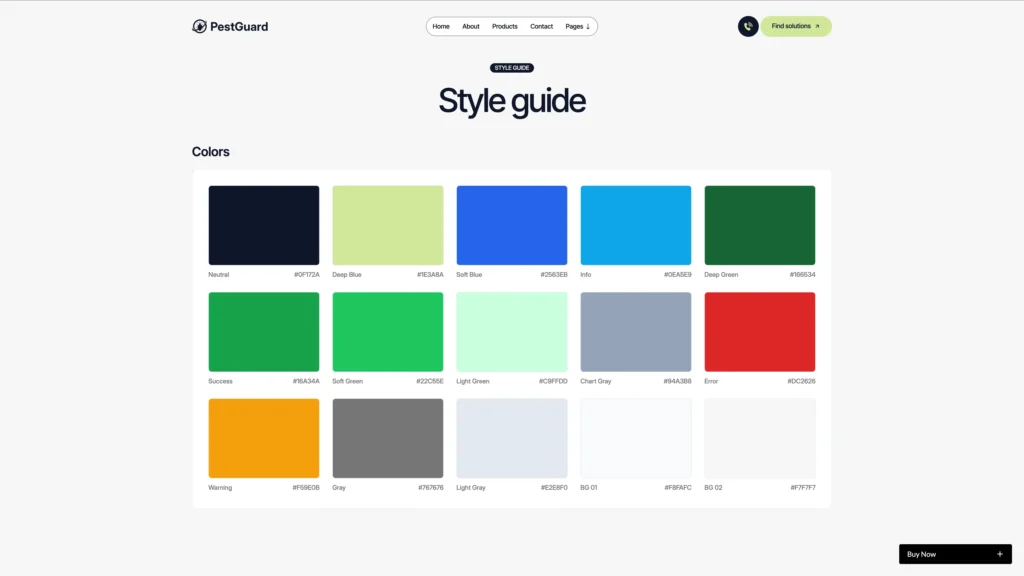
Utility Pages Included: PestGuard ships with a style guide, a licenses page, a change log, a privacy policy, terms and conditions and a custom 404. So nothing is missing on launch day.
Pages Included in PestGuard
There are 19 page designs. Four of them are CMS templates, so they build a new page for every item you add.
- Home
- About
- Products
- Product Detail (CMS)
- Solution Finder
- Case Study (CMS)
- Our Experts
- Get a Quote
- Blog
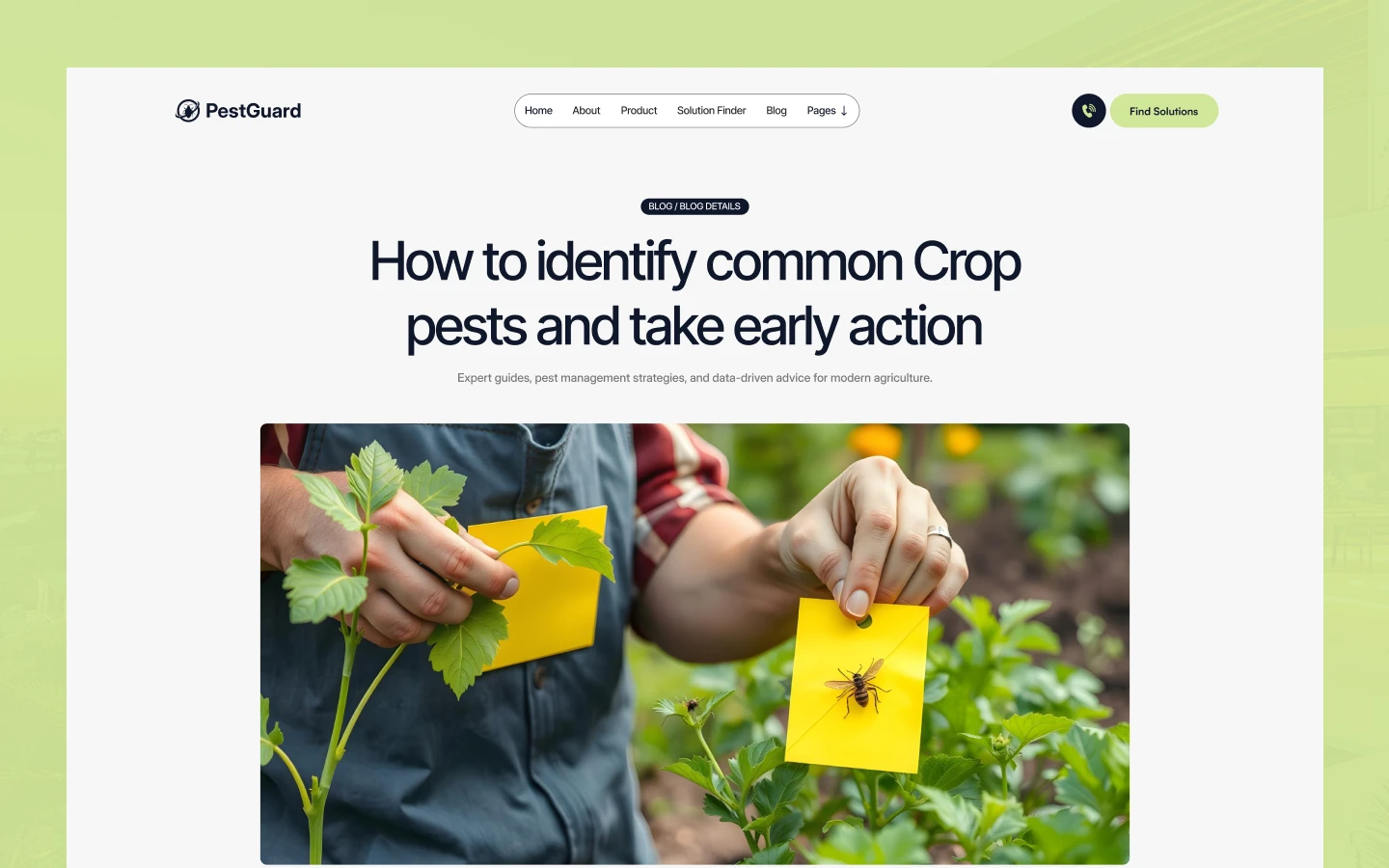
- Blog Post (CMS)
- Blog Category (CMS)
- FAQ
- Contact
- Style Guide
- Licenses
- Change Log
- Privacy Policy
- Terms and Conditions
- 404
How to Use PestGuard
Setup is short. Here are the steps.
- Use the purchase widget on the right side of this page to buy the PestGuard template
- Follow the steps to get your site ready
- Edit the hero, the navigation and the brand story to match your company
- Add your products, case studies, experts and posts to the CMS collections
- Swap the demo trial figures for your own field data
- Preview, then publish
What a Crop Protection Website Has to Prove
Agricultural buyers are cautious for good reasons. A wrong product costs a season, and a non compliant one can cost a licence. So the site has to answer regulatory questions before it sells anything.
First, publish the active ingredient. A farmer or agronomist recognises the chemistry long before they recognise the brand name. Because PestGuard shows the ingredient on every product card, that habit is built in.
Second, make the safety documents easy to reach. Safety data sheets, label directions and registration numbers decide whether a distributor will stock you at all. However, most sites bury them, so putting them one click away is a real advantage.
Third, show field data rather than adjectives. Trial counts, crop coverage and residual duration are checkable. Then a buyer can compare you against a competitor without a phone call.
Next, match the product to the problem. Nobody shops by category here. They arrive with a crop and a pest, which is exactly what the solution finder asks for.
Finally, name your people. Agronomy advice is part of the purchase. So an experts page with real names and roles is worth more than another product photo.
Frequently Asked Questions
What is PestGuard?
PestGuard is a farming website template for crop protection brands, agrochemical manufacturers and agricultural input suppliers. It contains 19 page designs, including a filtered product catalogue, a solution finder, case studies, an expert team page, a quote page, a blog and a full set of utility pages.
Which formats does PestGuard ship in?
PestGuard ships for Webflow, Figma and HTML. Each build is sold separately from the purchase widget on this page. There is no Framer version and no WordPress version.
How many pages does PestGuard include?
There are 19 page designs, made up of 15 static pages and 4 CMS templates. The CMS templates cover products, case studies, blog posts and blog categories, so they build a new page for every item you publish.
Is PestGuard suitable for a residential pest control company?
No. PestGuard sells agricultural crop protection products, so it leads with a catalogue, field trial data and an active ingredient on every card. If you sell home or commercial extermination visits instead, Pest TNC is the services led template built for that.
Which parts of PestGuard run on Webflow CMS?
Products, case studies, blog posts, blog categories and expert profiles are all CMS collections. So you add an item once in the editor, and every listing that references it updates at the same time.
Is the Figma file included with the template?
No. The Figma file is a separate product, and you can buy it on its own from the purchase widget on this page. You do not need to message us for it after buying the Webflow or HTML build.
When you choose PestGuard, you get support direct from the TNCFlow team. So if a section will not behave, just ask us.
Check out other Webflow templates by TNCFlow.
Featured in our guides: Webflow ecommerce templates.




Select template
Choose one or more options for your build
