

PRO


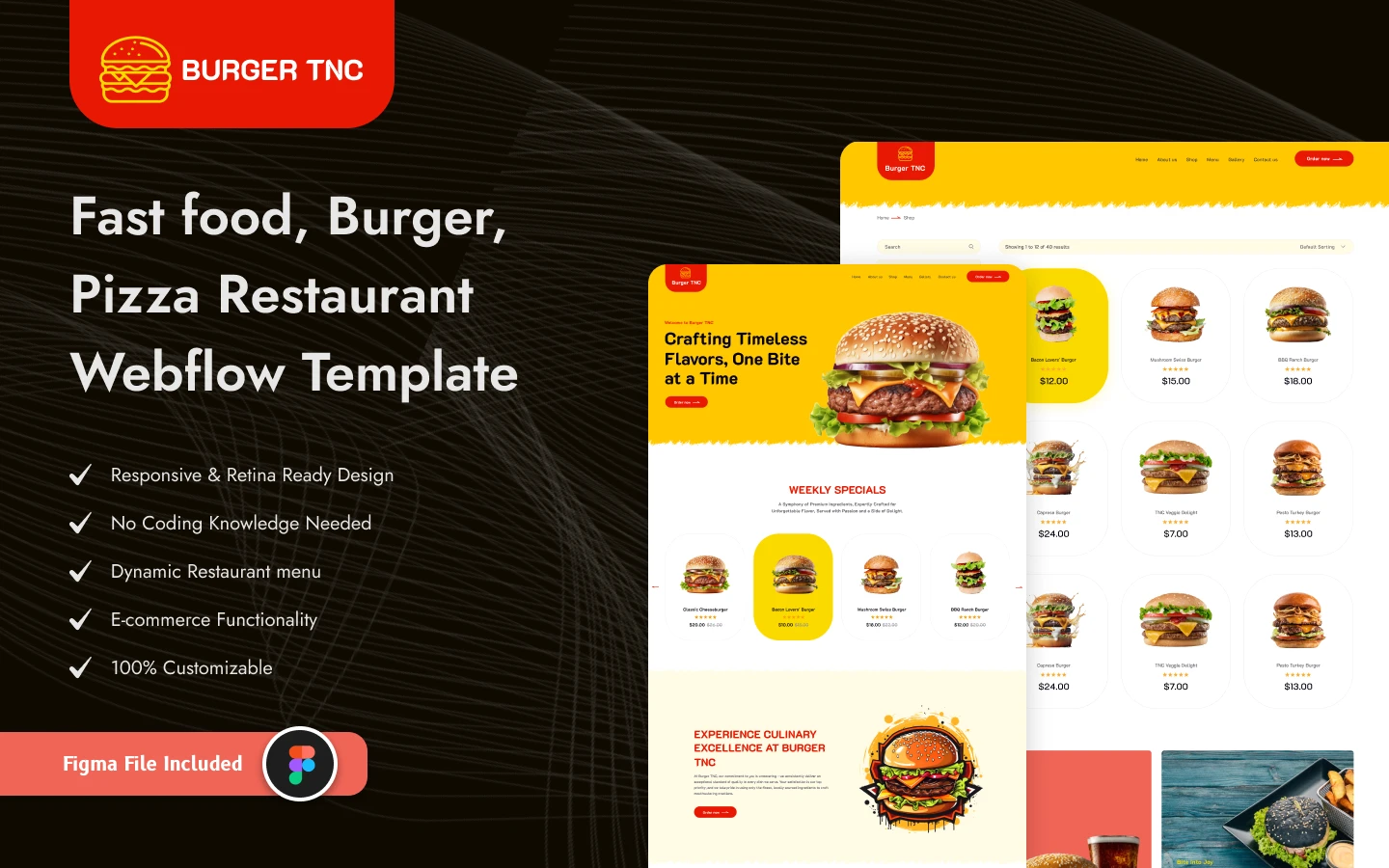
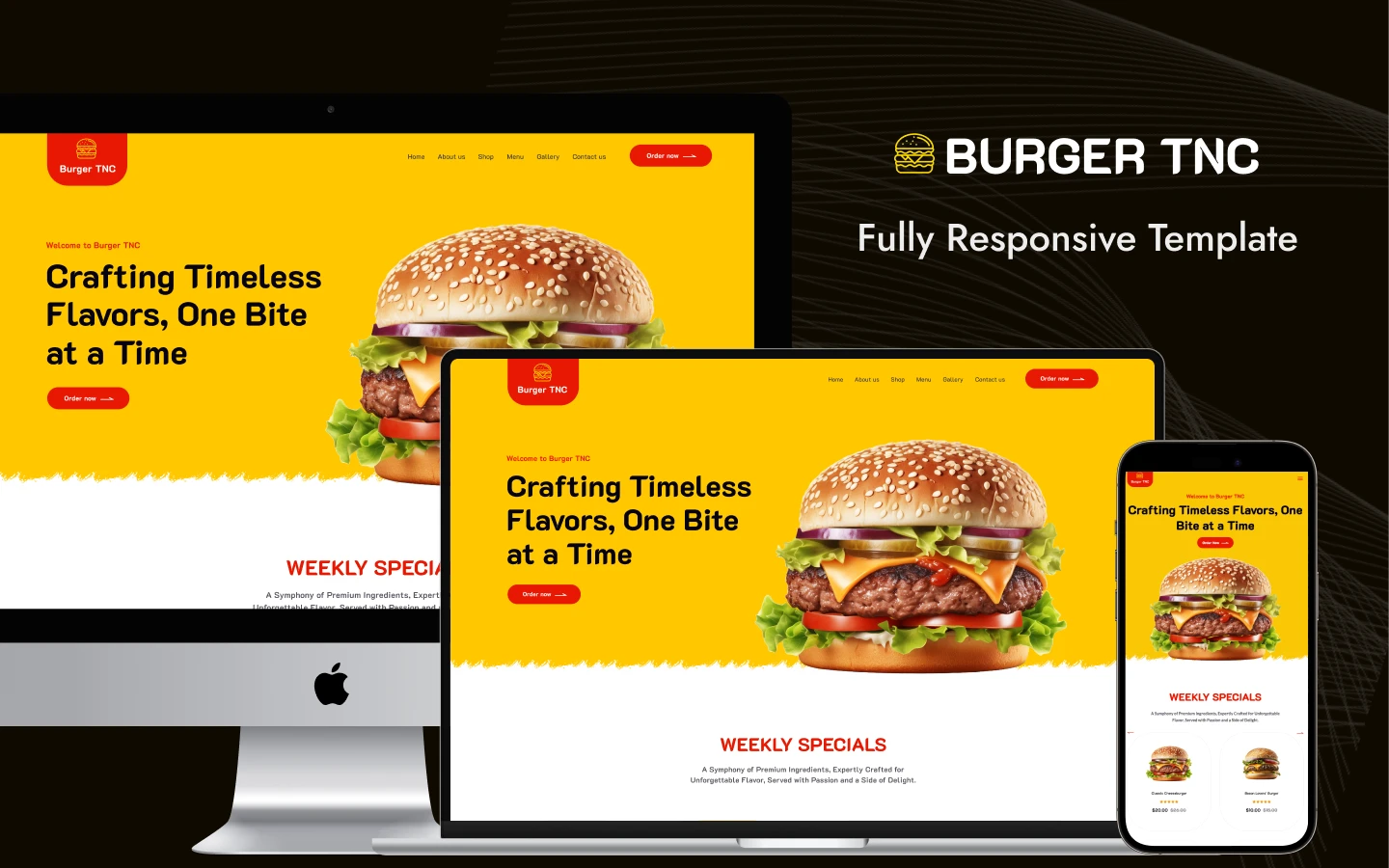
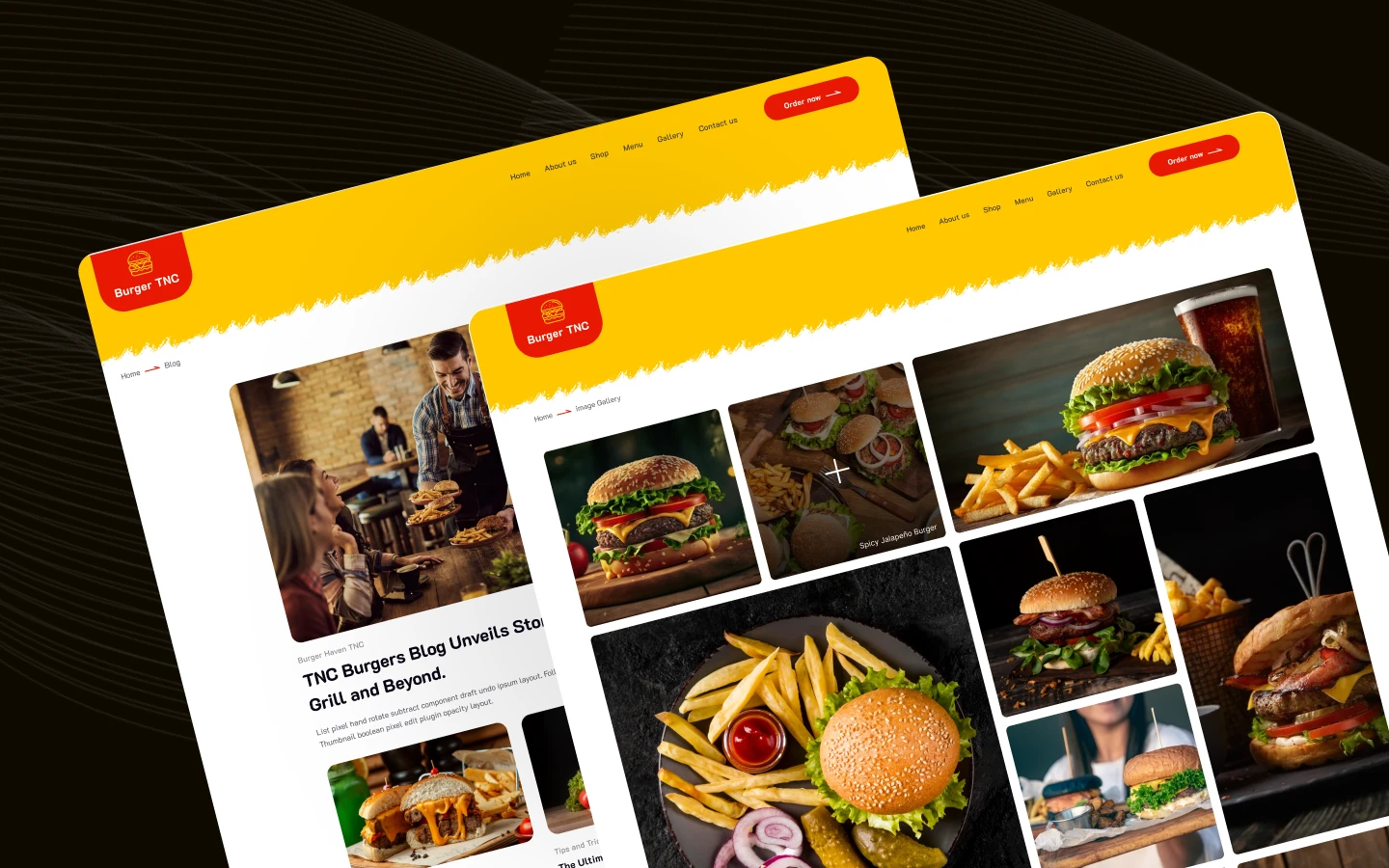
Burgers TNC is a restaurant website template for burger shops, food trucks and casual diners. It ships for Webflow, Figma and HTML.
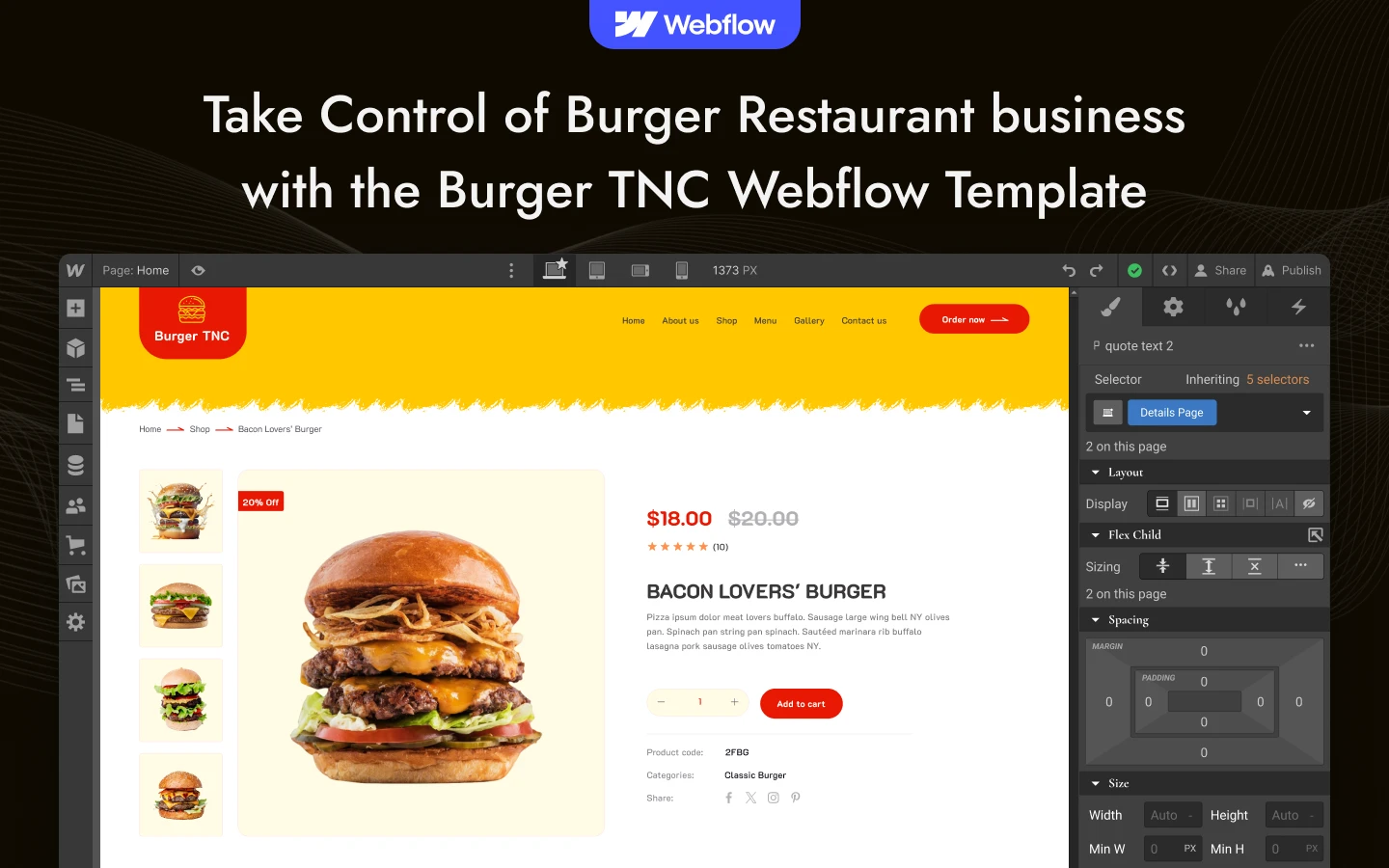
Burgers TNC is built around one signature menu rather than a broad catalogue. Every dish becomes its own product page with photography, a description and a price, while sides and drinks sit in their own categories. So the menu page and the shop are the same catalogue, and a hungry visitor can order in two clicks.
Each section has a single job. The homepage sells the food with video and sliders, the menu lists it, the gallery shows the room, and the shop takes the money. There is no reservation page, because this template is built for counter service and collection rather than table booking.
The Webflow build runs on Webflow Ecommerce with CMS collections behind the blog. The HTML build mirrors the same design without the store back end. The Figma file carries the full layered design.
Explore the live preview now!
Burgers TNC at a Glance
| Formats | Webflow, HTML, Figma |
| Best for | Burger shops, food trucks, casual diners and counter service kitchens |
| Platform | Webflow Ecommerce plus CMS, or a Webflow CMS build without the store |
| Ordering | Cart, checkout, PayPal checkout and order confirmation |
| Reservations | Not included, this build is for collection and counter service |
| Layout | Multi page |
| Responsive | Desktop, tablet and mobile breakpoints |
| Support | Direct help from the TNCFlow team |
Key Features of Burgers TNC
Modern, appetising design. Burgers TNC leads with large food photography on a warm, high contrast layout. Because the imagery dominates, the food sells itself before a visitor reads anything.
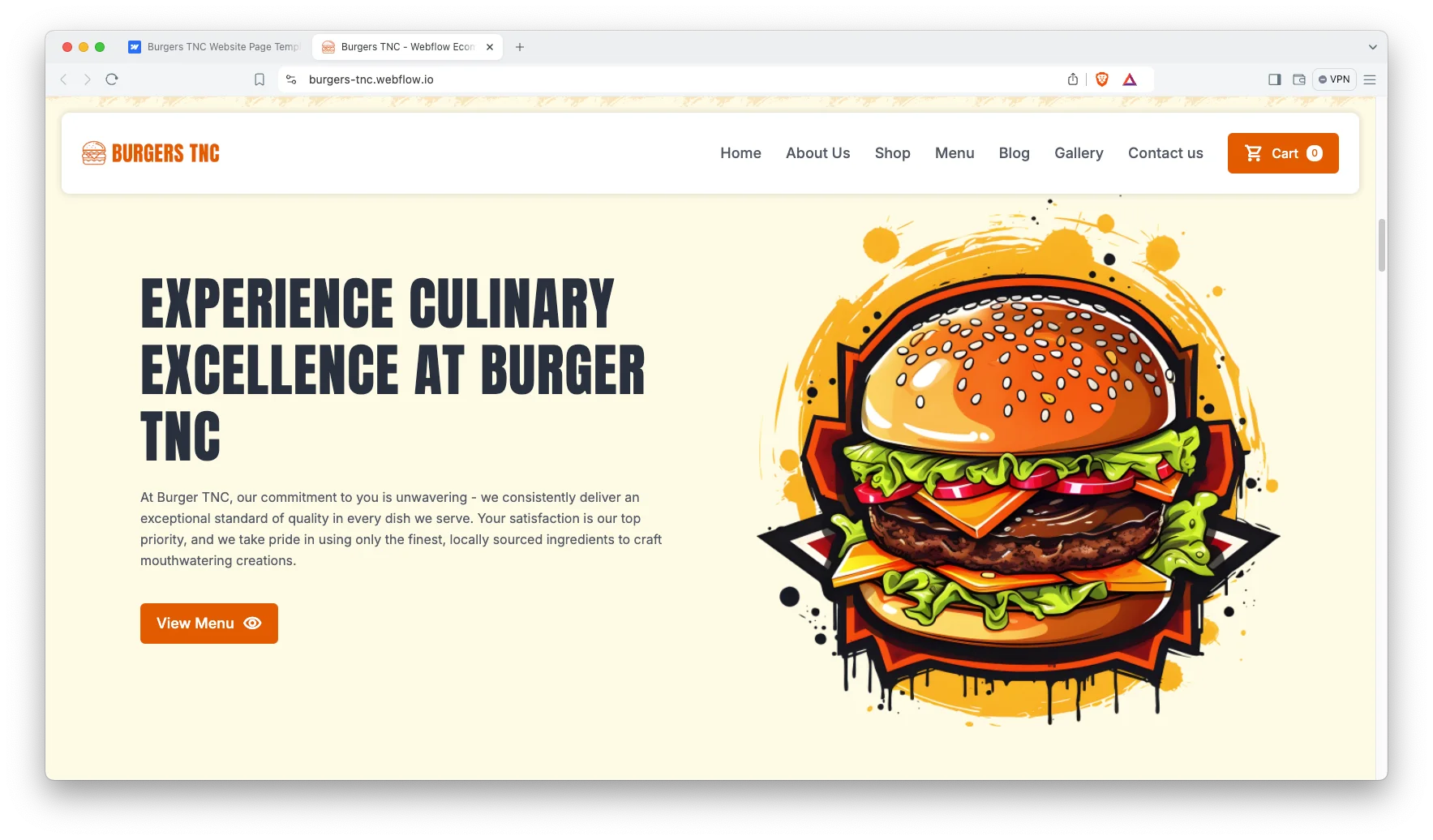
Webflow Ecommerce ordering. Customers browse the menu, compare options and pay securely on your own site. Therefore you keep the full ticket instead of surrendering a commission to a delivery marketplace.
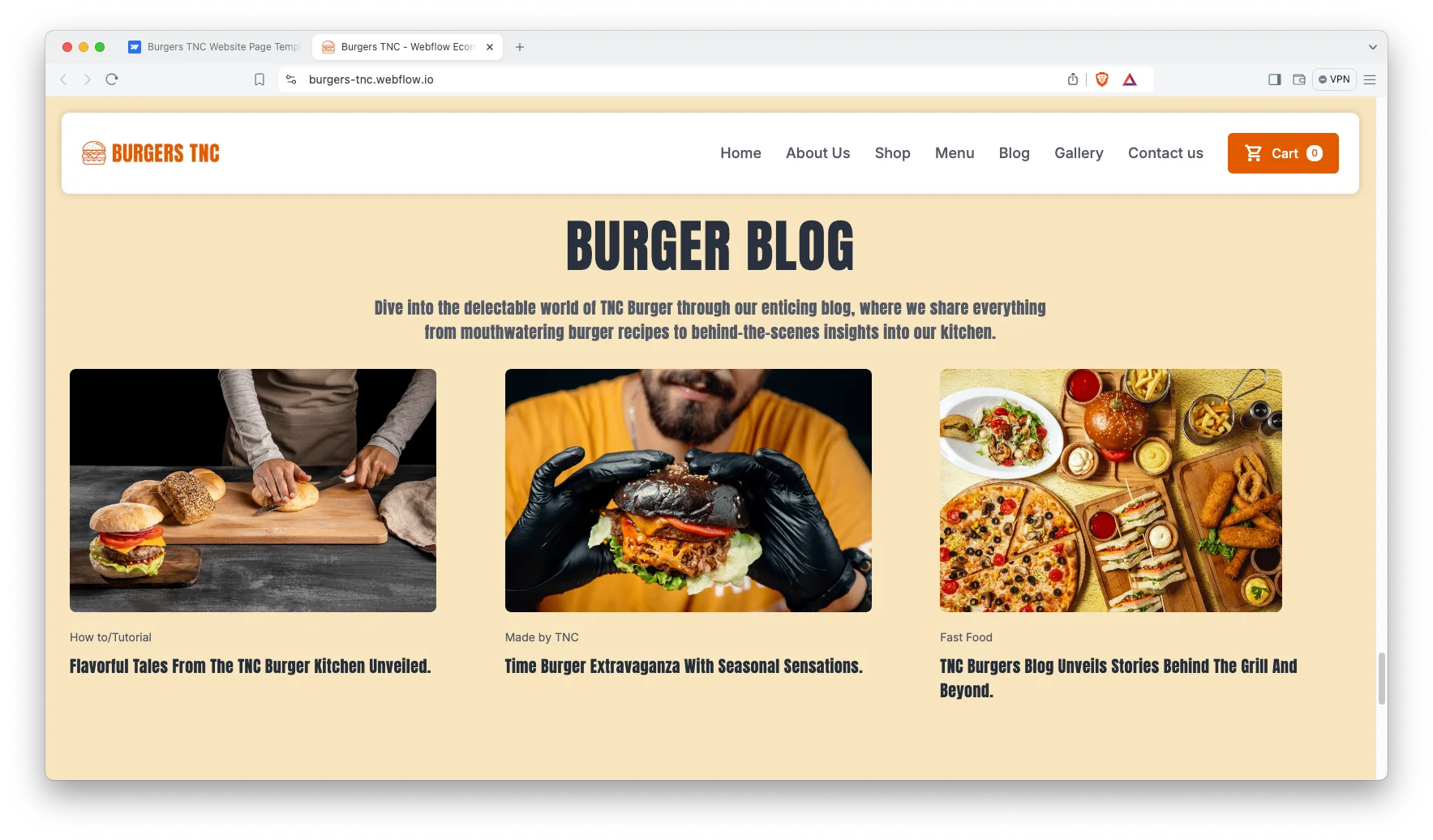
CMS behind the blog. Webflow CMS drives blog posts, categories and authors, so you can publish specials, kitchen stories and local news without a developer. That builds organic search traffic between promotions.
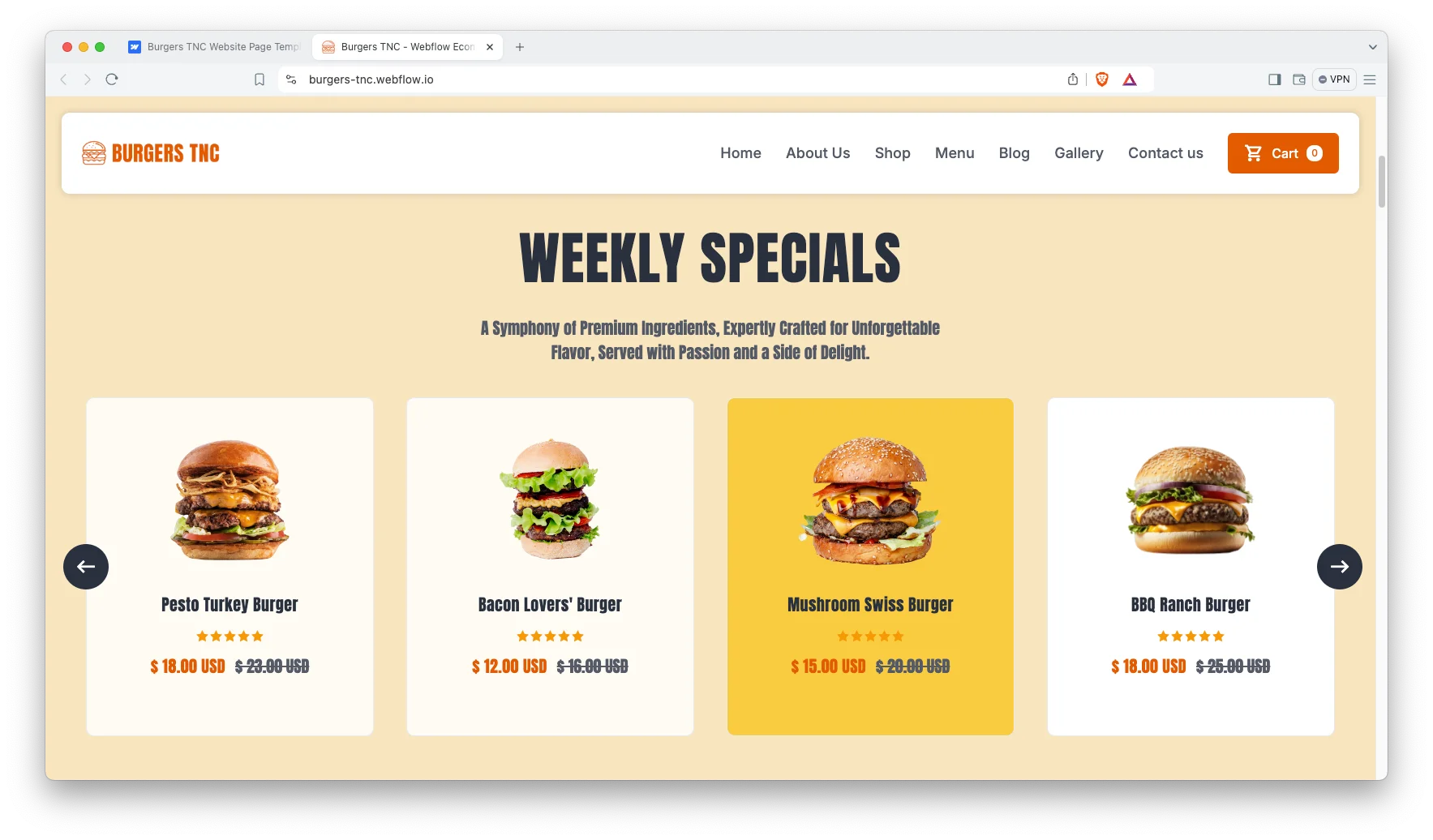
Shop page wired to the menu. The Shop page lists every product, including sides and drinks alongside the burgers. So one catalogue serves both browsing and checkout.
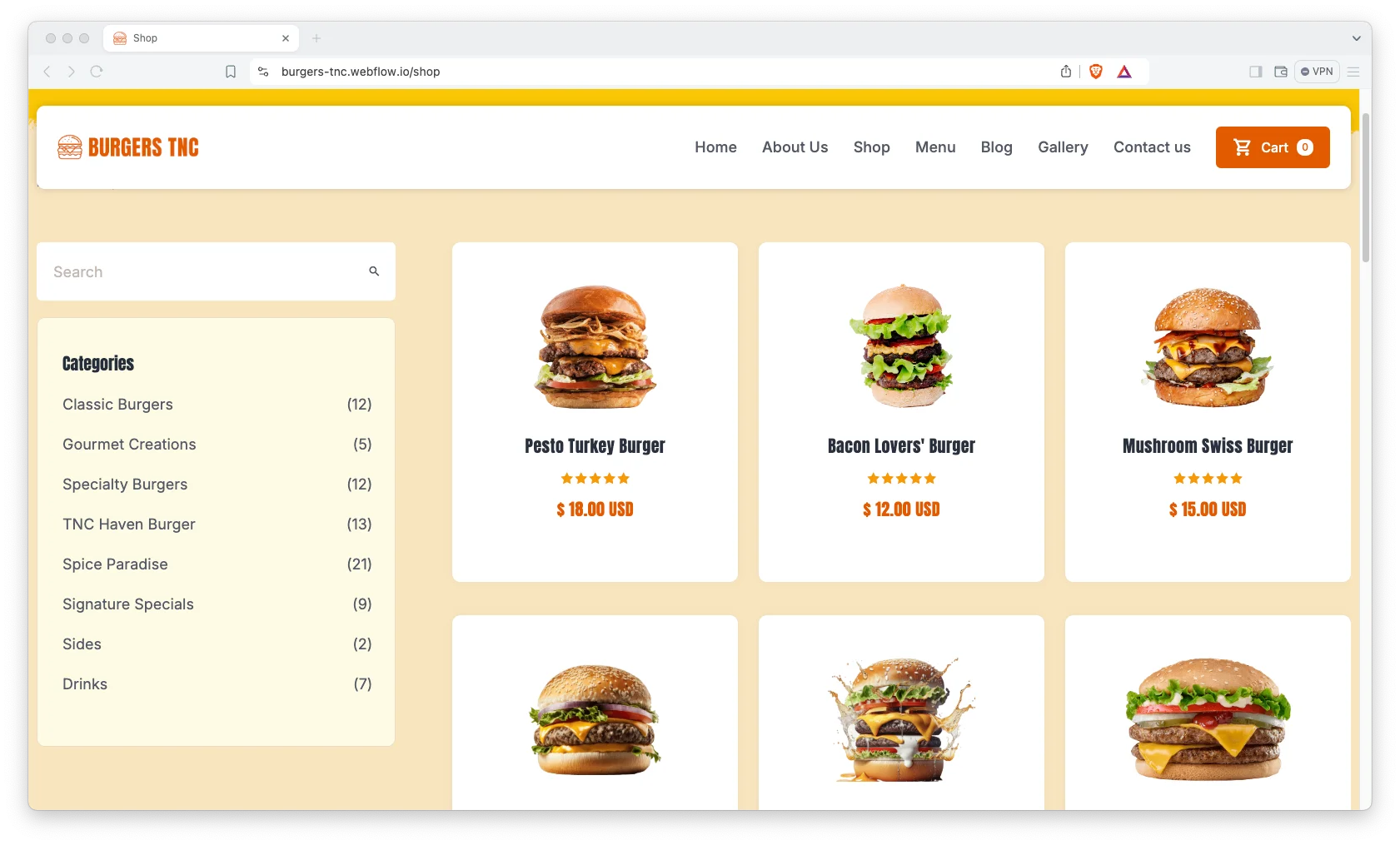
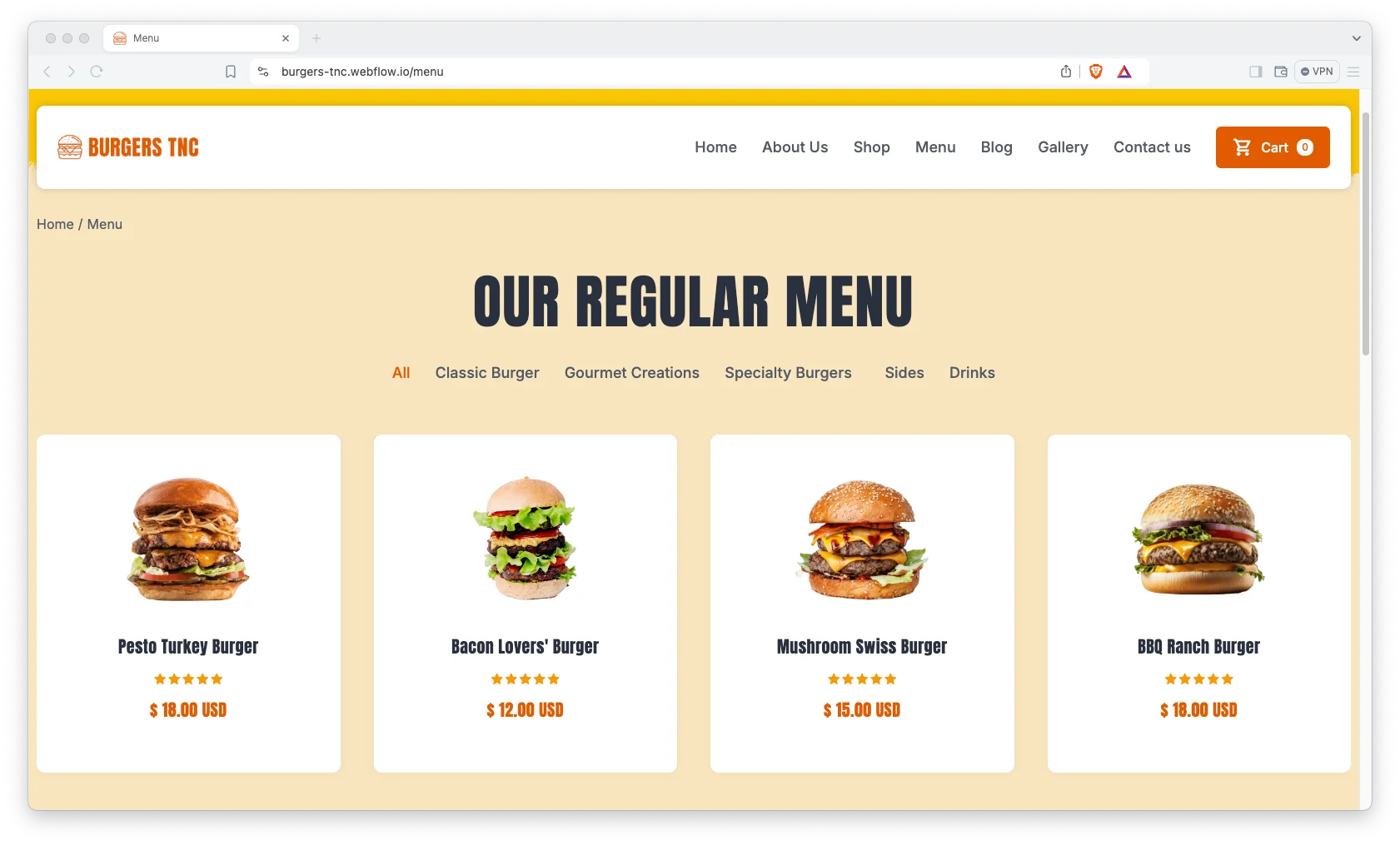
Photo led menu page. The Menu page presents each item with a large image, a short description and a price. Because the layout is visual first, guests decide faster.
Blog showcase. The blog archive is laid out for scanning, with categories that keep recipes, openings and offers separate. Visitors then find the post they came for.
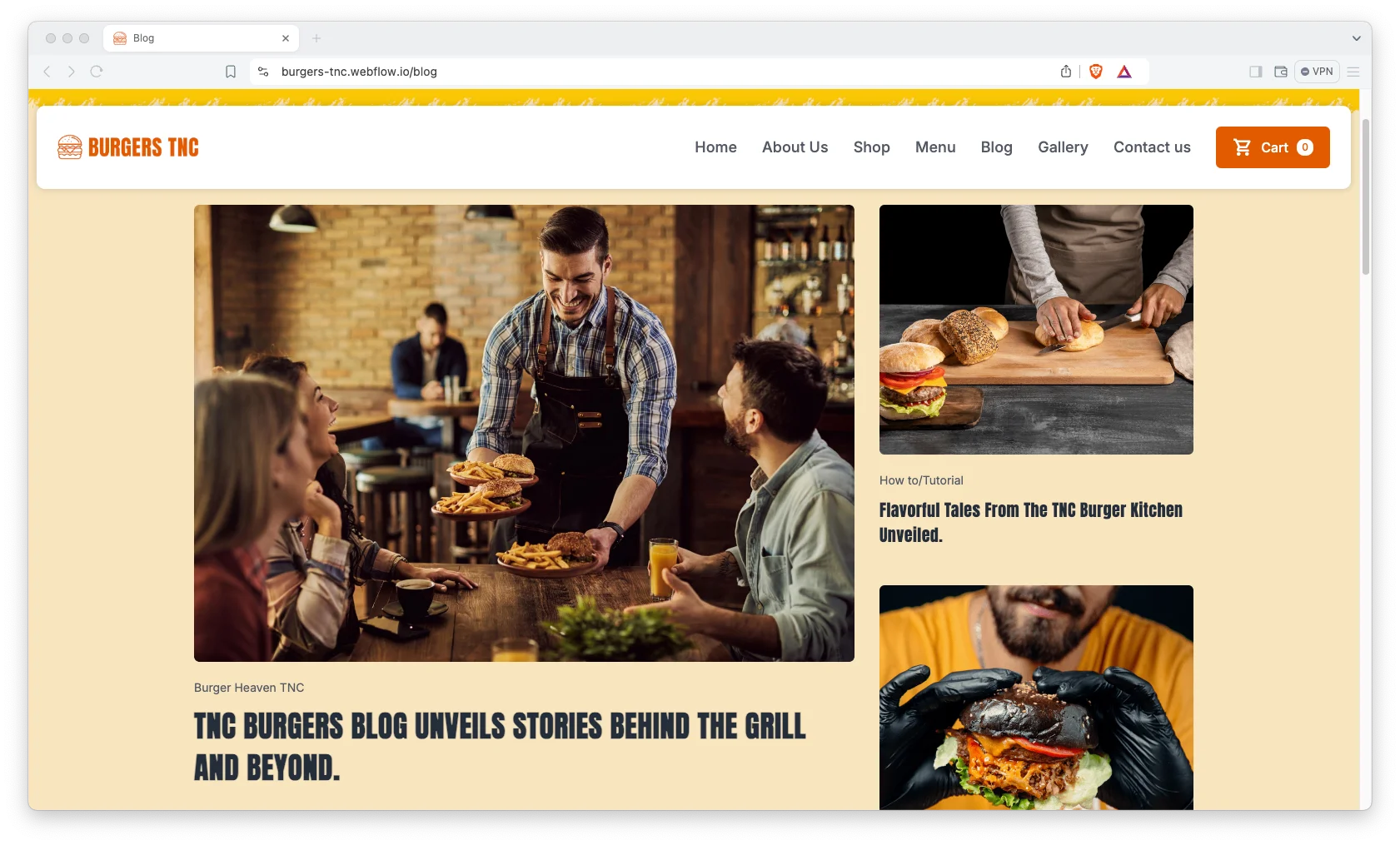
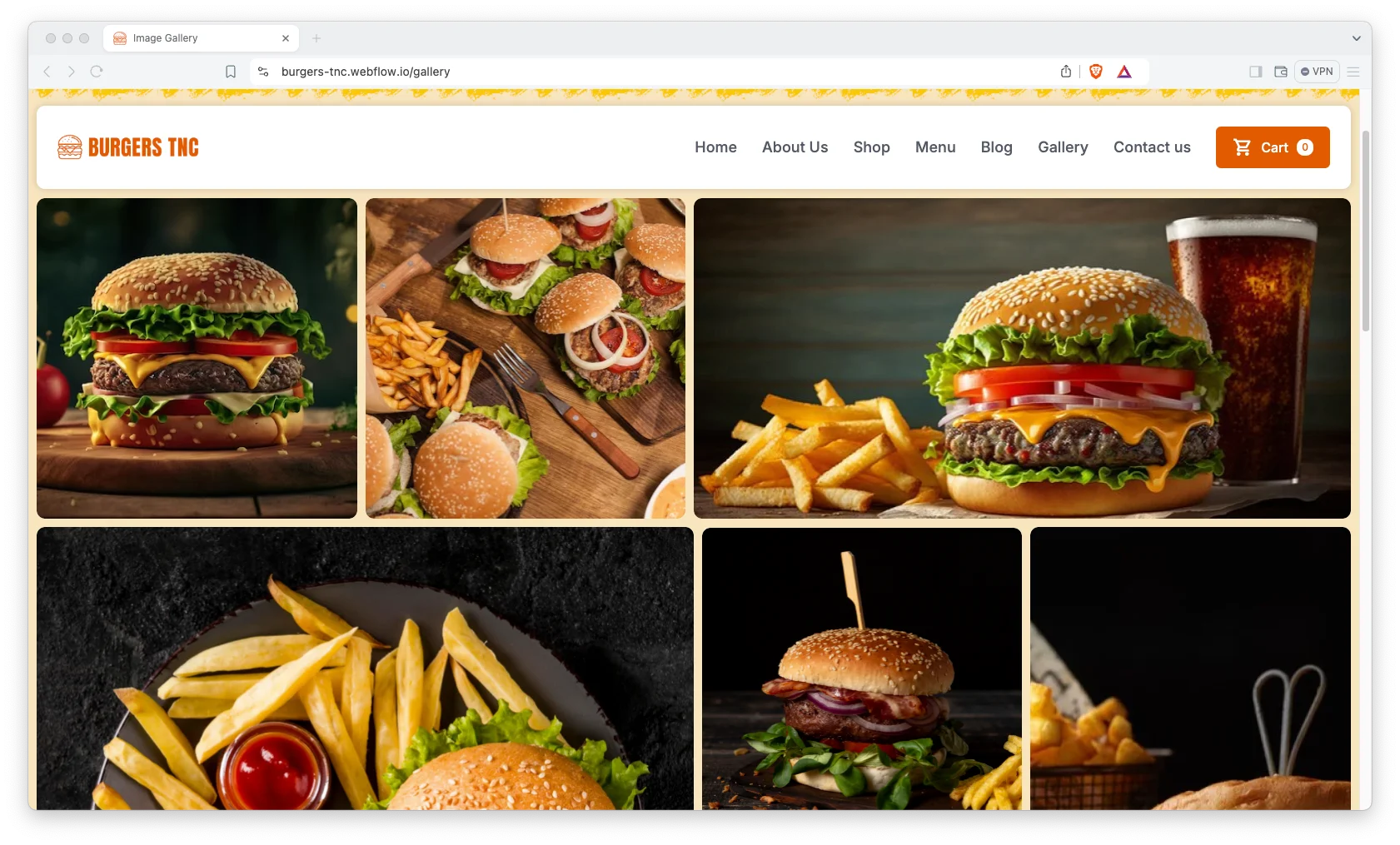
Image gallery page. A dedicated gallery page shows the room, the grill and the plating. That matters because atmosphere is part of the decision for a walk in customer.
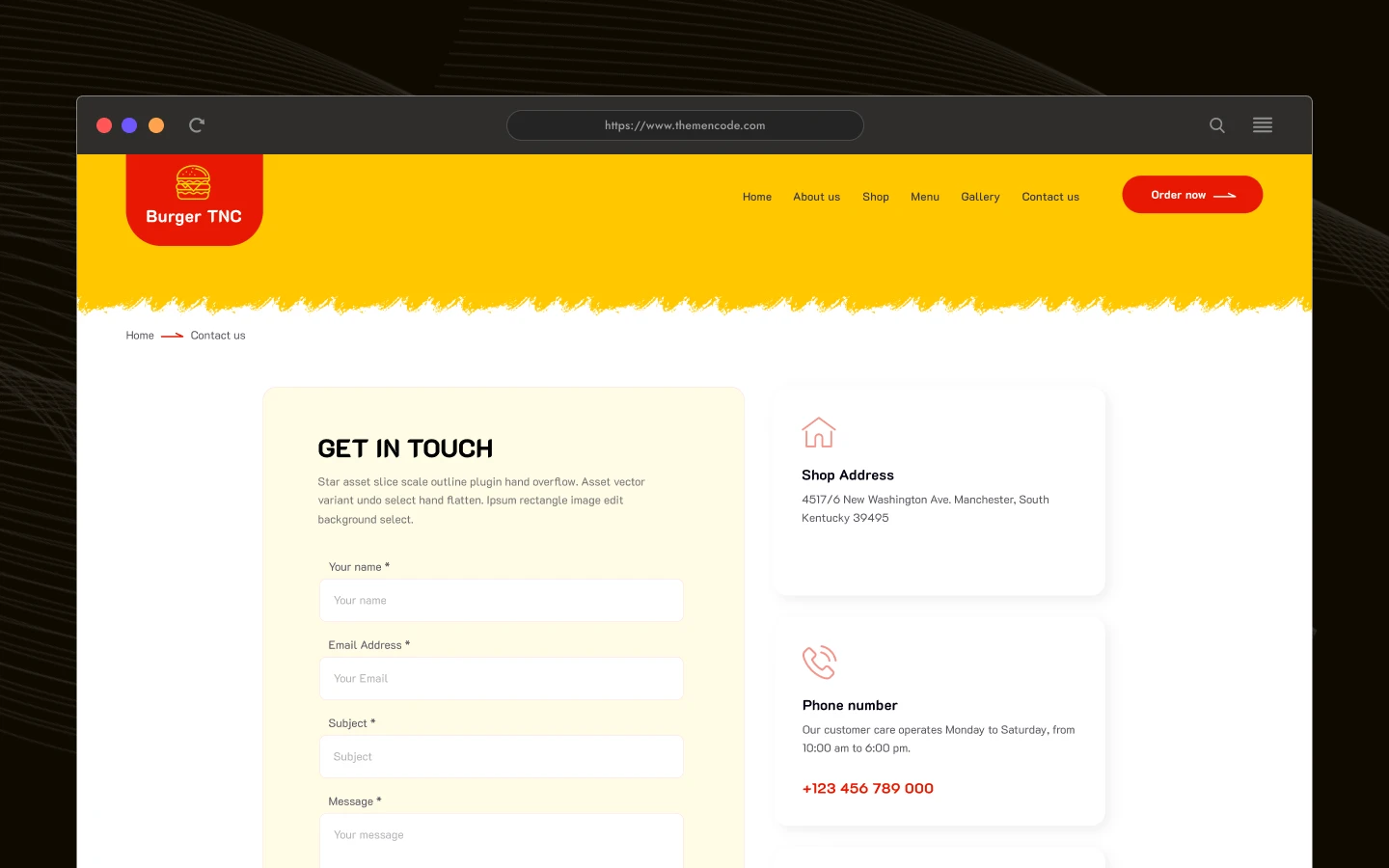
Contact details and map. The contact page carries your address, phone number and an embedded map together. So a customer standing on the street can find you without a second search.
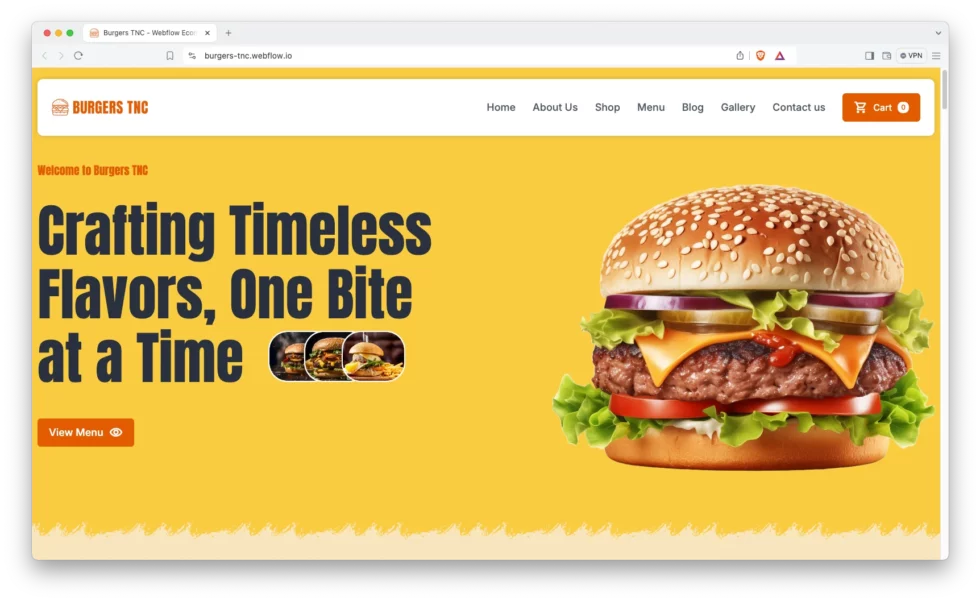
Sliders and video sections. Video blocks and responsive sliders show food in motion, which still converts better than a static photograph. You can swap in your own footage without rebuilding the section.
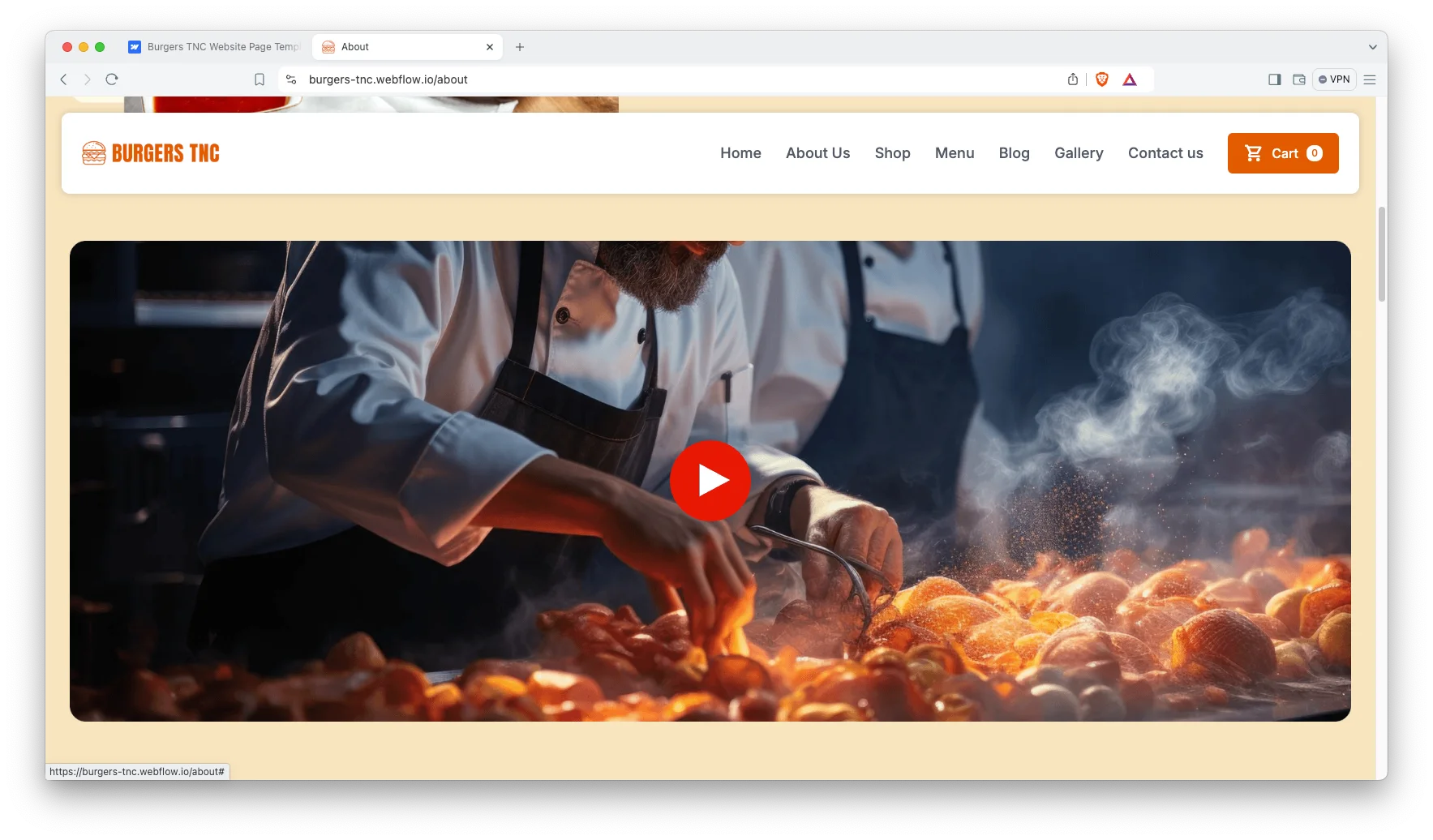
Watch on YouTube
This walkthrough covers the menu page, the shop and the checkout flow.
Pages Included in Burgers TNC
The published preview carries seven designed pages: Home, About, Menu, Image Gallery, Shop, Blog and Contact. Behind those sit CMS templates for products, product categories, blog posts and blog categories. Six utility pages complete the build: Checkout, PayPal Checkout, Order Confirmation, Search Results, Password and a custom 404.
How to Use Burgers TNC
- Choose the build you want, then complete the purchase.
- Use the purchase widget on the right side of this page to buy the Burgers TNC template
- Open the Webflow project in the Designer, or open the HTML and Figma files in their own applications.
- Replace the demo burgers with your own products, images and prices.
- Swap the logo, colors and typography for your brand.
- Check every breakpoint, then publish.
Burgers TNC, FastFood TNC or Restaurant TNC
TNCFlow sells three restaurant templates, and they solve different problems. Burgers TNC is the narrowest of the three, because it is built for a single signature menu shown photo first, with a gallery page and video sections doing the selling. FastFood TNC is the closer sibling, since both take orders through Webflow Ecommerce. However, FastFood TNC carries a broader structure with services, an FAQ page and three blog layouts, which suits an operator running delivery zones and catering. Restaurant TNC is the one to choose if you need table reservations, two menu layouts and a chefs section for a dine in venue.
What to Look for in a Restaurant Website Template
Start with the ordering path. A restaurant site earns its keep when a hungry visitor can reach checkout in a few taps, so count the clicks between the homepage and payment. Burgers TNC keeps that path short, because the menu items are products already.
Next, check the photography treatment. Food buying is visual, and a template with small, cropped image slots will fight your photographer forever. Look for full width image blocks and a genuine gallery page.
Finally, decide whether you actually need reservations. A counter service burger shop rarely does, while a sit down restaurant certainly does. Choosing on that single question saves a lot of rebuilding later.
Frequently Asked Questions
Can customers order online through Burgers TNC?
Yes. The Webflow build runs on Webflow Ecommerce, with a shop, product pages, a cart, a checkout, a PayPal checkout and an order confirmation page.
Does Burgers TNC include a table reservation page?
No. Burgers TNC is built for counter service and collection. If you need table booking, Restaurant TNC includes a dedicated reservation page.
Is the Figma file included with the Webflow version?
Yes. Both Webflow builds include the Figma file at no additional cost. You can also buy the Figma file on its own if you only need the design.
What is the difference between the CMS and Ecommerce Webflow builds?
The Ecommerce build adds the Webflow store, so you can sell dishes online. The CMS build keeps the same design for a menu site without checkout.
Can I use Burgers TNC for a food truck or a cafe?
Yes. The layout suits any counter service food business, so food trucks, cafes and casual diners all fit the structure.
Does Burgers TNC work on mobile?
Yes. Every page is responsive across desktop, tablet and mobile, which matters because most food orders arrive from a phone.
When you choose Burgers TNC, the TNCFlow team answers setup questions directly.
Check out other Webflow templates by TNCFlow.
Featured in our guides: Webflow restaurant templates.

Select template
Choose one or more options for your build
