

PRO

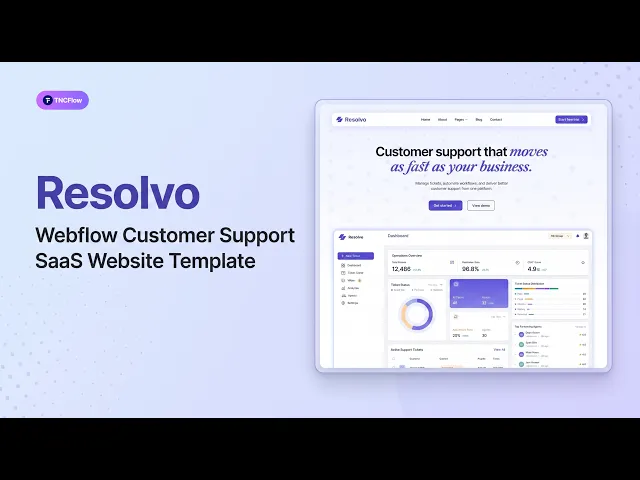
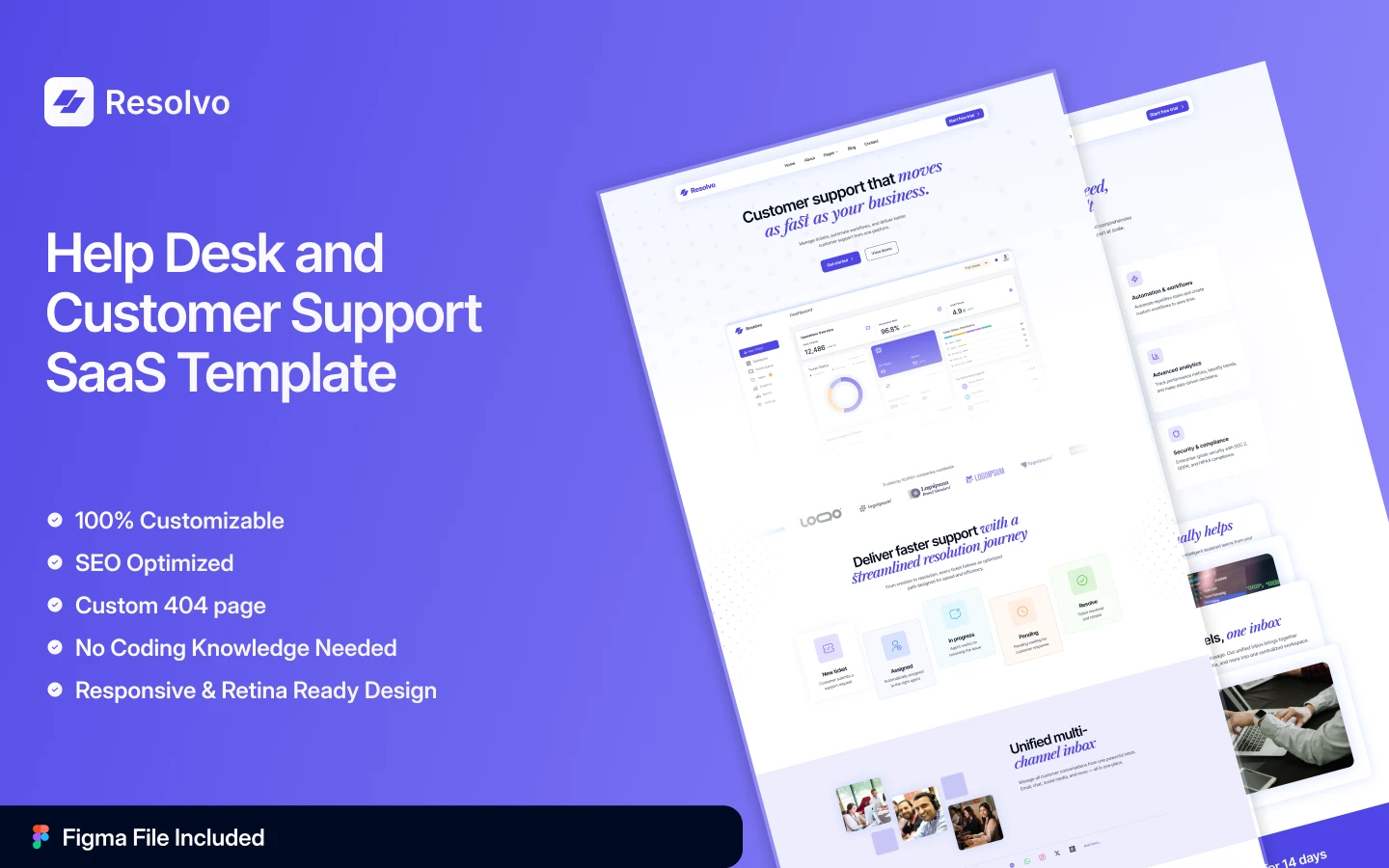
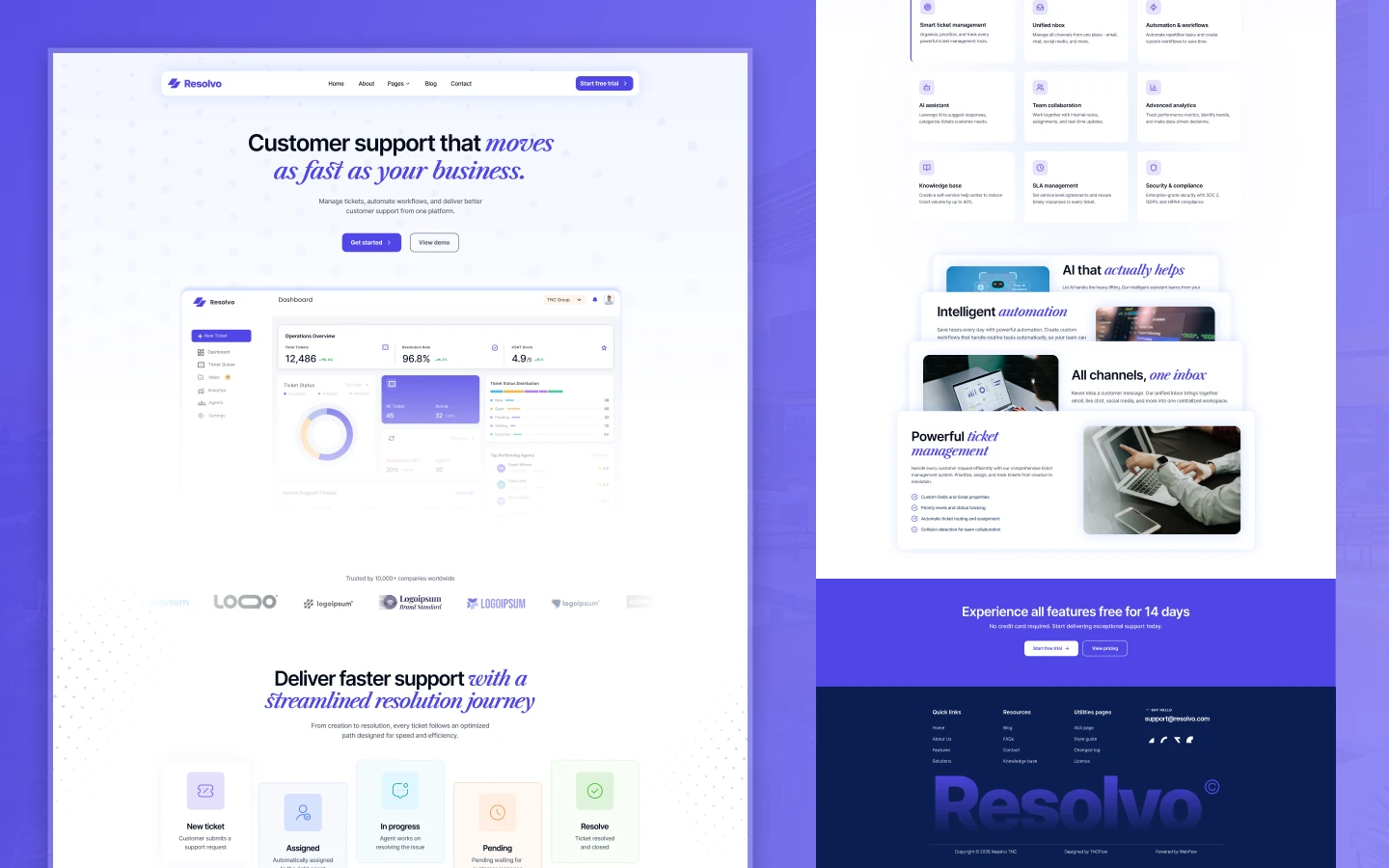
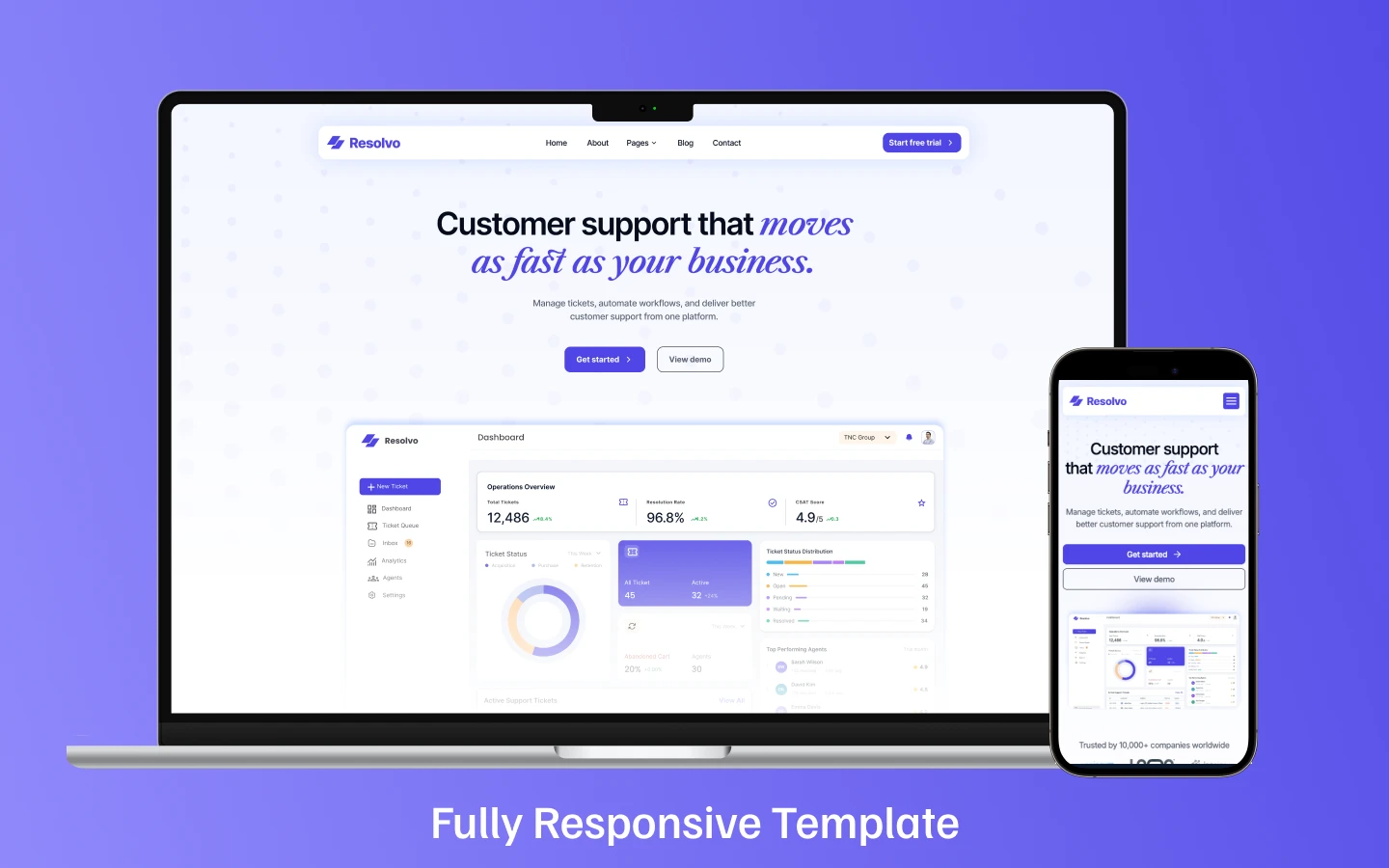
Resolvo is a customer support SaaS website template for help desk platforms, ticketing startups and live chat tools. It ships for Webflow, Figma and HTML.
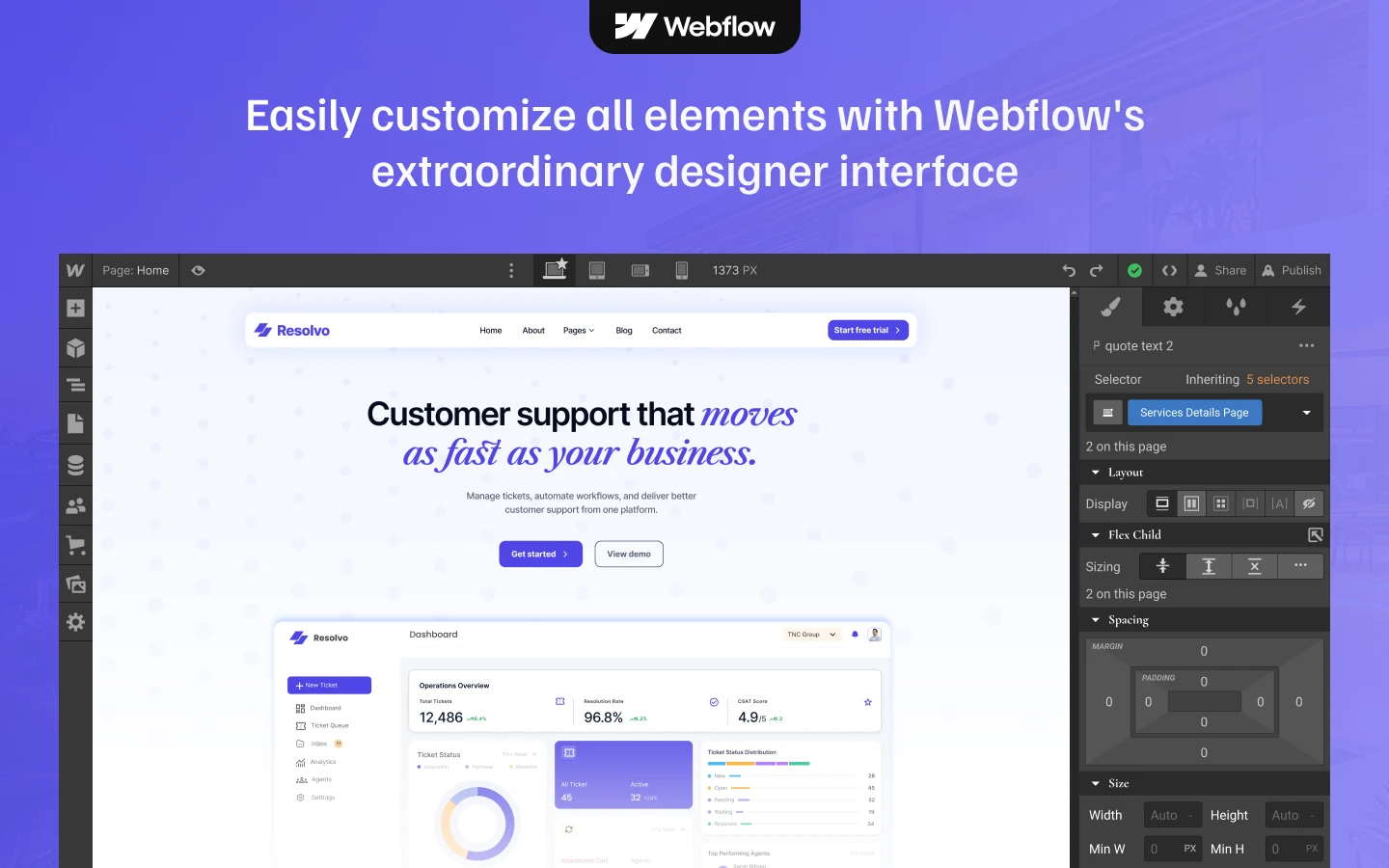
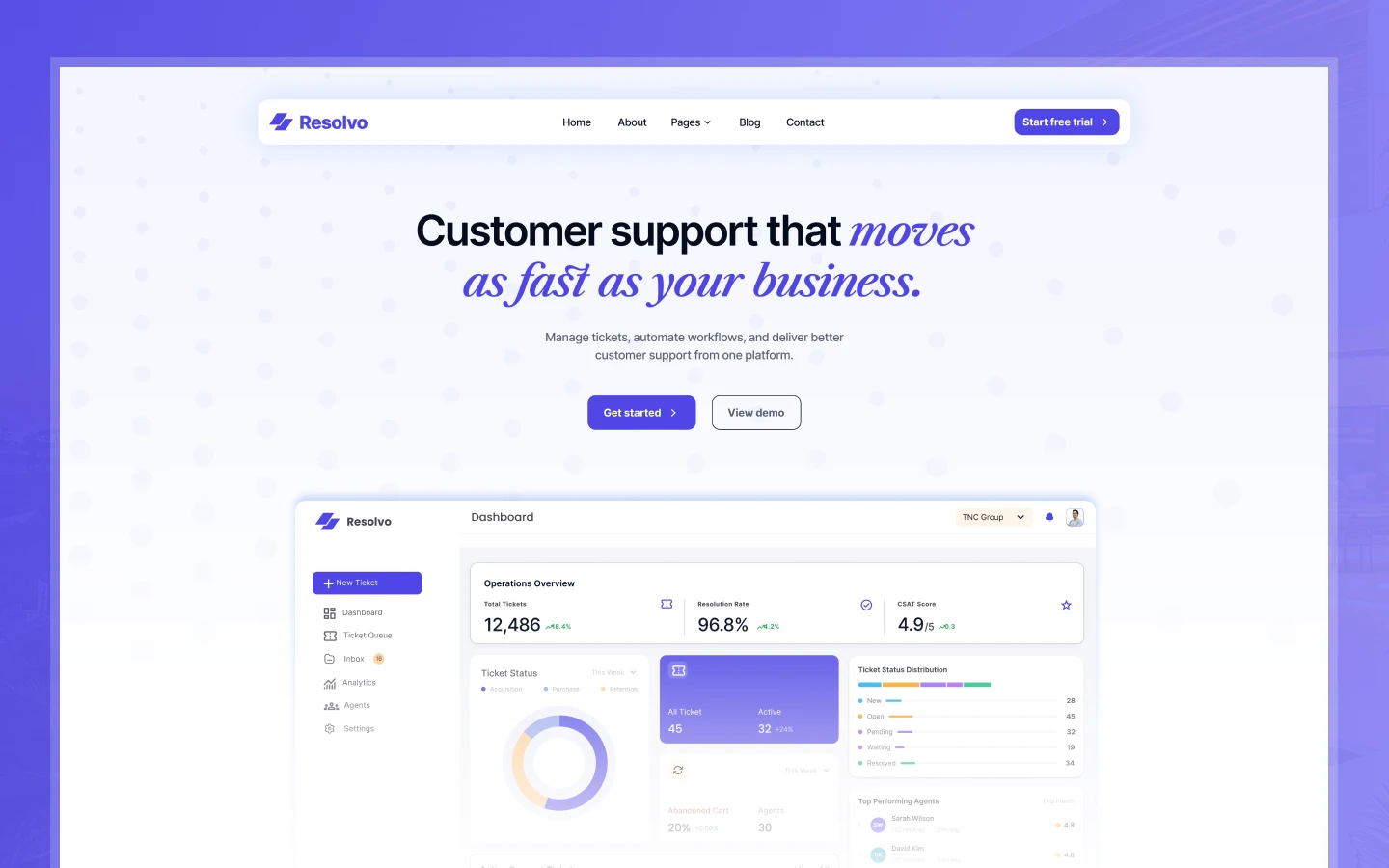
The build covers every page a SaaS support product needs to convert a skeptical buyer. A strong hero positions the product instantly, a structured ticket workflow visualization shows exactly how your platform handles support, a live status mockup adds immediate credibility, and a CMS-powered knowledge base preview demonstrates depth without overwhelming the reader. Because the blog posts and blog categories run on Webflow CMS, your team updates content in the editor rather than in the designer.
Each section has one job. The hero states the value, then the workflow, the features, the trust signals, and the pricing follow in the order a technical buyer evaluates them. Nothing decorates without purpose. The palette is clean and minimal, so the site reads like a product that was built to solve a real problem rather than to look impressive at a glance.
Explore the live preview now.
Resolvo at a Glance
| Formats | Webflow, Figma and HTML |
| Best for | Customer support SaaS founders, help desk platform builders, live chat tool makers, ticketing platform startups, CX agencies building client portals, and indie hackers launching Zendesk or Intercom alternatives |
| Pages | Multiple static pages and CMS templates |
| CMS | Webflow CMS, driving blog posts and blog categories |
| Layout | Multi page, with a light minimal palette and a structured product hero |
| Responsive | Yes, on desktop, tablet and mobile |
| Support | Included, direct from the TNCFlow team |
Who Should Choose Resolvo?
Resolvo is built for software teams building in the customer support and help desk space. So it fits customer support SaaS founders, live chat tool makers, ticketing platform startups, knowledge base software builders, CX agencies creating client-facing portals, and any software brand that needs to present support workflows clearly and convincingly to a technical buying audience.
It is not a general agency template or a marketing website for a support team. If you are building a product that sits in the support stack and needs to communicate workflow, speed, and reliability to buyers who have already evaluated three competitors, Resolvo is the right starting point.
Key Features of Resolvo
Support-Focused SaaS Design: Resolvo uses a clean, modern, light minimal visual style that communicates trustworthiness and product maturity from the first scroll. Because buyers in the support software category evaluate credibility before features, the restraint in the design is the point.
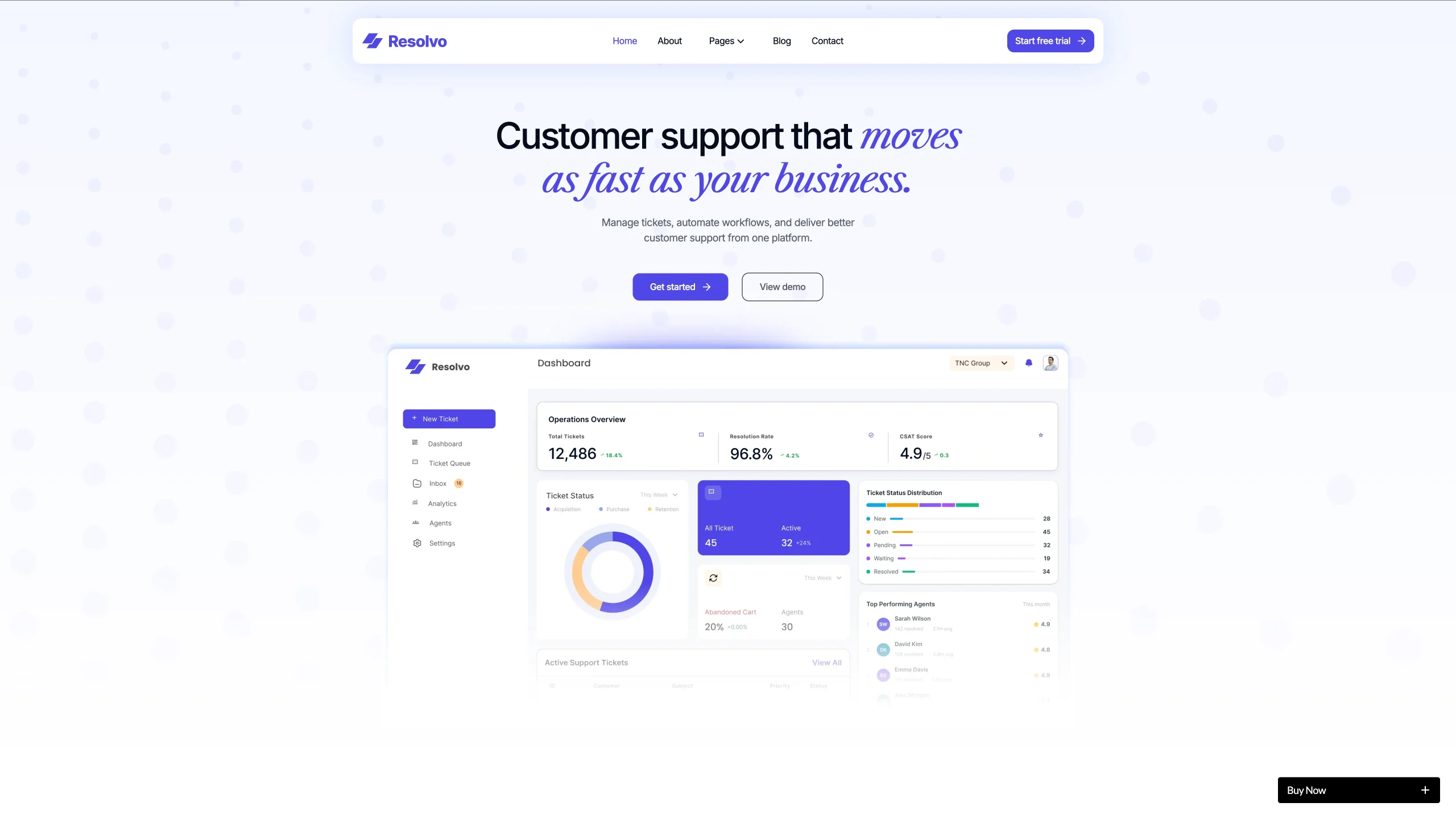
High Impact Hero Section: The homepage opens with a bold, product-led hero that positions your platform instantly, communicates its core value proposition clearly, and drives visitors toward a signup or demo action without friction.
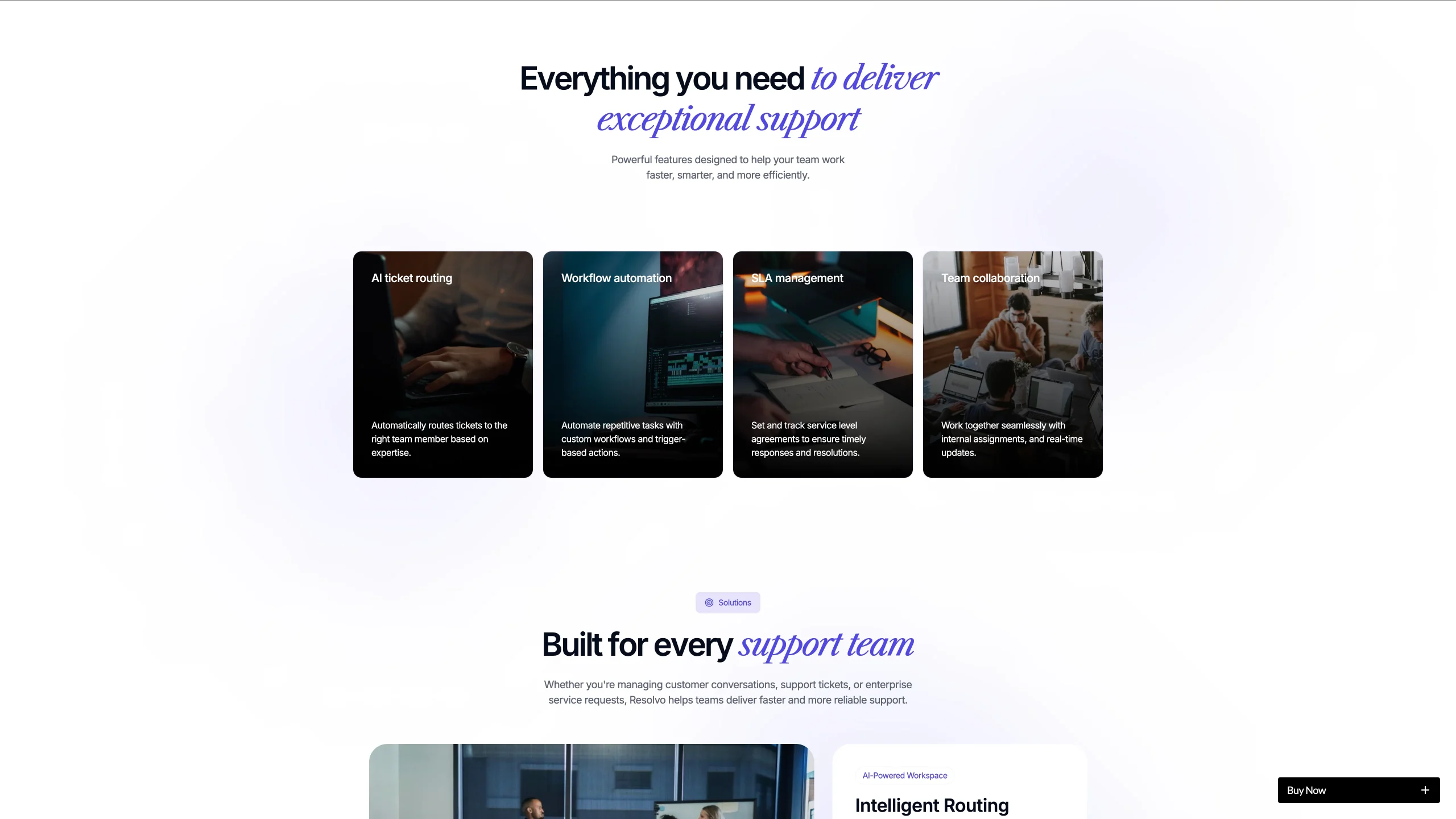
Ticket Workflow Visualization: A structured workflow section shows exactly how your platform handles tickets from submission to resolution. Because support buyers evaluate process clarity before pricing, this section is designed to turn a skeptical visitor into an informed prospect.
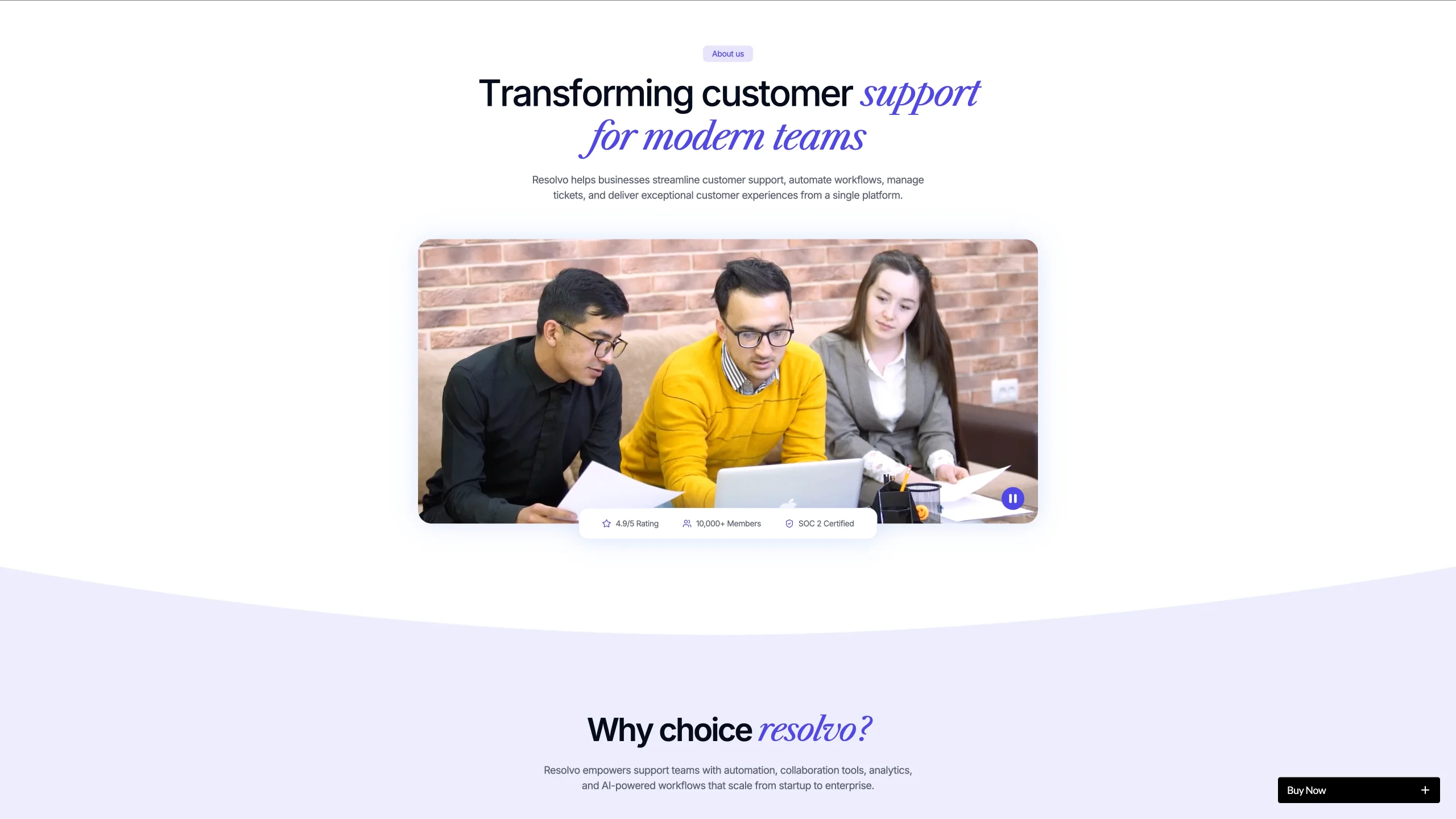
Live Status Mockup Section: A realistic status-style UI mockup adds immediate product credibility. Because buyers in this category want to see the actual interface before they commit to a demo, showing a polished mockup here does more conversion work than any feature list.
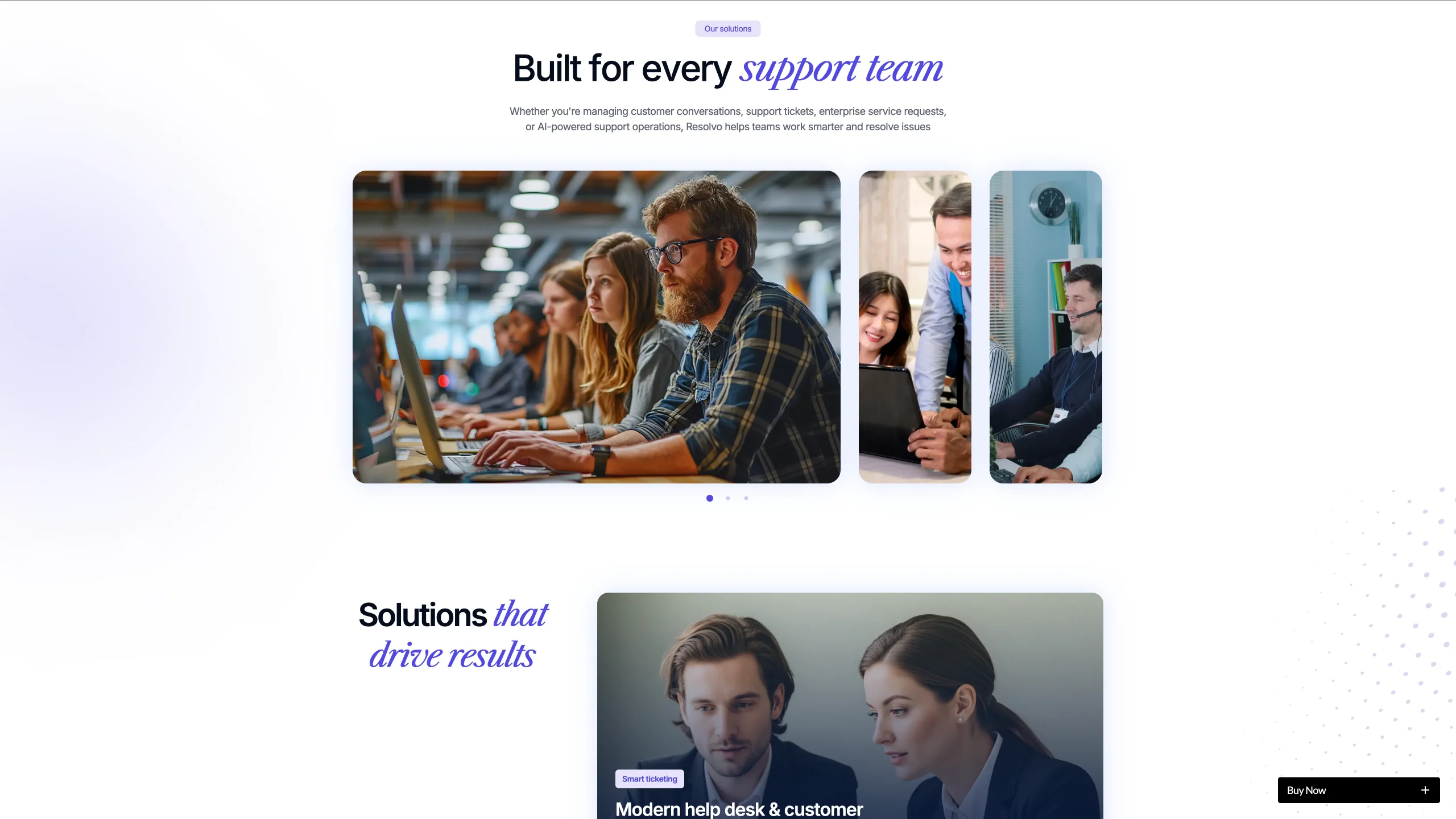
CMS Powered Knowledge Base Preview: A clean knowledge base showcase demonstrates the depth and organization of your support content system. Because help desk buyers evaluate the end-user experience as much as the admin experience, this section makes your product feel complete rather than partial.
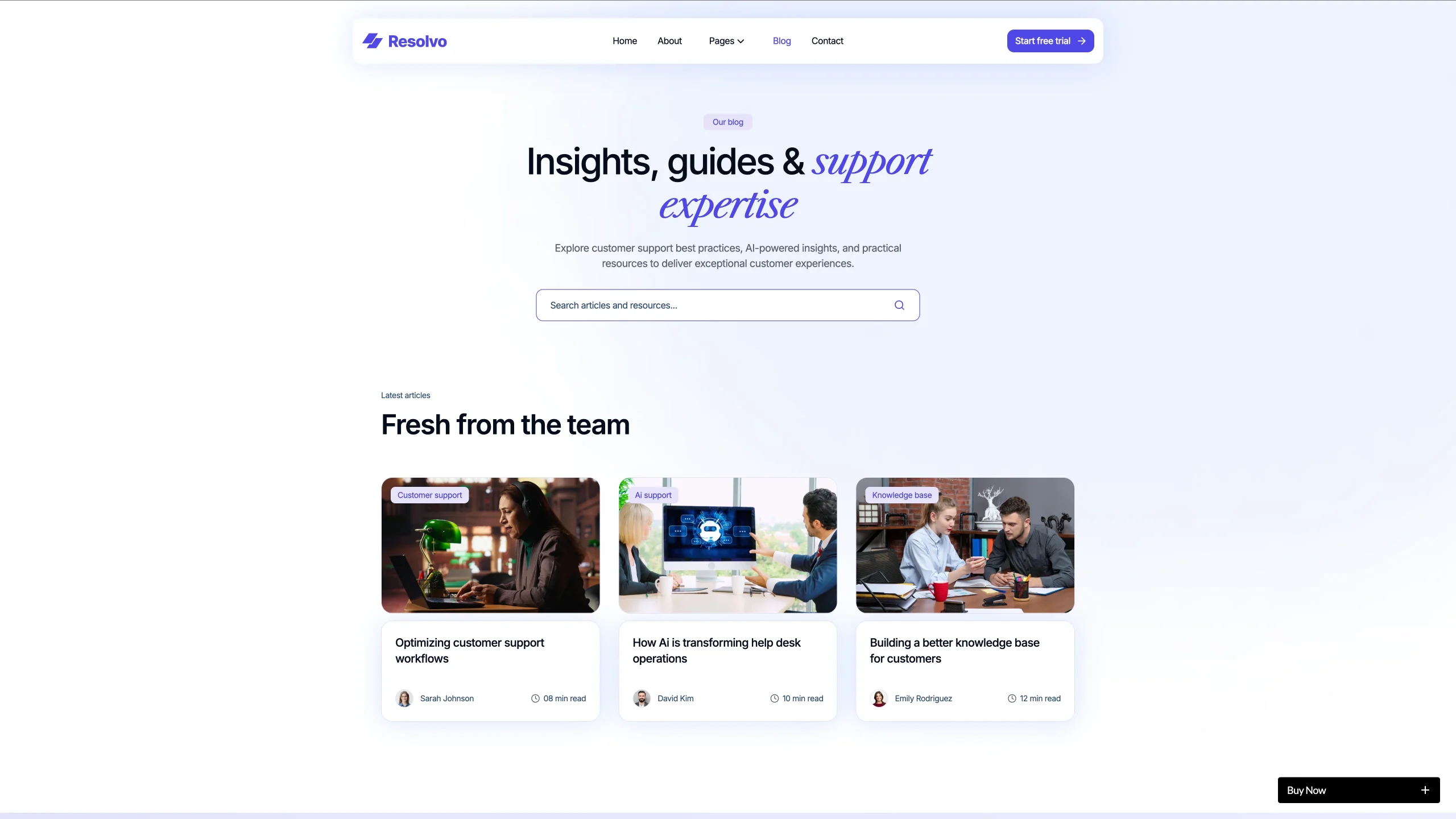
Product and Feature Showcase: Structured feature sections explain your platform’s core capabilities in plain, scannable language with supporting visuals. Because technical SaaS buyers skim before they read, the visual hierarchy is tuned to reward a three-second scan.
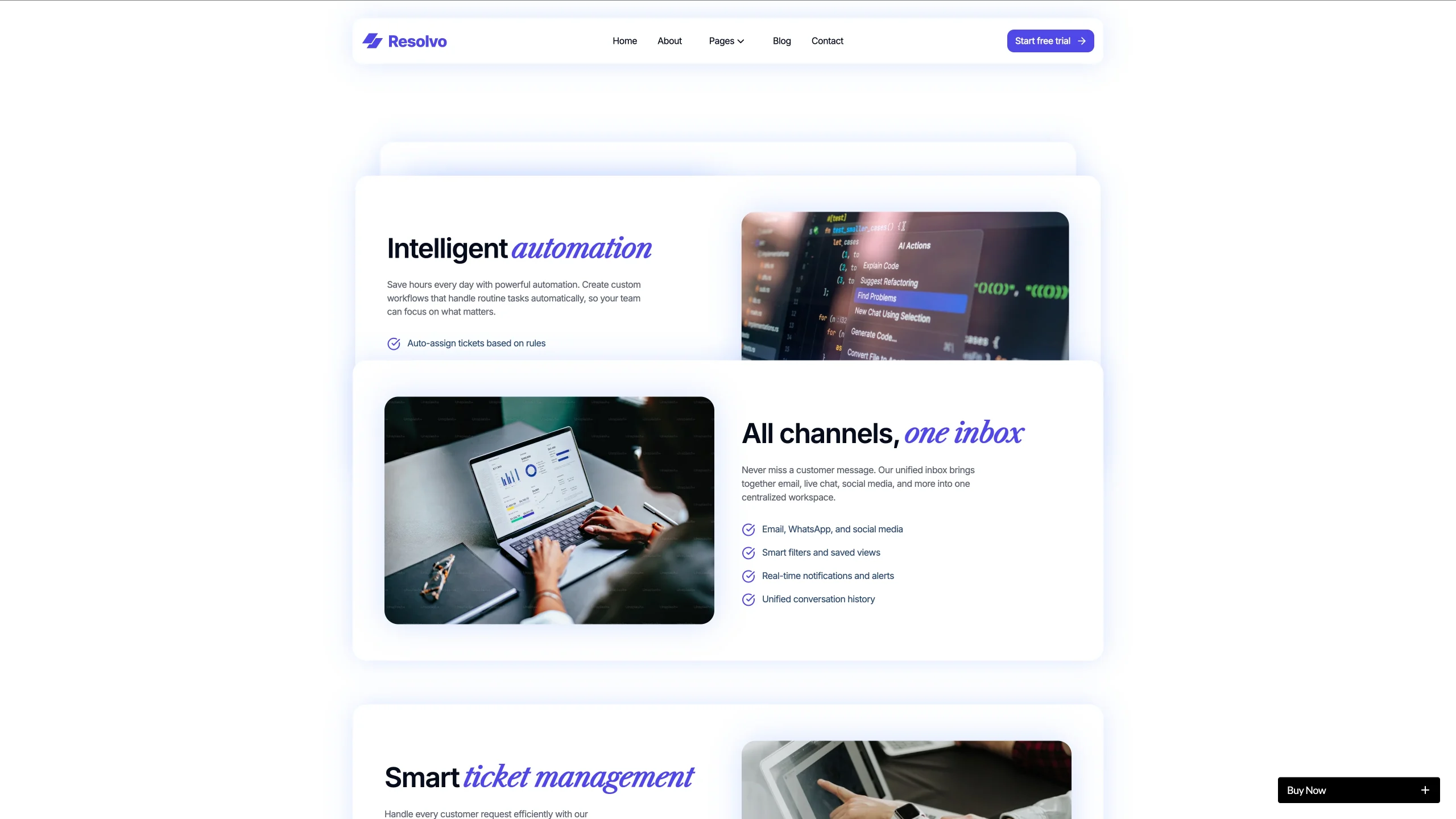
Trust Building Content Blocks: Client logos, social proof, outcome-based messaging, and structured comparison content reinforce confidence at every scroll depth. Because customer support software is purchased on trust as much as capability, these blocks earn their position throughout the page.
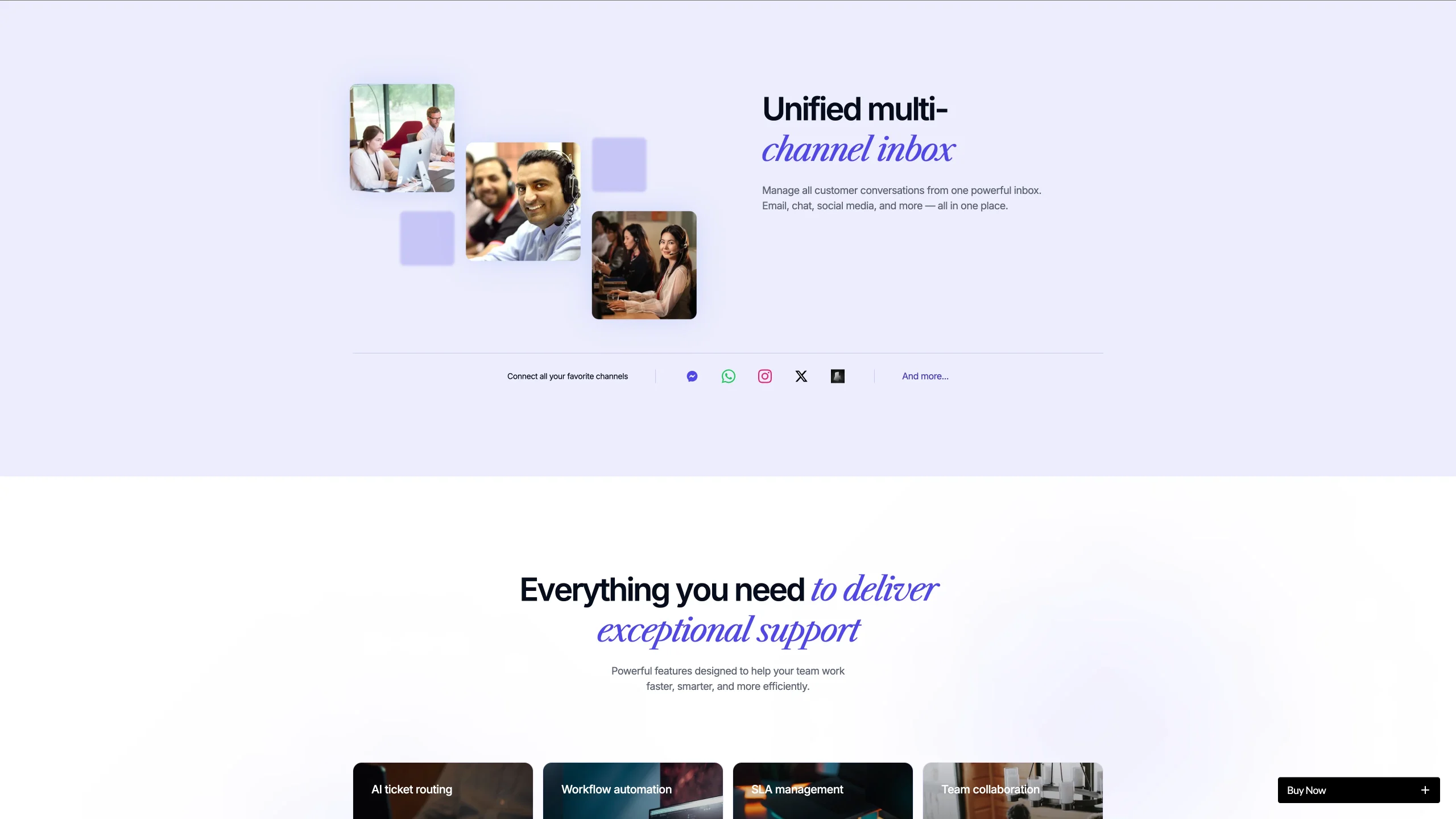
Fully Responsive Build: Every page is built for desktop, tablet and mobile. Because a lot of SaaS buyers evaluate tools on a phone before requesting a demo on a desktop, the layout and the tap targets were tuned for both contexts.
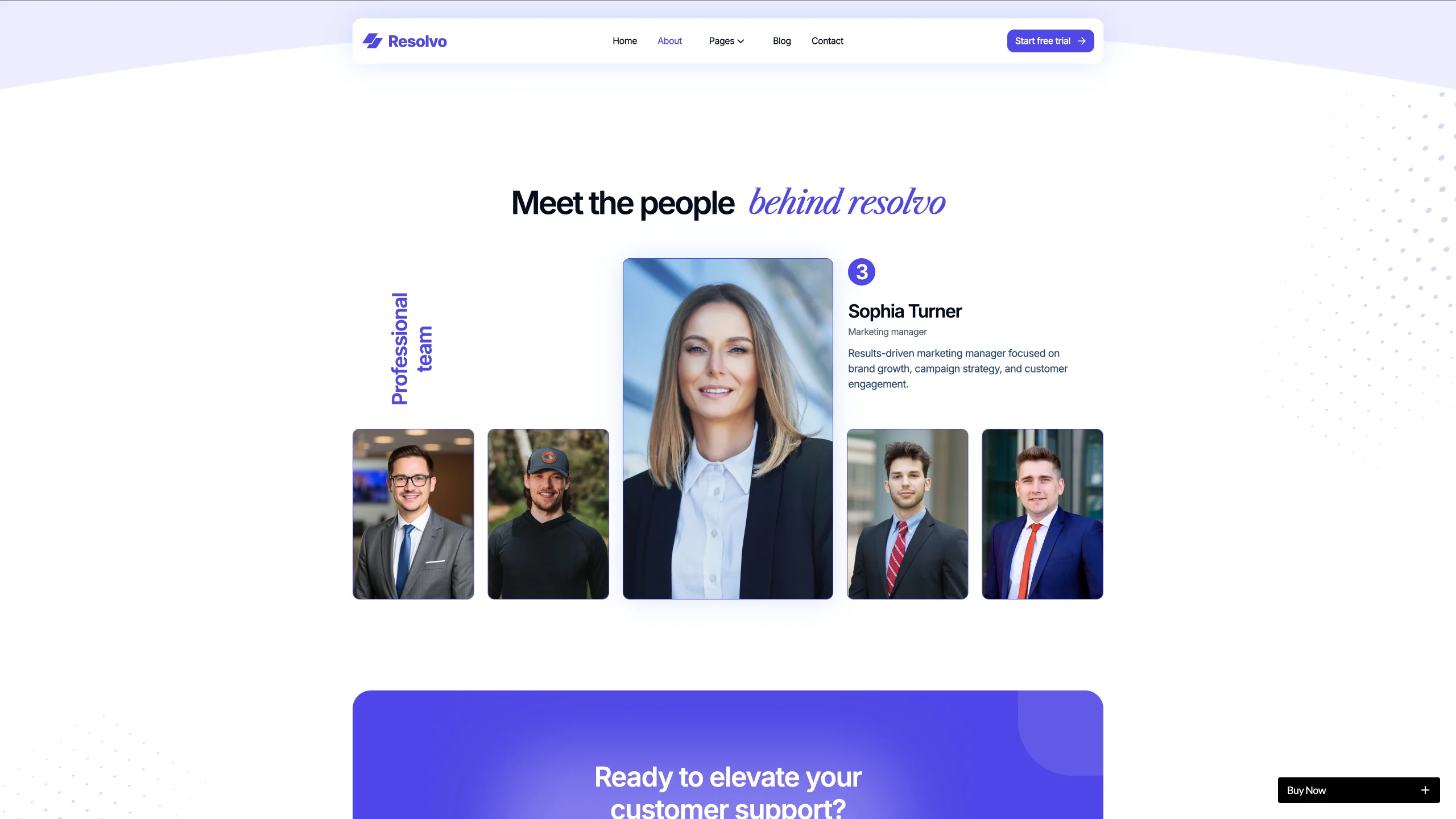
GSAP Animations and Interactions: Scroll-triggered reveals, smooth section transitions, and subtle motion effects across the UI create a premium browsing experience that signals product quality before a visitor reads a single feature headline.
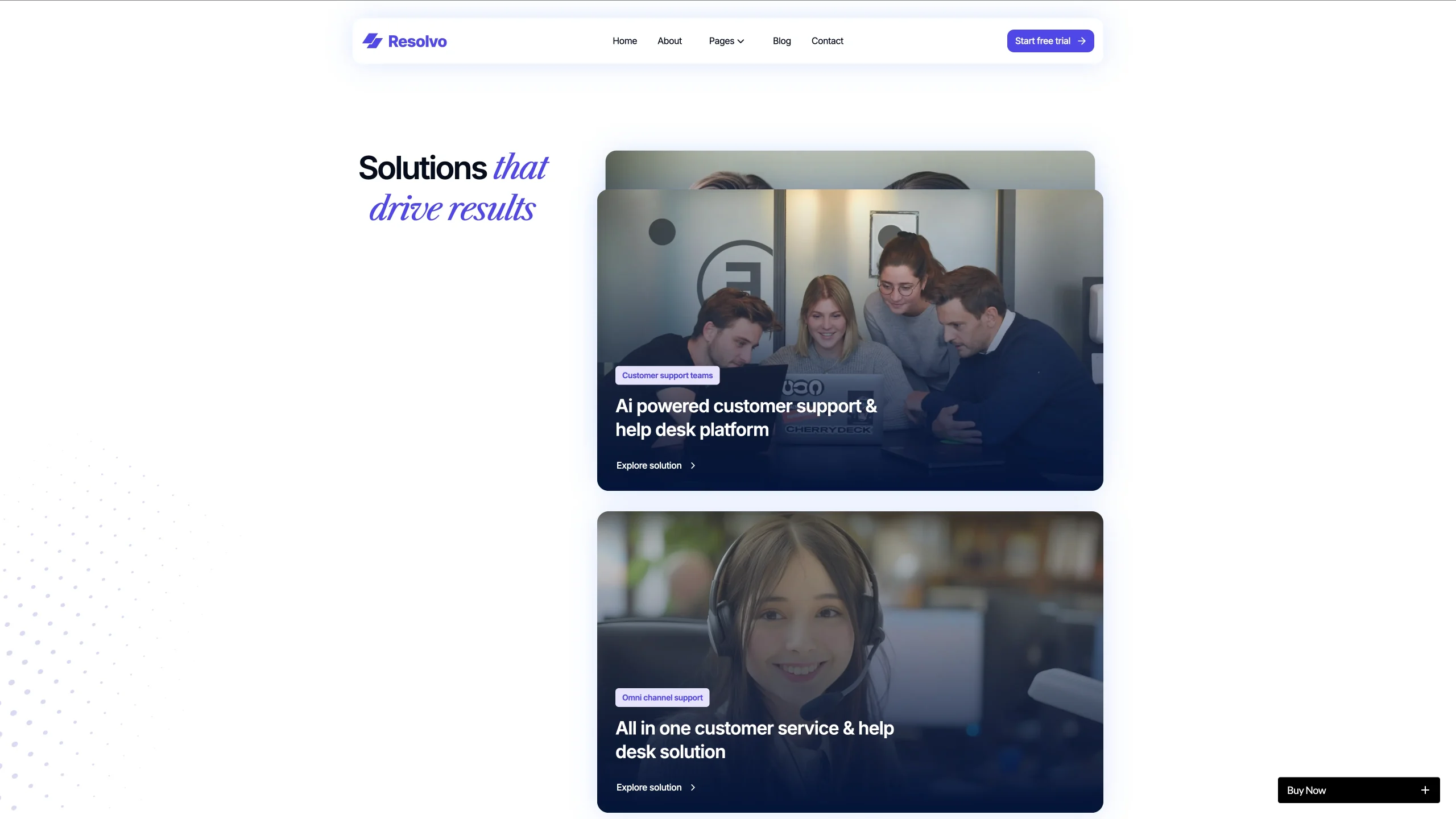
CSS Grid Layouts: Powerful, responsive grid-based layouts give every section precise control over content positioning across all breakpoints without any custom code required.
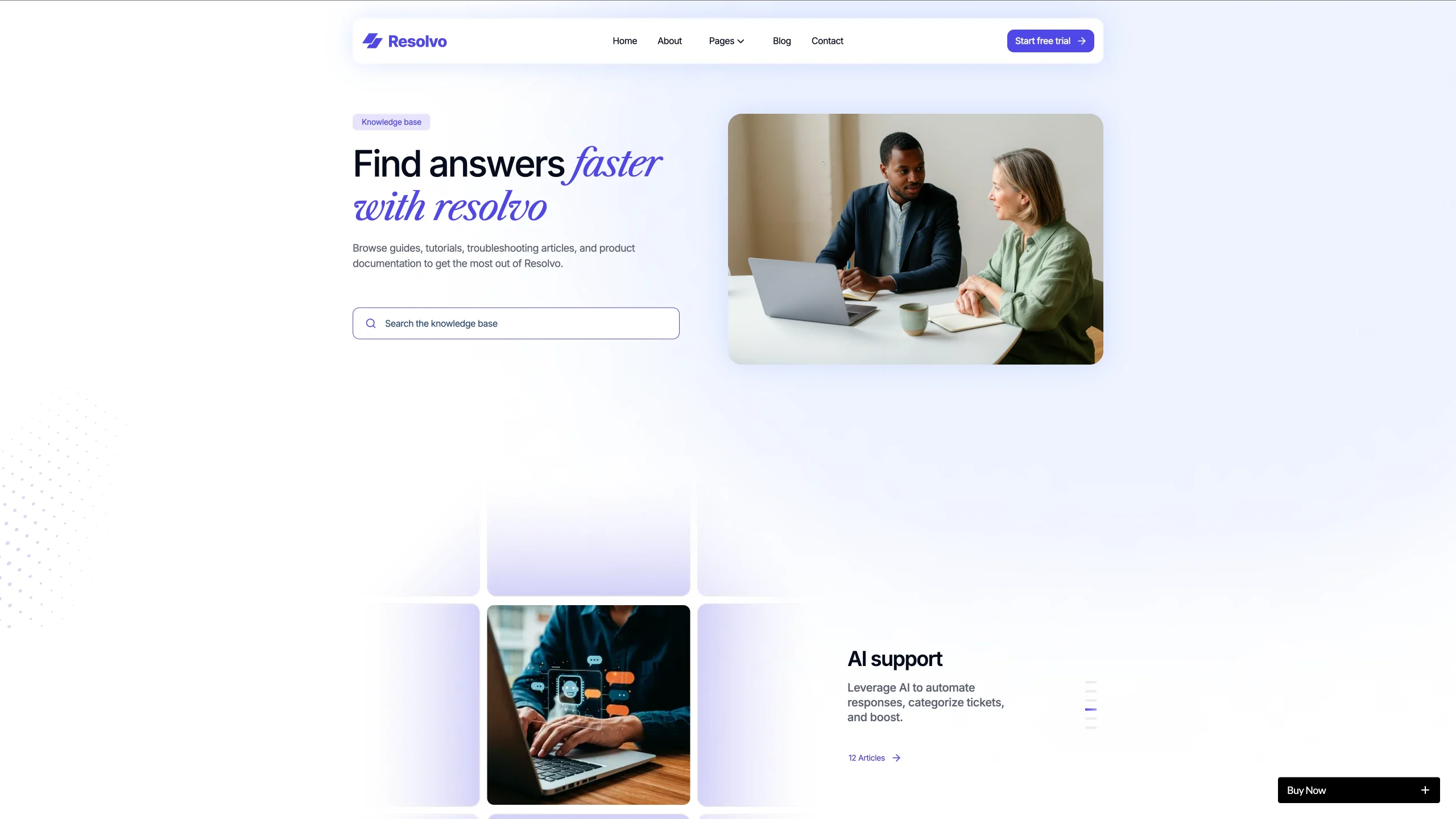
Lead Capture Forms: Clean, conversion-optimized forms for trial signups, demo requests, and newsletter subscriptions are built directly into the layout and ready to connect to any form provider.
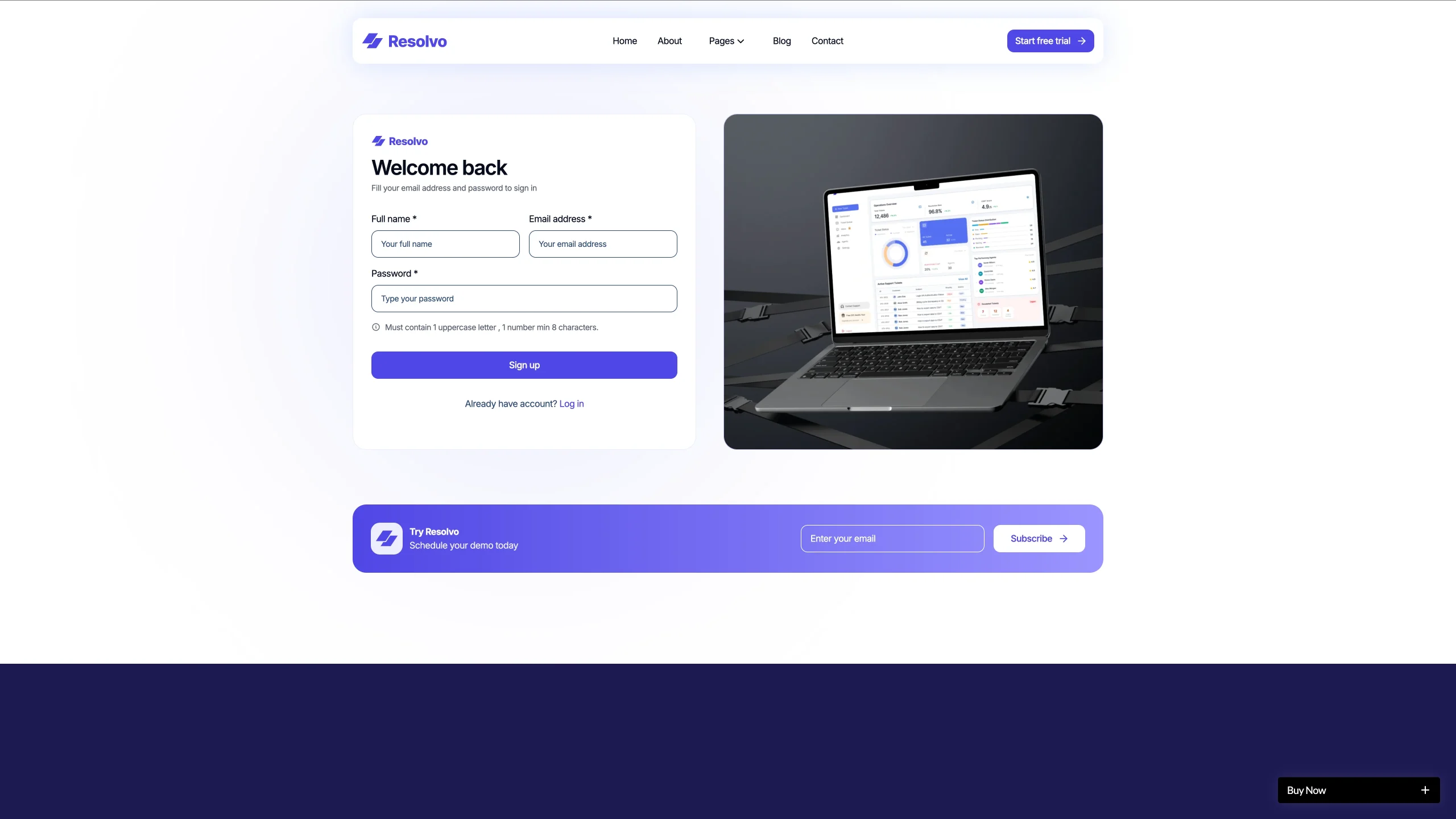
Utility Pages Included: Resolvo ships with a style guide, a 404 error page, and every standard utility page needed to launch a professional, complete SaaS product site on day one.
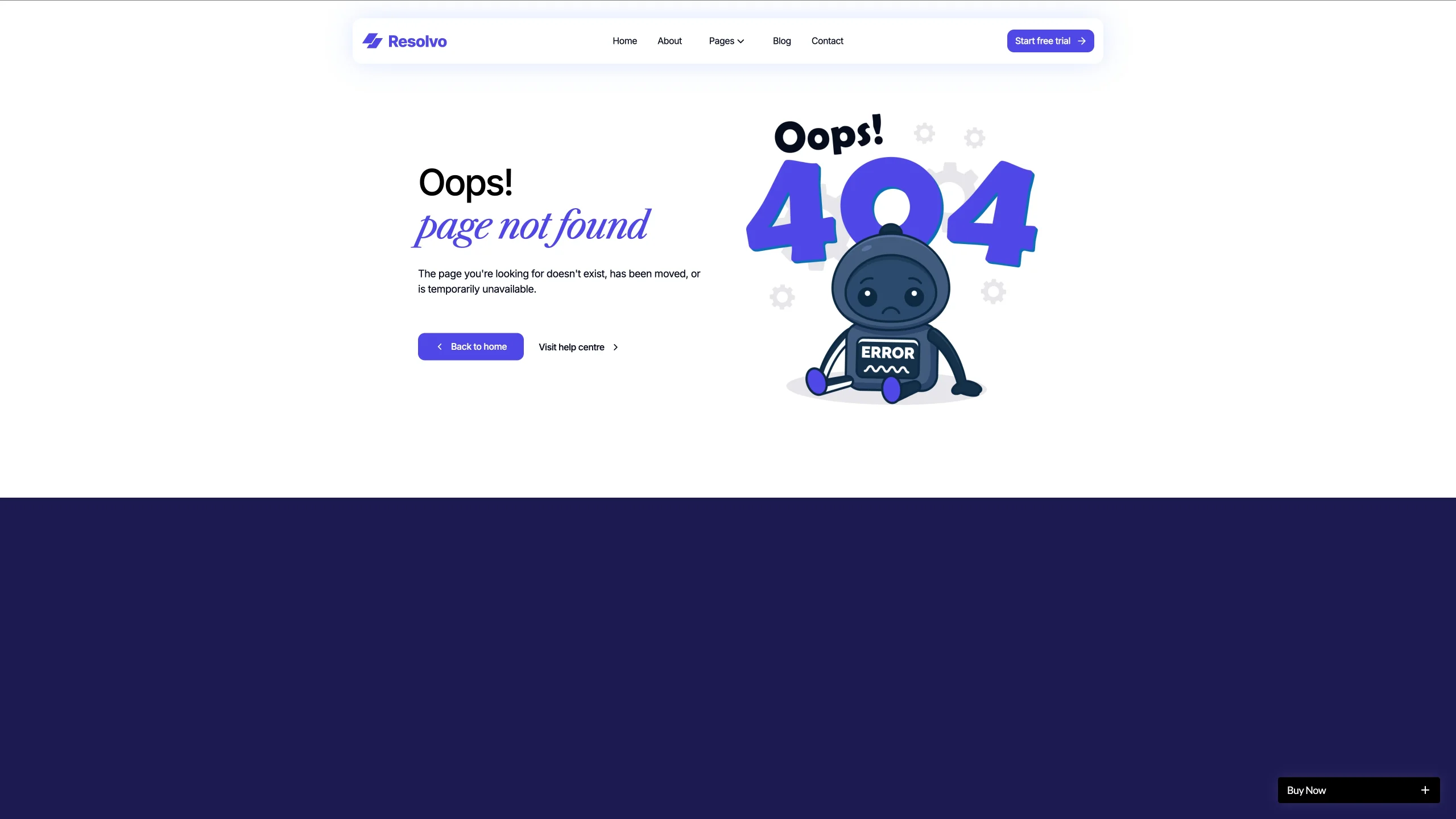
Pages Included in Resolvo
- Home
- Features
- Pricing
- Knowledge Base
- Blog
- Blog Post (CMS)
- Blog Category (CMS)
- Contact
- Style Guide
- 404
How to Use Resolvo
Setup is short. Here are the steps.
- Purchase the Resolvo template from the widget on this page
- Duplicate it to your Webflow workspace
- Edit the hero, the navigation, and the product headline to match your platform’s value proposition
- Add your blog posts and categories to the CMS collections
- Swap the demo workflow and mockup content for your own product screenshots and copy
- Preview across desktop, tablet, and mobile, then publish
What a Customer Support SaaS Website Has to Prove
Support software buyers are cautious for good reasons. A wrong tool slows down every ticket, frustrates every customer, and burns out every agent. So the website has to answer operational questions before it sells anything.
First, show the workflow. A support team lead or CX director wants to understand exactly how a ticket moves from submission to resolution inside your platform before they book a demo. Because Resolvo leads with a workflow visualization, that question gets answered in the first scroll.
Second, demonstrate the interface. A realistic product mockup or status UI tells a technical buyer more than three paragraphs of feature copy ever will. Because the live status section shows an actual product view, it does the credibility work that screenshots buried in a features page cannot.
Third, prove the knowledge base depth. Support buyers evaluate the end-user documentation experience as carefully as the admin dashboard. A clean, organized knowledge base preview communicates that your platform was built for real support teams rather than assembled as a minimum viable product.
Next, make the pricing clear. SaaS buyers in the support category evaluate per-seat and per-ticket pricing models with extreme care because cost scales directly with team size and ticket volume. A pricing section that names the model and shows tier comparisons honestly removes the biggest pre-demo objection.
Finally, show the integration ecosystem. Customer support platforms that connect with CRMs, communication tools, and data platforms are evaluated as infrastructure rather than point solutions. An integrations section that names the connections earns a place in the shortlist rather than the discard pile.
Frequently Asked Questions
What is Resolvo?
Resolvo is a Webflow website template for customer support SaaS platforms, help desk tools, ticketing startups, and live chat products. It includes a structured ticket workflow section, a live status mockup, a CMS-powered knowledge base preview, a blog, a pricing page, and a full set of utility pages built for a professional SaaS product launch.
Who is Resolvo built for?
Resolvo is built for customer support SaaS founders, ticketing platform startups, live chat tool makers, help desk software builders, and CX agencies building client-facing support portals. It is not a general marketing or agency template.
Which parts of Resolvo run on Webflow CMS?
Blog posts and blog categories are CMS collections. So you add a post once in the editor and it appears in the blog listing automatically without touching the designer.
Does Resolvo include GSAP animations?
Yes. Resolvo ships with GSAP-powered scroll-triggered animations, smooth section transitions, and micro-interactions built directly into the layout. They can be adjusted or disabled inside Webflow Designer without any external tools.
Is Resolvo suitable for a non-SaaS support team?
No. Resolvo is designed to market and sell a customer support software product to buyers. It is not a template for an internal helpdesk page or a support documentation site. If you need a knowledge base or documentation template, Documentise or KnowledgeBase from the TNCFlow catalog is the closer fit.
Is the Figma file included with Resolvo?
No. The Figma file is a separate product, and you can buy it on its own from the purchase widget on this page. You do not need to message us for it after buying the Webflow or HTML build.
When you choose Resolvo, you get support directly from the TNCFlow team. So if a section will not behave, just ask us.
Check out other Webflow templates by TNCFlow.


Select template
Choose one or more options for your build
All-Access Pass
$199
/ Yearly
$20,000+ in assets
130+ Webflow Templates
130+ Figma UI Templates
45+ Framer Templates
130+ HTML Templates
