
PRO


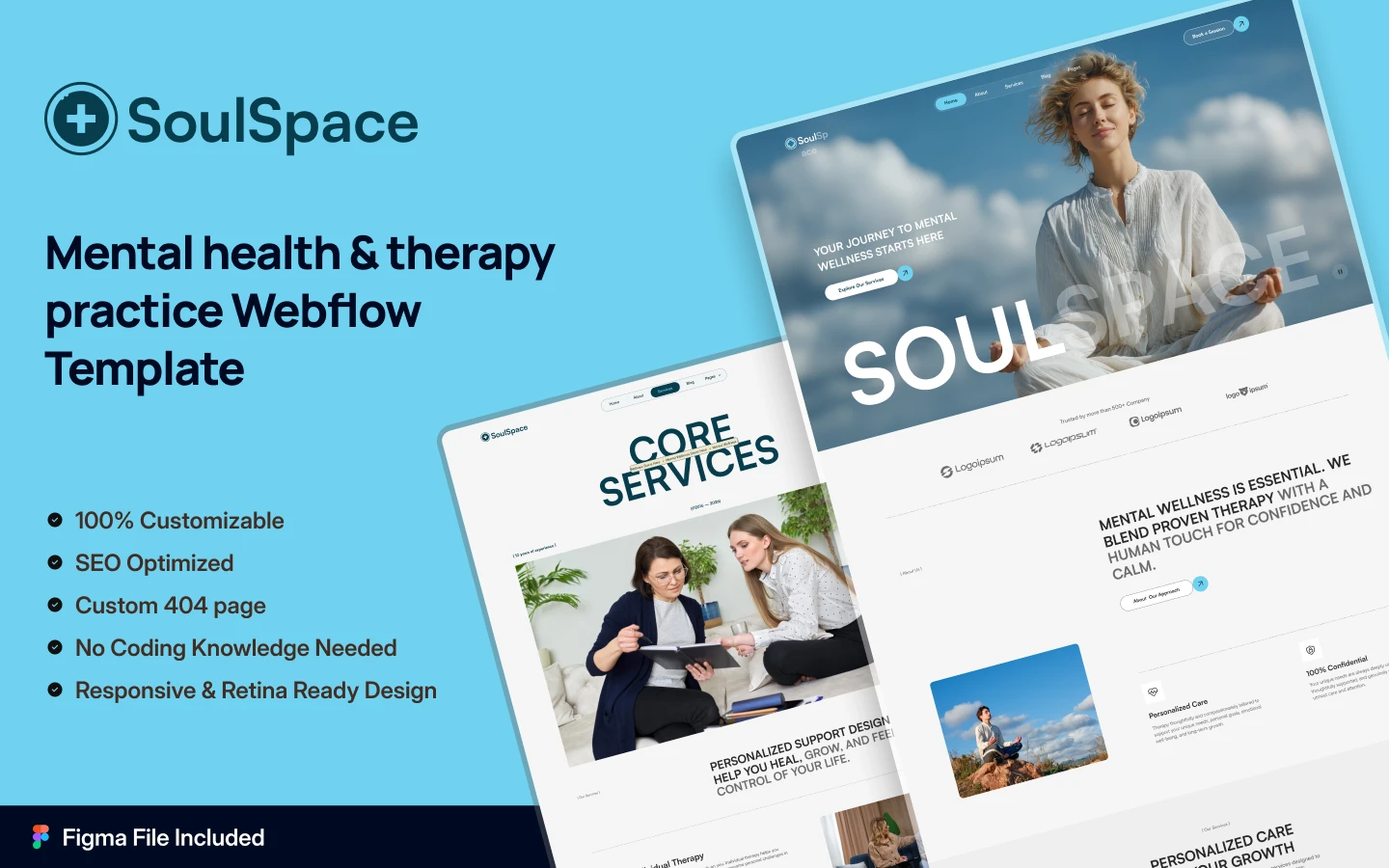
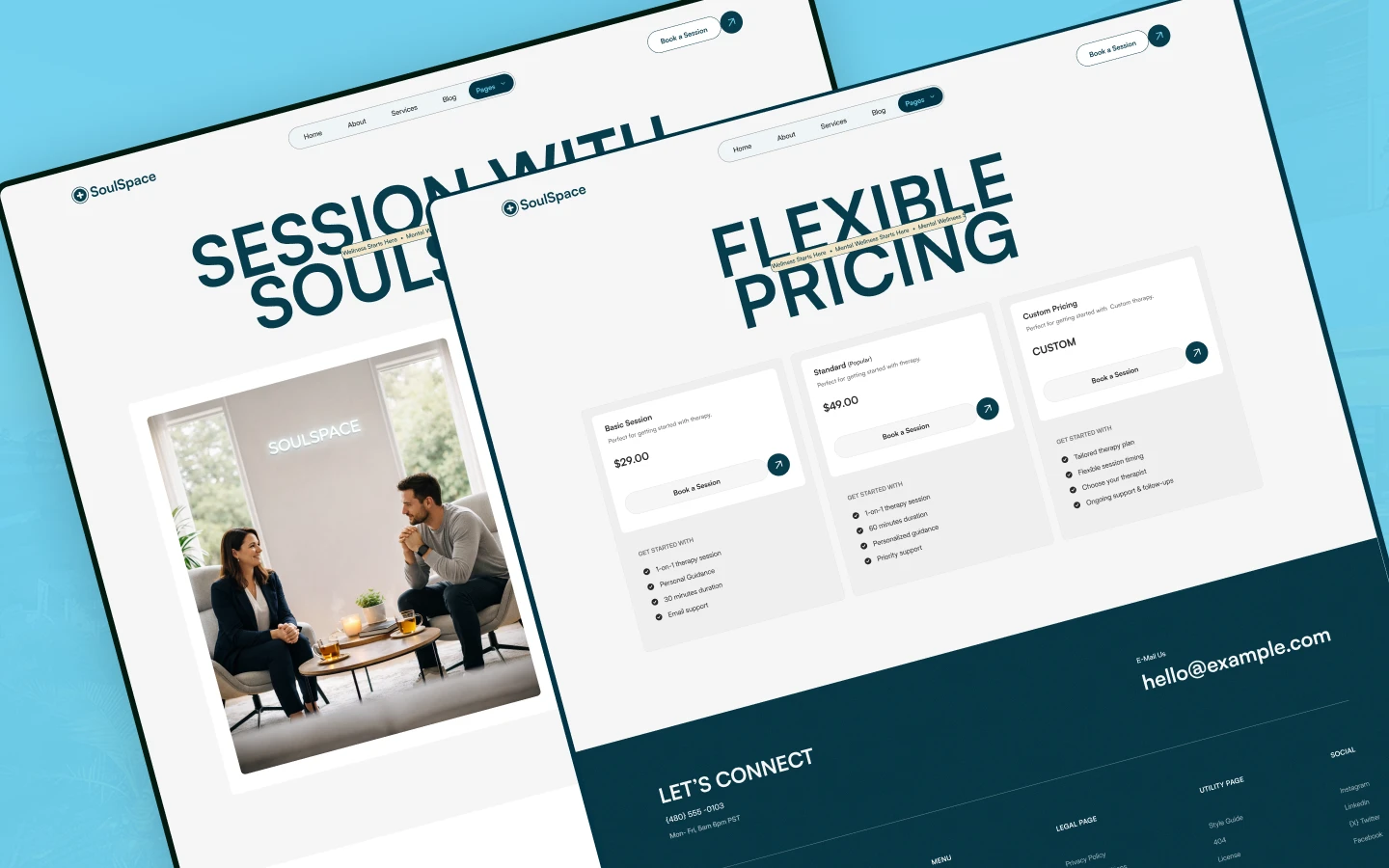

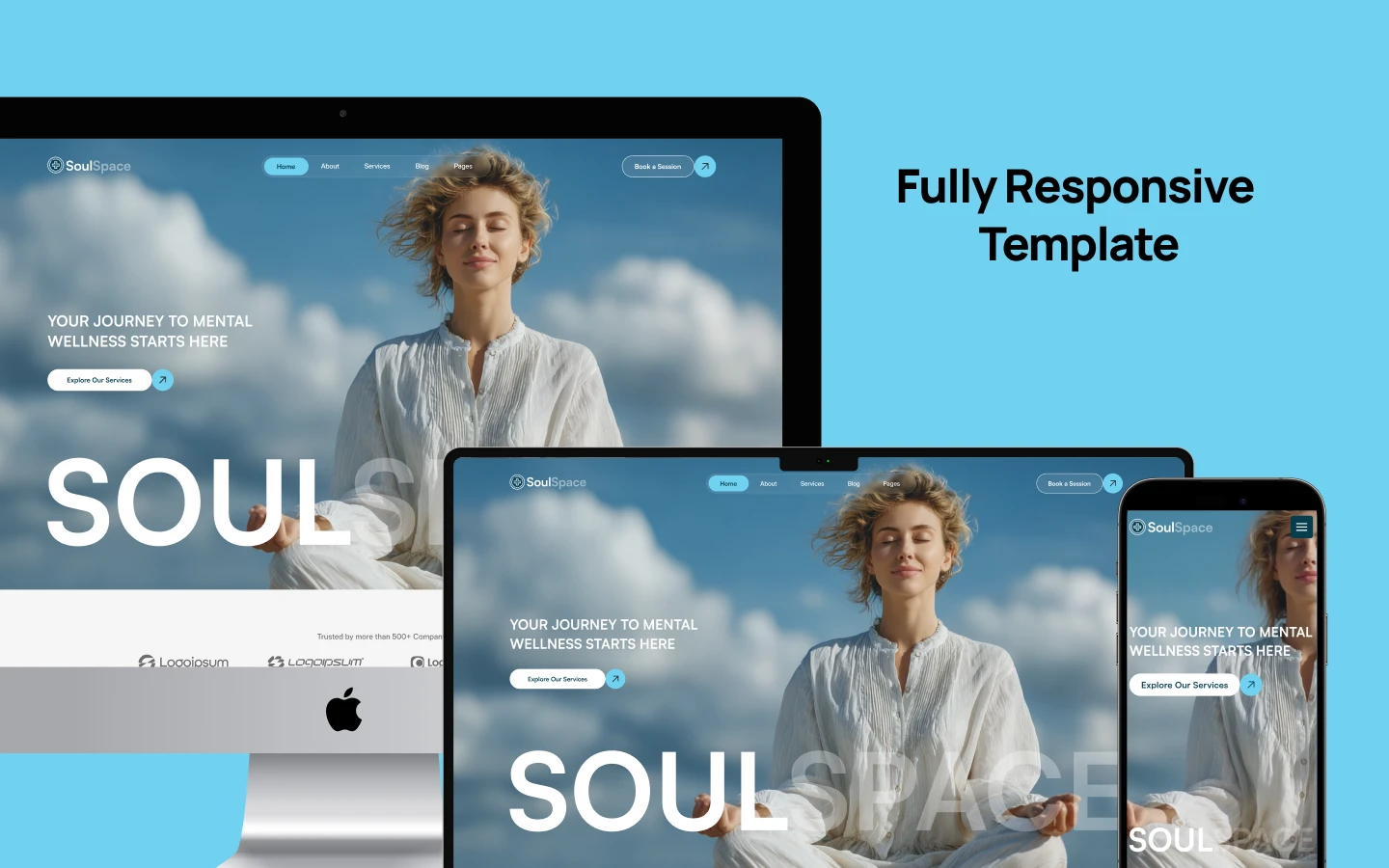
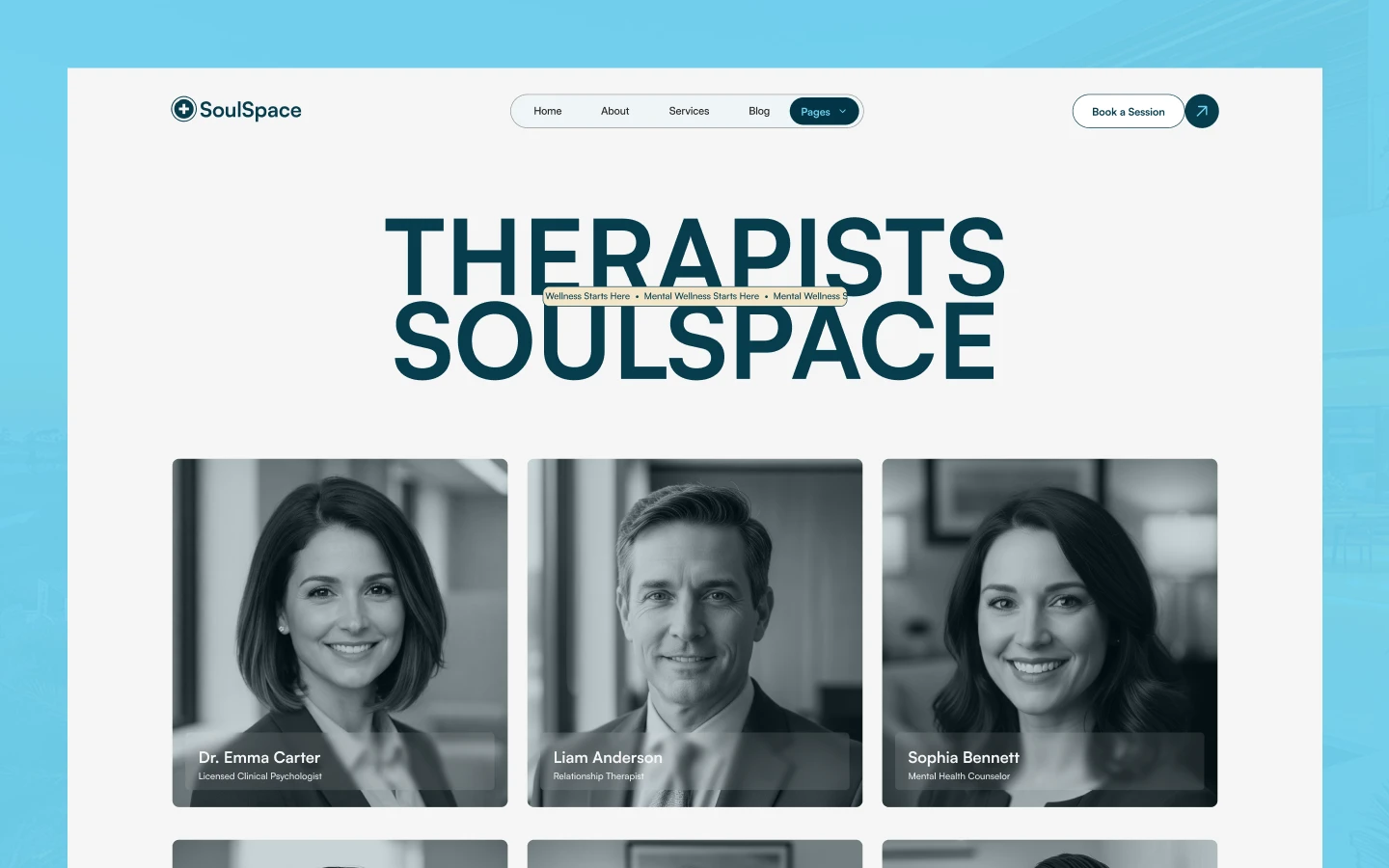
SoulSpace is a therapy website template for counsellors, wellness centers and meditation studios. It ships for Webflow, Figma and HTML.
The template covers the whole client journey in one calm build. So you get 15 pages, a therapist directory, a service library, a pricing page and a booking flow. Because the structure is already built, your job is adding your own services, faces and rates.
Each section has one job. The hero says who you help and how it feels. Then the services, therapists and testimonial pages remove the doubt a first time client brings.
The format choice matters. Webflow suits practices who want to update sessions themselves inside a visual editor. HTML suits developers who prefer working directly in the codebase. Figma suits designers who want to rework the layout before development begins.
Explore the live preview now.
SoulSpace at a Glance
| Formats | Webflow, Figma, HTML |
| Best for | Therapists, counsellors, wellness centers, yoga and meditation studios, coaches |
| CMS | Yes, with services, therapists and blog posts |
| Pages | 15, plus CMS templates |
| Layout | Multi page |
| Responsive | Yes, desktop through mobile |
| Support | TNCFlow team |
Key Features of SoulSpace
Calm and soul centred design. The layout is minimal and soft toned, with generous space, gentle gradients and organic texture. Because a therapy site sells safety, nothing on the page shouts.

CMS powered pages. Services, therapist bios, pricing and policies all live in the CMS. So you edit a session or a rate in the editor, not in the code.
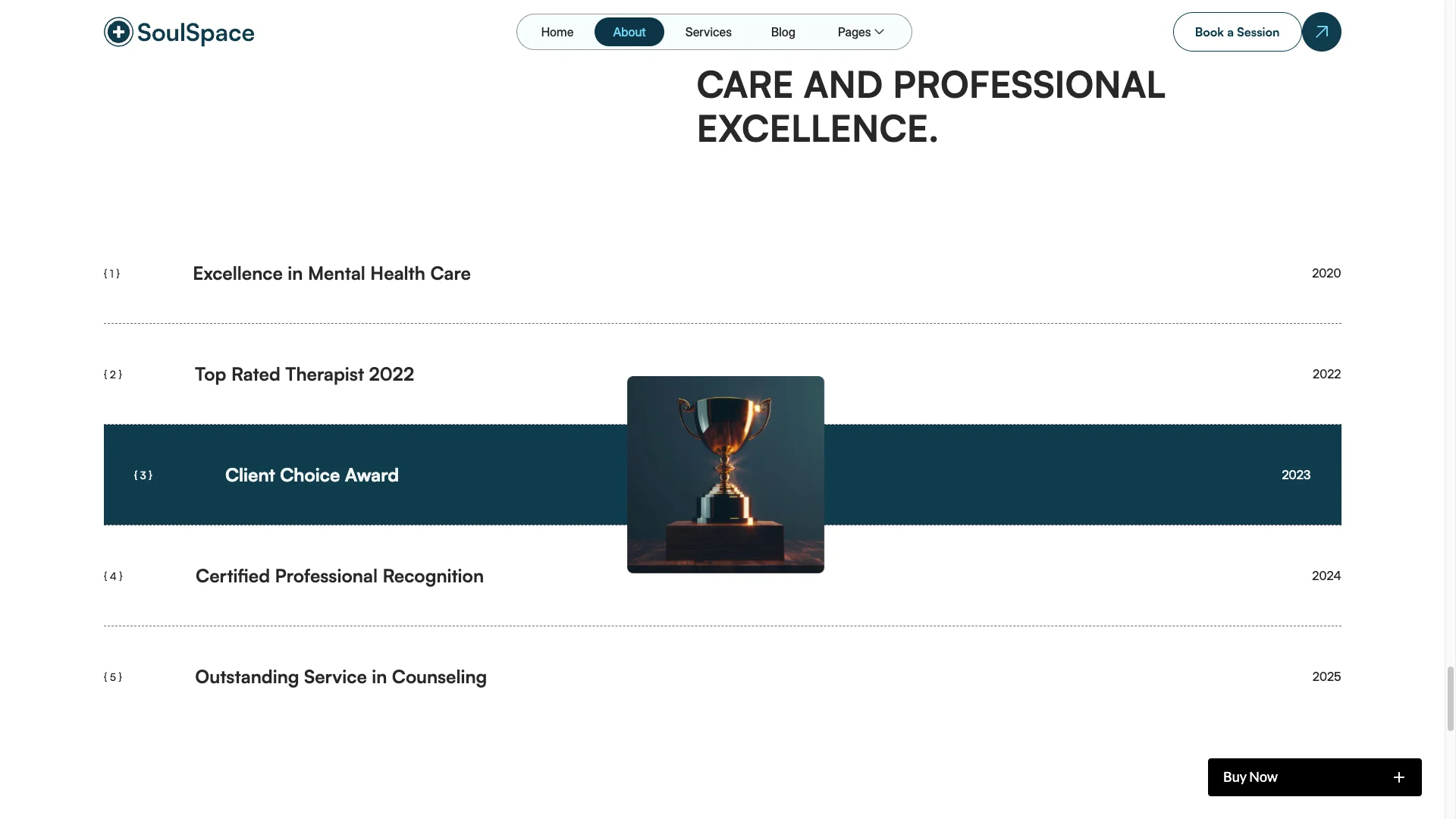
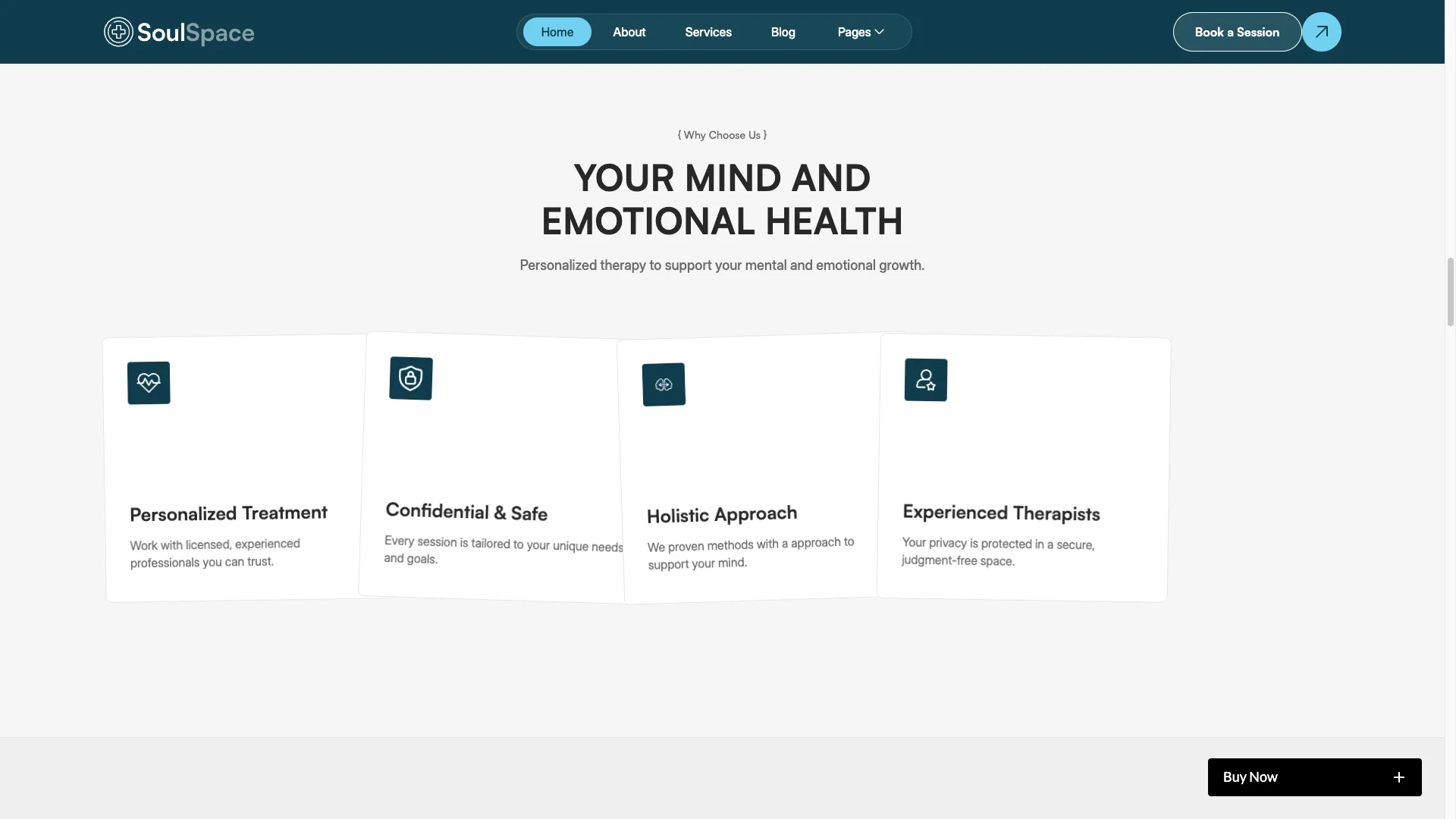
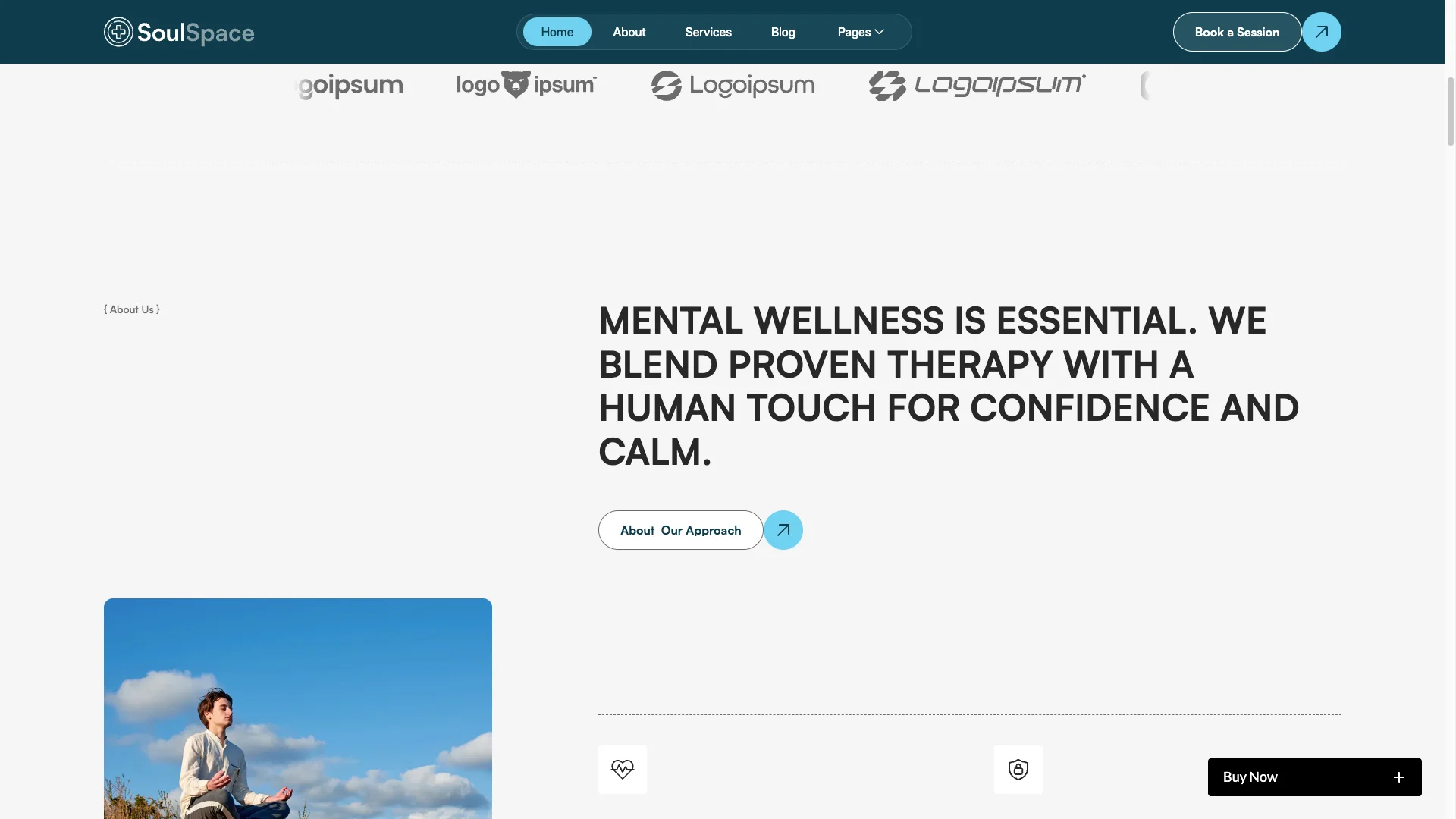
Homepage layout. The homepage follows one emotional line. A calm hero opens, then a short story, featured services, session highlights, testimonials and a booking prompt.
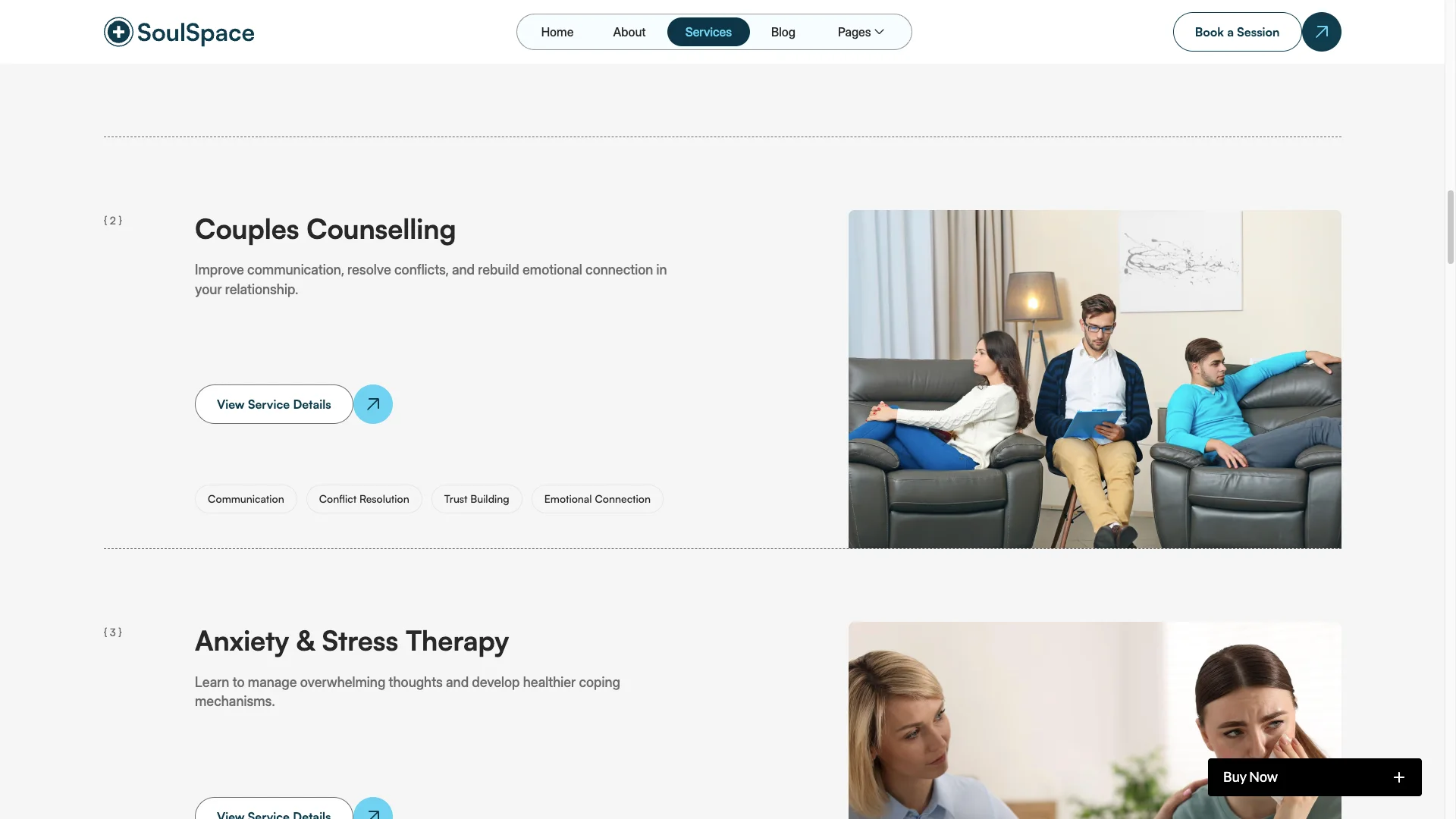
Services showcase. Each service carries a title, a short description, a duration and a price. Then every listing links through to its own detail page.
Therapists showcase. A warm grid introduces your practitioners with photos, names, bios and specialties. As a result, a visitor books a person rather than a business.
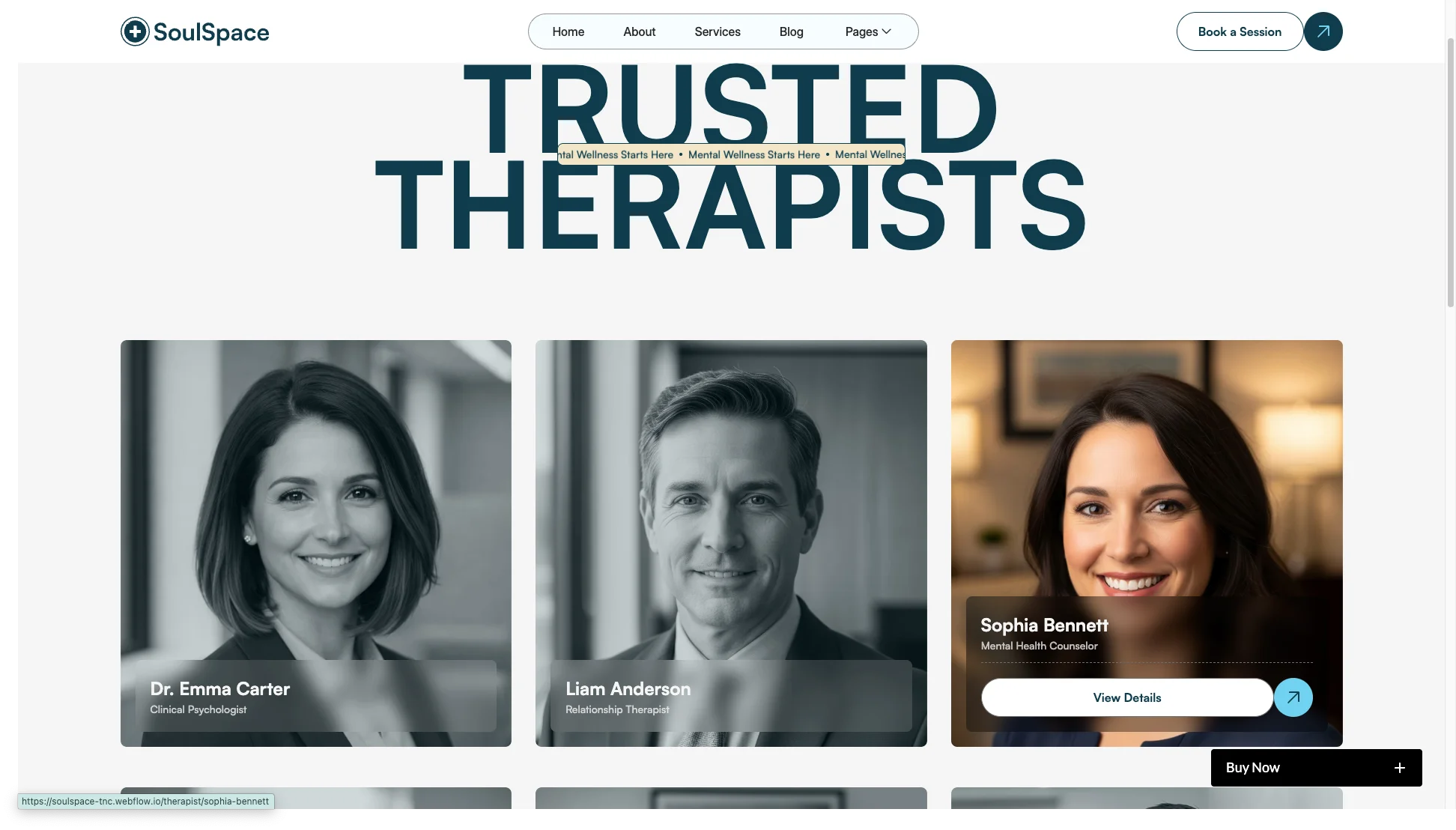
Blog and storytelling. The blog page carries reflections, practical guides and mental health writing. Because search traffic follows helpful content, that blog earns its place.

Responsive and mobile first. Every page is built and tested across devices. Fluid layouts and simple spacing keep the calm intact on a small screen.
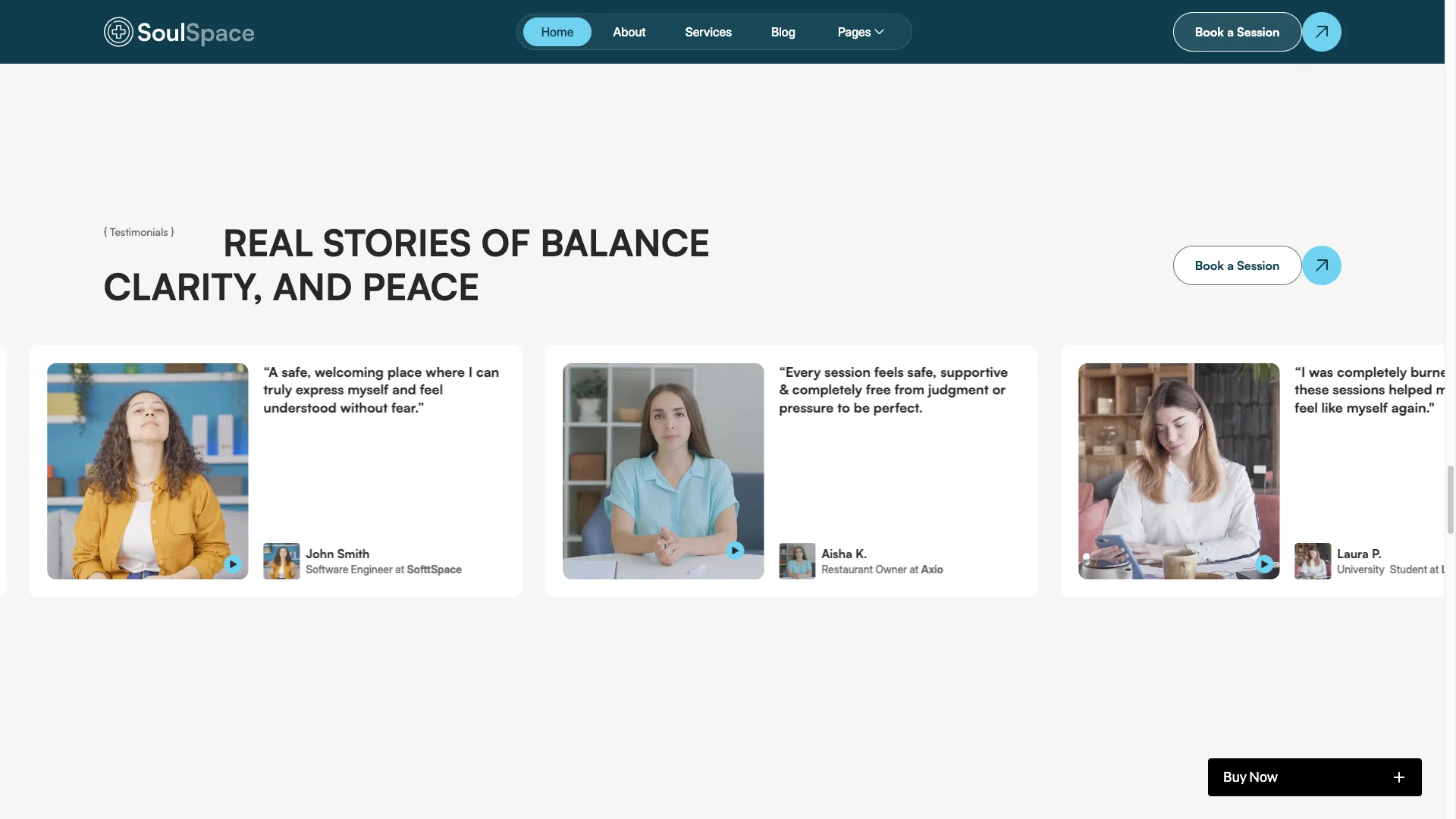
Intimate testimonials. Client voices sit in a carousel with photos, names and short quotes. Each one is CMS editable, so you add new stories as your practice grows.
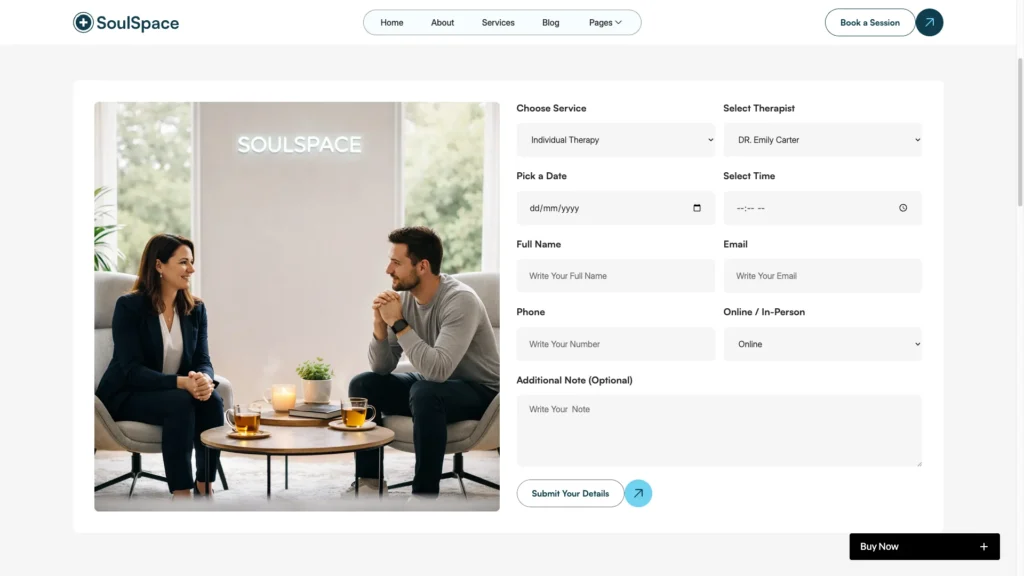
Contact and booking. The contact section holds a form, an email, a phone number, social links and an optional map. However, nothing about it feels pushy.
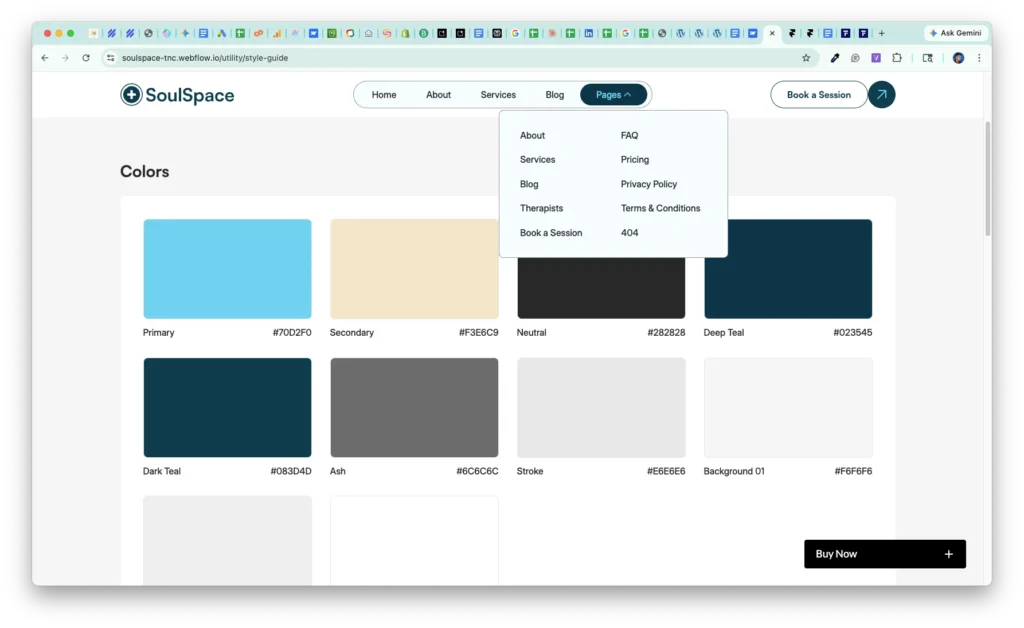
Utility pages. The build ships with a style guide, instructions, licenses, a privacy policy, terms and a 404 page.
Watch on YouTube
Want the quick version? This short video walks through the template screen by screen, including the CMS collections and the booking flow.
Pages Included in SoulSpace
The template holds 15 pages. That covers home, about, services, therapists, pricing, FAQ, blog, book a session, privacy policy, terms and a 404 page. It also adds the utility pages. On top of that, CMS templates cover blog posts and individual services.
- Home
- About
- Services
- Therapists
- Pricing
- FAQ
- Blog
- Book a Session
- Privacy Policy
- Terms and Conditions
- 404 page
- Style Guide
- Licenses
- Instructions
- Changelog
How to Use SoulSpace
- Use the purchase widget on the right side of this page to buy the SoulSpace template
- Then follow the setup instructions supplied with your download
- Next, replace the demo content with your own services, therapist bios and rates
- After that, connect your booking tool and adjust color and type to match your brand
- Finally, preview the result on each device size and publish
What a Therapy Website Has to Get Right
A therapy website carries a heavier job than most. A visitor is often anxious, and they are deciding whether to trust a stranger with something private. So the copy matters more than the graphics.
Start with credentials. License, accreditation body, training and years in practice all belong high on the page. Because clients screen for this first, burying it costs you bookings.
Then be specific about what you treat. Anxiety, burnout, couples work and grief are all different searches. So give each one its own service page, and the right people will find the right page.
Publish your prices. Many practices hide rates, and it backfires. A visitor who cannot find a price usually assumes the worst and leaves, which is why SoulSpace ships a pricing page.
Make the first step small. Ask for a short intro call rather than a full session. Then the booking button feels safe instead of final.
Finally, be careful with data. A contact form on a therapy site can collect sensitive information, so check your obligations under HIPAA, GDPR or your local equivalent before you launch.
Frequently Asked Questions
Is SoulSpace a Webflow template or an HTML template?
It comes as both. You can buy the Webflow version or the static HTML version, and the Figma file is sold on its own here.
How many pages does SoulSpace include?
It includes 15 pages. That covers home, about, services, therapists, pricing, FAQ, blog, book a session, privacy policy, terms and a 404, plus utility pages.
Does SoulSpace include a CMS?
Yes. The Webflow build ships with CMS collections for services, therapists and blog posts, so you can add a new session type without a developer.
Can SoulSpace take real bookings?
The template supplies the booking page and the contact form. However, you still connect your own scheduling tool, such as Calendly or a practice management system.
Is SoulSpace only for therapists?
No. The same layouts suit yoga and meditation studios, wellness centers, holistic clinics, life coaches and retreat organizers.
Is the Figma file included with the template?
No. The Figma file is a separate product on this page. Buy it if you want to redesign the layout before you build.
If you need help, the TNCFlow team answers support questions after purchase.
Check out other Webflow templates by TNCFlow.
Featured in our guides: Webflow gym and fitness templates, Webflow salon and spa templates and Figma website templates.




Select template
Choose one or more options for your build
All-Access Pass
$199
/ Yearly
$20,000+ in assets
130+ Webflow Templates
130+ Figma UI Templates
45+ Framer Templates
130+ HTML Templates
