
PRO

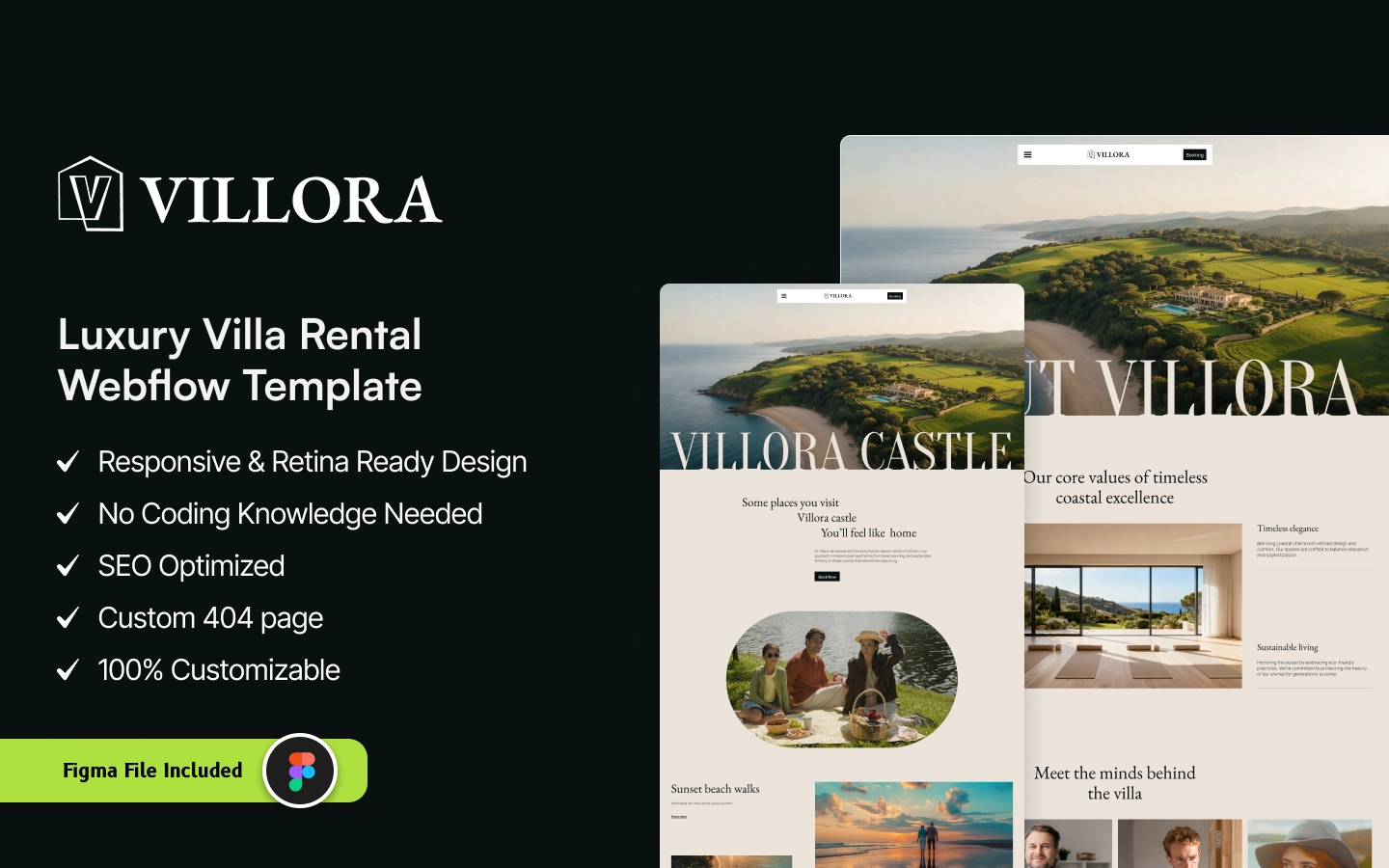
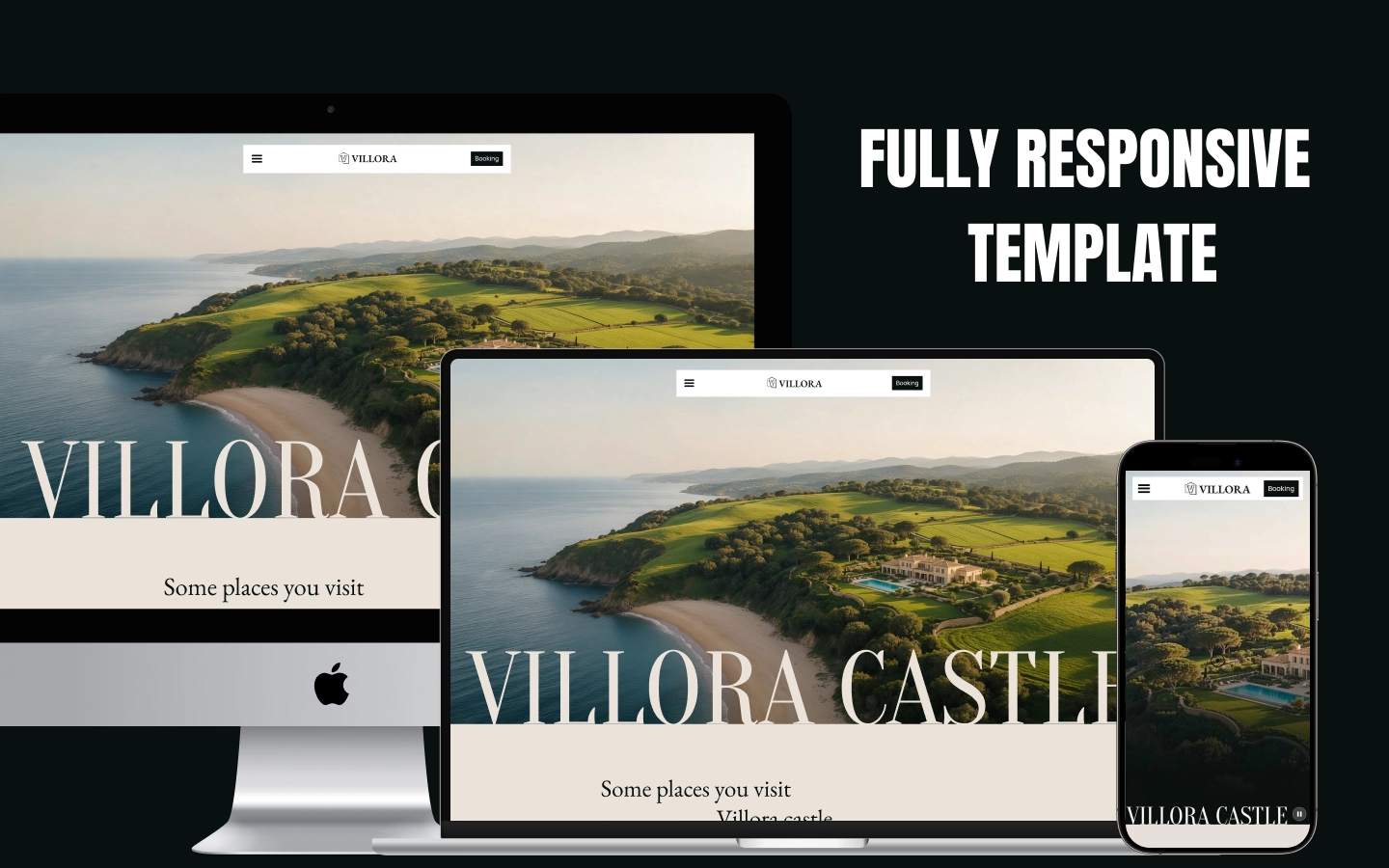
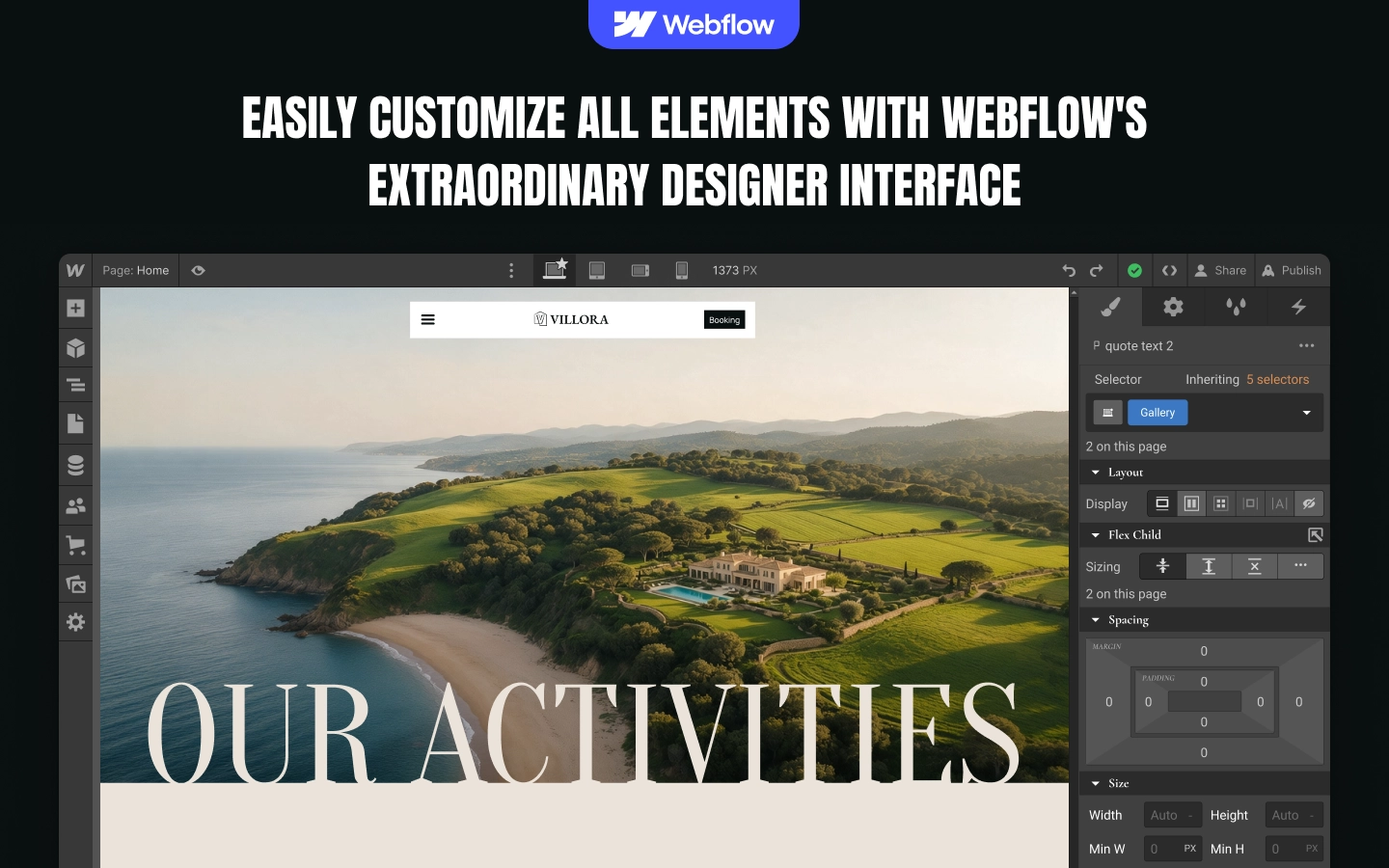
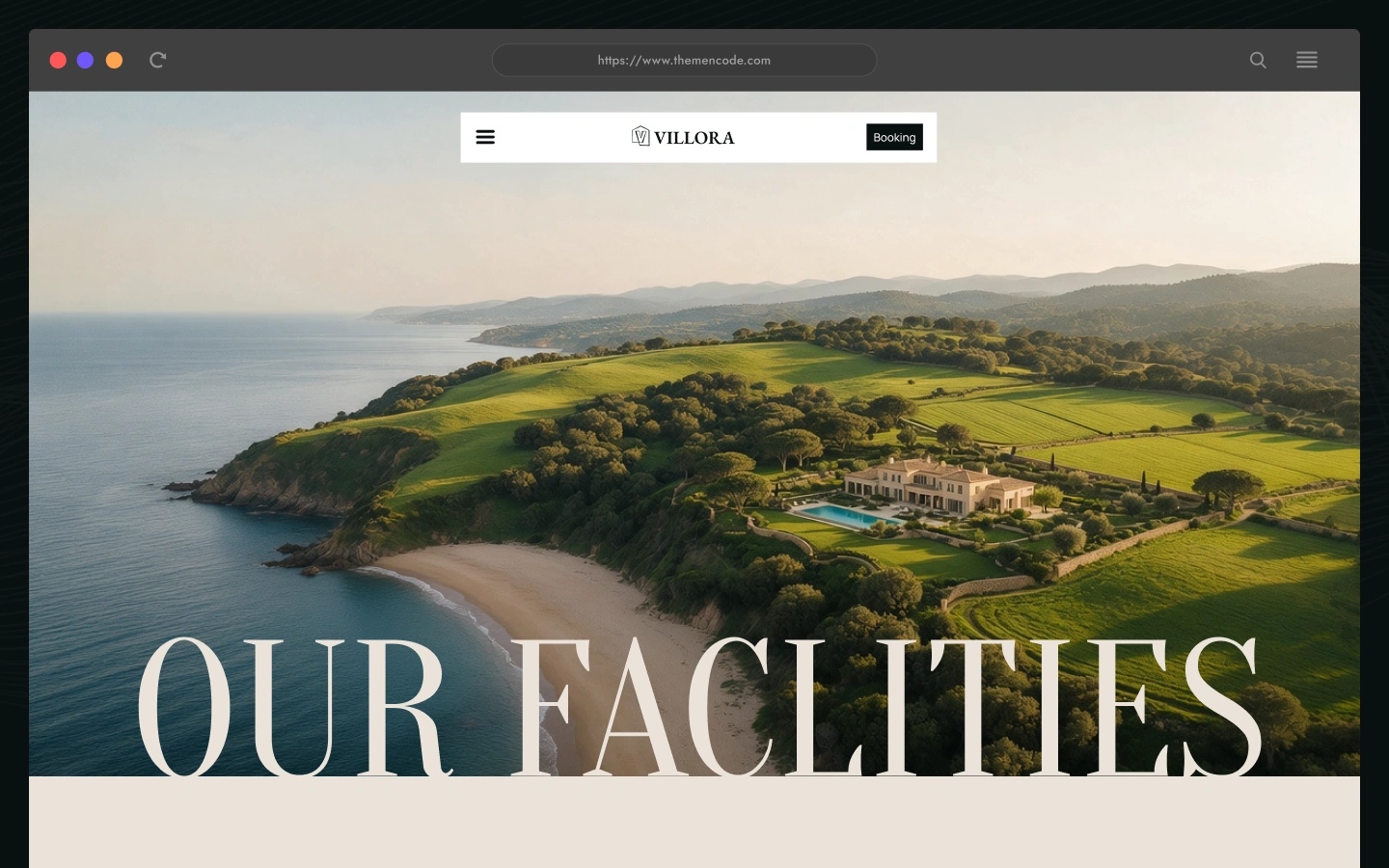
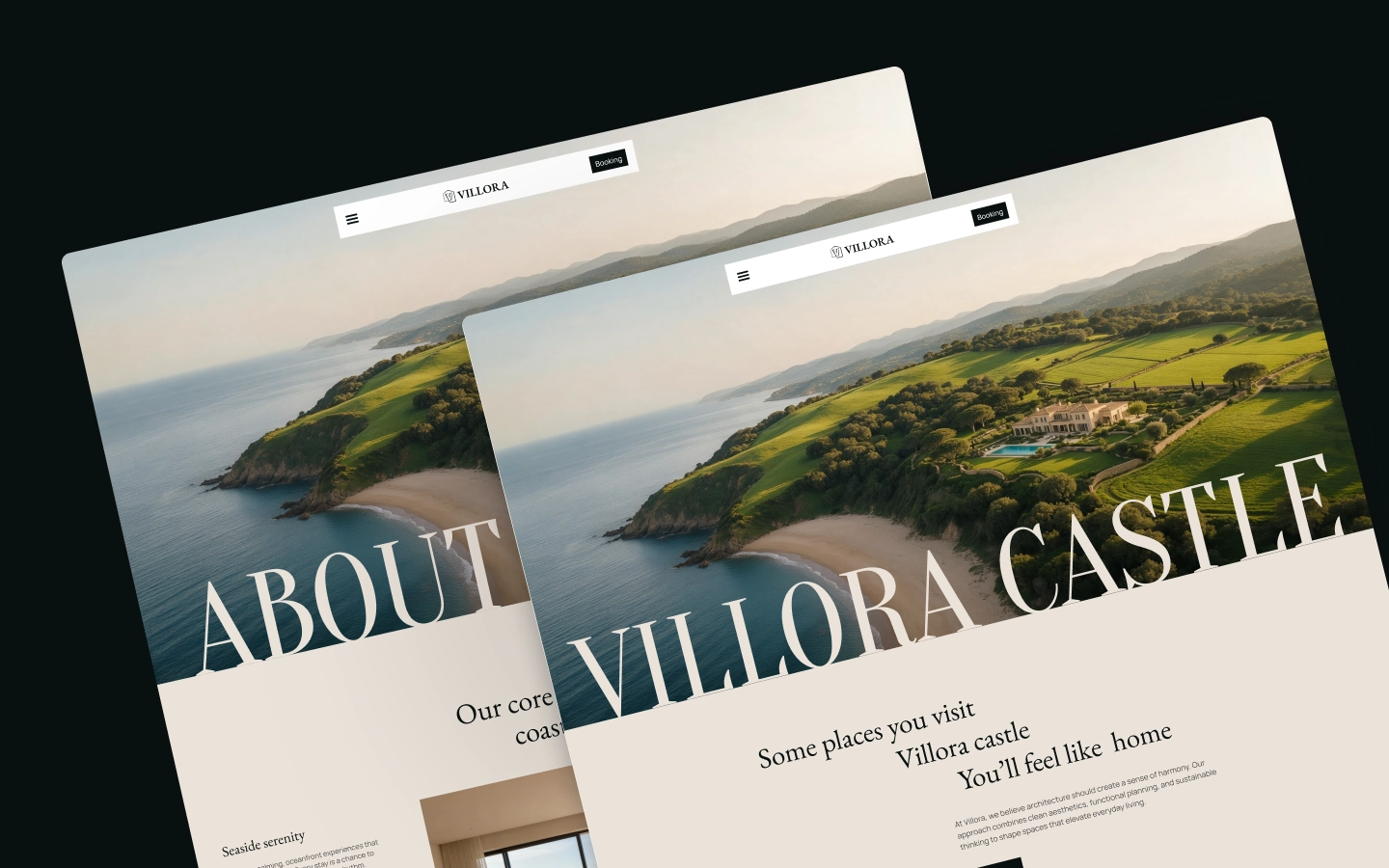
Villora is a Webflow template for luxury villas, private resorts, holiday rentals and coastal retreats. With a full-screen video hero, CMS-powered activities, facilities, gift vouchers and blog, a photo gallery, team profiles, guest testimonials and a dedicated booking enquiry form, Villora helps hospitality businesses show the stay before guests ask about dates. Find the best fit for your needs with our available options.
A villa website sells a feeling first and a booking second. Villora is a luxury villa website template for Webflow, built for private villas, boutique resorts, holiday rentals and coastal retreats that want guests to picture the stay before they ask about dates.
The homepage opens with a full-screen cinematic video and a short brand statement, then moves into a scroll-driven video section, a list of guest activities and a set of image cards for the estate, from the poolside to the gardens. A scrolling marquee above the footer names the kinds of stays the property offers, such as a villa with a pool, a lake, a farm or a beach.
Villora brings activities, facilities, gift vouchers, a gallery and a blog together in one site. Each activity page sets out practical details such as duration, best time, location, availability, difficulty and who the experience suits, and ends with a link to reserve. Facility pages describe each amenity with a details list, a short story and the things guests can enjoy there.
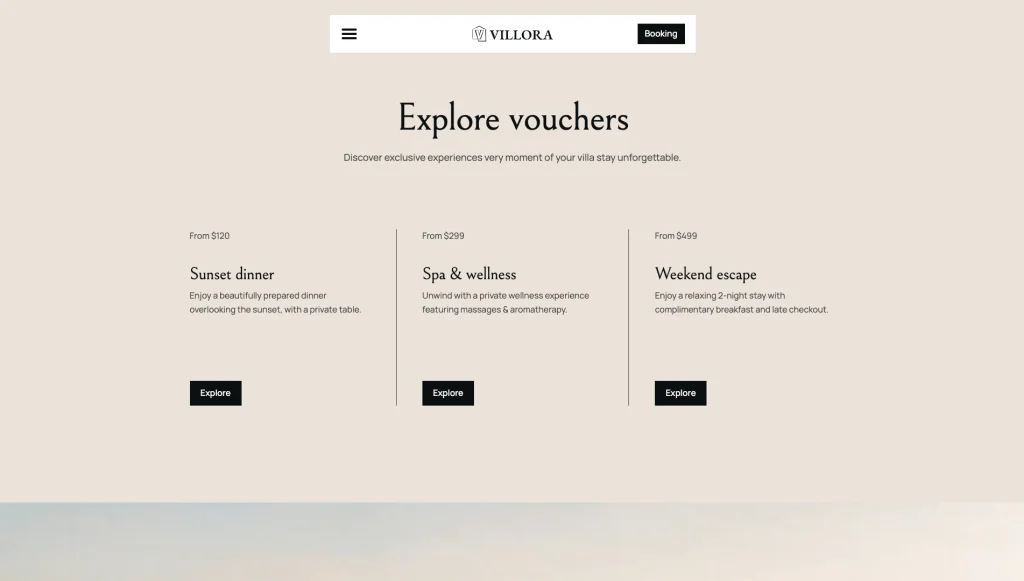
The Vouchers page presents gift experiences with a starting price, and each voucher page shows the stay length, guest count, inclusions, price and a four-step “How it works” section. The About page covers core values, the team and guest testimonials, and a tabbed FAQ answers common questions about the villa, the location and booking.
Bookings start on a dedicated enquiry form that asks for the number of guests, a preferred date and the experience of interest. The Contact page adds a second form, your contact details and buttons that point guests to your listings on booking platforms. Content runs on four Webflow CMS collections for activities, facilities, vouchers and blog posts, and the Style Guide, Instructions and Licenses pages support setup.
Whether you run a single beachfront villa, a countryside estate with farm visits, or a small resort with a spa and fine dining, Villora gives you a polished base for presenting the property and turning interest into booking enquiries.
Villora is built for places guests should see before they book.
Explore the live preview now.
Villora at a Glance
| Total pages | 21 (9 main pages, 4 CMS detail pages, 8 utility and legal pages) |
| Homepage layouts | 1 |
| CMS collections | 4 (Activities, Facilities, Vouchers and Blog) |
| Activities | Activities page plus activity detail pages with duration, timing, location and suitability |
| Facilities | Facilities page plus facility detail pages with a details list and highlights |
| Gift vouchers | Voucher listing and detail pages with price, inclusions and a How it works section |
| Booking | Booking enquiry form with guests, preferred date and experience fields |
| Contact | Contact form, contact details and booking-platform buttons |
| Gallery | Dedicated image gallery page |
| Team and testimonials | Core values, team profiles and guest testimonials on the About page |
| FAQ | Tabbed FAQ (Villa, Location, Booking) on the About, Vouchers and Contact pages |
| Blog | CMS-powered articles with date, reading time and related posts |
| Animations | 21 Interactions with GSAP, Lenis smooth scrolling, a custom cursor and a hide-on-scroll header |
| Layout | Luxury hospitality layout with full-screen video, image-led sections and a scrolling footer marquee |
| Responsive | Yes, on desktop, tablet and mobile |
| Support | Included, direct from the TNCFlow team |
Who Is Villora For?
Villora is designed for hospitality businesses whose websites need to put the property, the guest experience and the booking enquiry at the center.
It works particularly well for:
- Private villa owners presenting a single luxury property
- Boutique resorts and coastal retreats with pools, beach access and spa facilities
- Holiday rental and vacation home businesses that take enquiries directly
- Countryside estates and farm stays that offer guest activities
- Wellness retreats with spa, fitness and relaxation amenities
- Hospitality brands that sell gift experiences such as dinners, spa days and weekend stays
- Property managers who also list on booking platforms and want a branded site alongside them
- Webflow designers and agencies building sites for villa and resort clients
- Businesses that want activities, facilities, vouchers and articles managed in Webflow CMS
Key Features of Villora
Full-Screen Cinematic Video Hero: Villora opens with a full-screen video, a short brand statement and a direct Book now button, so guests see the property and a route to enquire in the first view.
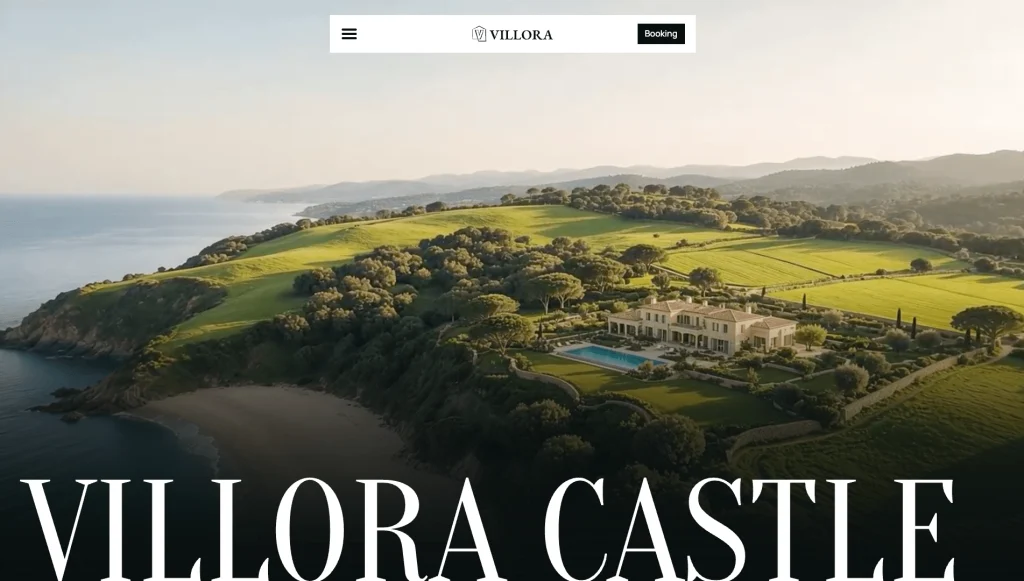
Scroll-Driven Video Showcase: A scroll-linked video grows across the screen as visitors move down the page, giving the homepage a cinematic second beat after the hero.
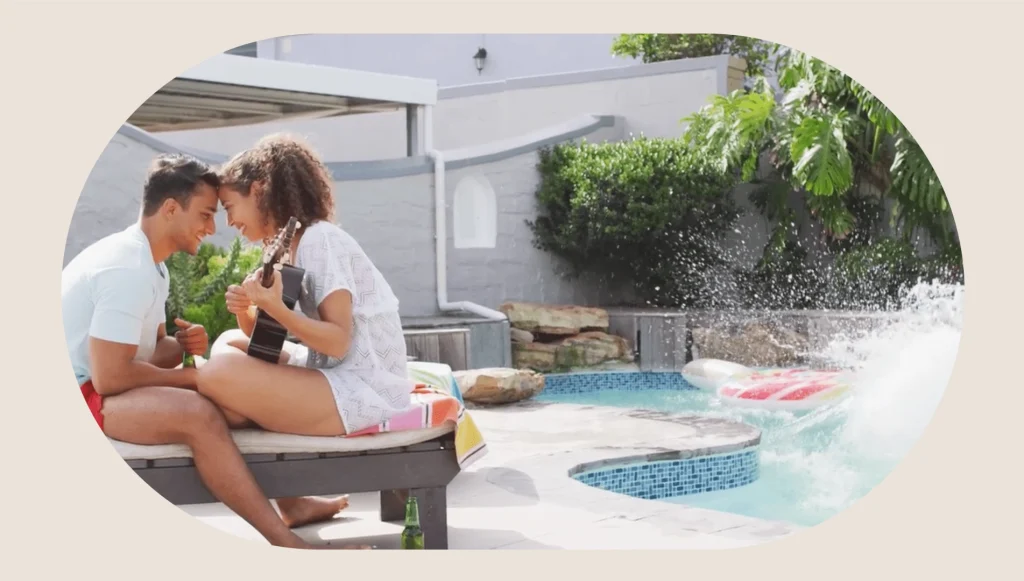
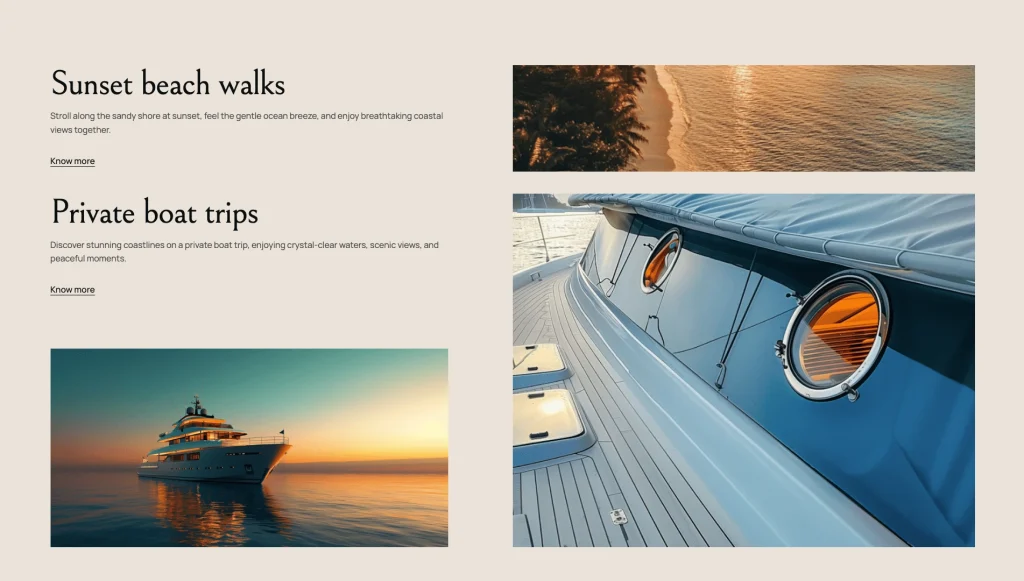
Guest Activities Showcase: Activities such as sunset beach walks, private boat trips and beach bonfires sit in a clear list, each with a short description and a link to its own page.
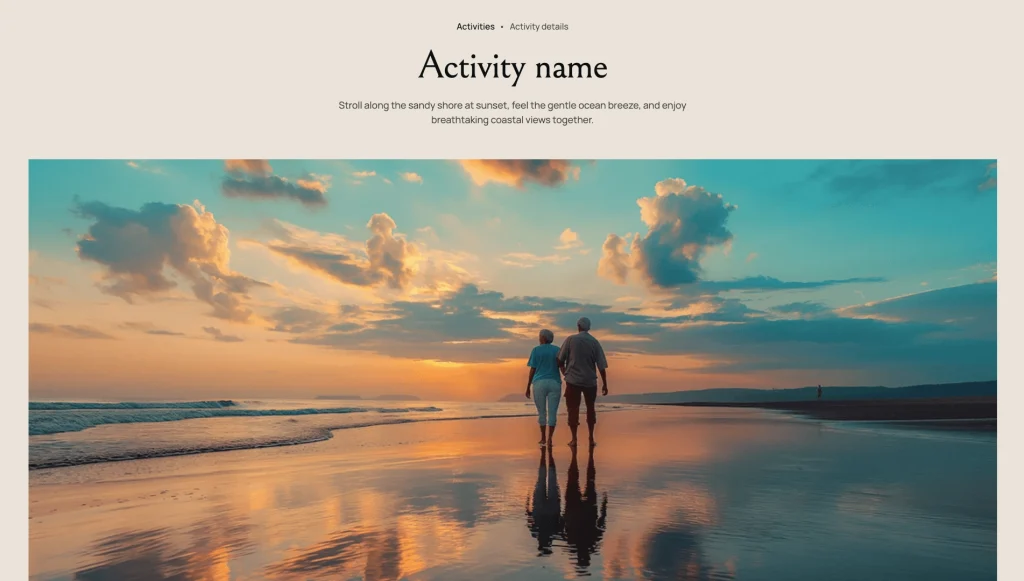
Activity Detail Pages: Each activity page answers the practical questions guests ask before they book, from duration and best time to difficulty and who the experience suits.
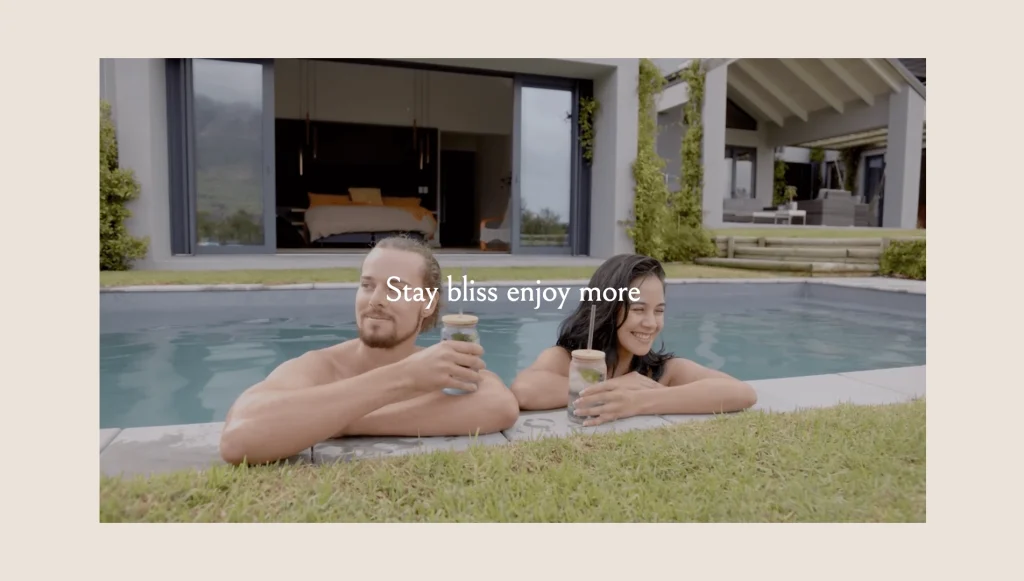
Estate Image Cards: Image cards introduce the spaces of the estate with a title and a one-line caption each, from the gardens to the private pool.
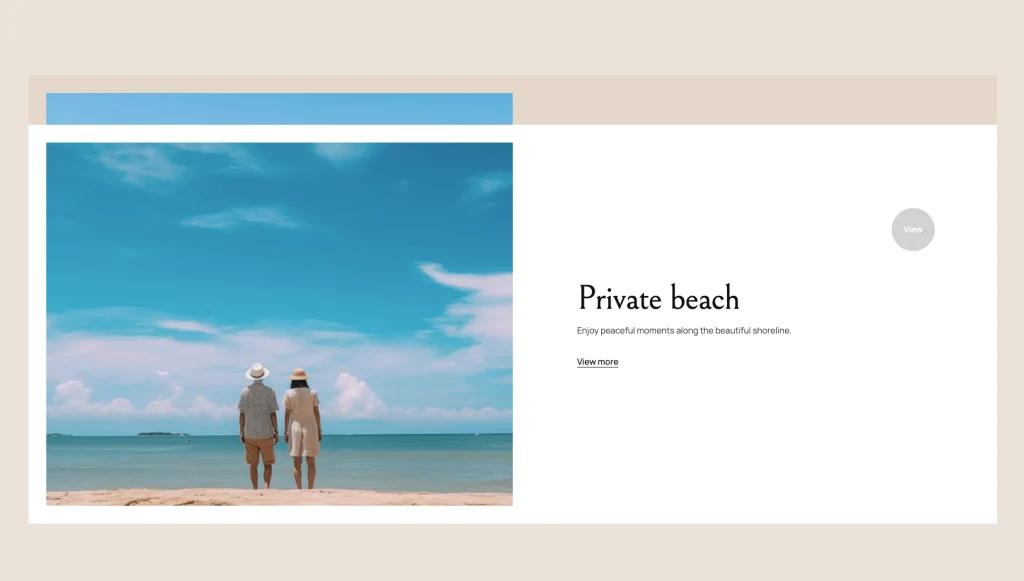
Facilities with Detail Pages: Six facility cards link to their own detail pages, where each amenity has a details list, a short story and a list of what guests can enjoy.
Gift Vouchers with Starting Prices: Present gift experiences such as a sunset dinner, a spa day or a weekend escape, each with a starting price and a link to its detail page.
Voucher Detail and How It Works: Each voucher page lists what is included and the price, then explains redemption in four simple steps.
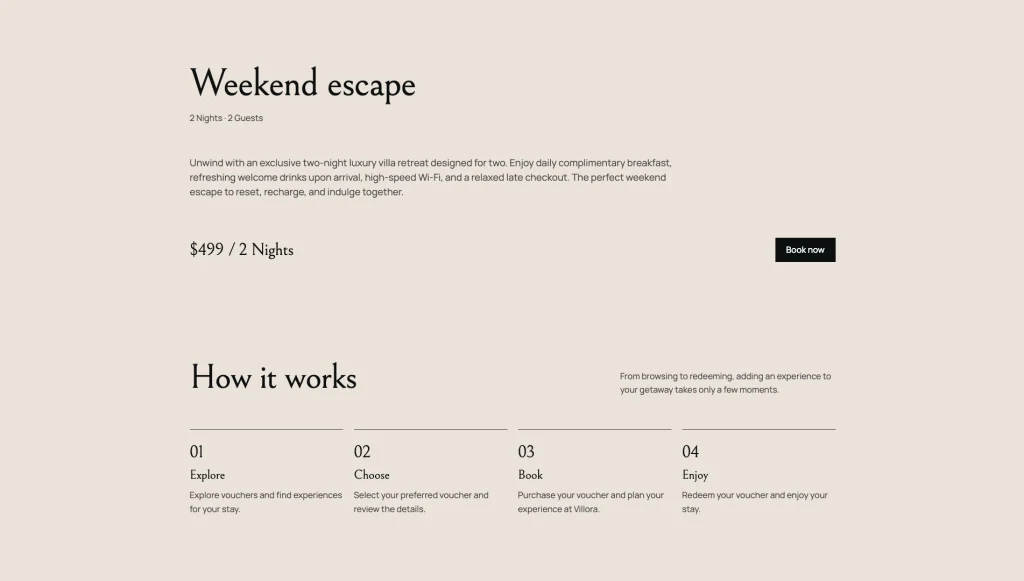
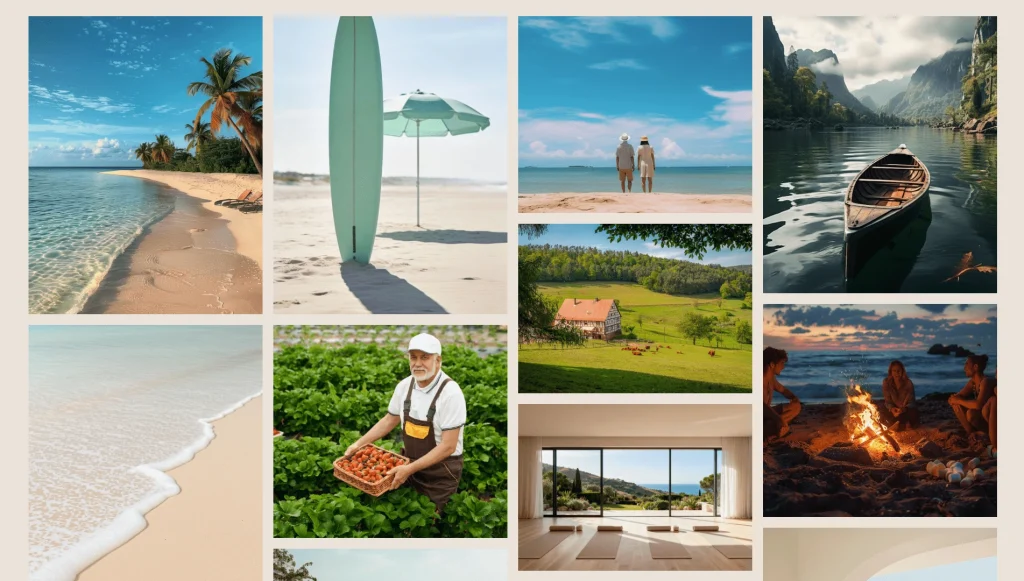
Photo Gallery: A dedicated gallery page shows the villa, pools, beach and gardens in a large image grid.
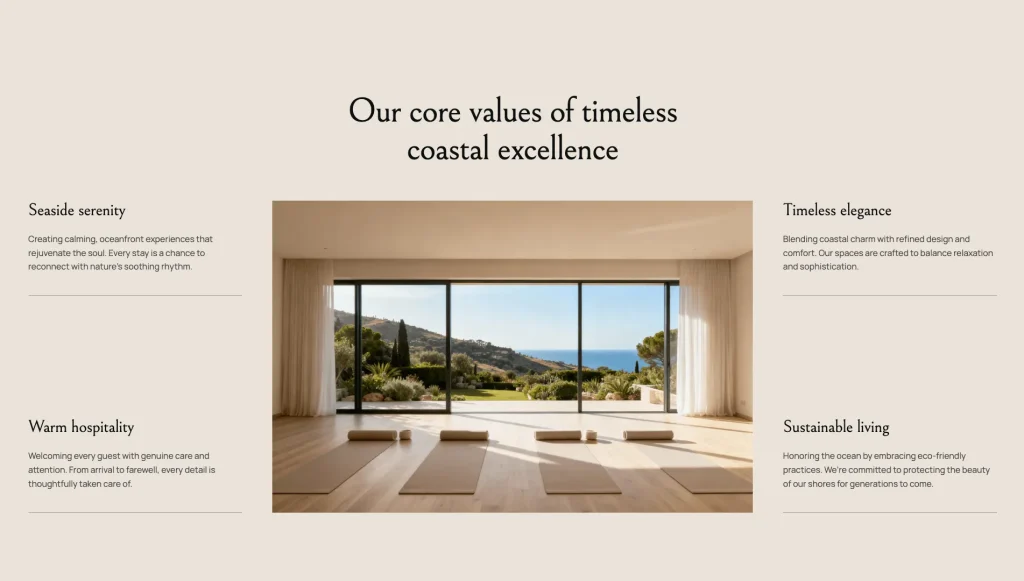
Core Values and Team: The About page sets out what the brand stands for and introduces the people behind the property with names and roles.
Guest Testimonials: Guest reviews appear with a photo, name and home city to support trust before a booking.
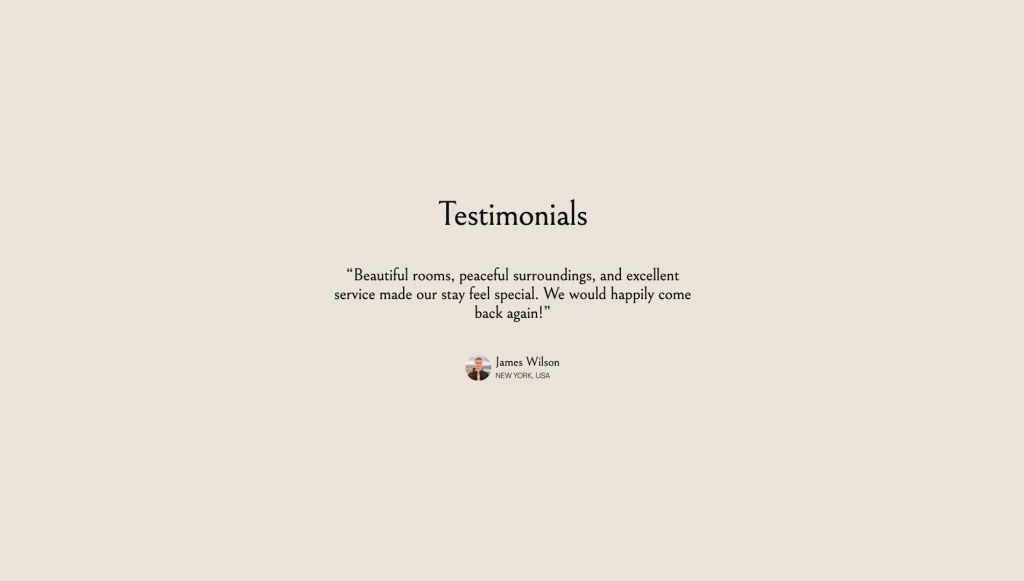
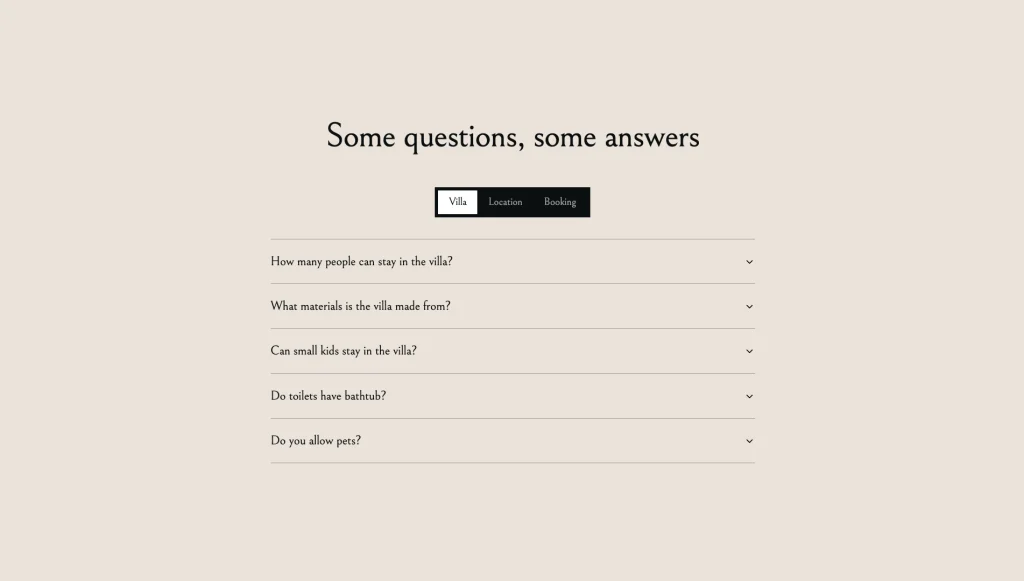
Tabbed FAQ: A tabbed FAQ groups common questions about the villa, the location and booking, so guests find answers without contacting you.
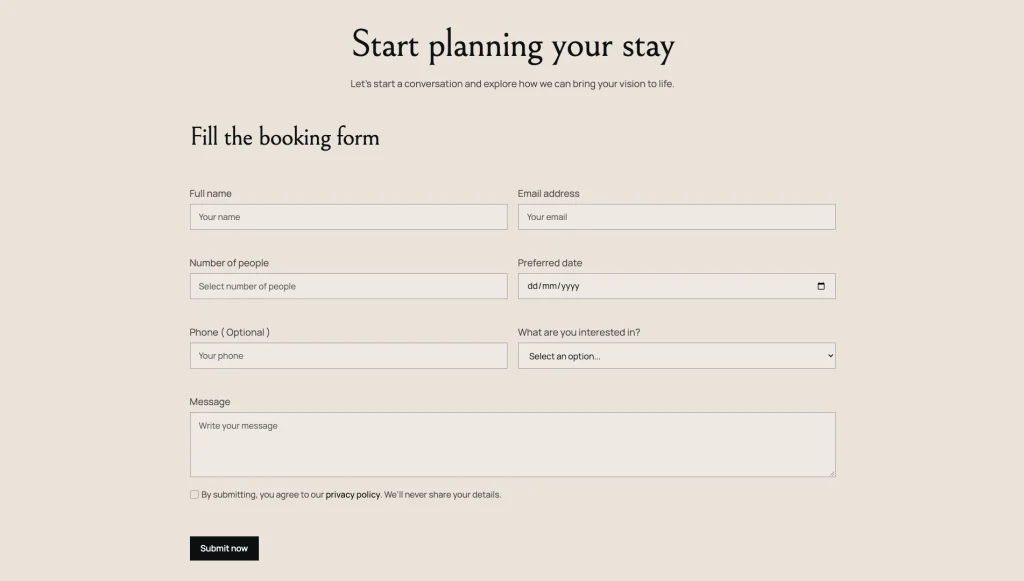
Booking Enquiry Form: A dedicated booking form collects the guest count, preferred date and the experience they want, ready to configure with Webflow form settings.
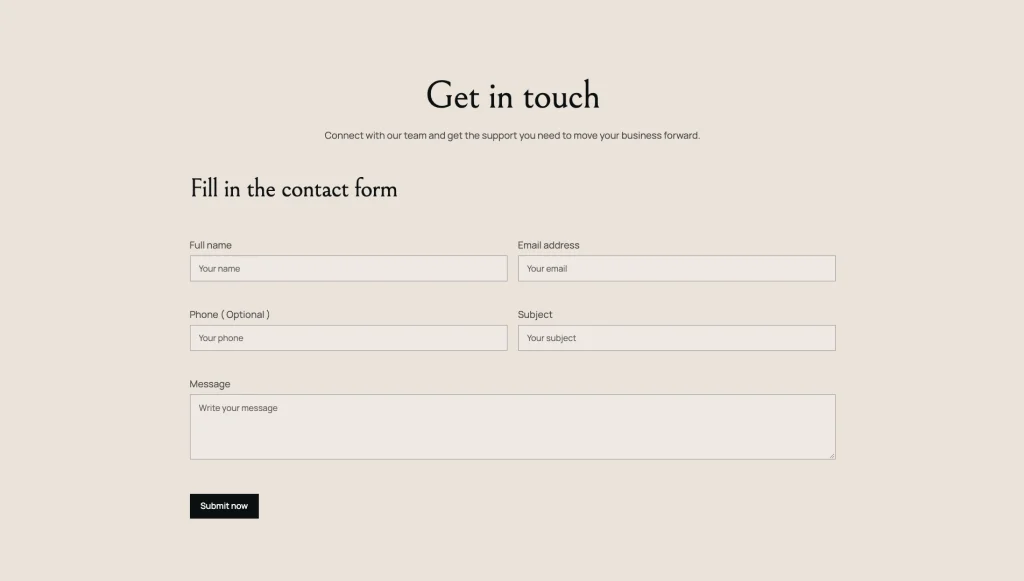
Contact Page with Booking-Platform Buttons: Guests can send a message, find your contact details or go straight to your listings on booking platforms.
Pages Included in Villora
The following inventory follows the live template. CMS detail pages are listed separately from the main navigation pages.
Main pages
- Home
- About
- Activities
- Facilities
- Vouchers
- Blog
- Gallery
- Booking
- Contact
CMS collection and detail pages
- Activity Details
- Facility Details
- Voucher Details
- Blog Details
Utility pages
- Instructions
- Style Guide
- Licenses
- Changelog
- External Link (placeholder for demo links)
- 404 Error
- Password Protected
Legal pages
- Privacy Policy
What Villora Offers Villa and Hospitality Businesses
A villa website needs to show the setting, explain what a stay includes and make it easy for guests to ask about dates.
Villora is structured around those needs.
The homepage introduces the property with full-screen video and image-led sections, then points visitors to the activities they can enjoy during their stay. From there, guests can move into the facilities to see the pool, beach, dining, spa, fitness and suites in detail.
Activity and facility pages answer practical questions before they reach your inbox: how long an activity takes, the best time to go, who it suits and what each amenity offers. Vouchers give the brand a way to present gift experiences with a clear starting price and inclusions.
The About page introduces the values and the team and shows guest testimonials, while the tabbed FAQ handles common questions about the villa, location and booking. The gallery and blog keep the property in view between visits, and the Booking and Contact pages give guests two routes to start a conversation.
Together, these sections give a villa or resort a complete foundation for presenting the property, its experiences and its people.
What Villora Does Not Do
- No online payments or checkout. Voucher and booking buttons lead to the booking enquiry form. Selling vouchers online needs Webflow Ecommerce or a third-party checkout that you add.
- No live availability calendar or reservation engine. The booking form sends a standard Webflow form submission for you to confirm by hand.
- No booking-platform integration. The Airbnb, Booking and Agoda buttons link to a placeholder page. Replace them with your own listing URLs; nothing syncs between the platforms and the site.
- No guest accounts or member login.
- One homepage layout.
- Demo media to replace. Images and videos come from Magnific and Lummi, as listed on the Licenses page. Swap in your own property photography and video before launch, along with the placeholder address, email and phone number.
- Custom code is used for Lenis smooth scrolling and the hide-on-scroll header, in Site settings. The Instructions page explains how to edit or remove both.
Customizing Villora
Villora provides a structured starting point for building a branded villa or resort website.
Activities, facilities, vouchers and blog posts are managed through the template’s four Webflow CMS collections. Add a new activity or facility once and it appears on its listing page with its own detail page, so recurring content stays organized without rebuilding pages by hand.
You can replace the demo video, imagery and copy, update the brand statement and adjust the visual styling to suit your property. The Style Guide gives you a reference for the design system.
The Instructions page maps all 21 Interactions with GSAP and both custom code scripts, lists the values you can change, such as duration, delay, ease and scroll start, and explains how to remove each animation safely.
Before publishing, replace the demo content with accurate information about your property, including your own photos, activities, facilities, voucher prices, team members, testimonials, FAQ answers, contact details and articles. Point the booking-platform buttons to your real listings and test every form.
Want it set up for you? TNCFlow can tailor Villora to your brand, property and content. Request a quote or see our Webflow agency services.
How to Use Villora
Setup is straightforward. Follow these steps to adapt Villora to your property.
- Purchase Villora through the appropriate Webflow template listing.
- Add the template to your Webflow Workspace and open the project in the Designer.
- Replace the logo, hero video, brand statement and general website copy.
- Update the Activities collection with your own experiences, including duration, best time, location, availability, difficulty and who each one suits.
- Update the Facilities collection with your actual amenities, their details and highlights.
- Update the Vouchers collection with your own experiences, prices and inclusions, or hide the Vouchers page if you do not offer them.
- Customize the About page with your values, team members and genuine guest testimonials you have permission to publish.
- Rewrite the FAQ answers to match your own policies on capacity, children, pets, deposits and cancellations.
- Replace the gallery images with your own property photography.
- Update the blog with your own articles and guides.
- Configure the Booking and Contact forms in Webflow’s form settings and test both, including the newsletter signup.
- Point the Airbnb, Booking and Agoda buttons to your own listing URLs, or remove the ones you do not use.
- Review the Style Guide, global styles, navigation, footer and utility pages, and read the Instructions page before changing animations.
- Check the site at desktop, tablet and mobile breakpoints, then test links, CMS pages and forms before publishing.
Frequently Asked Questions
What type of website is Villora designed for?
Villora is a luxury villa and resort Webflow template for private villas, boutique resorts, holiday rentals, coastal retreats and countryside estates that want to present the property and collect booking enquiries.
Does Villora include more than one homepage?
No. Villora includes one homepage layout built around full-screen video and image-led sections.
Does Villora include CMS functionality?
Yes. Villora uses four CMS collections: Activities, Facilities, Vouchers and Blog. Each has its own detail page template.
Can I add my own activities and facilities?
Yes. Add items to the Activities and Facilities collections and each one gets its own page. Activity pages include fields for duration, best time, location, availability, difficulty, experience and who it suits.
Can guests buy vouchers online?
No. Voucher pages show the price and inclusions, and the Book now button leads to the booking enquiry form. To sell vouchers online you would need to add Webflow Ecommerce or a third-party checkout.
Does the booking form check availability or take payments?
No. The booking form is a standard Webflow form that collects the guest’s details, number of people, preferred date and interest. You confirm availability and payment directly with the guest.
Can I link my Airbnb, Booking.com or Agoda listings?
Yes, as links. The Contact page includes buttons for Airbnb, Booking and Agoda that you can point to your own listings. Villora does not sync availability or bookings with these platforms.
Can I publish blog articles?
Yes. The blog runs on the Blog CMS collection, and each article shows a label, date, reading time and related posts.
Does Villora include a team section and testimonials?
Yes. The About page includes core values, team profiles with names and roles, and guest testimonials with name, photo and location.
Does Villora include an FAQ section?
Yes. A tabbed FAQ with Villa, Location and Booking tabs appears on the About, Vouchers and Contact pages. Rewrite the answers to match your own policies.
Is Villora responsive?
Yes. The template is designed for desktop, tablet and mobile breakpoints. Some scroll animations run on desktop only. Review each breakpoint with your own content before publishing.
Does Villora use custom code?
Yes, two scripts in Site settings: Lenis smooth scrolling and the hide-on-scroll header. All other animations are built with Interactions with GSAP in the Interactions panel.
Can the animations be edited or removed?
Yes. The Instructions page lists every animated element, the values you can change and step-by-step removal for each script and interaction.
Can I use the demo images and videos?
The Licenses page lists Magnific and Lummi as the sources for the demo images and videos. A villa website should show the real property, so replace them with your own photos and video before launch.
Can I customize the colors, typography and images?
Yes. Everything can be customized in the Webflow Designer, and the Style Guide page shows the design system for reference.
Can the animations be edited?
The template listing states that animations can be adjusted or disabled in Webflow Designer. Review the actual interactions in the project before making changes, especially if an animation depends on other elements or page behavior.
Is the Figma file included with the template?
No. The Figma file is a separate product, and you can buy it on its own from the purchase widget on this page. You do not need to message us for it after buying the Webflow build.
When you choose this template, you get support direct from the TNCFlow team. So if a section will not behave, just ask us.
Check out other Webflow templates by TNCFlow.


Select template
Choose one or more options for your build
