
PRO

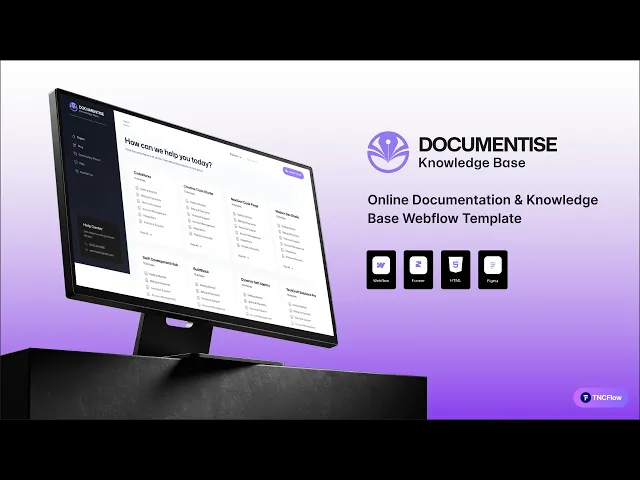
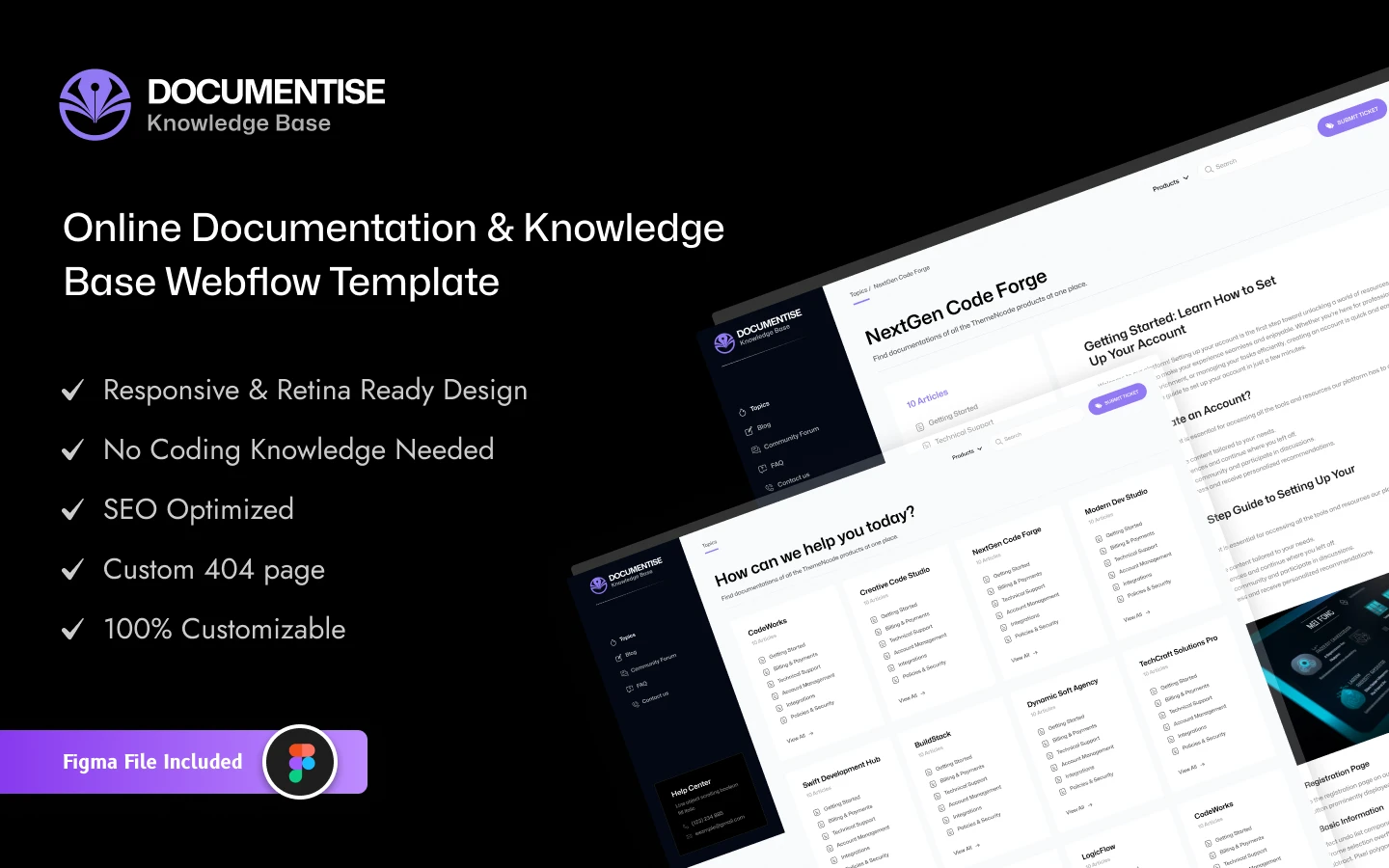
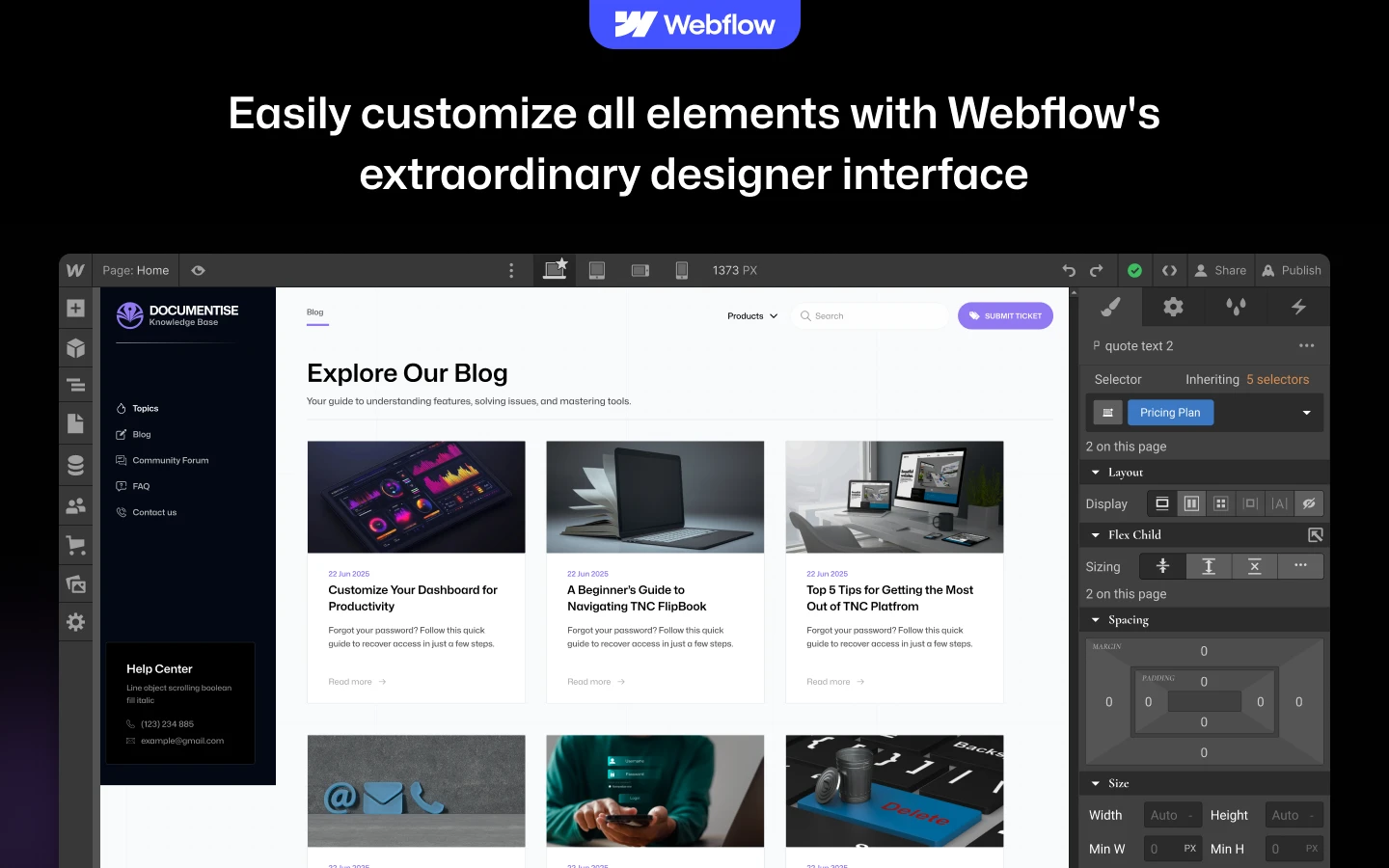
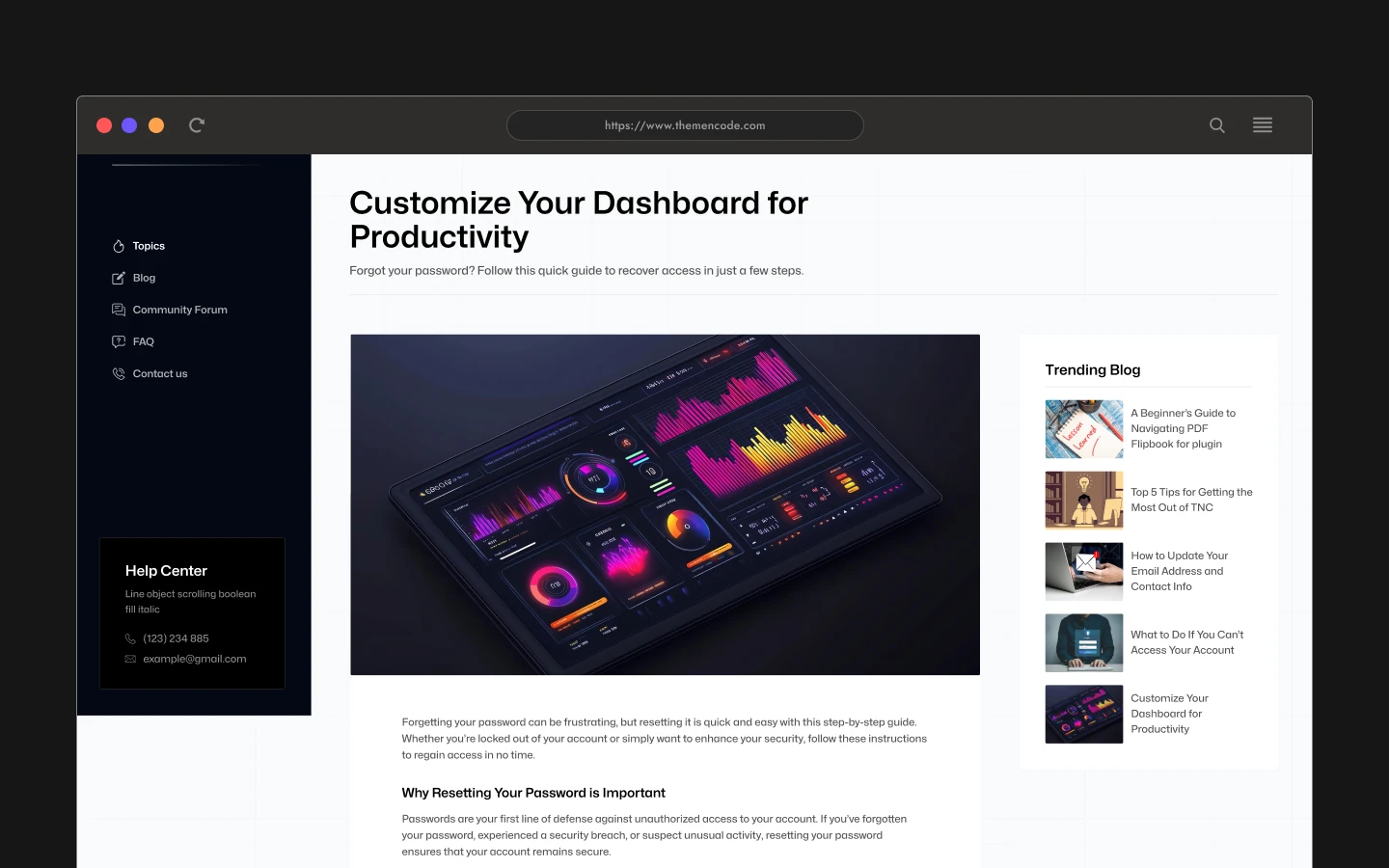
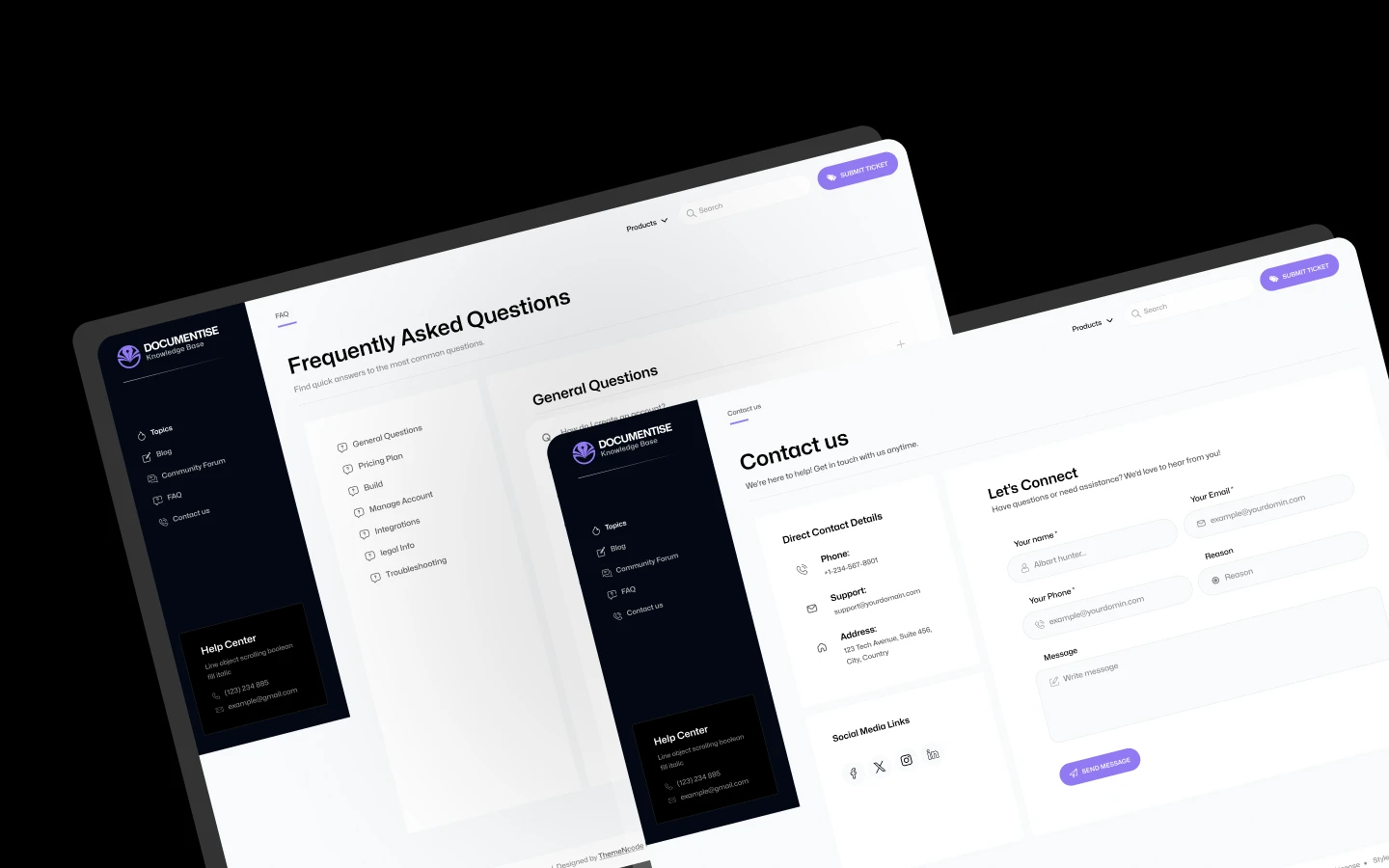
Documentise is a Webflow documentation website template for help centres, knowledge bases and product docs. It ships for Webflow, Figma and HTML.
Good documentation answers the question before support has to. So Documentise leads with live search. Visitors type, find the article and move on. That keeps your ticket volume down.
Each section has one job. The topics dashboard organises your articles. The blog handles release notes. The FAQ page catches repeat questions. Because the build runs on Webflow CMS, your team can publish docs without a developer.
Pick the format that suits you. Documentise ships for Webflow, Figma and HTML. Need something custom instead? We also design and build sites from scratch.
Documentise at a Glance
| Formats | Webflow, HTML and Figma |
| Best for | Help centres, knowledge bases, product documentation, support desks and developer docs |
| CMS | Webflow CMS enabled |
| Search | Live search included |
| Pages | 10 (Topics, Utility, Blog, FAQ, Contact, Blog template, Topics template, 404, Search results, Password) |
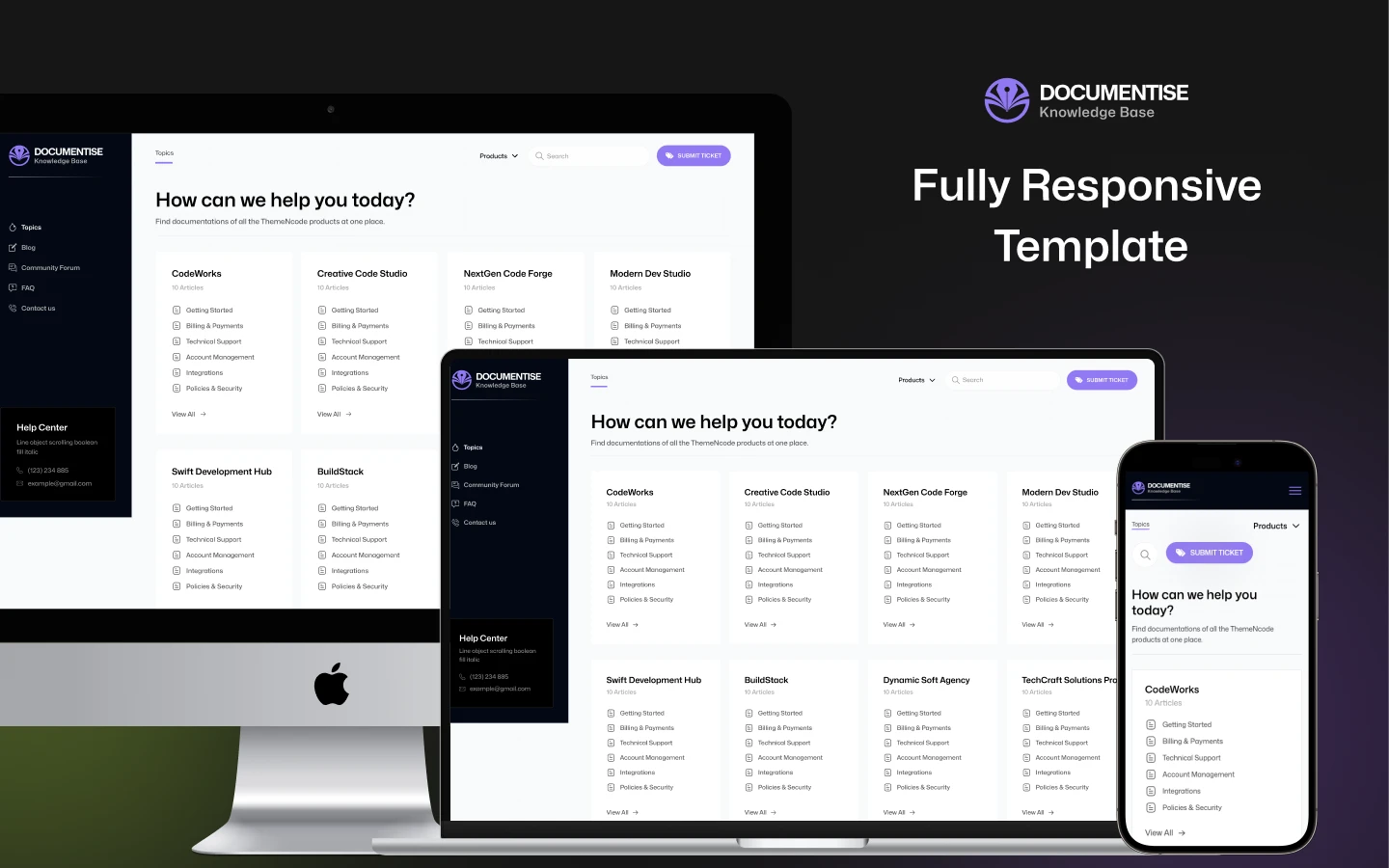
| Responsive | Desktop, laptop, tablet and mobile |
| Support | Included with every purchase |
Why Live Search Matters in Documentation
Most people do not browse docs. They search. If the search box is slow or buried, they email support instead. Documentise puts search in the header, so it is available on every page.
Structure matters too. Articles sit inside topics, and topics sit on a dashboard you control. That way readers can scan a category when they do not know the exact term. It also keeps your URLs tidy as the library grows.
Who Should Use Documentise?
Documentise suits SaaS teams, developer tools and support desks. It also fits agencies documenting brand guidelines, and any product that ships a manual.
Key Features That Set Documentise Apart
Features Fully Highlighted: Clear blocks that explain what your documentation covers. Readers learn the scope quickly.
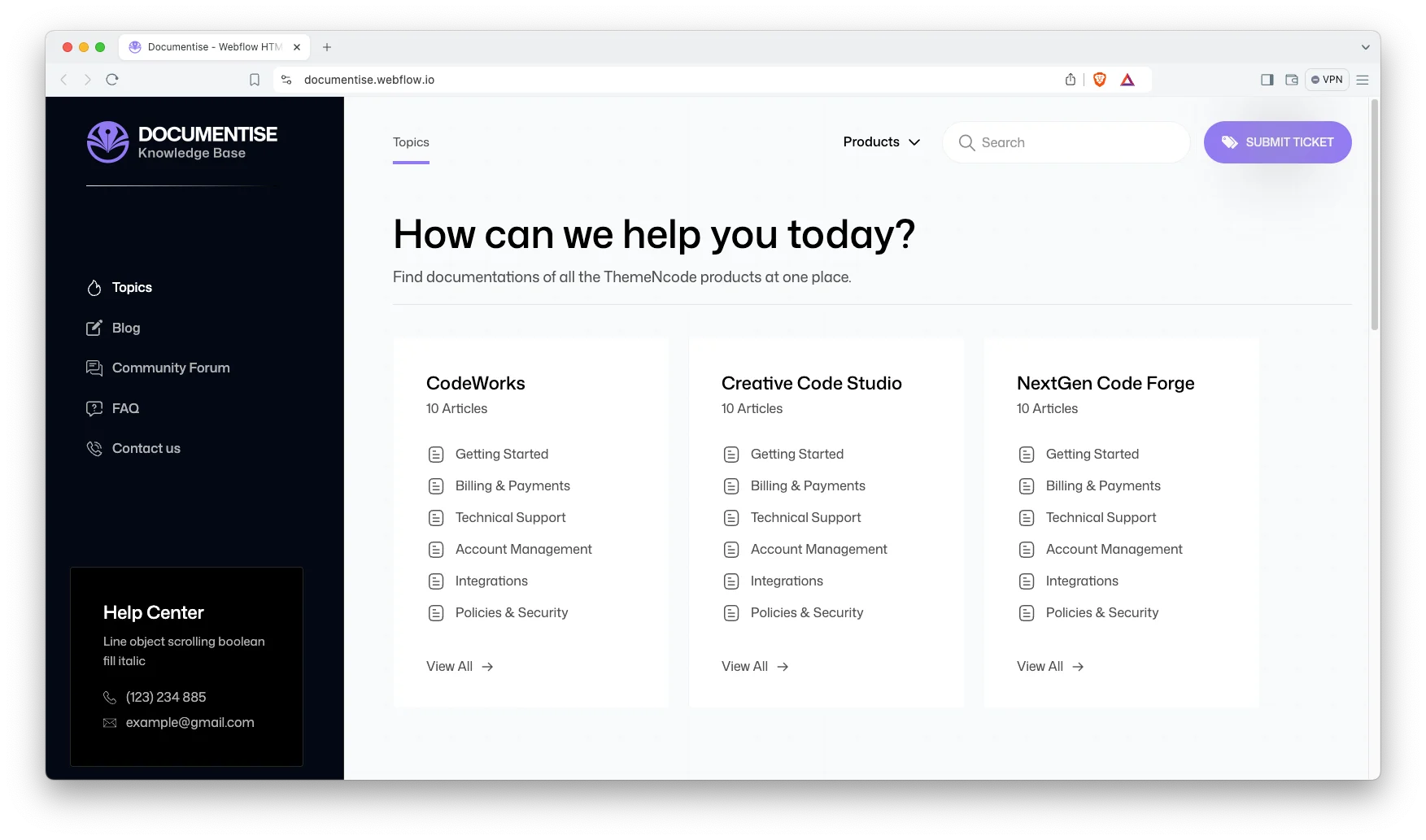
Sleek and Premium Design: A clean, minimal layout that follows current design trends. Your docs look professional from day one.
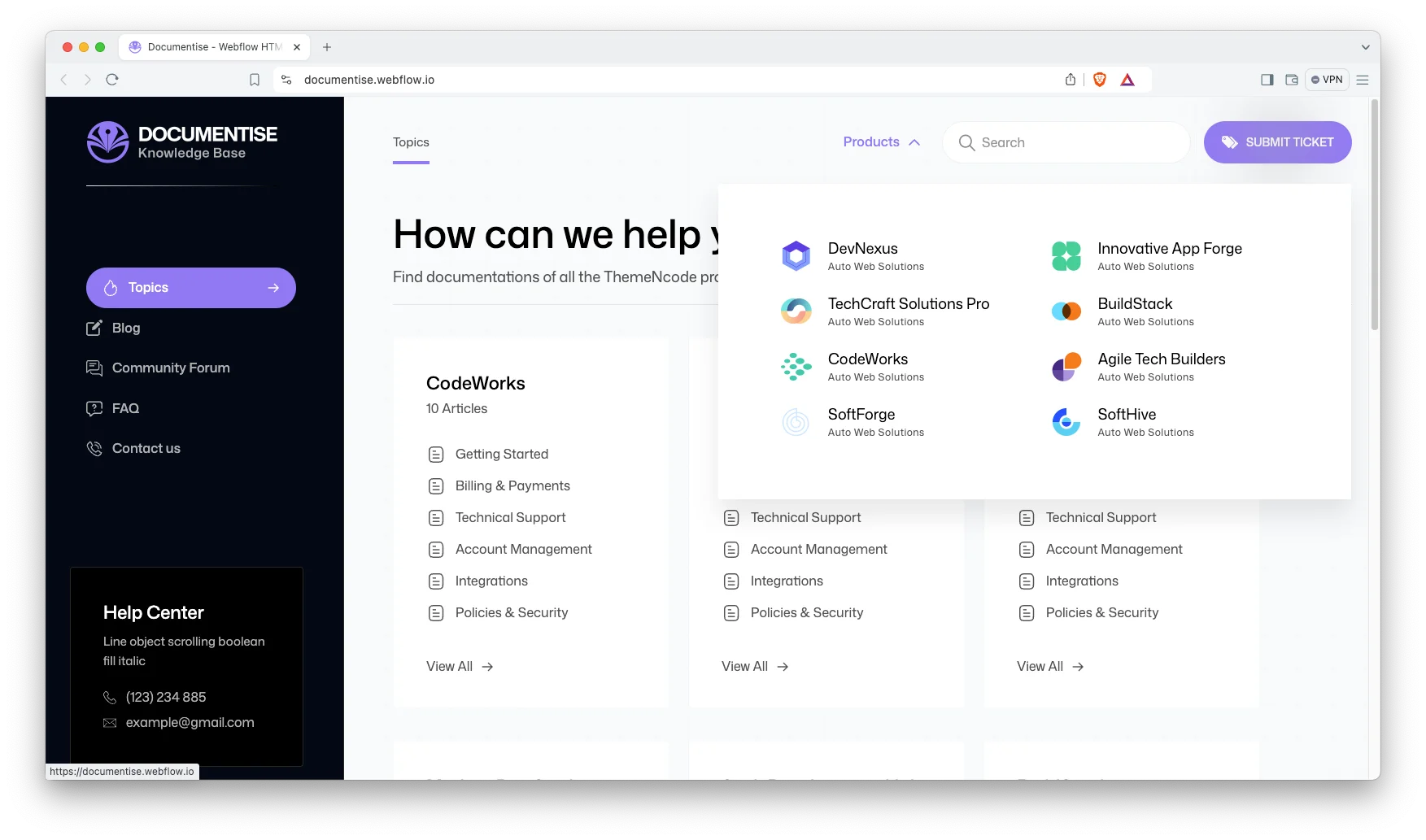
CMS Functionality: Built on Webflow CMS. Publish articles, release notes and testimonials without touching code.
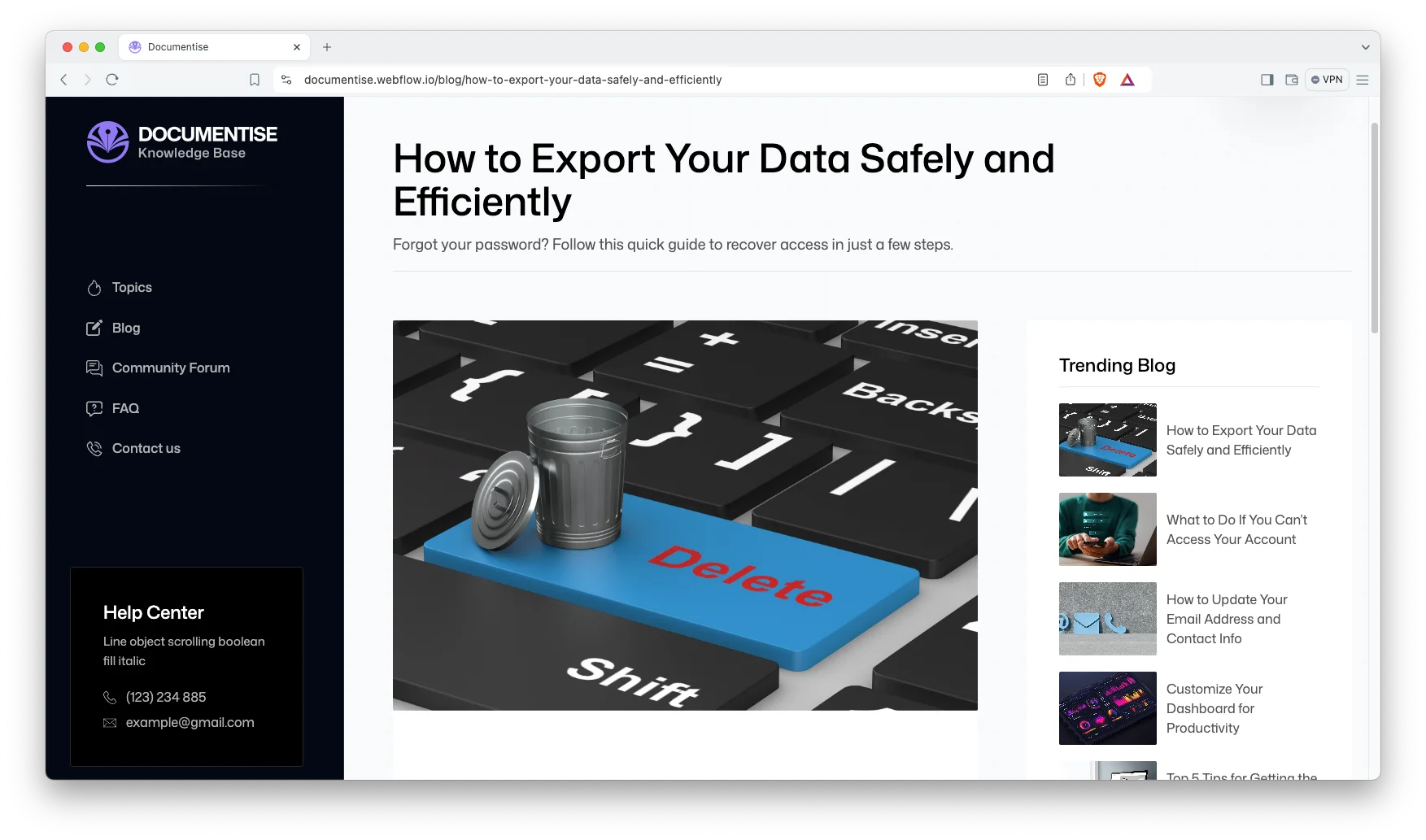
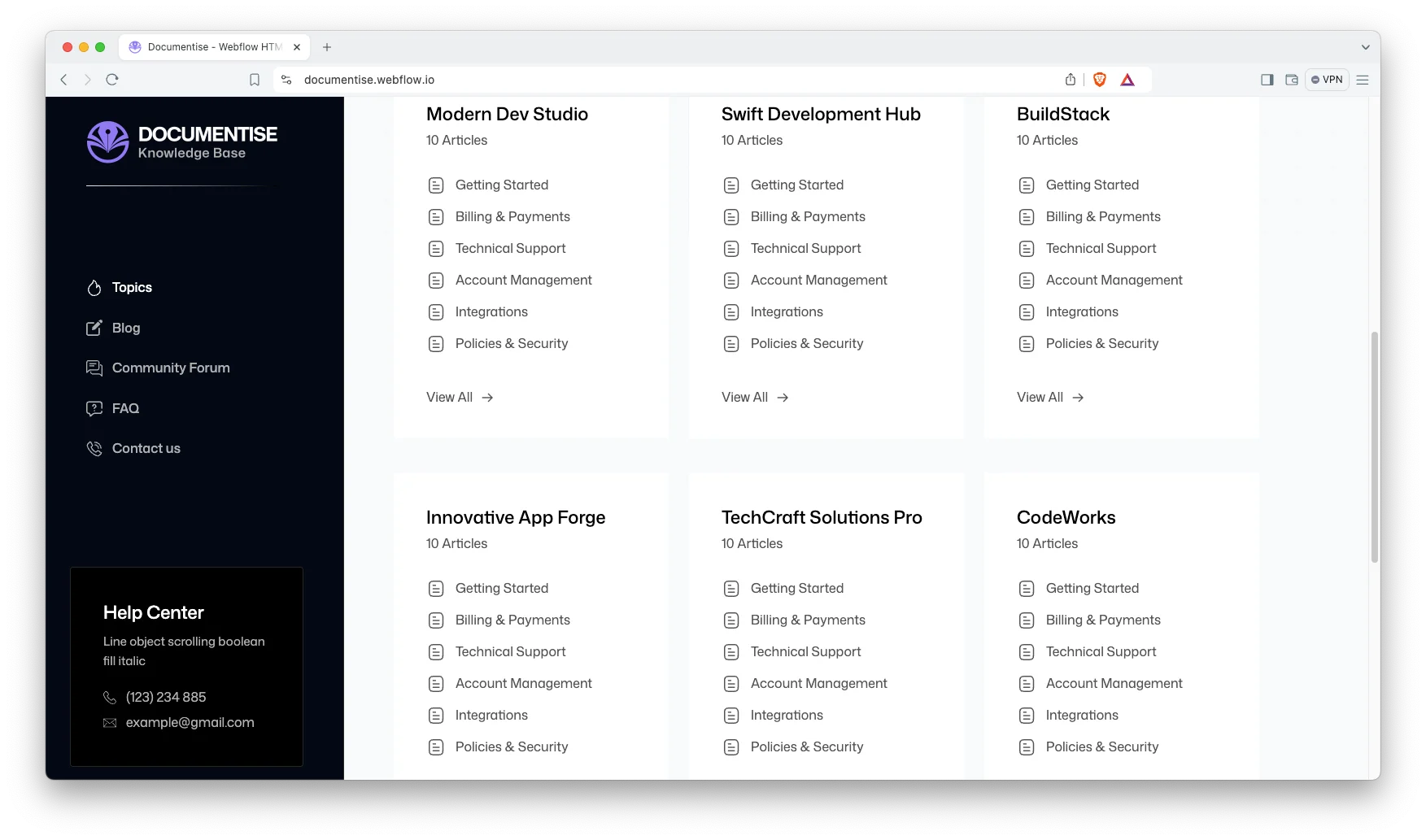
Topics Dashboard: Organise content, track updates and control publishing in one place. It saves time as your library grows.
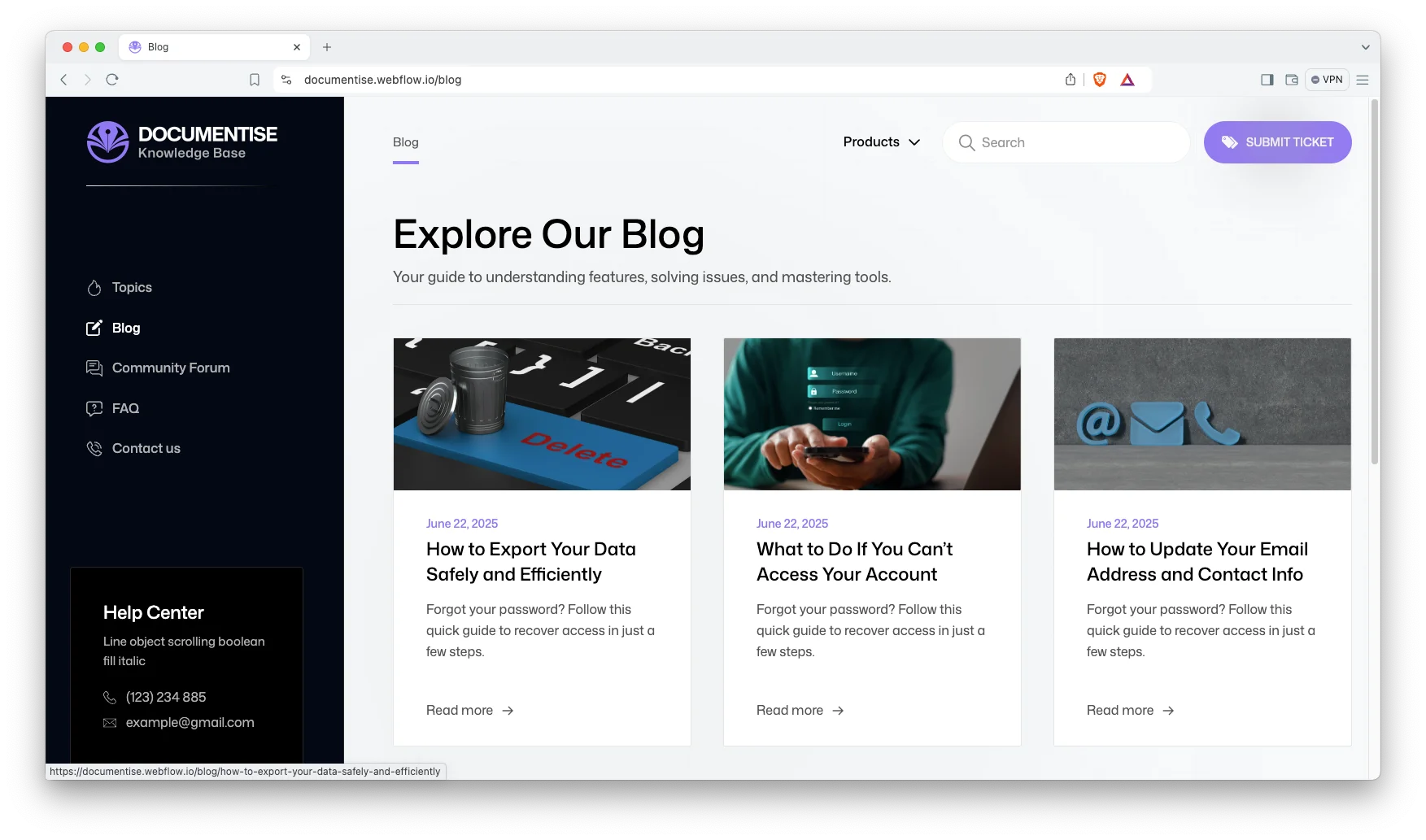
Blog Showcase: A blog layout built for scanning. Readers find the post they want quickly.
Contact Details: Show your address, phone number and an interactive map. Readers who still need help can reach you fast.
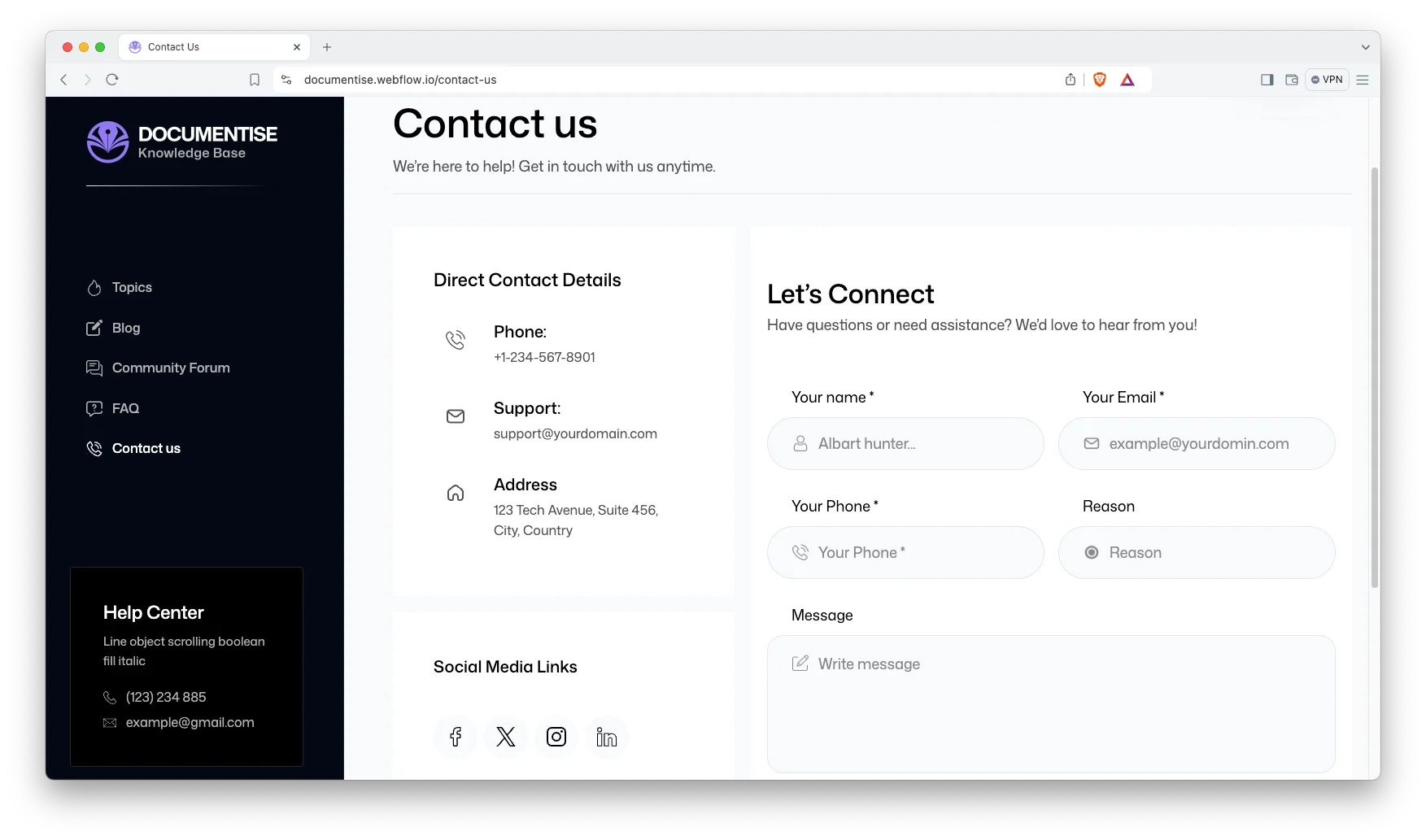
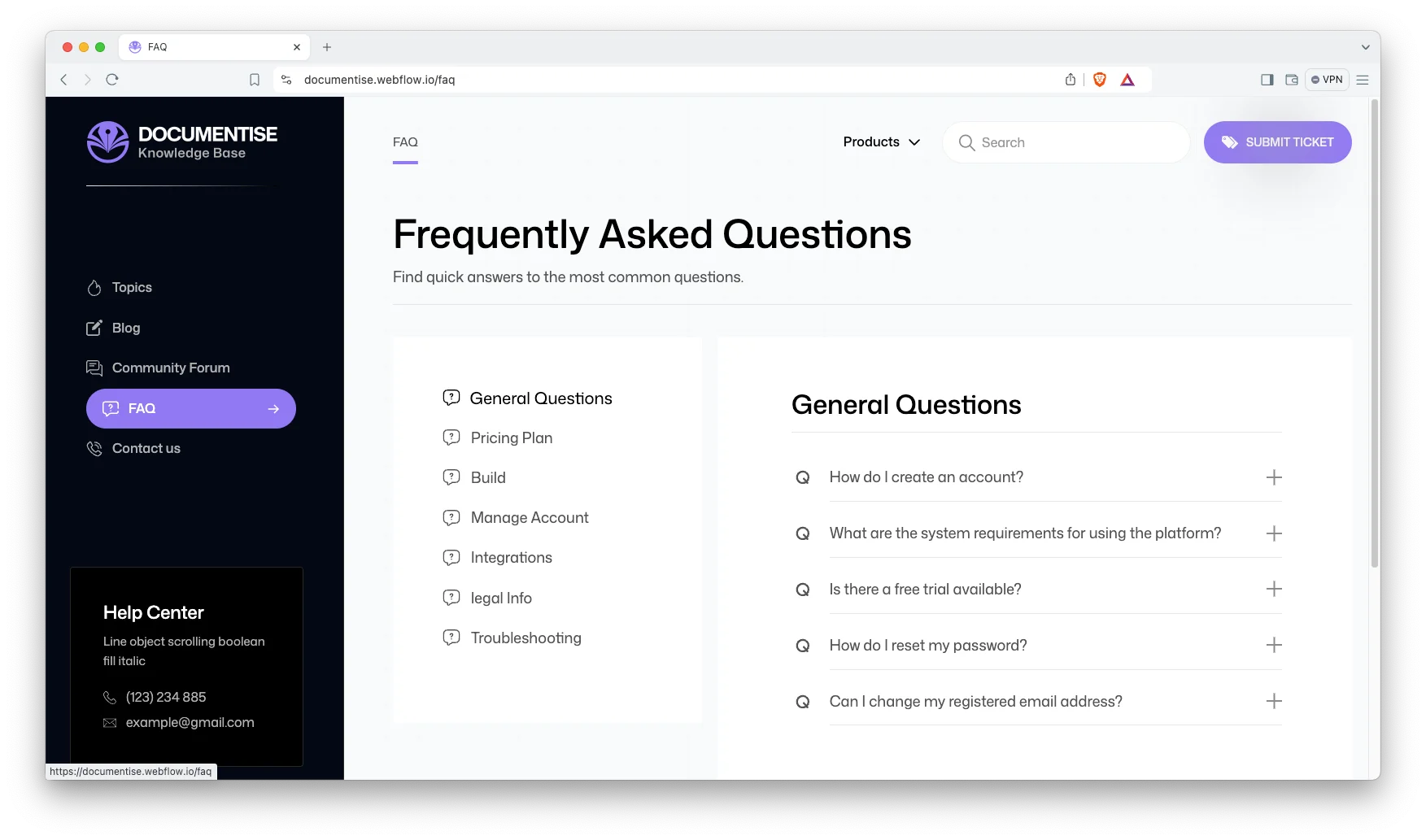
FAQ Showcase: A dedicated FAQ page that answers common questions and removes support friction.
Dedicated Customer Support: You get direct help from the TNCFlow support team whenever you need it.
Watch on YouTube
Prefer to watch? This short video walks through the template and shows how to set it up.
Pages Included
- Topics
- Utility
- Blog
- FAQ
- Contact Us
- Blogs Template
- Topics Template
- 404
- Search Results
- Password
How to Use Documentise
- Click here to purchase Documentise
- Follow the steps to get your site ready
- Replace the content with your own
- Adjust the design if you want
- Preview and publish
Documentise Frequently Asked Questions
Does Documentise include live search?
Yes. Documentise ships with live search and a dedicated search results page. Readers can find an article from any page, so they do not have to browse the whole library.
How many pages does Documentise include?
Ten. You get Topics, Utility, Blog, FAQ, Contact, a blog template, a topics template, a 404 page, search results and a password page.
Can I use Documentise as a knowledge base rather than product docs?
Yes. The topics structure works for any article library. Teams use it for help centres, internal wikis, brand guidelines and support desks.
Can I use Documentise without Webflow CMS?
Yes. The Webflow build ships with CMS collections for topics and blog posts. However, you can switch them off and run static pages instead. The HTML build is already static, and the Figma file has no CMS.
What is the difference between the Webflow, HTML and Figma versions?
The Webflow build is ready to publish, with CMS and live search. The HTML build is static, so you can host it anywhere. The Figma file is the source design, which suits teams who want to restyle before development. All three share the same layouts.
Do I need coding skills to edit Documentise?
No. The Webflow build is fully visual, so you edit text and images on the canvas. The HTML build needs a developer for structural changes. The Figma file is for designers.
Ready to Launch Your Help Centre?
Documentise gives support teams a documentation site that is ready to launch. It answers common questions, cuts ticket volume and keeps your guides easy to read.
Explore all templates by TNCFlow.
Featured in our guides: Webflow blog templates.
Select template
Choose one or more options for your build
All-Access Pass
$199
/ Yearly
$20,000+ in assets
130+ Webflow Templates
130+ Figma UI Templates
45+ Framer Templates
130+ HTML Templates
