

PRO

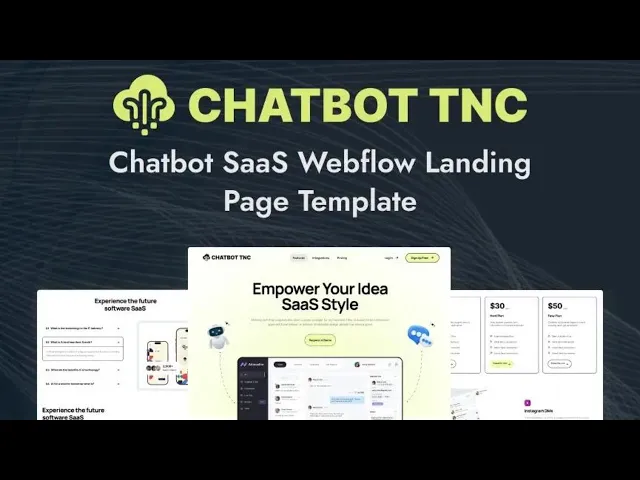
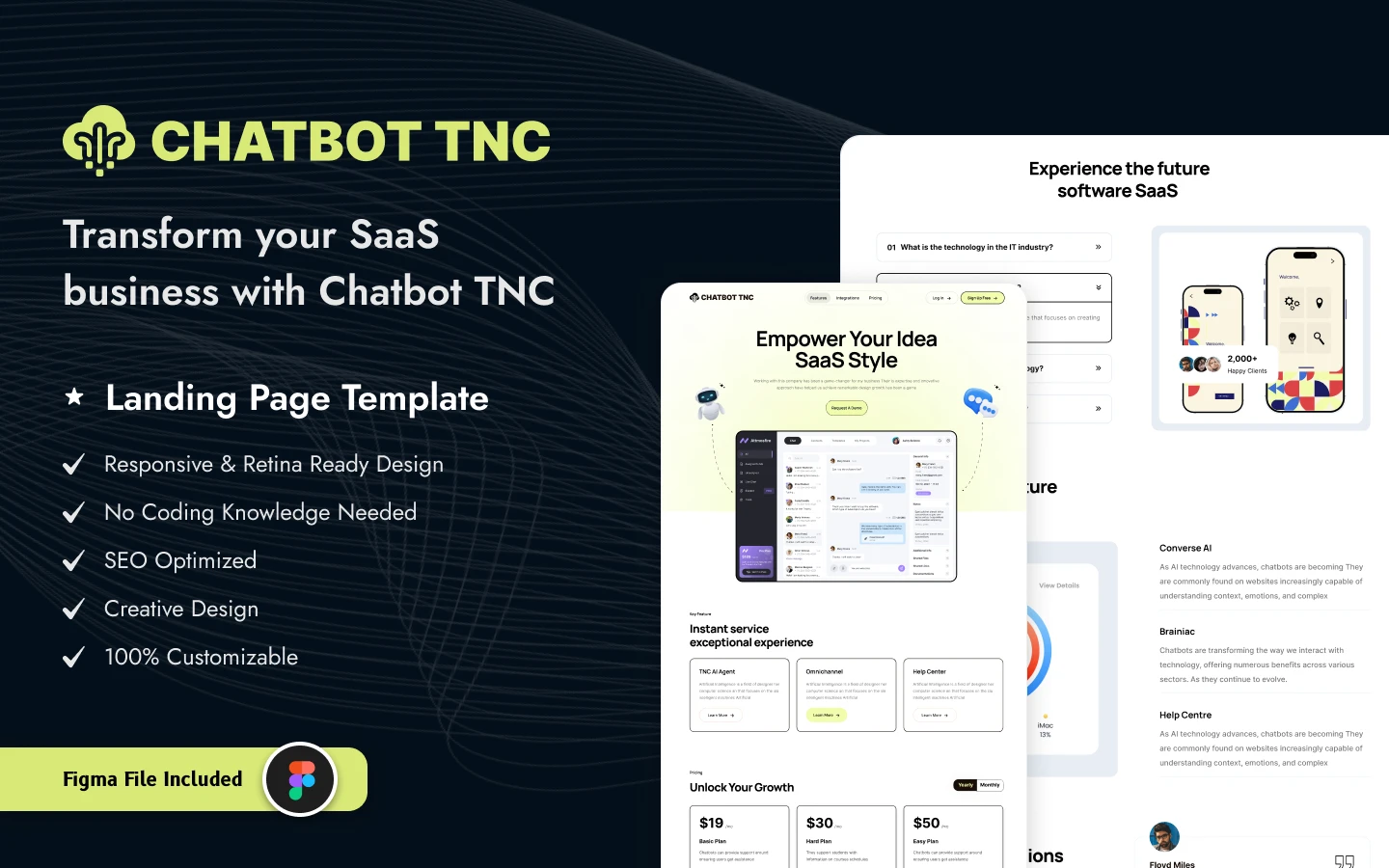
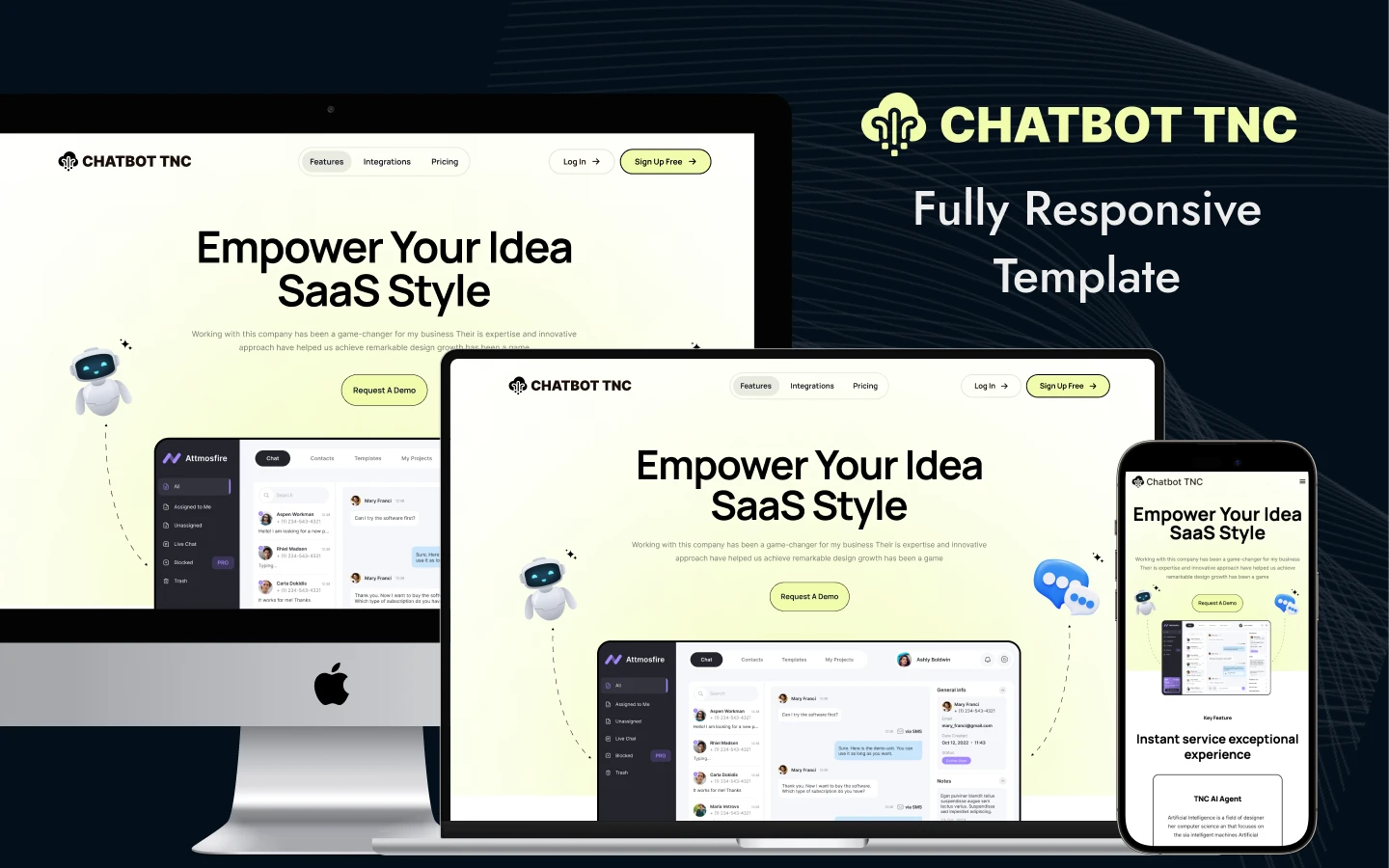
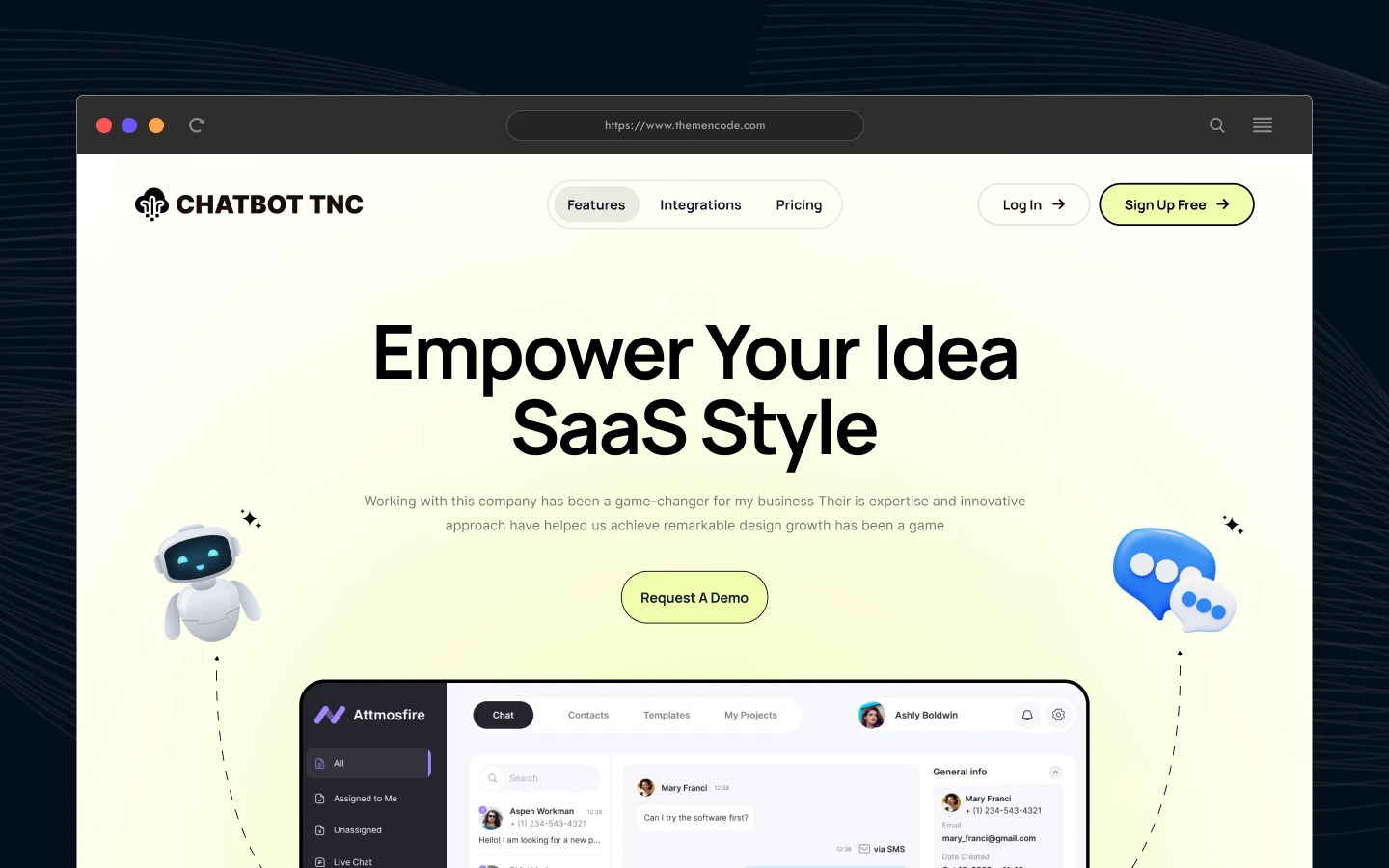
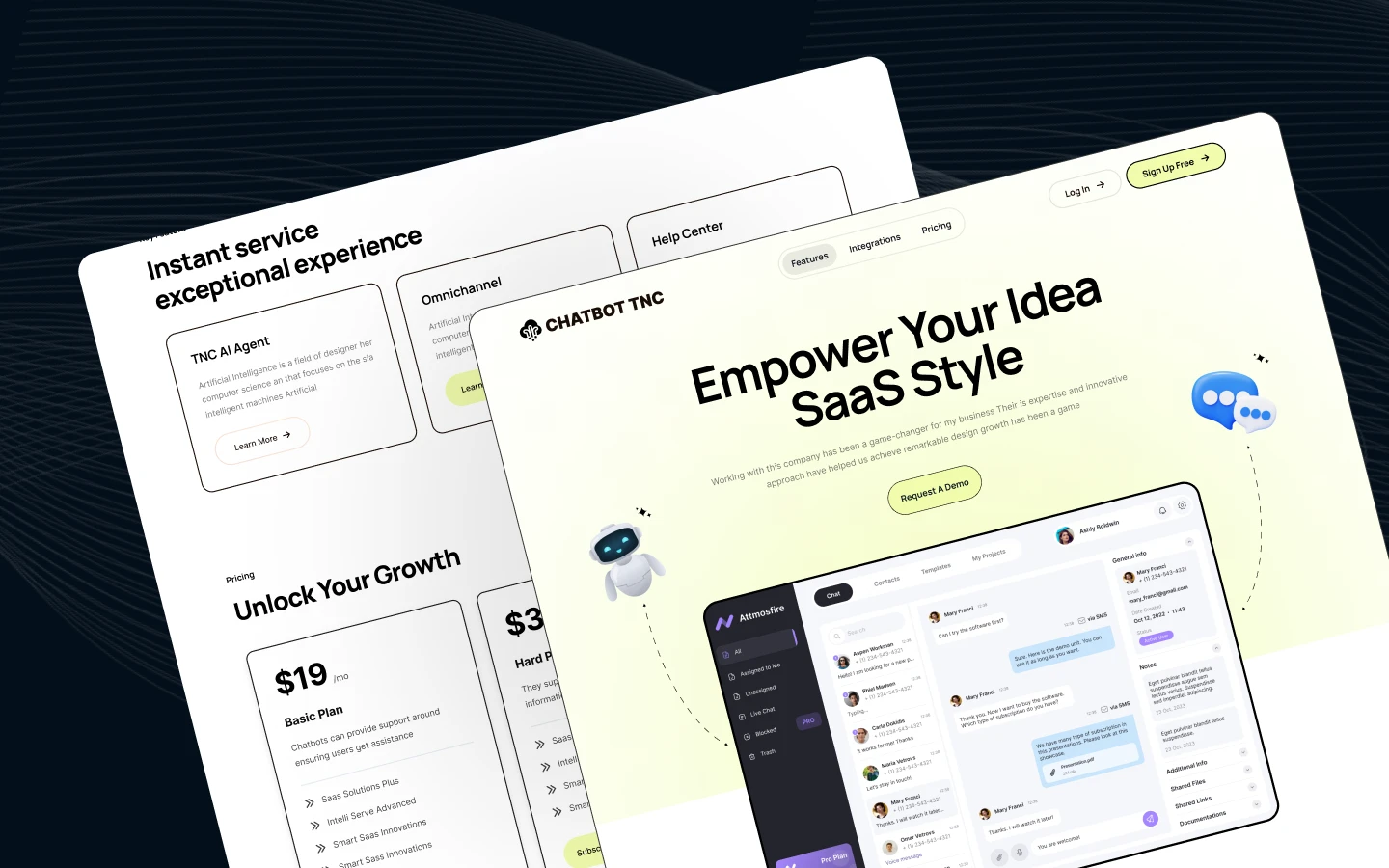
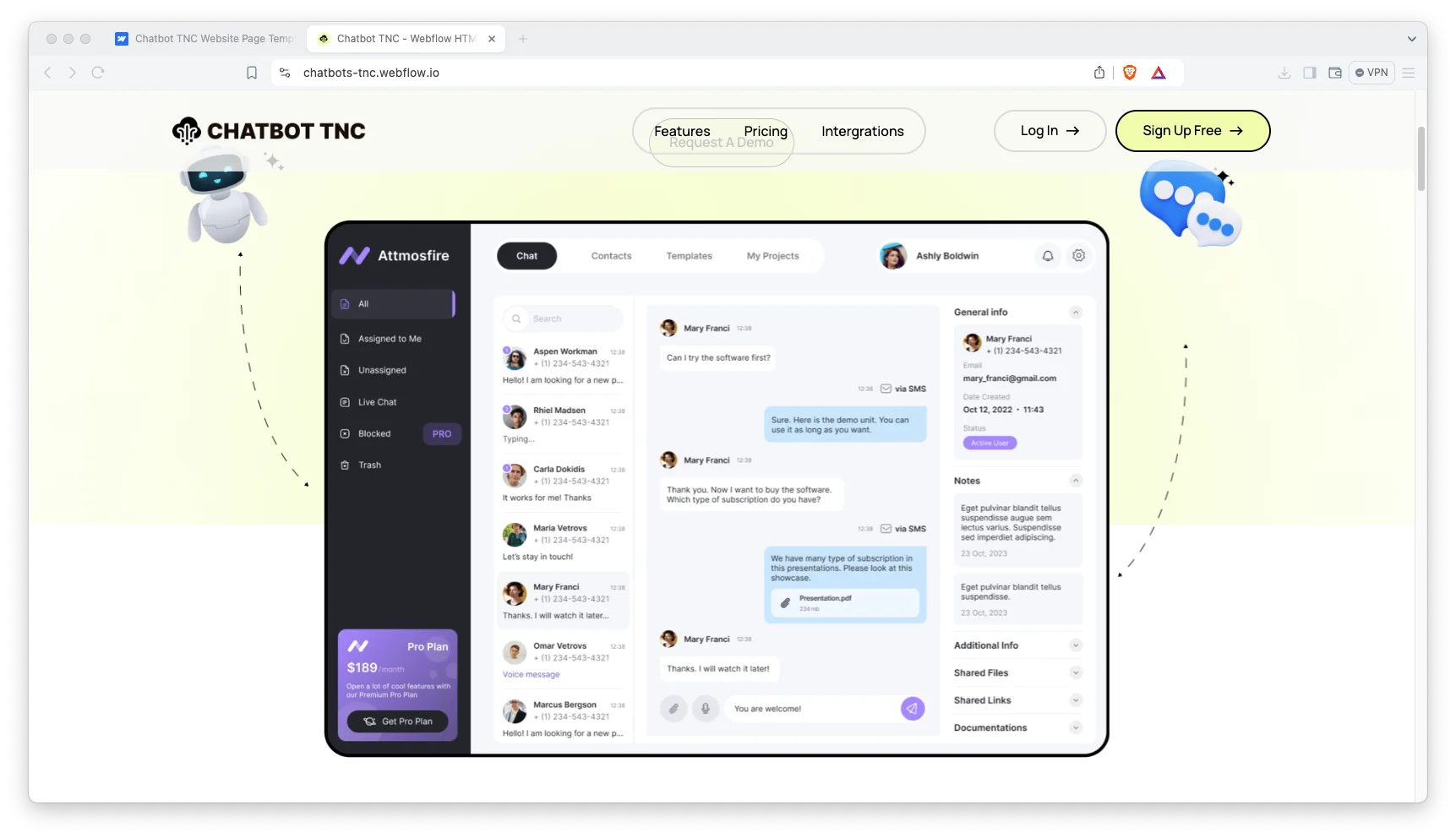
Chatbot TNC is a chatbot website template for AI chatbot startups, conversational AI platforms and SaaS support tools. It ships for Webflow, Figma and HTML.
Conversational software is sold on credibility rather than on novelty. So the page leads with the positioning statement, then substantiates it with capabilities, integrations and subscription tiers. Because the entire narrative sits on a single page, a visitor never has to hunt for the next step.
Every section has one responsibility. The hero states the offer. The capability cards explain what the assistant actually automates. Then the integration block shows which messaging channels it supports. Finally the pricing comparison asks for the subscription.
Explore the live preview now.
Chatbot TNC at a Glance
| Formats | Webflow, Figma and HTML |
| Best for | AI chatbot startups, conversational AI platforms, marketing automation tools, SaaS support products |
| Layout | One page design with anchor links to features, integrations and pricing |
| Pages | 1 main page plus a licence utility page |
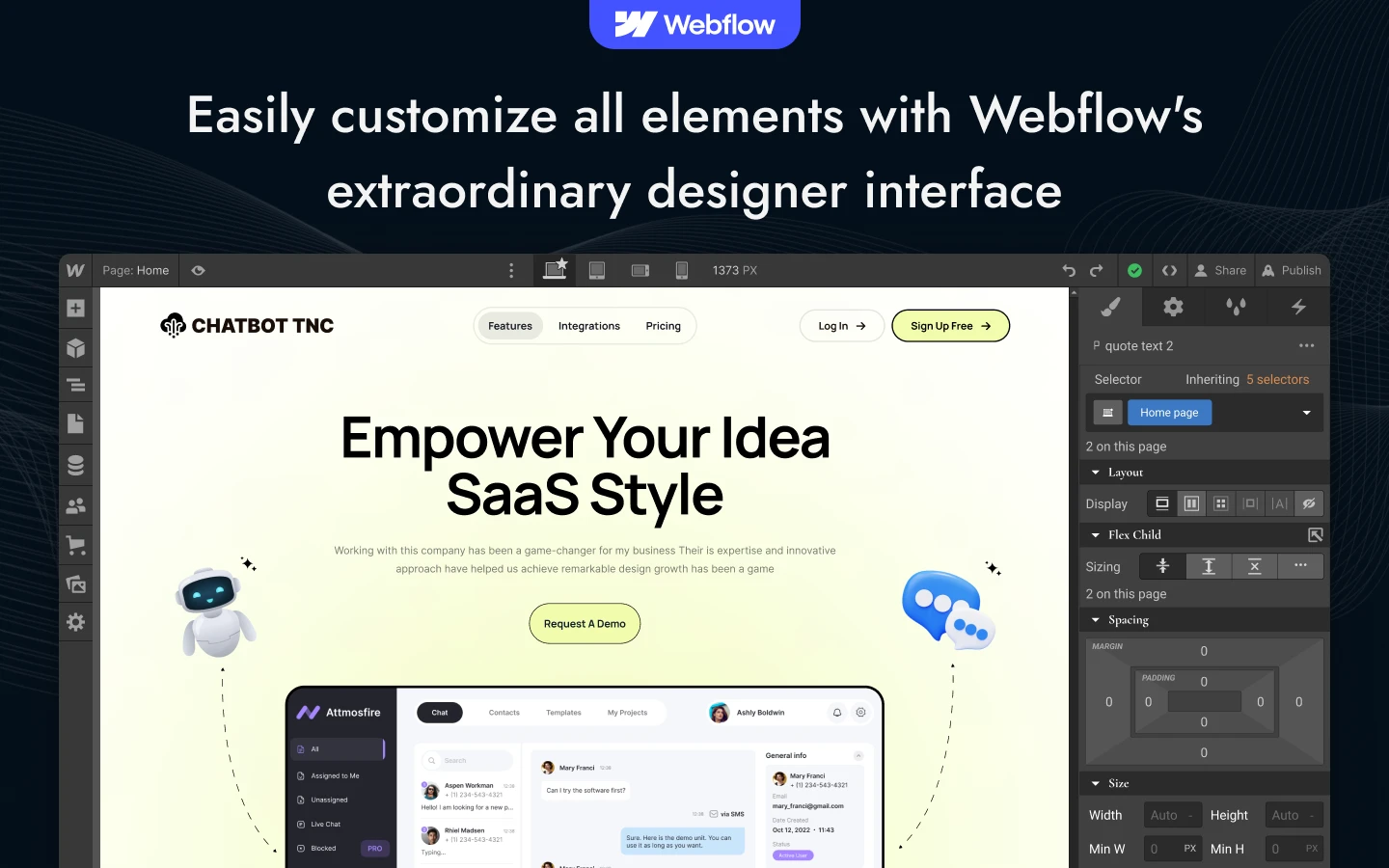
| CMS | No CMS collections, so you edit the page directly in the Webflow Designer |
| Responsive | Yes, on desktop, tablet and mobile |
| Support | TNCFlow support plus free updates |
Key Features of Chatbot TNC
Clean and modern design. Chatbot TNC keeps the composition deliberately restrained. So your product messaging remains the most prominent element on screen. Generous spacing and confident typography carry the remainder.
Features fully highlighted. The feature block gives each capability its own card. The demo uses an AI agent card, an omnichannel card and a help center card. Because each card is short, a visitor grasps the product fast.
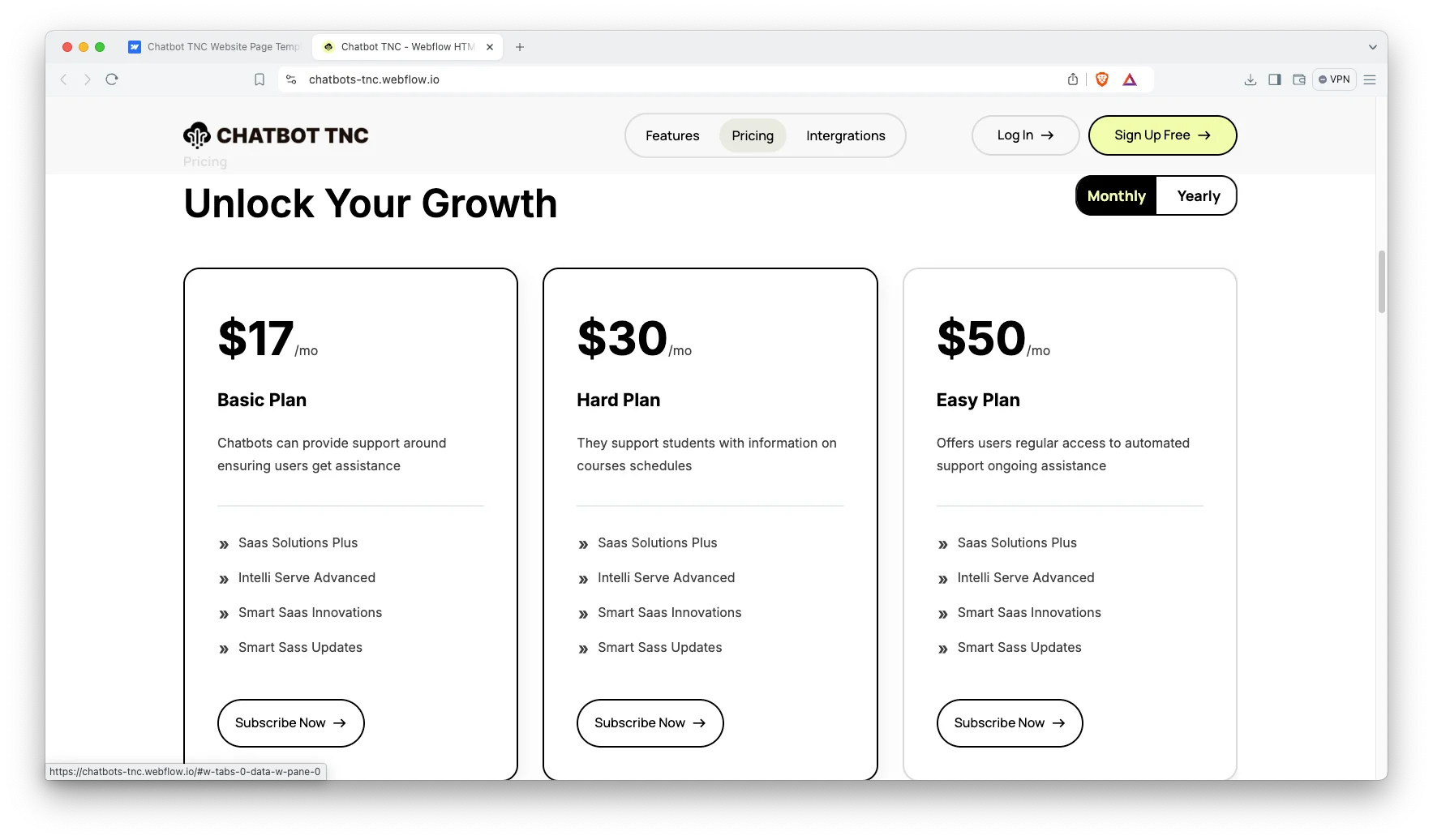
Pricing with a monthly and yearly toggle. Three plan cards sit side by side. A toggle switches the whole row between monthly and yearly rates. That way buyers compare terms without leaving the page.
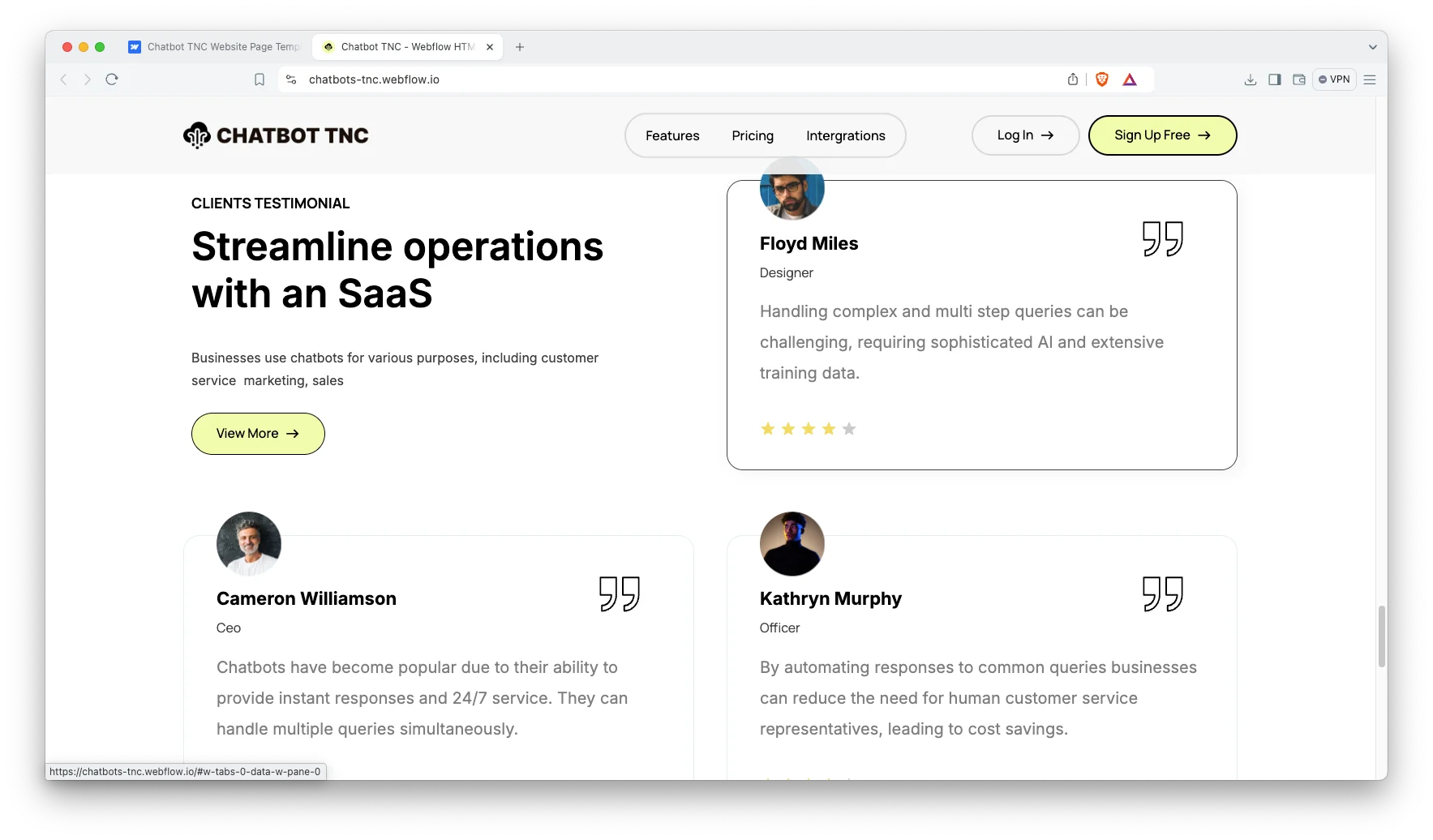
Testimonials with star ratings. Each testimonial card carries a name, a job title and a star rating. Social proof matters in this market, because buyers are trusting a bot with their customers.
Integration section. A dedicated block shows where the bot runs. The demo names Instagram DMs, WhatsApp and Facebook Messenger. Swap those for the channels you actually support.
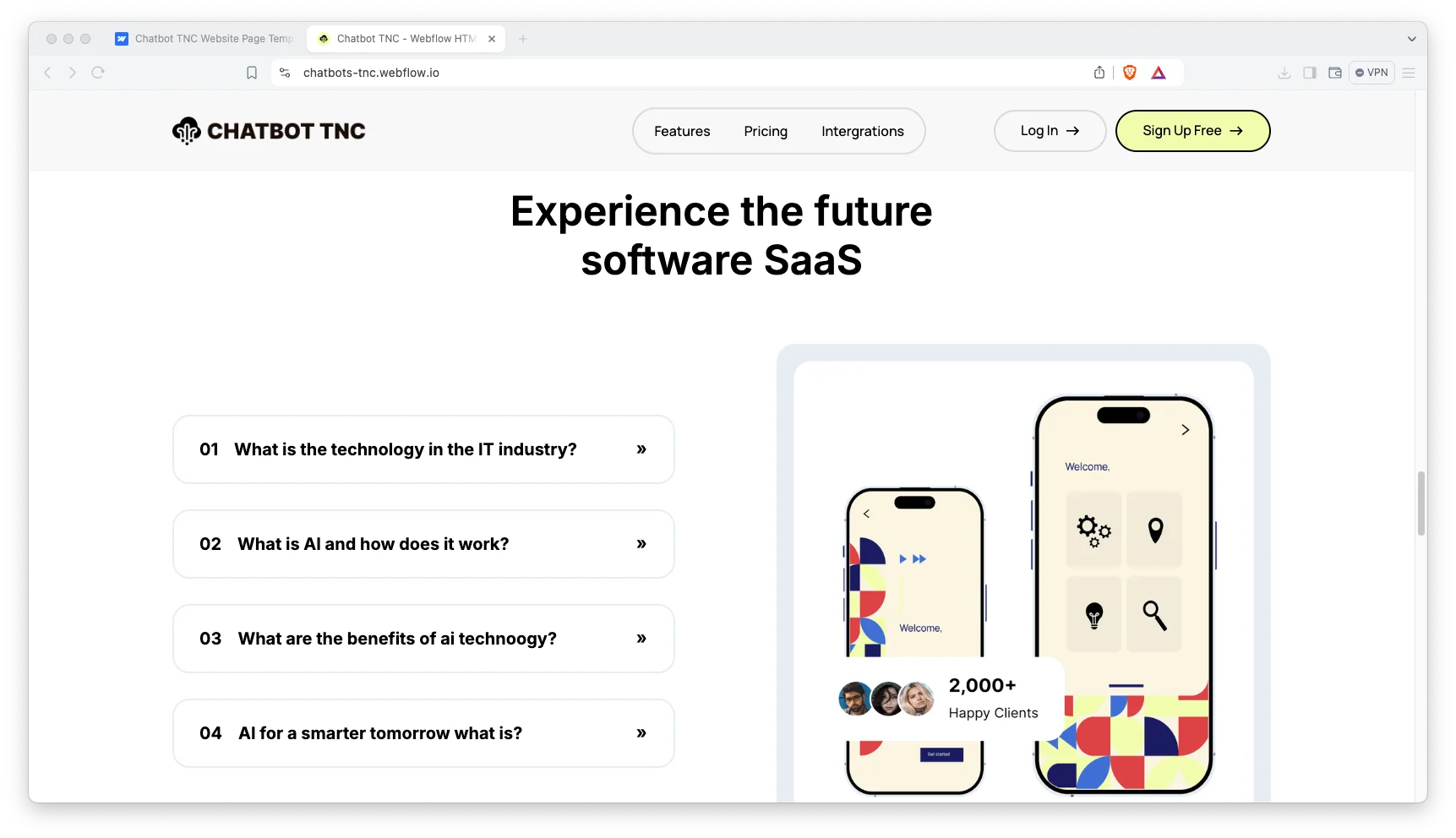
FAQ accordion. A numbered accordion answers common questions in place. So visitors resolve doubts before they reach the pricing block.
Newsletter capture. The footer holds an email signup form with success and error states already wired. Use it to keep warm leads close.
Responsive across devices. The layout adapts to desktop, tablet and mobile. Test the pricing toggle on a phone first, since that is where most people will see it.
Watch on YouTube
Watch the walkthrough if you want to see the template in motion before you buy.
Pages Included in Chatbot TNC
Chatbot TNC is a one page template. The home page carries the hero, a key feature block, a pricing section, an integrations block, an FAQ accordion, a resource card row, testimonials, a partner logo strip and a newsletter form.
A licence utility page ships alongside it. Because the navigation uses anchor links, adding more pages later is still simple.
How to Use Chatbot TNC
- Use the purchase widget on the right side of this page to buy the Chatbot TNC template
- Follow the steps to get your site ready
- Replace content with your own
- Adjust the design slightly if you want
- Preview and publish
What a Chatbot Site Has to Prove
Chatbot buyers arrive sceptical, because nearly everyone has encountered an assistant that could not resolve a straightforward question. So the messaging has to close that credibility gap immediately, before the visitor reaches your subscription tiers.
Check three things before you buy any template in this niche. First, is there a clear place to show the channels you support? Second, can the pricing block hold both monthly and annual terms? Third, is there room for real proof, such as named customers?
Chatbot TNC accommodates all three requirements. The integration block communicates channel coverage. The toggle communicates billing flexibility. Then the testimonial cards and the partner logo strip supply the independent validation.
One additional recommendation. Write the FAQ answers personally and keep them specific to your implementation. Generic answers read like automation, which is precisely the impression a conversational product cannot afford.
Frequently Asked Questions
Which formats does Chatbot TNC ship in?
Chatbot TNC is available as a Webflow template, a Figma file and a static HTML build. The Figma file is a separate product, so pick the format you need at checkout.
Does Chatbot TNC include a CMS?
No. This is a one page template with no Webflow CMS collections. You edit the copy and images directly in the Designer, which keeps setup fast.
How many pages does Chatbot TNC include?
There is one main page plus a licence utility page. The main page covers the hero, features, integrations, pricing, FAQ, testimonials and the newsletter form.
Can I use Chatbot TNC for a SaaS product that is not a chatbot?
Yes. The structure suits any subscription software with tiered plans. Only the copy, the integration logos and the screenshots need to change.
Does the pricing section support annual billing?
Yes. A toggle switches the three plan cards between monthly and yearly rates. Both sets of numbers are editable in the Designer.
Do I need to know Webflow to use Chatbot TNC?
No. Basic Webflow knowledge helps, but the classes are named and the page is short. So most owners can swap text and images on their own.
Need help with setup or customization? The TNCFlow support team answers quickly, and updates are free.
Check out other Webflow templates by TNCFlow.
Featured in our guides: Figma landing page templates, Webflow AI templates and Webflow SaaS templates.
Select template
Choose one or more options for your build
