

FREE





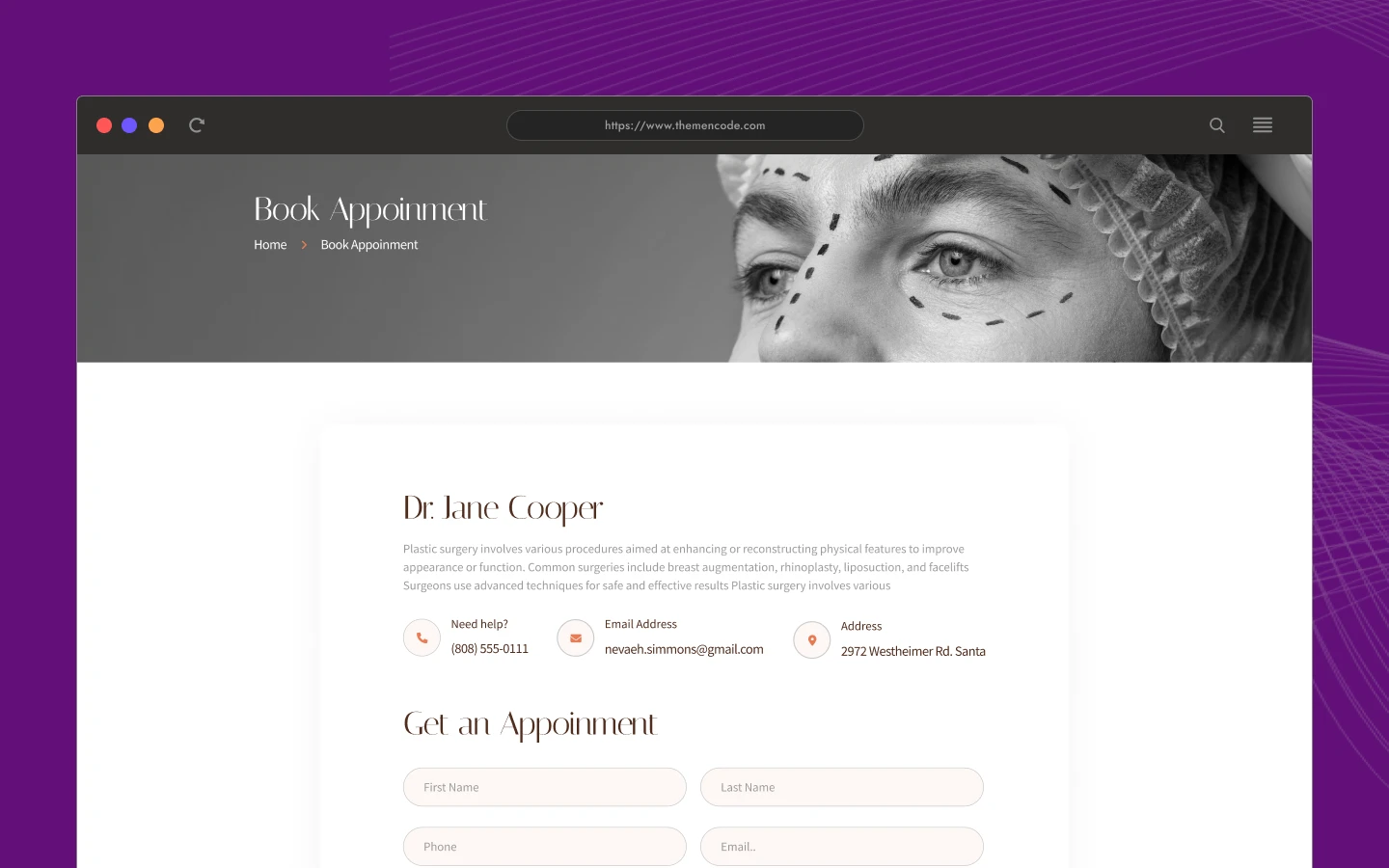
Surgeon TNC is a doctor website template for plastic surgeons, private clinics and surgery centres. It ships for Webflow, Figma and HTML.
The template runs to 17 pages. So you get a procedures library, a before and after gallery, a booking page and a full blog on day one. Because seven of those pages are CMS templates, new procedures and posts publish themselves.
Each section has one job. The hero names the procedure you are known for. The gallery shows results. The testimonial block answers the doubt that follows. Then the booking page closes it. However, nothing shouts, so the tone still reads clinical rather than salesy.
Explore the live preview now.
Surgeon TNC at a Glance
| Formats | Webflow, Figma and HTML |
| Best for | Plastic surgeons, doctors, clinics, surgery centres, wellness practices |
| Pages | 17 |
| CMS templates | 7, covering procedures, body areas, galleries, blogs, authors, categories and tags |
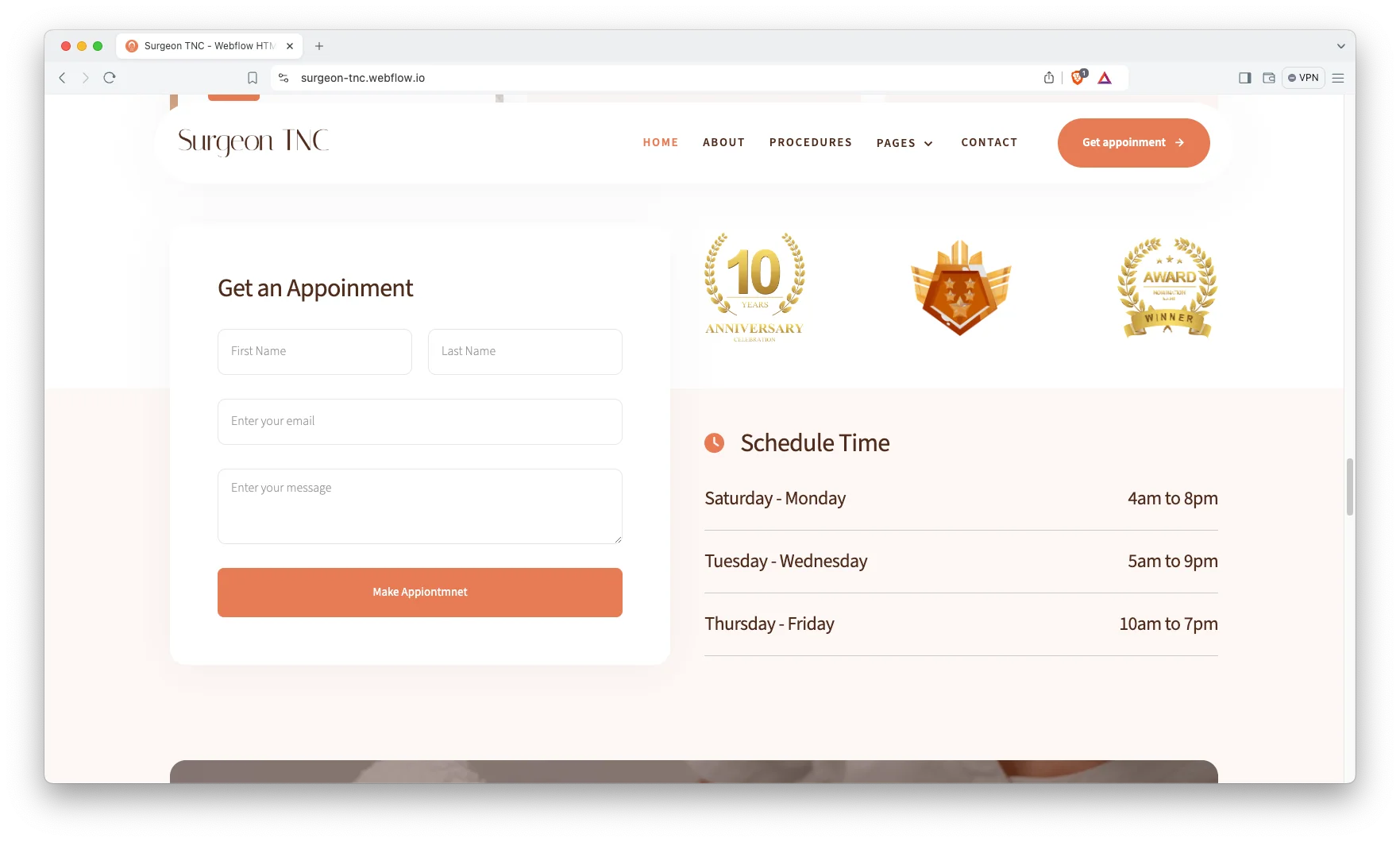
| Booking | Dedicated appointment page |
| Responsive | Yes, on desktop, tablet and mobile |
| Support | Included, direct from the TNCFlow team |
Key Features of Surgeon TNC
Elegant Design: The look is modern and restrained. Because a surgical practice sells judgement, the layout stays calm and gives images room. So your own photography carries the page.

CMS Integration: Procedures, body areas, galleries and blog posts all live in Webflow CMS collections. So you fill in a form and the page builds itself. Then the listing, the related links and the archive update together.

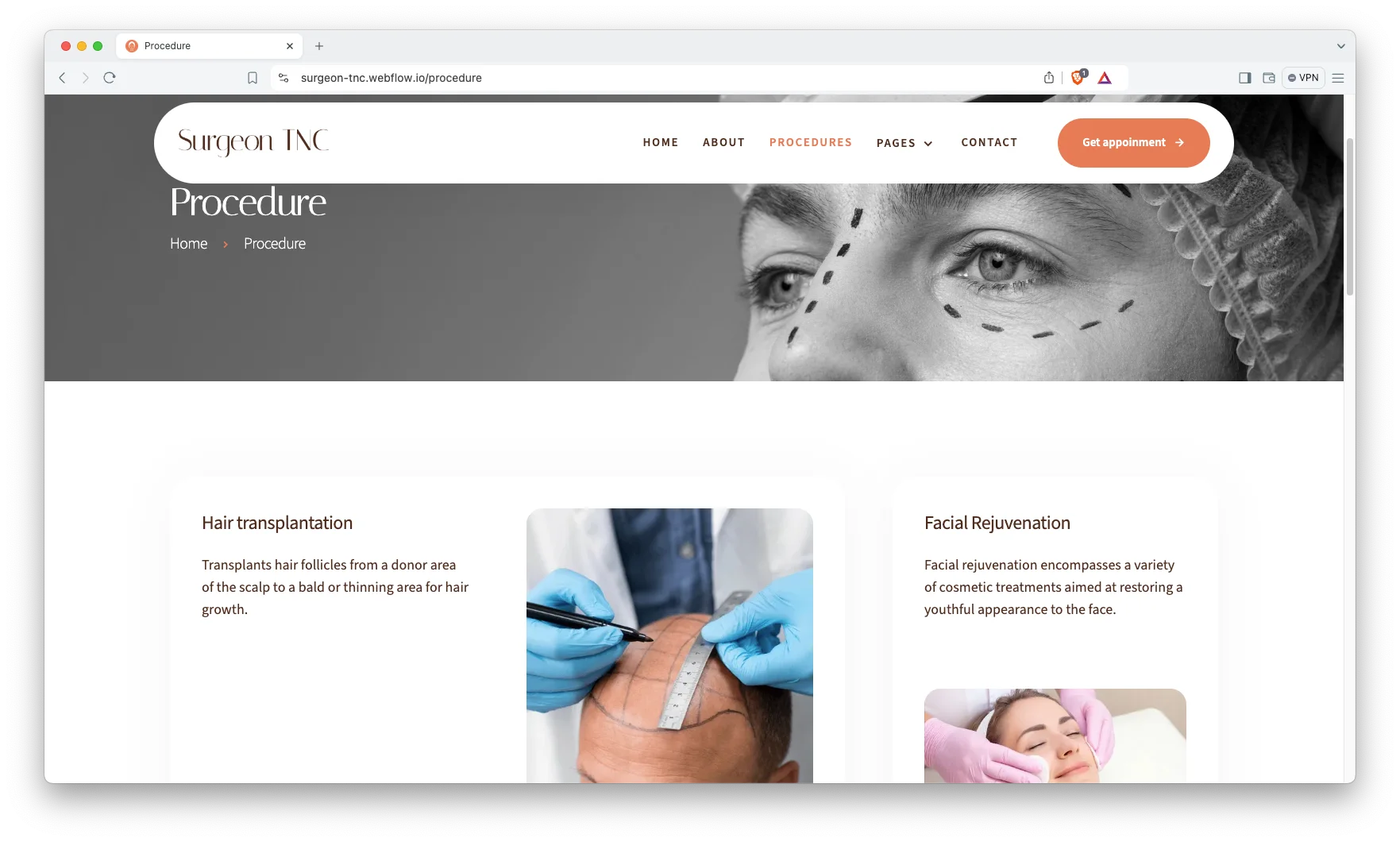
Procedure Showcase: Every procedure gets its own page. You explain the steps, the recovery and the aftercare in plain words. Because patients research for weeks before they call, that detail is what earns the enquiry.
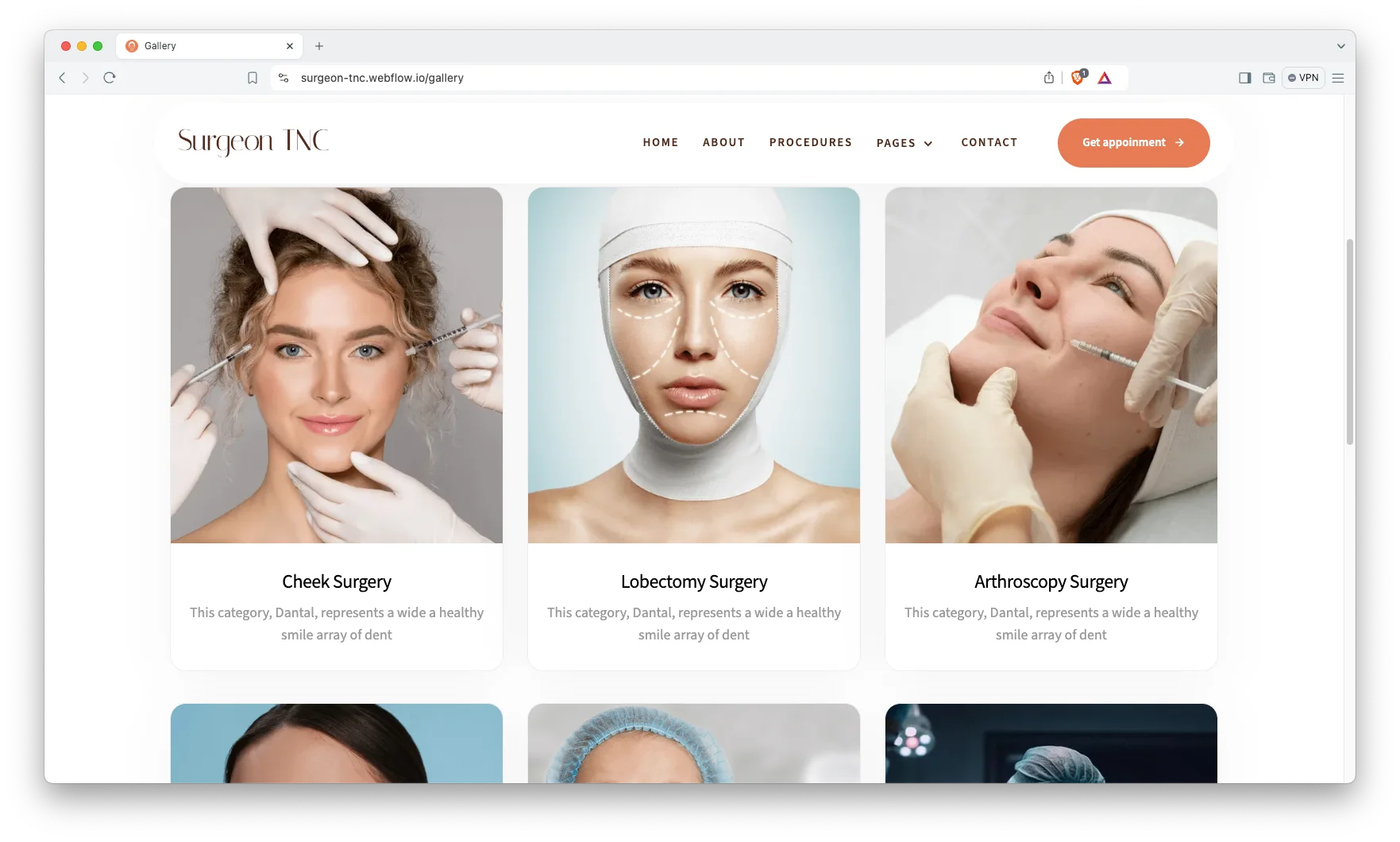
Before and After Gallery: The gallery is built for paired images. So results sit side by side at the same crop and the same light. You can group them by body area, which is how patients actually browse.
Video and Sliders: Video blocks suit consultation clips and clinic tours. Sliders carry procedures and results without stretching the page. However, motion stays light, so the site still loads fast.

Patient Testimonials: A dedicated testimonial block sits between the gallery and the booking call. So proof arrives exactly where doubt does. You can run short quotes or longer stories in the same layout.

Call to Action Placement: The booking prompt repeats at the end of every major section. So a reader never has to scroll back to find it. Each one points at the same appointment page.
Blog Showcase: The blog runs on CMS with authors, categories and tags. So a clinic with several surgeons can credit each one properly. Recovery guides and procedure explainers also pull in search traffic over time.

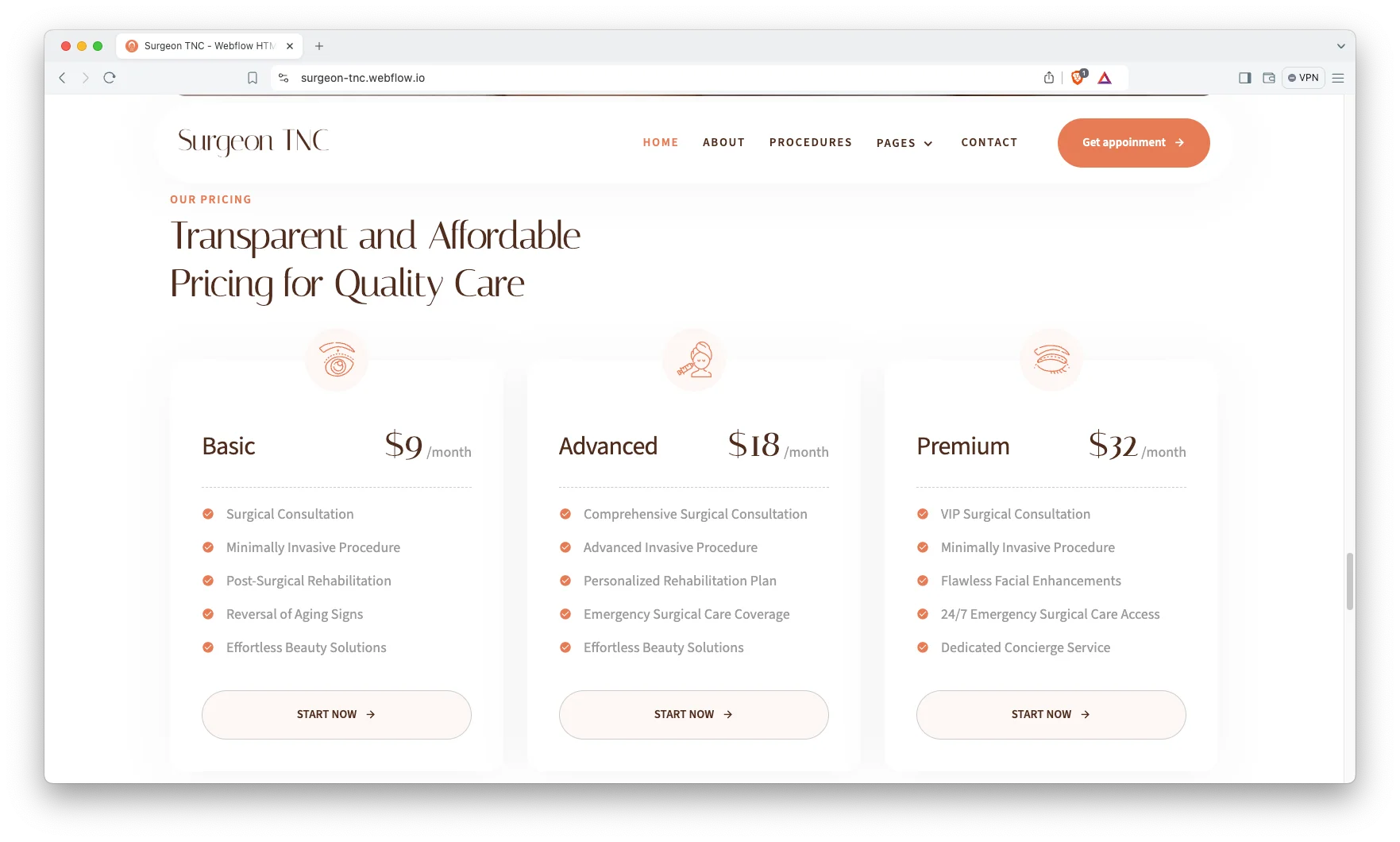
Pricing Page: A pricing layout is included for practices that publish figures. Because cost is the first question most callers ask, stating it early filters the enquiries you get. You can also use the page for consultation fees alone.
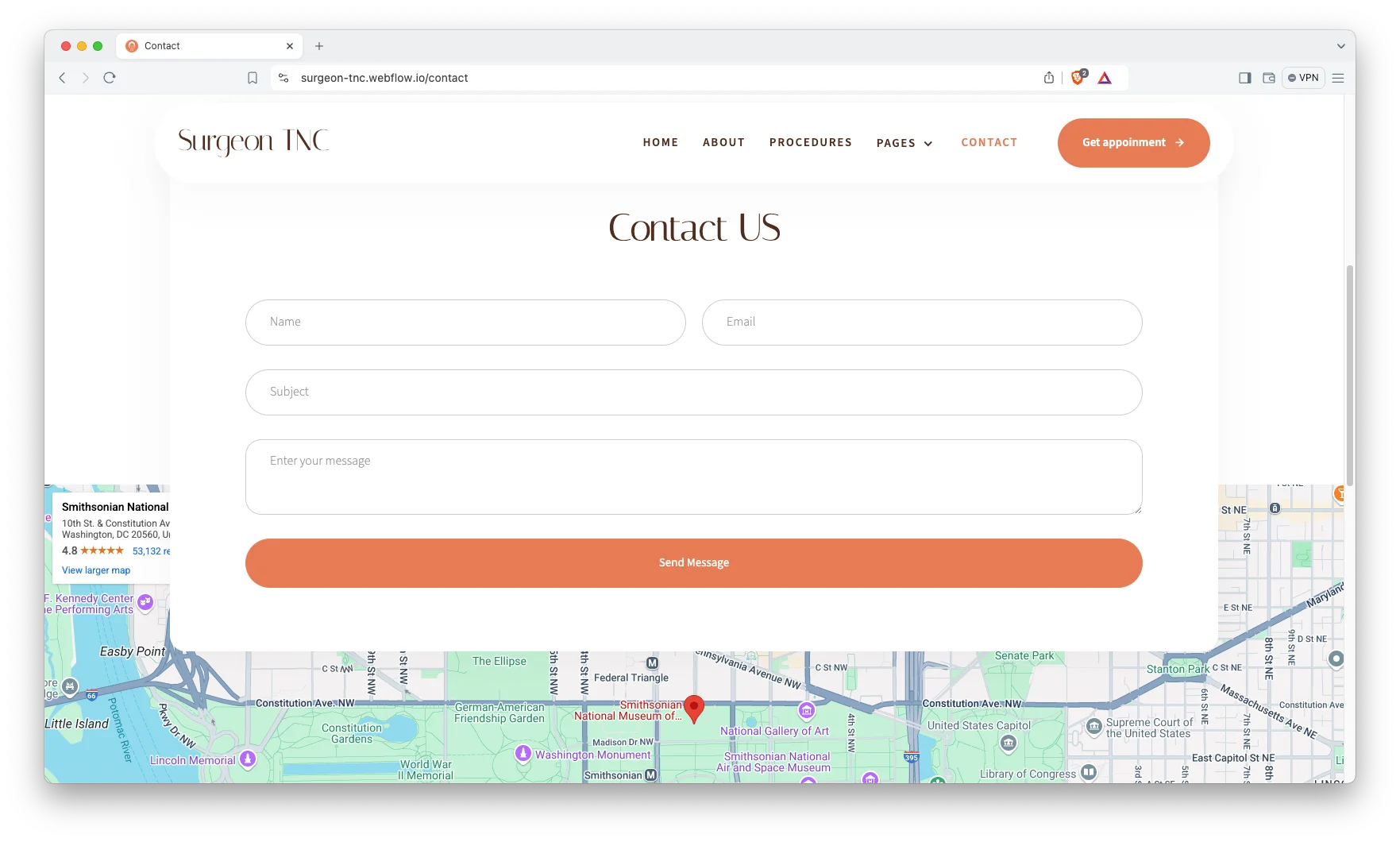
Contact Details: The contact page carries your clinic address, phone number and an interactive map. So a patient can find the door without calling reception. A short enquiry form sits beside it.
Watch on YouTube
The walkthrough below tours every page in the template. So you can judge the fit before you buy.
Pages Included in Surgeon TNC
There are 17 pages. The ones marked Template are CMS layouts, so they generate a page for every record you add.
- Home
- About
- Procedure
- Gallery
- Blog
- Contact
- Book Appointment
- Galleries Template
- Body Areas Template
- Procedures Template
- Blogs Template
- Authors Template
- Blog Categories Template
- Blog Tags Template
- 404
- Password
- Search Results
How to Use Surgeon TNC
Setup is short. Here are the steps.
- Use the purchase widget on the right side of this page to buy the Surgeon TNC template
- Follow the steps to get your site ready
- Replace the demo content with your own words and photos
- Add your procedures, body areas and galleries to the CMS collections
- Point the booking page at your own scheduling tool
- Preview, then publish
What a Doctor Website Needs to Get Right
Patients rarely book on the first visit. They read, they leave, and they come back a week later. So the site has to survive several visits without getting boring or confusing.
Three things do the persuading. First, results, shown honestly and at consistent crops. Second, the surgeon’s own credentials and training. Third, a plain account of recovery, because that is the fear nobody says out loud.
Next, watch your image discipline. Before and after photos need patient consent and a steady standard. If the lighting changes between the two shots, the result looks staged, and trust drops.
Then keep one booking route. Some clinics offer a phone number, a form, a chat widget and a third party scheduler at once. That is four decisions. One clear appointment page converts better.
Finally, plan for search. A single services page rarely ranks. However, a page per procedure, each answering real questions about cost and recovery, builds up over months. Because procedures live in a CMS collection here, adding them is a form filling job.
Frequently Asked Questions
What is Surgeon TNC?
Surgeon TNC is a doctor website template for plastic surgeons, private clinics and surgery centres. It contains 17 pages, including a procedures library, a before and after gallery, a booking page, a pricing page and a blog.
Which formats does Surgeon TNC ship in?
Surgeon TNC ships for Webflow, Figma and HTML. There is no Framer version and no WordPress version.
How many pages does Surgeon TNC include?
The template includes 17 pages. Seven of them are CMS templates, so they generate a new page for every procedure, body area, gallery, post, author, category or tag you add.
Is Surgeon TNC only for plastic surgeons?
No. It suits any doctor or clinic that sells procedures and shows results. Dermatology, dentistry, aesthetics and wellness practices all fit the same structure.
Can patients book an appointment through the site?
Yes. There is a dedicated Book Appointment page, and the call to action blocks all point at it. You can connect it to your own scheduling tool.
Is the Figma file included with the template?
No. The Figma file is a separate product, and you buy it from the purchase widget on this page. The Webflow and HTML builds are also sold on their own.
When you choose Surgeon TNC, you get support direct from the TNCFlow team. So if a section will not behave, just ask us.
Check out other Webflow templates by TNCFlow.





Select template
Choose one or more options for your build
All-Access Pass
$199
/ Yearly
$20,000+ in assets
130+ Webflow Templates
130+ Figma UI Templates
45+ Framer Templates
130+ HTML Templates
