

PRO


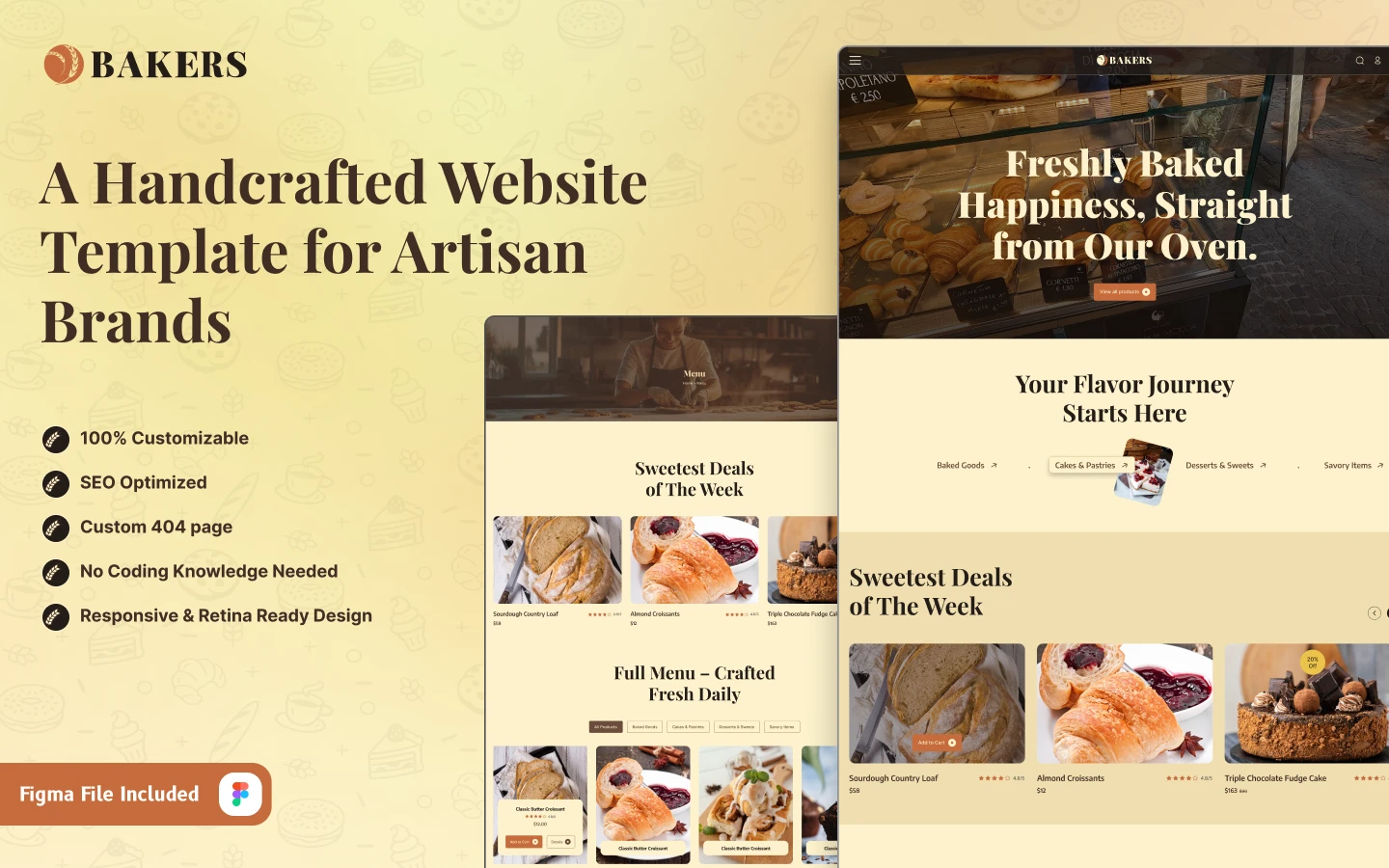
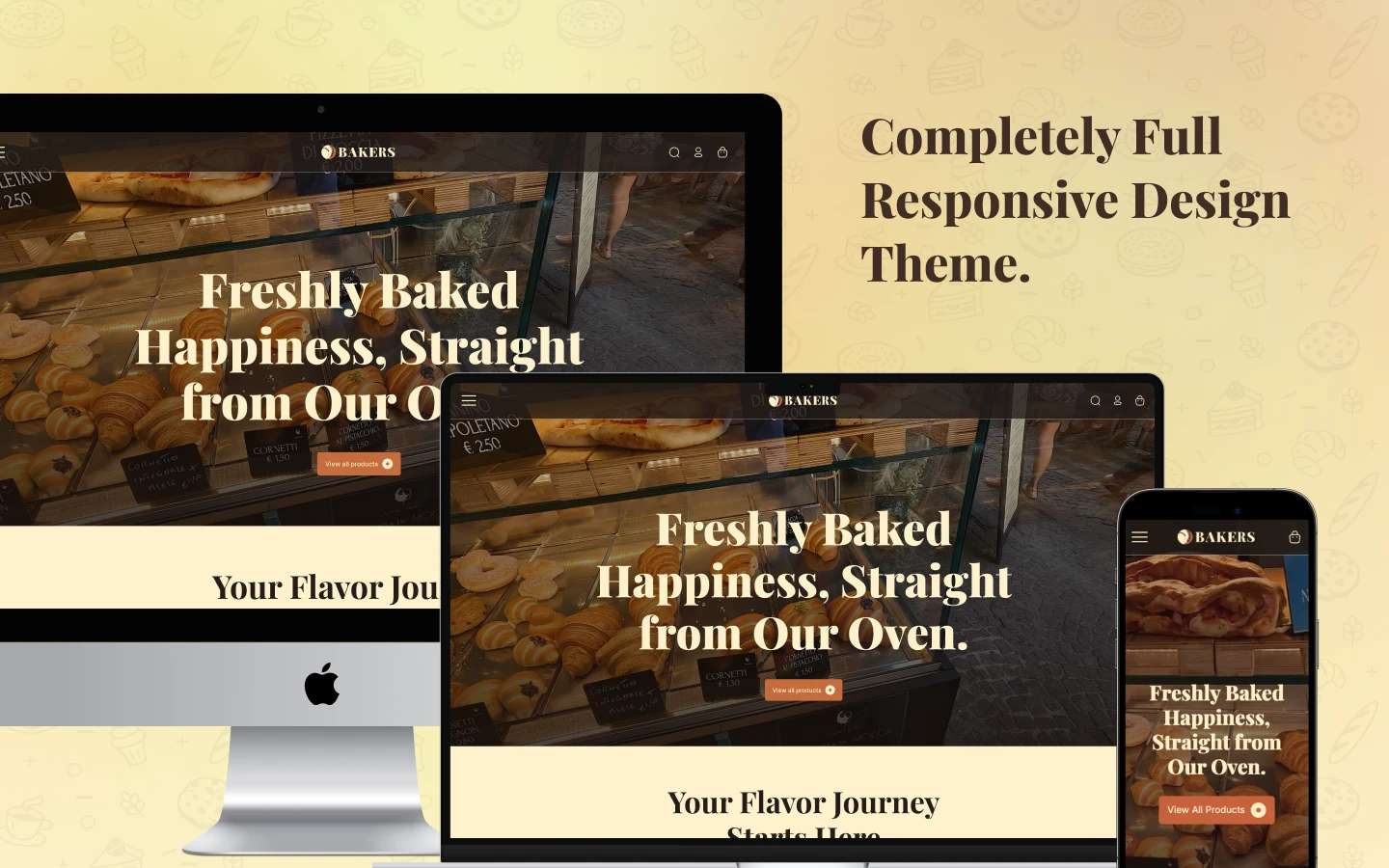
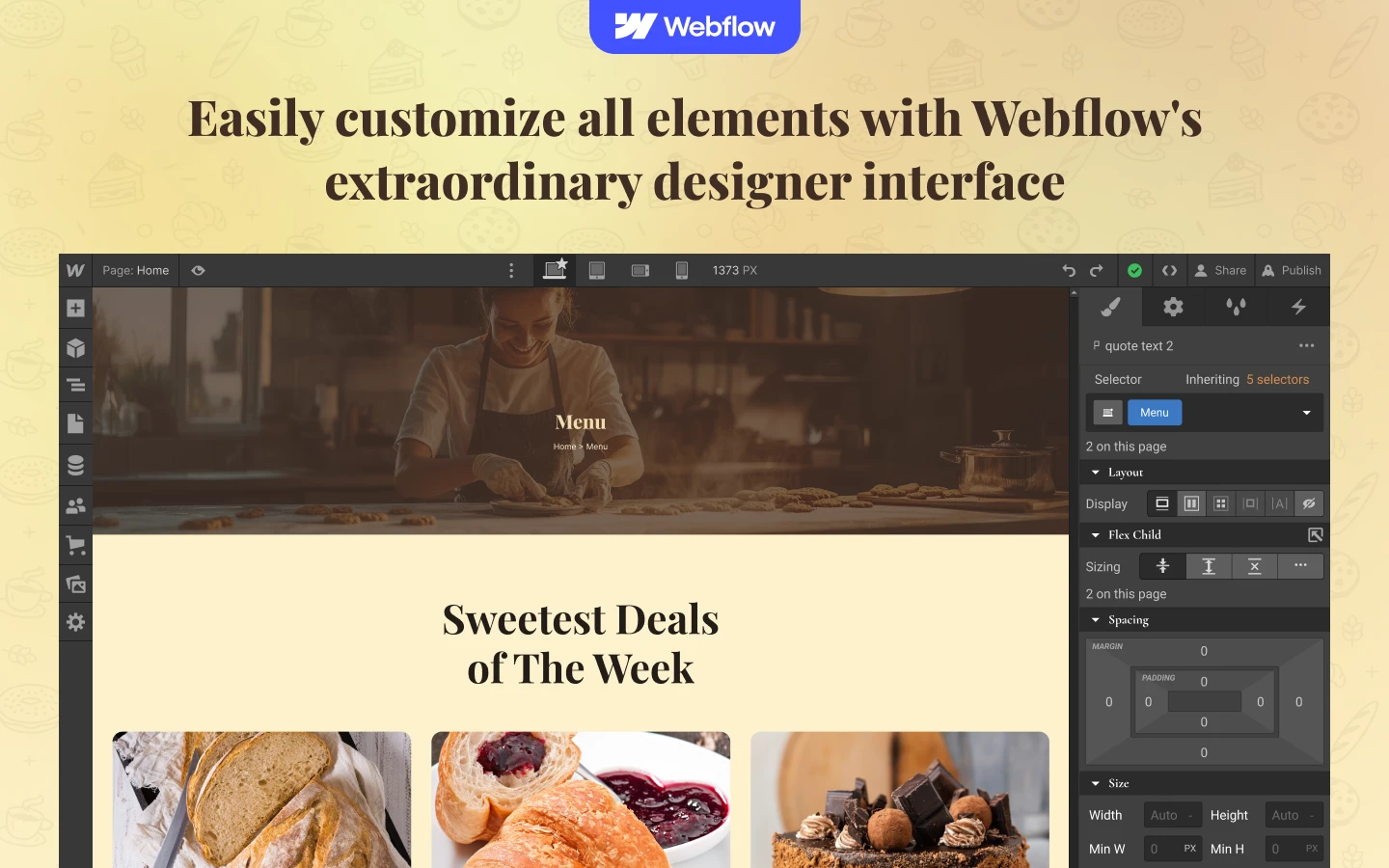
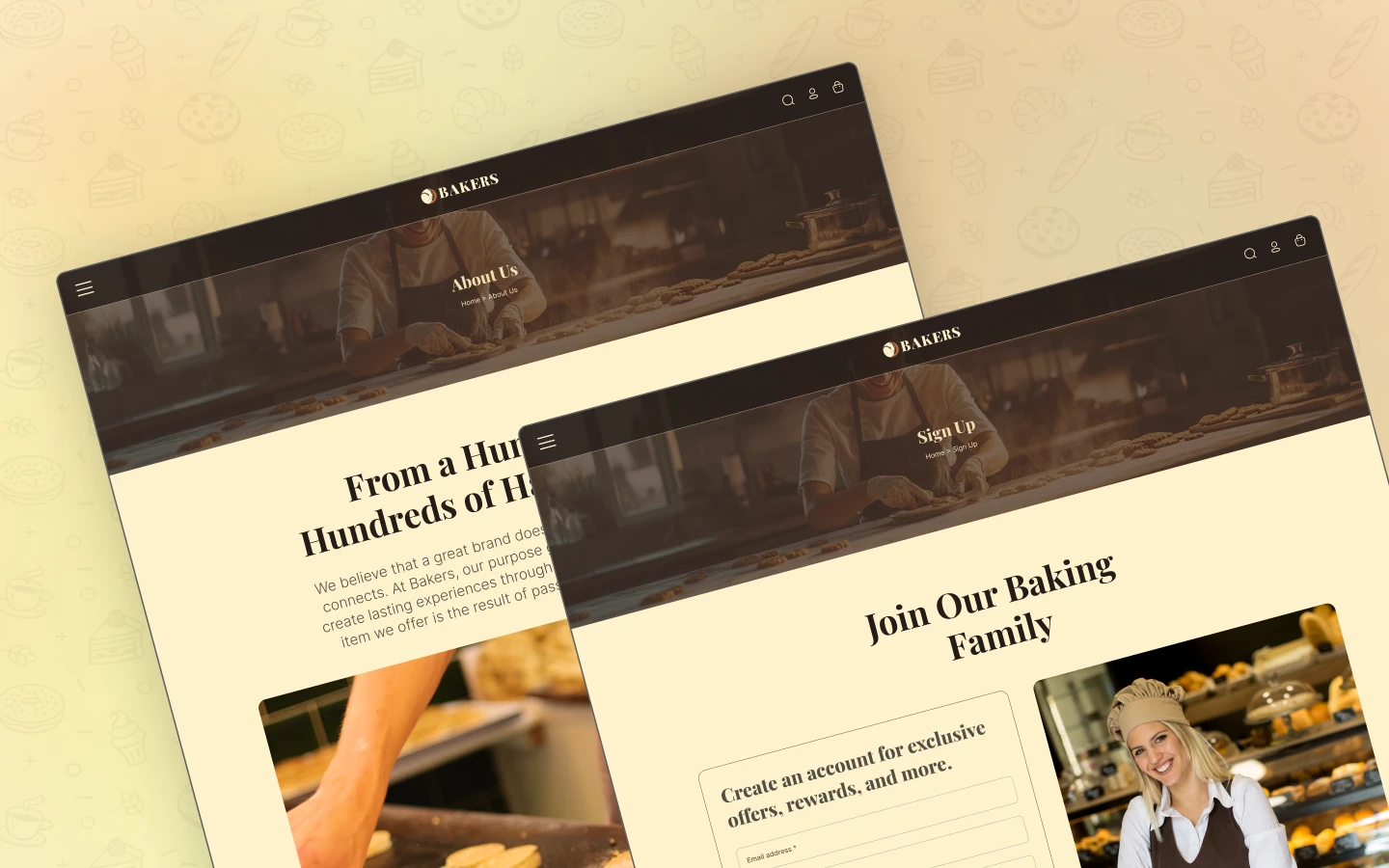
Bakers is a bakery website template for bakeries, cake shops and patisseries. It ships for Webflow and Figma.
The template runs to 20 pages. So you get a full Webflow Ecommerce store, a menu page, a blog, an FAQ and a contact page. Products and articles both run on Webflow collections. So one new record fills the card, the category filter and the product page at once.
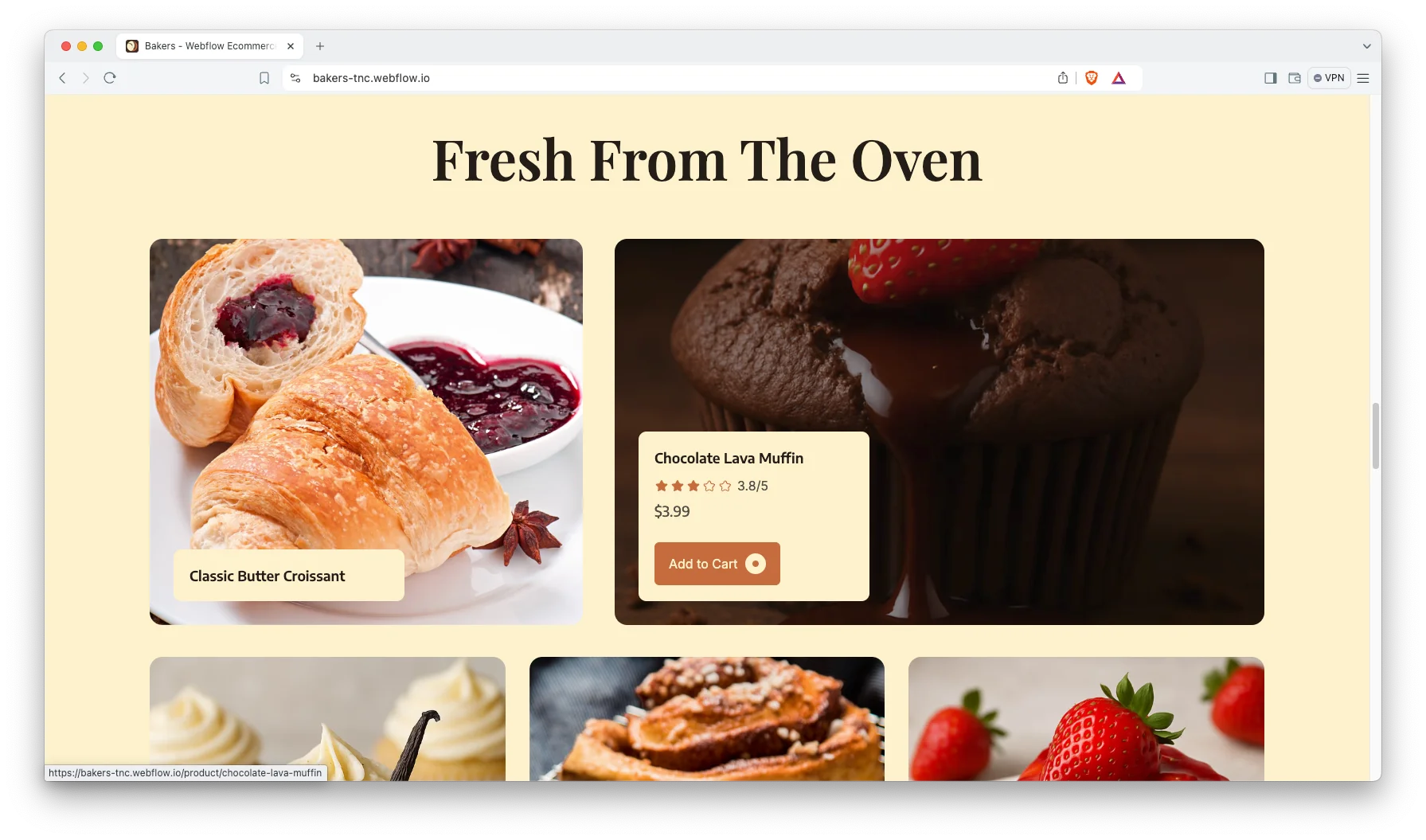
Each section has one job. The hero sells the smell of the place. The category strip splits breads from cakes. The product cards carry the price, the rating and an add to cart button. Then the checkout takes the order.
Explore the live preview now.
Bakers at a Glance
| Formats | Webflow and Figma |
| Webflow build | Ecommerce |
| Figma file | Bundled with the Webflow purchase, also sold on its own |
| Best for | Bakeries, cake shops, patisseries, cafes, chocolatiers, dessert bars |
| Pages | 20 |
| Store pages | Menu, product detail, cart, checkout, PayPal checkout and order confirmation |
| Accounts | Log in and sign up pages |
| Support | Included, direct from the TNCFlow team |
Key Features of Bakers
Built for Bakeries and Cafes: Every page a bakery needs is already built. So you are not retrofitting a generic retail theme into shape. The merchandising was designed around baked goods, not electronics.
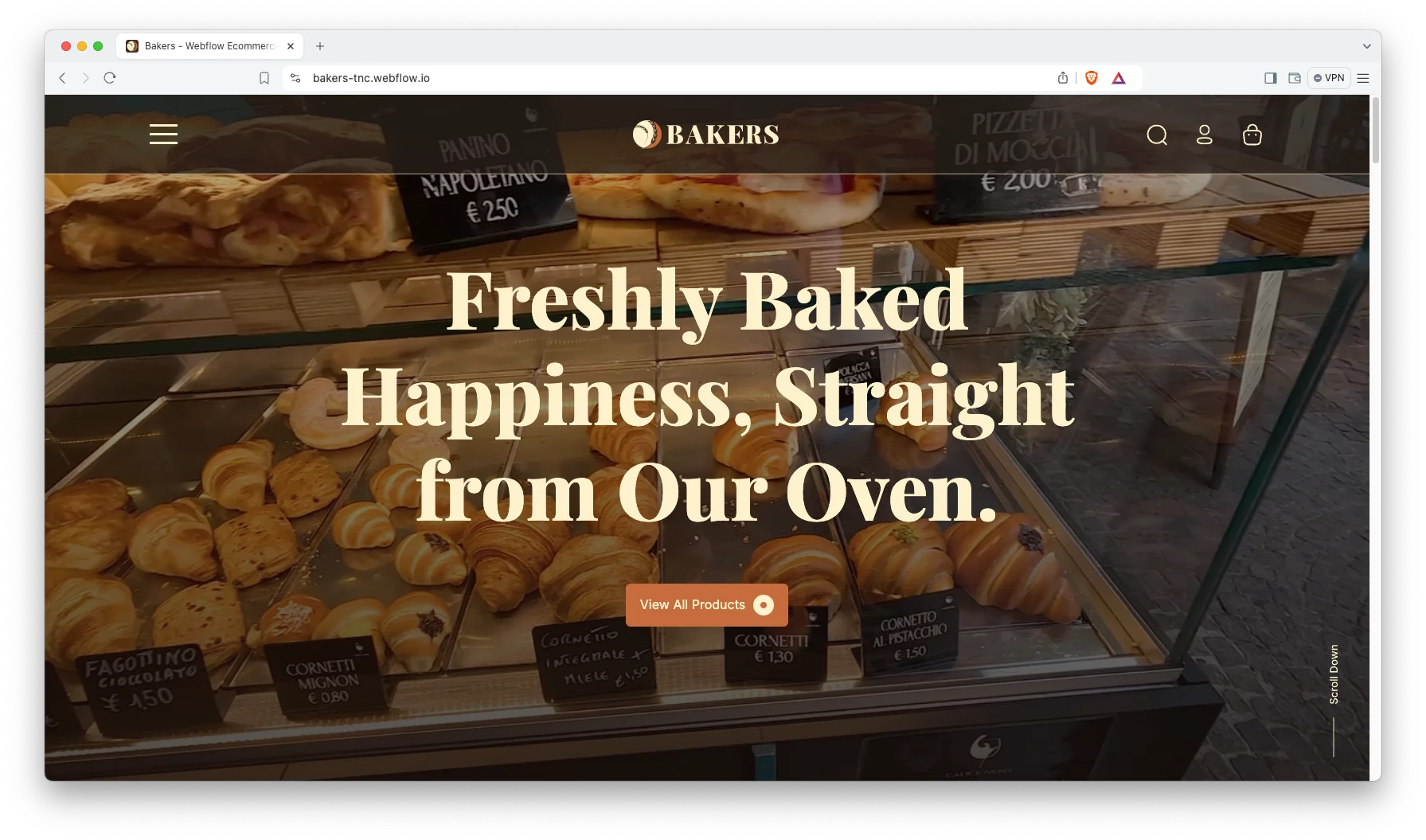
Webflow Ecommerce and CMS: The store runs on Webflow Ecommerce, and the blog runs on Webflow CMS. So a new product appears in the menu, the category filter and the featured strip together. Cart, checkout and order confirmation are already configured.
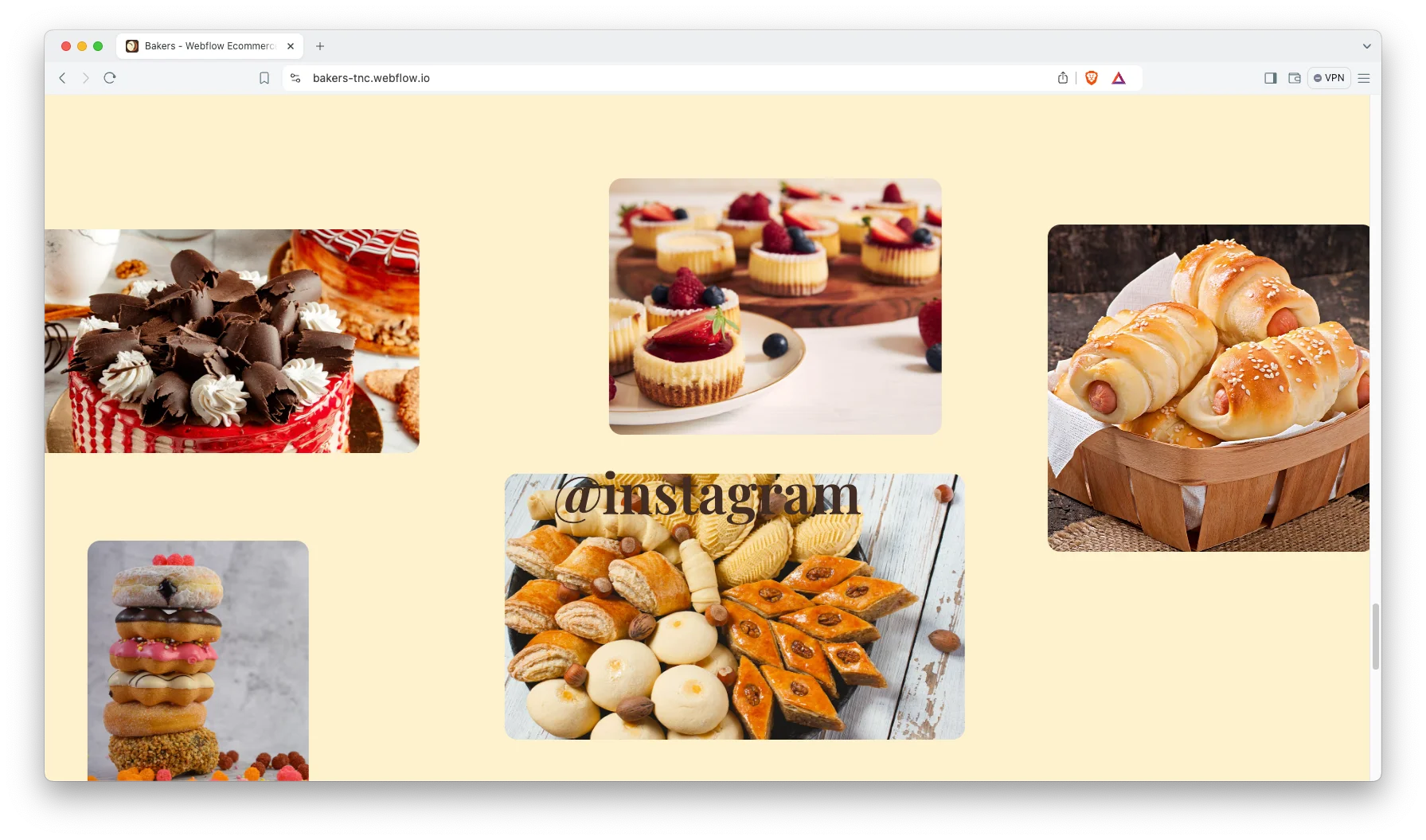
Responsive Minimal Design: The layout is clean and warm, and it adapts to every breakpoint. Food retail is sold on photography, so the design deliberately recedes. Most bakery browsing happens on a phone at breakfast.
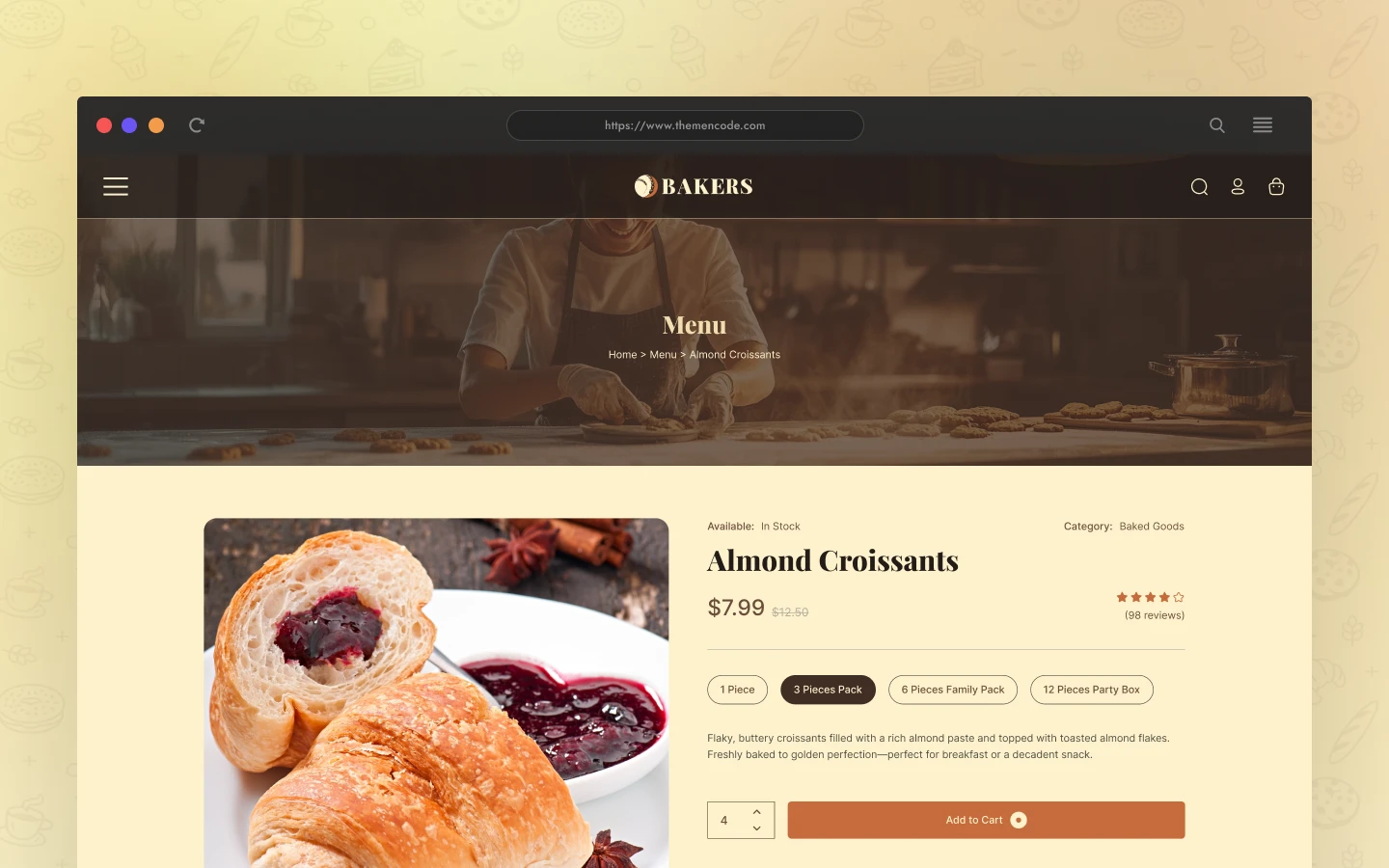
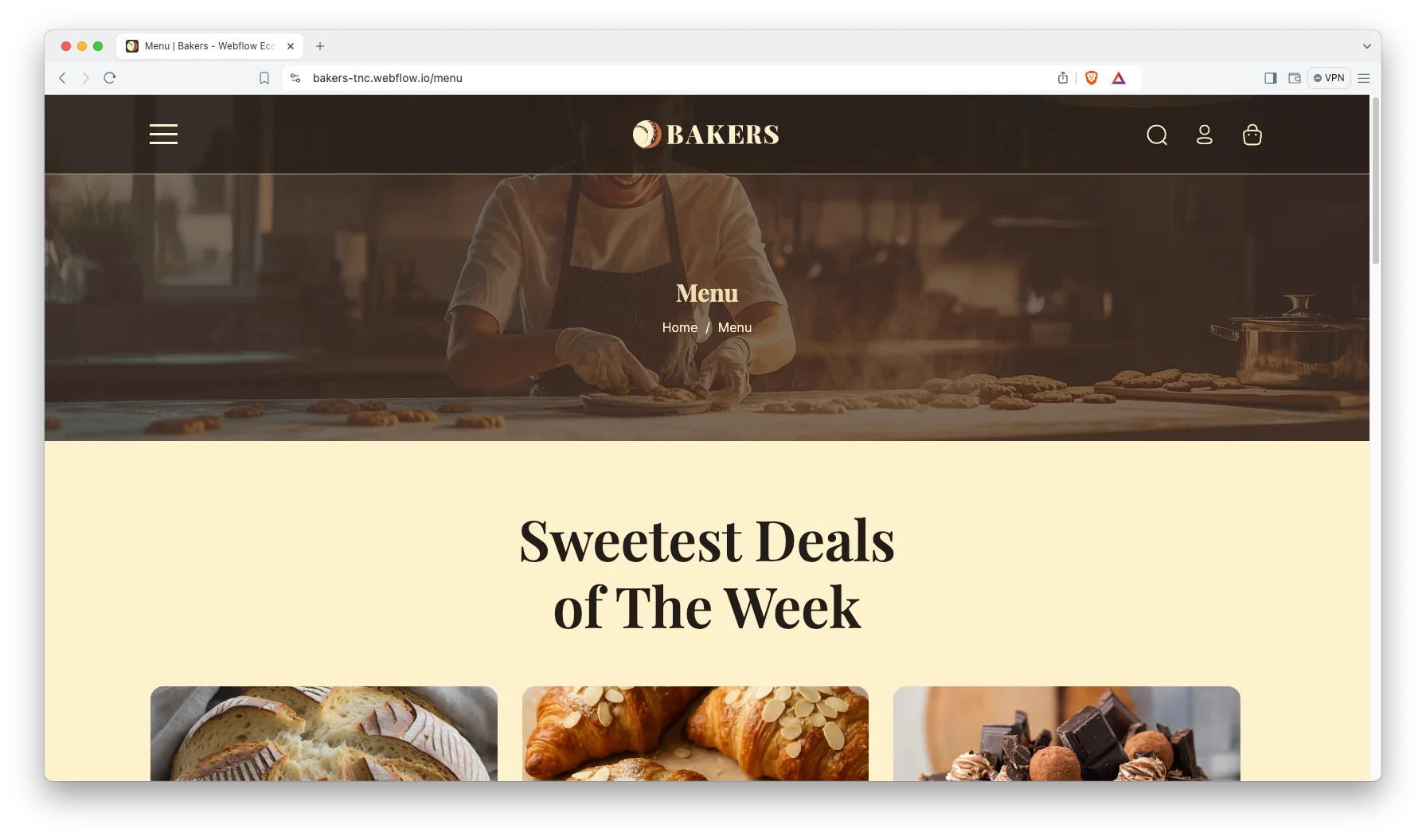
Product Pages and Menu: The menu page lists everything, and each product gets its own page. Products carry a price, a comparison price, a customer rating and an add to cart button. So a customer can order without calling you.
Animation, Video and Sliders: Sliders present featured products and seasonal ranges. A video block suits a behind the counter tour. However, motion stays light, so the pages still load fast.
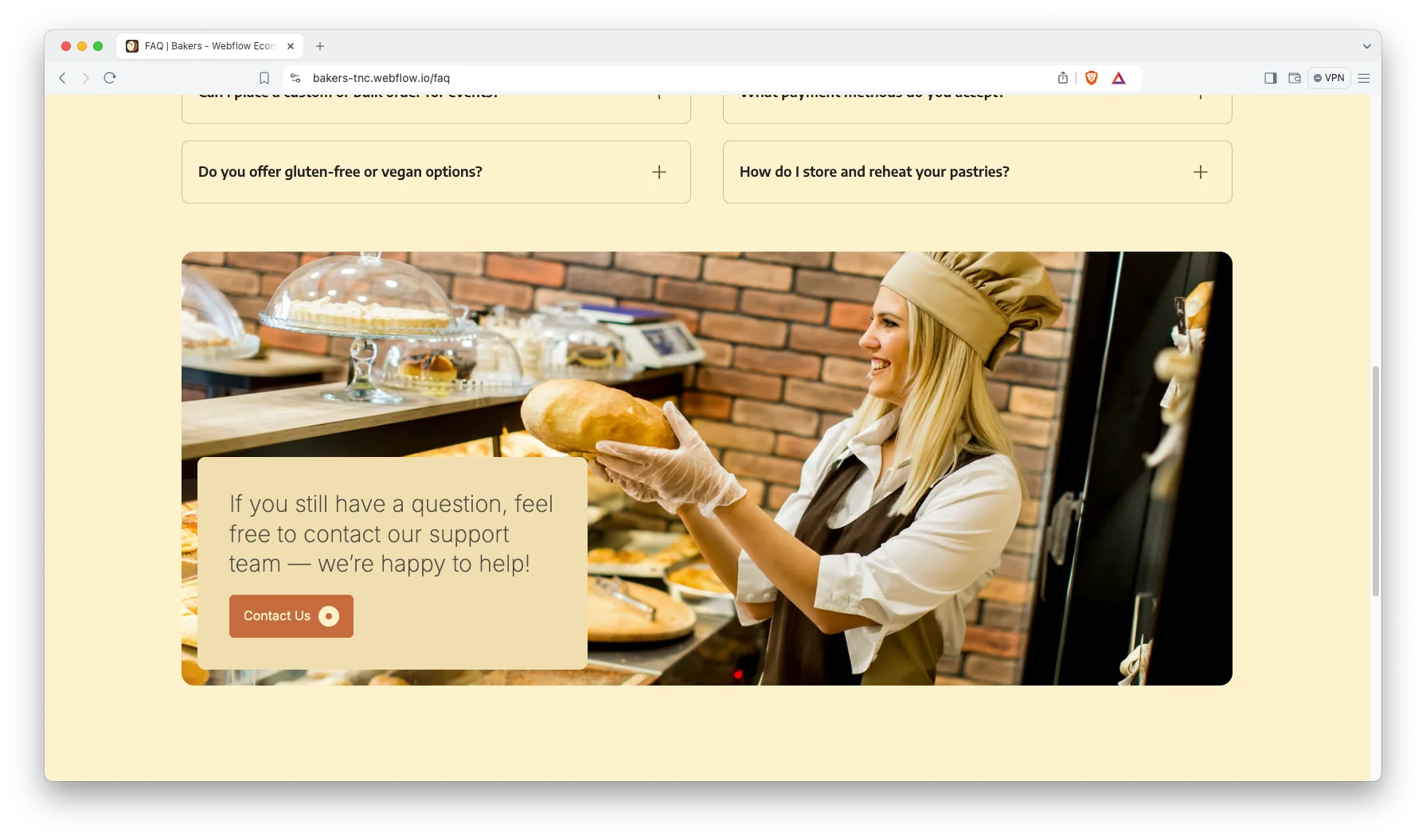
Blog Showcase: The blog runs on CMS with its own listing page. So recipes, ingredient sourcing notes and seasonal stories remain easy to browse. That content is what brings people in between orders.
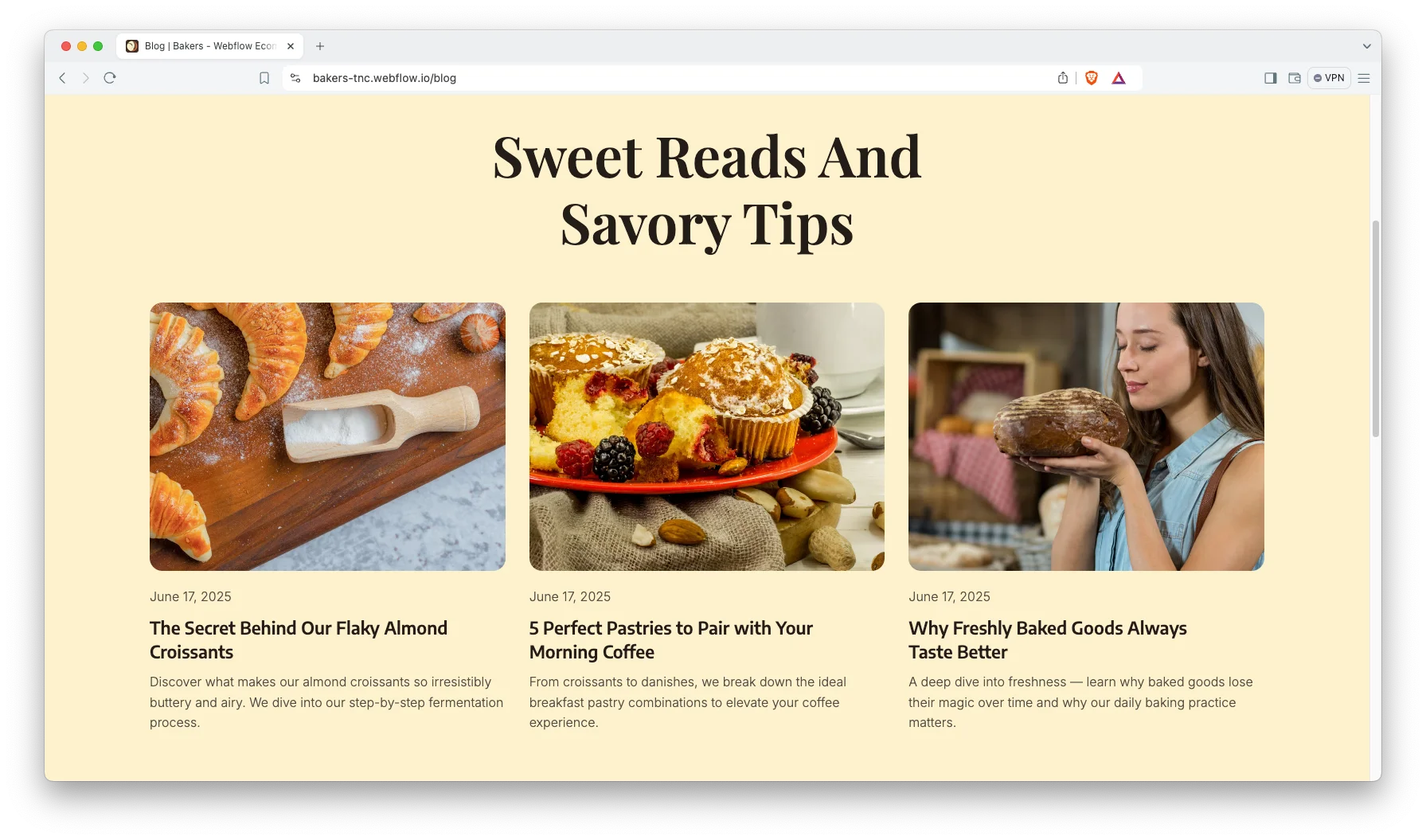
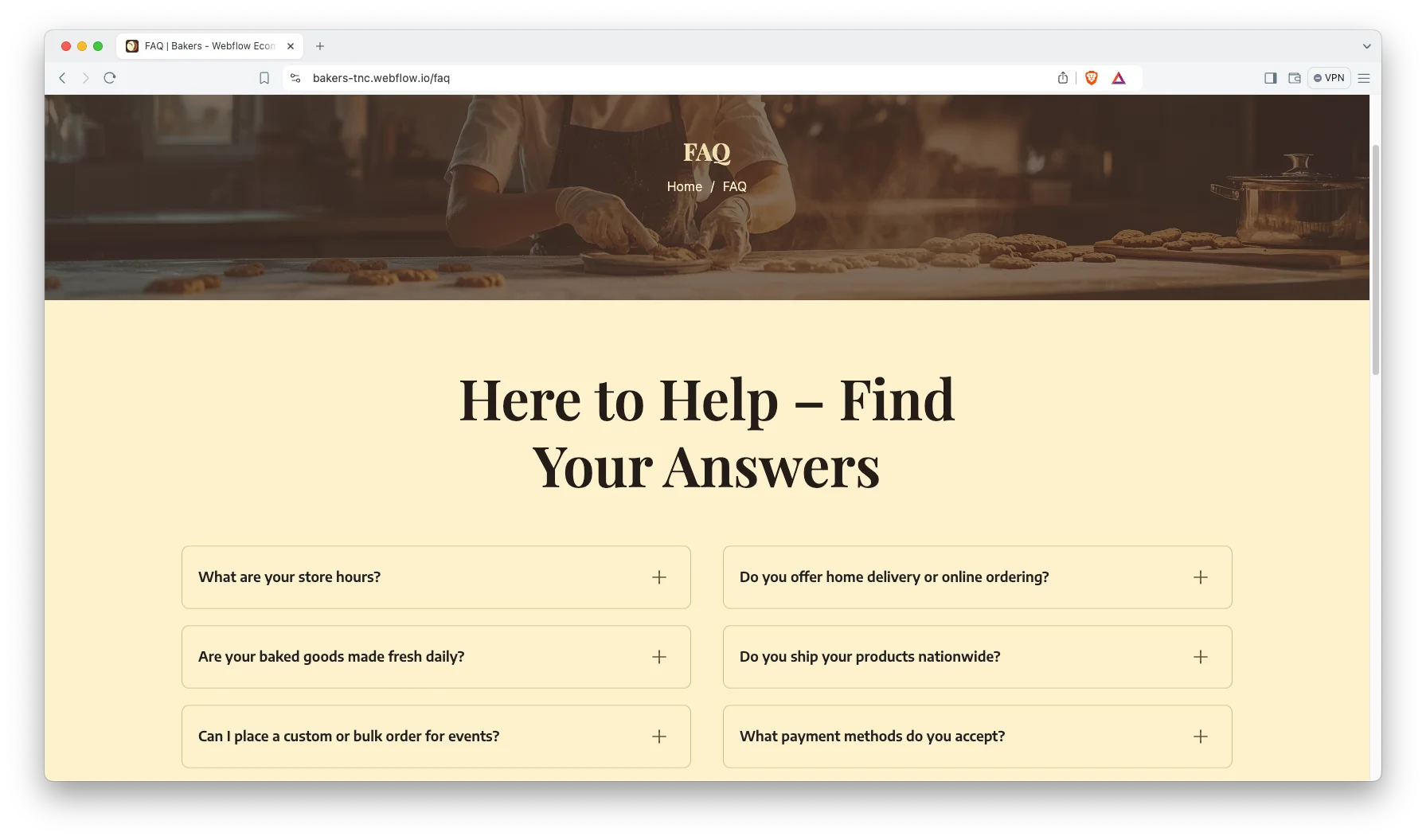
FAQ Page: There is a full FAQ page. It handles delivery, allergen information, custom orders and collection times before anyone telephones. Fewer calls means more baking.
Contact Details: The contact page carries your address, telephone number and a map. So a customer can walk in and find you. The form sends enquiries straight to your inbox.
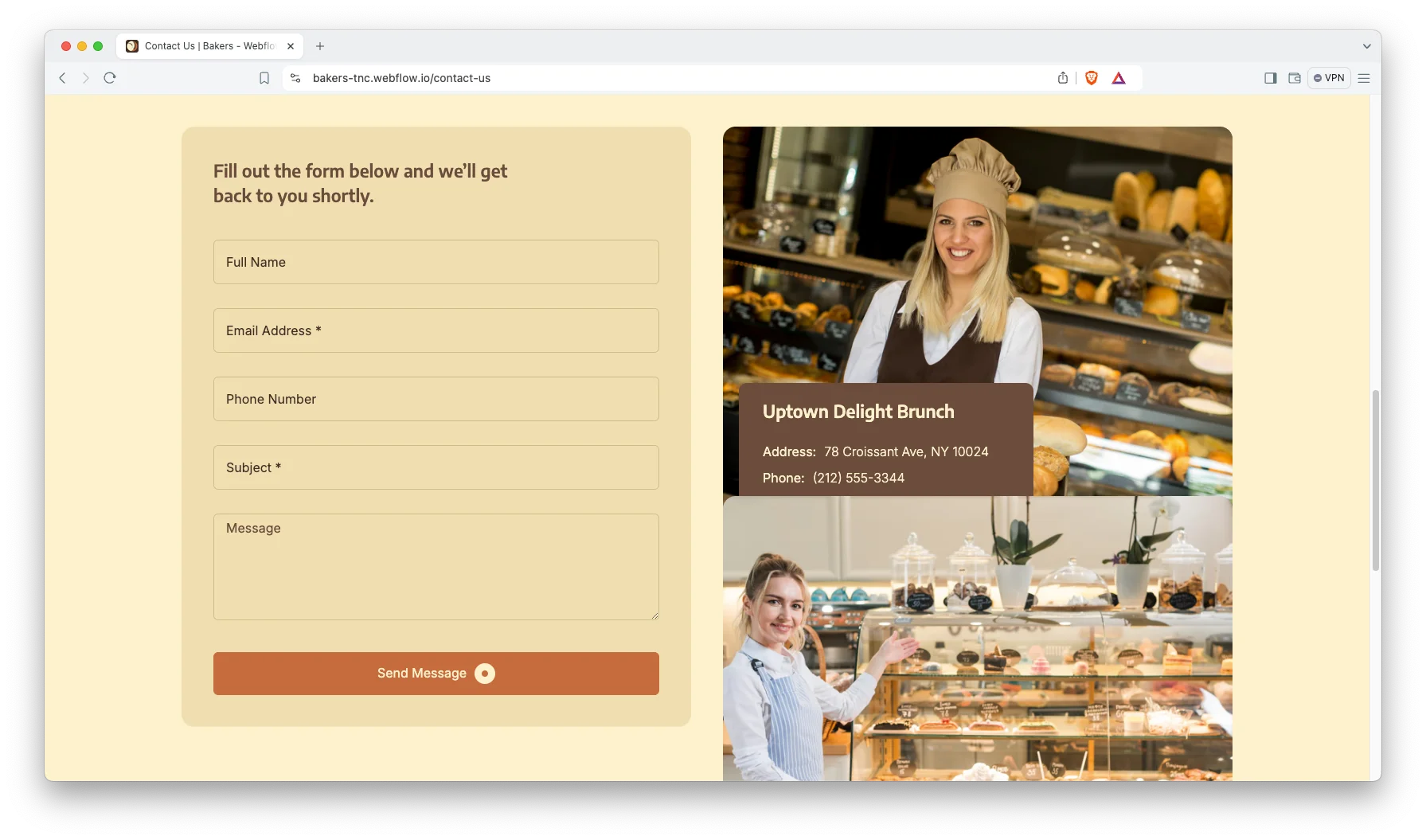
Watch on YouTube
The walkthrough below tours the template page by page. So you can judge the fit before you buy.
Pages Included in Bakers
There are 20 pages. Pages marked Ecommerce belong to the store, and pages marked CMS are collection layouts.
- Home
- Menu
- About Us
- Blog
- FAQ
- Contact Us
- Search
- Checkout (Ecommerce)
- PayPal Checkout (Ecommerce)
- Order Confirmation (Ecommerce)
- Log In
- Sign Up
- Style Guide
- Licence
- Change Log
- Terms and Conditions
- 404
- Password
- Products Template (Ecommerce)
- Blogs Template (CMS)
How to Use Bakers
Setup is short. Here are the steps.
- Use the purchase widget on the right side of this page to buy the Bakers template
- Pick the build you need, then follow the steps to get your site ready
- Replace the demonstration products with your own range and photography
- Set your categories, prices and stock levels
- Connect your payment provider in Webflow Ecommerce settings
- Preview, then publish
What a Bakery Website Has to Do
A bakery sells on appetite, so the photography carries the entire site. Budget for one proper shoot before you budget for anything else. Bakers gives those images generous room, which a text heavy layout never does.
Then be honest about collection. Most bakery orders are collected rather than shipped, and a store concealing that loses the sale at checkout. Set the shipping rules early and say so on the product page.
Publish your allergens. Customers with a gluten or nut restriction verify this first and purchase second. The product description field is the right place for it.
Finally, use the categories properly. A customer wanting a celebration cake should never scroll past sourdough. The category strip on the homepage does that job.
Frequently Asked Questions
What is Bakers?
Bakers is a bakery website template for bakeries, cake shops and patisseries. It contains 20 pages, including a full Webflow Ecommerce store, a menu page, a blog, an FAQ and a contact page.
Which formats does Bakers ship in?
Bakers ships for Webflow and Figma. The Webflow purchase bundles the Figma file as well. There is no Framer version, no HTML version and no WordPress version.
Can I sell online with Bakers?
Yes. The template is a Webflow Ecommerce build. So it includes the cart, the checkout, a PayPal checkout and an order confirmation page. You connect your own payment provider in Webflow.
How many pages does Bakers include?
The template includes 20 pages. That count covers the store pages, the utility pages and the collection templates for products and blog posts.
Is Bakers only for bakeries?
No. Any small food business selling a compact product range fits the same structure. Chocolatiers, delis, coffee roasters and dessert bars all work here.
Is the Figma file included with the template?
Yes, the Figma file is bundled with the Webflow purchase. You can also buy Figma on its own from the purchase widget, at a lower price than the Webflow version.
When you choose Bakers, you get support direct from the TNCFlow team. So if a section will not behave, just ask us.
Check out other Webflow templates by TNCFlow.
Featured in our guides: Webflow restaurant templates and Webflow ecommerce templates.


Select template
Choose one or more options for your build
