
PRO
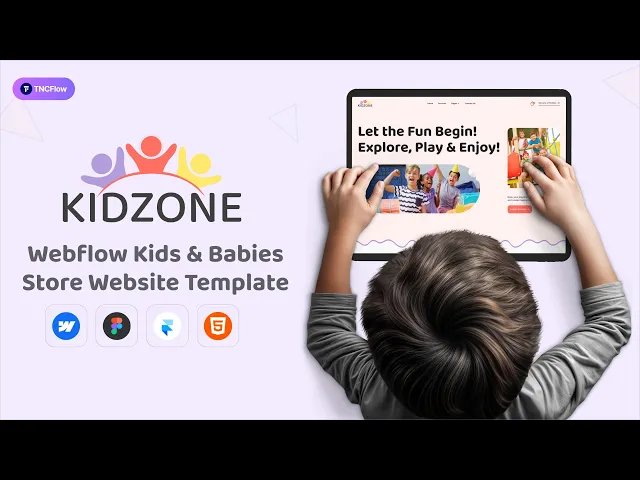
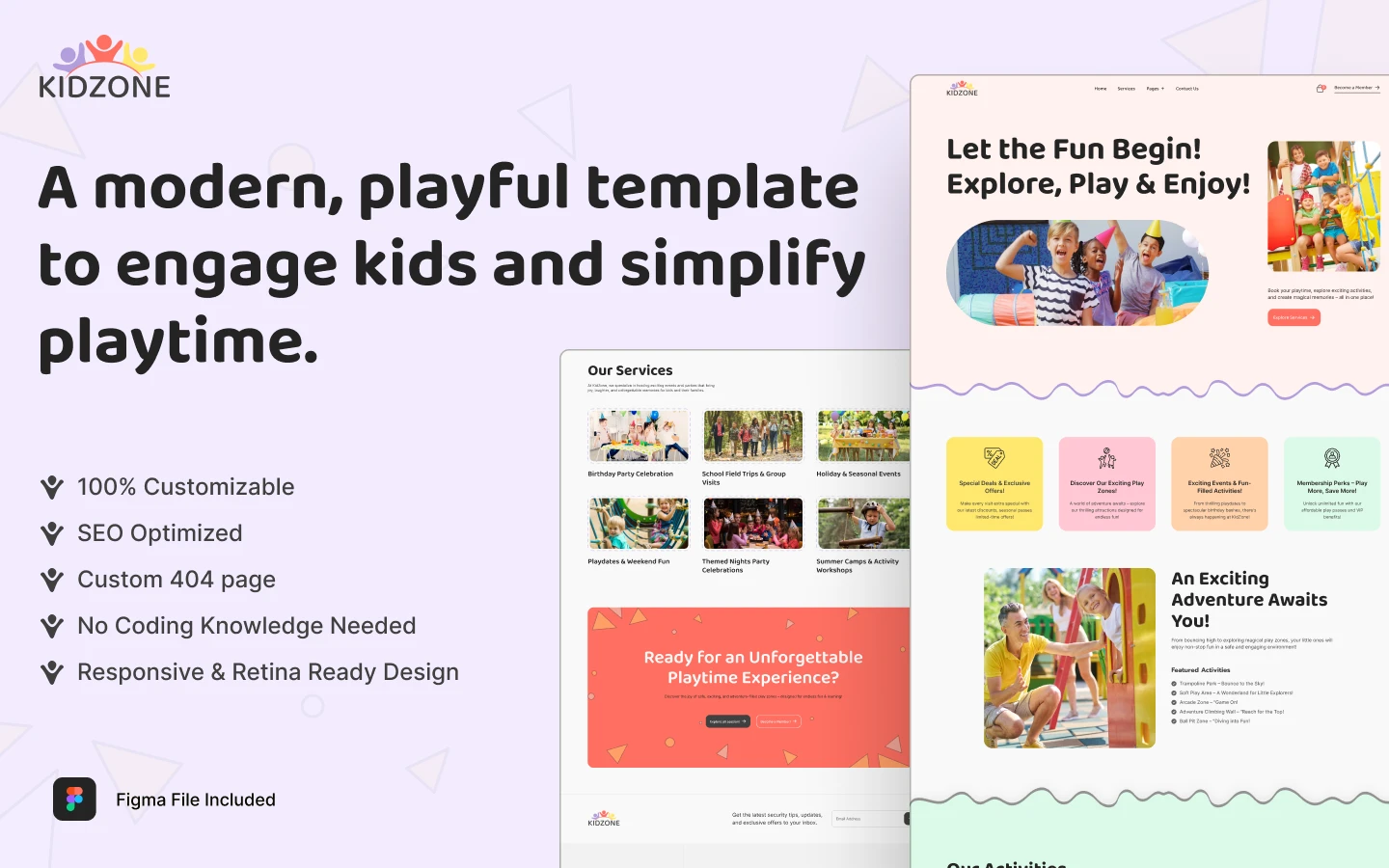
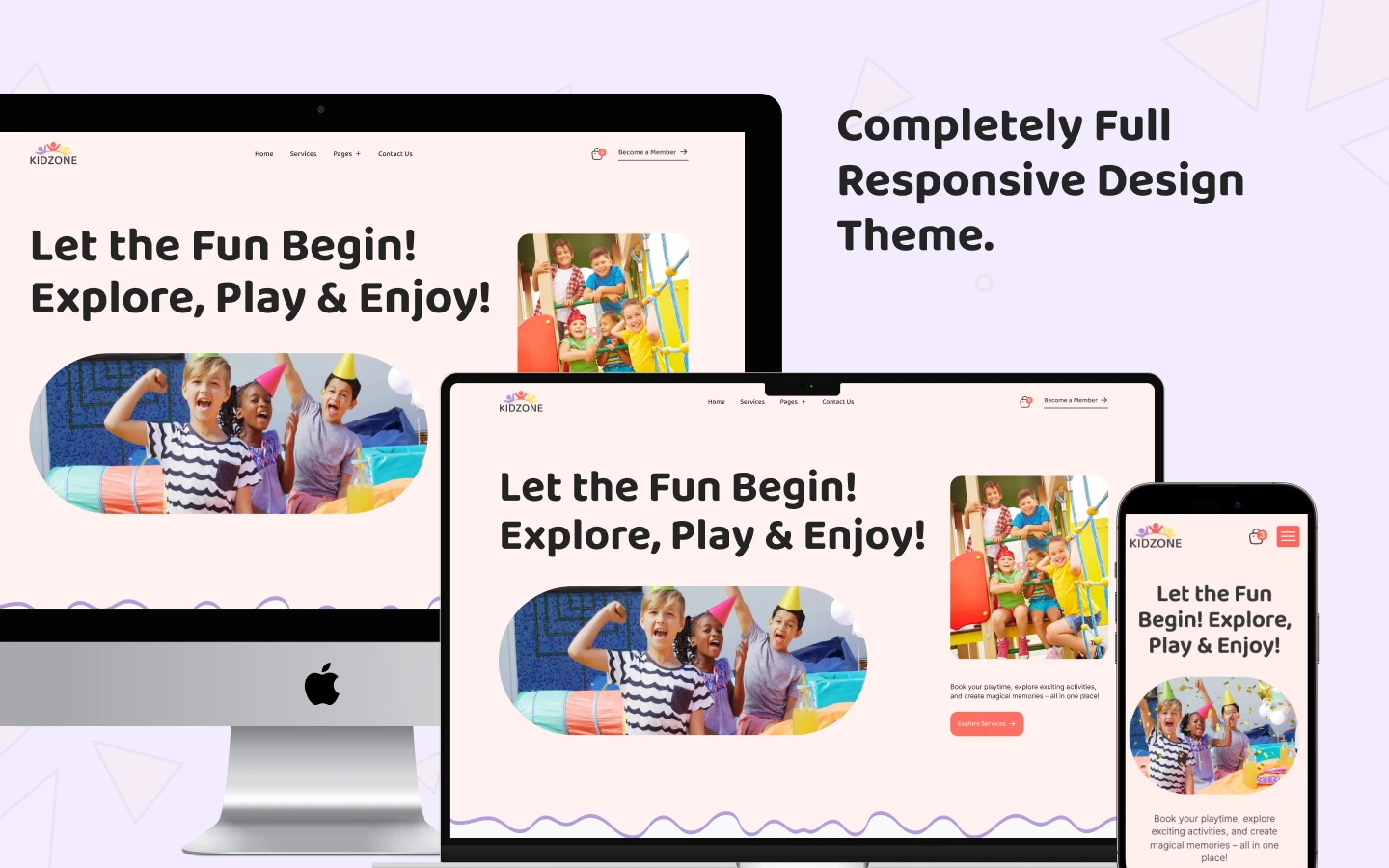
KidZone is a daycare website template for childcare centers, indoor play zones and kids stores. It ships for Webflow, Figma and HTML.
Parents evaluate a childcare brand in seconds. So KidZone leads with bright color, generous photography and plain wording. Every section answers a single parent question. Then it directs attention to the next step, which is usually an enquiry or a booking.
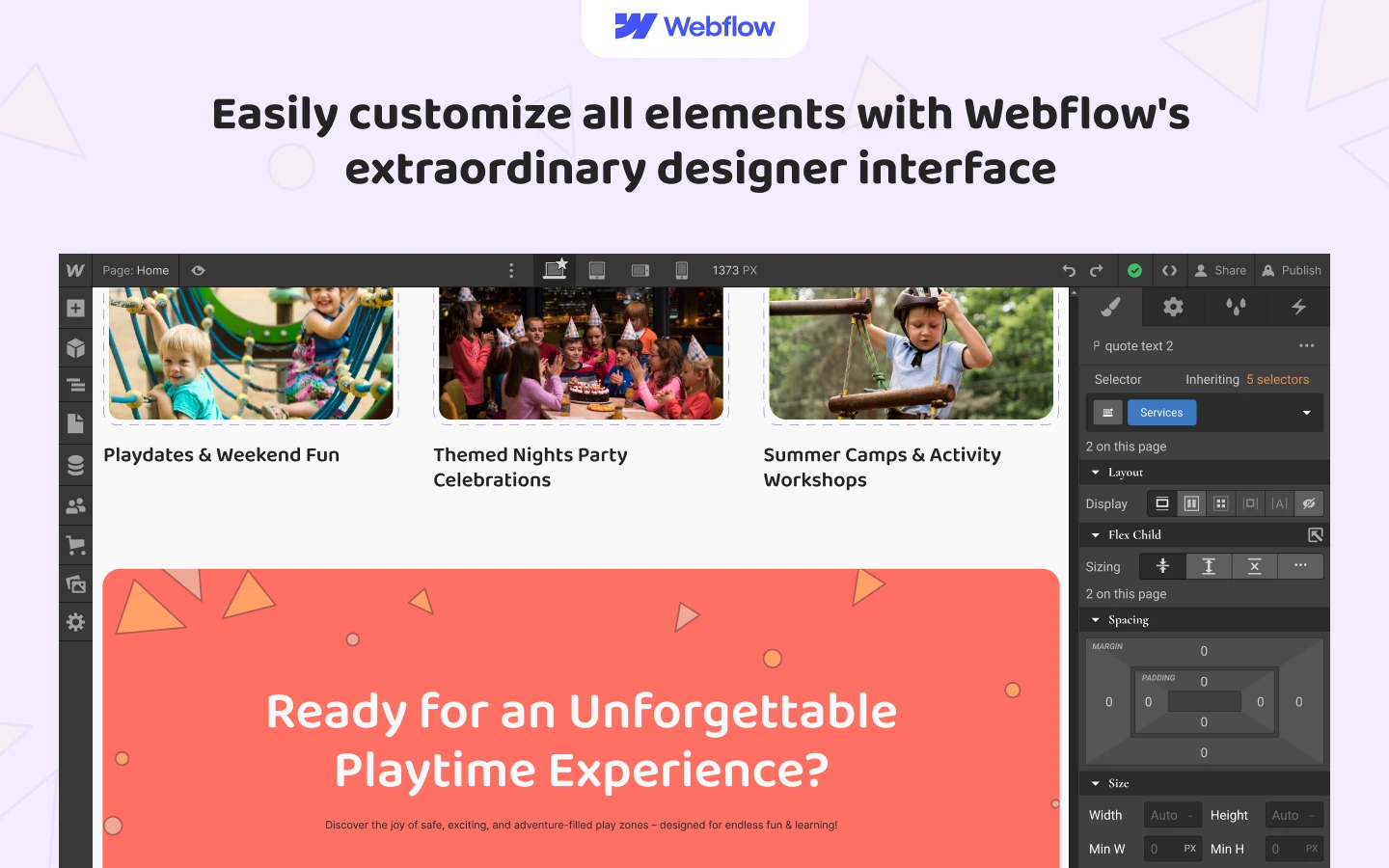
The build is unusually broad for this category. Because KidZone ships with Webflow CMS and Webflow Ecommerce, you can operate an editorial blog, a structured service directory and a genuine online shop inside one project. So an activity center can sell party packages and merchandise alongside its program information.
Explore the live preview.
KidZone at a Glance
| Formats | Webflow Ecommerce, Figma, HTML |
| Best for | Daycare centers, preschools, indoor play zones, activity parks, kids and baby stores |
| CMS | Yes, Webflow CMS for blog posts, products and services |
| Online selling | Yes, Webflow Ecommerce with cart and checkout |
| Pages | 18 designed pages plus 3 CMS collection templates |
| Responsive | Desktop, tablet and mobile breakpoints |
| Support | TNCFlow support and free updates |
Key Features of KidZone
Elegant and premium design. KidZone applies a contemporary layout system with soft geometry and confident color. So the presentation feels playful, yet it still communicates as a professional operation. Nothing on the screen competes for attention unnecessarily.
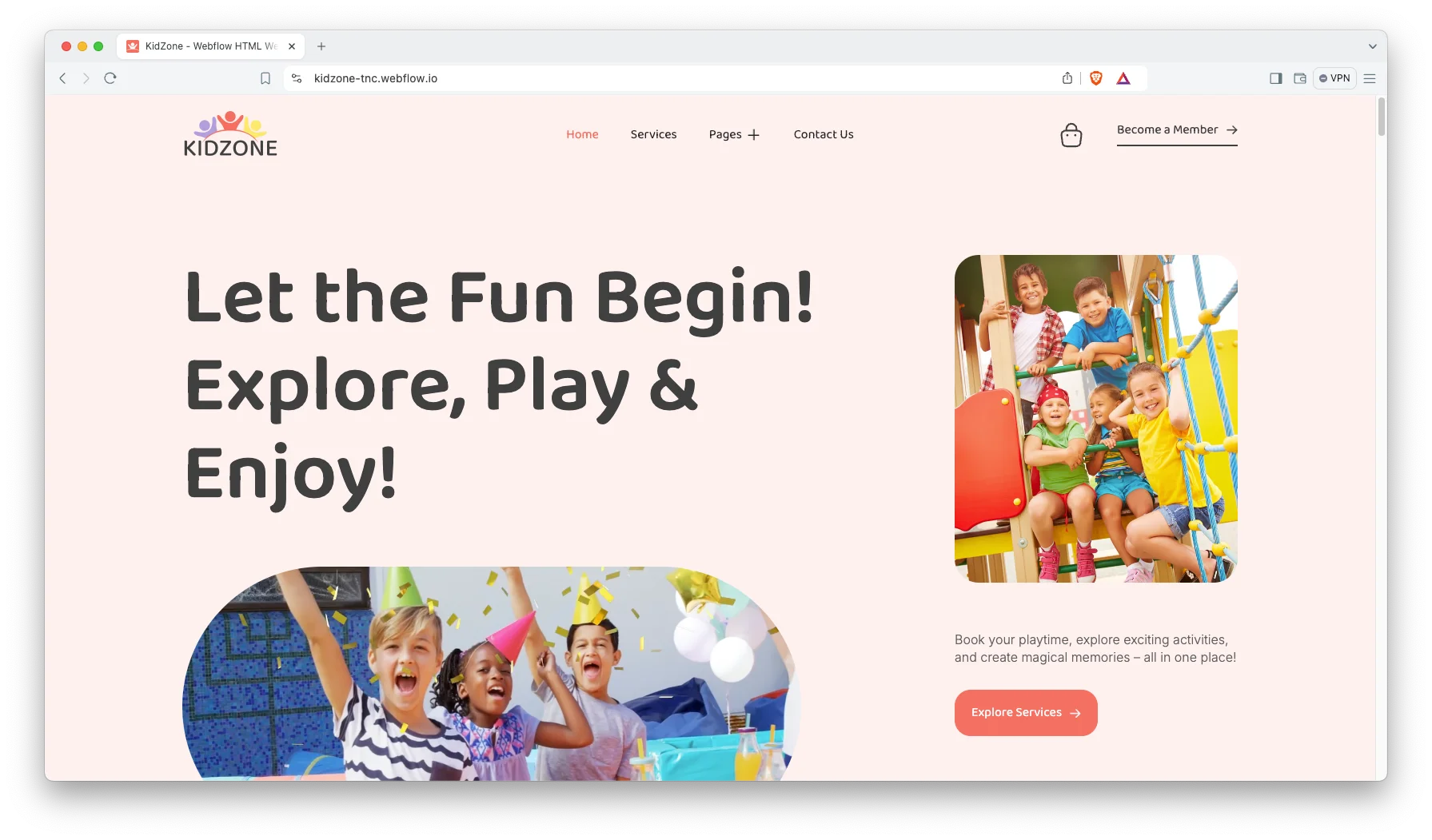
CMS and Ecommerce included. Webflow CMS powers the blog, the service directory and the product catalog. Webflow Ecommerce manages the cart, inventory and checkout. That way your team edits published content without disturbing the underlying design.
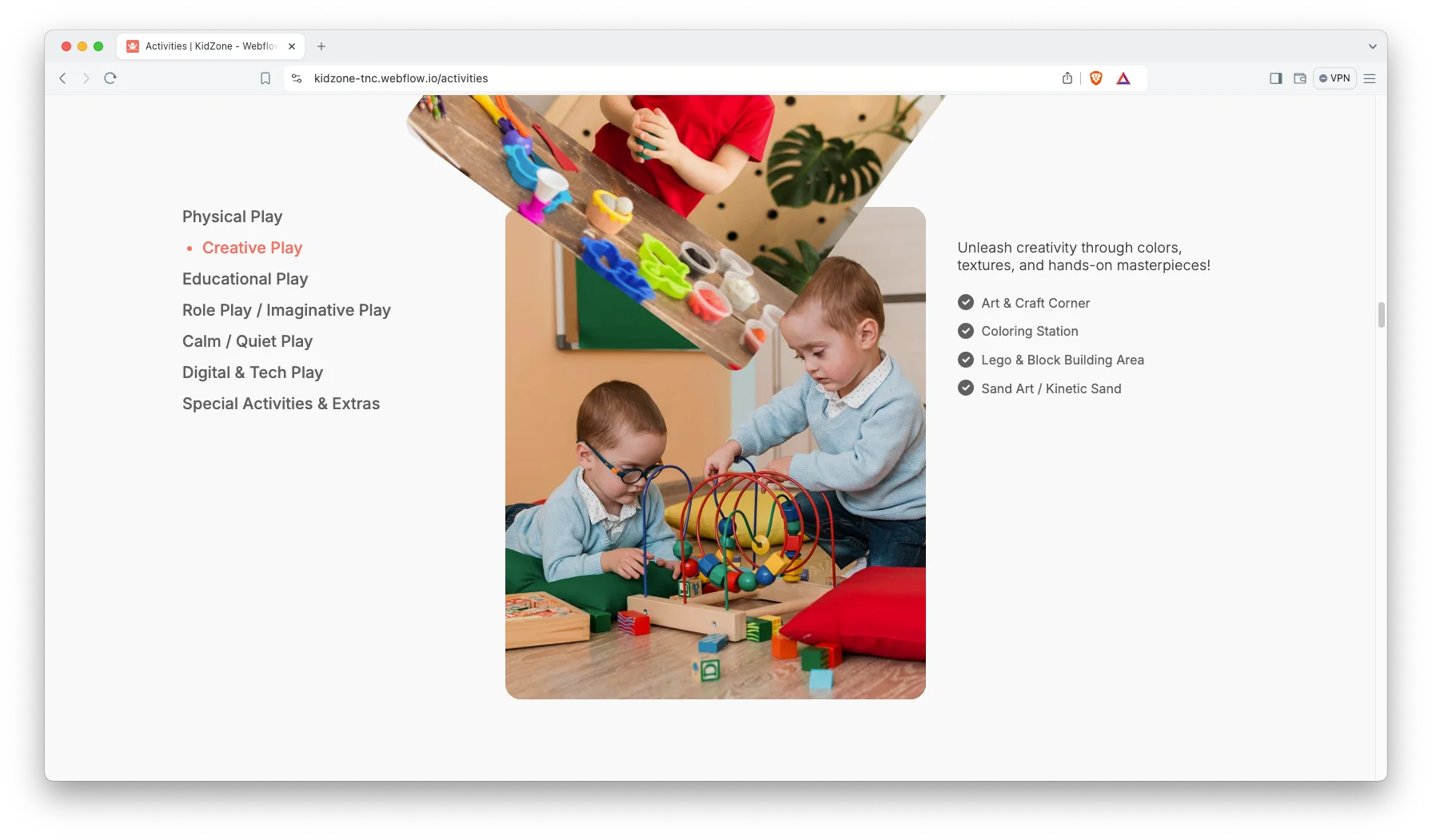
Activities showcase. The Activities and Services pages hold six prepared service entries. They cover birthday celebrations, holiday and seasonal events, playdates, themed evenings, summer camps and school field trips. Each entry is an individual CMS item. So you can rename, duplicate or replace them in minutes.
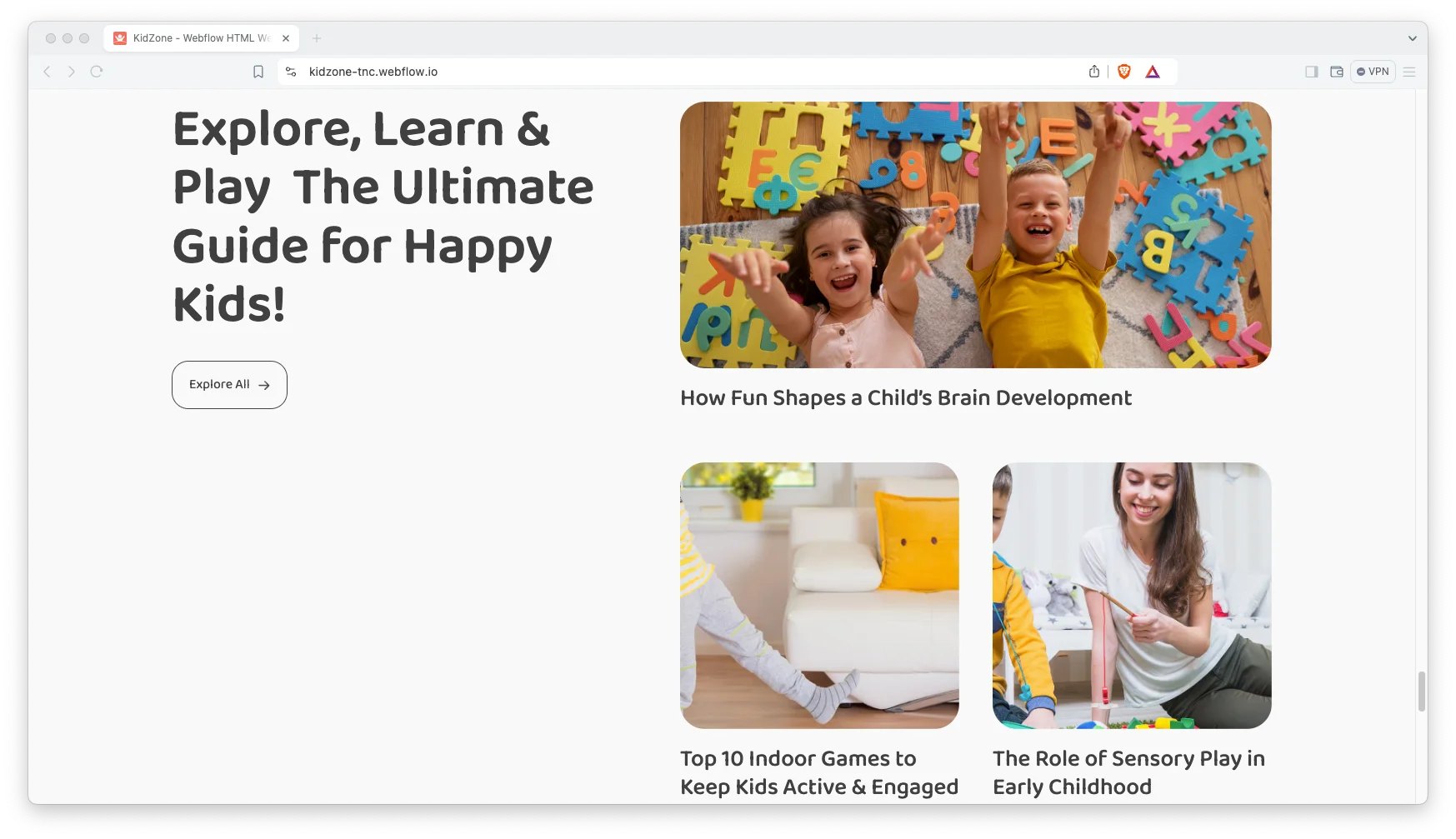
Animation, video and sliders. Scroll interactions, a dedicated video section and responsive sliders are already configured. However, the motion remains deliberately restrained. Because of that, the experience still performs well on a phone.
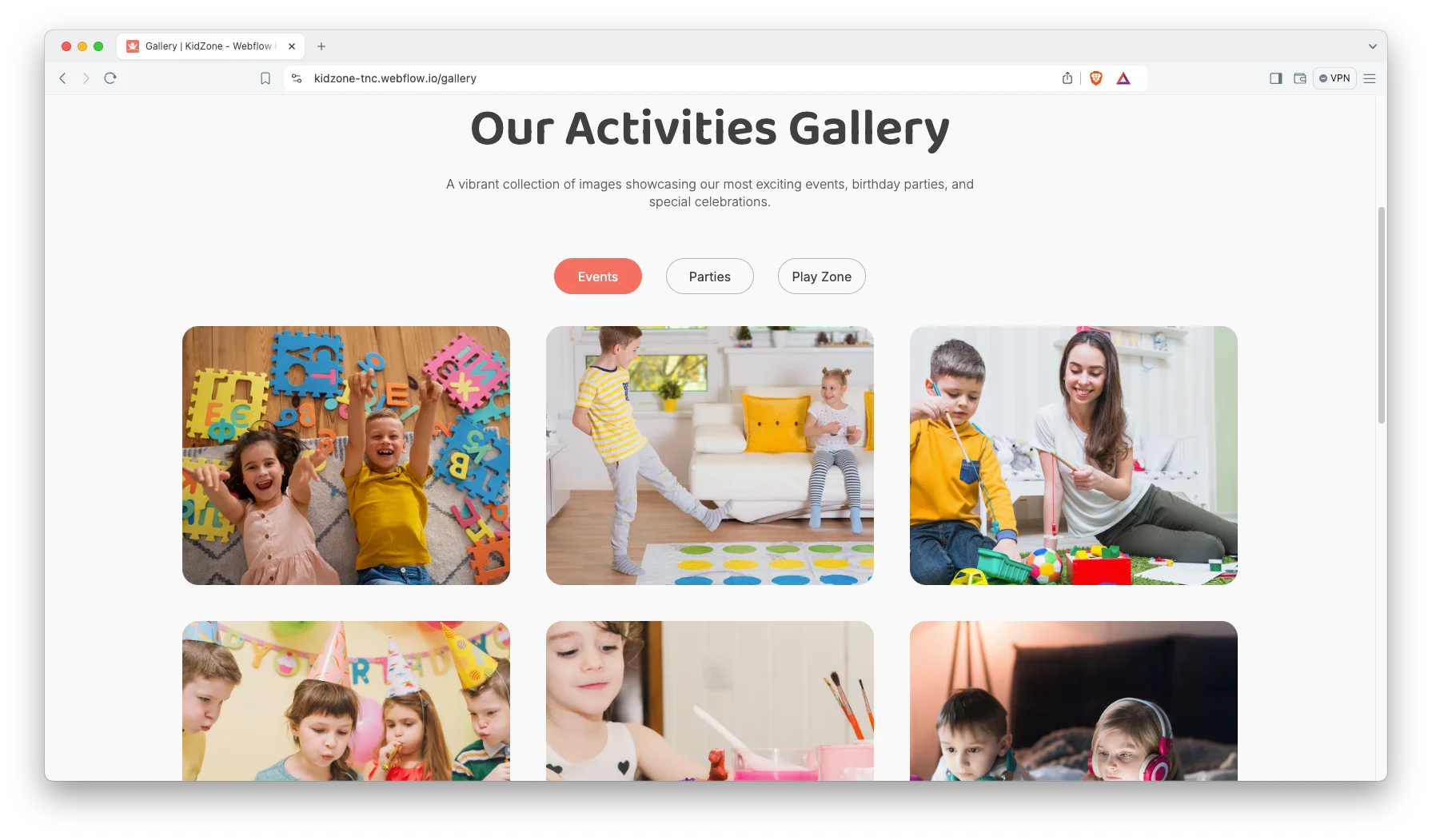
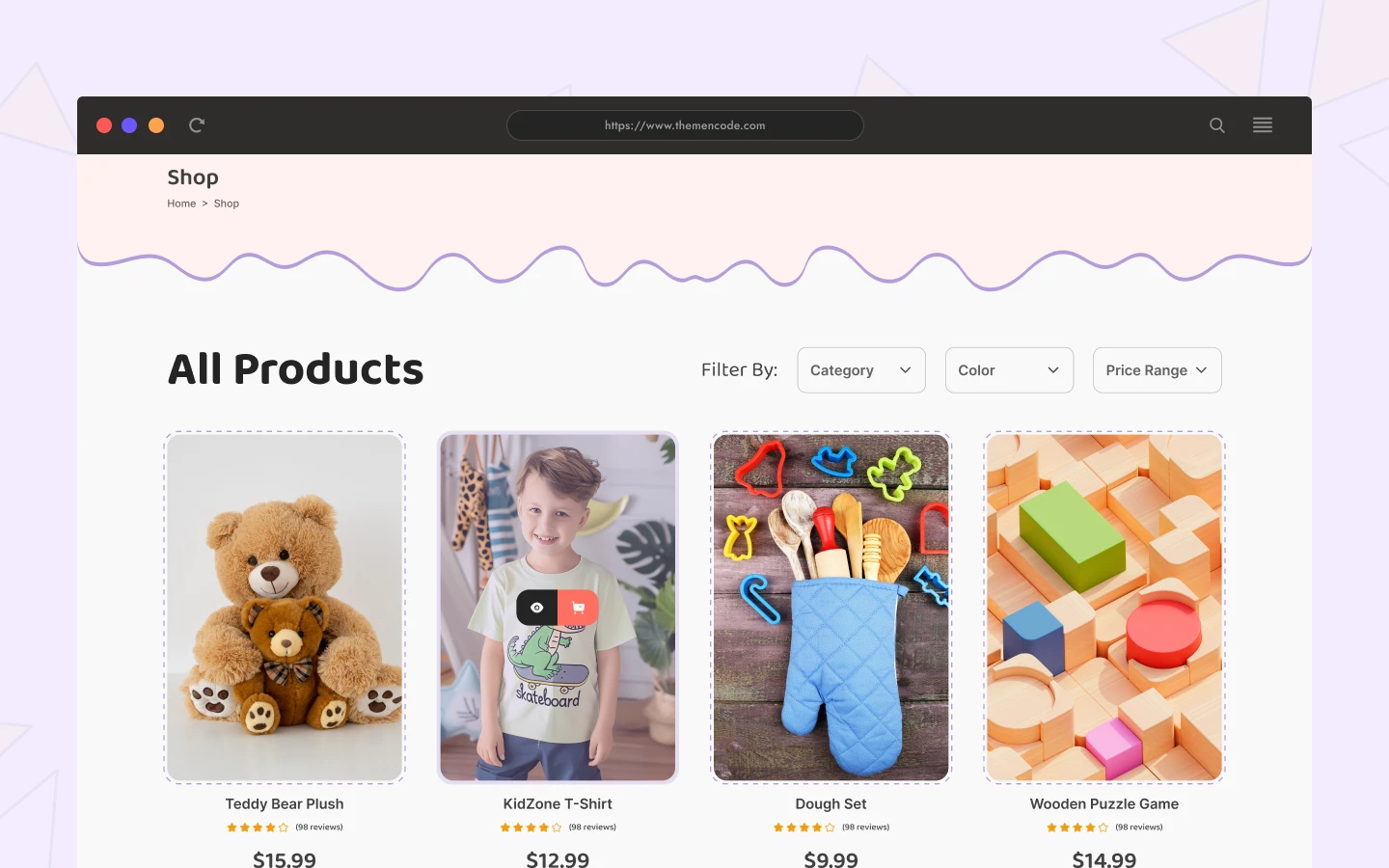
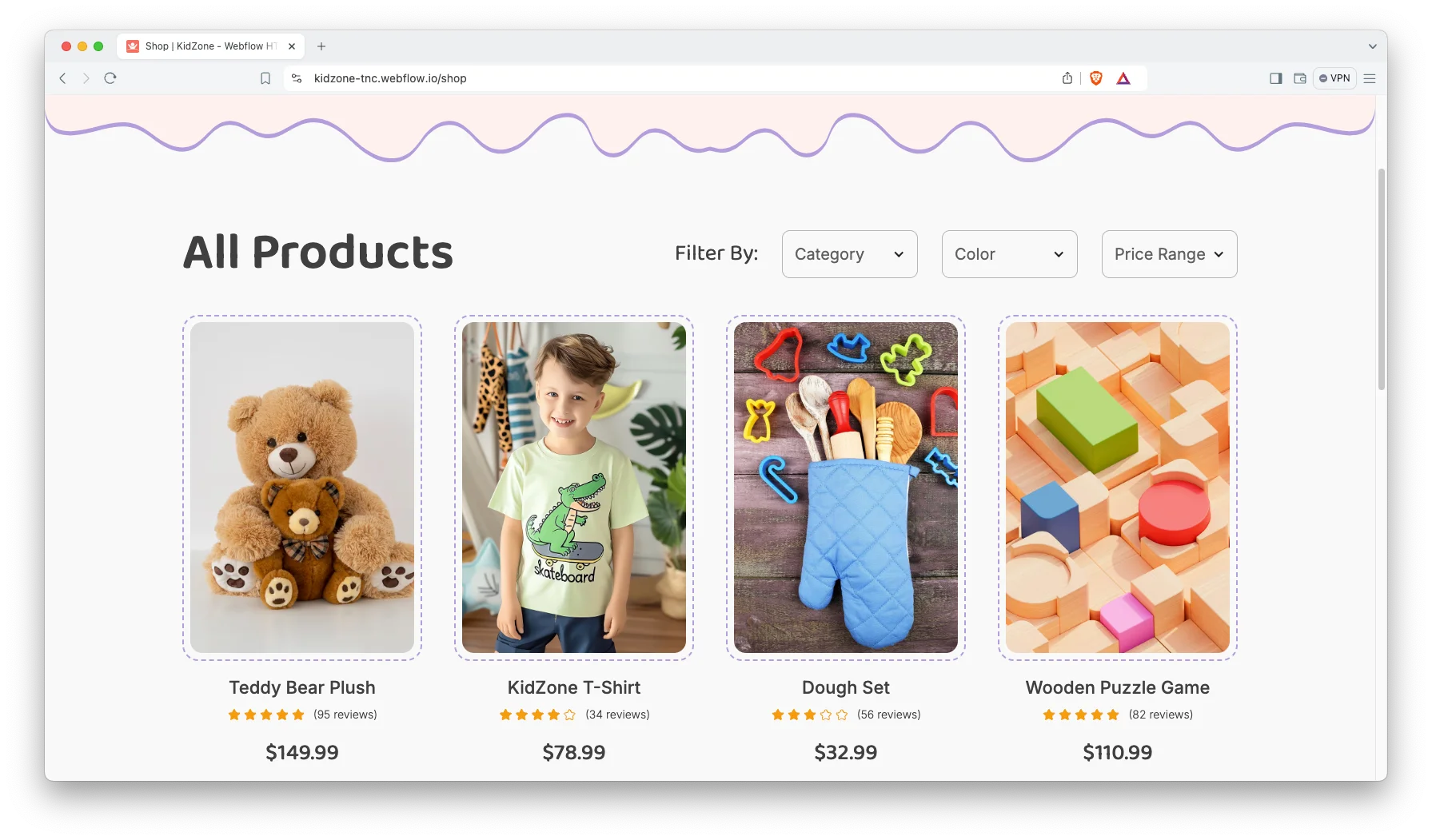
Shop page. The shop presents products in an uncluttered grid. It arrives with eight demonstration products, from wooden puzzles to gift cards. So you can substitute your own inventory and begin selling immediately.
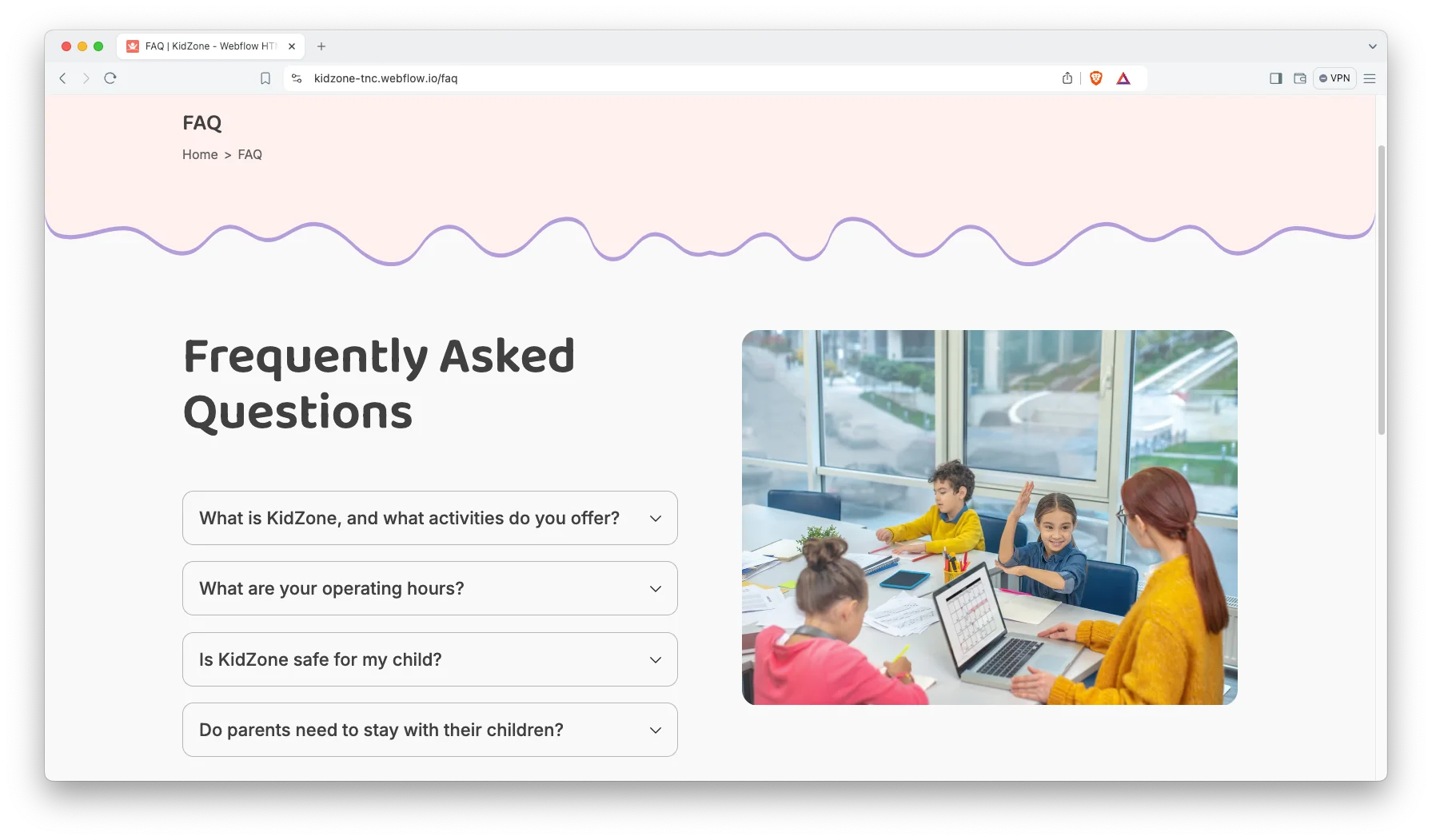
FAQ page. A dedicated FAQ page resolves the most common parent questions inside an accordion. That eliminates a considerable volume of repetitive email for your administrators.
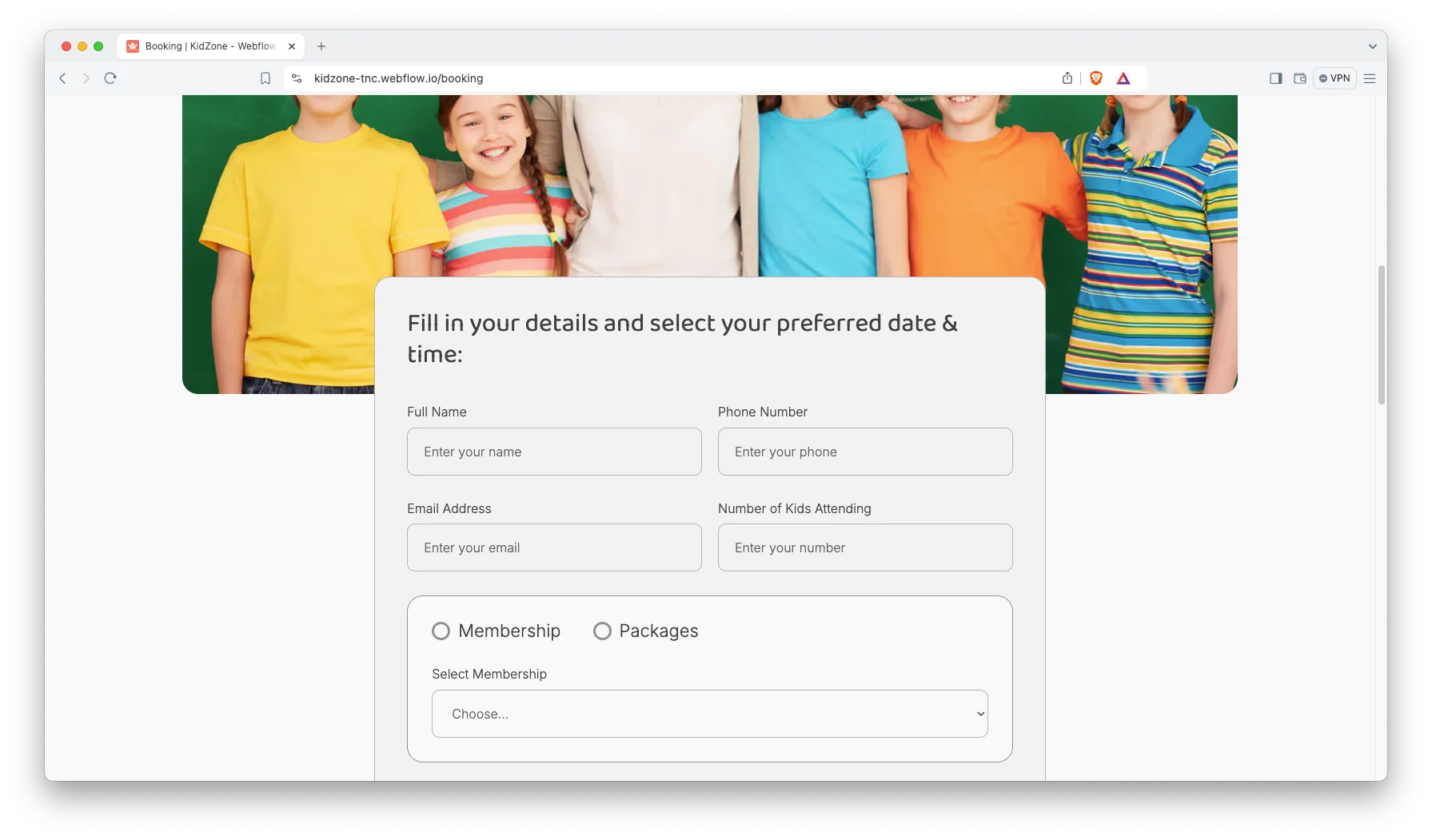
Booking page. The Booking page combines a concise request form with your service directory. Parents select a service, then submit the request. You receive every relevant detail in one location.
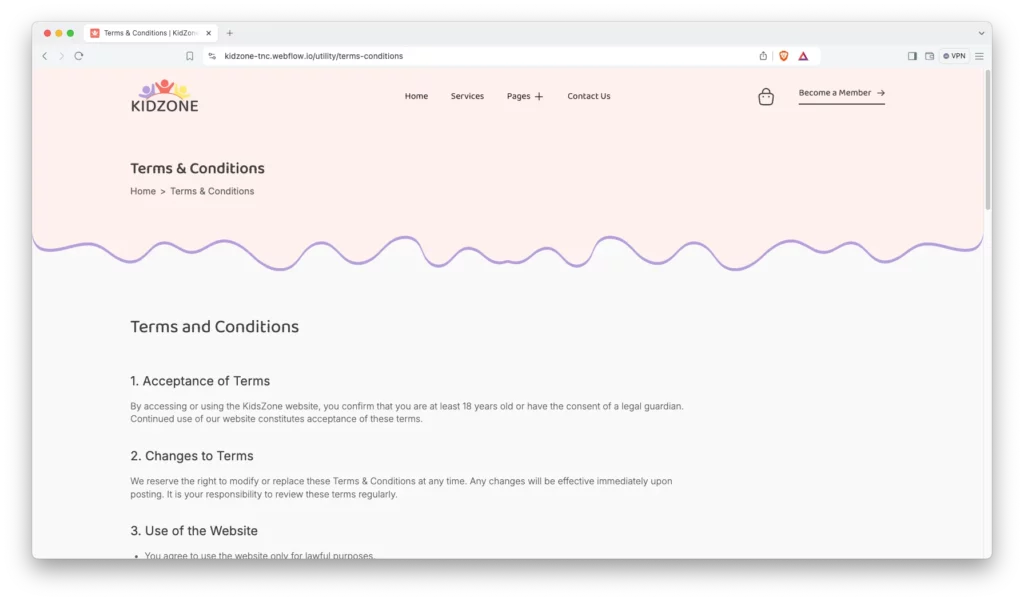
Terms and conditions page. A prepared legal page covers acceptance of terms, amendments, permitted site use, intellectual property and user accounts. Adjust the wording for your jurisdiction and the page is finished.
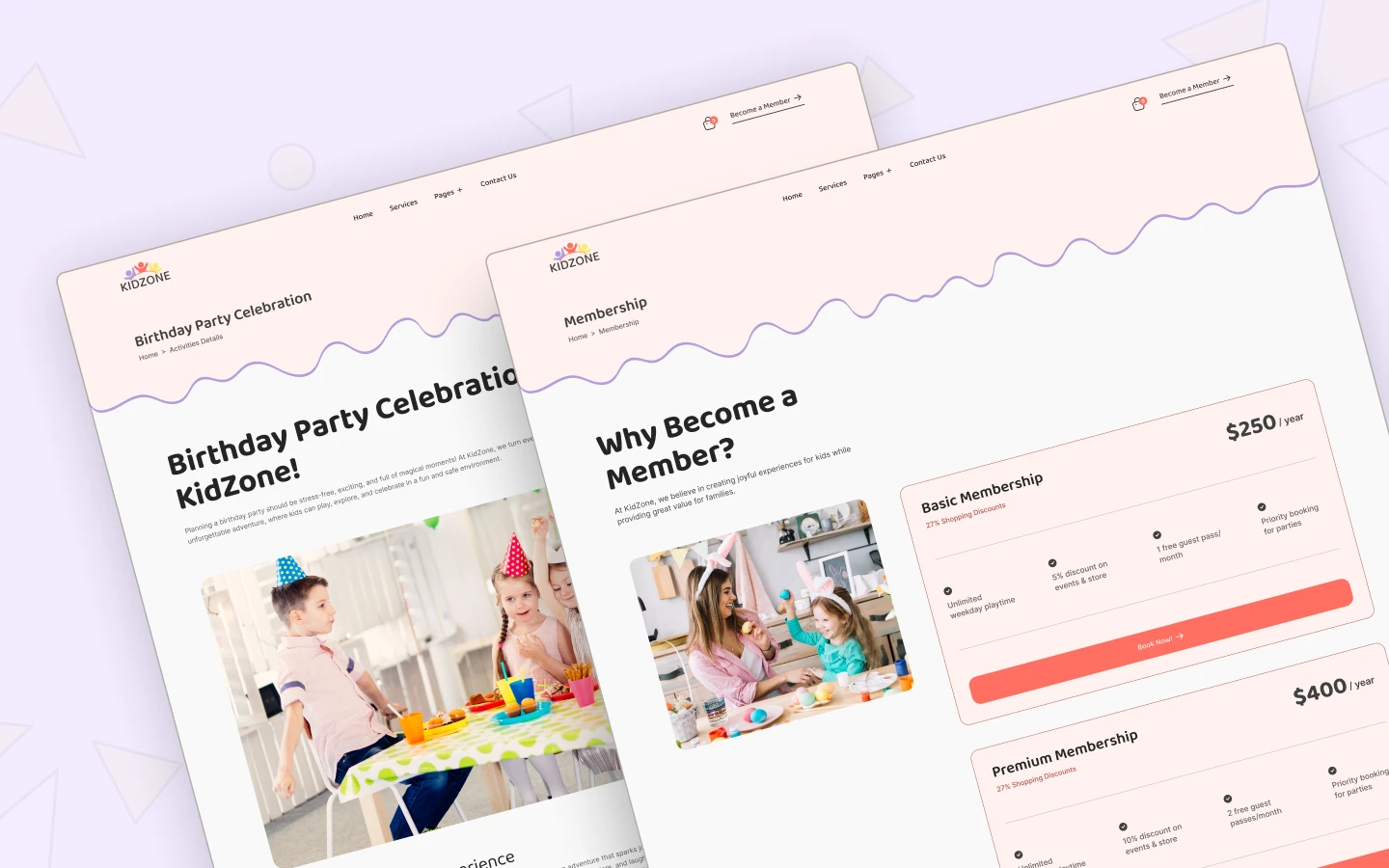
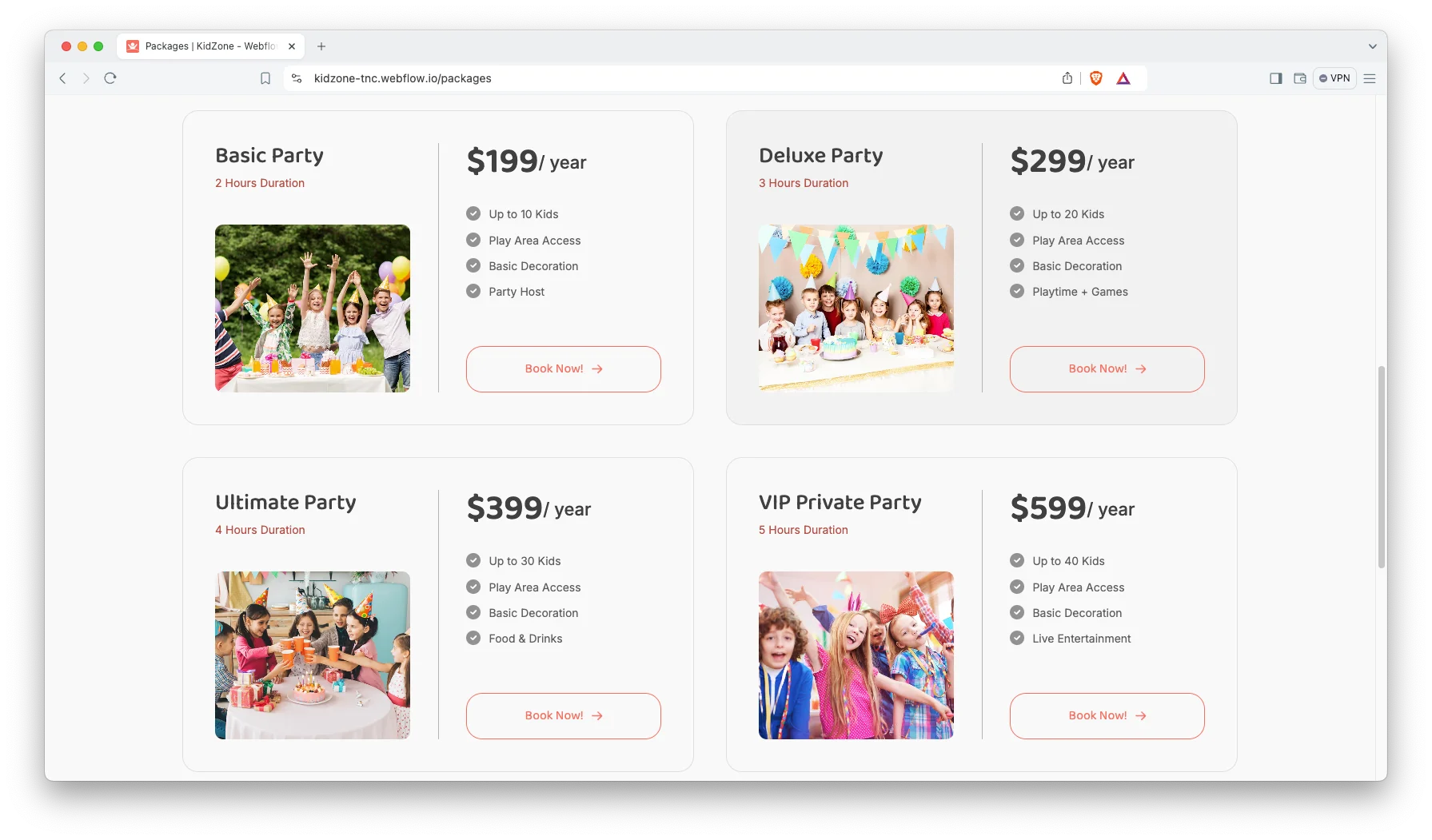
Packages page. The Packages page displays your membership tiers side by side. Transparent pricing helps parents qualify themselves before they contact you. As a result, your inbox carries fewer speculative price enquiries.
Watch on YouTube
Pages Included in KidZone
KidZone ships with 18 designed pages. They are Home, About Us, Activities, Services, Booking, Membership, Packages, Gallery, Shop, Checkout, Blog, FAQ, Contact Us, Terms and Conditions, Licenses, Change Log, Style Guide and a 404 page. Then three CMS collection templates handle individual blog posts, products and services.
How to Use KidZone
- Use the purchase widget on the right side of this page to buy the KidZone template
- Follow the steps to get your site ready
- Replace content with your own
- Adjust the design slightly if you want
- Preview and publish
What a Daycare Website Needs to Win Parents
Parents research childcare with a short list of anxieties. Is my child safe? What does an ordinary day actually look like? What does it cost? Can I arrange a visit today?
So answer those questions near the top of the page. Lead with authentic photography of your rooms and your staff. Then publish your daily schedule, your staff ratios and your licensing details in plain language.
Pricing is the second decisive block. Many childcare websites conceal it, and prospective parents abandon the page. However, a straightforward package comparison establishes trust quickly. KidZone provides that comparison on the Packages page.
Local proof is the third. Because childcare is a neighborhood purchase, name your suburb, your catchment and your nearest schools. Then add parent testimonials with real first names. Search engines and parents both reward that specificity.
Finally, make the visit trivial to book. One form, four fields, no account required. That single adjustment converts more parents than any redesign.
KidZone Frequently Asked Questions
What is KidZone?
KidZone is a website template for daycare centers, preschools, indoor play zones, activity parks and kids stores. It combines service pages, a booking flow and a complete online shop inside one project.
Which formats does KidZone ship in?
KidZone ships as a Webflow Ecommerce template, a Figma design file and a static HTML build. Each format is purchased separately, so you acquire only the one you actually need.
Is the Figma file included when I buy the Webflow template?
No. The Figma file is a separate product with its own price. So select the Figma option in the purchase widget if you want the editable design source.
Can I sell products with KidZone?
Yes. KidZone is built on Webflow Ecommerce. It includes a shop page, eight demonstration products, a reusable product template and a checkout page.
Does KidZone handle bookings?
Yes. The Booking page combines a request form with your service directory. Submissions arrive in Webflow forms, and you can forward them to email or a CRM.
Do I need to know how to code?
No. Inside Webflow you edit text and imagery directly on the canvas. If you purchase the HTML build instead, then basic HTML and CSS knowledge helps.
Need help with KidZone? The TNCFlow support team responds quickly, and every template receives regular updates.
Check out other Webflow templates by TNCFlow.
Featured in our guides: Webflow ecommerce templates.



Select template
Choose one or more options for your build
