

Each HTML portfolio template here is a static build you can host anywhere. Compare them below.
An HTML portfolio is the option you choose when you want to own the thing outright. No platform account, no monthly plan tied to your site being online, no vendor deciding what you can change. Just files you can host anywhere.
That independence has a cost, and it is worth naming up front: static HTML has no content management system. Adding a project means editing a file. For a portfolio updated a few times a year, that is a fair trade. For a site updated weekly, it is friction you will resent.
These are the HTML templates in the catalog suited to portfolio and creative work.
Quick Picks
| Template | Best for | HTML price | Link |
|---|---|---|---|
| Animatory | Film and video studio websites | $18 | View template |
| Photographer TNC | Photography websites | $18 | View template |
| TNC CreAge | Creative agency websites | $12 | View template |
| SoftCom TNC | Software Company websites | $18 | View template |
| PRCOM | PR and Communications Agency websites | $21 | View template |
| Somers | Agency websites | $21 | View template |
| Freelancer (by Start Bootstrap) | One-page freelancer portfolios | Free | View template |
| Dimension (by HTML5 UP) | Single-screen personal sites | Free | View template |
| Strata (by HTML5 UP) | Simple portfolios with a sidebar | Free | View template |
Why Developers Still Choose Static HTML
Speed is the obvious reason. There is no database query, no server-side rendering and no platform overhead between the request and the page, so a static site starts from the best possible position on load time. Google’s Core Web Vitals thresholds are easier to meet when there is simply less happening.
The less obvious reason is control and longevity. A static site has no plugins to update, no platform that can change its pricing or its terms, and no dependency that can break. Hosting it costs very little and it will still work in five years, which is not something you can say about every platform.
What to Check in an HTML Portfolio Template
Since you will be editing the code, the code matters:
- Readable, sensibly structured markup that you can navigate without a map.
- Genuinely responsive CSS, tested at real breakpoints rather than assumed.
- Light dependencies. A portfolio that loads several heavy libraries defeats the reason for choosing static.
- Accessible markup, with proper headings, alt attributes and focus states.
- Optimized images in modern formats, since images are almost always the heaviest part of a portfolio.
The HTML Portfolio Templates
Each is available as a static HTML build. Most also exist as Webflow, Figma and in some cases Framer versions.
Animatory
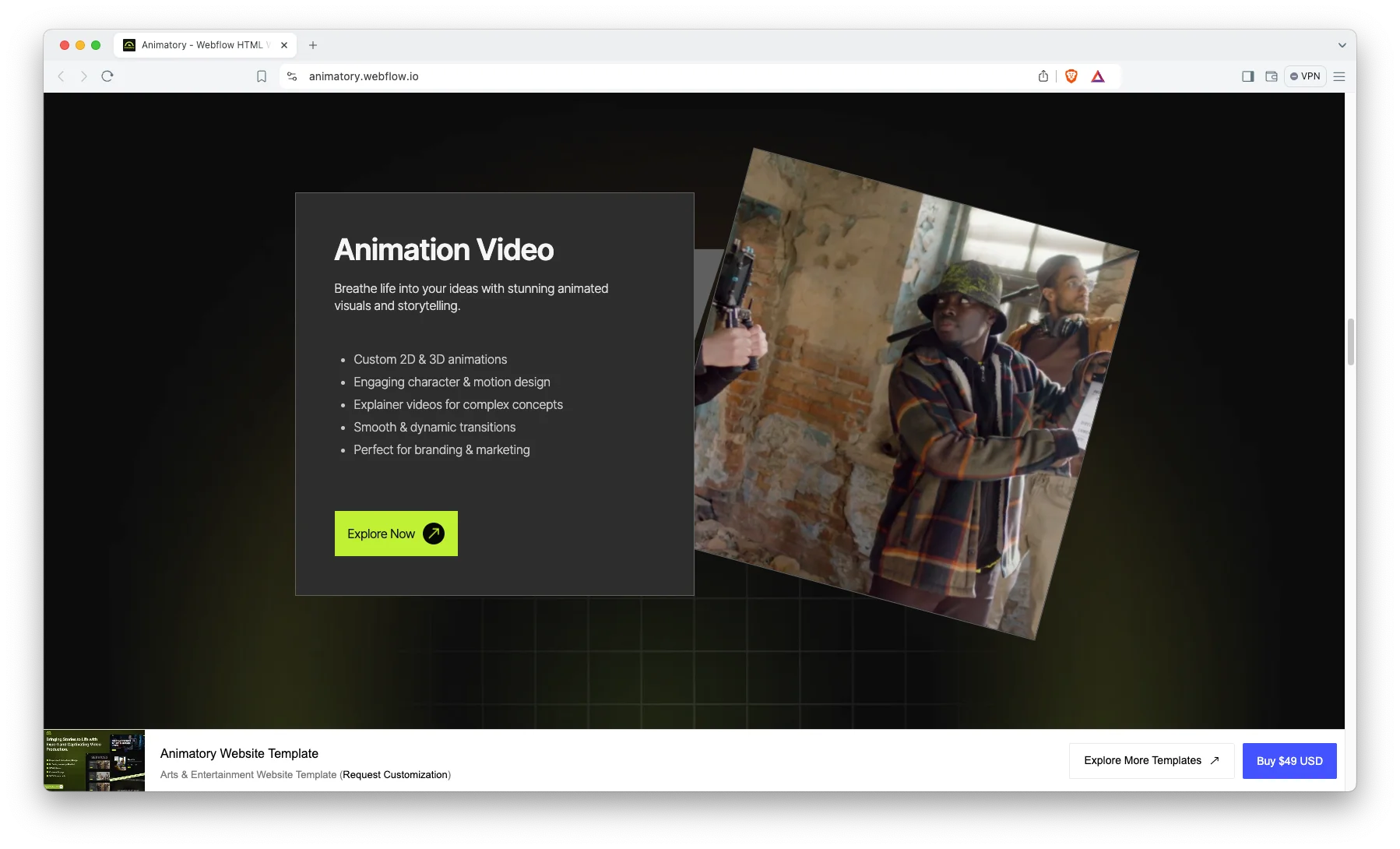
Animatory is a motion and animation studio layout. In the static build the transitions are handled in CSS and JavaScript that you can read and adjust directly, which is often easier than working through a visual editor.
Suited to studios whose work is video and motion, where the reel does the selling.
Animatory is available now.
Photographer TNC

Photographer TNC is a gallery-led photography layout. Static hosting suits image-heavy sites well, since a CDN can serve the files efficiently without any application layer.
Pay attention to image optimization here more than anywhere else, as galleries are where static sites get slow.
Photographer TNC is available now.
TNC CreAge
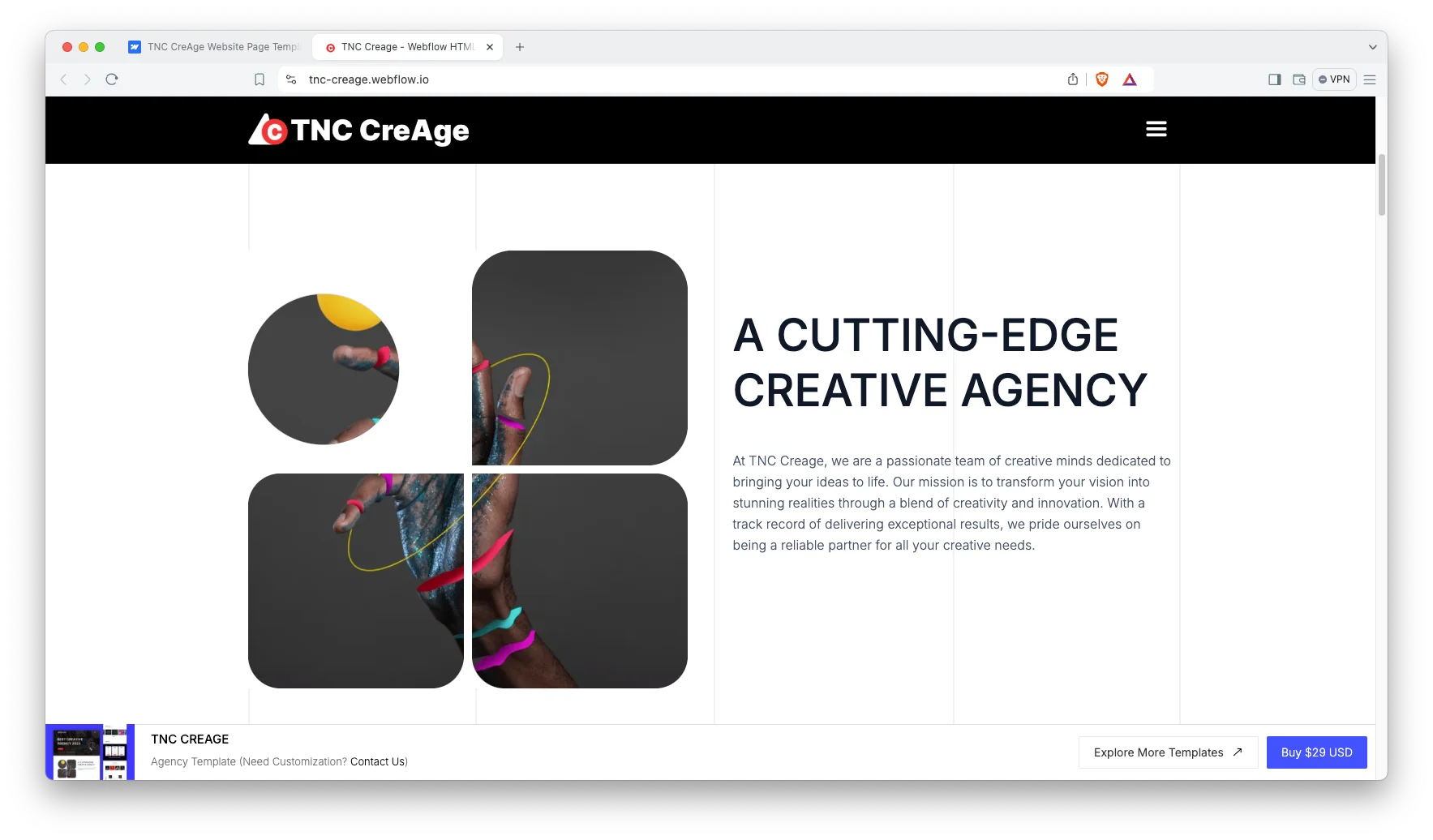
TNC CreAge is a creative agency layout covering both services and work, giving a static site enough structure to function as a small business site rather than only a portfolio.
A reasonable choice if you are a studio rather than an individual.
TNC CreAge is available now.
SoftCom TNC

SoftCom TNC is a clean, corporate-leaning layout for technical consultancies and software studios presenting project work to business buyers.
The most conservative design here, which suits enterprise-facing work.
SoftCom TNC is available now.
PRCOM
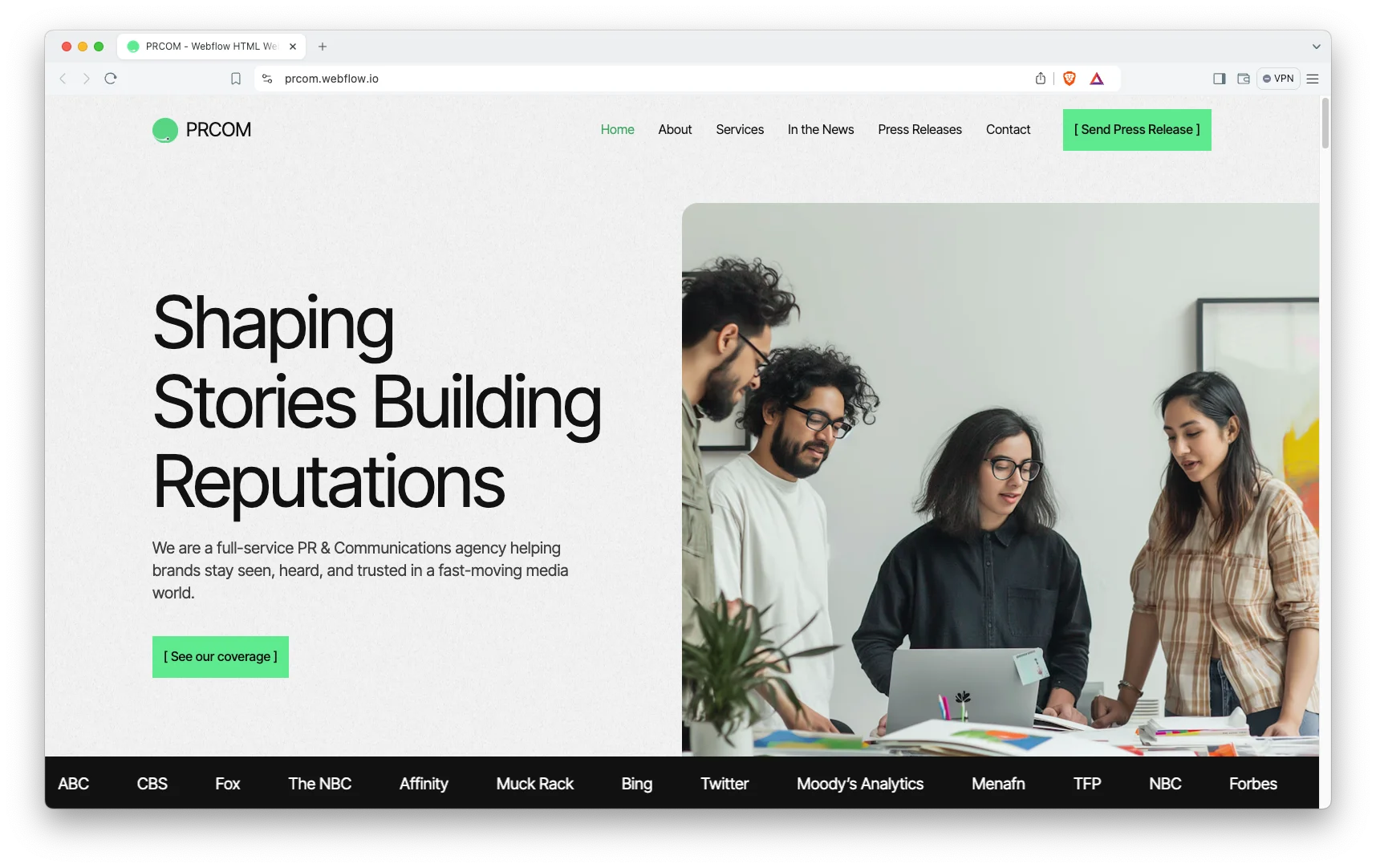
PRCOM is a communications and consultancy layout that works for practitioners whose portfolio is campaigns and outcomes rather than images.
Useful when you need to show results rather than visuals.
PRCOM is available now.
Somers
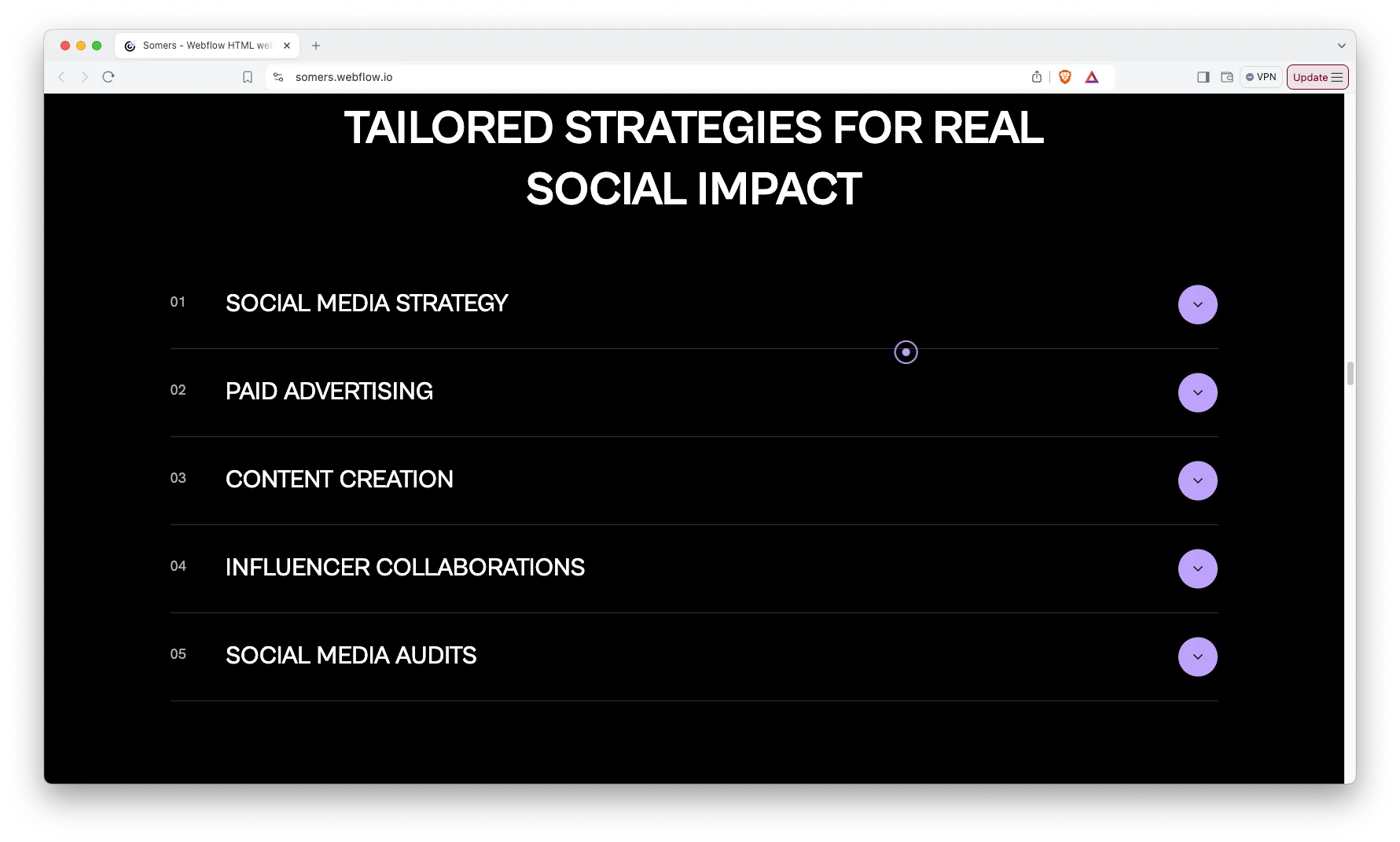
Somers is a neutral, typographically led layout that carries varied work without imposing a strong style of its own.
A safe default when your practice spans several disciplines.
Somers is available now.
Where HTML Is the Wrong Choice
If you will publish regularly, static HTML becomes a chore. Every post means editing markup and re-uploading. If writing is part of how you win work, a platform with a content system will serve you better. Our Webflow blog template collection covers that case.
If you need working forms, understand that static hosting cannot process a submission on its own. A contact form needs a third-party form service or a server-less function behind it. This is easy to arrange but it is an extra piece, not something the template provides.
If you are not comfortable editing code, be honest about that now. There is no visual editor. Choosing a Webflow build instead is not a compromise, it is picking the right tool.
How to Choose the Right One
Decide first whether you will be editing files or want an interface. That single question eliminates most of the catalog in one direction or the other, and it is a better starting point than comparing designs.
If you are choosing static for speed, commit to it properly: compress your images, avoid unnecessary libraries and keep the page weight down. A slow static site has given up its main advantage. Pricing by format is on the pricing page.
HTML Portfolio Templates From Other Creators
These are not ours. They are free, widely used HTML templates from HTML5 UP and Start Bootstrap, and a good way to start if you do not need a niche-specific design. Check each license before commercial use.
Freelancer
Freelancer by Start Bootstrap is free. A free one-page Bootstrap portfolio theme for freelancers.
Freelancer on the View template.
Dimension
Dimension by HTML5 UP is free. A free responsive HTML5 template for a compact personal site.
Dimension on the View template.
Strata
Strata by HTML5 UP is free. A free responsive HTML5 template with a fixed sidebar and a work gallery.
Related Reading
More guides: HTML landing page templates, Figma portfolio templates, Figma landing page templates and Figma website templates.
Frequently Asked Questions
Can I add a blog to a static HTML portfolio?
You can, but each post means creating and editing a file by hand. Many developers use a static site generator for this. If you expect to publish often, a platform with a content system is a more comfortable choice.
Do HTML templates include a content management system?
No. Static HTML has no database and no admin interface by definition. Content changes are made by editing the files. Any editing interface would come from adding a separate system.
Where can I host these?
Anywhere that serves static files, including most standard hosting and the various static hosting platforms. Costs are typically very low, which is one of the format’s main advantages.
How do contact forms work on a static site?
Through a third-party form handler or a server-less function. The form markup is in the template; the processing has to come from somewhere else, since there is no server-side code running by default.
Are these templates responsive?
Yes, each is built to work across screen sizes. As always, test with your own content, since real project titles and image proportions differ from the placeholders.
Can you customize the HTML for us?
Yes. Tell us what you need in a quote request and we will scope it, including any form handling or hosting setup.
Start Building
See the full HTML template collection, or compare formats in the complete catalog.
Not sure static is right for you? Book a free consultation and we will give you a straight answer.