

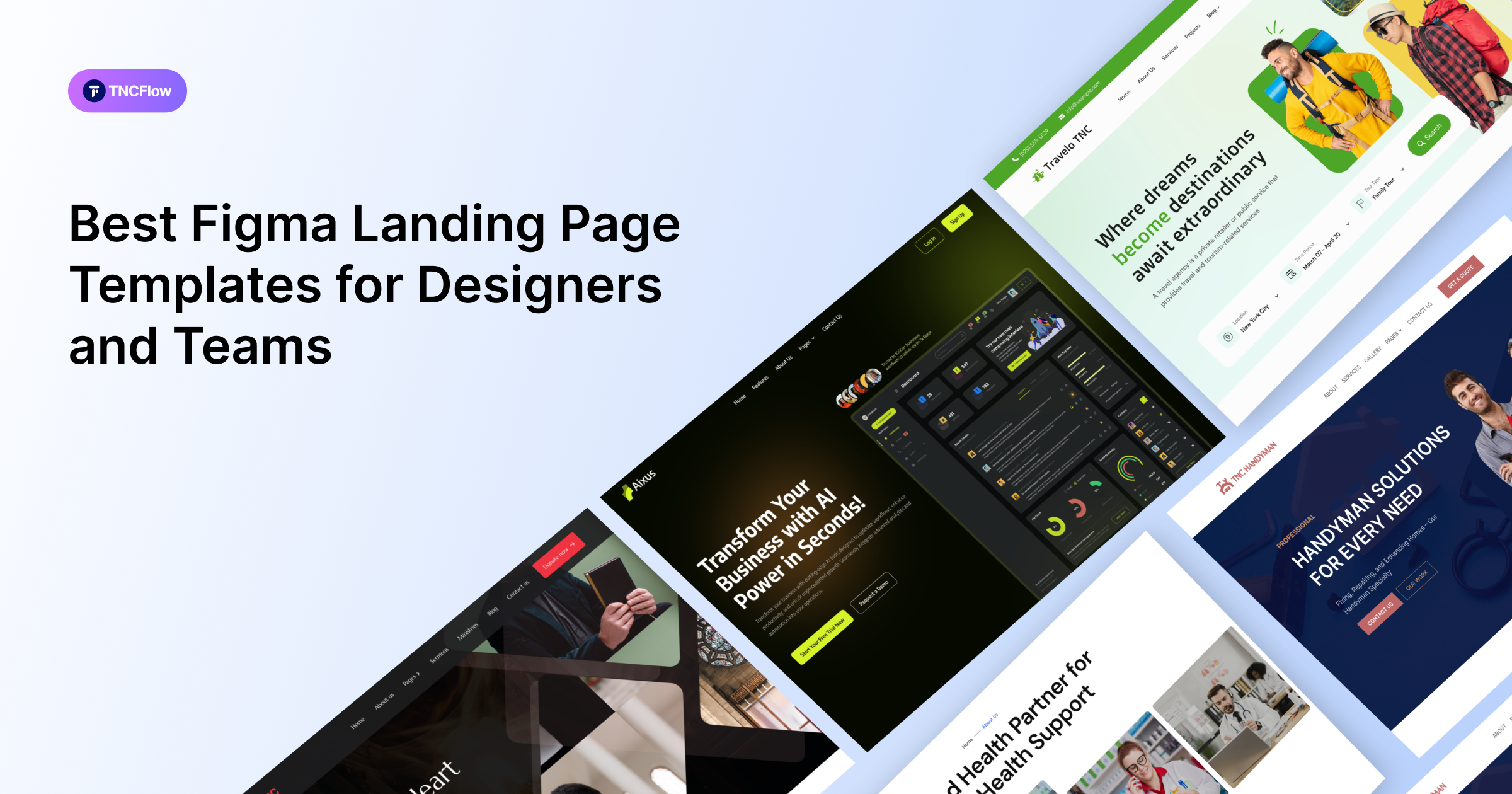
Six Figma landing page templates for lead generation, SaaS and product launches, compared below by what each is best for and what the Figma file costs.
Worth stating before anything else, because a lot of listings gloss over it: a Figma file is a design, not a working page. It has no forms, no hosting and nothing to publish. Figma’s prototype mode produces a clickable preview, which is not the same thing as a website.
That is exactly right if you are designing before building, pitching a direction to a client, or handing a spec to a developer. If you want a page live and collecting leads this week, buy the Webflow build instead, where forms work out of the box.
With that settled, these are the Figma templates in the catalog built as single-page, conversion-focused layouts.
Quick Picks
| Template | Best for | Figma price | Link |
|---|---|---|---|
| LeadGen TNC | Lead generation pages | $15 | View template |
| TNC Sales Funnel | Course and sales funnels | $15 | View template |
| Chatbot TNC | Chatbot and AI products | $15 | View template |
| SalesAi TNC | SaaS products | $15 | View template |
| MailFlow TNC | Email marketing tools | $25 | View template |
| CollabFlow TNC | Startups | $15 | View template |
| Whitepace | SaaS landing pages | Free | Figma Community |
| Boostify | SaaS landing pages you plan to build in Framer | Free | Figma Community |
| SaaS Product Landing Page | Product landing pages | Free | Figma Community |
Why Start From a Figma File
Because the invisible work is the expensive work. A well-built file carries the type scale, the spacing system, the component structure and the responsive decisions. Those are the things that take longest and show least. Rebuilding those from a screenshot always takes longer than people estimate.
It also leaves you in control. If you have a clear view on the offer and the sequencing but do not want to start from an empty canvas, a file you can restructure is a better purchase than a finished page you would spend the same time fighting.
What Separates a Usable File From a Pretty One
Screenshots look alike. The file is where the difference is:
- Named, organized layers. An unstructured file is slower to work in than starting fresh.
- Real components, so one button change propagates instead of forty manual edits.
- Defined text and color styles, not values typed per element.
- Responsive frames, rather than a desktop view left for you to interpret.
- Auto layout applied properly, which is what lets the file survive your edits.
The Figma Landing Page Templates
Each is available as a Figma file. Most also exist as Webflow builds, and several as HTML or Framer, if you want the working page.
LeadGen TNC
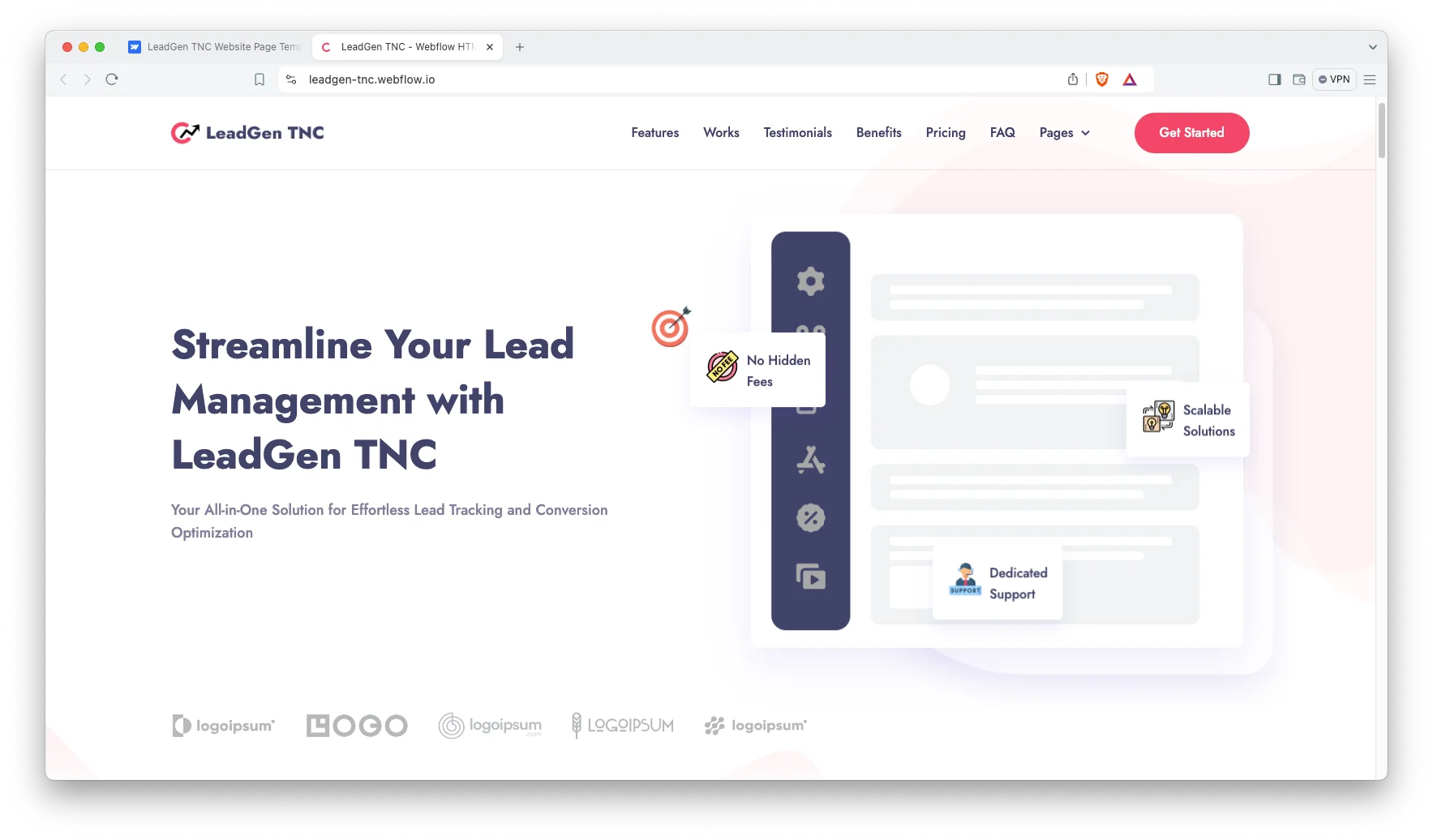
LeadGen TNC is a direct lead-capture layout: plain hero, benefit sections, proof, and a form kept within reach throughout the scroll.
The most straightforwardly commercial structure here, and a good base for service and B2B offers.
LeadGen TNC is available now.
TNC Sales Funnel

TNC Sales Funnel is sequenced as an argument rather than a feature list, working through objections in the order a buyer raises them.
Useful when the offer needs persuading rather than merely describing.
TNC Sales Funnel is available now.
Chatbot TNC
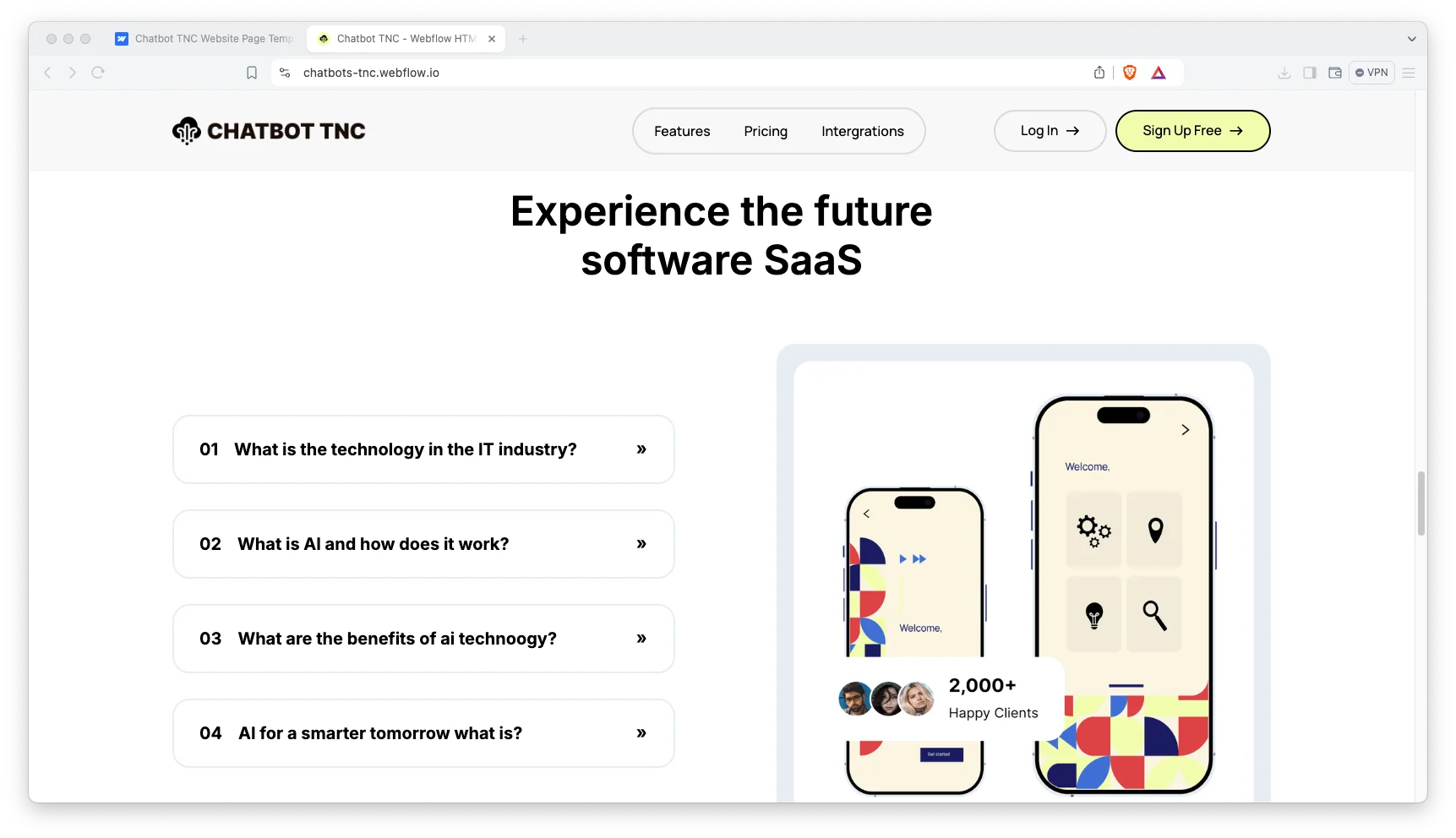
Chatbot TNC is built for conversational AI and support tools, with the explanation-heavy structure a product people have not used before requires.
Transfers to anything that needs teaching before it can be sold.
Chatbot TNC is available now.
SalesAi TNC

SalesAi TNC leads with outcomes rather than features, placing proof beside the claims it supports.
Direct and commercial, suited to B2B software sold on results.
SalesAi TNC is available now.
MailFlow TNC

MailFlow TNC is an email and newsletter product page built around a single sign-up action.
Appropriate whenever the conversion is a subscription rather than a purchase.
MailFlow TNC is available now.
CollabFlow TNC
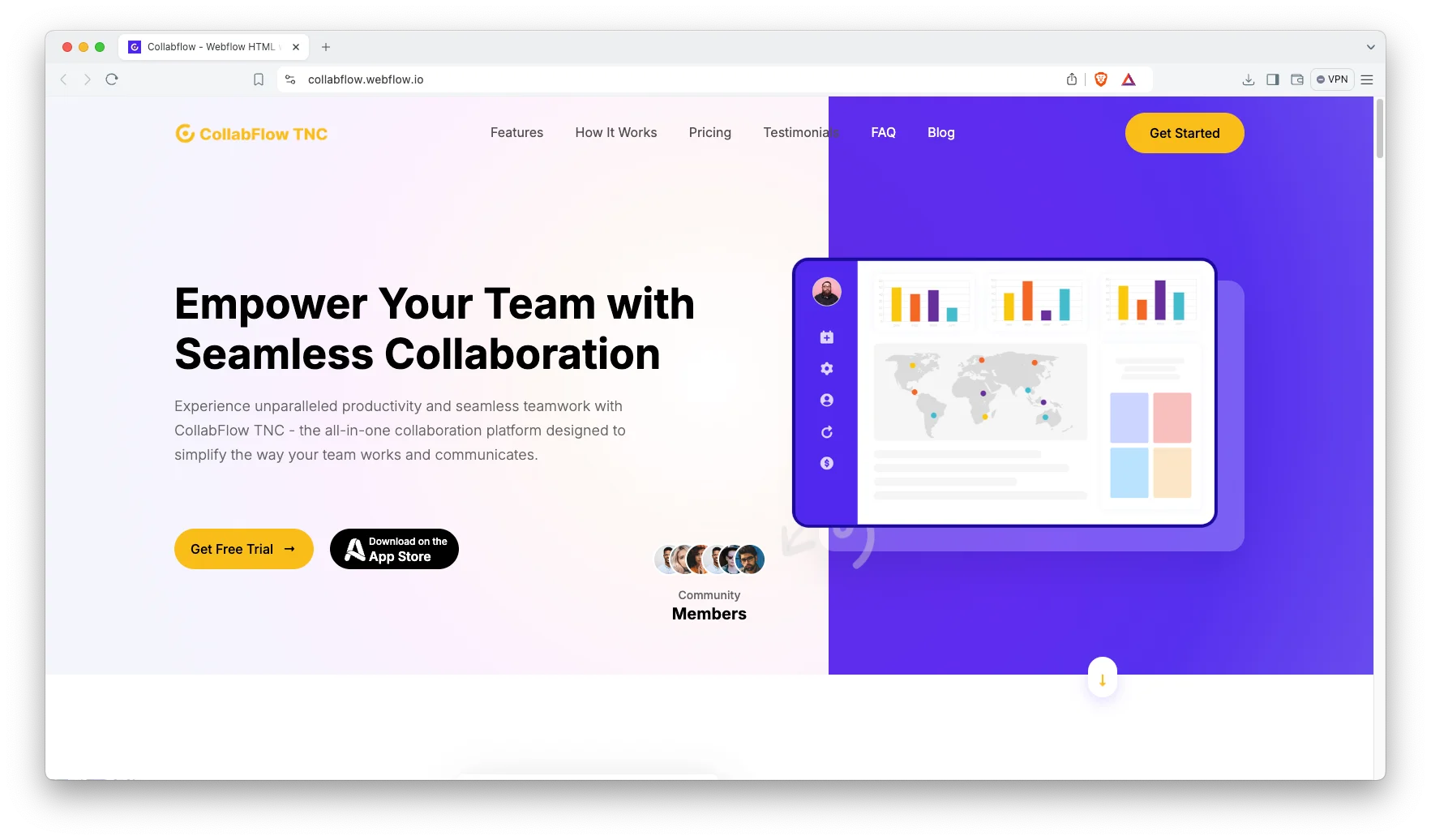
CollabFlow TNC is organized around use cases rather than features, which works for products bought by teams rather than individuals.
Helpful when several people must agree before anything is purchased.
CollabFlow TNC is available now.
What You Get and What You Do Not
You get: the layered file, the components, the type and color styles and the responsive frames. That is most of the design work, and it is the part that is hardest to reconstruct.
You do not get: a page, hosting, working forms, analytics or any functionality at all. Those come from building the design somewhere. The working builds of most of these designs are sold separately.
Someone has to build it. You, your developer, or us via the design service and Webflow development service. Budget that step now rather than discovering it after purchase.
How to Choose the Right One
Buy the Figma file only if there is a named person who will build it. The most common regret with design-file purchases is buying the design and never finding the time or the developer to make it real.
If you are undecided, buy the working build, since you can always open the matching file later. Format pricing is on the pricing page.
Building a landing page for a whole small business rather than a single campaign? See our one page website templates collection instead.
Figma Landing Page Templates From Other Creators
These are not ours. They are free files from the Figma Community, and a good way to try the Figma workflow before paying for a full template.
Whitepace
Whitepace is free. A SaaS landing page design.
Whitepace on the Figma Community.
Boostify
Boostify is free. A free SaaS landing page template described by its author as Framer ready.
Boostify on the Figma Community.
SaaS Product Landing Page
SaaS Product Landing Page is free. A free SaaS product landing page template.
SaaS Product Landing Page on the Figma Community.
Related Reading
More template guides: Figma portfolio templates, Framer startup templates, Framer agency templates and animated website templates.
Frequently Asked Questions
Can I publish a Figma landing page directly?
No. Prototype mode gives you a clickable preview, not a website. There are no working forms and no hosting. Publishing requires building the design in Webflow, Framer or hand-coded HTML.
Do these files include working forms?
No. A form in Figma is a drawing of a form. Form handling comes from whichever platform you build in, and it is one of the main reasons people choose the Webflow build instead.
Can I edit the file on Figma’s free plan?
Yes, with limits on collaborators and version history. For a single designer working alone that is generally sufficient.
Will the built page match the design exactly?
Very closely if built carefully. Small differences appear because browsers render type and spacing slightly differently from Figma, and because real copy is never the length the design assumed.
Can I buy the Figma file and the Webflow build together?
Yes. They are separate products so you can take only what you need, and the purchase widget on each template page shows the available formats.
Can you build the design into a live page for us?
Yes, that is a common request. Our Webflow development service does exactly this. Request a quote with the design.
Start Building
Browse the Figma template collection, or the complete catalog to compare formats of the same design.
To have the design turned into a working page, book a free consultation.