

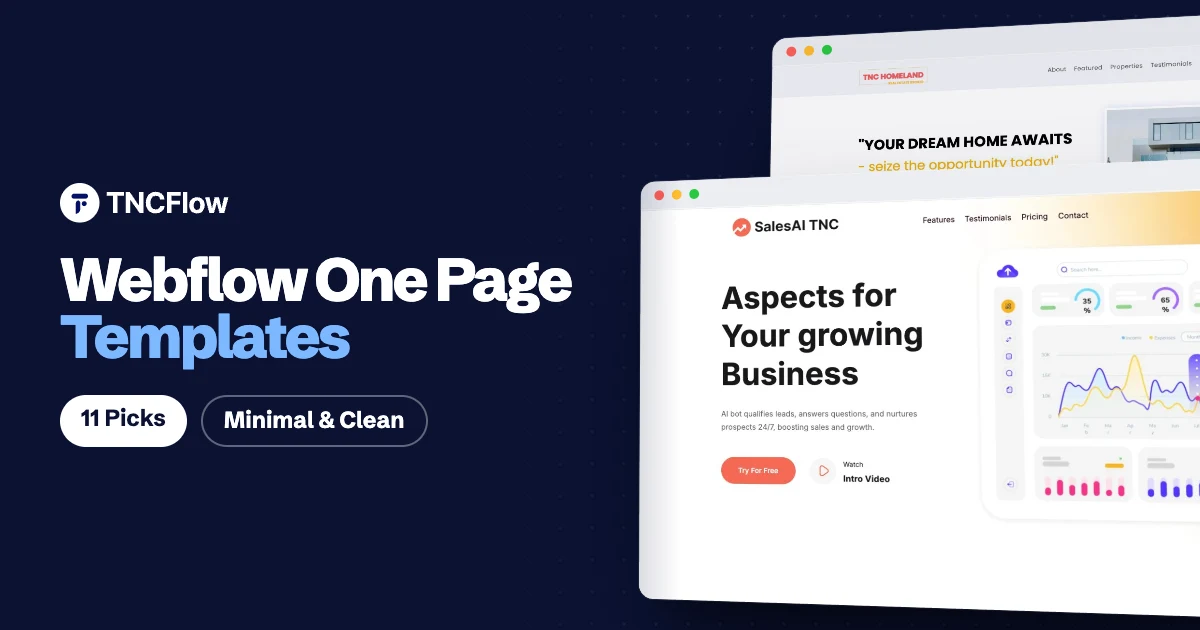
A Webflow one page template is the fastest way to get a focused site live. One scroll, one message, one call to action. There is less to write, less to maintain, and fewer places for a visitor to get lost.
This list covers 11 designs: one page sites, single landing pages, a sales funnel and a few clean, minimal layouts for agencies and consultancies. Eight come from the TNCFlow catalog and three from the official Webflow marketplace. Every price below is the lowest Webflow version of that template, with the plan type next to it.
If you want to see everything in one place first, browse the full set of Webflow templates on TNCFlow.
Quick picks
| Template | Best for | Webflow price |
|---|---|---|
| TNC Sales Funnel | Courses, coaching offers, workshops | $29 (static) |
| SalesAi TNC | AI sales tools and B2B SaaS | $29 (static) |
| Aiwrite | AI content tools and software launches | $29 (static) |
| HomeSalon TNC | Salons, barbershops, mobile beauty | Free (static) |
| Bookish TNC | Authors and book launches | $29 (static) |
| TNC Dento | Dentists and family practices | $29 (static) |
| TNC Homeland | Real estate listings | $29 (static) |
| CollabFlow TNC | SaaS startups that want a blog too | $29 (static), $49 (CMS) |
| Moore | Agencies and creative consultancies | $24 |
| Warren | Law firms and consultancies | $24 |
| Asper | Small businesses and portfolios | $49 |
The best Webflow one page and minimal templates
1. TNC Sales Funnel
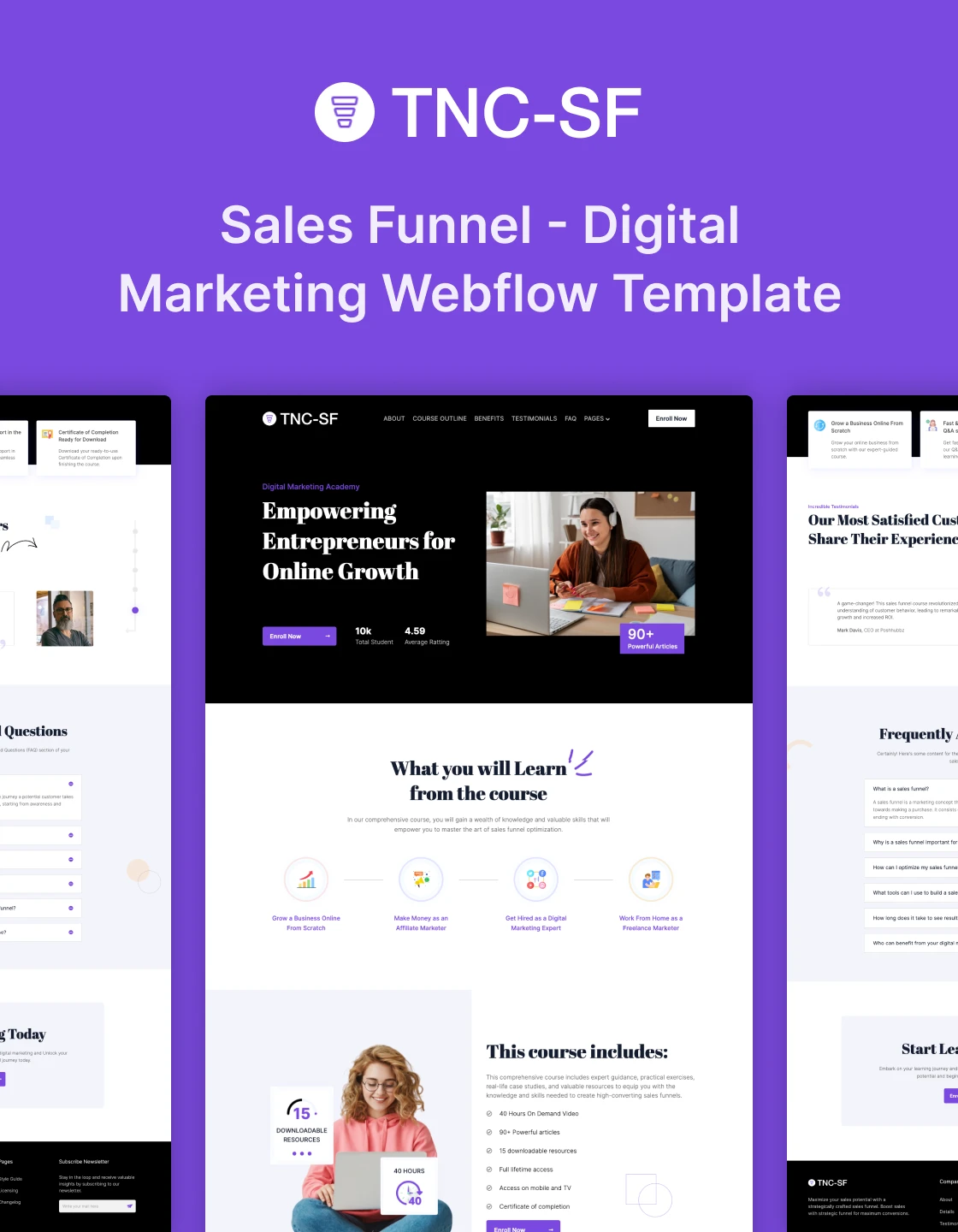
TNC Sales Funnel is built for one job: selling a single offer. It suits online courses, coaching programs and workshops, where the whole pitch needs to fit on one page and lead to one button.
The template is a single landing page with nine sections. It opens with the hero promise, moves through the course outline, testimonials and an FAQ, and ends on a closing call to action. That order follows how people actually decide: what is it, what is inside, who else liked it, what about my objection, and then the ask. If you are looking for a Webflow landing page template for a launch, this is the most direct option on the list.
The Webflow version costs $29 as a static template. It is also available for Figma at $15 and HTML at $11.
TNC Sales Funnel is available now.
2. SalesAi TNC

SalesAi TNC is a one page SaaS template for AI sales platforms, marketing automation tools and B2B software startups. It works well when your product is new and you need a credible site before you have much content.
The main page carries hero, features, pricing, testimonials and contact sections, so a visitor can go from first impression to enquiry without leaving it. Six supporting pages come with it for the things a one pager cannot hold on its own.
The Webflow version is $29 as a static template. Figma is $15 and HTML is $11.
SalesAi TNC is available now.
3. Aiwrite

Aiwrite is aimed at AI content tools, SaaS startups and software launches. It is a one page landing layout, so it fits products that can be explained in a single scroll.
Three parts do most of the work: a tool grid that shows what the product can do, a pricing block with a monthly and yearly toggle, and a testimonial slider. If your product has several small features instead of one big one, the grid makes that easy to scan.
Aiwrite costs $29 for the static Webflow version. It also ships for Figma at $15 and HTML at $11.
Aiwrite is available now.
4. HomeSalon TNC
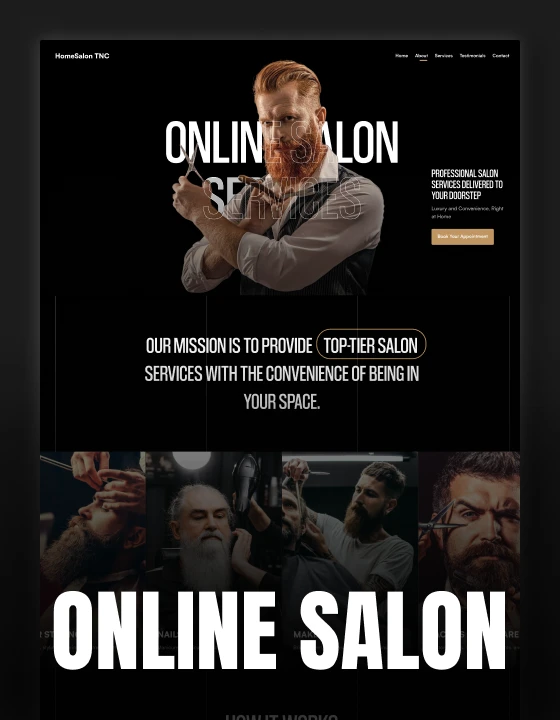
HomeSalon TNC is for hair salons, barbershops and mobile beauty services. A local service business rarely needs more than one page, and this template is built on that idea.
It is a dark, single page layout with services, a how it works section, testimonials and a book an appointment section. The flow is short and practical: what you offer, how booking works, proof from clients, then the booking prompt.
The static Webflow version is free to use. HomeSalon also exists for Framer, Figma and HTML, so you can pick the platform you already know. You can find more no cost options on the free templates page.
HomeSalon TNC is free to download.
5. Bookish TNC

Bookish TNC is a book website template for novelists, independent publishers and self published writers. A book launch is a natural fit for a single page: one product, one release date, one place to buy.
Instead of one layout, it includes four one page launch layouts, and one of them is a dark variant. That gives you room to match the page to the tone of the book without rebuilding anything.
The Webflow version is $29 as a static template, with Figma at $15 and HTML at $11.
Bookish TNC is available now.
6. TNC Dento

TNC Dento is a dental clinic template for dentists, orthodontists and family dental practices. Most patients want the same few answers: what you treat, where you are and how to book. A one page layout covers that without extra navigation.
Alongside the one page layout, the template is described with a CMS driven blog, which is useful if you plan to publish patient advice or clinic news later.
The lowest Webflow price is $29 for the static version. Dento also ships for Figma at $15 and HTML at $11.
TNC Dento is available now.
7. TNC Homeland

TNC Homeland is a one page Webflow real estate template. It suits a small agency or a single agent who wants listings and contact details on one screen flow.
The page includes rent and buy listings, an advanced property search and a contact popup, and the listing also mentions a CMS blog. A popup contact form is a good choice on a one pager because the visitor never loses their place in the listings.
Homeland costs $29 for the static Webflow version. Figma is $15 and HTML is $11.
TNC Homeland is available now.
8. CollabFlow TNC

CollabFlow TNC is for team collaboration apps, task management tools and early stage SaaS companies. Pick it if you like the one page format but know you will need more than one page soon.
It contains 11 pages built around a one page landing site. The landing page covers benefits, a how it works walkthrough, pricing, testimonials, integrations and an FAQ, and a full CMS blog sits behind it. You can launch with the landing page alone and grow into the rest.
The static Webflow version is $29 and the CMS version is $49. CollabFlow is also available for Figma at $15 and HTML at $18.
CollabFlow TNC is available now.
9. Moore
Moore is a clean one page template listed for agencies and creative consultancies. It is a good pick if you want a minimal Webflow template with very little decoration. It was listed at $24 when we checked, so check current pricing before you buy.
Moore is available from the Webflow marketplace.
10. Warren
Warren is a one page template with a professional tone, listed for law firms, consultancies and agencies. It comes from the same designer as Moore and was listed at $24 when we checked. Check current pricing on the listing.
Warren is available from the Webflow marketplace.
11. Asper
Asper is a one page template listed for small businesses, marketing agencies and portfolios. It was the highest priced outside pick at $49 when we checked. Check current pricing on the listing.
Asper is available from the Webflow marketplace.
How to choose a one page or minimal Webflow template
Start with the goal of the page, not the look. A one page site works when you have one audience and one action you want them to take. If you have several services with different buyers, a multi page site will serve you better.
- One offer, one button: choose a funnel or landing page layout such as TNC Sales Funnel. Every section should push toward the same call to action.
- Local service: choose a layout with services, proof and booking in that order, such as HomeSalon TNC or TNC Dento.
- Software product: look for features, pricing and testimonials on the main page, as in SalesAi TNC, Aiwrite or CollabFlow TNC.
- Static or CMS: a static template is cheaper and enough for a page that rarely changes. Pay for a CMS version only if you will publish posts or listings regularly.
- Minimal means less content, too: a clean design only looks clean with short copy and a few good images. Check that your real text fits the sections before you commit.
- Room to grow: if a blog or extra pages are likely within a year, pick a template that already includes them.
One practical note on licensing: a TNCFlow purchase covers one website. If you are building for several clients, buy one copy per site.
Want it built for you?
If you would like the page live without doing the setup yourself, the TNCFlow team can customise the template with your brand, copy and images, then launch it for you. Book a free call to talk it through.
Frequently asked questions
What is a Webflow one page template?
It is a template where the whole site sits on a single page. Navigation links scroll to sections such as services, pricing and contact instead of loading new pages.
Is a one page website bad for SEO?
Not on its own, but one page can only target a small set of topics well. If you need to rank for many different searches, choose a template with a blog or extra pages, such as CollabFlow TNC.
What is the difference between a one page template and a landing page template?
A one page template is a complete small website on one page. A landing page template is built around a single offer and a single call to action, often for ads or a launch, like TNC Sales Funnel.
Are there free one page Webflow templates?
Yes. HomeSalon TNC is free to use in its static Webflow version, and the Webflow marketplace also lists free templates.
Do I need a paid Webflow plan to use these templates?
Buying a template and paying for Webflow are separate. You will normally need a Webflow site plan to publish on your own domain, and a CMS plan if you use a CMS version. Check current Webflow pricing for details.
Can I turn a one page template into a multi page site later?
Yes. Webflow lets you add pages to any project, so you can start with one page and add more as your content grows.