

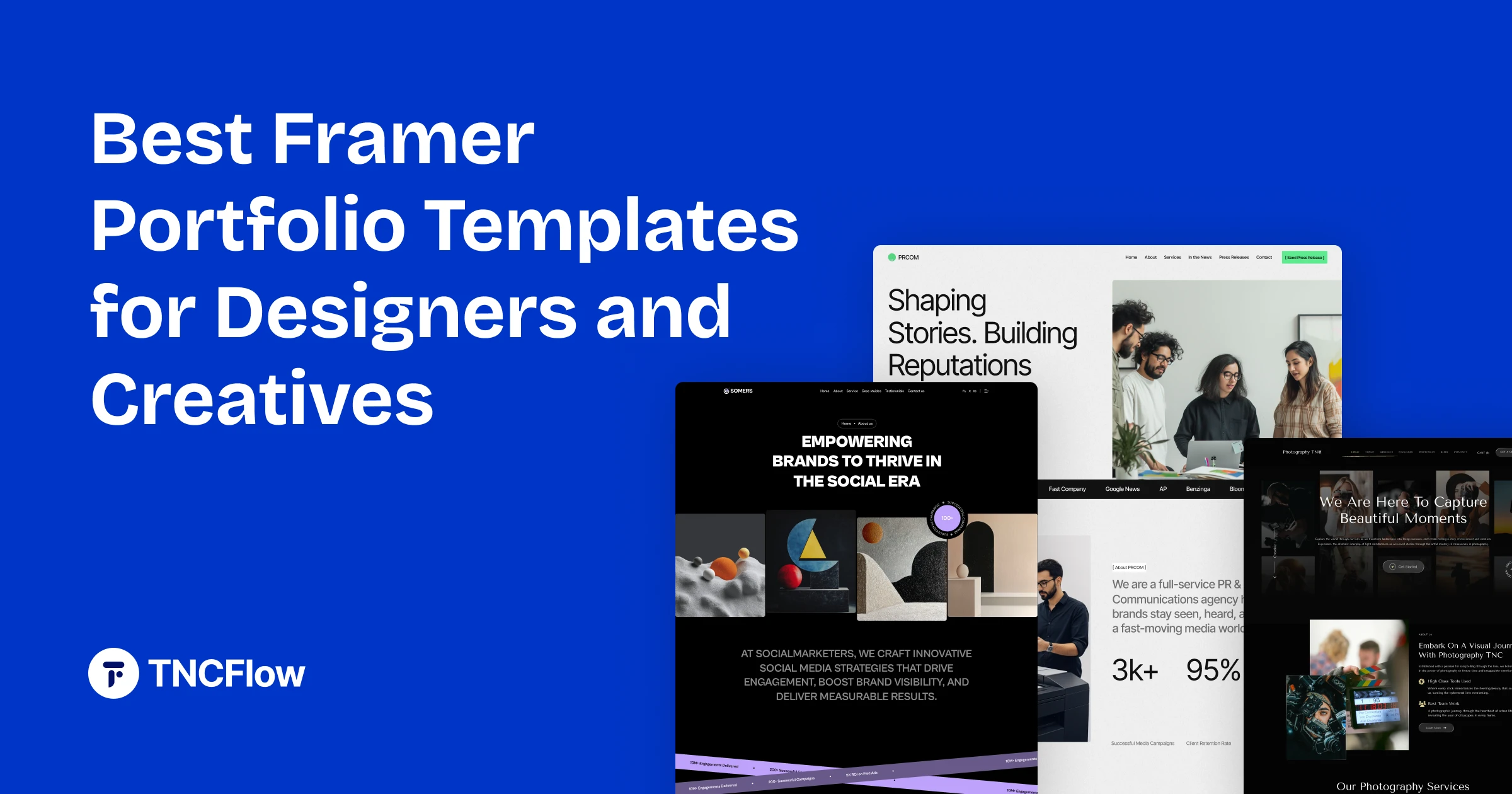
These Framer portfolio templates suit designers, photographers, studios and creators. Compare them below.
A portfolio is a strange kind of website. It has to show your work without getting in the way of it, load quickly enough that nobody leaves before the first image resolves, and be easy enough to update that you actually keep it current. Most portfolios fail on the third point.
Framer suits this well. You edit the site visually, publish from the same tool, and the hosting is handled for you. That removes the usual reason portfolios go stale. This collection covers the Framer templates built for showing creative work.
Working in Webflow instead? The same job is covered by our Webflow portfolio template collection.
Quick Picks
| Template | Best for | Framer price | Link |
|---|---|---|---|
| Animatory | Film and video studio websites | $49 | View template |
| Photographer TNC | Photography websites | $79 | View template |
| Brandfluencer | Influencer Agency websites | $129 | View template |
| PRCOM | PR and Communications Agency websites | $59 | View template |
| Somers | Agency websites | $59 | View template |
| Kern | Editorial portfolios | Free | Framer Marketplace |
| Tabfolio | UX and design portfolios | Free | Framer Marketplace |
| Vertical | Premium editorial portfolios | $129 | Framer Marketplace |
Why a Portfolio Template Makes Sense
Designers often want to build their portfolio from scratch, and it is usually the project that never ships. The work you would show is the work you are too busy doing. A template moves you from a blank canvas to a site that needs content rather than construction.
It also solves a subtler problem. Designing your own portfolio means making a hundred small decisions with no client to push back on any of them. A well-made template has already settled the grid, the type scale and the spacing rhythm, so your attention goes to selecting and sequencing the work.
What to Look For in a Framer Portfolio Template
Portfolios have specific requirements that a generic business template will not meet. Check for these before you buy:
- Project detail pages. A grid of thumbnails is not a portfolio. You need somewhere to explain the brief, the process and the outcome.
- Image handling that respects your work. Look at how the template treats large images, aspect ratios and galleries. This matters more than any other feature.
- A genuine About page. Most inquiries come after someone has read about you, not just looked at your work.
- Restraint. Heavy animation competes with the work it is meant to frame. Motion should guide the eye, not perform.
- Contact that works. A form or a clearly stated email, visible without hunting.
The Framer Portfolio Templates
Each of these is sold as a Framer build. Several are also available for Webflow, Figma and HTML if you would rather work elsewhere.
Animatory
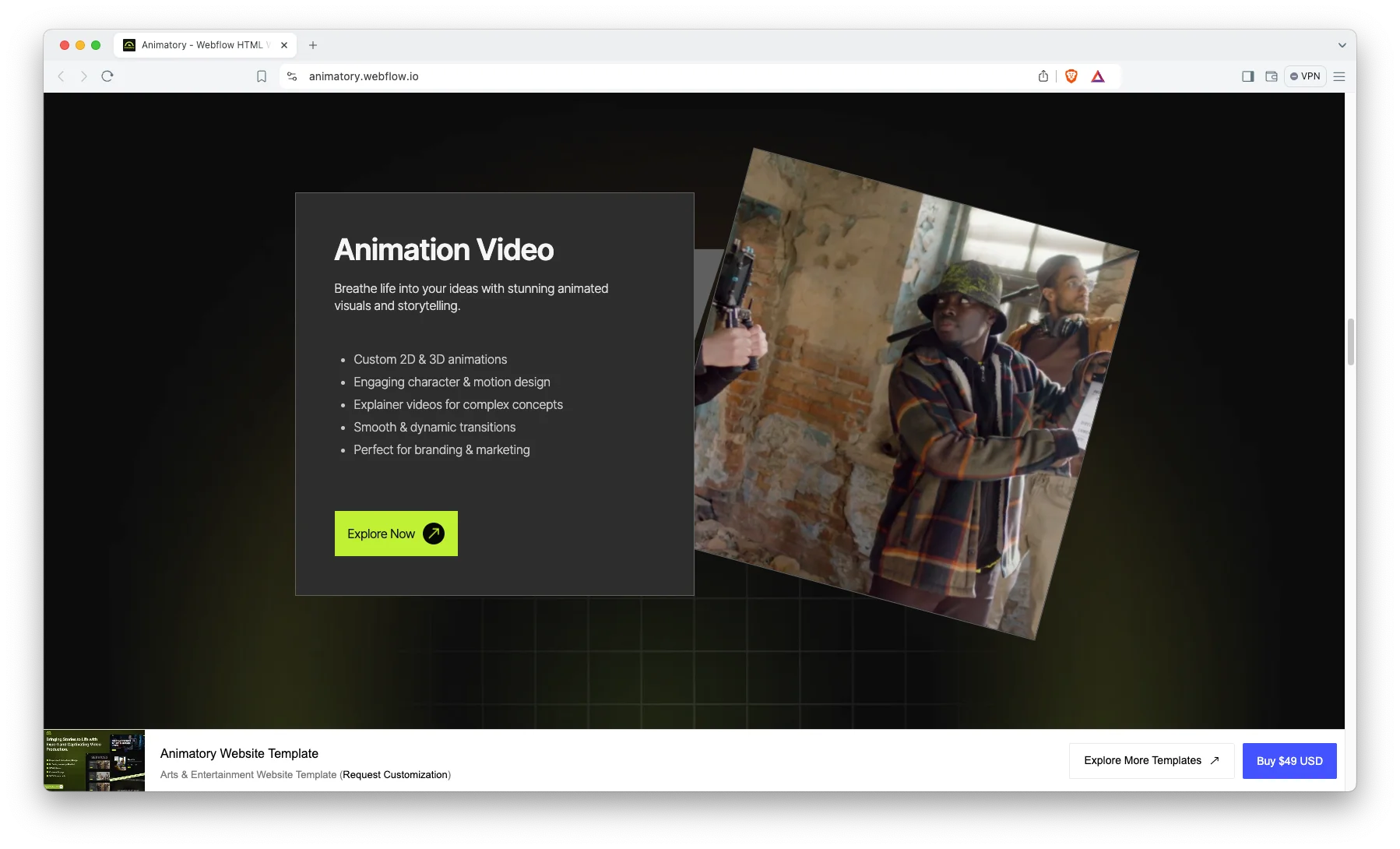
Animatory is built for motion designers and animation studios, where the work itself moves. The layout gives video and animated pieces room to play at a size where detail is visible, rather than shrinking them into a thumbnail grid.
It suits a studio with a small number of substantial projects more than a freelancer with many small ones. If your reel is the thing that wins work, this puts the reel first.
Animatory is available now.
Photographer TNC

Photographer TNC is a photography portfolio with the restraint that photography needs. Wide image presentation, minimal interface, and gallery structures that let a series read as a series rather than a pile of files.
It works for commercial, editorial and wedding photographers alike, since the structure is driven by galleries rather than by any one specialism.
Photographer TNC is available now.
Brandfluencer

Brandfluencer is designed for personal brands, creators and influencers, where the person is the product. It leads with identity and audience rather than with a project archive.
If your inquiries come from brands looking for a collaborator, this is closer to what they expect to see than a traditional case-study portfolio.
Brandfluencer is available now.
PRCOM
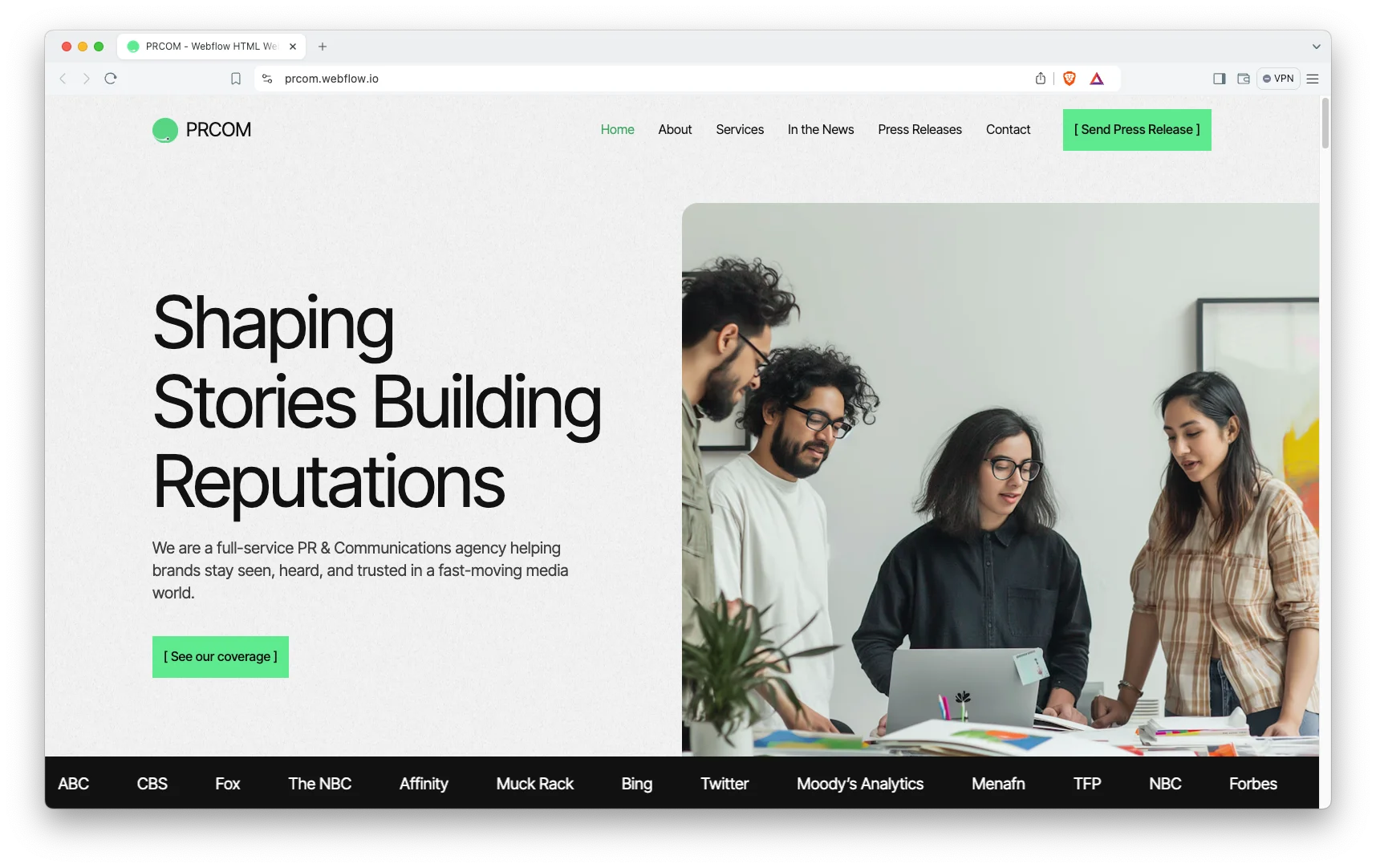
PRCOM is a communications and PR consultancy layout that doubles well as a portfolio for anyone whose work is campaigns and outcomes rather than visual artefacts. Results and clients sit prominently.
Useful for strategists, copywriters and consultants who need to show impact but have little to show visually.
PRCOM is available now.
Somers
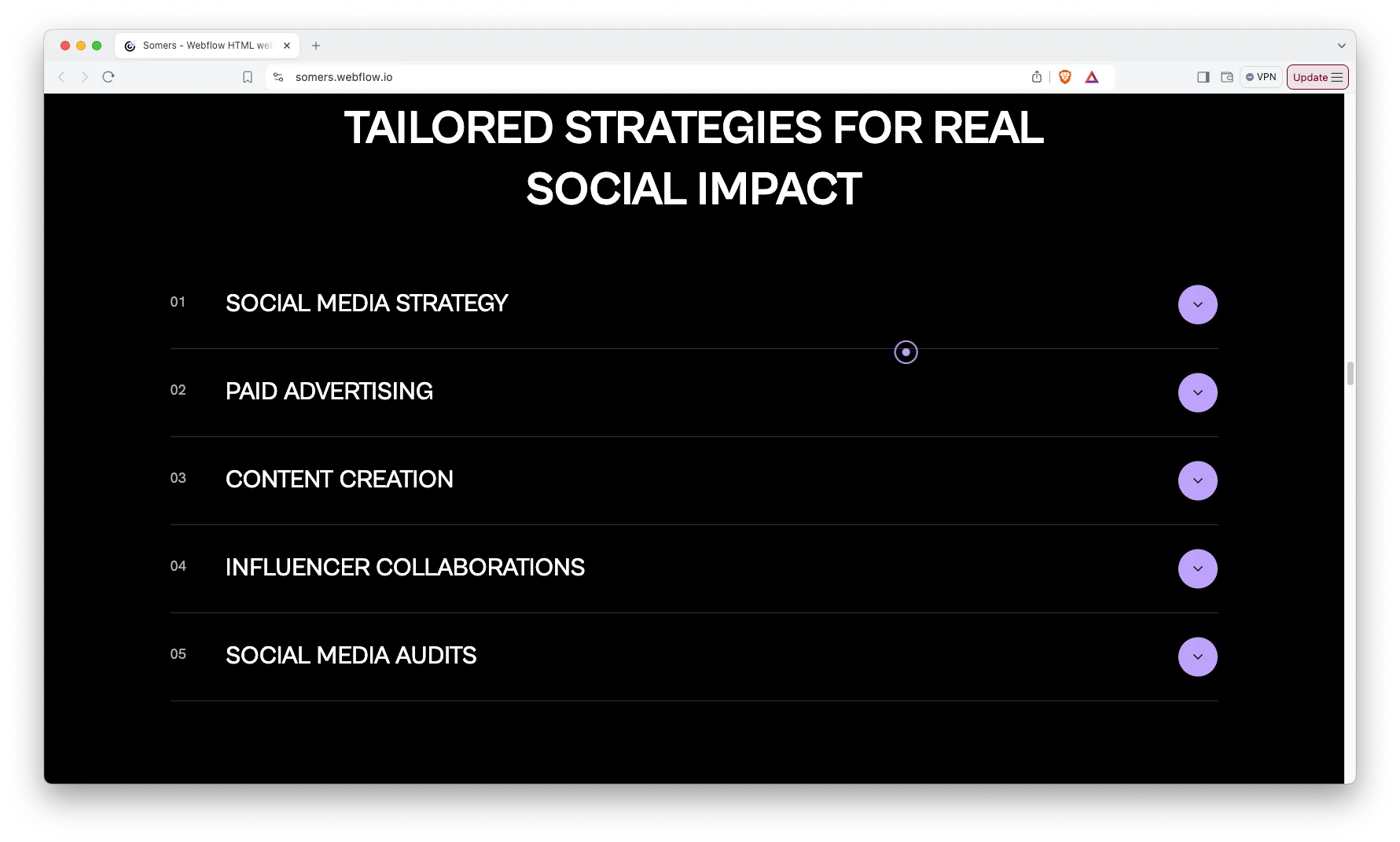
Somers is a clean, typographically confident layout that carries a mixed body of work without imposing a strong aesthetic of its own. It is the most neutral option here, which is often what you want when the work is varied.
A good default if your practice spans disciplines and you do not want the site to look like it belongs to only one of them.
Somers is available now.
Two Things Worth Knowing About Framer Portfolios
Framer is a hosting platform as well as a design tool. Your site lives on Framer’s infrastructure, which is convenient but does mean you are choosing a platform, not just a design. If owning your stack matters, the same designs are available for HTML and Webflow, and moving later means rebuilding rather than exporting.
Some of these designs read differently across platforms. Where a template exists in more than one format, the structure carries over but the interactions do not always match one for one. Preview the Framer build specifically before you buy, not the Webflow preview of the same name. If you are unsure which build you are looking at, ask us and we will point you at the right preview.
How to Choose the Right One
Start from the shape of your work rather than the look of the template. If you have five deep projects, you need case-study pages. If you have fifty images, you need galleries. Those are different templates, and no amount of customization turns one into the other cleanly.
Then be honest about how much editing you will do. If you expect to add work monthly, favor a layout where adding an item is genuinely one action. If you will update once a year, that matters far less and you can pick on aesthetics alone. Pricing for every format is on the pricing page.
Framer Portfolio Templates From Other Creators
These are not ours. They are popular options on the Framer Marketplace, included so you can compare before you decide. Prices are as listed at the time of writing.
Kern
Kern is free. A free editorial-style portfolio template.
Kern on the Framer Marketplace.
Tabfolio
Tabfolio is free. A free portfolio template for UX and product designers.
Tabfolio on the Framer Marketplace.
Vertical
Vertical costs $129. A premium editorial-style portfolio template.
Vertical on the Framer Marketplace.
Related Reading
More guides: Framer web design trends for 2026, Framer vs Webflow, Framer agency templates and Framer startup templates.
Frequently Asked Questions
Can I use a Framer template without knowing how to code?
Yes. Framer is a visual editor, so you replace images and text directly on the canvas and publish from the same place. No code is required for normal content edits. Deeper structural changes still benefit from some familiarity with the tool.
Do these templates work on mobile?
Yes. Each one is responsive, and Framer lets you check and adjust each breakpoint before publishing. It is still worth reviewing your own images on a phone, since portfolio work is image-heavy and crops can behave differently than you expect.
Can I connect my own domain?
Yes. Framer supports custom domains on its paid plans. The template does not affect this either way, since domains are handled at the Framer account level rather than in the design.
Is the Figma file included?
No. Where a matching Figma file exists it is sold separately, so you can buy just the format you need. The Figma versions are listed on the Figma templates page.
What if I want changes I cannot make myself?
We offer a Framer customization service for exactly that. It covers structural changes, new sections and integrations that go beyond swapping content. You can read about the service or request a quote with your specific requirements.
Will a template hurt my chances of standing out?
Less than you would think, because what makes a portfolio distinctive is the work and the writing, not the grid. That said, if your positioning depends on a visually singular site, a template is the wrong starting point and a custom build is the honest answer.
Start Building
Browse the full Framer template collection to see everything available, or look at the complete catalog if you have not settled on a platform yet.
If you would rather not build it yourself, our Framer development and customization service takes a template and adapts it to your work. Book a free consultation to talk it through.