

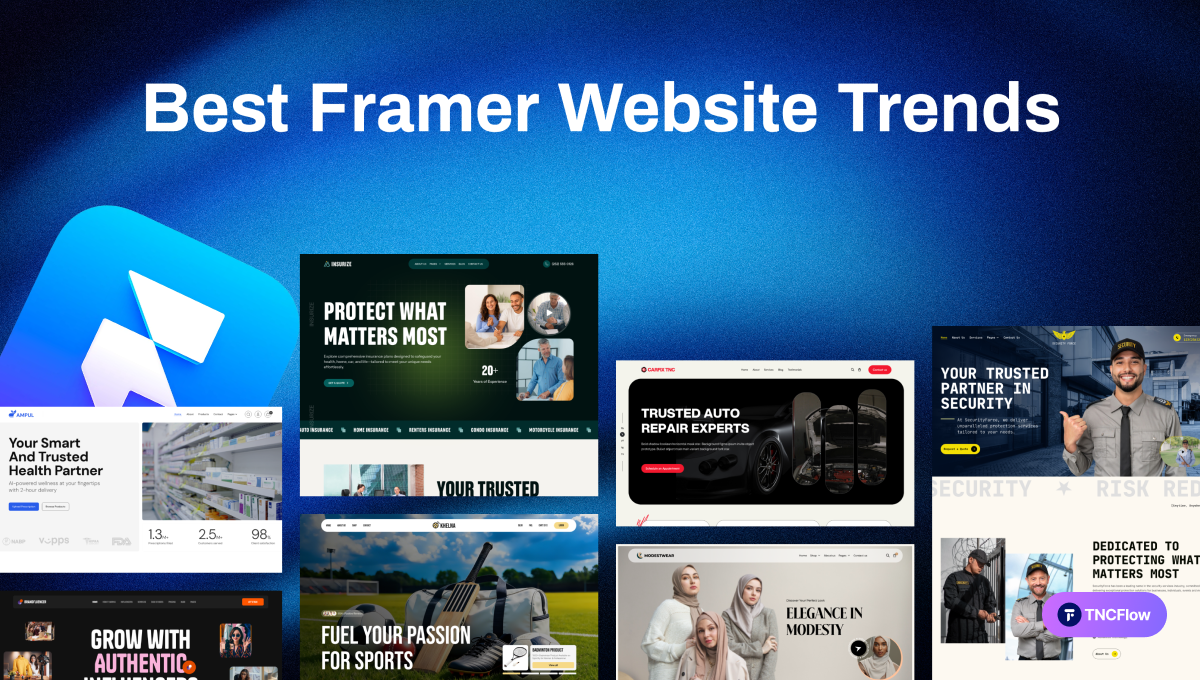
Scroll through any top-performing business website today, and you will feel something different. It moves, breathes, pulls you in. Every interaction reflects intentional design built on the right trends. That is the quiet magic defining Framer websites in 2026. Entrepreneurs and agencies around the world are using Framer to build websites that do more than just look beautiful. Every website is designed to deliver fast performance, smooth animations, smart layouts, and real business results.
Framer helps them create super-fast, modern, and interactive pages. But you need to know which Framer website trends actually work this year. This guide breaks down the trends that matter, how to pick the right ones for your brand, and the mistakes that quietly hurt your conversions. Let’s explore how to choose the right trend for your business to build an engaging Framer website.
Why Framer is Leading Modern Website Design in 2026
A few years ago, business owners had to hire a developer and pay a lot. Framer changed that by combining the creative freedom of a design tool with the performance of a modern website builder. It helps founders move elements, add animations, and connect CMS easily. Here is why Framer keeps growing in popularity among businessmen and entrepreneurs.
Speed without sacrifice: Framer sites tend to load fast because the platform is built with modern web standards. A fast site keeps visitors on the page instead of losing them to a slow load time.
Built-in animation tools: You do not need a separate plugin to add smooth transitions or hover effects. This is one reason Framer website trends often center around motion and interactivity.
Real-time editing: Marketing teams can update text, images, or entire sections directly on the live page. No developer required for small changes.
AI-assisted design: Framer now includes AI tools that help generate layouts, write copy, and suggest design improvements. This saves hours of manual work.
Best Framer Website Trends in 2026
Now let us look at the actual Framer website trends on the best sites this year. Each trend below includes what it means, why it works, and a real-world example to know better.
Scroll-Based Storytelling
What it is: Pages built like a short journey, where images, text, and layout shift gradually as the visitor scrolls down.
Why it works: Keeps visitors engaged for longer periods of time. Controls the order in which information is revealed. Builds emotional connection before asking for a sale. Longer time on page can support better search rankings.
Real example: A wellness brand reveals its founder’s story piece by piece as visitors scroll, ending with a natural transition into the product lineup, instead of listing products right away.
Bold Minimalism With Confident Typography
What it is: Clean pages with lots of white space, paired with large, strong headlines that carry most of the visual weight.
Why it works: Messages become instantly clear. The eye knows exactly where to land first. Fewer elements mean faster load times, and layouts adapt to mobile screens more easily.
Real example: A financial coaching business trims its homepage down to one strong headline, a short line explaining the offer, and a single button. Visitors do not scroll past confusion, they scroll past confidence.
Motion-Based Navigation
What it is: A navigation style that uses smooth animations and transitions to guide visitors from one section or page to another instead of using sudden changes.
Why it works: Creates a smooth browsing experience and helps visitors stay focused. Makes it easier to follow the content, improves user engagement, and gives the website a modern, premium feel.
Real example: A software company website smoothly slides to the next section when a visitor clicks a menu item. As each section appears with subtle animations, visitors can easily follow the content without feeling lost.
AI-Driven Personalization
What it is: Website content that shifts based on who is visiting, such as their location, device, or past behavior on the site.
Why it works: Visitors feel the message is speaking directly to them. Repeat visitors see relevant content instead of the same intro. Conversion rates tend to rise when messaging feels tailored. Positions the brand as modern and forward-thinking
Real example: A digital marketing agency shows a different opening message to visitors based on where they came from. This helps match the content to their interests and creates a more personal experience.
Reusable, Component-Based Design
What it is: Building buttons, cards, and sections once as components, then reusing them across every page of the site.
Why it works: Keeps the whole site visually consistent. Makes future edits fast, since one change updates everywhere. Reduces design errors between different pages, helps new team members work within the same system
Real example: A real estate agency updates its listing card design once. Every property page across the entire site reflects the new look within seconds, with no manual editing required.
Mobile First Thinking
What it is: Designing the phone version of a page before the desktop version, rather than adapting a desktop layout for smaller screens later.
Why it works: Most website visits now happen on phones. Prevents broken layouts and hidden buttons on small screens. Forces cleaner, more focused design decisions, improves loading speed on mobile networks
Real example: A local bakery redesigns its ordering page mobile first, placing the order button within thumb’s reach. Online orders placed from phones increase noticeably within weeks.
Authentic, Human-Centered Visuals
What it is: Using real photos, honest copy, and small imperfect details instead of generic AI-style visuals that many sites now share.
Why it works: Helps a brand feel trustworthy and real. Stands out as more AI-generated sites look alike. Builds a stronger emotional connection with visitors, supports long-term brand identity, not just a passing look.
Real example: A boutique law firm swaps stock-style graphics for real photos of its actual team and office. Visitors comment that the site feels more personal and easier to trust.
Performance and Accessibility Built In
What it is: Treating fast loading speed and easy access for all users as a core part of the design, not an extra step at the end.
Why it works: Slow websites lose visitors within seconds. Search engines favor fast, well-structured sites, accessible design reaches a wider range of visitors. It builds trust through a smooth, frustration-free experience.
Real example: A software company compresses its images and removes unused animations, cutting its load time nearly in half. Visitors stay longer, and search visibility improves within a few months.
Following these latest Framer website trends does not mean copying every single one. It means picking the combination that fits your brand and your audience best, which brings us to the next part.
Framer Templates Already Built on These Trends
Reading about trends is one thing, and building them yourself is another. Every template below is available as a Framer file with the motion, component structure and mobile first layout already in place, so you are editing rather than starting over.
- MNC – a corporate template that leans on bold minimalism and confident typography. $59.
- Solarium – solar and renewable energy, built around scroll based storytelling. $59.
- Multilingo – an education and language school template with CMS driven courses. $59.
- SecurityForce – security services, where clarity matters more than motion. $49.
- Neighborly – a charity template using human centered visuals throughout. $49.
- Auto RepairX TNC – auto repair, with booking placed within thumb reach on mobile. $79.
- Pawdopt – pet adoption, built on reusable listing components. $59.
- HomeSalon TNC – a salon and barbershop template at the entry price point. $29.
That is eight of more than forty Framer templates. Browse the full range of website templates by TNCFlow to find one that fits your industry.
How to Choose the Right Trend for Your Framer Website
Not every trend fits every business. A children’s toy brand and a law firm should not look the same, even if both are built on Framer.
Here is a simple way to choose what fits your business.
Know your audience first: Ask yourself who is actually visiting your site. Busy executives want speed and clarity. Younger, creative audiences may enjoy more motion and storytelling. Match the trend to the person you are trying to reach.
Match the trend to your goal: If your main goal is to get people to book a call, focus on clear CTAs, bold minimalism, and fast loading speed. If your goal is brand awareness, immersive storytelling and motion design may work better.
Test before you commit fully: You do not need to redesign your entire site overnight. Try one new section, watch how visitors respond, then expand from there.
Keep your brand voice consistent: A trend should support your brand, not replace it. If your brand is serious and professional, avoid overly playful animations even if they are popular.
Think about long-term maintenance: Some trends, like heavy video backgrounds, look great at launch but slow down your site later or become hard to update. Choose trends your team can actually maintain.
Use the right solution: Start with a solution that fits your needs. Choose a premium Framer template for a faster launch, or choose a custom Framer design service to create a website tailored to your brand and business goals.
A simple rule to remember: pick trends that solve a real problem for your visitor, not trends that only look good in a screenshot.
Common Mistakes to Avoid When Following Framer Design Trends
Even good Framer website trends can hurt your site if used the wrong way. Here are mistakes we see often among business owners trying to modernize their sites.
Overloading the page with animation: Too much motion tires the eyes and slows the page. If everything is moving, nothing feels important.
Copying a trend without a clear purpose: Adding a trend just because a competitor has it rarely works. Always ask what problem the trend solves for your visitor.
Ignoring mobile users: A beautiful desktop layout that breaks on phones will quietly push away most of your traffic.
Skipping performance checks: Rich visuals and animations can slow load times if not optimized. A slow site loses visitors before they even see your message.
Forgetting the call to action: With all the focus on design, some businesses forget the basic goal of the page, which is to guide visitors toward taking an action like signing up or making a purchase.
Using AI-generated content without a human check: AI tools speed up design and writing, but unedited AI content can feel generic or even inaccurate. Always review before publishing.
Avoiding these mistakes matters just as much as following the right Framer website trends in the first place.
Future of Framer Website Design
As more businesses move online, having a website is essential now. Framer is changing the way businesses build websites, making it simple but the most effective way. This gives designers and business owners the power to create fast, beautiful, and fully interactive websites. Framer is quickly becoming the top choice for modern web design, with its smooth animations, responsive layouts, and built-in SEO tools.
Its visual-first approach helps you design exactly what you imagine and publish it instantly. No matter if you are a startup or an established brand, Framer gives you the tools to build a website that looks great, performs fast, and grows with your business.
Final Thoughts
First impressions matter more than ever. In 2026, the most successful websites are driven by intentional motion, refined minimalism, personalized experiences, and a mobile-first strategy. The best Framer website trends are not just about making websites look impressive. These also help make websites faster, easier to use, and more effective.
You do not need to choose every new trend. Pick the ones that match your audience, support your business goals, and stay easy to maintain. These focus on delivering faster performance, better user experiences, stronger brand identity, and higher conversions. Choose trends that align with your business goals instead of following every new design style. This will help you build a modern website that attracts visitors and supports long-term growth. If you want to learn more about web design trends, read the TNCFlow blog.
Related Reading
More guides: Framer vs Webflow, Framer agency templates, Framer startup templates and Framer landing page templates.
Frequently Asked Questions
Is Framer good for small businesses and startups?
Yes. Framer is popular among small businesses because it helps owners build and update a professional site without hiring a full-time developer.
How many design trends should I use on one website?
There is no fixed number. Focus on trends that match your brand and goals instead of trying to include every trend at once.
Where can I find good quality Framer templates?
Browse the TNCFlow template catalog, which carries more than forty Framer templates across industries. Each one is also available as a Webflow, Figma or HTML version, so you are not locked into one platform.
How much does a Framer template cost?
TNCFlow Framer templates run from $29 to $99 as a one time purchase. If you need several, the Framer Pro bundle covers the whole library for $99 a year.
Will heavy animations slow down my website?
They can if not optimized properly. Use motion carefully and always test your site speed after adding new animations.
Is Framer good for SEO?
Yes, Framer supports basic SEO features like clean code structure and fast loading speed, which both help with search engine rankings.
Can I switch a Framer template to Webflow later?
Not directly, since the two platforms are not interchangeable. However, most TNCFlow templates ship in both formats, so you can buy the version for the platform you decide to build on.
How often should I update my website design?
Review your site design at least once a year, or whenever you notice a drop in engagement or conversions.