

PRO

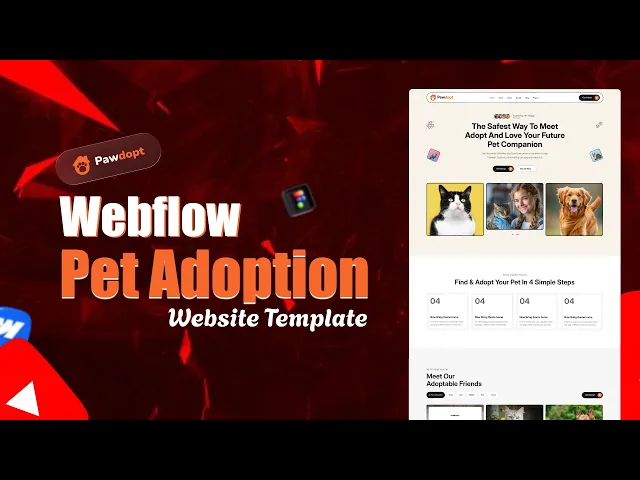
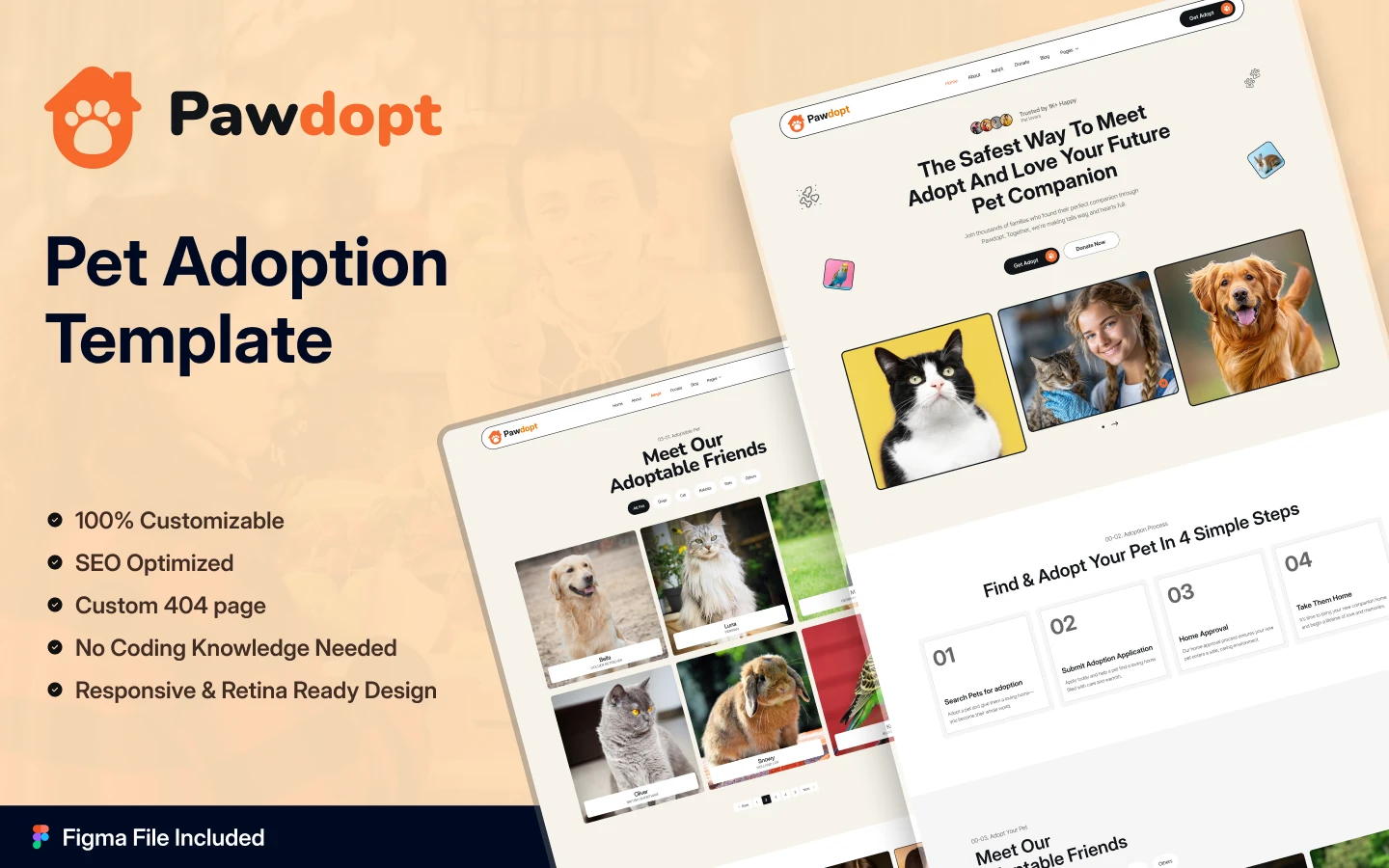
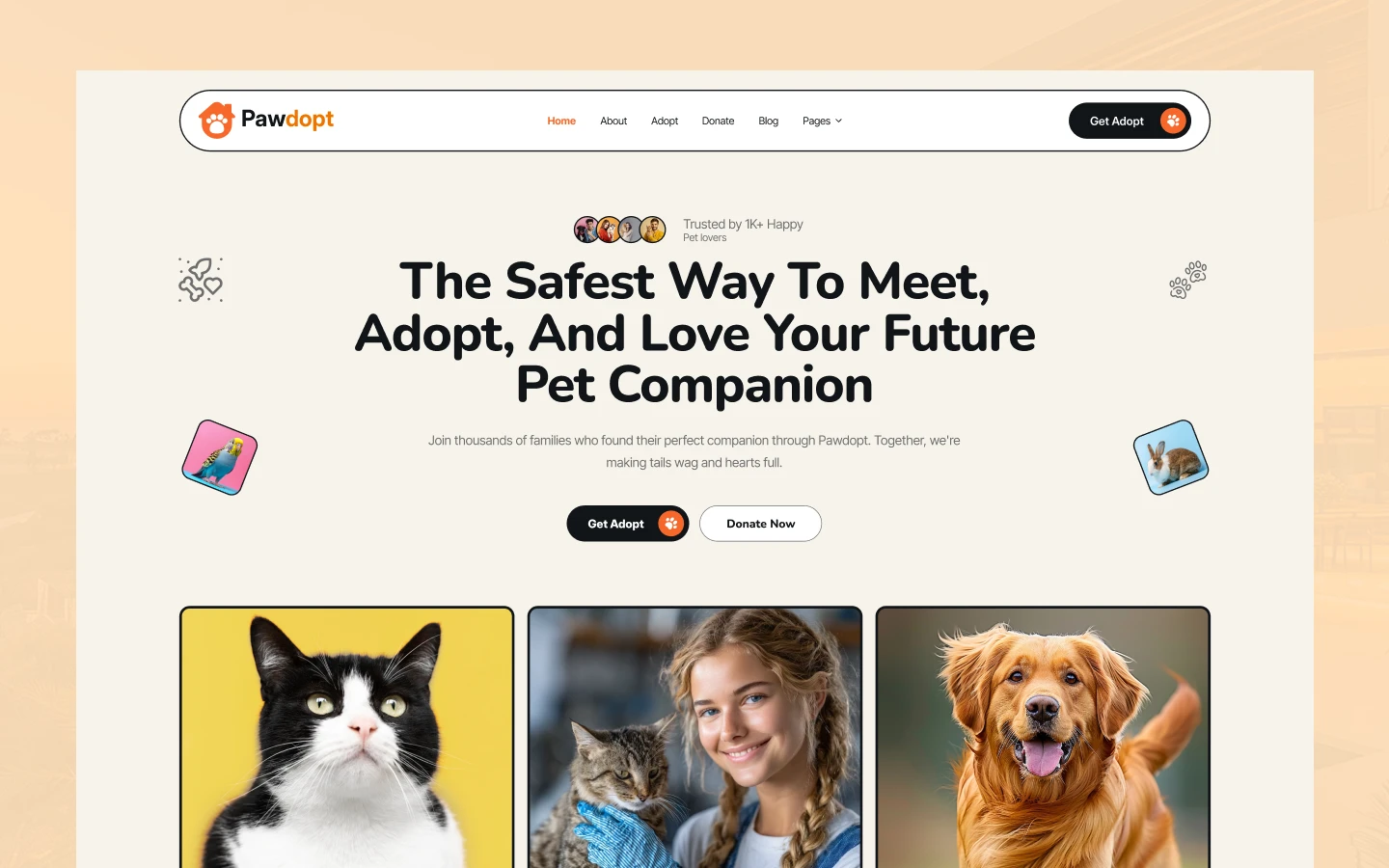
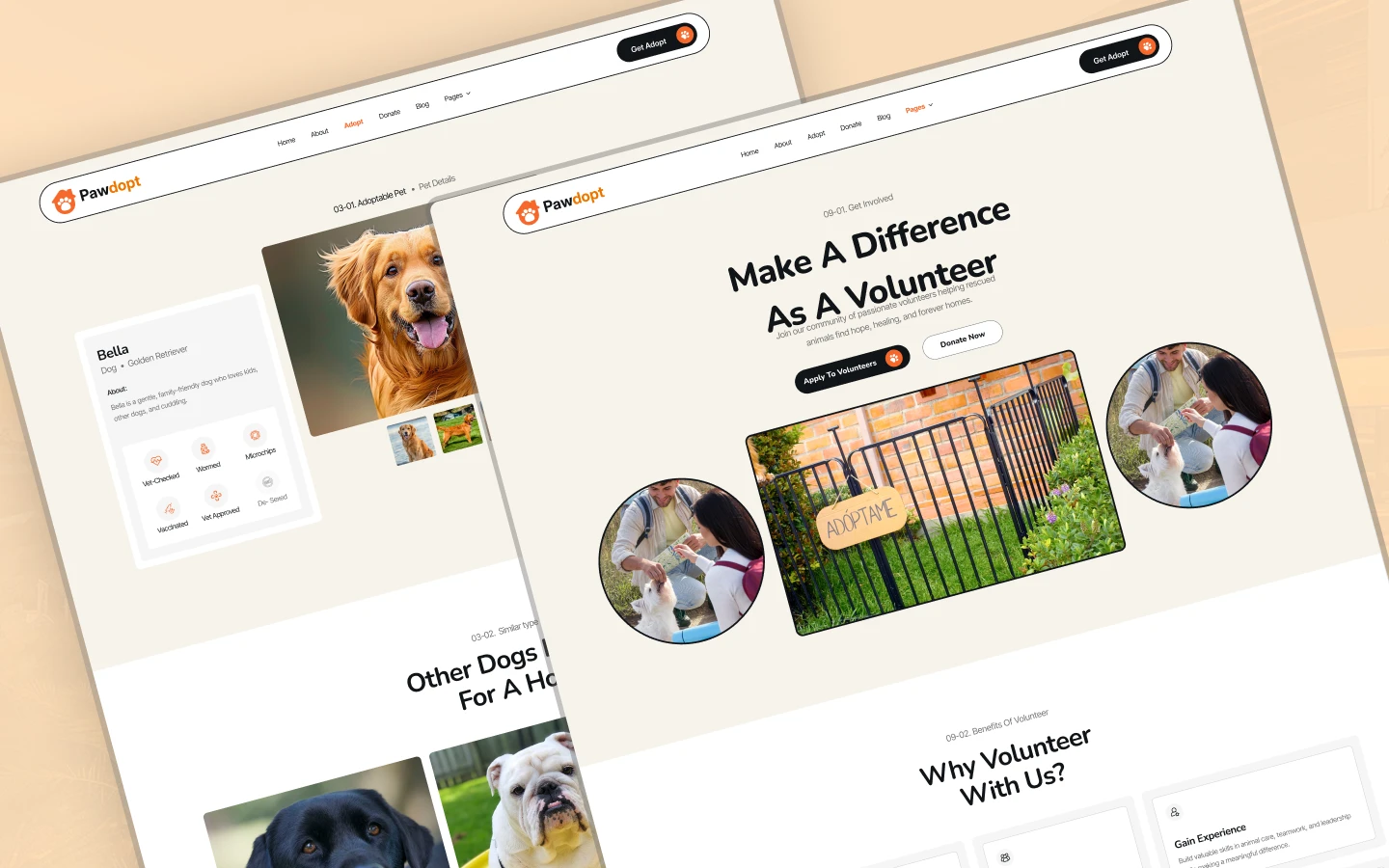
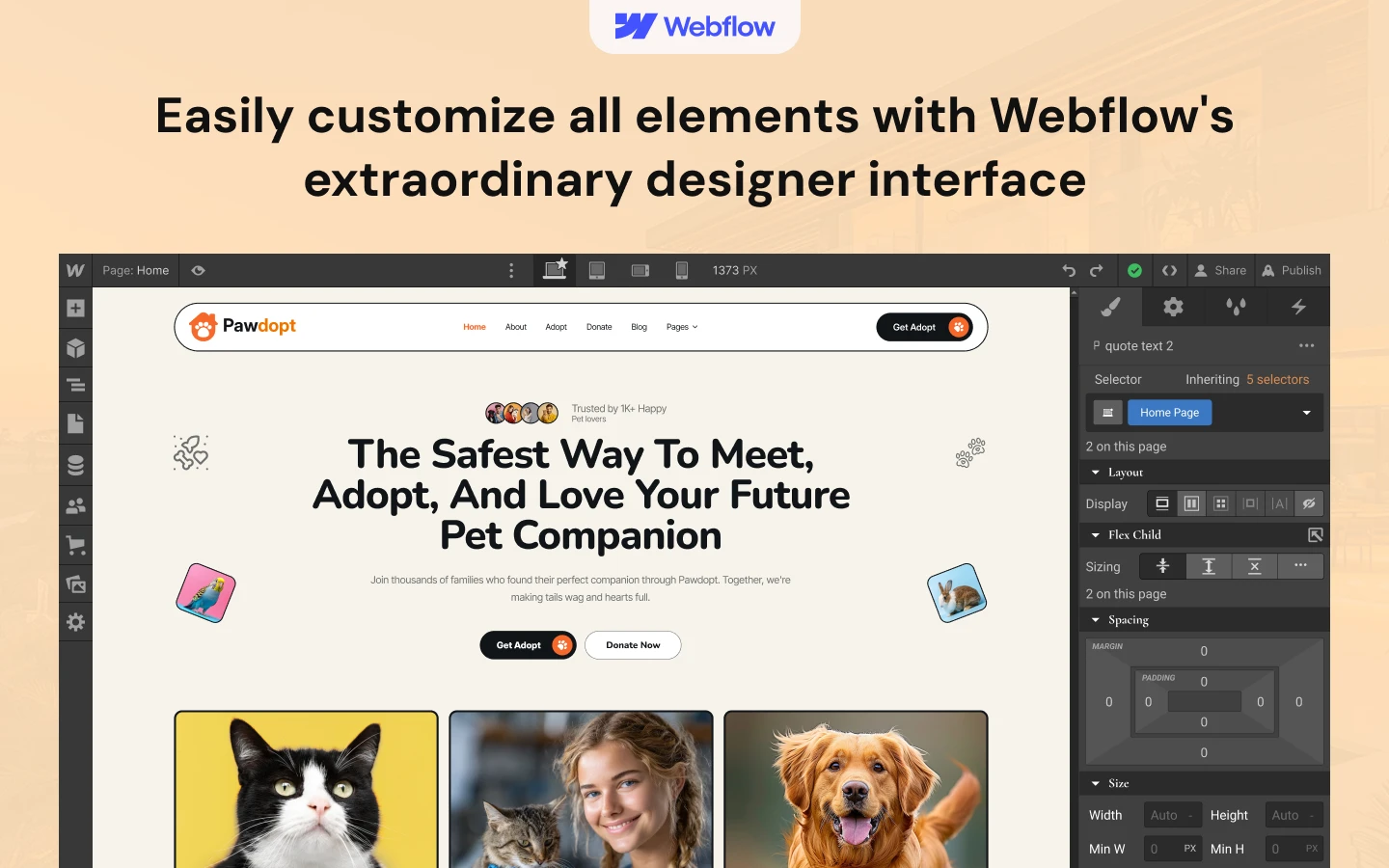
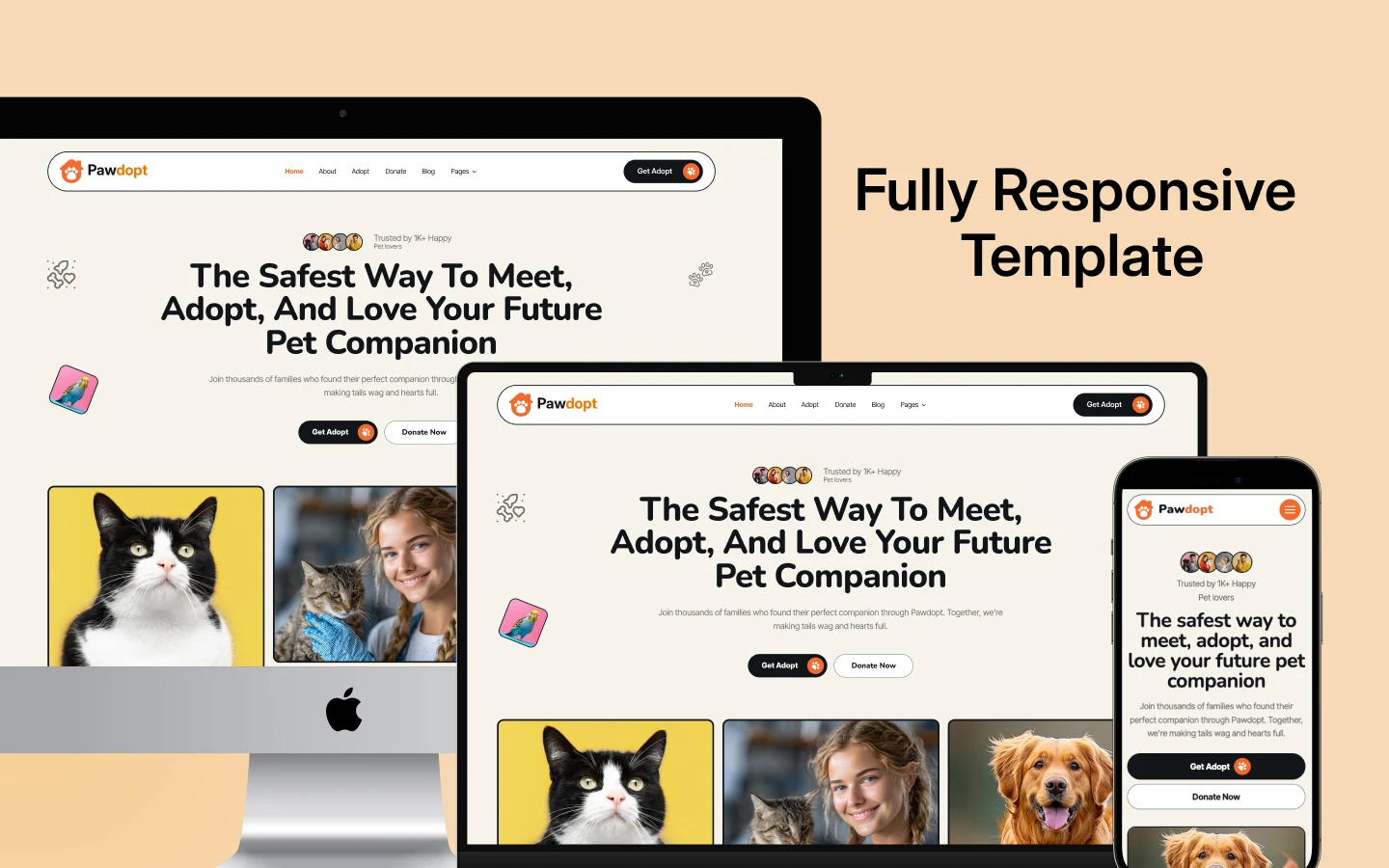
Pawdopt is a pet adoption website template for animal shelters, rescue groups and pet care businesses. It ships for Webflow, Framer, Figma and HTML.
Rescues do not fail because the pets are unlovable. They fail because the website buries them. So Pawdopt puts the animals first. Every adoptable pet gets a real profile page, and every page pushes toward one of three actions.
Those actions are adopt, donate and volunteer. Because each has its own page and its own form, a visitor never has to hunt. Then the CMS keeps the whole thing current without a designer.
Each section has one job. The homepage builds trust. The pet grid drives browsing. The success stories prove it works. Finally the donate page funds the next rescue.
Explore the live preview now!
Pawdopt at a Glance
| Formats | Webflow, Framer, Figma, HTML |
| Best for | Animal shelters, rescue groups, adoption agencies, vet clinics, groomers |
| CMS | Adoptable pets, success stories, events and blog posts |
| Pages | 16 designed pages plus pet profile and blog CMS templates |
| Key sections | Adopt, donate and volunteer, each with its own page and form |
| Responsive | Desktop, tablet and mobile |
| Support | Included with every TNCFlow purchase |
Key Features of Pawdopt
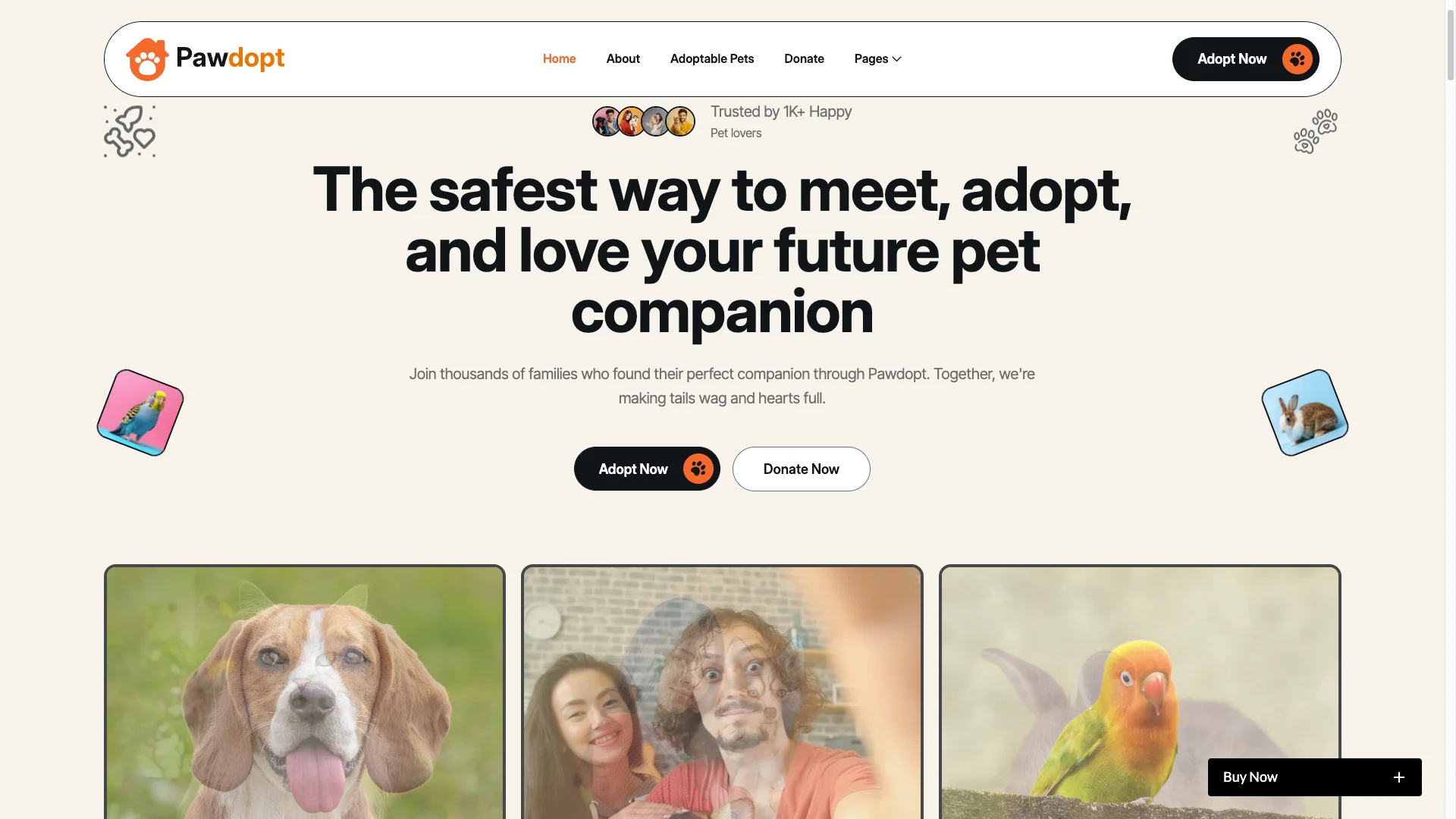
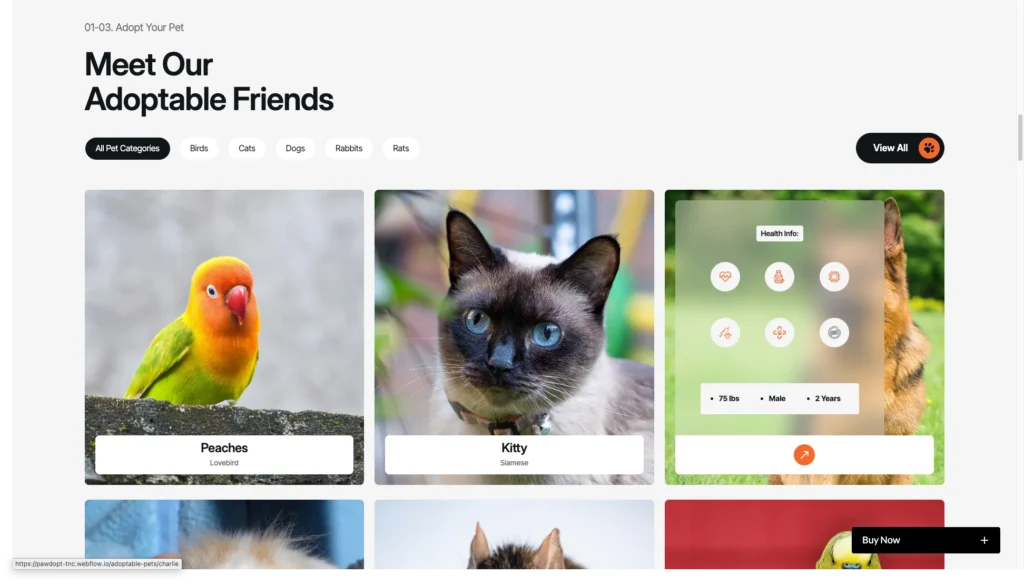
Pet Adoption Homepage. The homepage leads with adoptable animals, not with a mission statement. It then layers in impact stats, adopter stories, an FAQ block and a signup prompt.
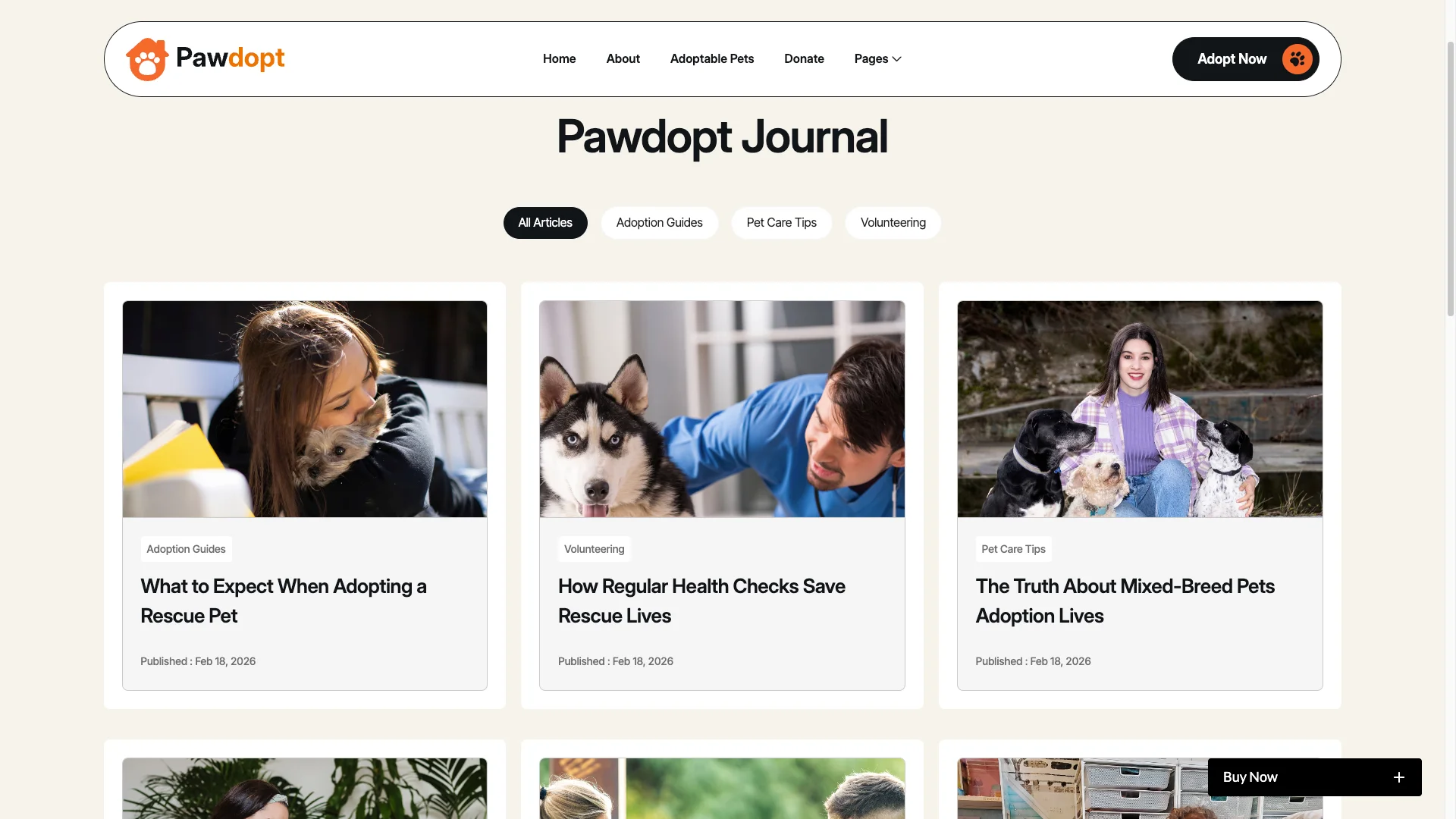
CMS Collections. Pets, success stories, events and blog posts all run on CMS collections. So you filter by breed, age, size or temperament, and you add a new animal in a form.
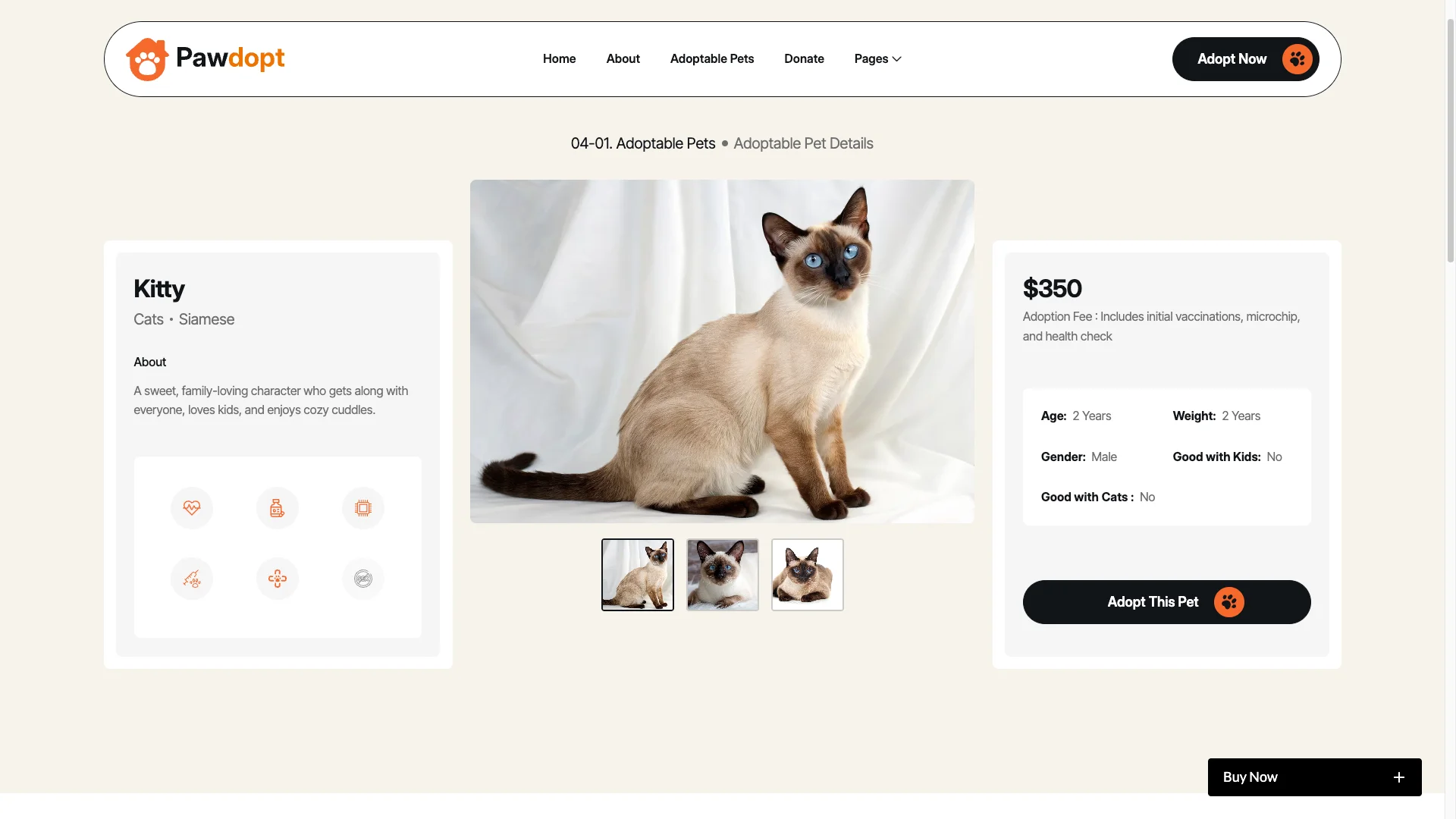
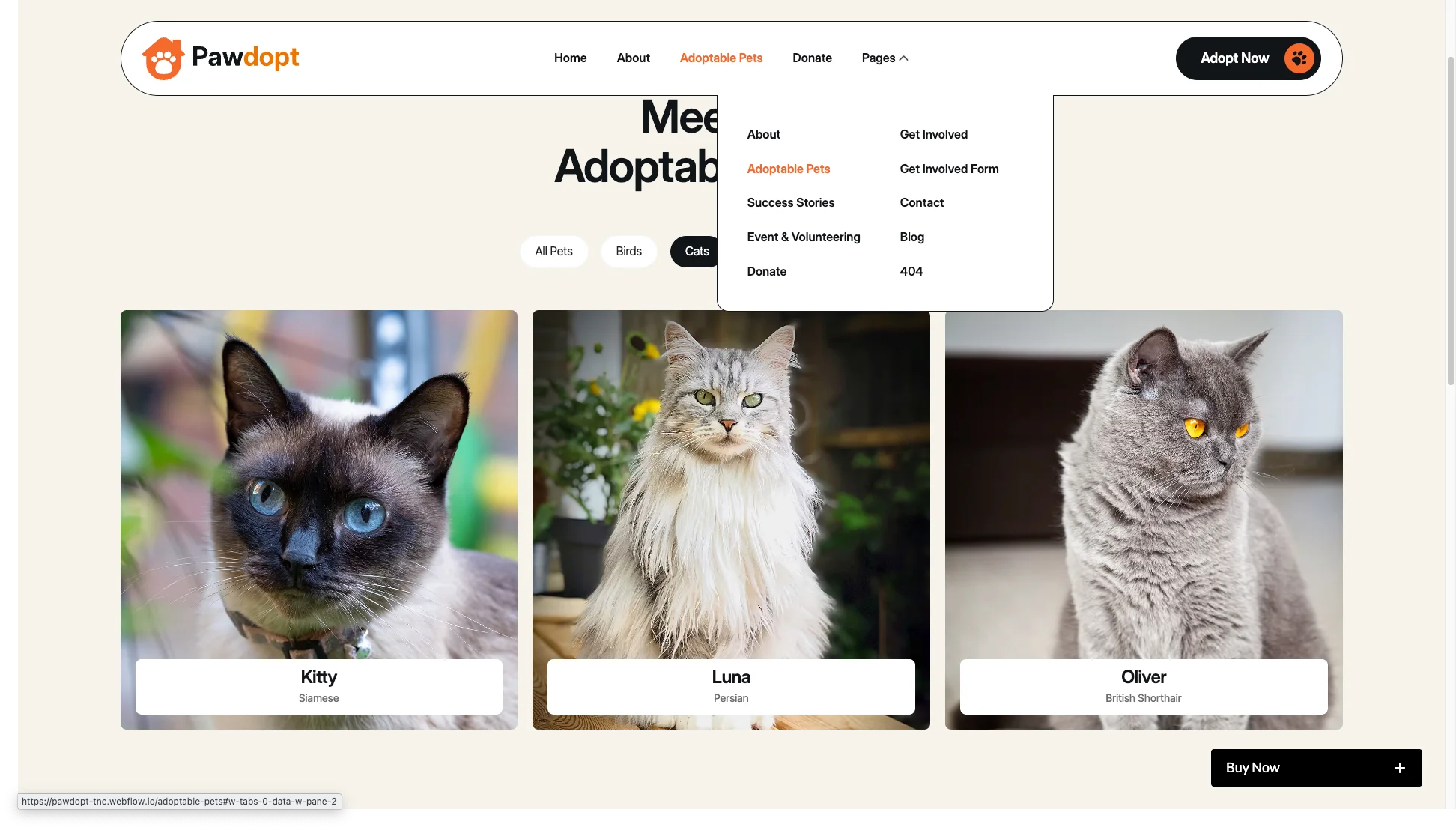
Interactive Pet Profile Pages. Each pet gets a dedicated page. It carries photos, background details, adoption steps and a contact route back to the shelter.
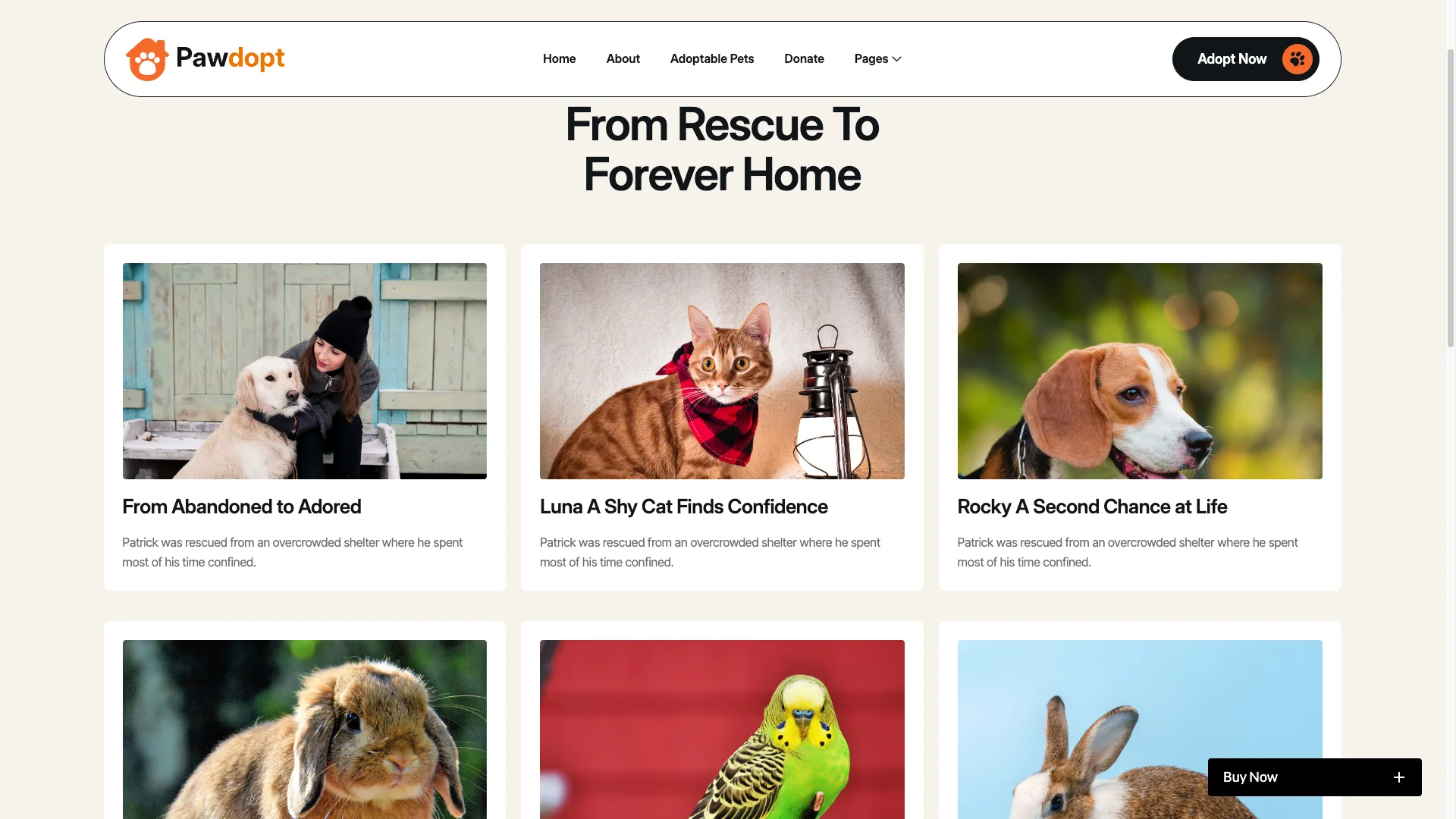
Testimonials and Impact Proof. Adopter stories appear in more than one format. There are written interviews, photo montages and animated counters.
Interactive Adoption Process. A step by step flow walks an applicant from interest to inquiry. Because the path is explicit, fewer people drop out halfway.
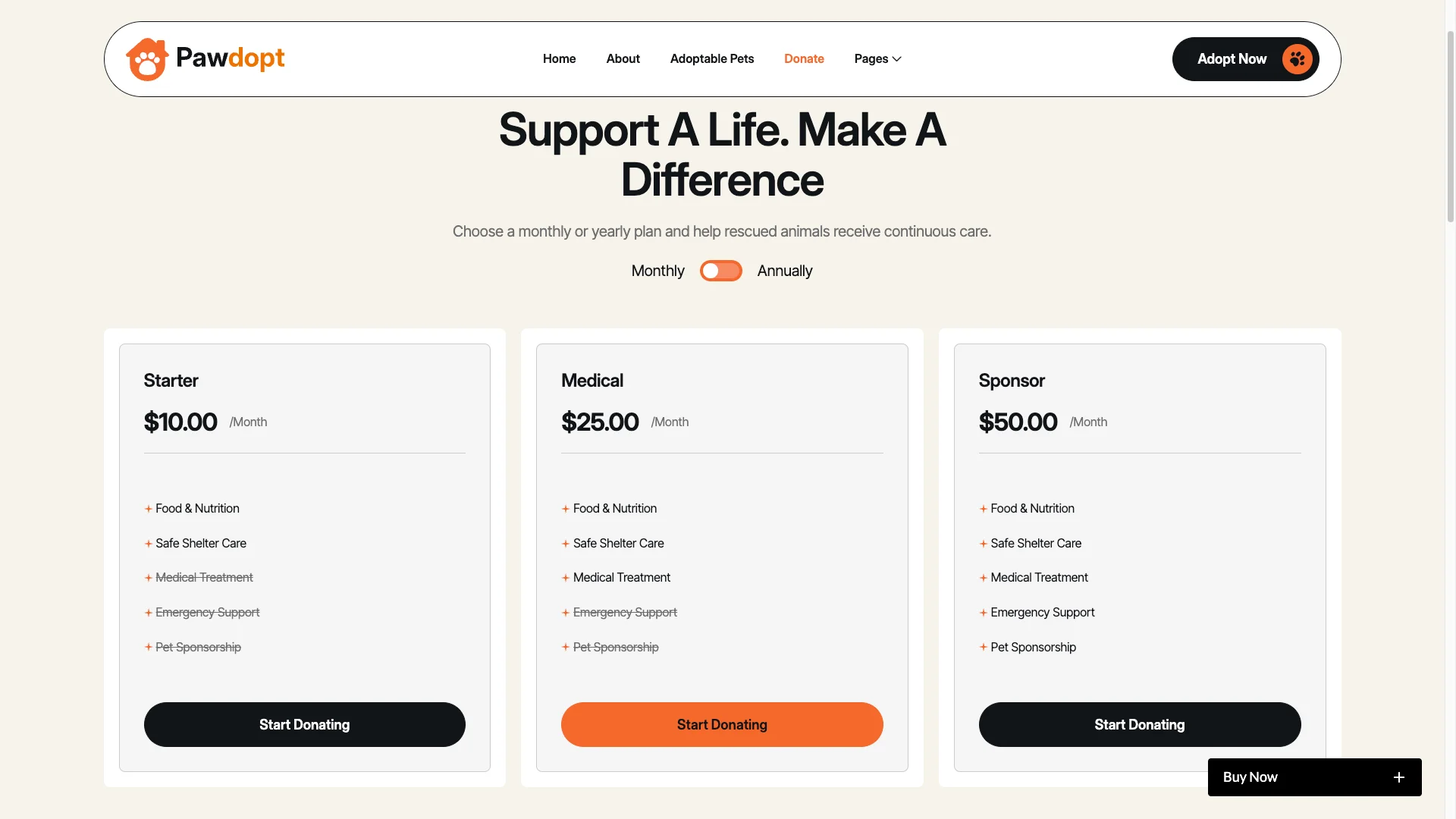
Donation Features. The donate page carries campaign progress, one time giving and recurring giving. So supporters can back a specific animal or the shelter as a whole.
Volunteer and Foster Hub. The Get Involved page and its form match people to needs. It covers volunteer shifts, foster interest and skills.
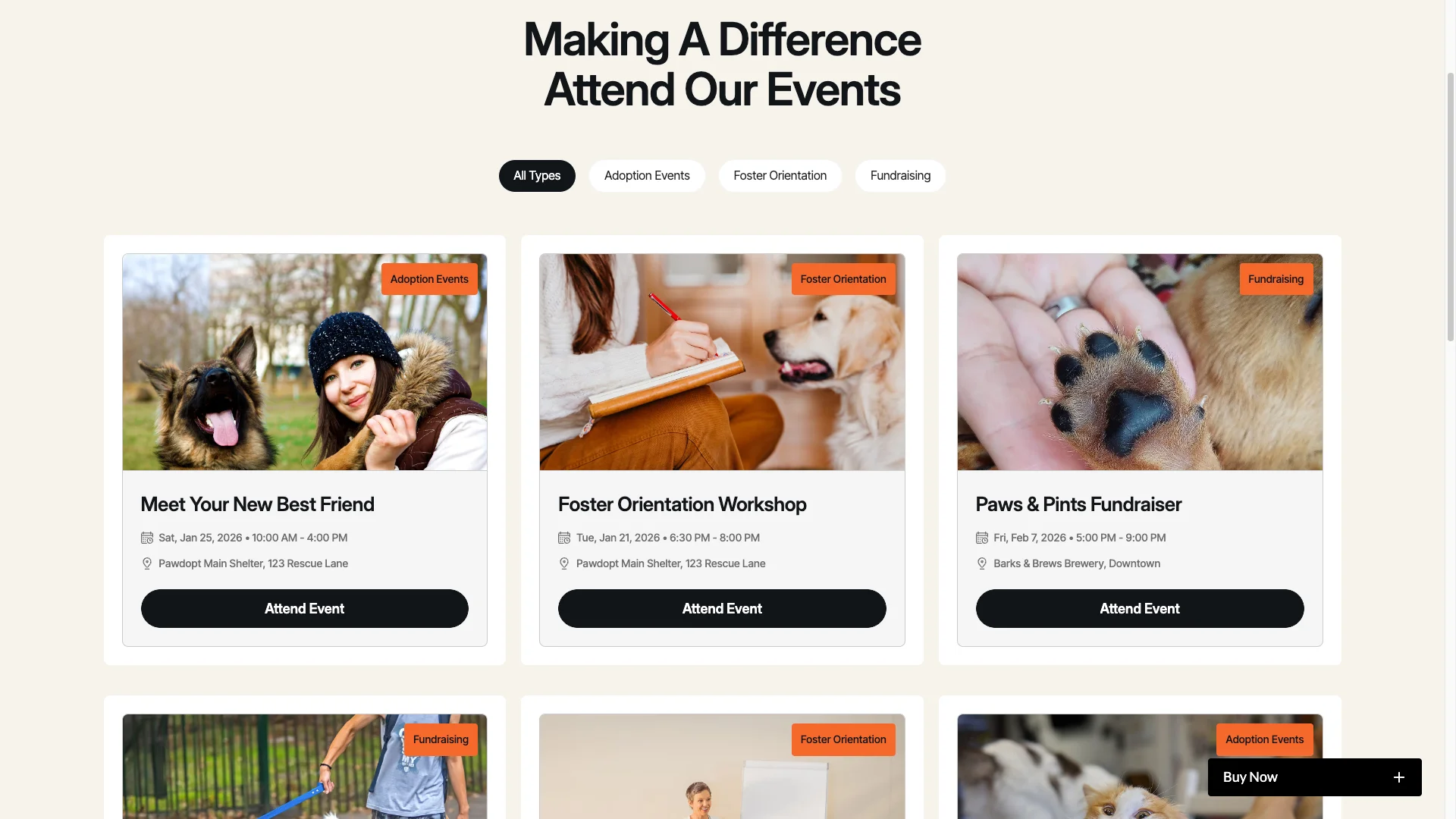
Advanced Animations. Scroll triggered reveals, hover states on adoption buttons, gallery carousels and Lottie icons run throughout. However, the motion stays light so the photos lead.
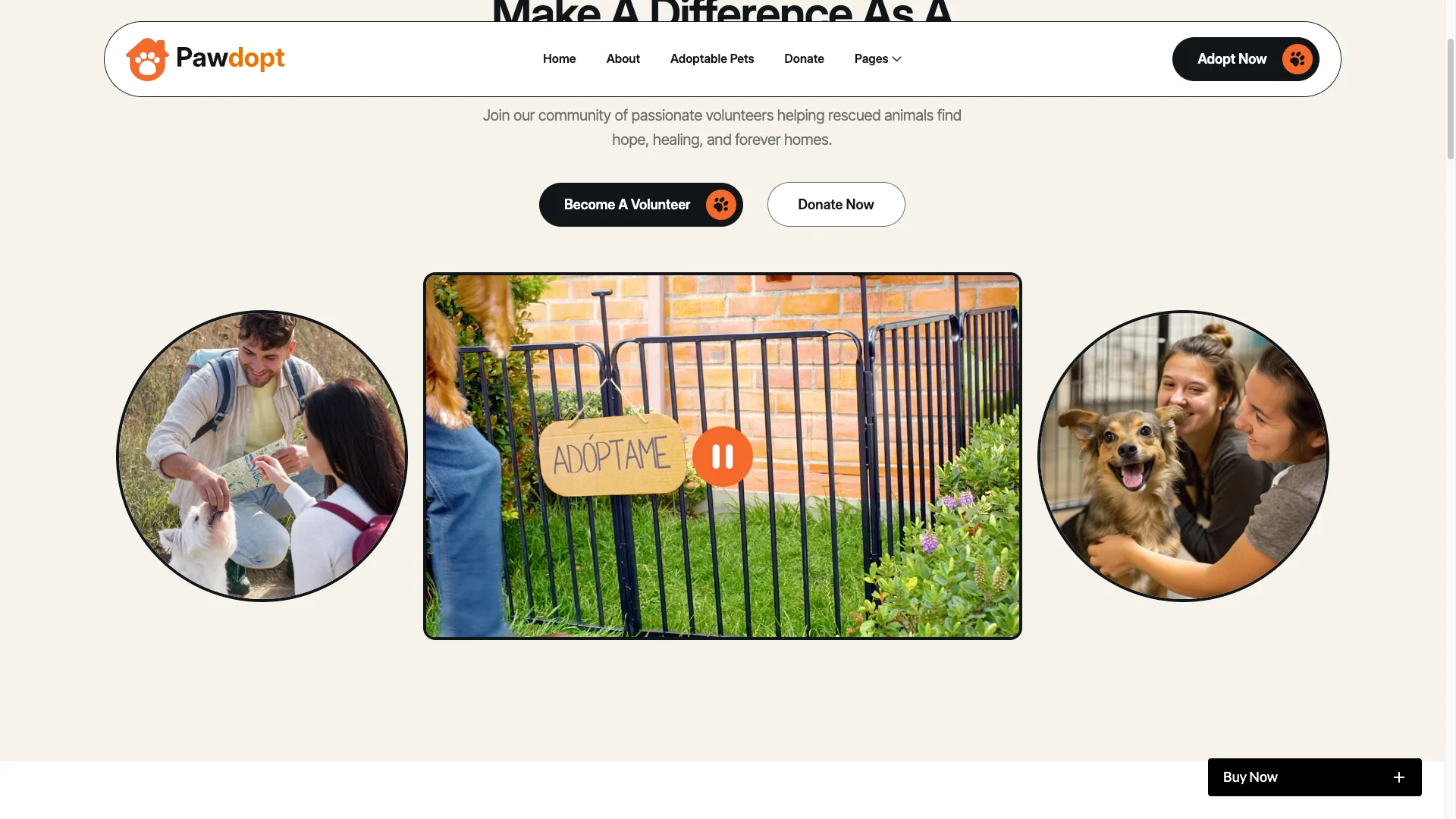
Pixel Perfect Layouts. Flexbox and grid layouts, retina ready pet photos and tablet tuned galleries keep the site sharp. Mobile visitors also get swipe gestures on stories.
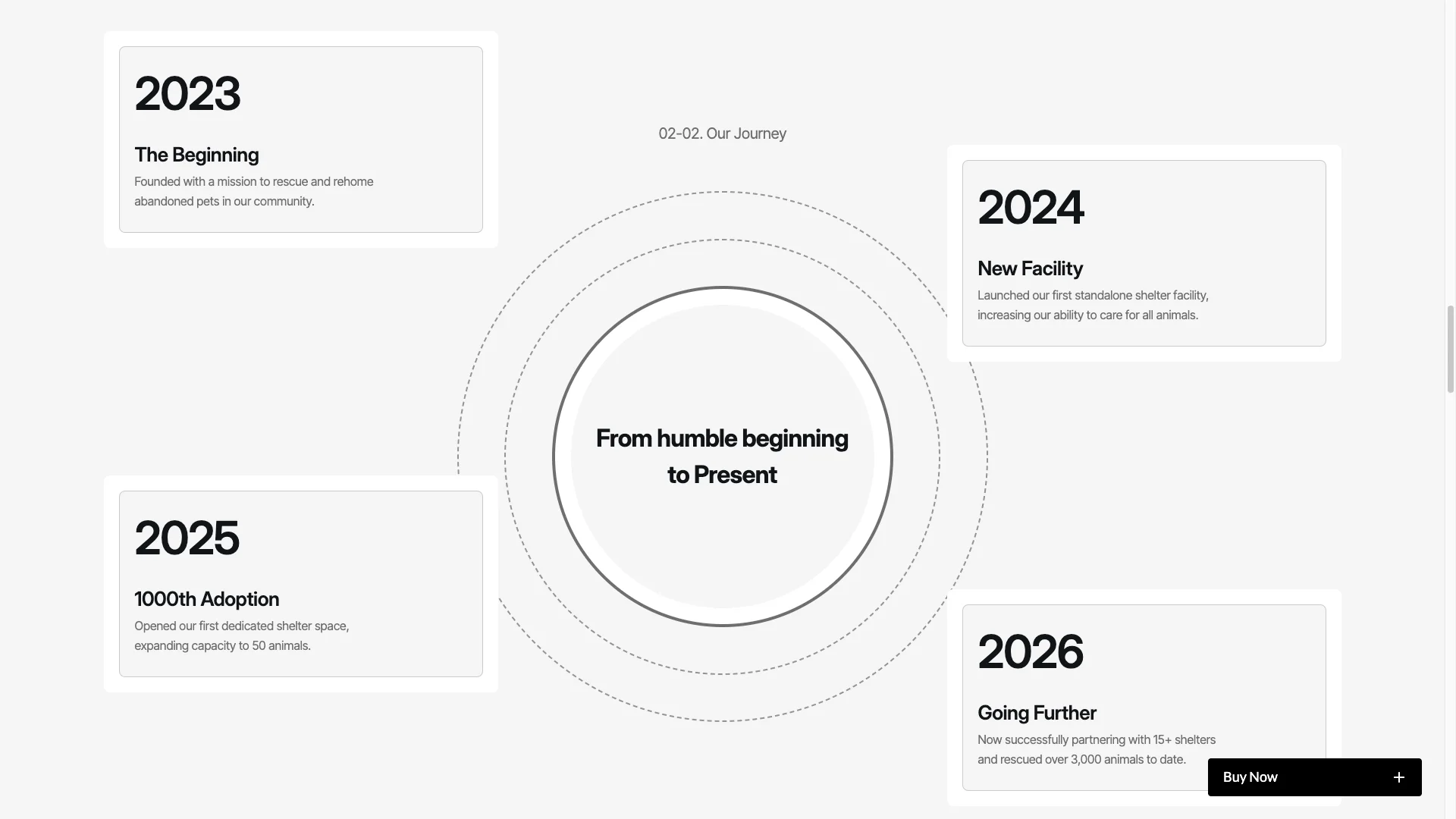
Modern Typography and Icons. Warm font pairings sit alongside custom pet icons. A full style guide ships with the template.
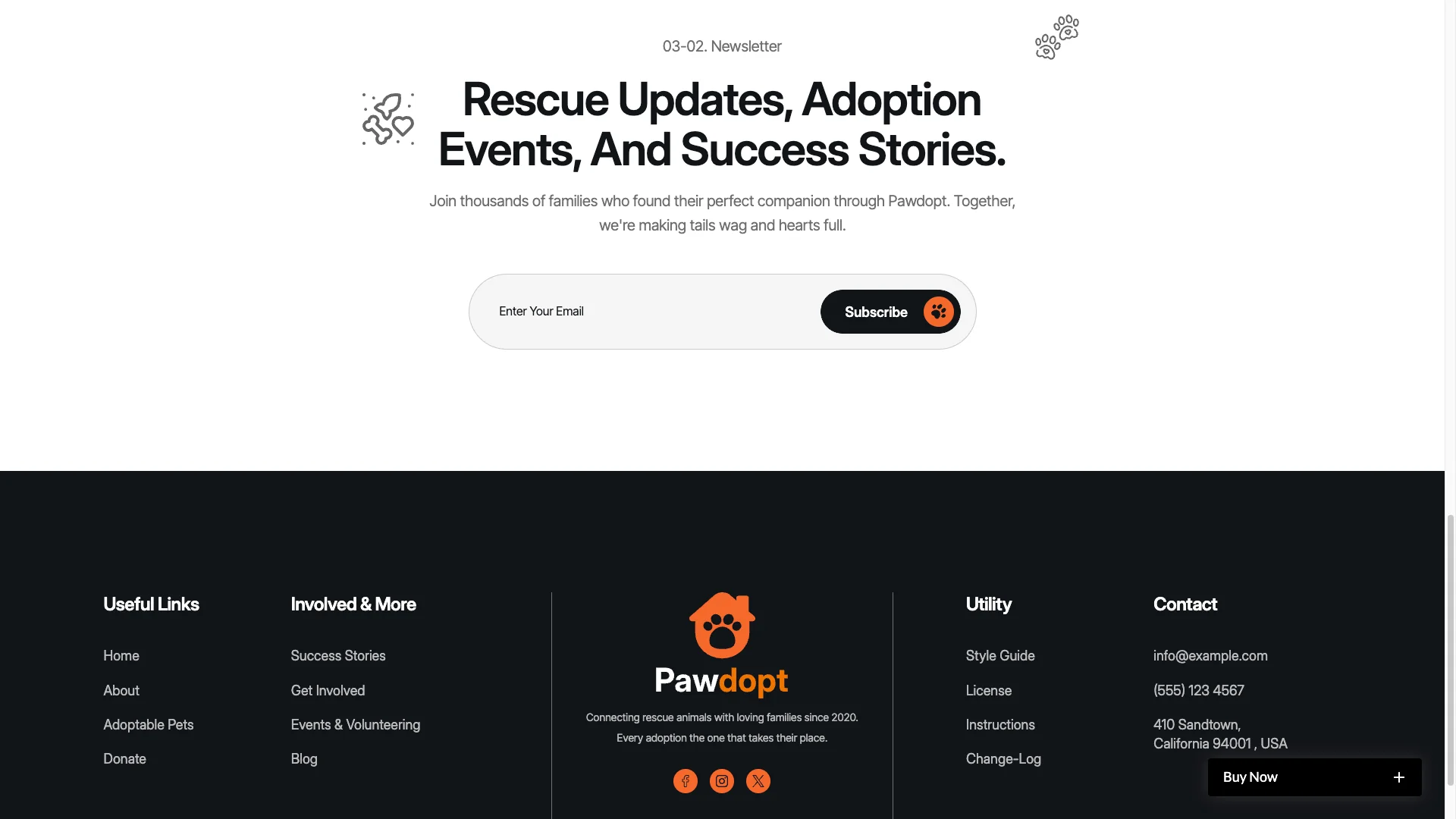
Essential Utility Pages. A 404 page, style guide, instructions page, changelog, license page and an external link page are all included.
Watch on YouTube
Pages Included in Pawdopt
Pawdopt ships with sixteen designed pages. They are Home, About, Adoptable Pets, Success Stories, Events, Donate, Get Involved, the Get Involved form, Blog, Contact, a 404 page, Style Guide, Instructions, Change Log, License and External Link. On top of that sit CMS templates. One renders every pet profile, the other renders every blog post. So the site grows as your intake grows.
Why Rescue Sites Convert on Individual Pets
People do not adopt a shelter. They adopt Luna. However, most rescue sites lead with the organisation and hide the animals two clicks deep. Pawdopt inverts that. The pet grid sits high on the homepage, and each animal owns a page that can be shared on its own. Then the donate and volunteer routes catch everyone who cannot adopt today. That is how one visit turns into three kinds of support.
How to Use Pawdopt
- Use the purchase widget on the right side of this page to buy the Pawdopt template
- Duplicate the template into your Webflow workspace
- Replace the demo animals, photos and copy with your own
- Load your pets, events, stories and posts into the CMS collections
- Adjust the colors, fonts and spacing to match your brand
- Check every breakpoint, then publish your site
Pawdopt Frequently Asked Questions
What formats does Pawdopt ship in?
Pawdopt ships for Webflow, Framer, Figma and HTML. Each format is sold separately, so you buy only the one you need.
Is the Figma file included with the Webflow purchase?
No. The Figma file is a separate product on this page. So add it to your order if you want the design source.
How many pages does Pawdopt include?
Pawdopt includes sixteen designed pages. It also includes CMS templates for pet profiles and blog posts.
Can I filter pets by breed or age?
Yes. Pets live in a CMS collection with fields for breed, age, size and temperament. So the adoptable pets grid can filter on any of them.
Does Pawdopt support donations?
Yes. There is a dedicated donate page with campaign progress and both one time and recurring giving.
Is Pawdopt suitable for a vet clinic or grooming salon?
Yes. The layout suits any pet business. However, shelters and rescue groups get the most from the adoption and donation sections.
When you choose Pawdopt, you get support from the TNCFlow team. So if a section does not behave, ask us and we will help.
Check out other Webflow templates by TNCFlow.
Featured in our guides: Framer ecommerce templates, Webflow ecommerce templates and Figma website templates.



Select template
Choose one or more options for your build
