

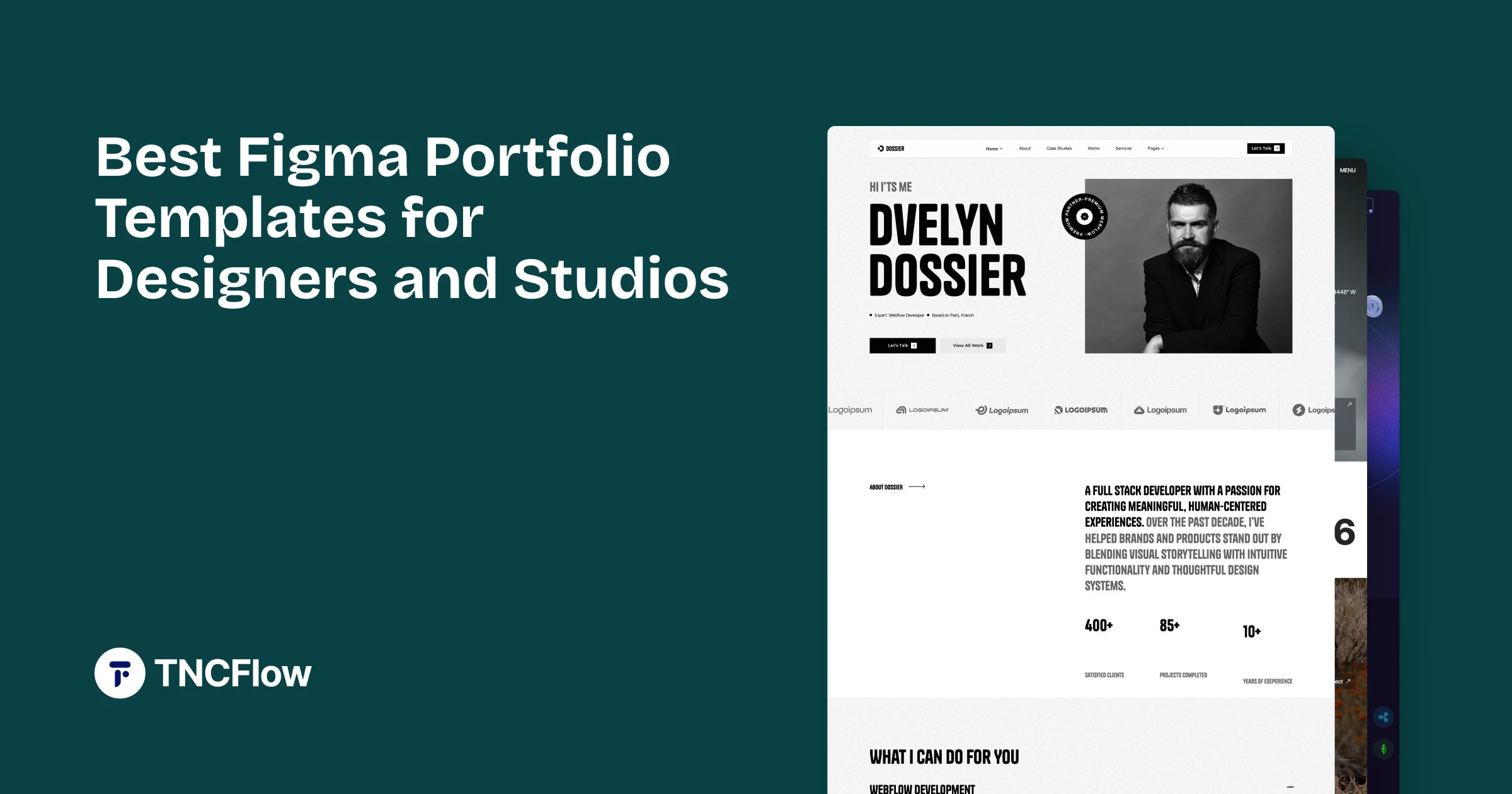
Seven Figma portfolio templates for designers, studios and freelancers, compared below by what each is best for and what the Figma file costs.
Before anything else, the thing most Figma template listings leave out: a Figma file is a design, not a website. It does not run in a browser, has no database, and nothing publishes from it. You are buying the design work, not a live site.
That matters most for portfolios, because a portfolio is the one project designers are most tempted to build themselves. If you want the design and intend to build it, a Figma file is exactly right. If you want a site live this week, buy the Framer or Webflow build of the same design instead.
With that established, these are the Figma templates in the catalog built for showing creative work.
Quick Picks
| Template | Best for | Figma price | Link |
|---|---|---|---|
| Axure | Designers and freelancers | $30 | View template |
| Dossier | Resume-style personal sites | $30 | View template |
| Animatory | Film and motion studios | $25 | View template |
| Photographer TNC | Photographers | $25 | View template |
| Brandfluencer | Influencer and talent agencies | $35 | View template |
| TNC CreAge | Creative agencies | $15 | View template |
| SoftCom TNC | Software companies | $25 | View template |
| Airfolio | Personal portfolio sites | Free | Figma Community |
| Picto | Personal portfolios | Free | Figma Community |
| Creative | Creative portfolios | Free | Figma Community |
Why Start From a Figma File
A well-built Figma template saves the part of design work that is invisible in the final result: the type scale, the spacing system, the component structure and the responsive decisions. Recreating those from a screenshot takes longer than people expect.
It also gives you something to modify rather than something to accept. If you have a strong view about how your work should be presented but do not want to start from an empty artboard, the file is a better purchase than a finished site you would then fight against.
What Separates a Good Figma File From a Pretty One
Screenshots all look similar. The difference is in the file:
- Named, organized layers. An unstructured file is slower to work with than starting fresh.
- Real components, so changing a button changes every button rather than forty of them.
- Defined text and color styles rather than values typed in per element.
- Responsive frames, not just a desktop view left for you to interpret.
- Auto layout used properly, which is what makes the file survive your edits.
The Figma Portfolio Templates
Each of these is available as a Figma file. Most also exist as Webflow builds, and several as Framer or HTML, if you want the working site rather than the design.
Axure

Axure is a modern creative and business portfolio design with a confident editorial feel. It carries mixed work well, giving both image-led and text-led projects somewhere sensible to sit.
One of the newer designs in the catalog, and among the more considered in terms of type hierarchy.
Axure is available now.
Dossier

Dossier ships with several homepage variants, which is unusually useful in a Figma file. You can compare directions without rebuilding, then take the one that fits your work.
Good for studios still deciding how to position themselves, since the alternatives are already drawn.
Dossier is available now.
Animatory
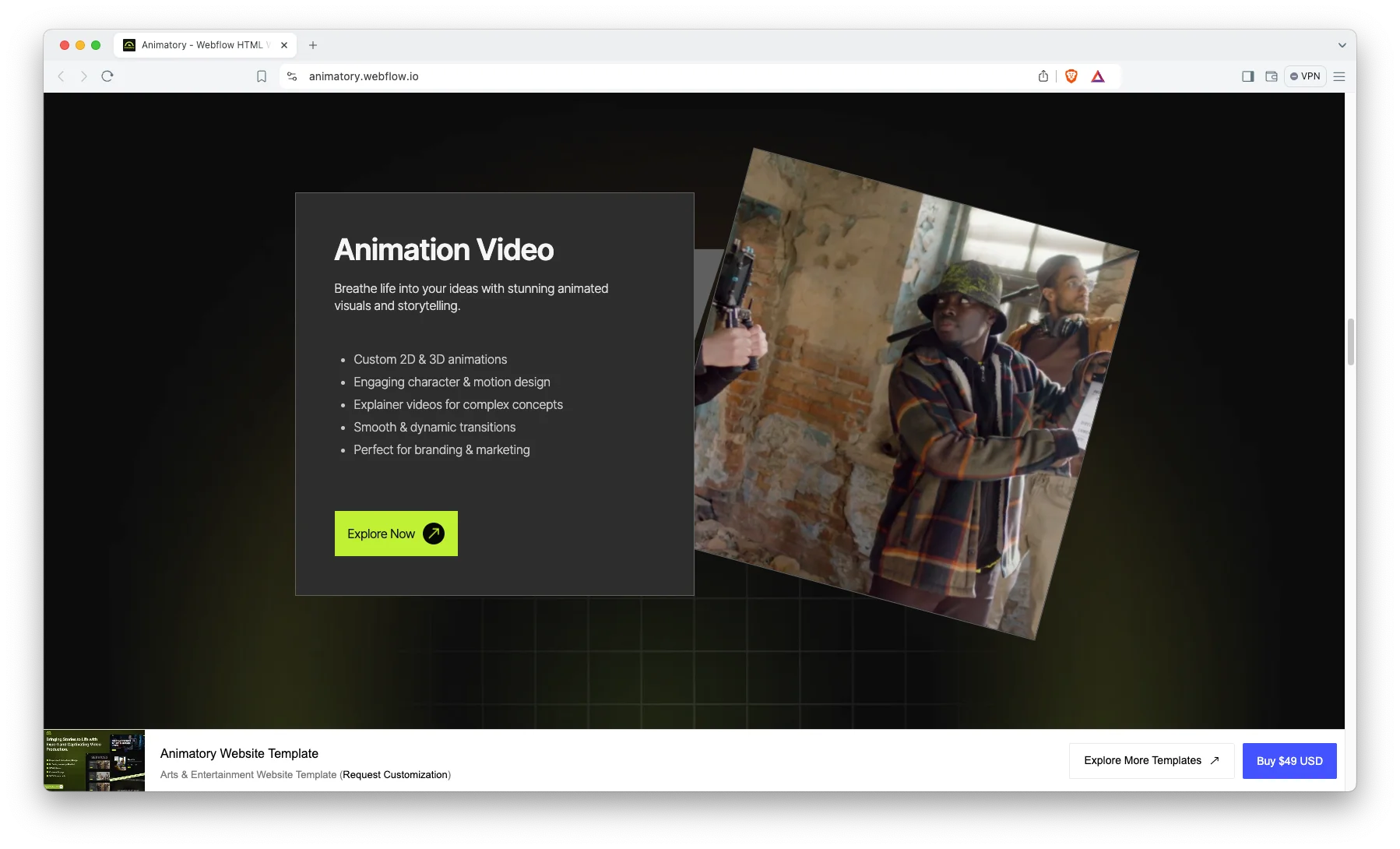
Animatory is a motion and animation studio design. In Figma form you get the layout and composition; the motion itself is something you would implement when building.
Worth being clear about that: a static file cannot contain animation. What you are buying is the structure the motion would sit inside.
Animatory is available now.
Photographer TNC

Photographer TNC is a photography portfolio design built around galleries and large-format image presentation, with the restraint that image-led work needs.
The gallery structures are the substance here, and they translate cleanly into whichever platform you build in.
Photographer TNC is available now.
Brandfluencer

Brandfluencer is a personal-brand and creator design, leading with identity rather than a project archive.
Suits people whose audience is the asset, rather than a body of client work.
Brandfluencer is available now.
TNC CreAge
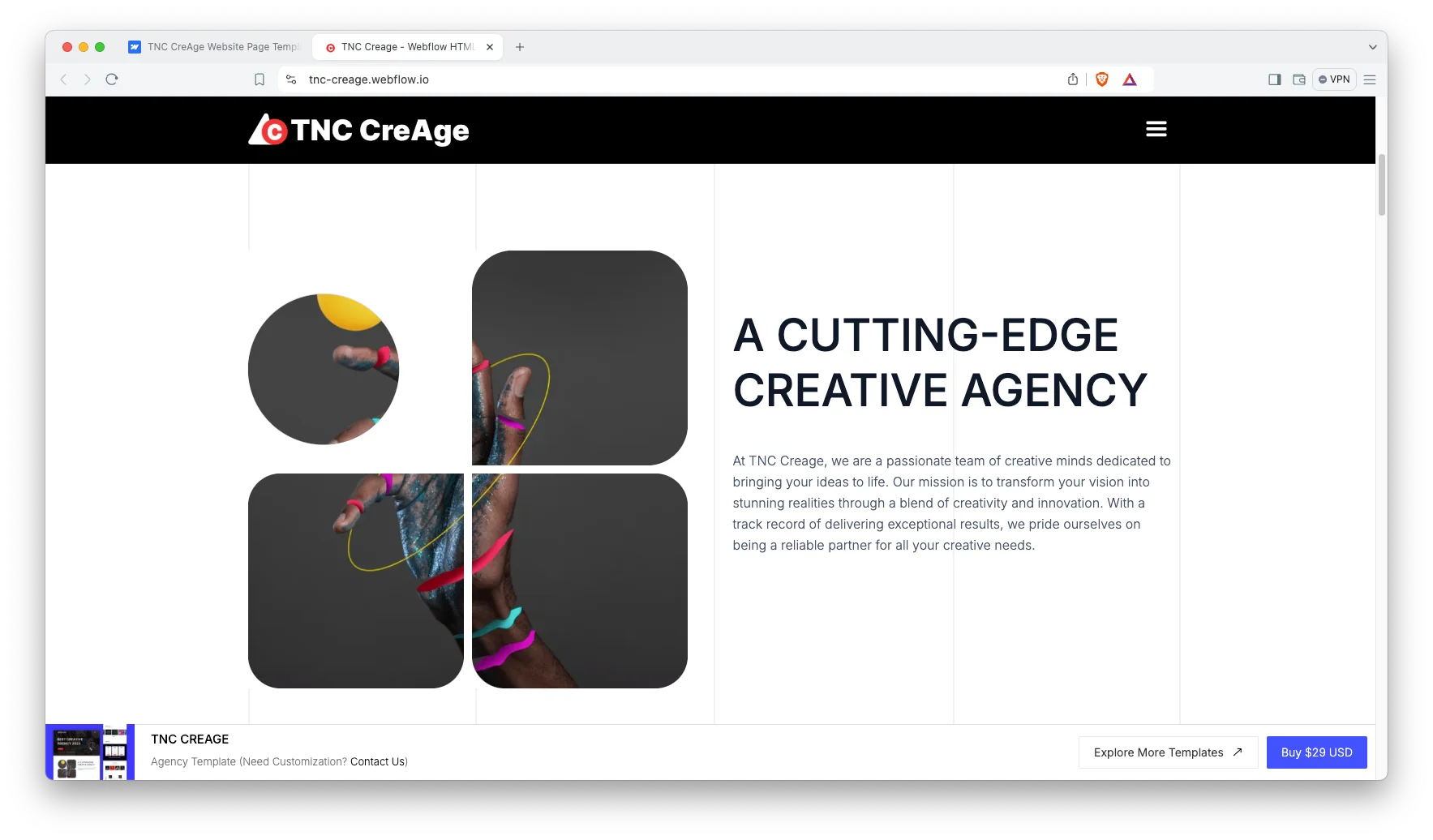
TNC CreAge is a creative agency design covering services and work together, useful when your portfolio has to sell as well as show.
A practical middle ground between a pure portfolio and an agency site.
TNC CreAge is available now.
SoftCom TNC

SoftCom TNC is a cleaner, more corporate portfolio design suited to technical studios and software consultancies presenting project work.
The most restrained option here, which is often right when your buyers are procurement rather than creative directors.
SoftCom TNC is available now.
What You Get and What You Do Not
You get: the layered design file, the components, the type and color styles, and the responsive frames. That is genuinely the majority of the design work.
You do not get: a website, hosting, a content management system, working forms or any functionality whatsoever. Those come from building the design in a platform. If that is what you actually need, the working builds of most of these designs are sold separately.
You will need someone to build it. That can be you, your developer, or us through the design service and Webflow development service. Budget for that step rather than discovering it later.
How to Choose the Right One
Choose the Figma file only if someone is going to build it. That sounds obvious, but the most common regret with design-file purchases is buying the design and never finding the time or the developer to make it real.
If you are not certain, buy the working build. You can always open the matching Figma file later. Format pricing is set out on the pricing page.
Figma Portfolio Templates From Other Creators
These are not ours. They are free files from the Figma Community, and a good way to try the Figma workflow before paying for a full template.
Airfolio
Airfolio is free. A free portfolio website template.
Airfolio on the Figma Community.
Picto
Picto is free. A free personal portfolio template.
Creative
Creative is free. A free portfolio template.
Creative on the Figma Community.
Related Reading
More template guides: Figma landing page templates, Framer agency templates, animated website templates and Framer startup templates.
Frequently Asked Questions
Can I publish a Figma template as a website?
No. Figma is a design tool, and its prototype mode produces a clickable preview rather than a real website. Publishing requires building the design in a platform such as Webflow, Framer or hand-coded HTML.
Do Figma templates include a content management system?
No. A Figma file has no database and no publishing system, so there is nothing to manage content with. Any content management comes from the platform you eventually build in.
Can I edit the file without a paid Figma plan?
Figma’s free tier allows editing, with limits on collaborators and version history. For a single designer working alone that is usually sufficient.
Will the design match exactly once it is built?
Very closely, if built carefully. Small differences appear because browsers render type and spacing slightly differently from Figma, and because real content is never quite the length the design assumed.
Can I buy the Figma file and the Webflow build together?
Yes. They are sold as separate products so you can take only what you need, and the purchase widget on each template page shows the available formats.
Can you build the Figma design into a live site for us?
Yes, that is a common request. Our Webflow development service does exactly this. Request a quote with the design and we will scope the build.
Start Building
Browse the full Figma template collection, or see the complete catalog to compare formats of the same design.
If you want the design turned into a working site, book a free consultation and we will tell you what the build involves.