

PRO
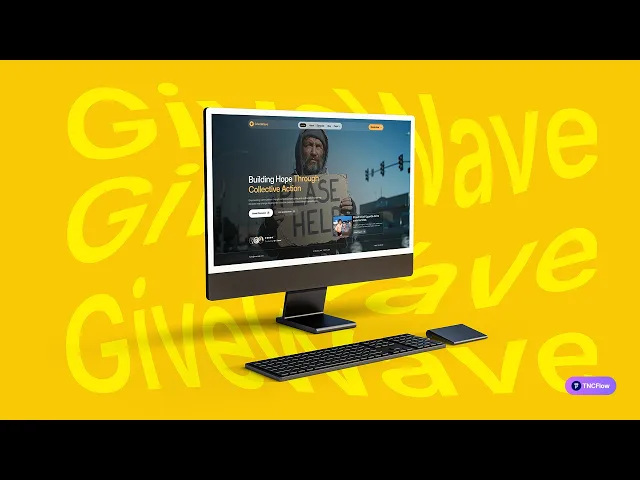
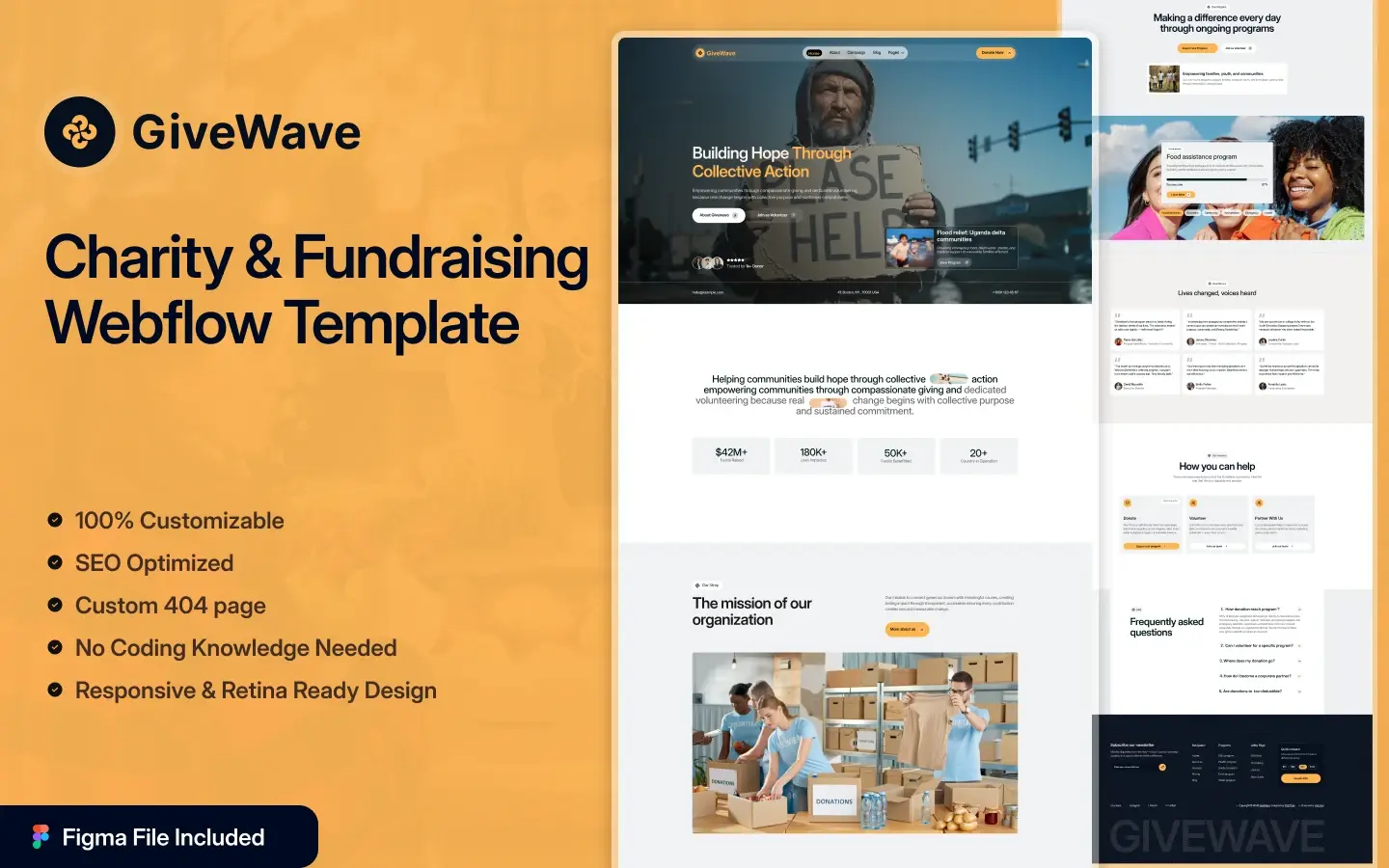
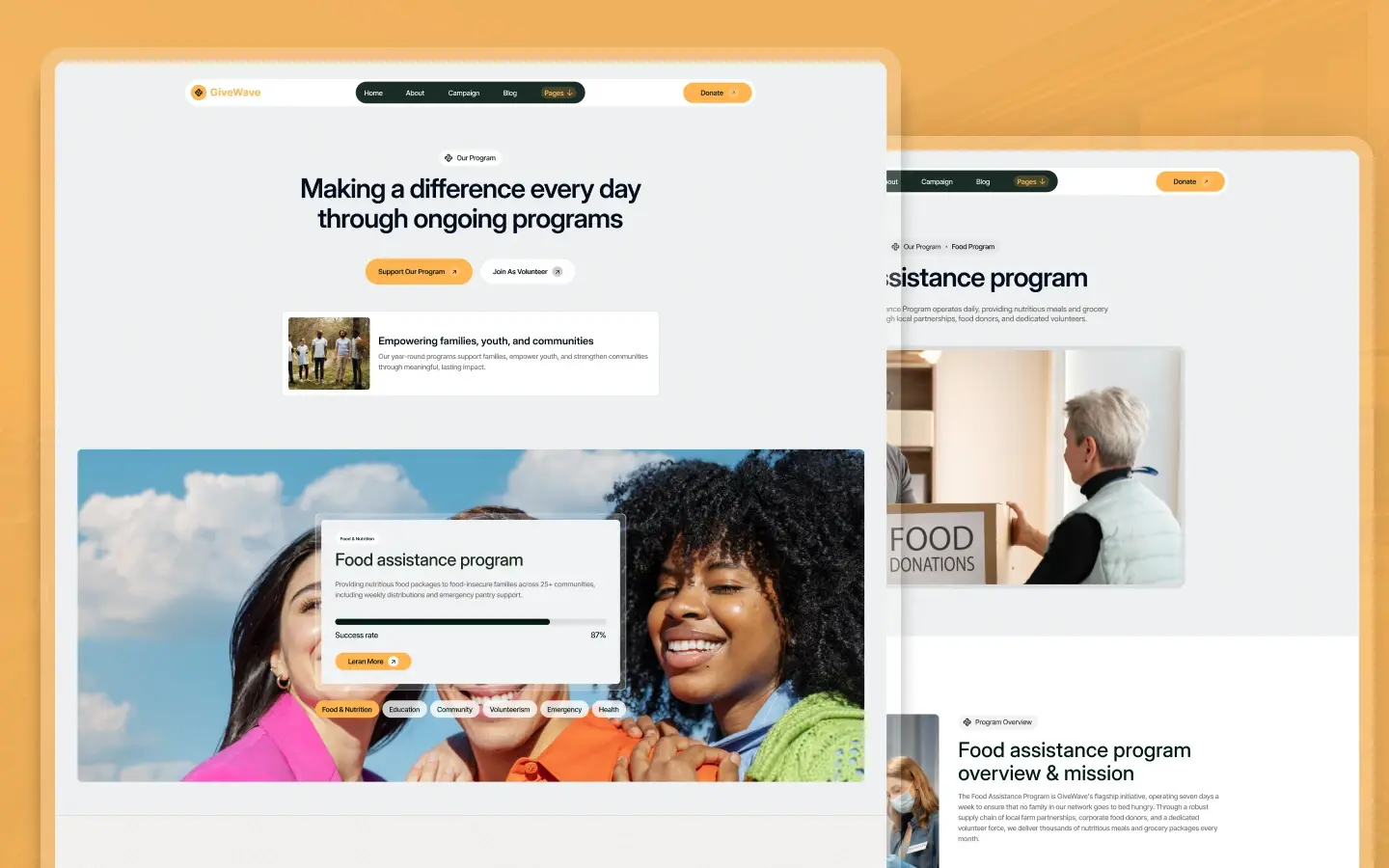
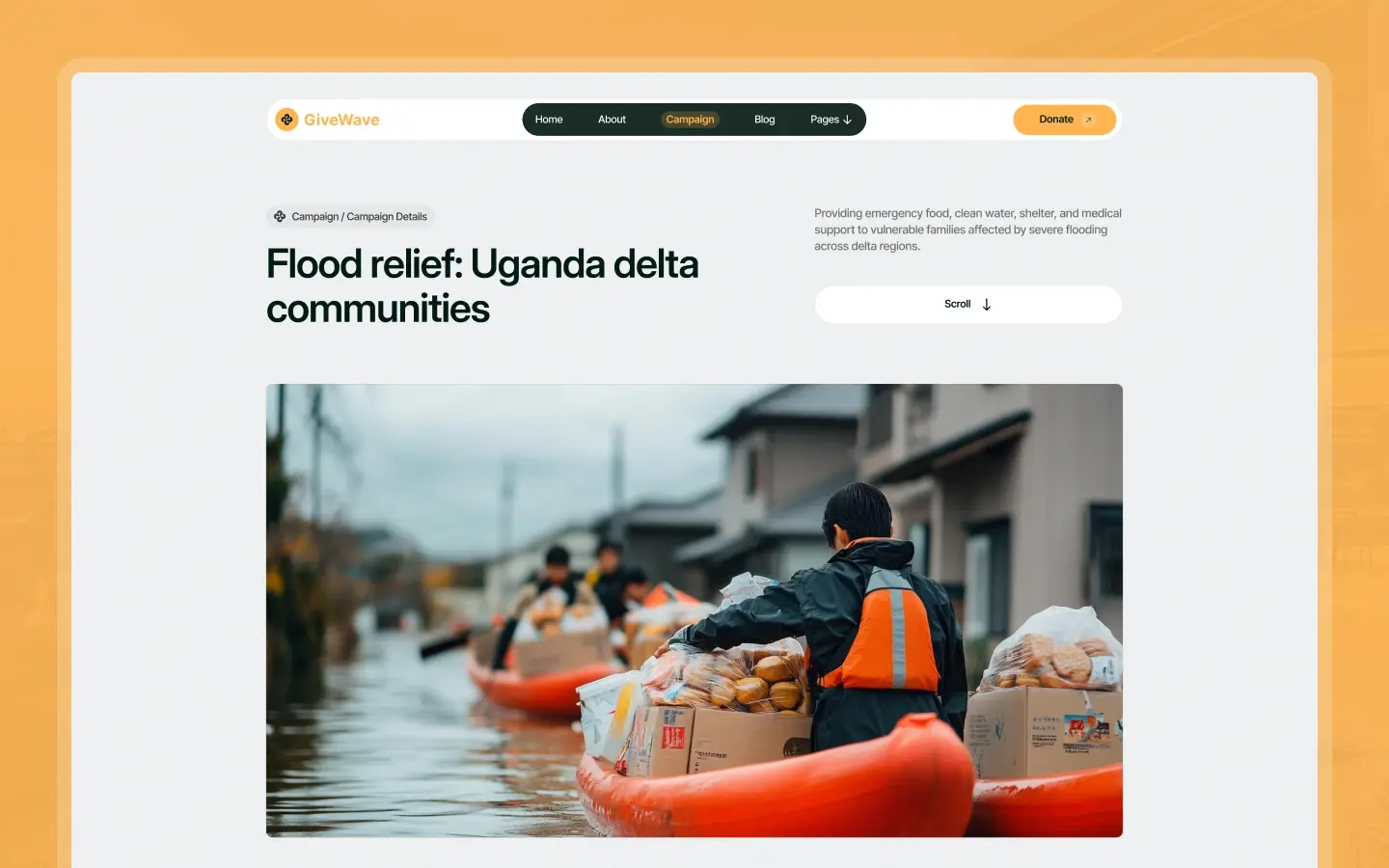
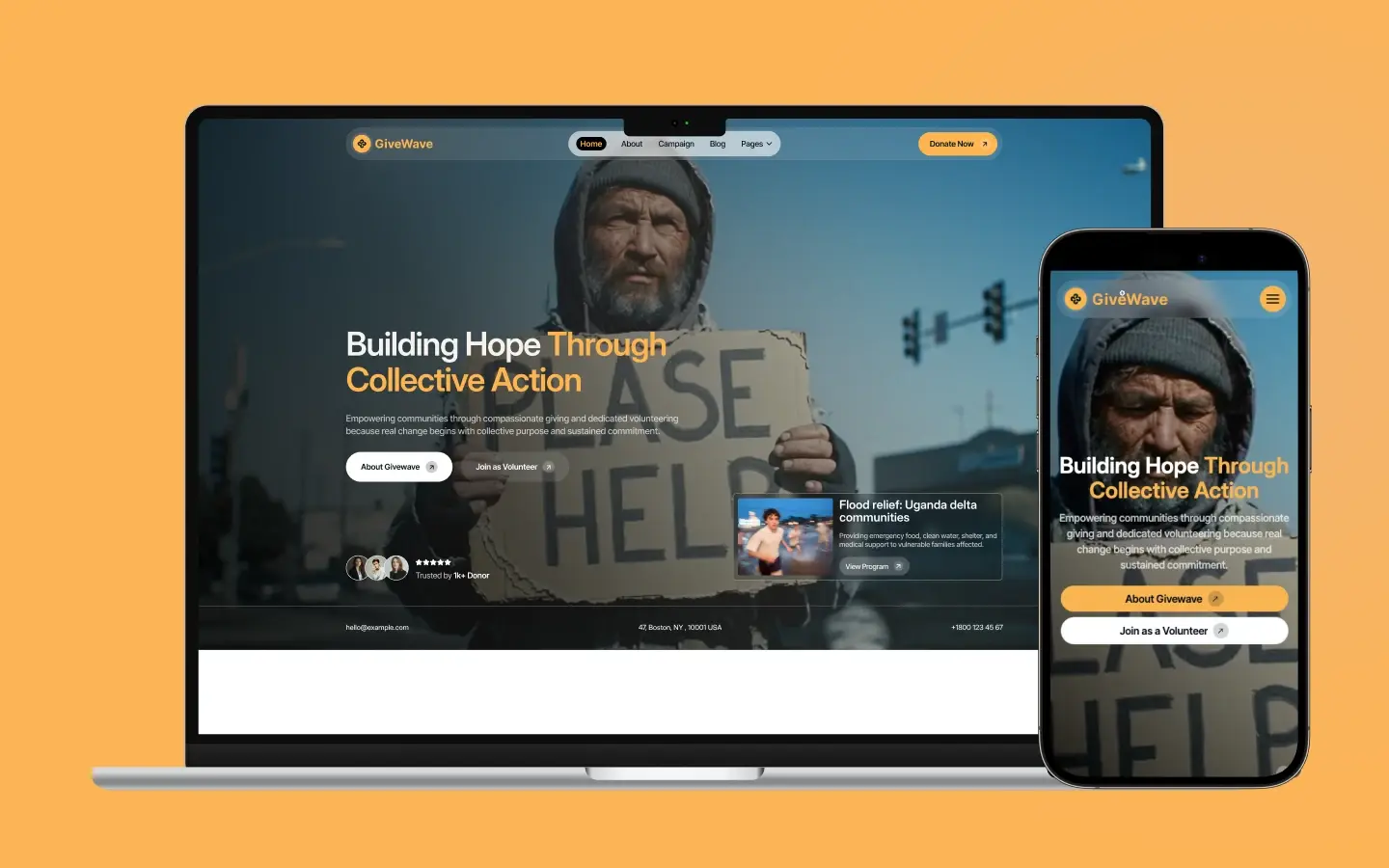
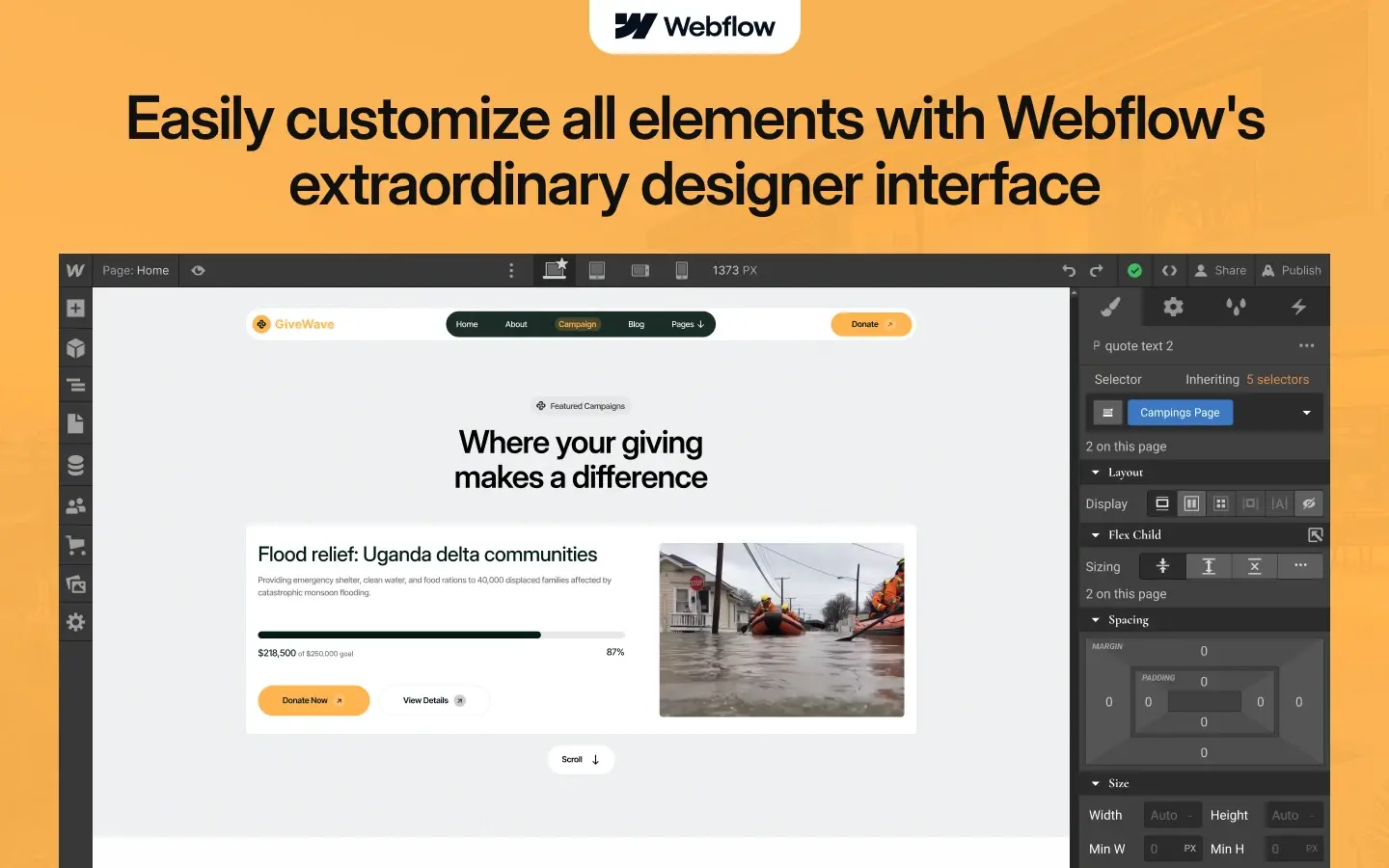
GiveWave is a donation website template for nonprofits, charities and fundraising campaigns. It ships for Webflow, Figma and HTML.
The template covers the full supporter journey in one build. So you get 15 pages, a donation flow, campaign and event collections, and a CMS blog. Because the structure is already built, your job is adding real causes, real numbers and real photos.
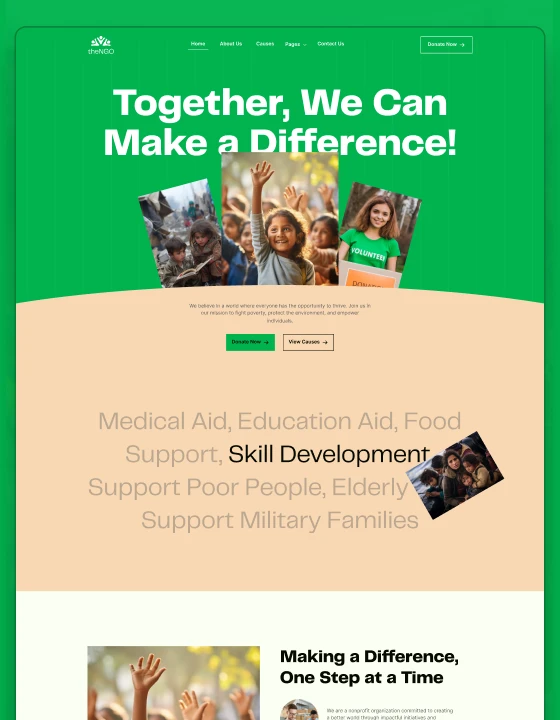
Each section has one job. The hero states the cause and asks for a gift. Then the programs, campaigns and impact pages give a visitor the reason to say yes.
The format choice matters. Webflow suits teams who want to update campaigns themselves inside a visual editor. HTML suits developers who prefer working directly in the codebase. Figma suits designers who want to rework the layout before development begins.
Explore the live preview now.
GiveWave at a Glance
| Formats | Webflow, Figma, HTML |
| Best for | Nonprofits, charities, NGOs, fundraising campaigns, community groups |
| CMS | Yes, with blog posts, campaigns and events |
| Pages | 15, plus CMS templates |
| Layout | Multi page |
| Responsive | Yes, desktop through mobile |
| Support | TNCFlow team |
Key Features of GiveWave
Purpose driven design. The look is clean and calm, so the cause stays in front. Because charity sites live on trust, the design avoids anything that feels like a hard sell.
Engaging hero section. The first screen states who you help and how. Then a single donate button follows, so a ready supporter never has to hunt.
Donation focused layouts. Fundraising blocks carry a goal, a progress figure and a clear ask. So a campaign reads as urgent rather than vague.
Programs showcase. Ongoing projects and community work each get a structured block. As a result, a visitor can see where the money actually goes.
Footer donation access. A donate section sits in the footer of every page. That way, giving stays one click away no matter where somebody lands.
Team and volunteer profiles. Profile blocks introduce the people behind the work. Because donors give to people, faces matter more than logos here.
Events and campaign pages. Fundraising galas, clean up drives and awareness weeks all get their own layouts, driven by CMS collections.
Testimonials section. Donor feedback and volunteer stories sit together in one block, which builds credibility without a long report.
Blog and news hub. Updates, field stories and announcements keep supporters informed between appeals.
Fully responsive design. Every page is set for desktop, tablet and mobile, so a donation form works on a phone.
Premium animations and interactions. Page transitions, scroll animations, sliders and lightboxes are all included, and all of them stay subtle.
Utility pages. The build ships with the standard Webflow utility set, including a style guide, a licenses page, instructions and a 404 page.
Pages Included in GiveWave
The template holds 15 pages. That covers home, about, programs, campaigns, events, donate, team, blog, contact and a volunteer signup page. It also adds a 404 page and the utility pages. On top of that, CMS templates cover blog posts, campaign detail and event detail.
- Home
- About
- Programs
- Campaigns
- Events
- Donate
- Team
- Blog
- Contact
- Join as a Volunteer
- 404 page
- Style Guide
- Licenses
- Instructions
- Changelog
How to Use GiveWave
- Use the purchase widget on the right side of this page to buy the GiveWave template
- Then follow the setup instructions supplied with your download
- Next, replace the demo content with your own causes, campaigns and photos
- After that, connect your donation processor and adjust color and type to match your branding
- Finally, preview the result on each device size and publish
What Makes a Donation Page Convert
Most charity websites lose donors in the same three places, so it helps to know where.
The first is clarity. A visitor should learn who you help, where and how within five seconds. So write the hero in plain words and skip the mission statement language.
The second is proof. Donors want evidence that gifts turn into outcomes. Because of that, give one number per program, such as meals served or wells dug, and date it.
The third is friction. Every extra field on a donation form costs you gifts. So ask for amount, name, email and card, and nothing else. Put suggested amounts on the buttons too, since a blank box makes people hesitate.
Also give people a monthly option. Recurring donors are worth far more over time than one off givers, and the ask costs you nothing.
Finally, keep the receipt page warm. A thank you page that shows impact and offers a share link turns one donor into two.
Frequently Asked Questions
Is GiveWave a Webflow template or an HTML template?
It comes as both. You can buy the Webflow version or the static HTML version, and the Figma file is sold on its own here.
How many pages does GiveWave include?
It includes 15 pages. That covers home, about, programs, campaigns, events, donate, team, blog, contact and volunteer signup, plus utility pages and a 404.
Does GiveWave include a CMS?
Yes. The Webflow build ships with CMS collections for blog posts, campaigns and events, so your team can add a new appeal without a developer.
Can GiveWave handle real donations?
The template supplies the donation pages and forms. However, you still connect your own payment processor, such as Stripe or a fundraising platform, before you go live.
Who is GiveWave built for?
Nonprofits, charities, NGOs, foundations, community groups and fundraising campaigns. Faith based, environmental, education and relief organizations all fit the same layouts.
Is the Figma file included with the template?
No. The Figma file is a separate product on this page. Buy it if you want to redesign the layout before you build.
If you need help, the TNCFlow team answers support questions after purchase.
Check out other Webflow templates by TNCFlow.
Featured in our guides: event website templates and nonprofit website templates.

Select template
Choose one or more options for your build
