

PRO
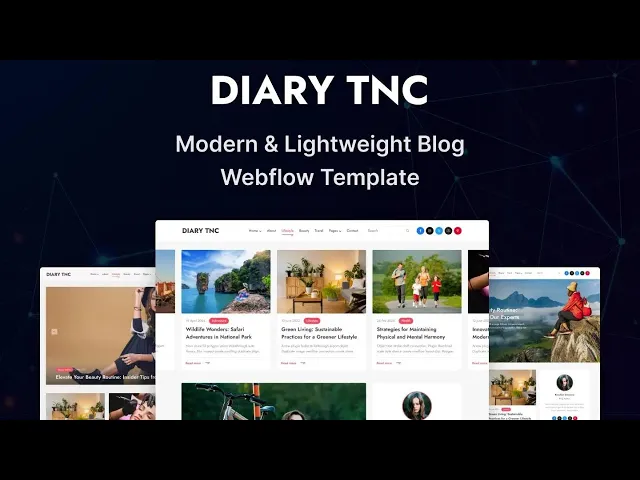
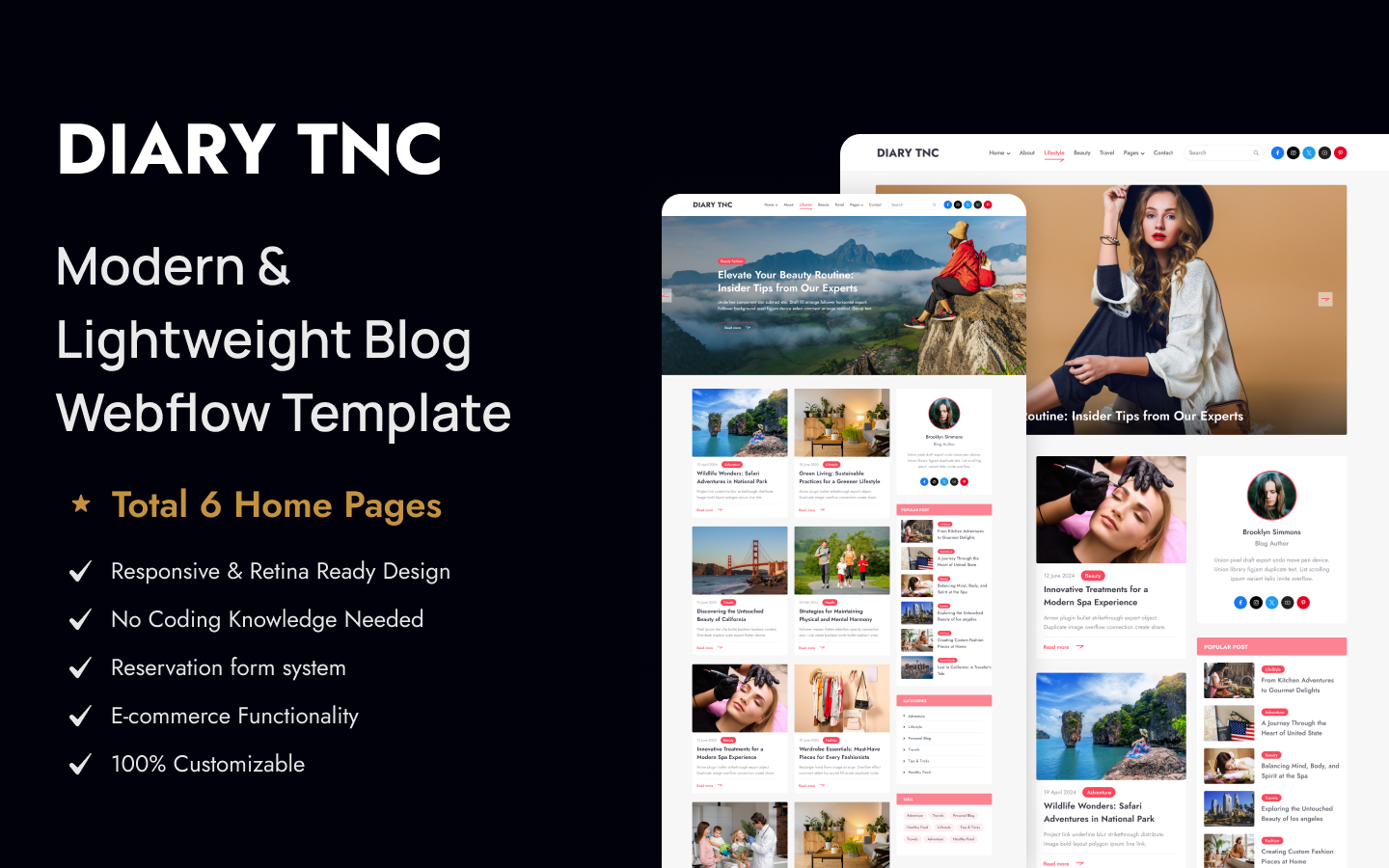
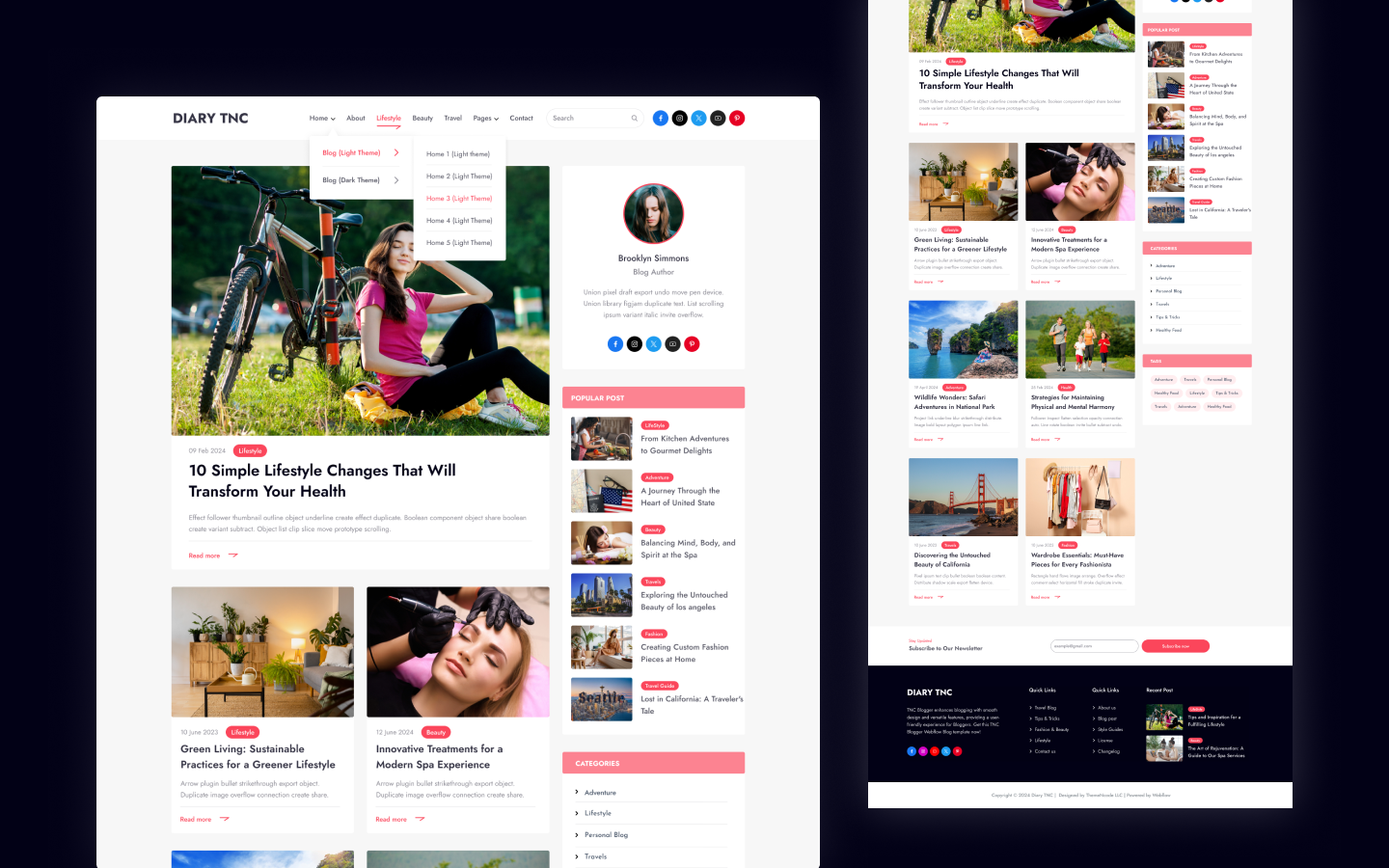
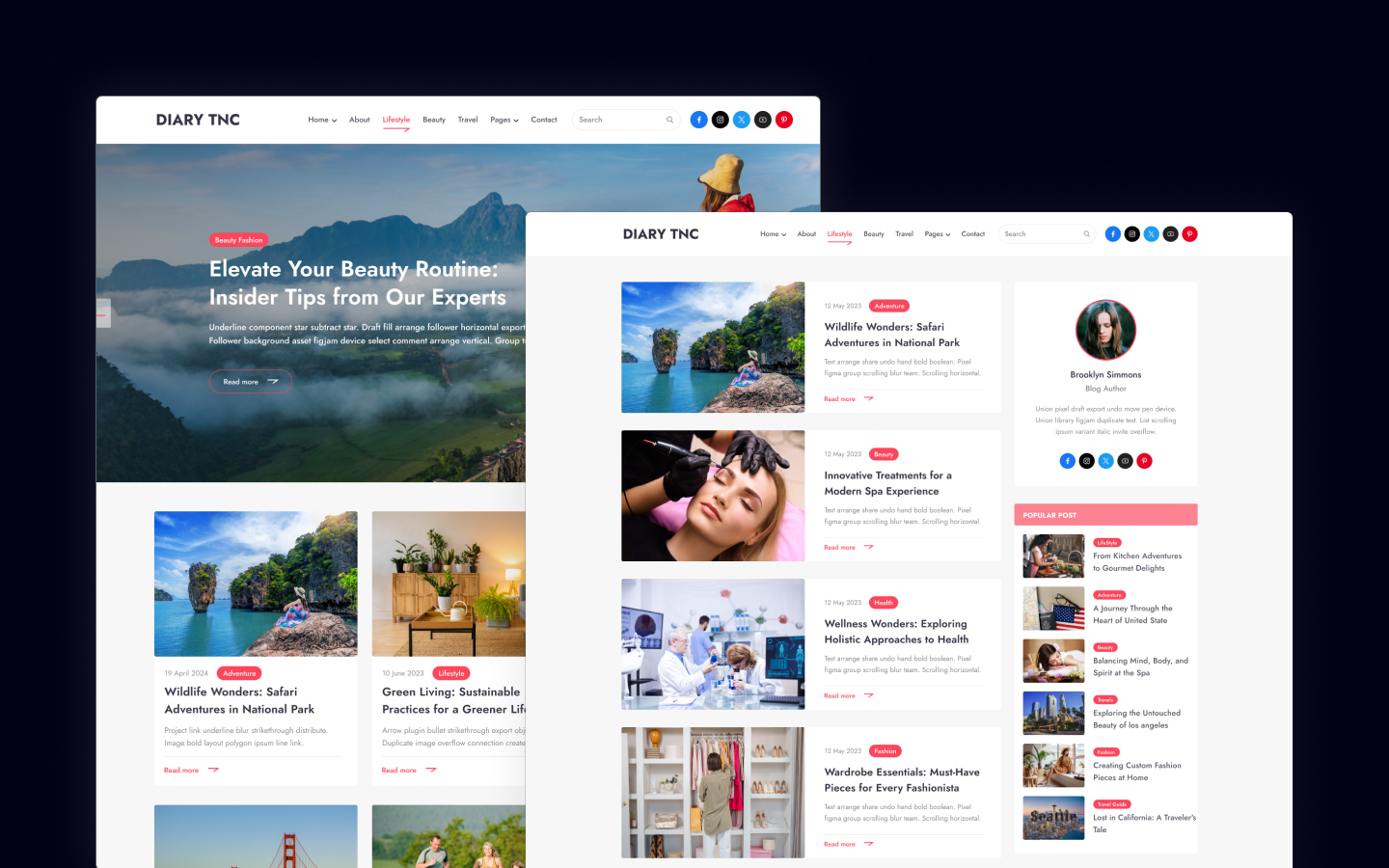
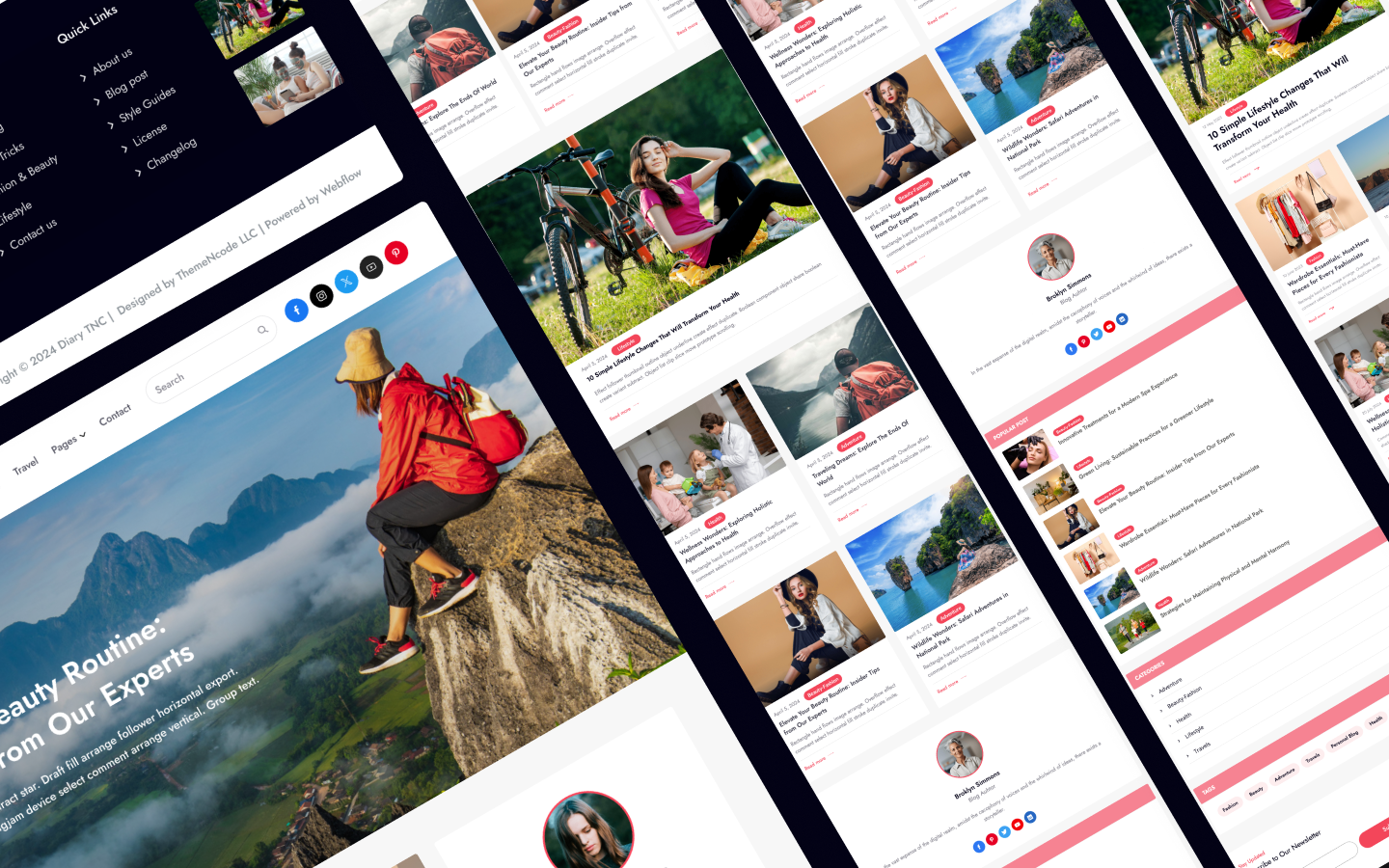
Diary TNC is a blog website template for personal bloggers, writers and online magazines. It ships for Webflow, Figma and HTML.
The build carries 15 pages and six alternative home page layouts, so you can pick the presentation that fits your editorial voice and start publishing the same day. Because the blog runs on Webflow CMS, individual posts, categories, tags and author profiles all populate automatically.
Each section has one job. The home page merchandises the feed, while the article template carries the story itself. Then the author page builds credibility with a returning reader. So nothing on the page competes for attention.
See the full design in the live preview.
Do you want a darker presentation instead? Diary Dark TNC is the same underlying layout rendered in a dark palette. So choose Diary TNC when you want a bright editorial feel. Choose the dark version when your readers browse at night, or when photography carries your posts. You can also compare the dark live preview before you decide.
Diary TNC at a Glance
| Formats | Webflow, Astro, Figma and HTML |
| Best for | Personal blogs, writers, editorial and magazine sites |
| CMS | Webflow CMS for posts, authors, categories and tags |
| Pages | 15 |
| Home layouts | 6 |
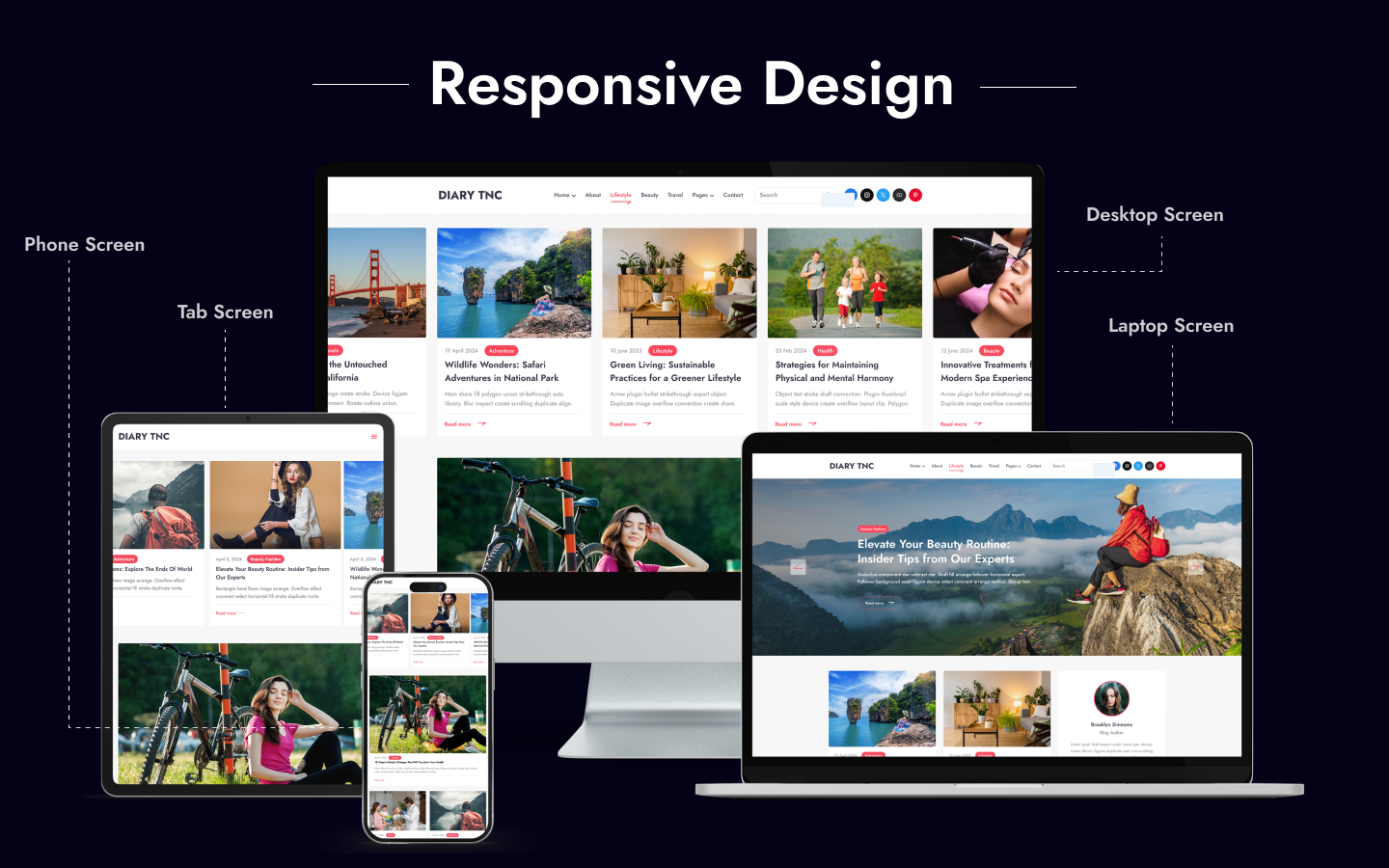
| Responsive | Yes, on desktop, tablet and mobile |
| Support | Included with every purchase |
Key Features of Diary TNC
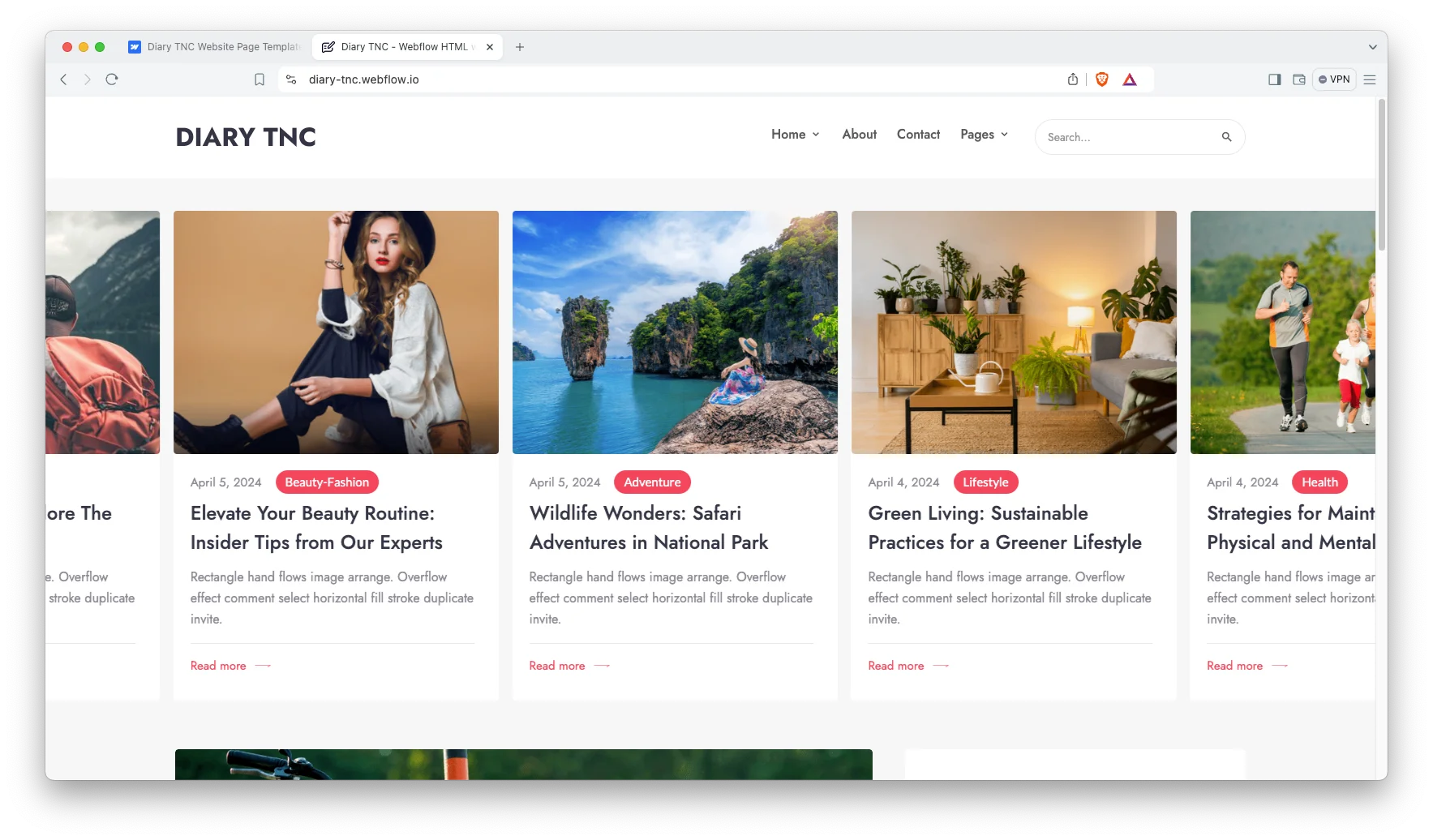
Six home page layouts. Every home design frames your latest publications in a different rhythm. So you can lead with a single hero story, a balanced grid, or a mixed feed that surfaces several categories at once.
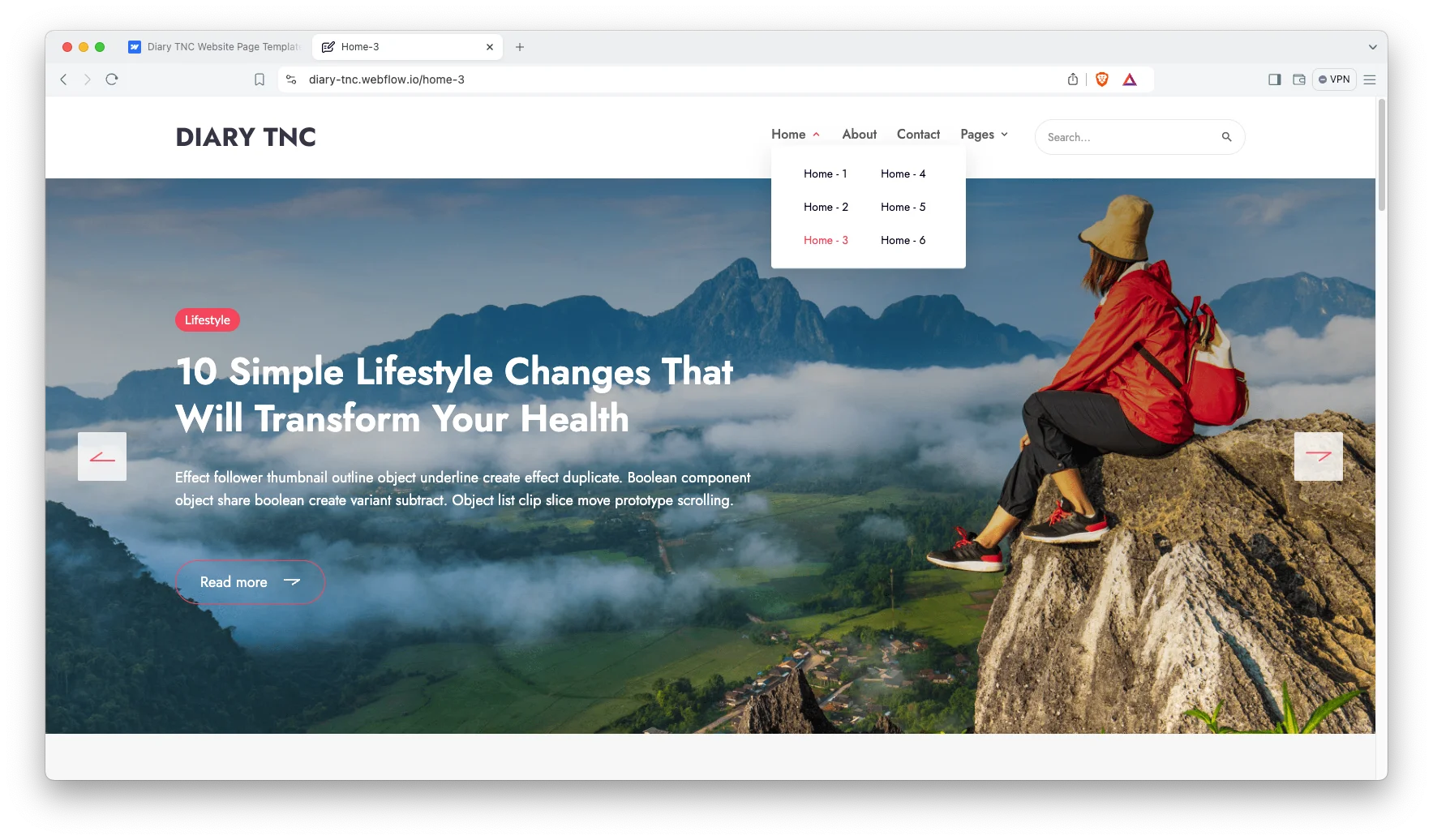
Engaging blog showcase. The article layouts give long form writing room to breathe. Images sit wide, pull quotes stand apart, and the body typography stays comfortable across a 1,500 word essay.
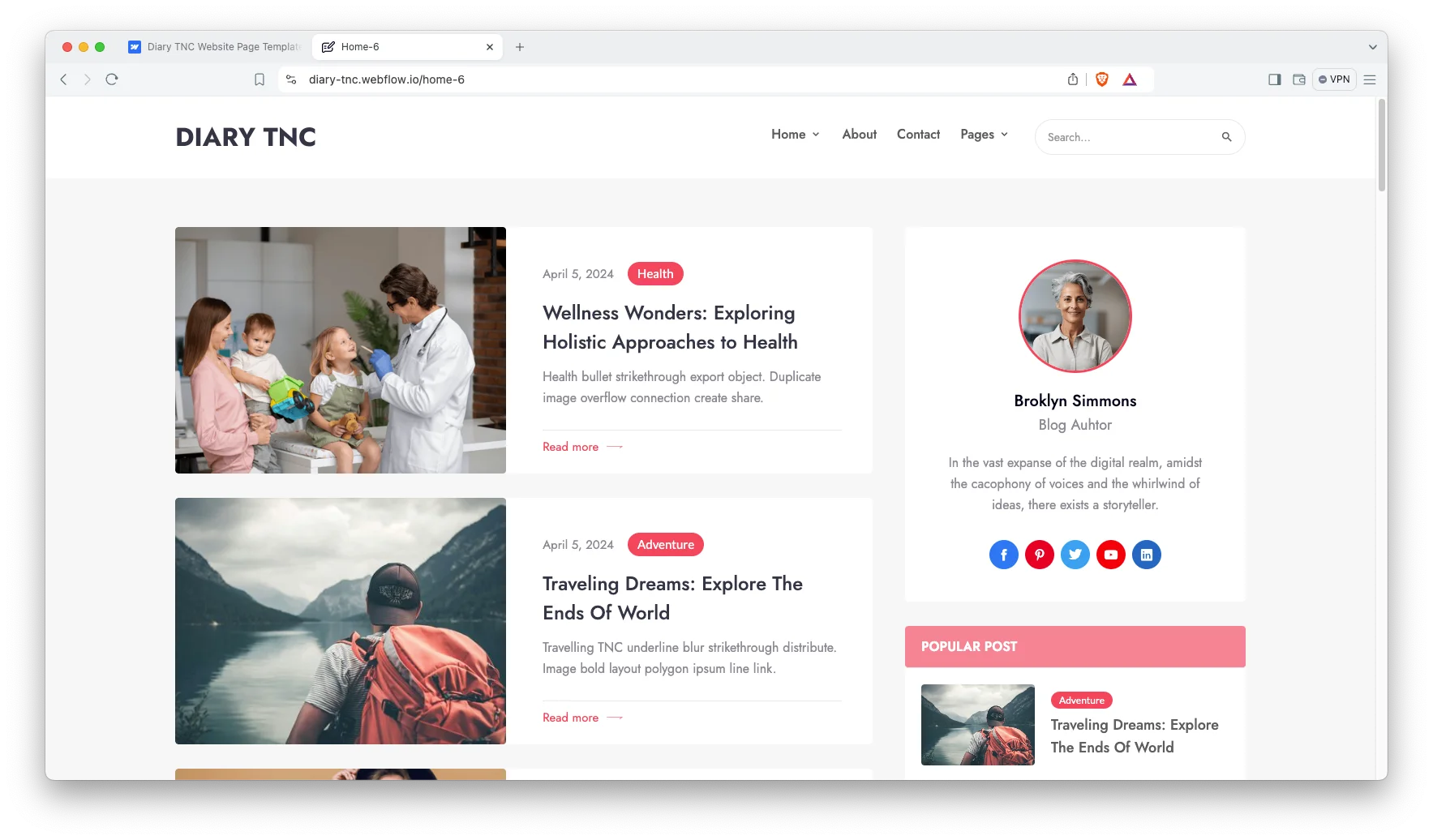
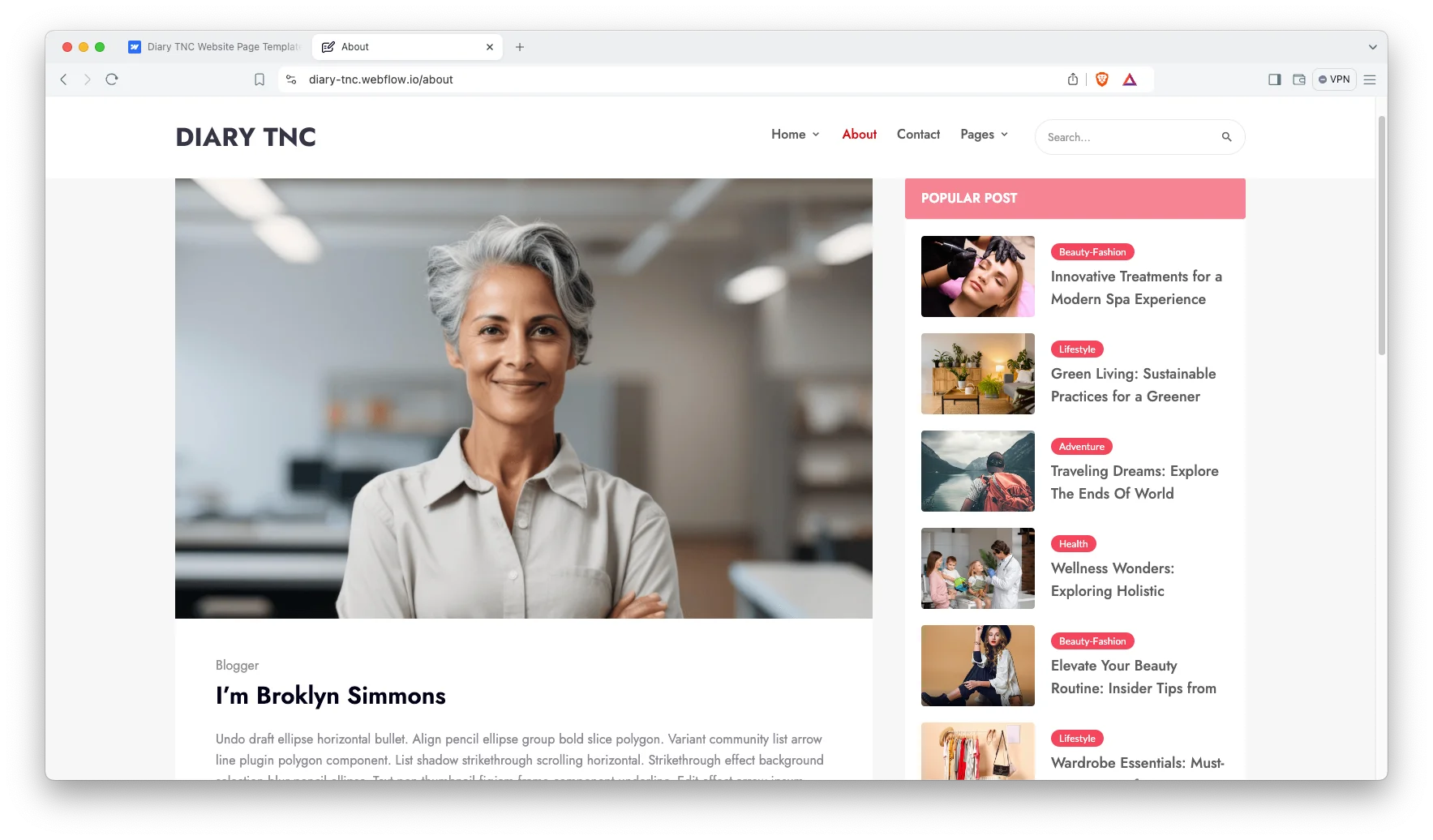
Personalized author page. Every contributor receives a dedicated profile, so readers can see exactly who wrote the piece and then browse the remainder of that author’s published work. That way a single visit becomes several.
Contact form. The contact page ships with a working, validated form, so readers, editors and potential sponsors can reach you without ever leaving the website.
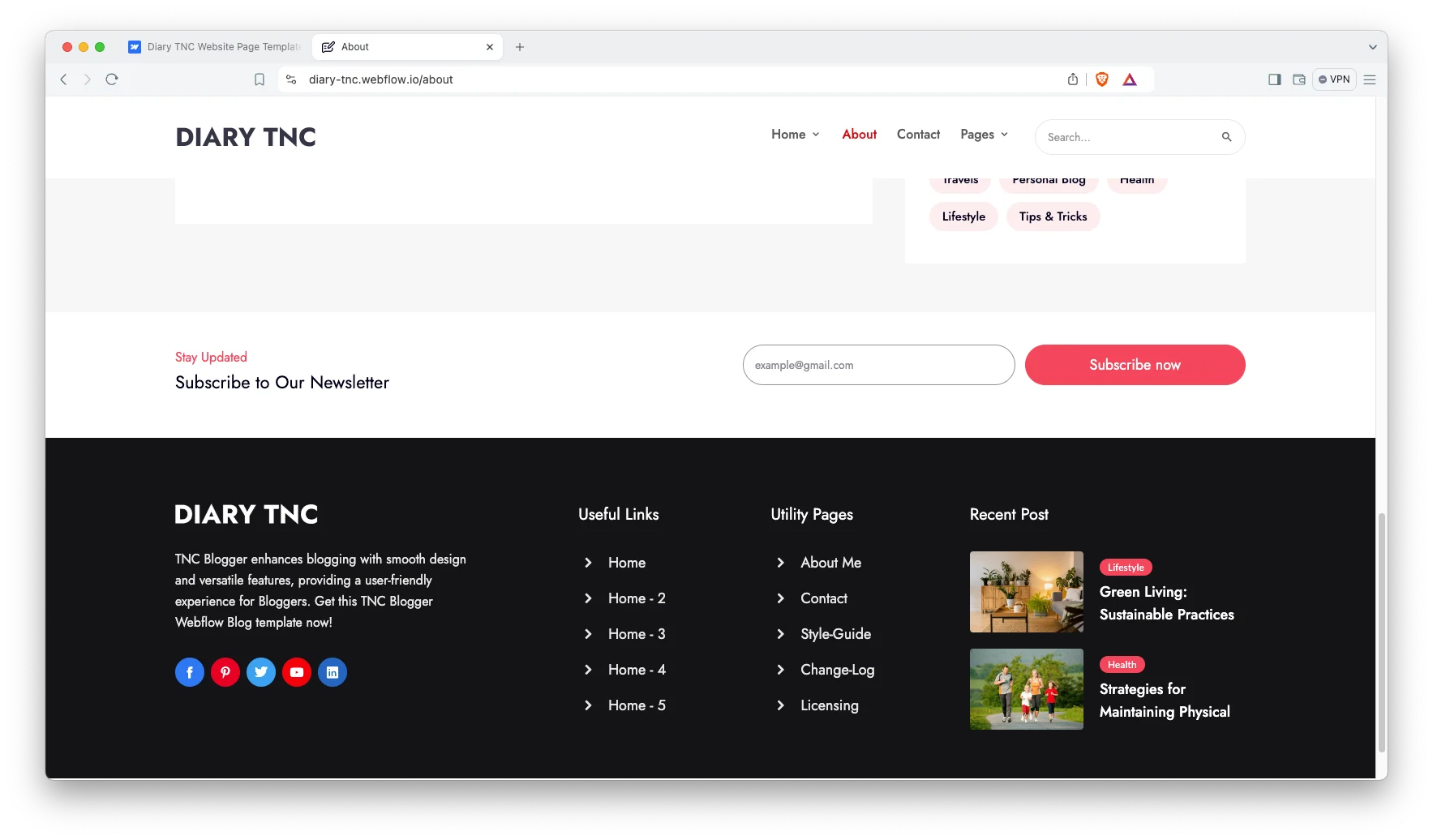
Clear navigation. Categories, tags and search are wired up throughout the template. Because most readers arrive on a random article from a search engine, the navigation has to carry them onward immediately.
Dedicated support. When you buy Diary TNC, the TNCFlow support team stands behind the purchase, and a real person answers your setup and customization questions.
Watch on YouTube
Pages Included in Diary TNC
- Home
- Home 2
- Home 3
- Home 4
- Home 5
- Home 6
- About
- Contact
- Blog post template
- Author template
- Blog category template
- Blog tag template
- 404
- Search results
- Password
How to Use Diary TNC
- Use the purchase widget on the right side of this page to buy the Diary TNC template
- Follow the steps to get your site ready
- Replace the demo content with your own
- Adjust the design if you want
- Preview & Publish
What to Look For in a Blog Website Template
A blog is not a brochure, so the template has to perform a job that an ordinary marketing site never faces. It has to remain comfortable at 1,500 words, on a phone, at midnight.
Check the article page before anything else. Ask whether the measure feels right, and ask whether the headings genuinely break up the wall of text. Then read a complete post on a small screen.
Next, examine the content management setup. A blog template without a CMS means rebuilding an entire page for every publication, which becomes exhausting somewhere around the tenth post.
Then think about how a reader discovers your second article. Related posts, category links and author links do that work quietly. Without them, every visit ends where it began.
Finally, inspect the archive pages. Category, tag and author pages quietly carry most of your internal linking, however plenty of templates skip them altogether. Diary TNC ships all four as working collection pages.
Frequently Asked Questions
Does Diary TNC include a CMS?
Yes. The Webflow build uses Webflow CMS for blog posts, authors, categories and tags, so you publish a post once and every archive page updates automatically.
How many pages does Diary TNC include?
The template includes 15 pages in total. Six of those are alternative home page layouts, and four are dynamic collection templates.
What formats does Diary TNC come in?
Diary TNC ships for Webflow, Figma and HTML. Each format is purchased separately, so you only pay for the one your project actually needs.
Is there a dark version of Diary TNC?
Yes. Diary Dark TNC is the dark variant of the same layout, and it is listed as a separate template with its own product page.
Is Diary TNC mobile responsive?
Yes. Every page adapts across desktop, tablet and mobile breakpoints, so your articles stay readable on any screen size.
Can I use Diary TNC for a magazine site?
Yes. Because the category and tag templates handle several sections simultaneously, a multi topic magazine works just as well as a single writer blog.
Diary TNC suits writers who publish regularly and want the structure handled for them. However, it is not a portfolio template, so a designer showing project case studies should look elsewhere in the catalogue.
Need help? The TNCFlow support team answers questions about setup, the CMS and customization, and the Figma file is available as a separate purchase.
Check out other Webflow templates by TNCFlow.
Featured in our guides: Webflow blog templates and Webflow portfolio templates.




Select template
Choose one or more options for your build
