

PRO

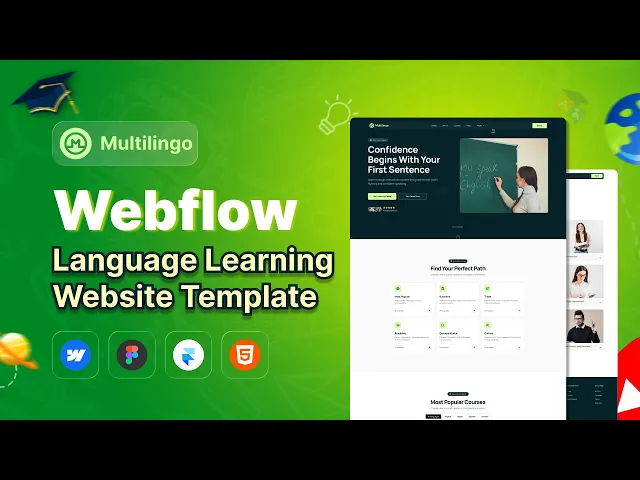
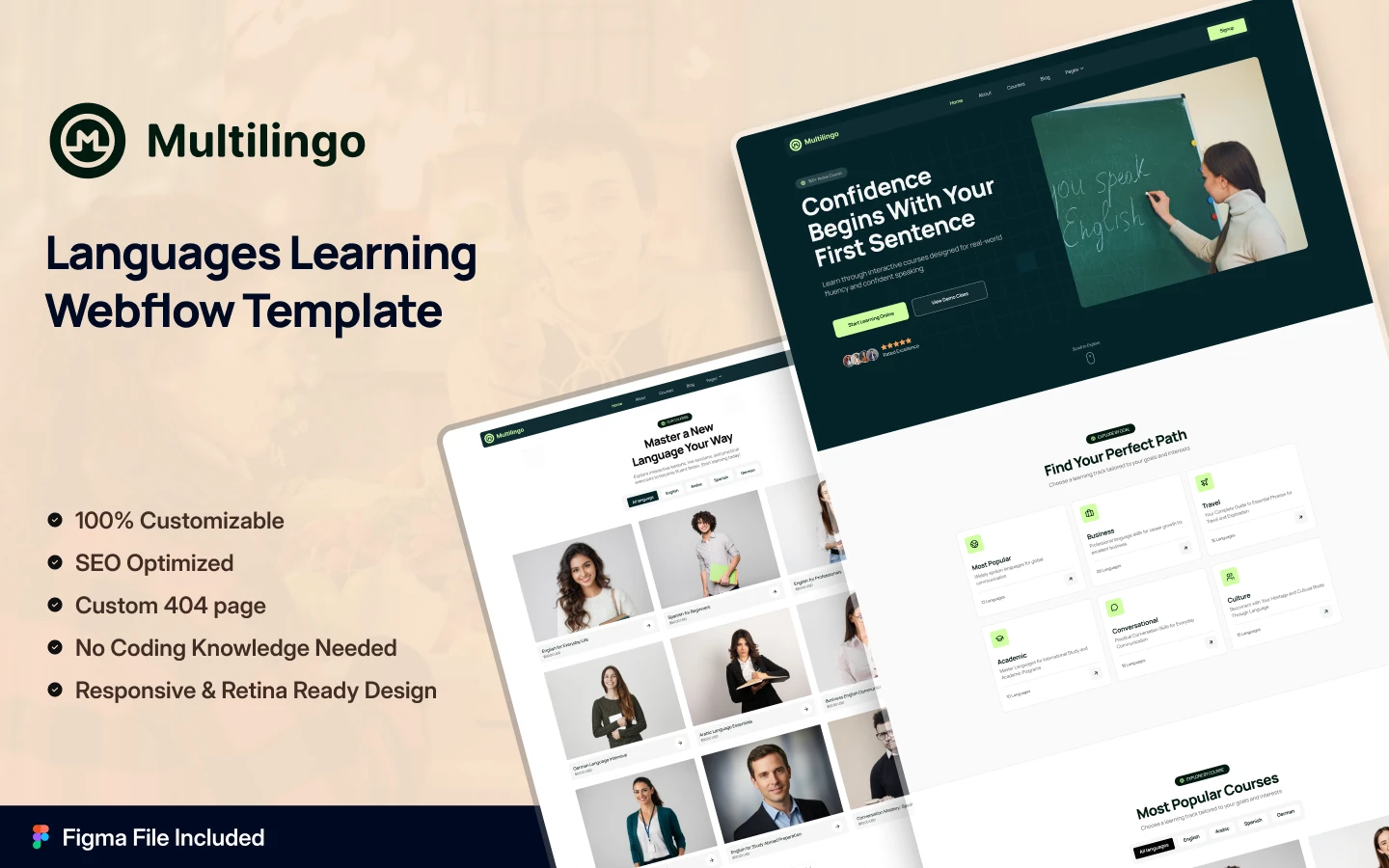
Multilingo is an education website template for language schools, online course creators and private tutors. It ships for Webflow, Framer, Figma and HTML.
The template runs to 18 pages. So you get a course catalogue, language landing pages and a pricing page. There is also a blog, a contact page and a member sign up flow. Courses, languages and articles all run on Webflow CMS. So one new record fills the card, the filtered archive and the course detail page at once.
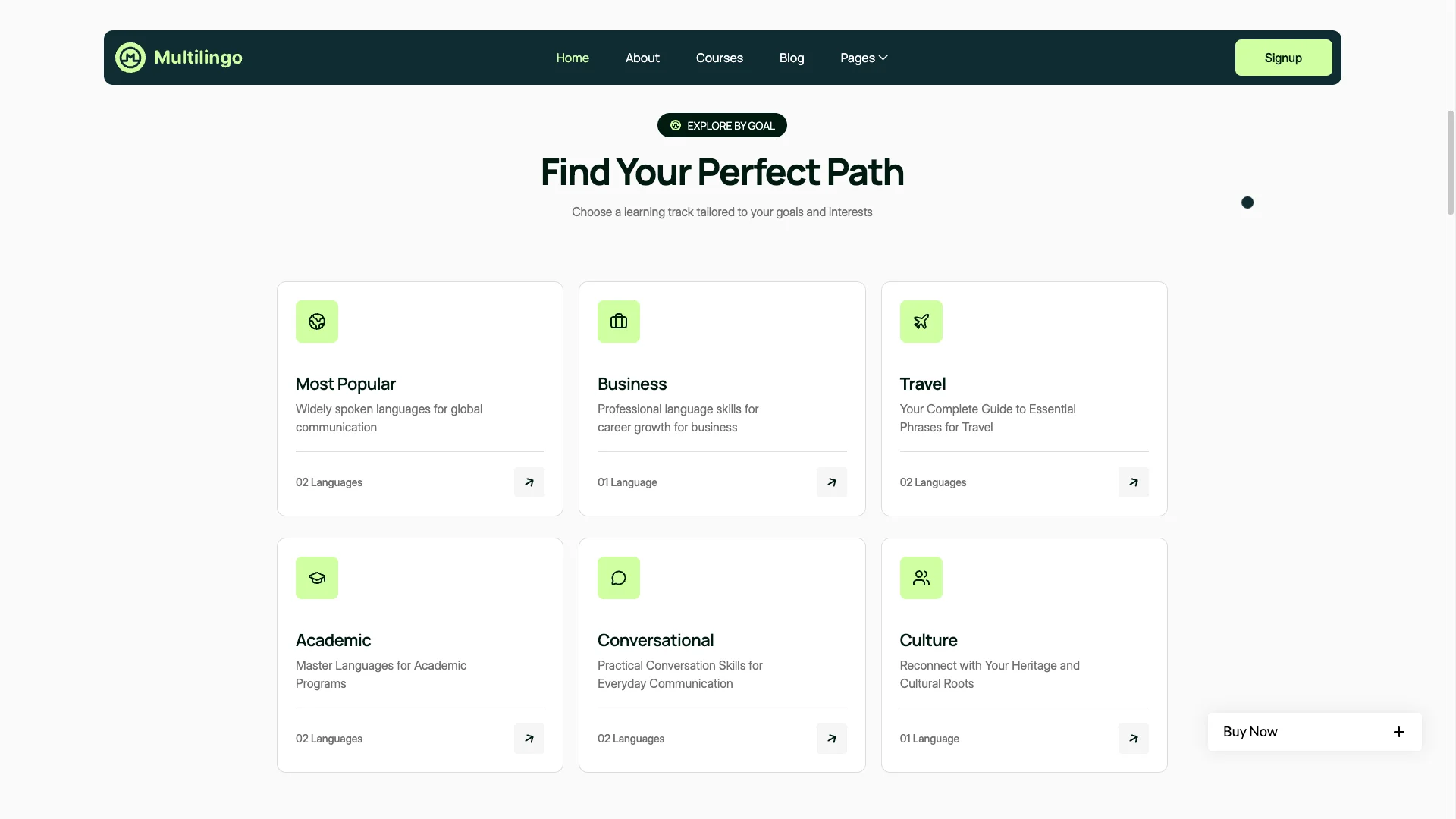
Each section has one job. The hero states what fluency the learner will reach. The goal tracks sort courses by purpose, such as business, travel or academic study. The course cards show duration, lecture count and level. Then the pricing page turns interest into an enrolment.
Explore the live preview now.
Multilingo at a Glance
| Formats | Webflow, Framer, Figma and HTML |
| Figma file | Bundled with the Webflow or Framer purchase, also sold on its own |
| Best for | Language schools, ESL academies, online course platforms, corporate training providers, private tutors |
| Pages | 18 |
| CMS collections | 3, covering courses, languages and blog posts |
| Course detail tabs | Details, modules and instructor |
| Member pages | Log in, sign up and password reset |
| Support | Included, direct from the TNCFlow team |
Key Features of Multilingo
Filterable Course Catalogue: Every course lives in a CMS collection, and the catalogue filters by language. So a visitor hunting for Spanish never wades through German. Each card carries the level, the lecture count and the course length.
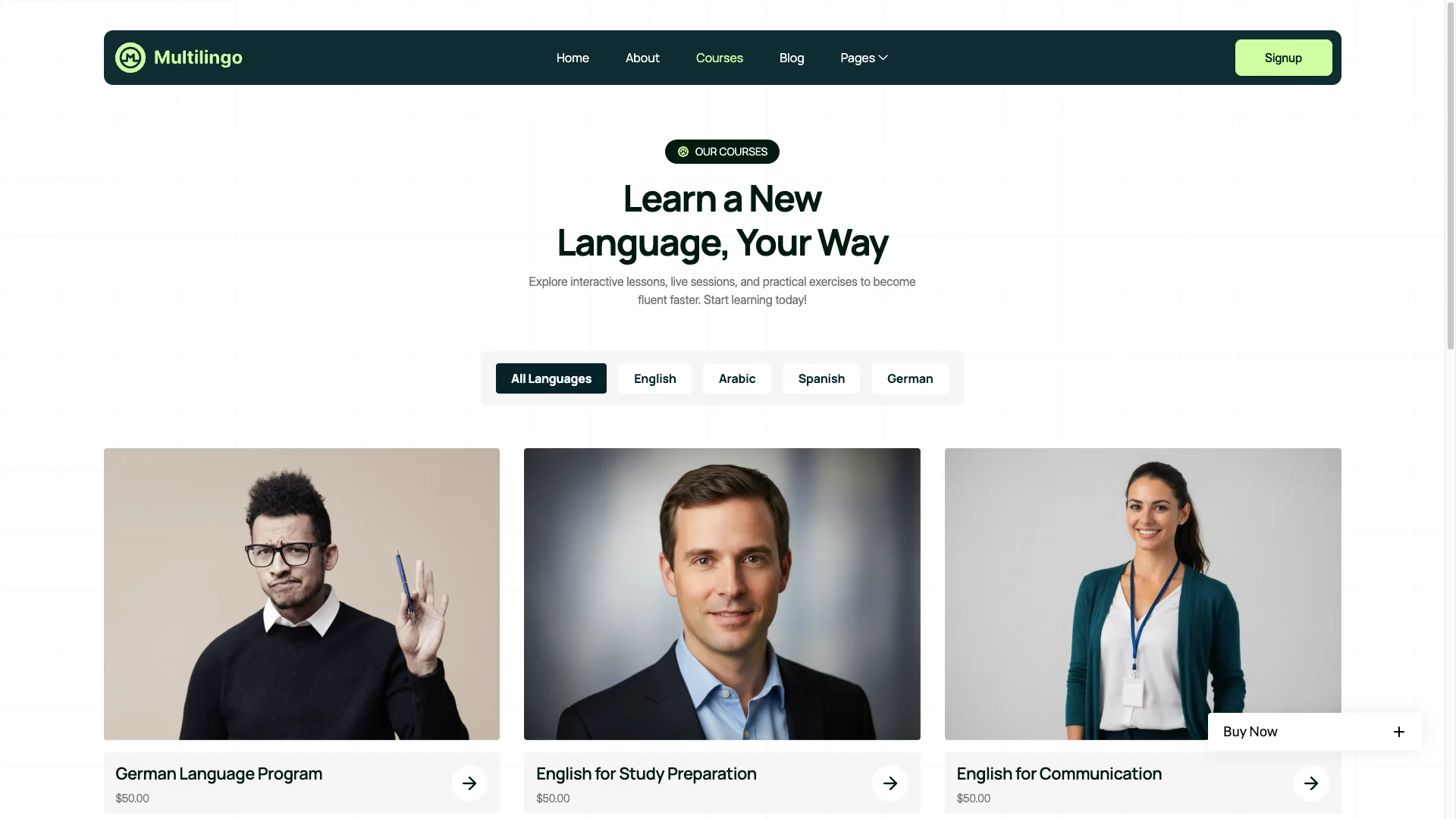
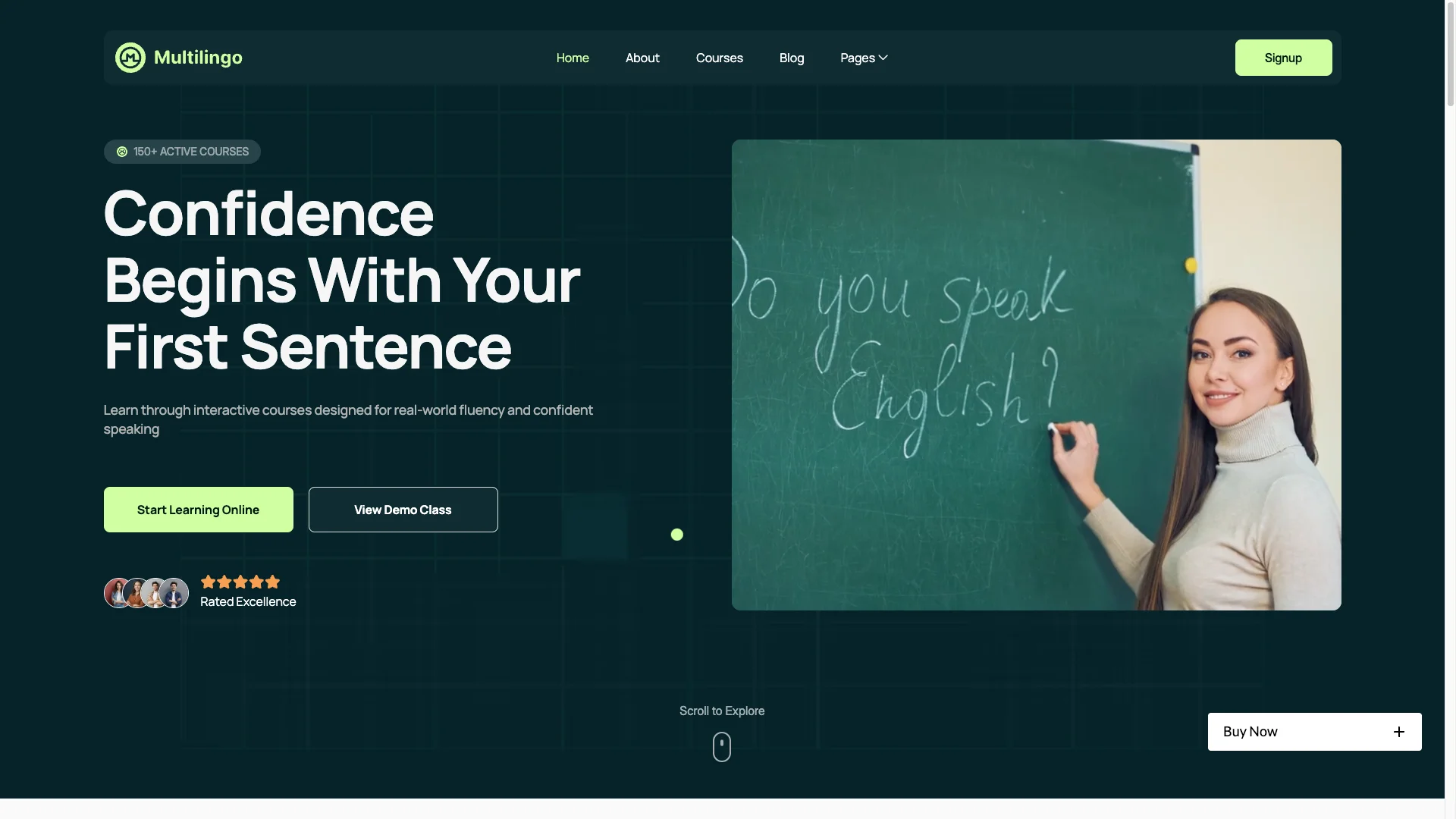
Vibrant Learning Theme: The palette is bright and the calls to action are bold. Education sites often look institutional and cold, which suppresses sign ups. So this design leans warm instead.
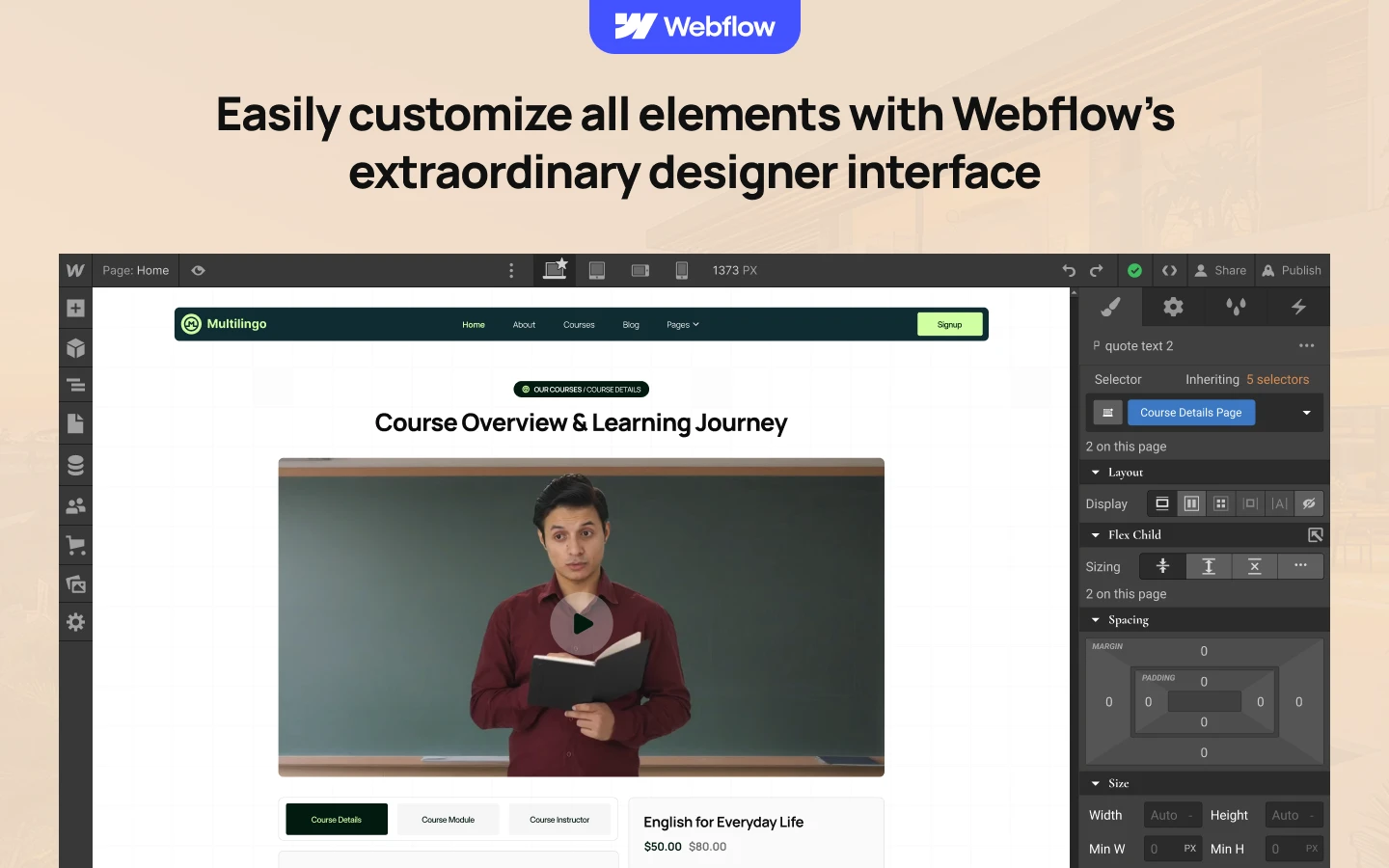
Simple Content Management: Courses, languages and articles are all edited from Webflow CMS. So you publish a new course without touching the layout. Because the fields are already mapped, you only fill in the content.
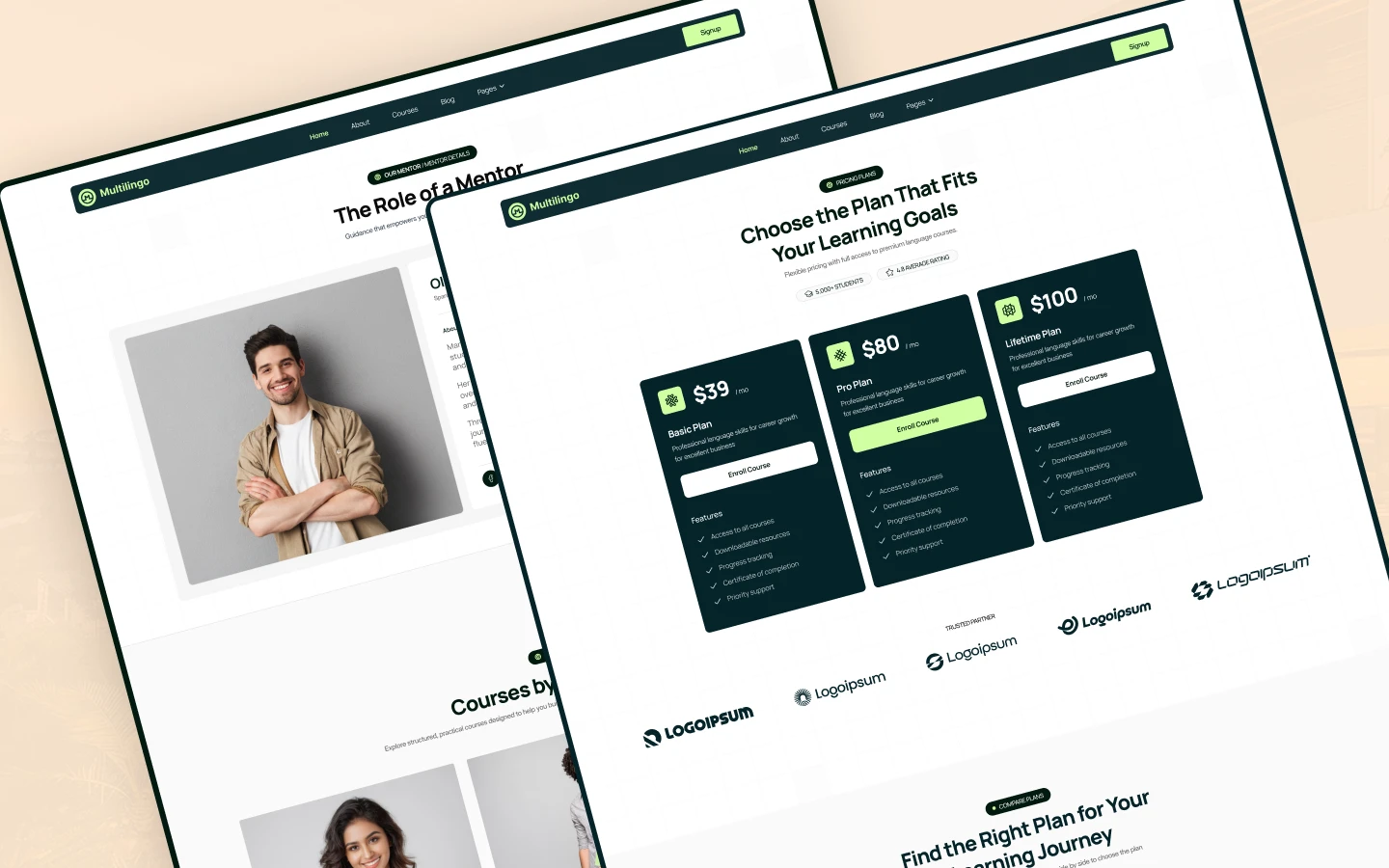
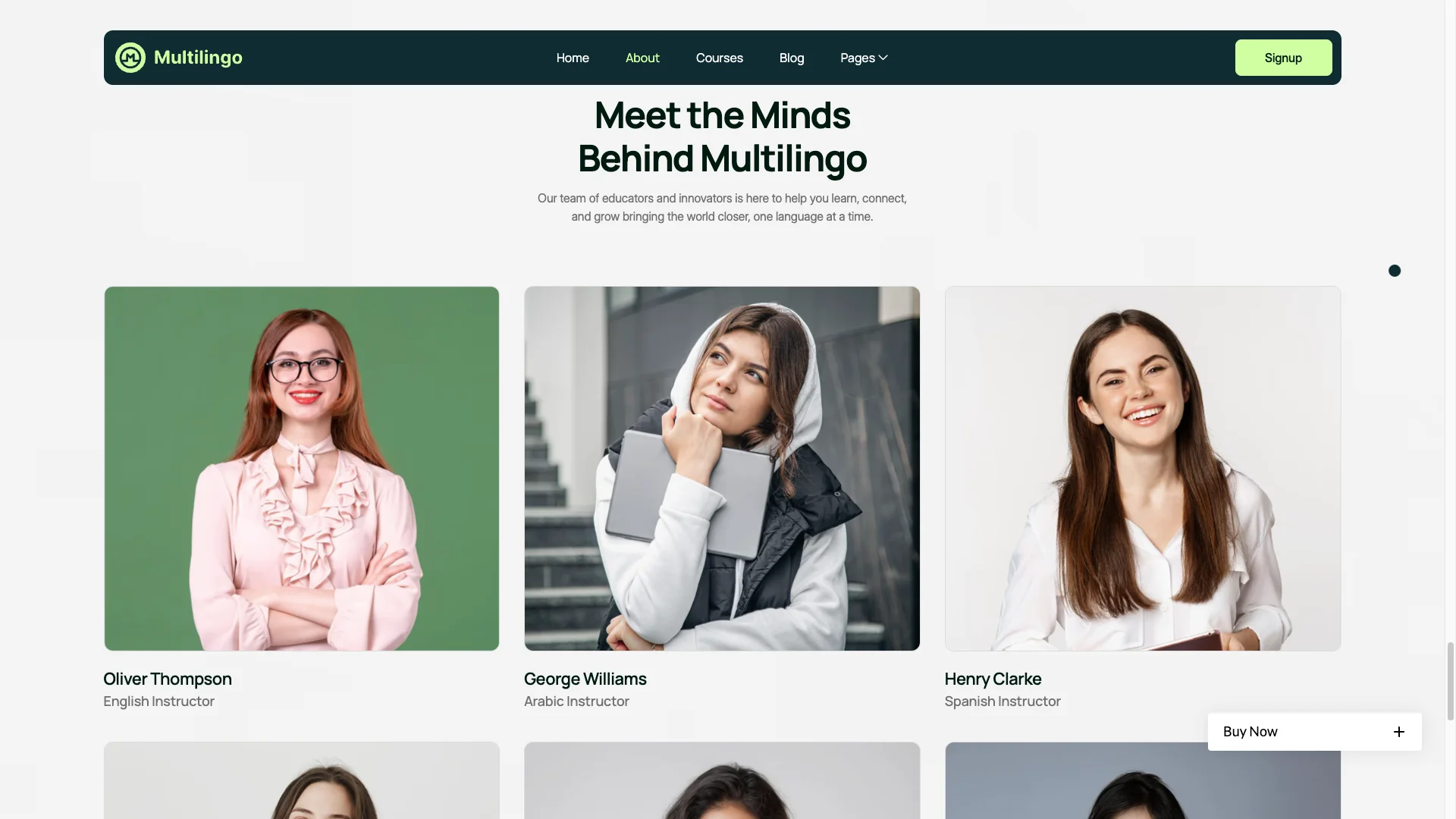
Course Details and Instructor: Each course page splits into three tabs, covering the description, the module breakdown and the instructor. So a prospective student can inspect the syllabus before enrolling. Requirements and target audience are listed too.
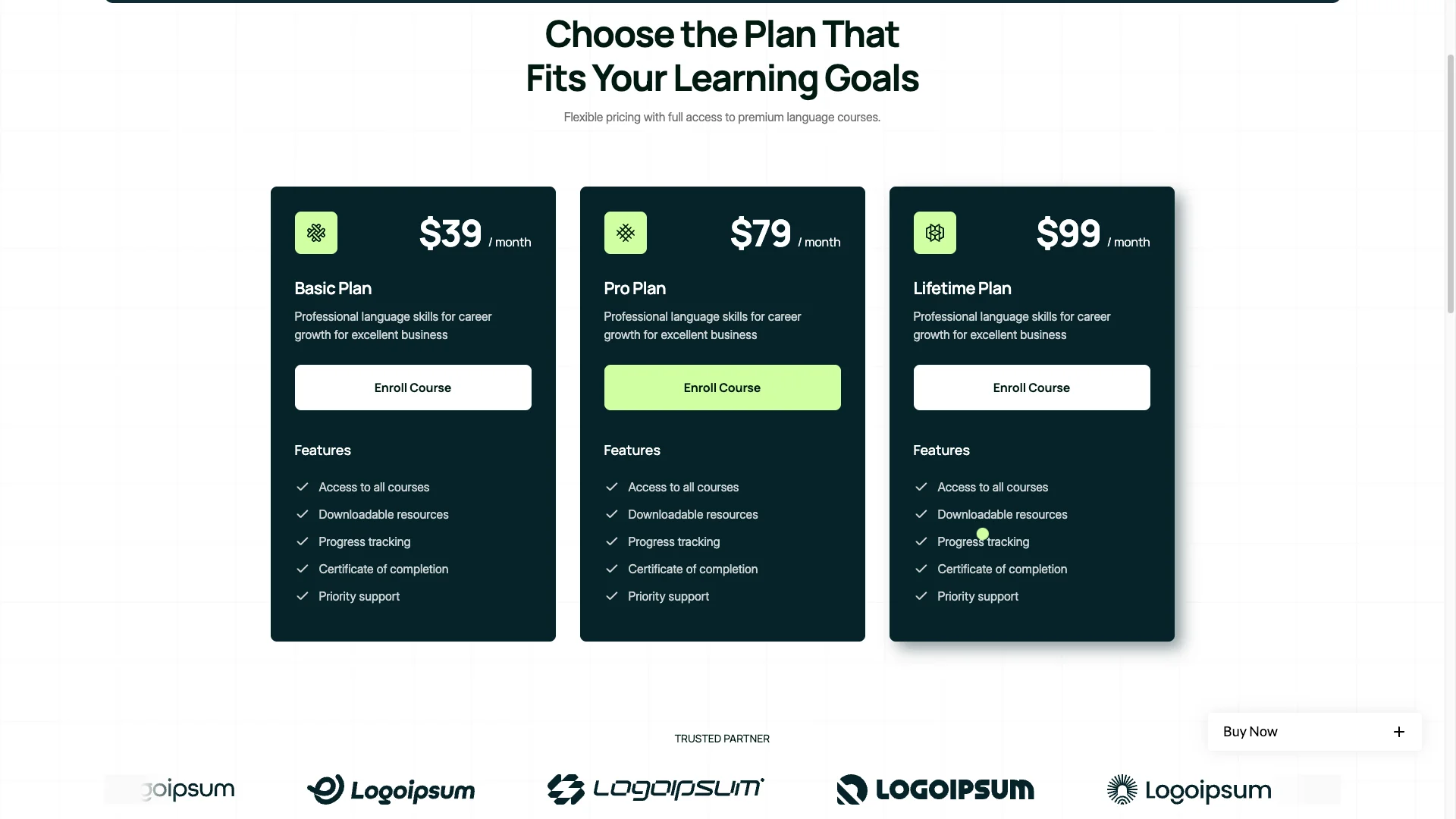
Pricing Page: The pricing page handles course packages, subscriptions and group classes. So you can present one off enrolments and monthly plans side by side. Clear tiers reduce the number of "how much is it" emails.
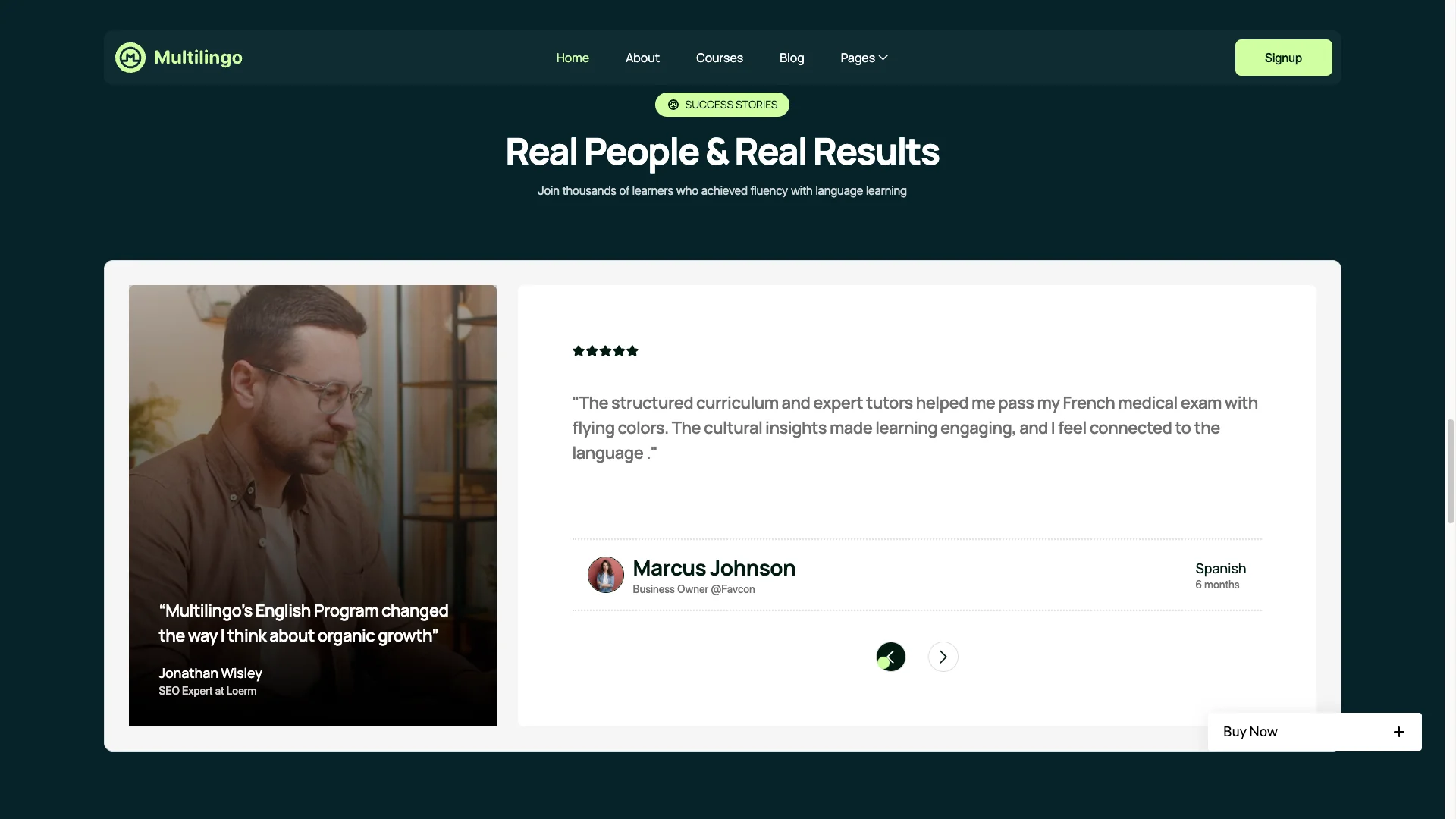
Student Testimonials: Success stories appear as a scrolling carousel with a video block. Language learning is bought on confidence, so evidence of real outcomes matters. Name the exam passed or the fluency level reached.
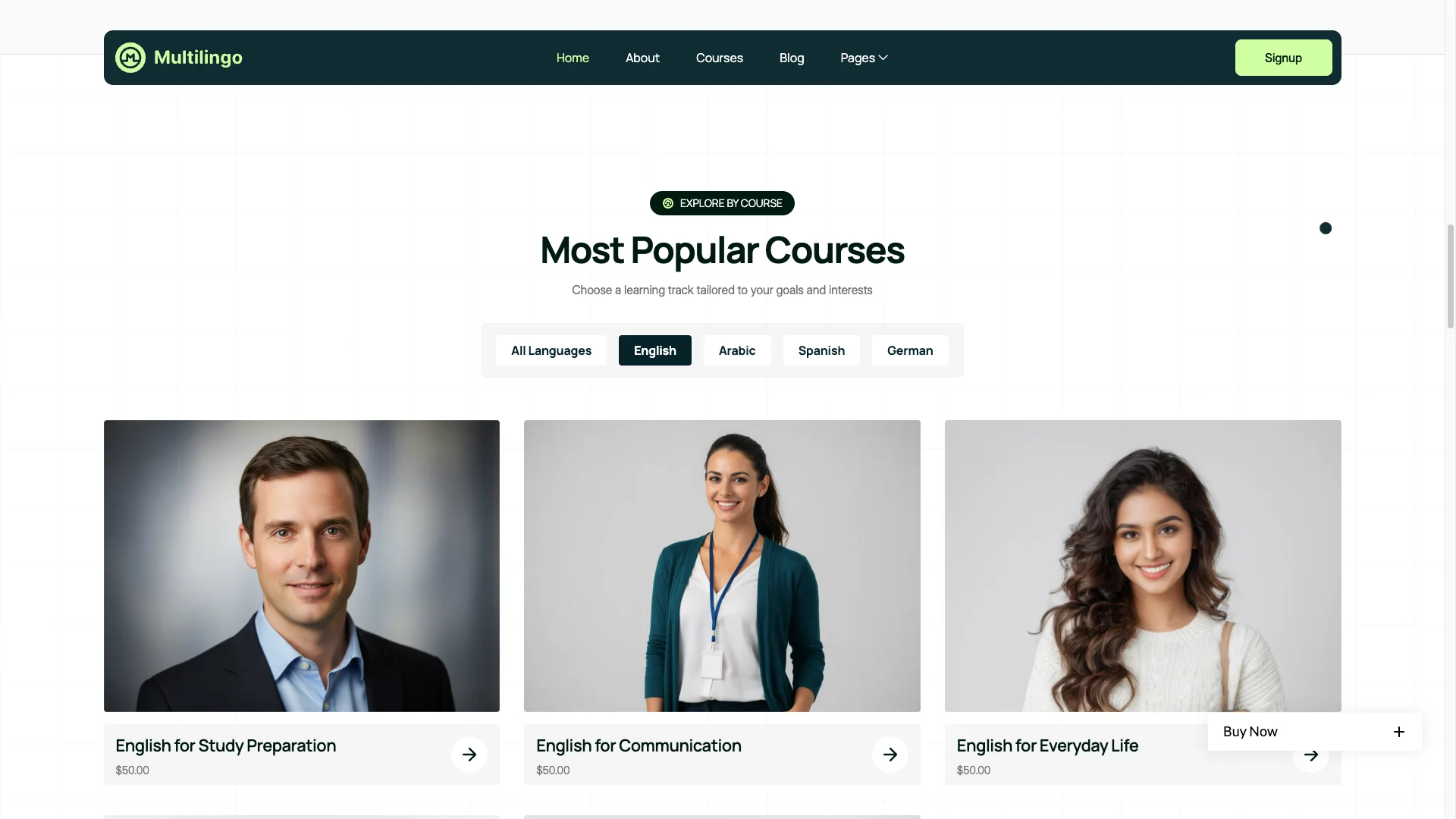
Featured Courses and Language Pages: The homepage highlights popular courses in a grid, and every language also gets its own page. So English, Spanish, German and Arabic can each rank for their own search terms. That is where most education traffic actually arrives.
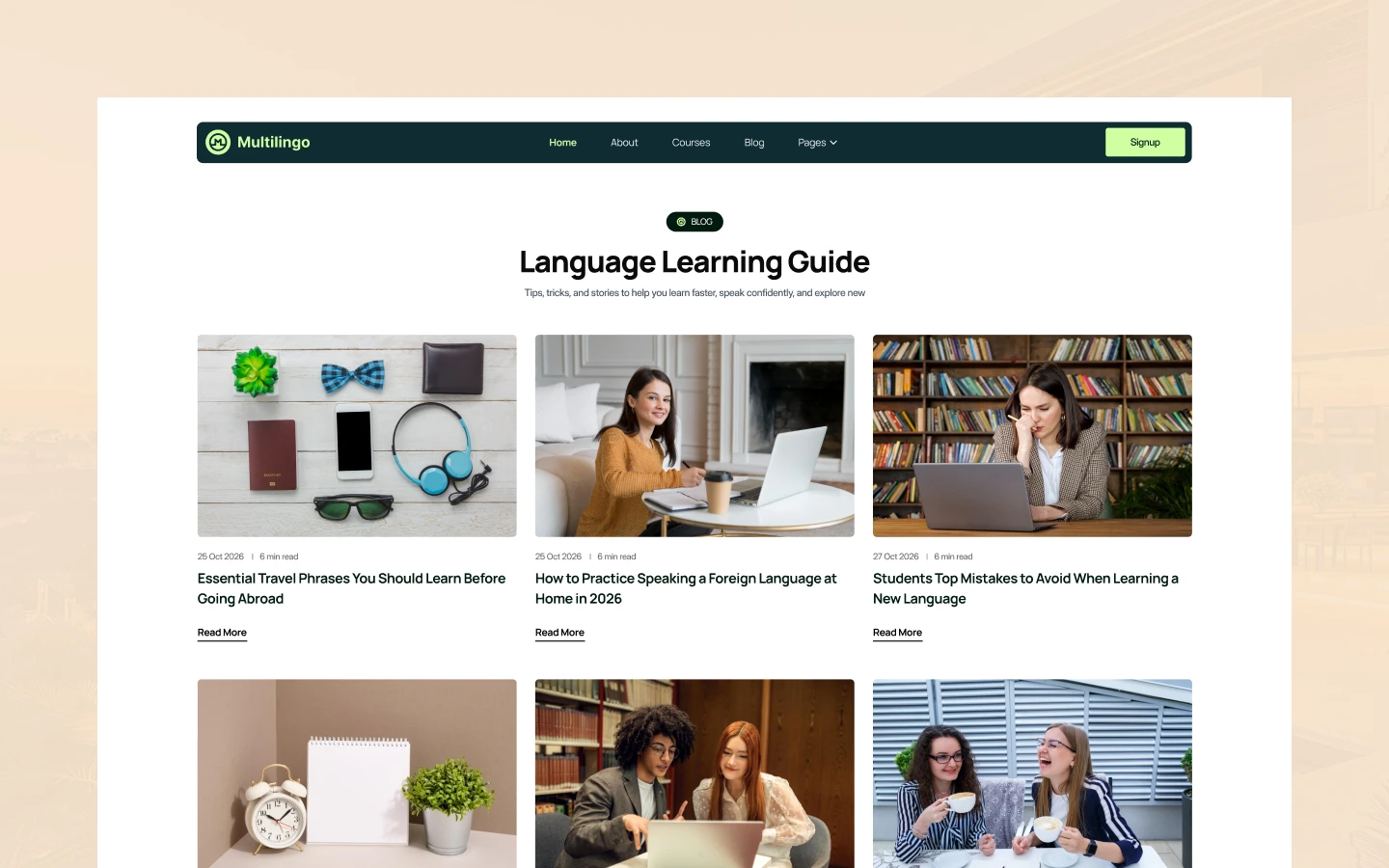
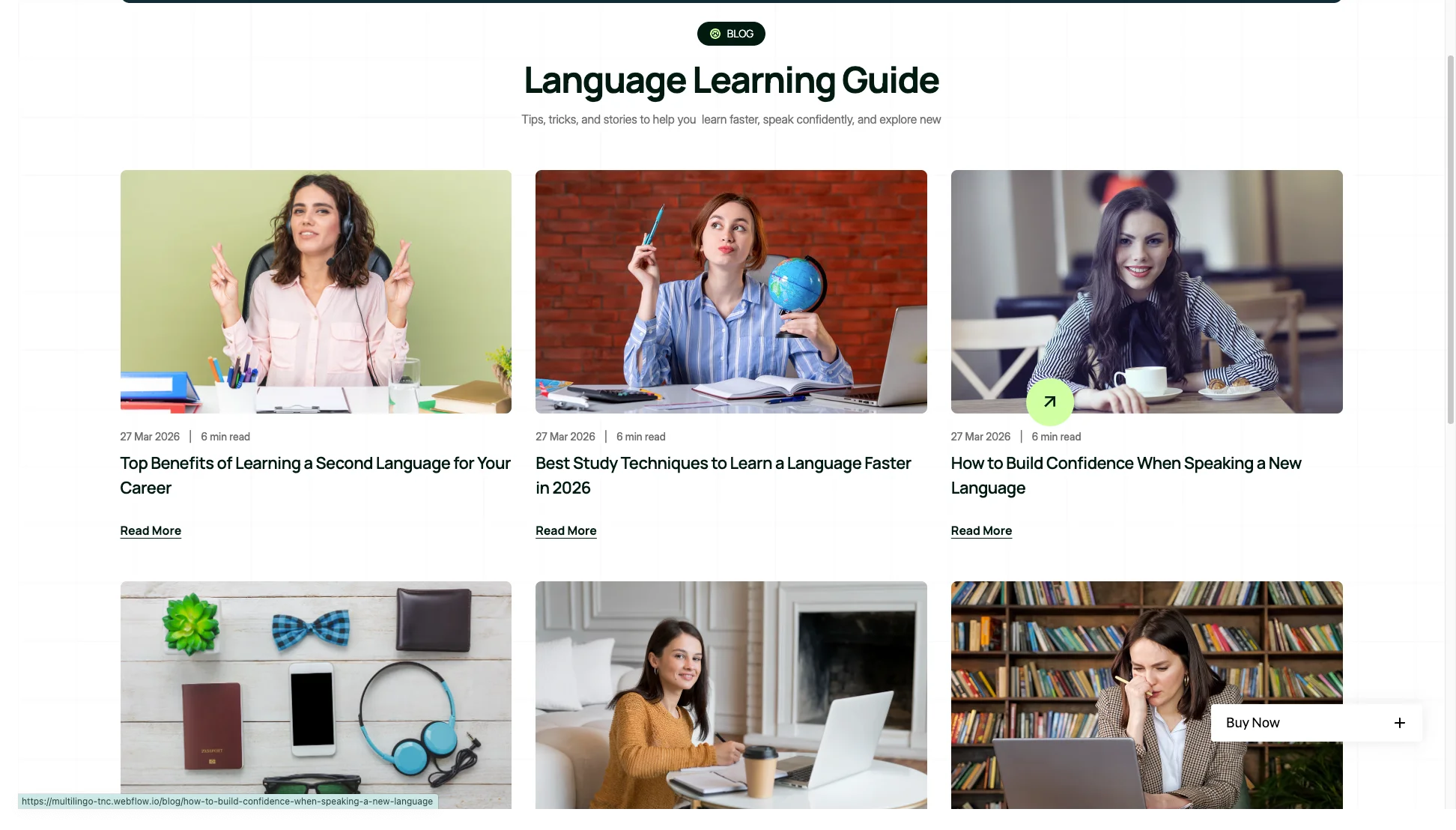
Blog Showcase: The blog runs on CMS, and posts carry a date and a read time. So study guides and learning tips stay easy to browse. That content is what earns visits between enrolment seasons.
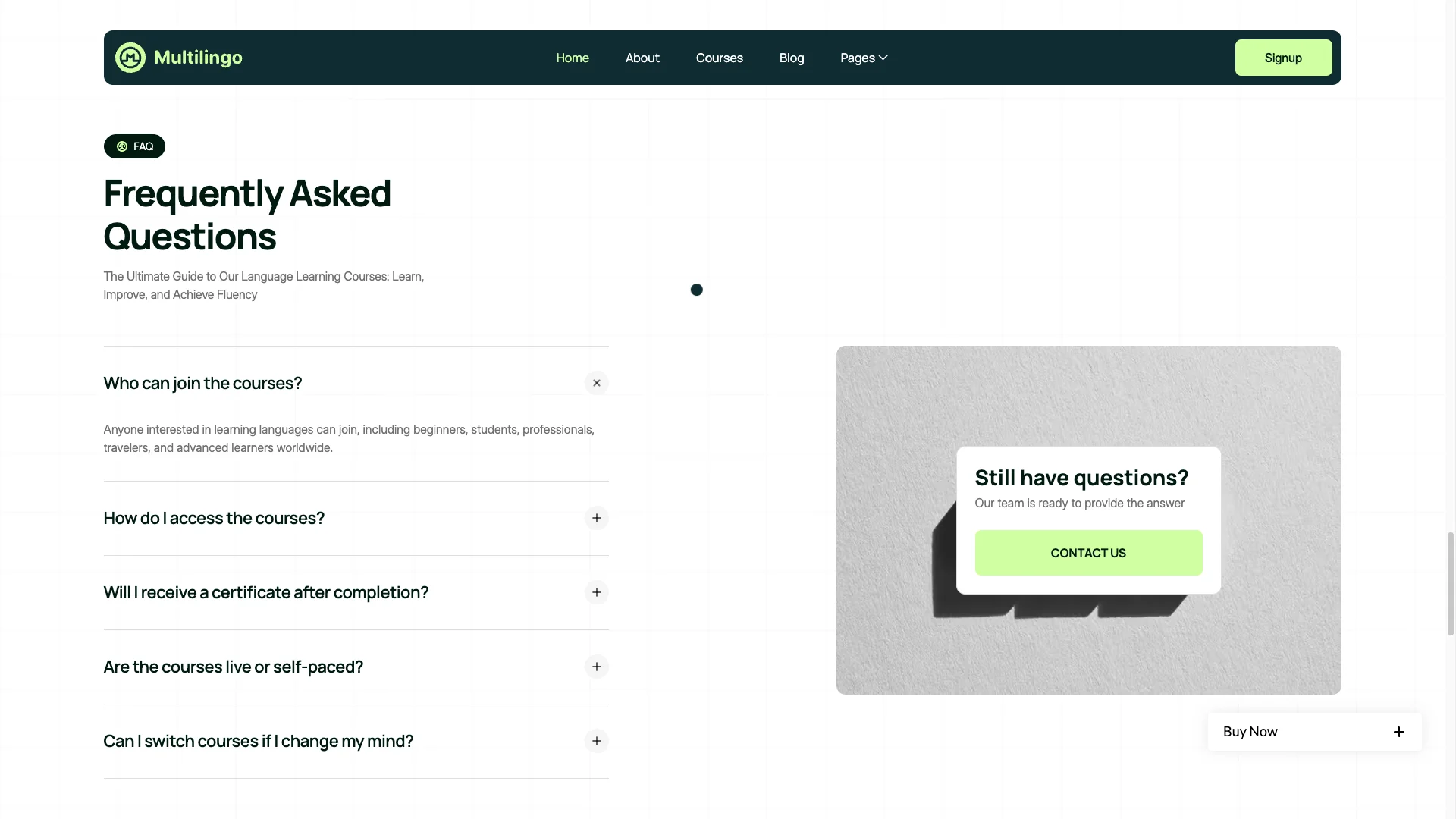
Expandable FAQ: The homepage carries an accordion FAQ. It answers who can join, how access works, whether a certificate is issued and whether courses are self paced. So the obvious objections get handled before the form.
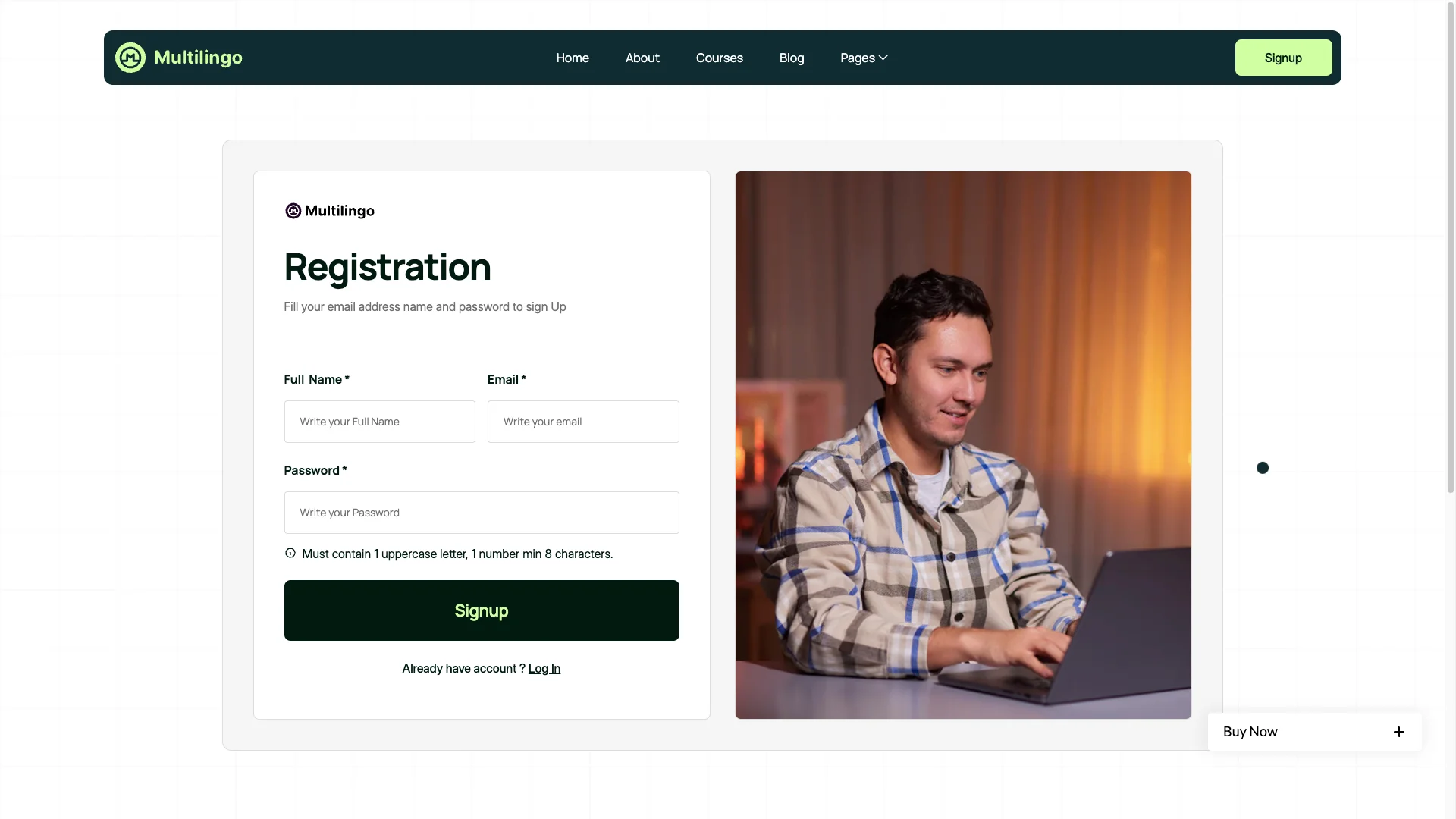
Contact and Sign Up Forms: There is a contact page, plus log in, sign up and password reset pages. So learners can enquire or open an account. However, running real accounts needs Webflow user accounts on your hosting plan.
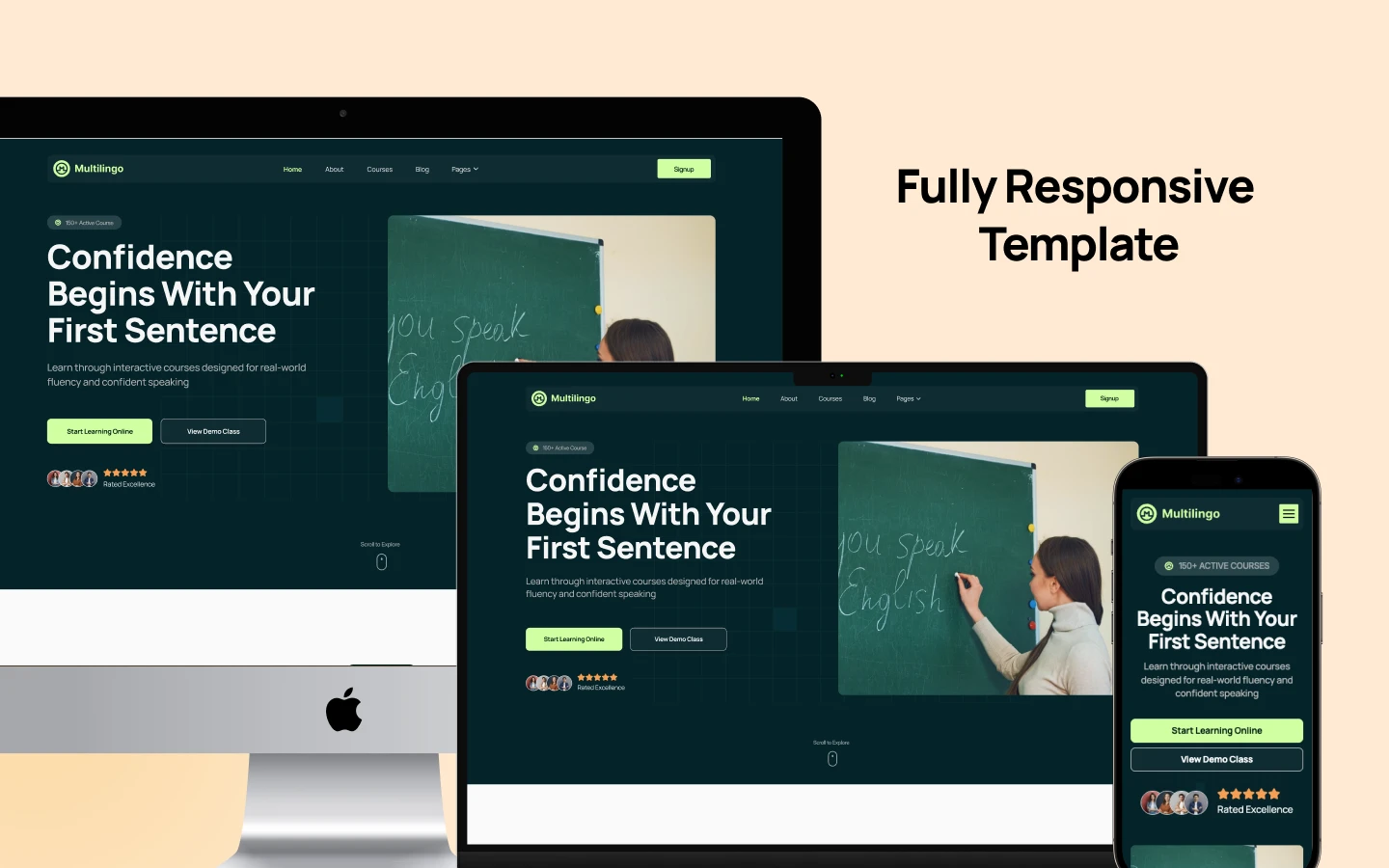
Responsive on Every Device: The layout adapts to desktop, tablet and mobile. Images are retina ready and the type scales cleanly. Most course browsing happens on a phone, so this matters.
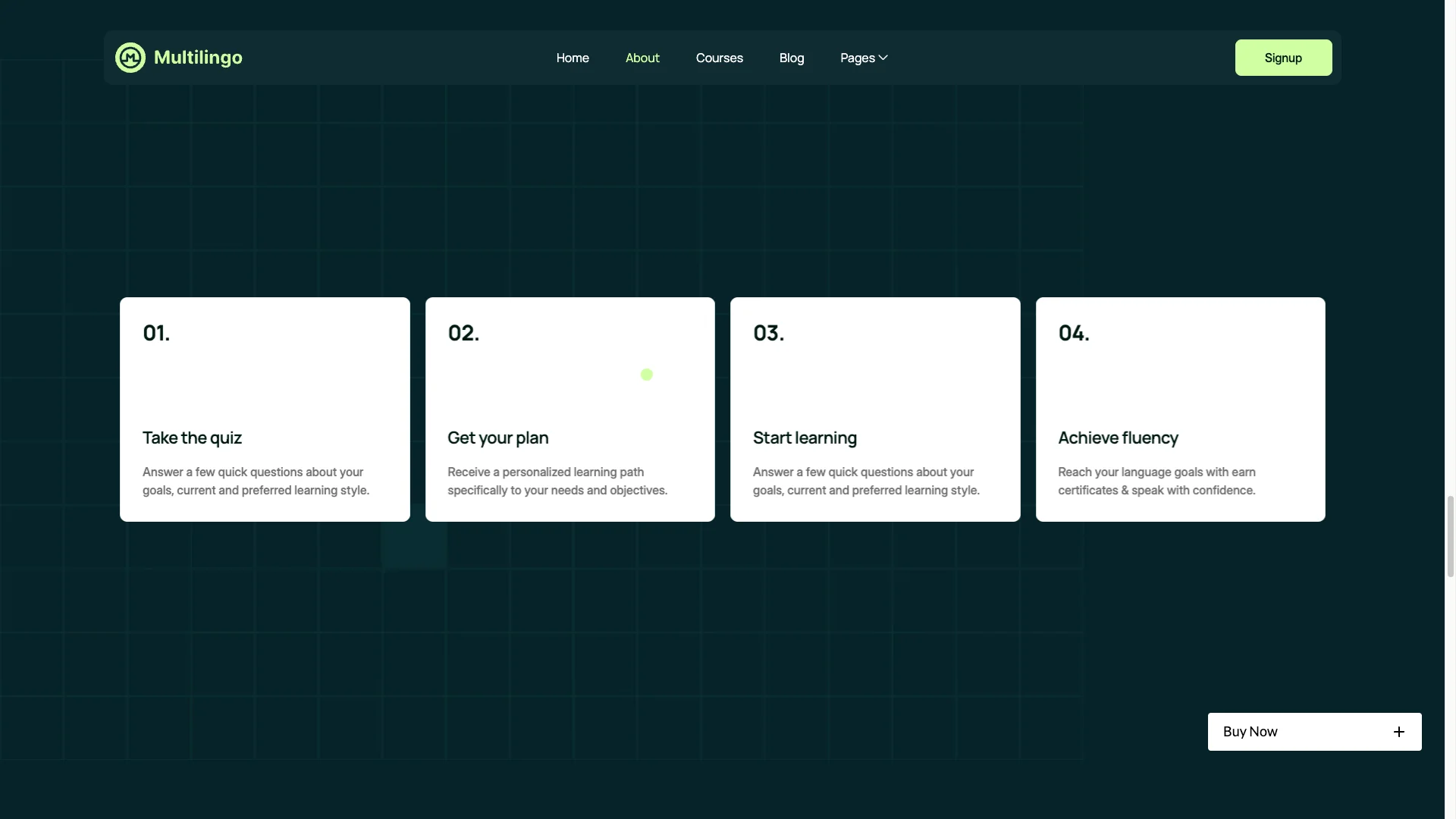
Smooth Animations: Scroll triggered reveals and hover states add polish without slowing the page. Motion is used to guide attention, not to decorate. So the template still loads quickly.

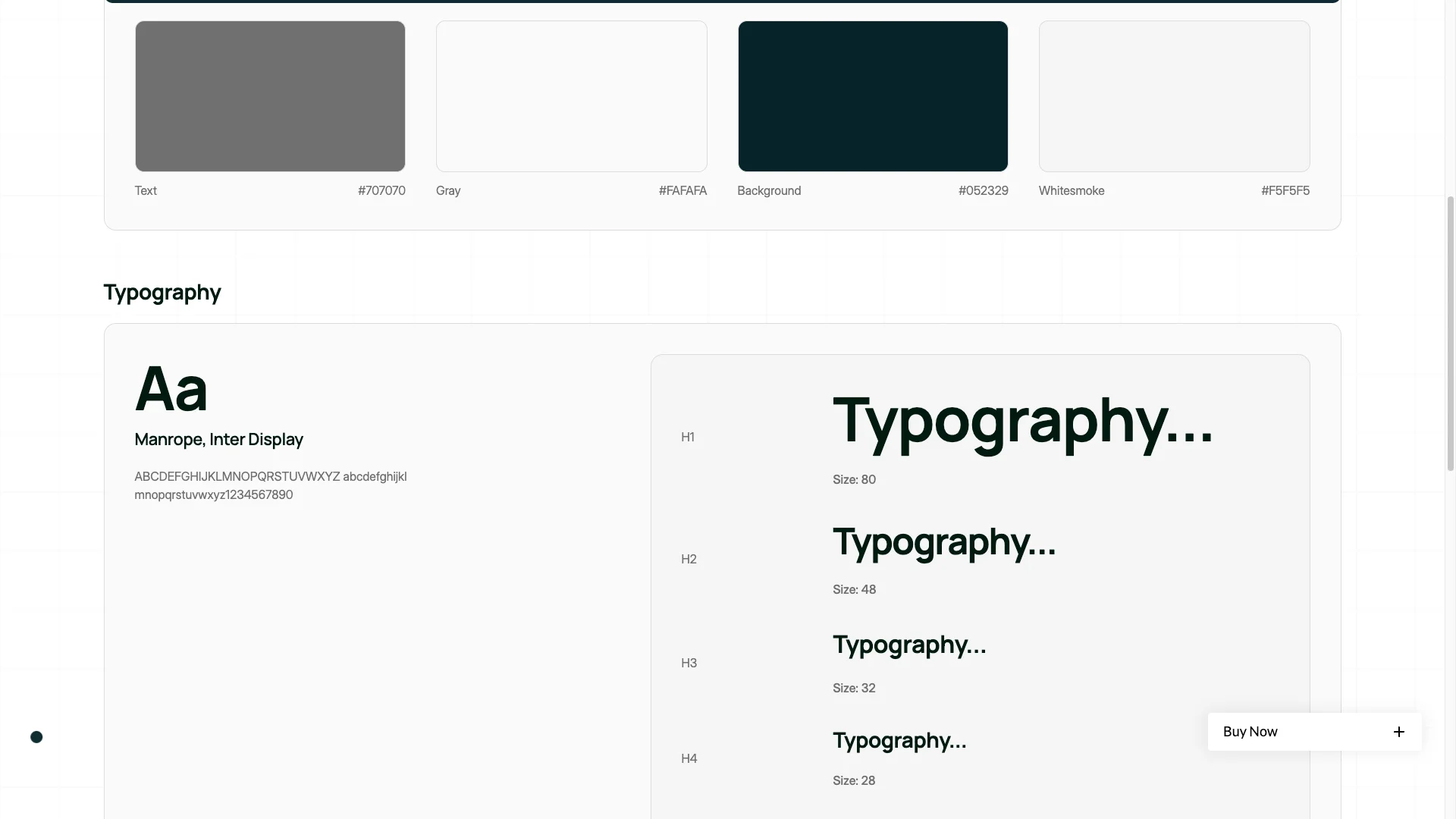
Style Guide and Instructions: The template ships with a style guide, setup instructions, a changelog and a licence page. So handing the project to a developer is straightforward. Nothing is left undocumented.
Watch on YouTube
The walkthrough below tours the template page by page. So you can judge the fit before you buy.
Pages Included in Multilingo
There are 18 pages. Pages marked CMS are collection layouts, so they repeat for every record you add.
- Home
- About
- Courses
- Pricing
- Blog
- Contact
- Log In
- Sign Up
- Reset Password
- Style Guide
- Instructions
- Licences
- Change Log
- External Link
- 404
- Courses Template (CMS)
- Languages Template (CMS)
- Blogs Template (CMS)
How to Use Multilingo
Setup is short. Here are the steps.
- Use the purchase widget on the right side of this page to buy the Multilingo template
- Pick the build you need, then follow the steps to get your site ready
- Replace the demo courses and languages with your own
- Add your real syllabus to the modules field
- Set your plan names and prices on the pricing page
- Preview, then publish
What a Language School Website Has to Do
A language school sells a personal outcome, not a product. The visitor wants to know whether they will actually speak the language. So every page has to answer that before it asks for money.
Lead with the level, not the lesson count. "Conversational Spanish in six months" beats "25 lectures" every time. Because the course records here carry both, you can lead with the outcome and keep the detail below.
Then give each language its own page. Learners search for "Spanish classes online", never for your school name. The language collection here exists exactly for that.
Finally, publish the syllabus. Education buyers compare curricula, and a hidden module list reads as an empty one. The modules tab makes that comparison easy to win.
Frequently Asked Questions
What is Multilingo?
Multilingo is an education website template for language schools, online course creators and private tutors. It contains 18 pages, including a filterable course catalogue, language landing pages, pricing, a blog and member sign up pages.
Which formats does Multilingo ship in?
Multilingo ships for Webflow, Framer, Figma and HTML. The Webflow and Framer purchases both bundle the Figma file. There is no WordPress version.
How many pages does Multilingo include?
The template includes 18 pages. Three of them are CMS collection templates, covering courses, languages and blog posts.
Does Multilingo include tutor profile pages?
No. Instructor details live on a tab inside each course page, rather than on a separate tutor collection. So you present the teacher in the context of the course they run.
Can students create accounts in Multilingo?
The template includes log in, sign up and password reset pages. However, making those work on your own site needs Webflow user accounts on your hosting plan.
Is the Figma file included with the template?
Yes, the Figma file is bundled with the Webflow purchase and with the Framer purchase. You can also buy Figma on its own, at a lower price than either build.
When you choose Multilingo, you get support direct from the TNCFlow team. So if a section will not behave, just ask us.
Check out other Webflow templates by TNCFlow.
Featured in our guides: event website templates, Framer startup templates and education website templates.


Select template
Choose one or more options for your build
